1. Unfold the keyboard (Unfold to power on, fold it to power off );
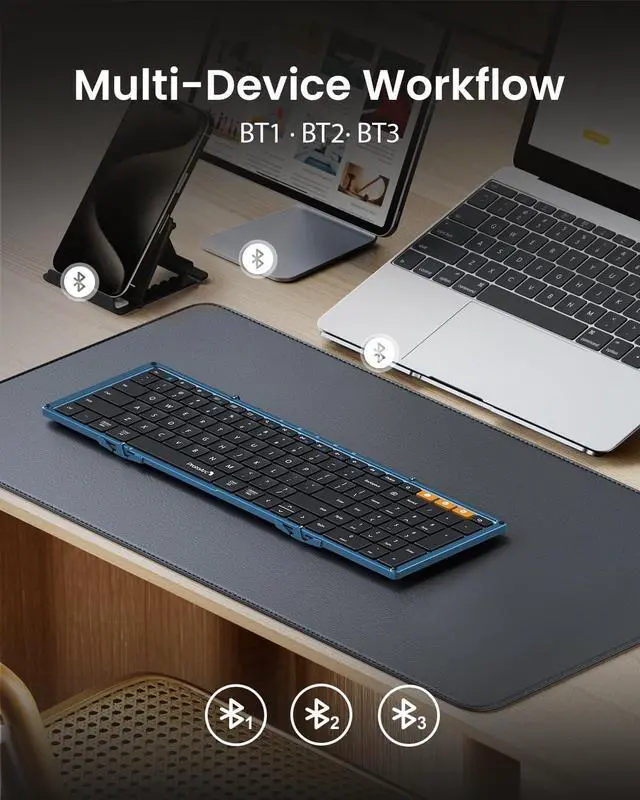
2. Single press to choose BT1, the blue indicator light will flash once to enter bluetooth mode;
3. Then long press BT1 for 3-5 seconds, blue indicator flashes quickly, keyboard enters into pairing mode;
4. Go to your device Bluetooth list and find ProtoArc XK01, click "pair", keyboard is connected;
5. BT2 and BT3 connection are the same as BT 1, when successfully pair 2 or 3 devices, short press BT1/BT2/BT3 button to switch.
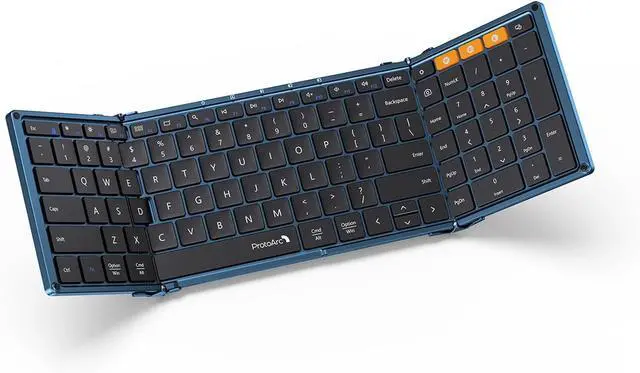
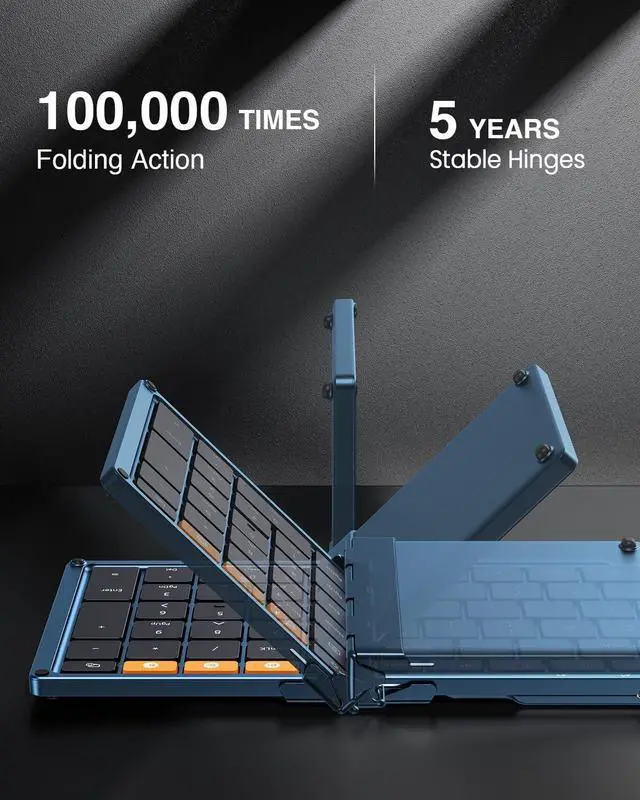
Just fold the keyboard up and store in your briefcase and take it away. Flip it open and you have a full keyboard ready to go.
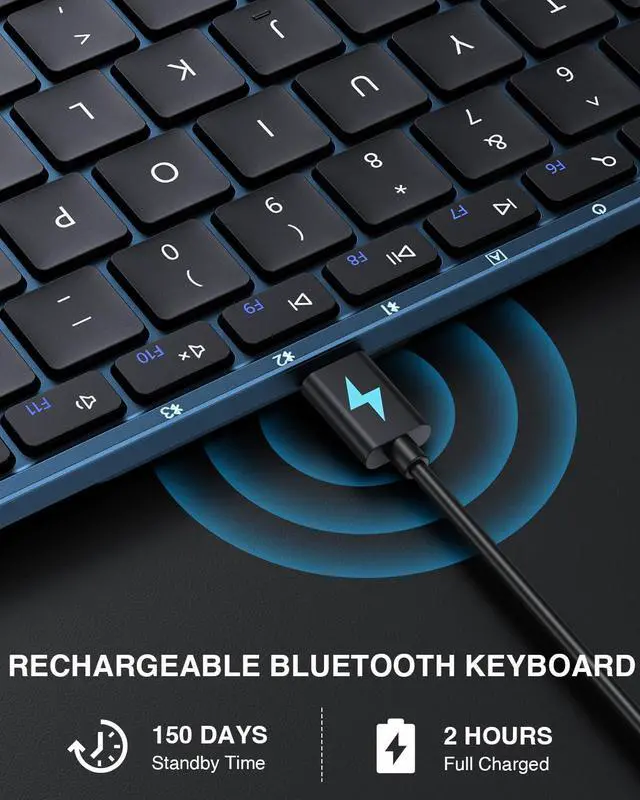
12 shortcut keys can immediately access to homepage, switch apps, volume and more. Press Fn+ESC key to activate the FN functions.
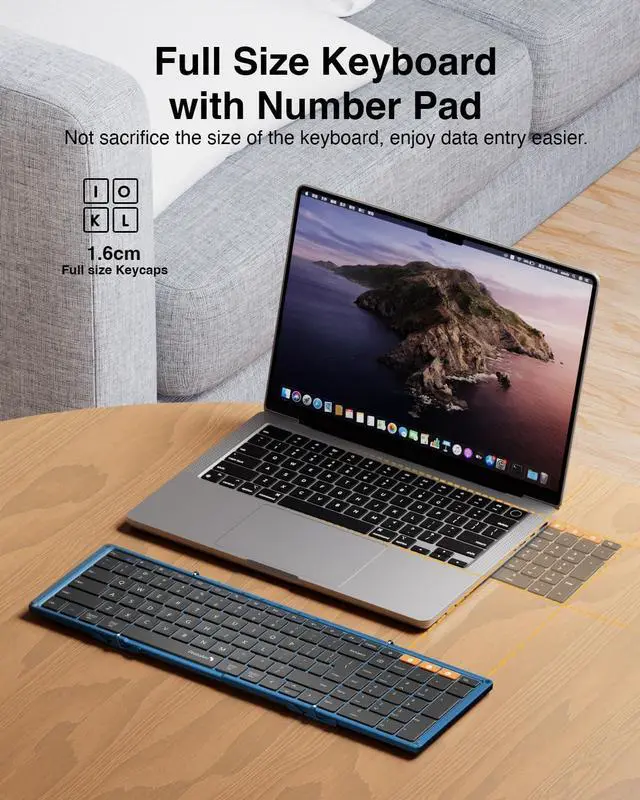
A travel keyboard is compact, versatile, and portable.
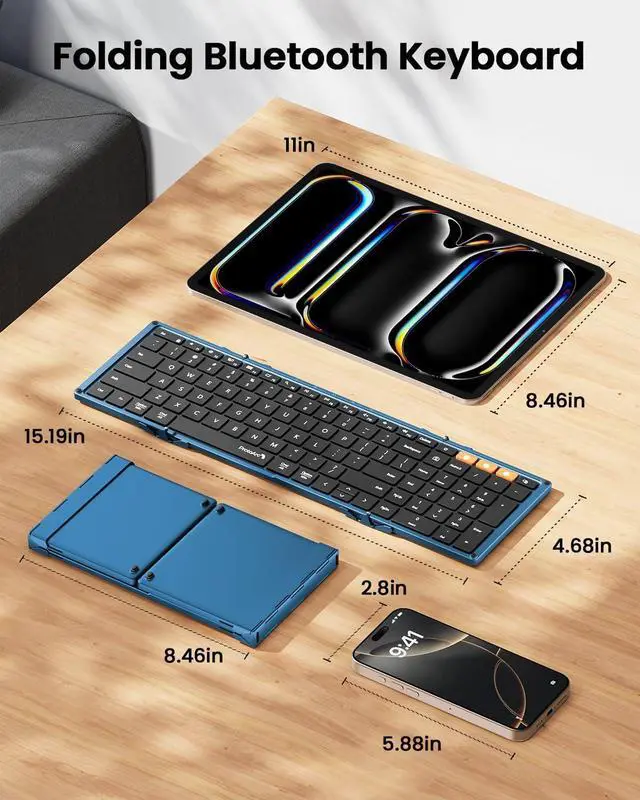
Open Dimensions: 15.19 x 4.68 x 0.48 inch
Folding Dimensions: 8.46 x 4.68 x 0.78 inch
Unfold to turn on and folded to turn off, ensuring hassle-free operation and saves energy.
How to Connect and Switch Between 3 Devices Lightweight & Portable Entire Row of Shortcuts Folded & Unfolded Size Magnetic Closure


 We‘re shipping as usual! The Canada Post strike only affects certain remote deliveries and PO Boxes. Details
 Holiday Shipping Details & Extended Holiday Returns


