How to Use Multimedia or F1-F12 function?
FN-Lock key makes it easy to switch between F-keys and Media keys by pressing Fn+Esc. The Bluetooth keyboard comes preconfigured with multimedia functions. Press Fn+ESC key to activate the FN functions, you can perform F1 ~ F12 functions
Multimedia keys and Option and Command key functions, combination keys cannot be used normally?
In 2.4G mode, the keyboard is not compatible with the Mac OS system, resulting in some function keys not being able to be used normally. You can try switching to Bluetooth mode
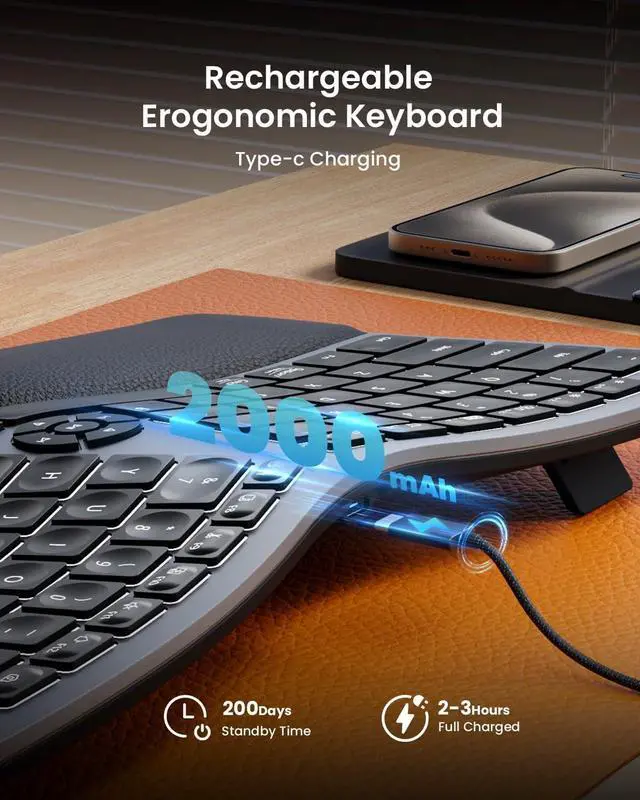
How to deal with the keyboard can not charge?
1.The charging voltage for the keyboard is 5V. It is recommended to use the computer's USB port for charging, and using a charger is not recommended.
2.Try to change another USB-C cable to recharge
How to deal with disconnection issues, keys repeating or typing delay?
1.Please ensure that the keyboard is fully charged.
2.Unplug and replug the USB dongle, trying a different USB port if necessary.
3.If connecting via Bluetooth, delete the Bluetooth connection and restart
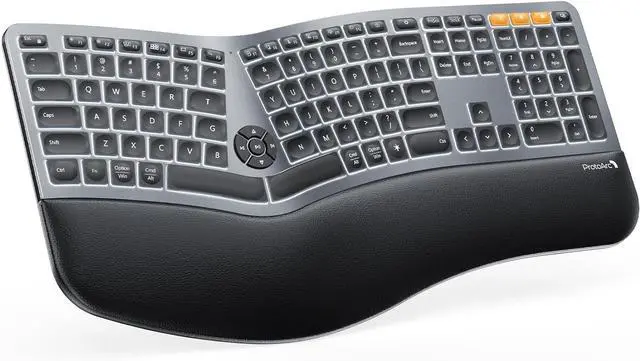
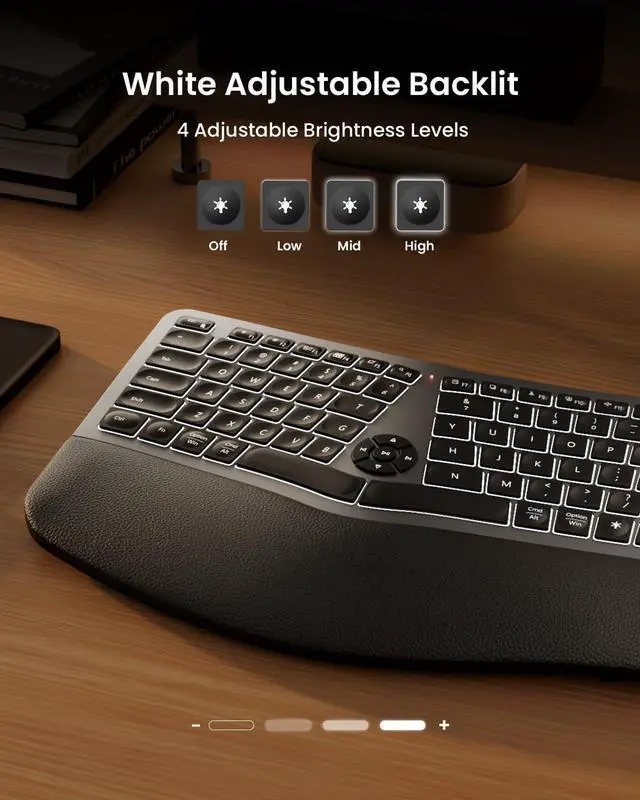
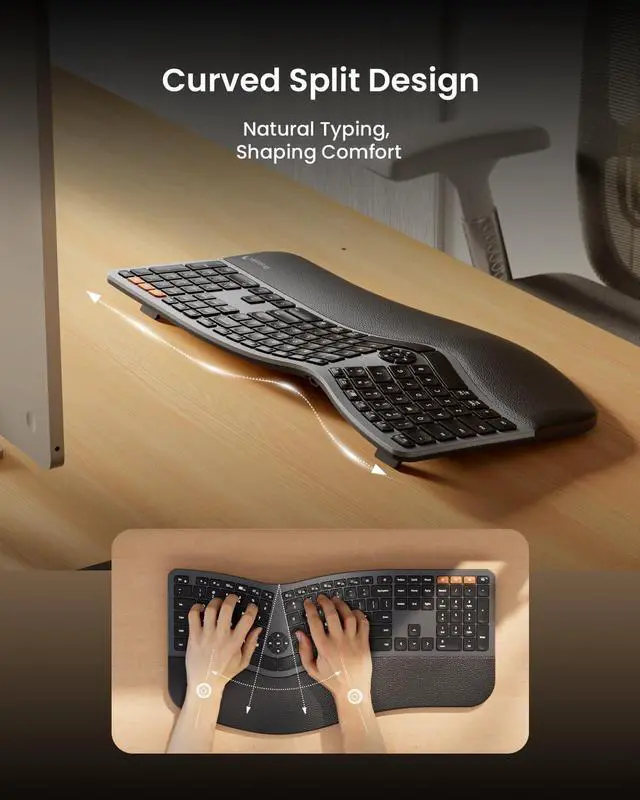
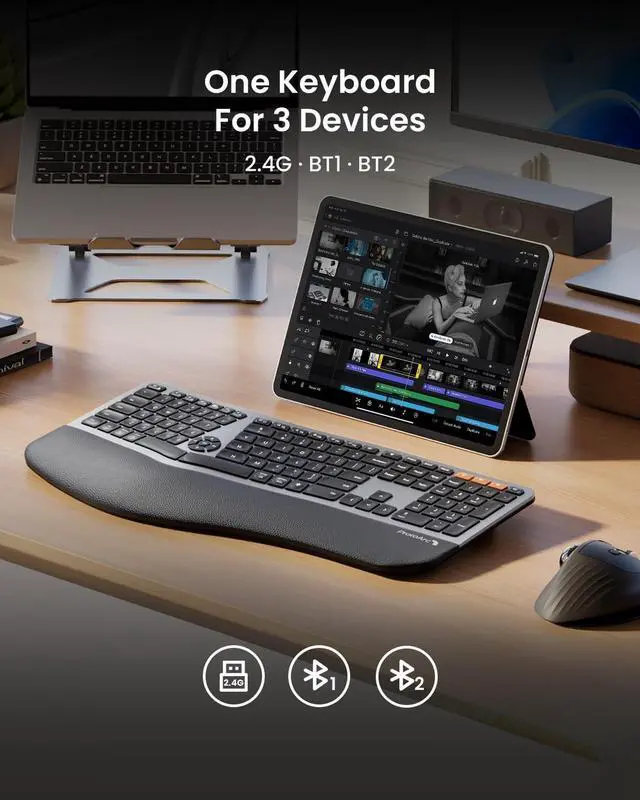
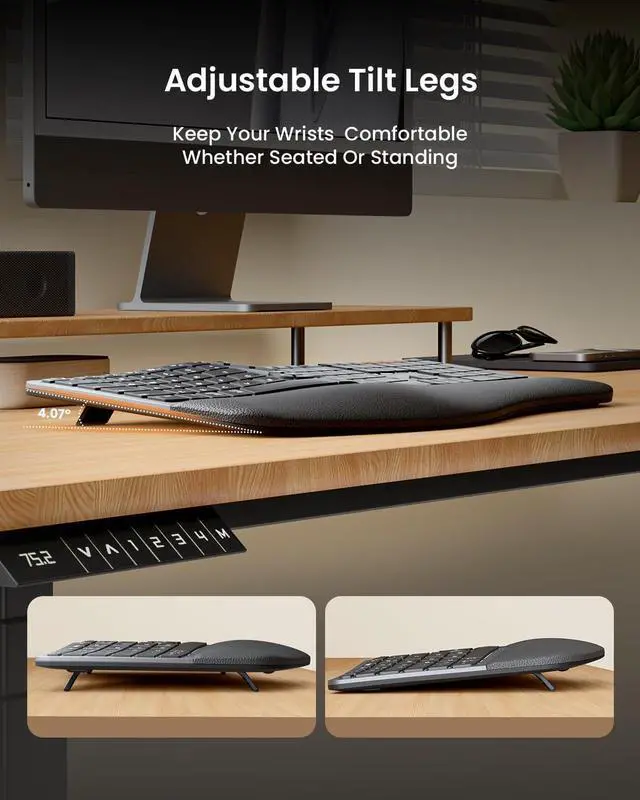
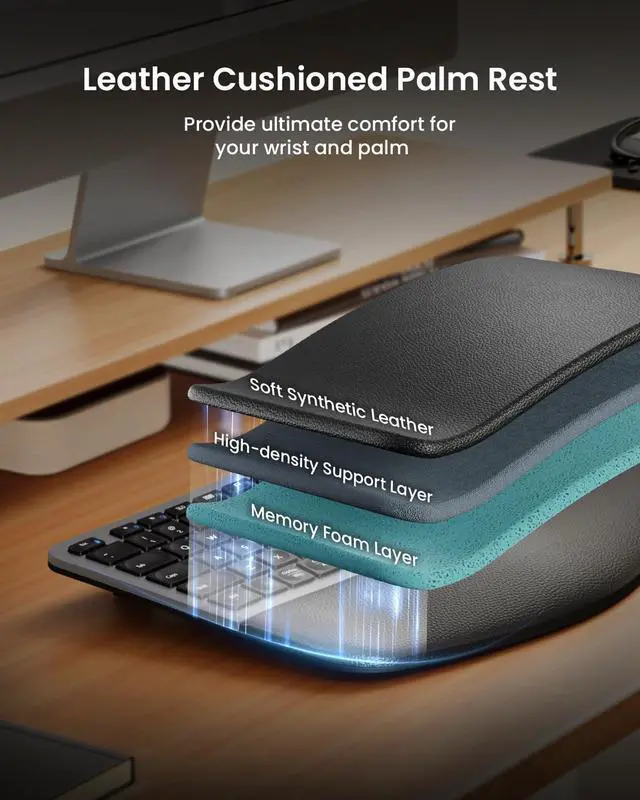
ProtoArc Backlit Full Size Bluetooth Ergonomic Keyboard hero-video Full Size with Cushioned Wrist Rest Three Different Tilt Angles Ergonomic Comfort Design Pillowed Wrist Rest Seamlessly Switch 3 Devices to Boost Your Productivity Comfort and Efficiency at Every Keystroke with Full Size Backlit Ergo Keyboard Meet Ergo Series with EM11 NL The brightness control keys are non-functional when using the mac mini m4 with an external mac display?
How to Use Multimedia or F1-F12 function?
Multimedia keys and Option and Command key functions, combination keys cannot be used normally?
How to deal with the keyboard can not charge?
How to deal with disconnection issues, keys repeating or typing delay?


 We‘re shipping as usual! The Canada Post strike only affects certain remote deliveries and PO Boxes. Details
 Holiday Shipping Details & Extended Holiday Returns


