YUNZIIs mission is to make high quality, aesthetic keyboard accessible to everyone - keyboards that inspire creativity and enhance productivity in everyday life.
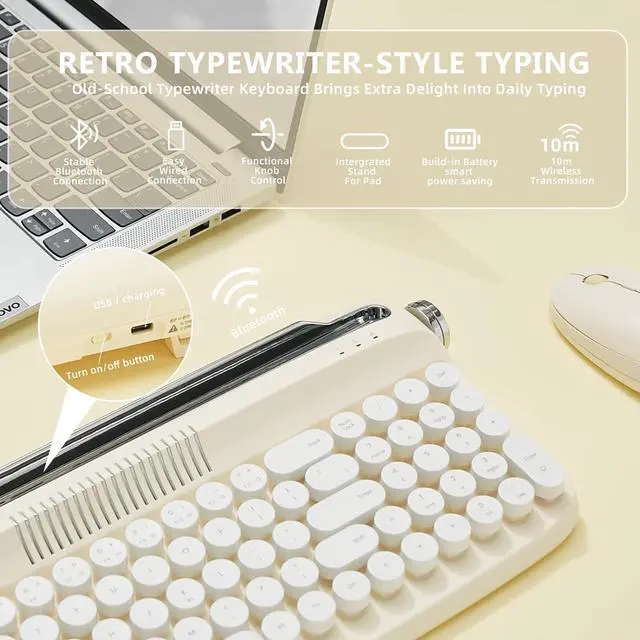
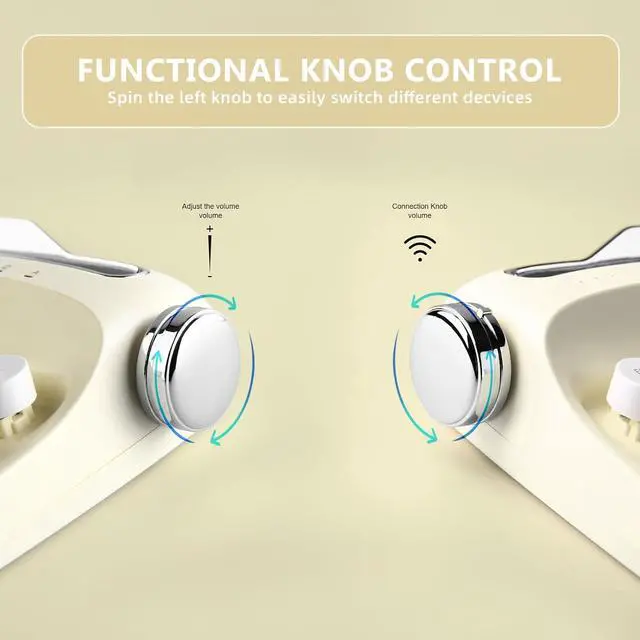
1CONNECTION STEPS2MULTIPLE DEVICES3STABLE WIRED & BLUETOOTH4MASSIVE BATTERY5FAST WIRELESS 2 knobs are functional.
Turn the LEFT knob to change the connection channel.
Turn the RIGHT knob to change the volume.
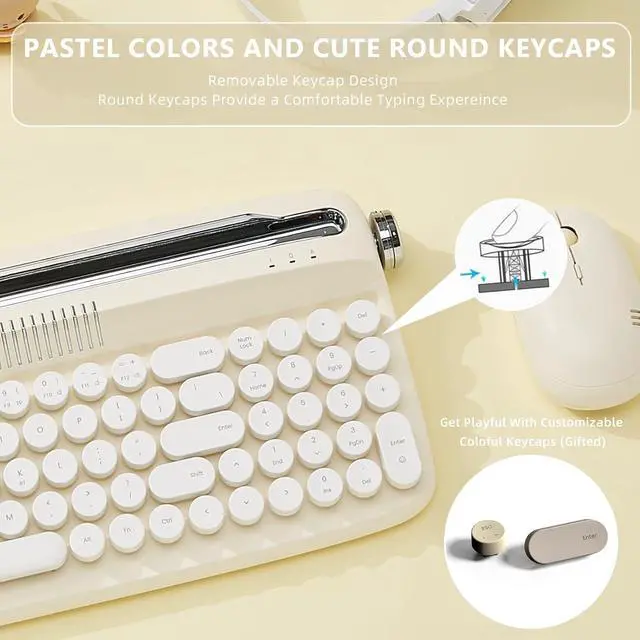
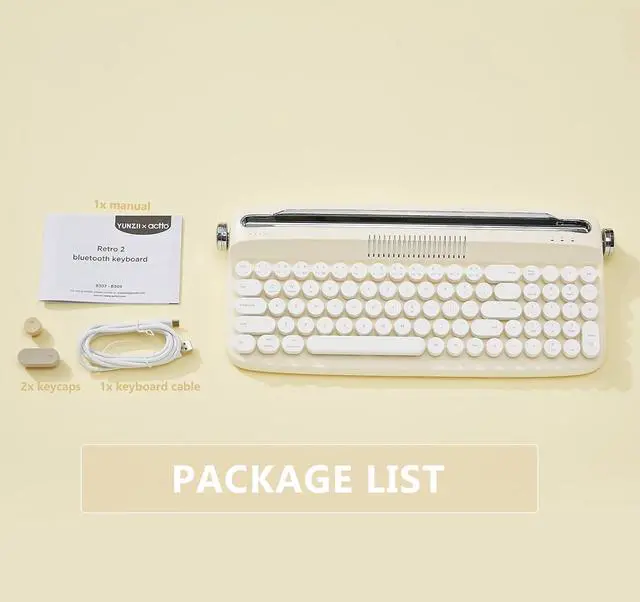
2 extra pastel keycaps included in the package
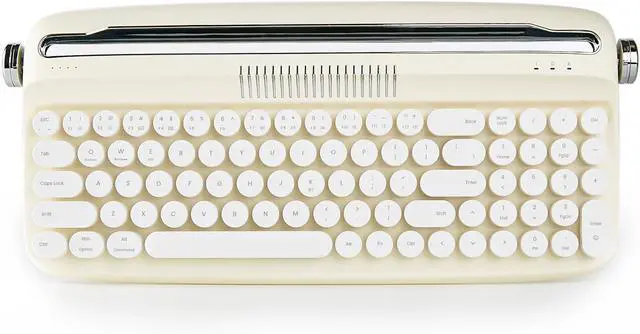
Retro keyboardtypewriter style
Pastel colored keyboard with round keycaps.
What is the Pin code?
The upgraded retro keyboard no need for any pin code.
How to connect?
Connection Steps:
Step 1: Turn on the keyboard button
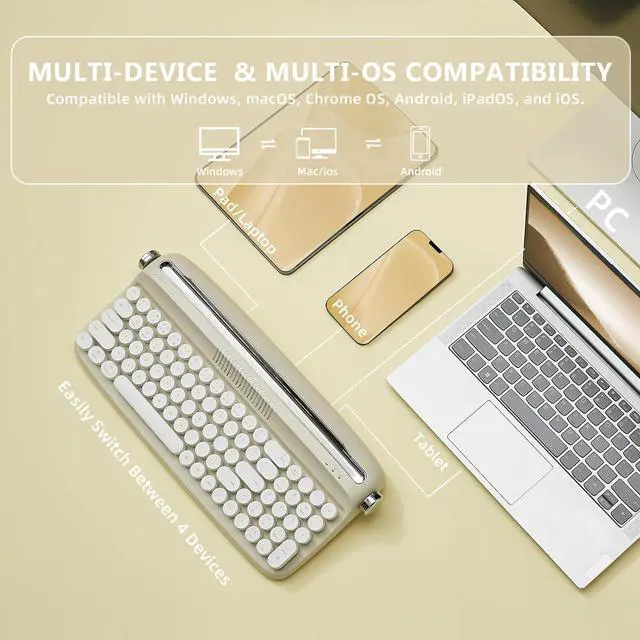
Step 2: Spin the left knob to change connection modes & devices
Step 3: Press FN+K to connect
Step 4: Press FN+Q/W/E to select the sysem, Q-Android, W-Windows, E-IOS
How to charge the keyboard?
The keyboard has build-in battery. You just need to charge the keyboard by the keyboard cable included the package. Connect your keyboard with your PC/LAPTOP/Other devices. Then it is in charging.
What's difference between old model B303 and the upgraded one?
The upgraded model has build-in battery, function knob, wireless & wired connection,and more compact layout.
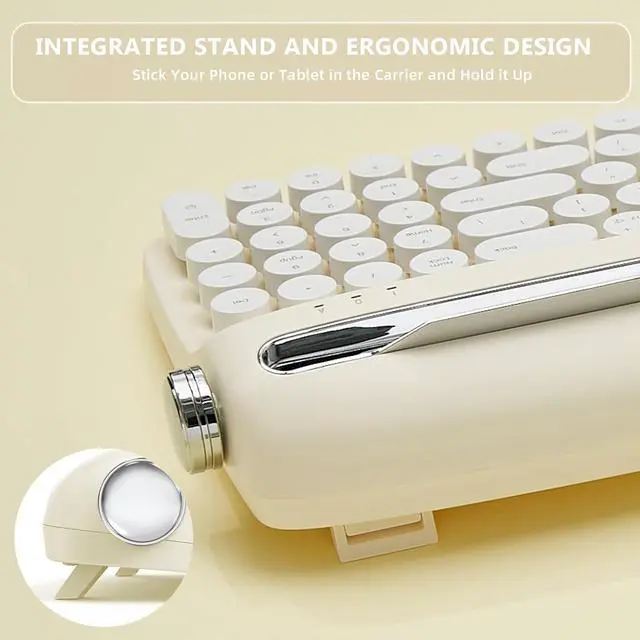
Our Mission Integrated Stand Holder for Different Devices TYPEWRITER KEYBORD WITH UPGRADED FUNCTION KNOB EXTRA KEYCAPS COLOR YOUR SETUP What is the Pin code?
How to connect?
How to charge the keyboard?
What's difference between old model B303 and the upgraded one?


 We‘re shipping as usual! The Canada Post strike only affects certain remote deliveries and PO Boxes. Details
 Holiday Shipping Details & Extended Holiday Returns


