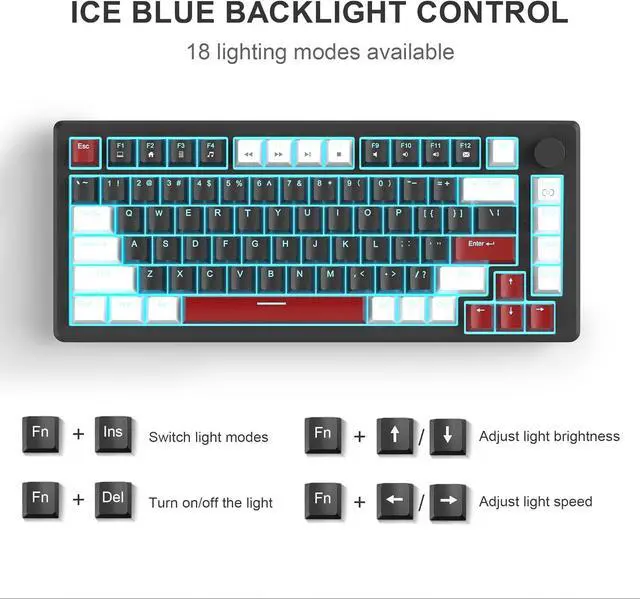
You can switch the lighting modes (static/dynamic effects) by pressing FN+INS or turn the light off by pressing FN+DEL. There are also several levels of light brightness and speed to choose from. Personalize your backlight to match your mood.
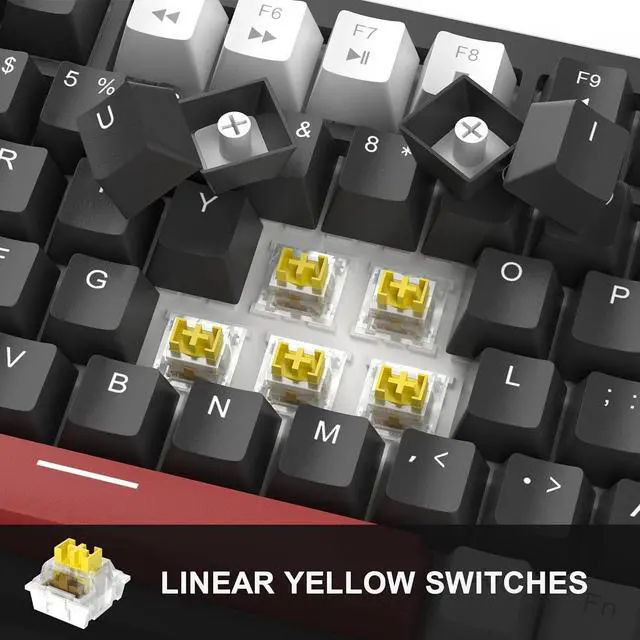
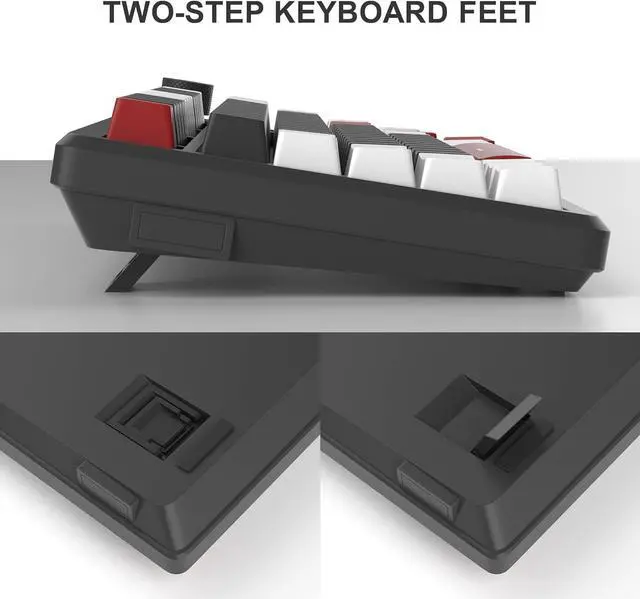
175% Layout2N-Key Rollover3Adjustable Height4Indicator light These switches are more responsive, super smooth and much quieter than the clicky blue switches. They offer excellent performance and are a favourite among gamers.
The wired connection ensures faster and more stable data transmission. The removable design makes the keyboard easy to carry and also facilitates cable replacement. Just plug and play, no drivers or software required.
How do I disable the windows key while gaming?
Press FN + Win to lock the Win key.
Do the key caps have windows for the backlit LEDs?
Yes, they allow backlight to shine through, making it easier to type in the dark.
How do I restore the keyboard to factory settings?
Long press the FN + ESC for 3 seconds to reset.
What's in the package?
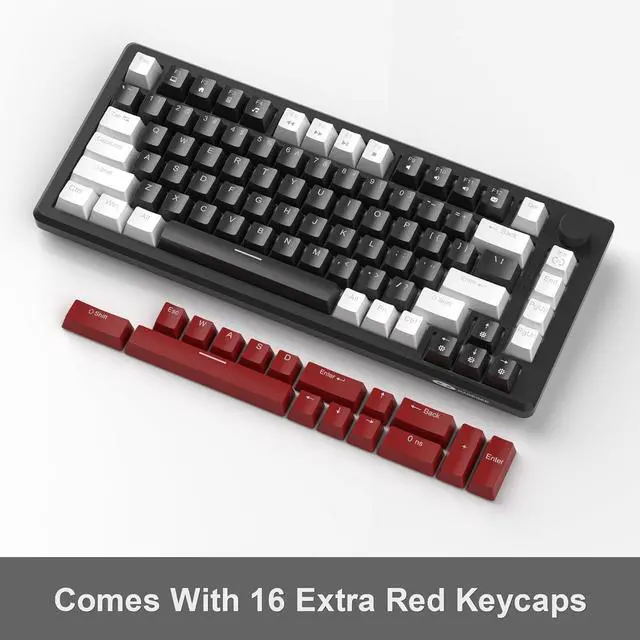
1 x White & Black Keyboard, 1 x Type-C Cable, 1 x Keycap Puller, 1 x User Manual, 16 x Red Keycaps
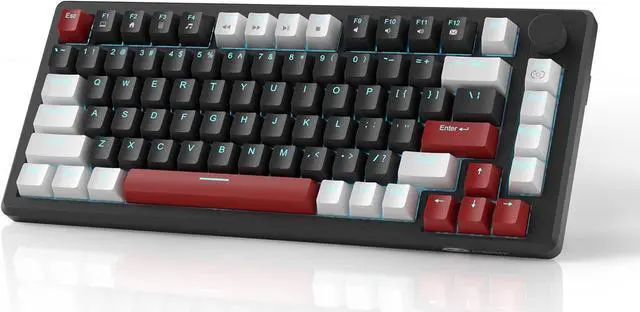
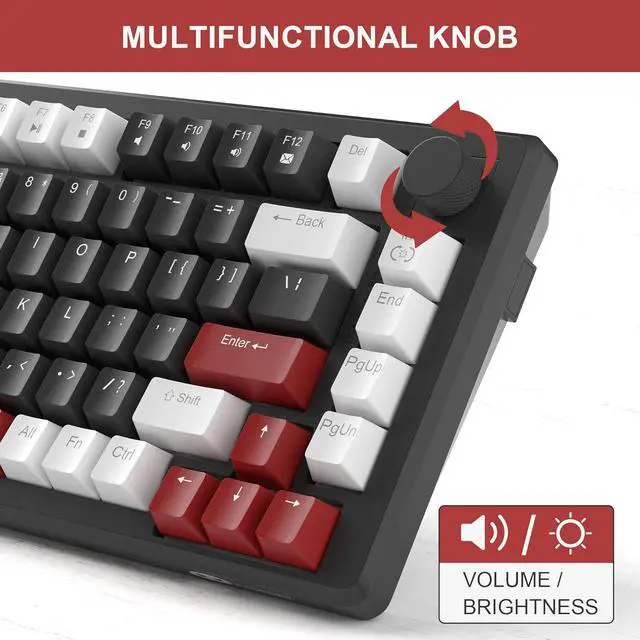
Vibrant Ice Blue Backlit Small Frame, Big Performance Full Keys Anti-Ghosting Two-Step Adjustable Keyboard Feet Four Practical Indicators Linear Yellow Switches Detachable Type-C USB Cable How do I disable the windows key while gaming?
Do the key caps have windows for the backlit LEDs?
How do I restore the keyboard to factory settings?
What's in the package?


 We‘re shipping as usual! The Canada Post strike only affects certain remote deliveries and PO Boxes. Details
 Holiday Shipping Details & Extended Holiday Returns


