• $350.98
  • Free 30-day Returns
  • Ships from China.
    Price alert
    Shop it at NeweggBusiness.

    Meet Your Seller

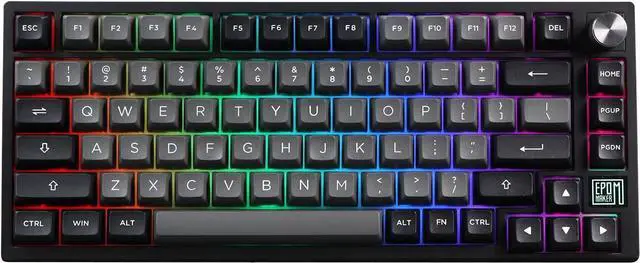
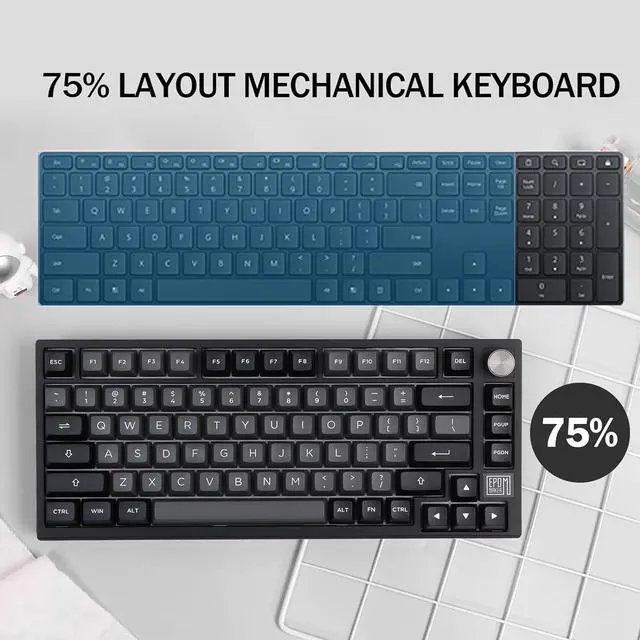
    EPOMAKER TH80 SE Gasket 75% Mechanical Keyboard, NKRO Hot Swap RGB Triple Mode Gaming Keyboard with Poron/EVA Foam, Knob Control for E-Sport/Win/Mac (TH80 SE Black Silver, Epomaker Budgerigar Switch)

    Limited time offer, ends 02/23 By PRIX Tech

    • The Special Edition of EPOMAKER TH80As every new year offers an exciting opportunity for a fresh start and new beginnings, EPOMAKER is bringing a special edition of the highly-praised TH80 mechanical keyboard to the community. The contrasting colors of vivid purple and black colorway, the upgraded software, and the brand-new structural design all contributes this masterpiece of EPOMAKER Team.
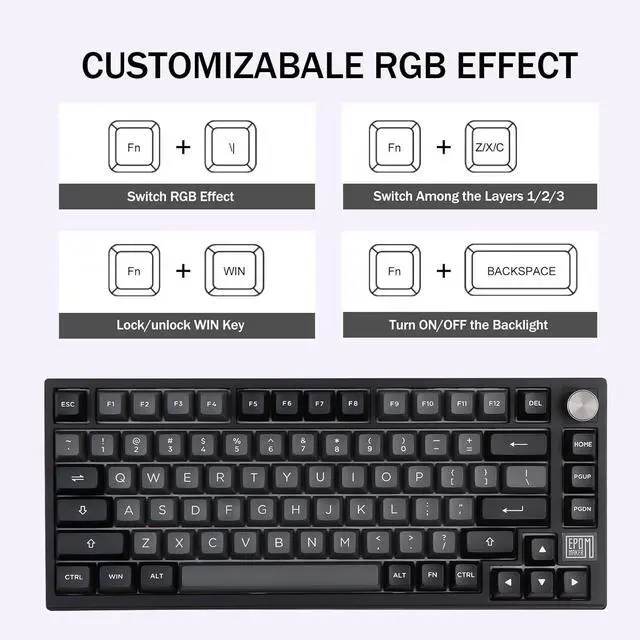
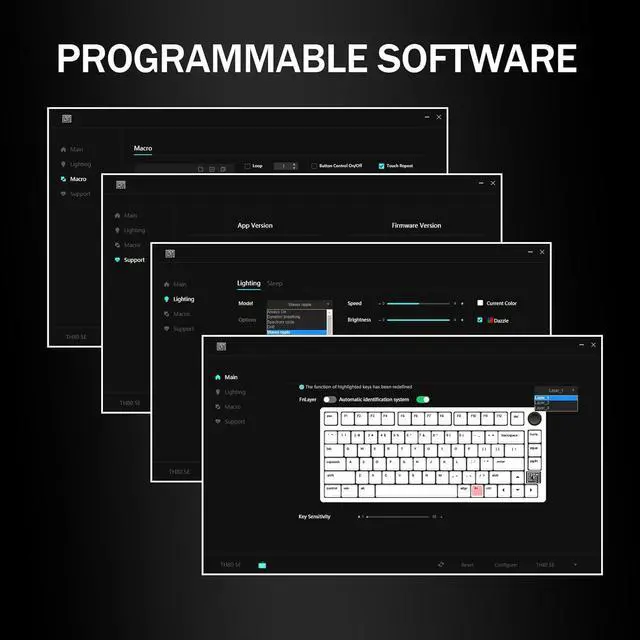
    • Fully Upgraded Software for More PossibilitiesEPOMAKER TH80 SE mechanical keyboard features the upgraded EPOMAKER Software and chip that can automatically check Win/Mac mode, check battery status(FN+B), keyboard mode and programmable Fn Layers(FN+SPACEBAR). More than that, a variety of default RGB effects that you can easily switch between each other with simple shortcuts.
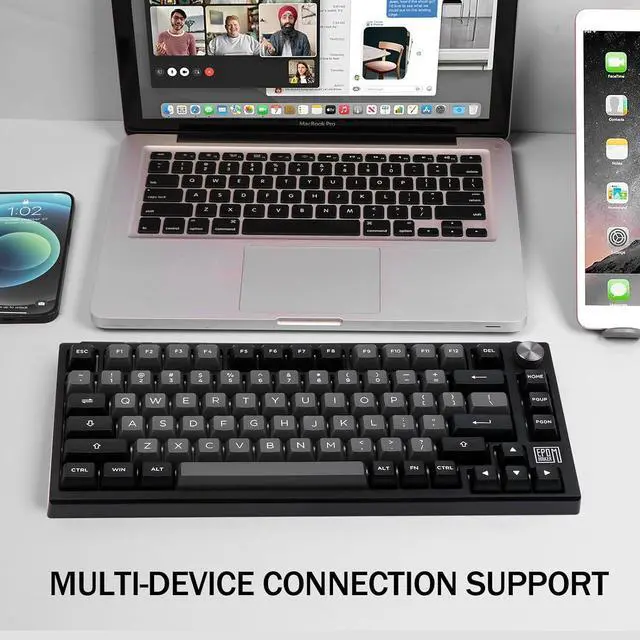
    • Three Modes of Connectivity: Bluetooth 5.0&2.4GHz&Type-C CableLike TH80 PRO, the TH80 SE is equipped with a 4000mah large capacity battery that supports wireless and wired connections. By the wireless option, ei
    +
    +
    Overview
    Specs
    Reviews
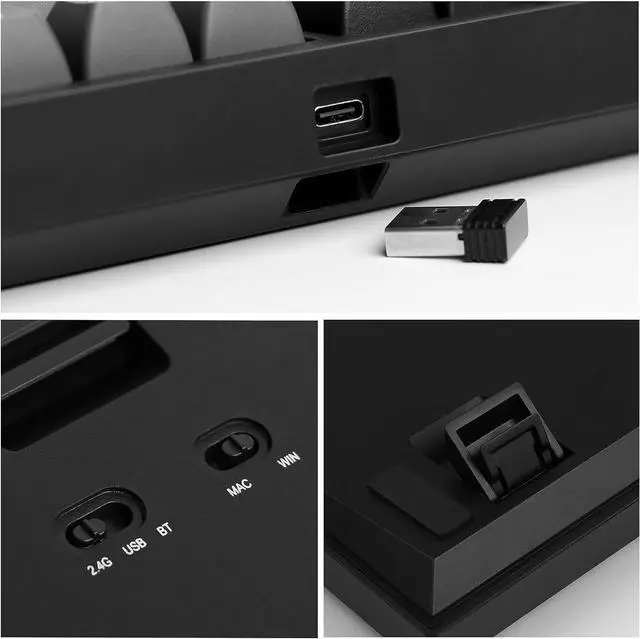
    Visible switch for connectivity and OS system.Easy to operate with great compatibility.
    Storage space for 2.4ghz receiver dongle. Detachable TypeC USB port.
    Rechargeable battery with long-lasting performance. FN+Spacebar to check power percentage.
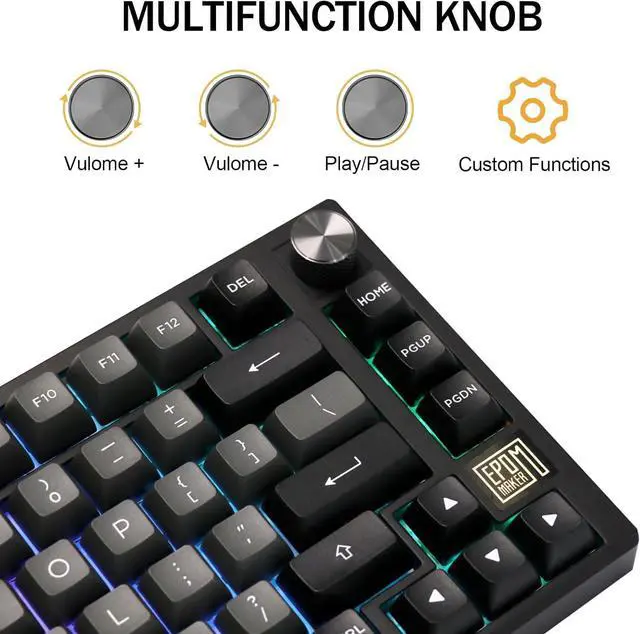
    Control volume, adjust brightness, or zoom in using the programmable knob.
    FN+(Brightness), FN+ (Speed).
    How to connect the TH80 SE keyboard via Bluetooth?
    1) Switch keyboard to BT. 2) Press FN+1/2/3 once, 1/2/3 will start flashing slowly. 3) Long pressing FN+1/2/3 until their flashing quickens to a rapid one (3-5 seconds), then pair keyboard via Bluetooth.
    Does TH80 SE has Per-Key RGB Backlight? Is it north-facing or south-facing?
    The backlight of TH80 SE can be customised per key, and the LEDs are north-facing so it won't be overly bright towards the typist.
    Is it south or north facing led for the epilated TH80 SE keyboard?
    It is north-facing leds.
    Can I program the pg down key to be the 'end' key on memory?
    Yes, You can remap pg down or other keys to end with the EPOMAKER driver.
    Multi-Functional Wireless KeyboardTriple ConviencesUnpack, Plug and Play4000mAh BatteryProgrammable KnobBacklight, LOGO Light and Indicator LightsRGB Backlight Programming Software Why is one of the keys always White/Blue/Red/Green? Why does one of the keys keeps flashing?
    How to connect the TH80 SE keyboard via Bluetooth?
    Does TH80 SE has Per-Key RGB Backlight? Is it north-facing or south-facing?
    Is it south or north facing led for the epilated TH80 SE keyboard?
    Can I program the pg down key to be the 'end' key on memory?
    RT100 Gaming Keyboard with Smart Mini TV

    Warranty & Returns

    Warranty, Returns, And Additional Information

    Warranty

    • Please contact the Seller directly for warranty information. Warranty information may also be found on the Manufacturer's website.
    • CONTACT

    Return Policies

    • Return for refund within: 30 days
    • Return for replacement within: 90 days
    • This item is covered by PRIX Tech Return Policy

    Manufacturer Contact Info

    LOADING...