Indicator lights provide clear visual cues so you can easily keep track of your keyboard's operation at a glance.
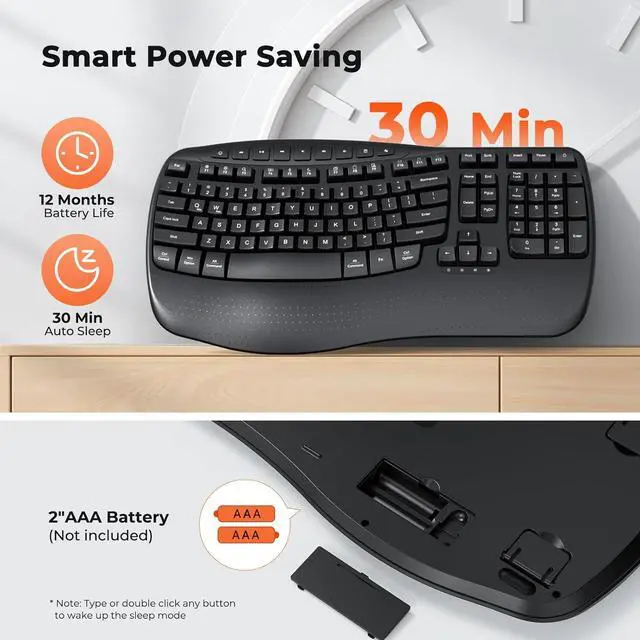
2 AAA batteries (not included) are needed. The keyboard has smart power - saving, auto - sleeping after 20 mins idle to extend battery life.
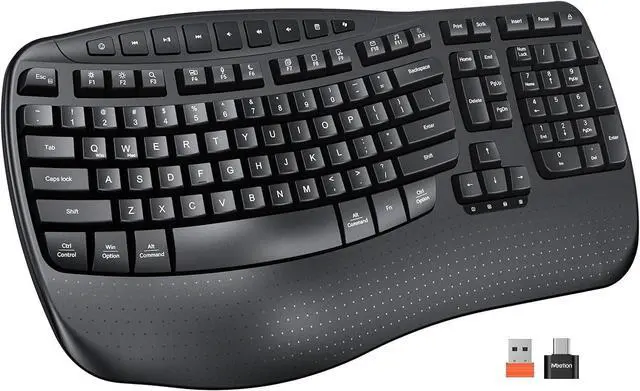
The orange USB-A receiver is stored in the keyboards battery area, while the dark-colored USB-C adapter is packed in the transparent accessory bag.
1* Keyboard, 1* User Manual, 1* USB-A, 1* USB-C adapter.
Please carefully check all the accessories upon receiving the product.
1All-Day Support2Ergonomic Wrist Rest There's a problem with my keyboard that I can't solve, what should I do?
Whatever your problem, click on the store to contact our staff immediately or find Support using the last page of the user card. We will be 100% responsible for each of our products and customers.
How can I tell when it's time to replace the batteries in the keyboard?
When the keyboard is running low on battery power, the power indicator light located below the direction keys will start to flash. This serves as a reminder for you to replace the batteries.
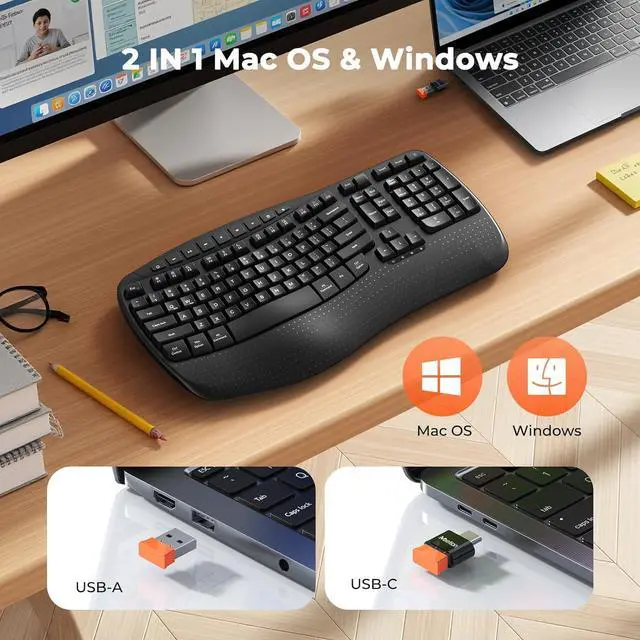
How to switch between Windows and macOS? How to use this keyboard?
You can press FN+Q or FN+W to switch between Windows and macOS systems.
1.Please insert the batteries into the keyboard.
2.Plug in the USB-A receiver and turn on the switch to use. (USB-C is not the receiver, it is the USB-C adapter)
What is included in the package? Are there batteries inside?
1* Keyboard, 1* User Manual, 1* USB-A, 1* USB-C adapter. Batteries not included.
The orange USB-A receiver is placed in the battery area of the keyboard, and the dark-colored USB-C adapter is in the transparent accessory bag.
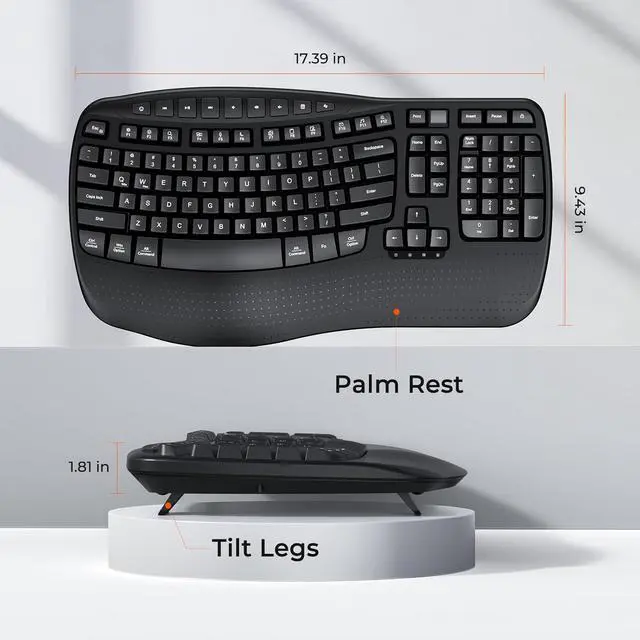
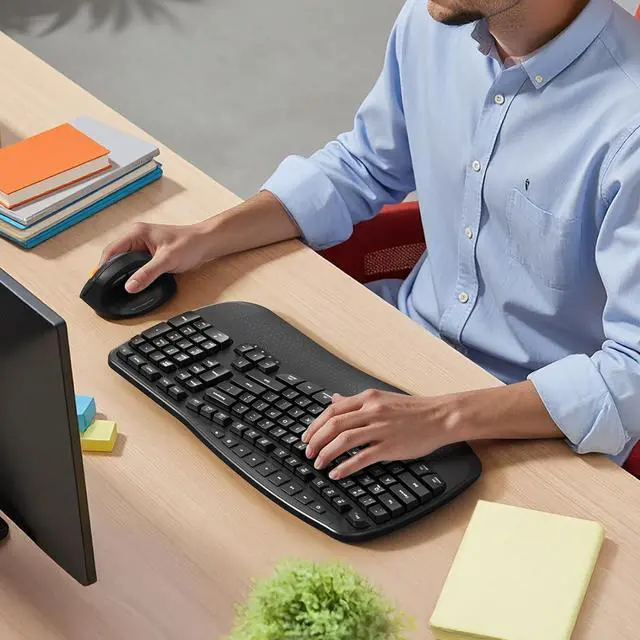
Experience the Shape of Day-Long Comfort Indicator Light Long Lasting Battery Life Share One Receiver Packaging Includes Love at First Typing Since I've never used an ergonomic keyboard before, is it likely to be difficult for me to get used to it?
There's a problem with my keyboard that I can't solve, what should I do?
How can I tell when it's time to replace the batteries in the keyboard?
How to switch between Windows and macOS? How to use this keyboard?
What is included in the package? Are there batteries inside?


 We‘re shipping as usual! The Canada Post strike only affects certain remote deliveries and PO Boxes. Details
 Holiday Shipping Details & Extended Holiday Returns


