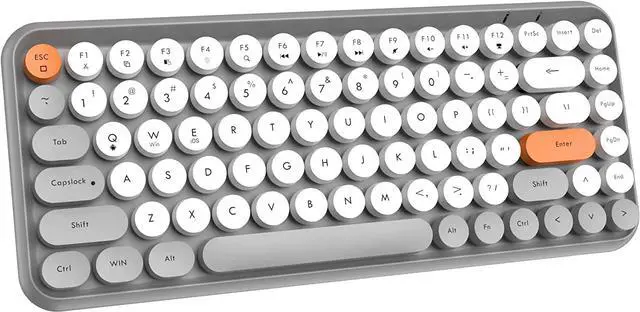
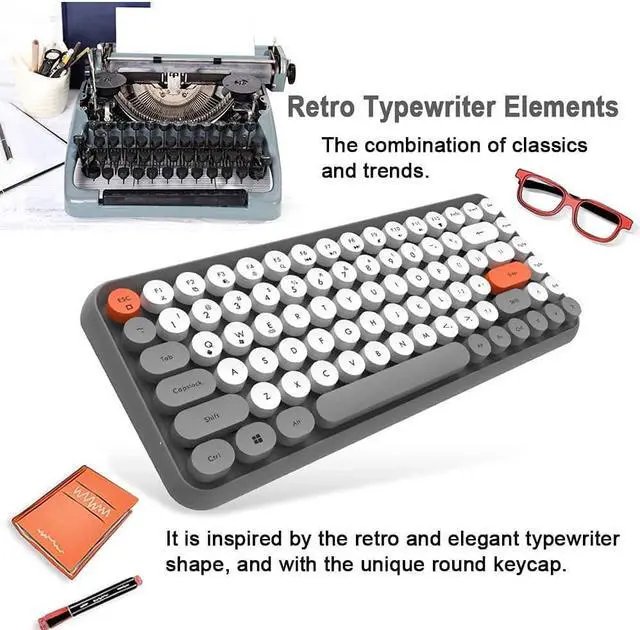
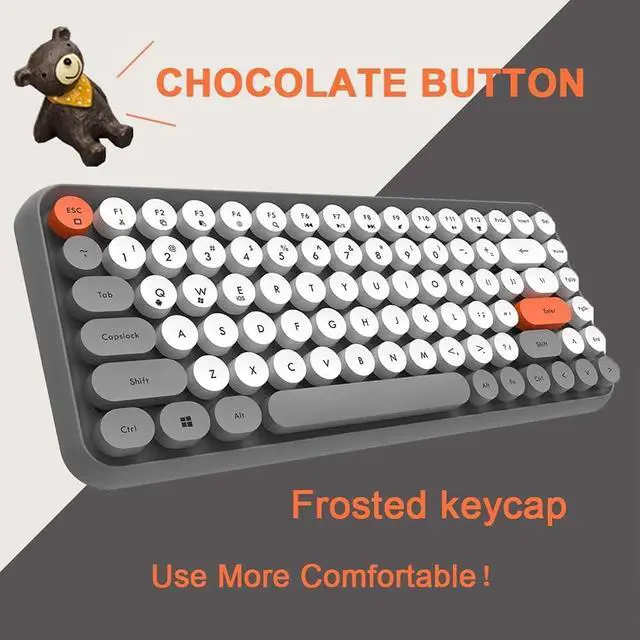
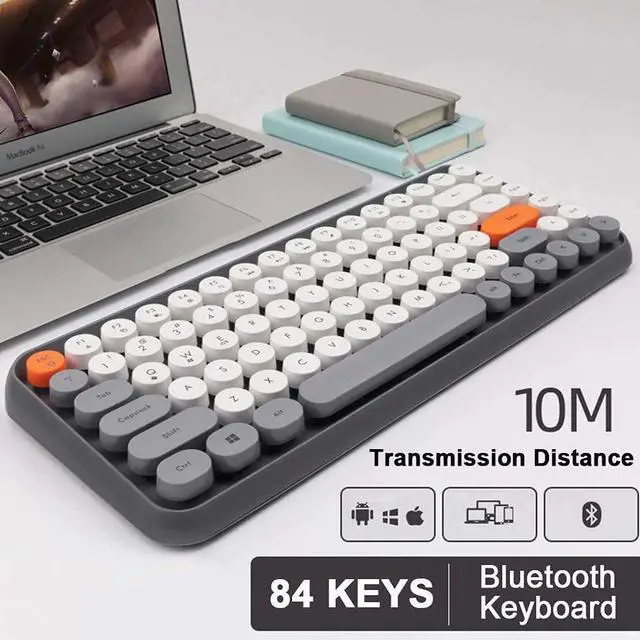
This mini keyboard uses a combination of elegant gray and lively yellow. The matte round keys and retro typewriter style make the entire retro keyboard look nostalgic and have an amazingly modern aesthetic.
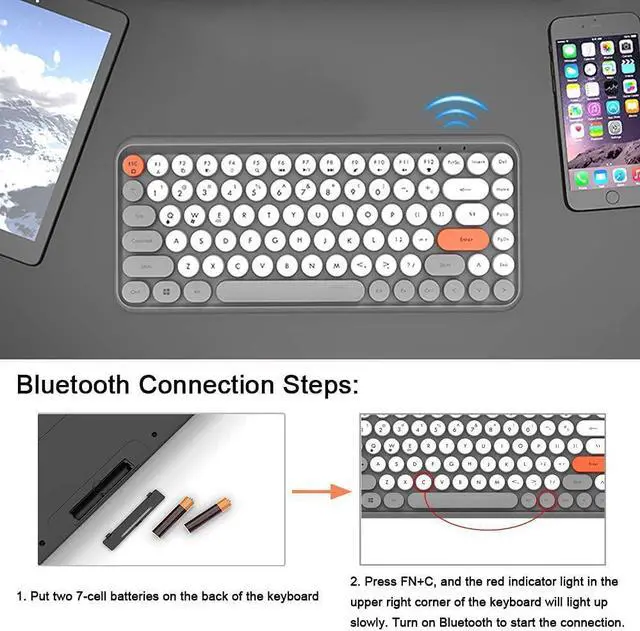
Bluetooth Connection Steps
1. Install 2 AAA batteries
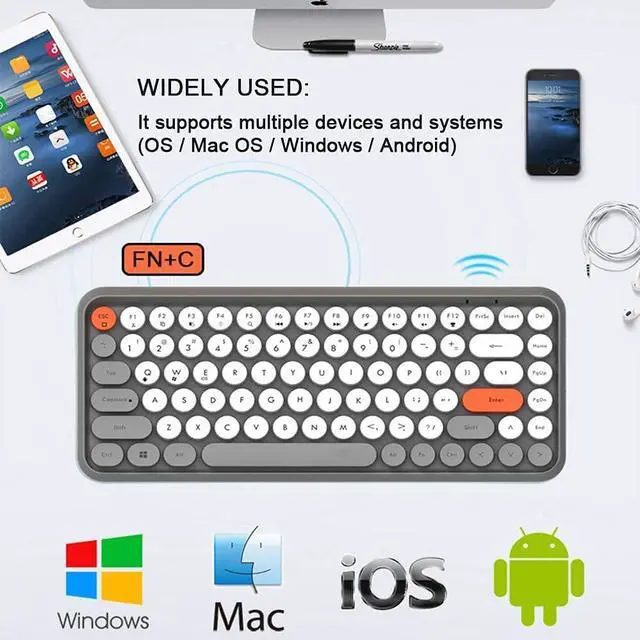
2. Press FN+C to turn it on, red light flashes to turn on Bluetooth
3. Open the Windows settings of your computer and click on the Bluetooth device
4. Add a Bluetooth device
5.Select Bluetooth 3.0 keyboard, complete the connection.
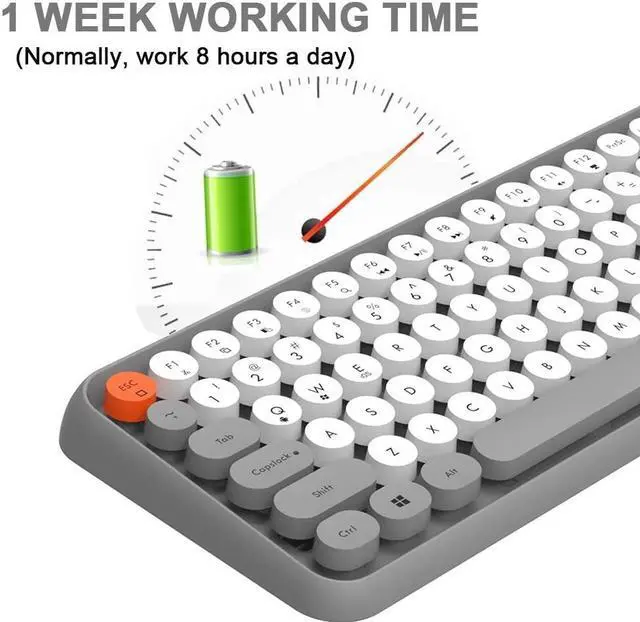
If there is no button operation for more than 15 minutes, the keyboard will automatically stand-by and go to sleep, and Bluetooth will automatically disconnect. So battery life is long.
Mini Portable Wireless Bluetooth Keyboard Intelligent power saving


 We‘re shipping as usual! The Canada Post strike only affects certain remote deliveries and PO Boxes. Details
 Holiday Shipping Details & Extended Holiday Returns


