The keyboard or mouse stopped respondingwhat should I do?
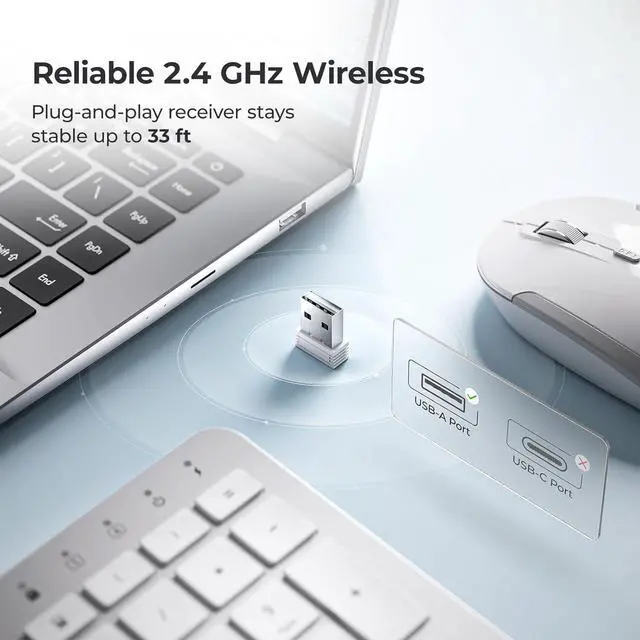
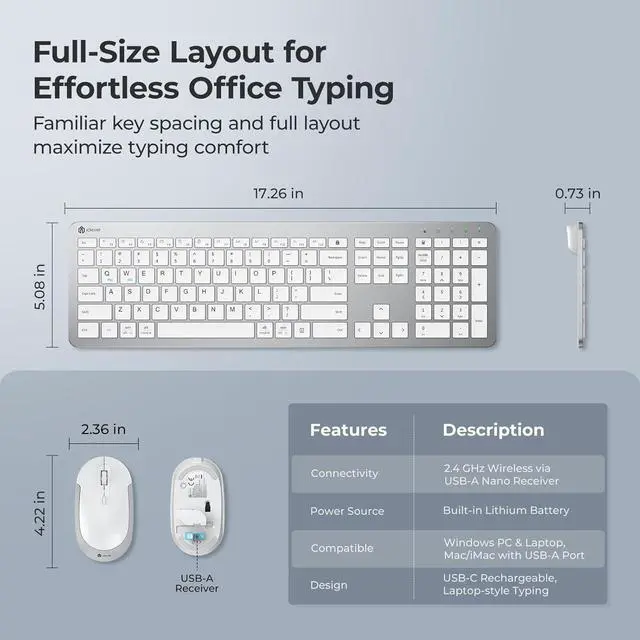
1) Verify the power switch is ON. 2) Plug the USB-A receiver into a native port (avoid hubs). 3) Recharge or restart the device.
Why am I getting double characters or typos?
Low battery or 2.4 GHz interference can cause this. Fully recharge, then keep the receiver in a front USB-A port away from Wi-Fi routers or metal surfaces.
Will it work with my Mac?
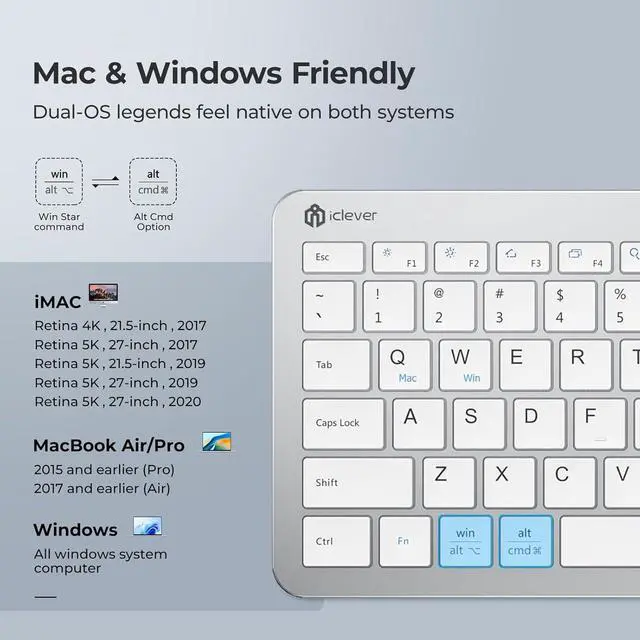
Yesany macOS desktop / laptop with a USB-A port (e.g., iMac 2017-2020, MacBook Air/Pro 2017). Macs with only USB-C require a USB-A adapter.
How do I fix occasional cursor lag?
Stay within 10 m line-of-sight, remove metal obstructions, and press the DPI button to cycle 800 / 1200 / 1600 DPI for instant recovery.
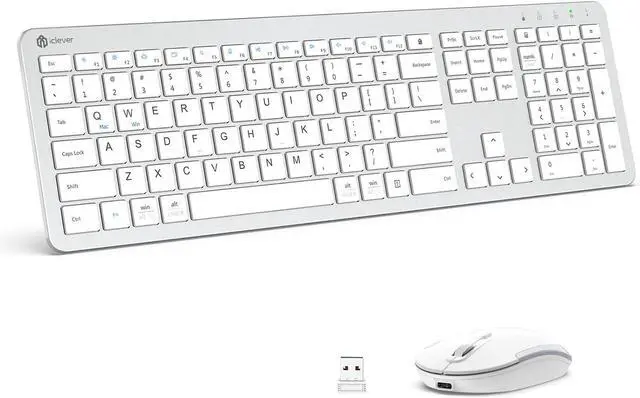
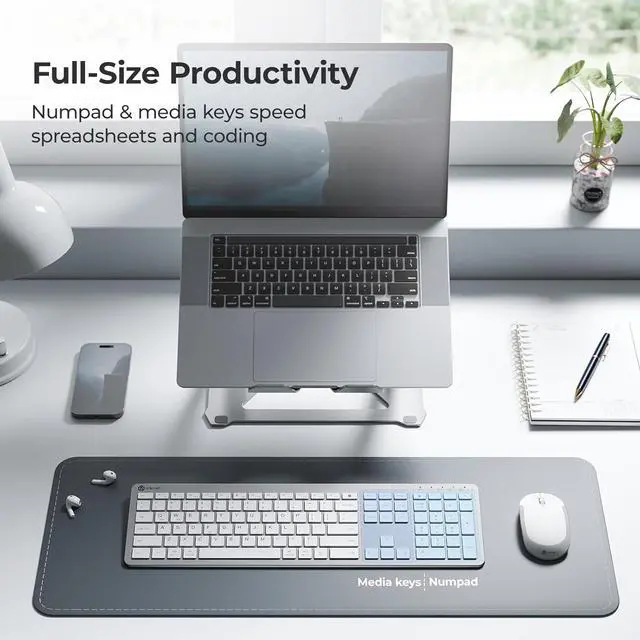
Precision Full-Size Layout Ultra-Slim & Minimalist Wireless Keyboard and Mouse How long does a full charge last?
The keyboard or mouse stopped respondingwhat should I do?
Why am I getting double characters or typos?
Will it work with my Mac?
How do I fix occasional cursor lag?



 We‘re shipping as usual! The Canada Post strike only affects certain remote deliveries and PO Boxes. Details
 Holiday Shipping Details & Extended Holiday Returns


