












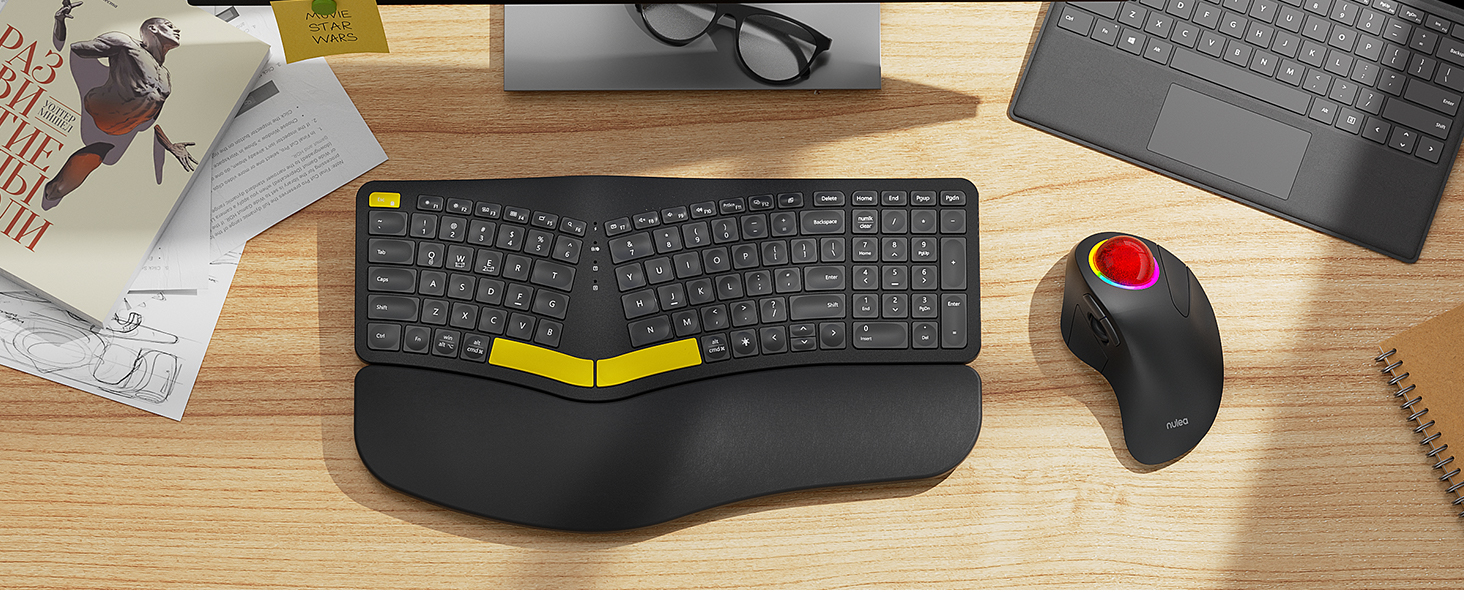
Suitable for Tight Workspaces
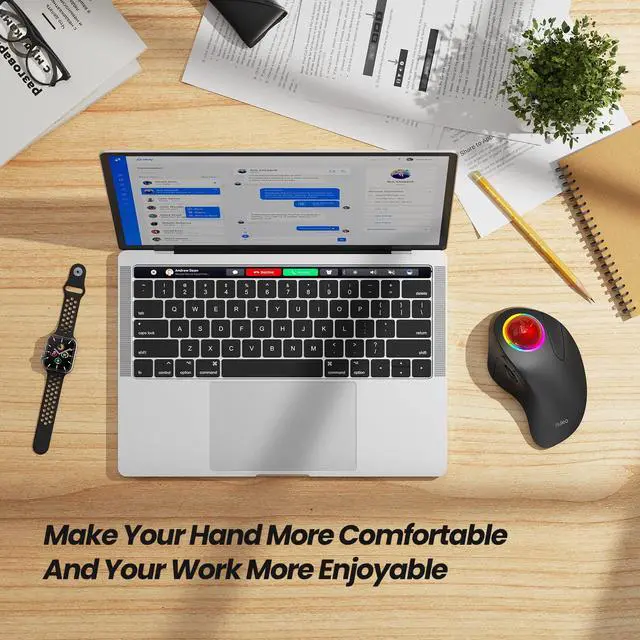
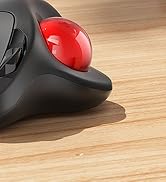
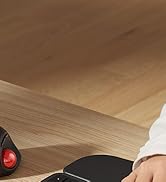
The smooth index finger trackball allows you to move your cursor efficiently on almost any surface, making it ideal for cramped workspaces.
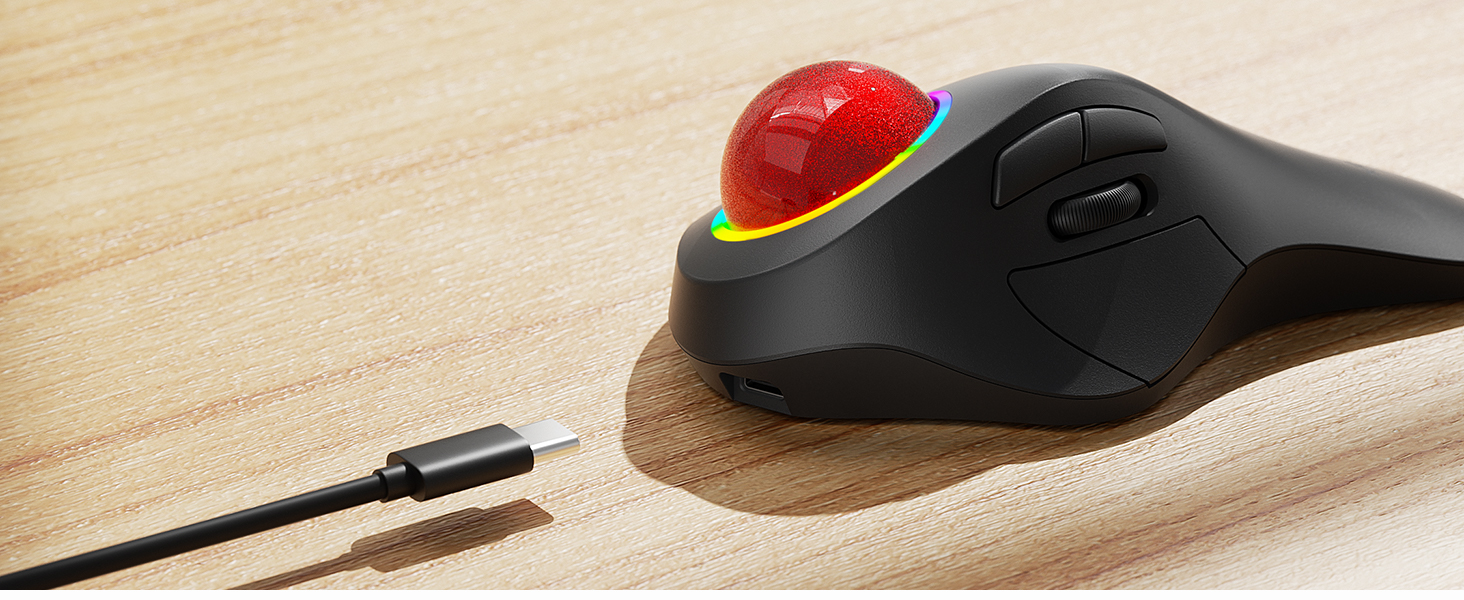
Long-Lasting Battery
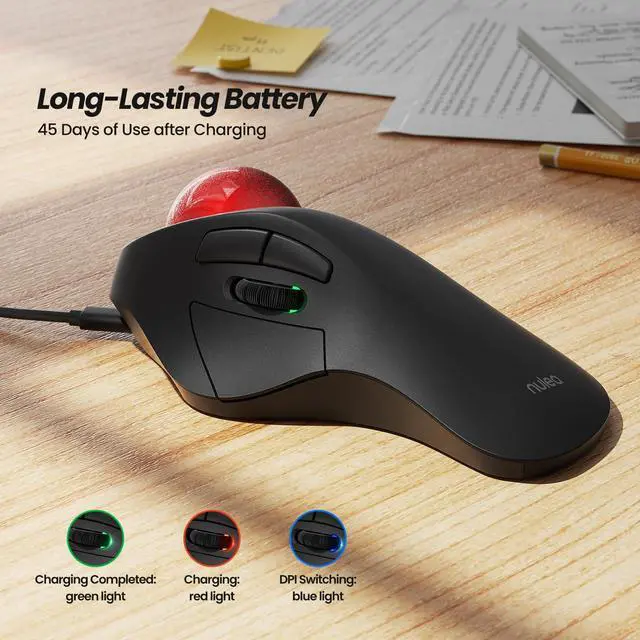
The built-in rechargeable battery lasts up to 45 days on a single full charge, ensuring you can use it for extended periods without worrying about charging.


How to charge the mouse and know its charging state?
1.Use the provided USB-C to USB-A charging cable to charge the mouse.The low battery and charging indicator is in the slit of the scroll wheel
2.The charging indicator shows red during charging and turns green when fully charged.
How to wake up the mouse?
1.In wireless connection mode, the M505 mouse enters sleep mode 30 minutes after you last used the mouse.
2.lf you need to use the mouse, you can wake it up by clicking the key.(scrolling the trackball or moving the mouse will not wake up the mouse)
How to reprogram mouse buttons?
1. All keys are not programmable.
2. Forward/Backward buttons are not compatible with MAC OS.
How to adjust the DPI of the mouse?
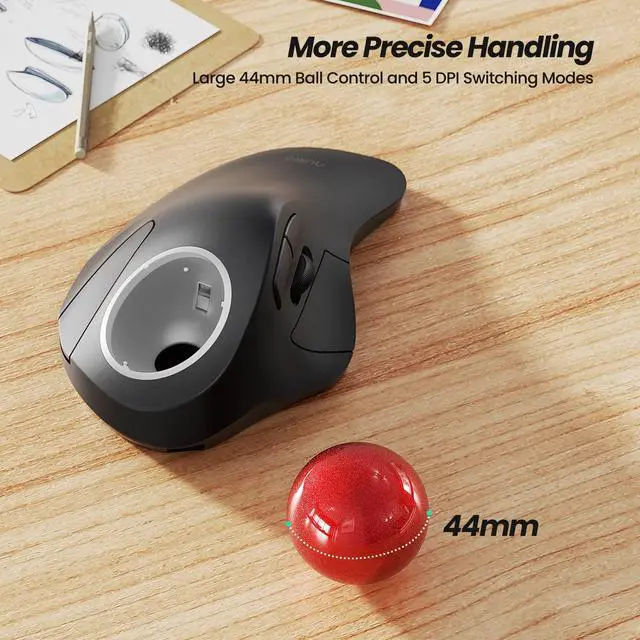
The mouse has 5 DPI settings, 200/400/800//1200/1600, which can be easily switched by clicking the DPI button below the Bottom of the Mouse.
Where is the 2.4G USB Receiver for wireless connection?
The 2.4G USB Receiver is stored at the bottom of the mouse.

MEASURE YOUR HAND, CHOOSE THE RIGHT MOUSE


M505B is ideally suited for individuals with medium to large-sized hands.
Ergonomic Design
Flexible Index Finger Control


This mouse's shape fits the curve of your hand, maximizing comfort and reducing muscle stress.
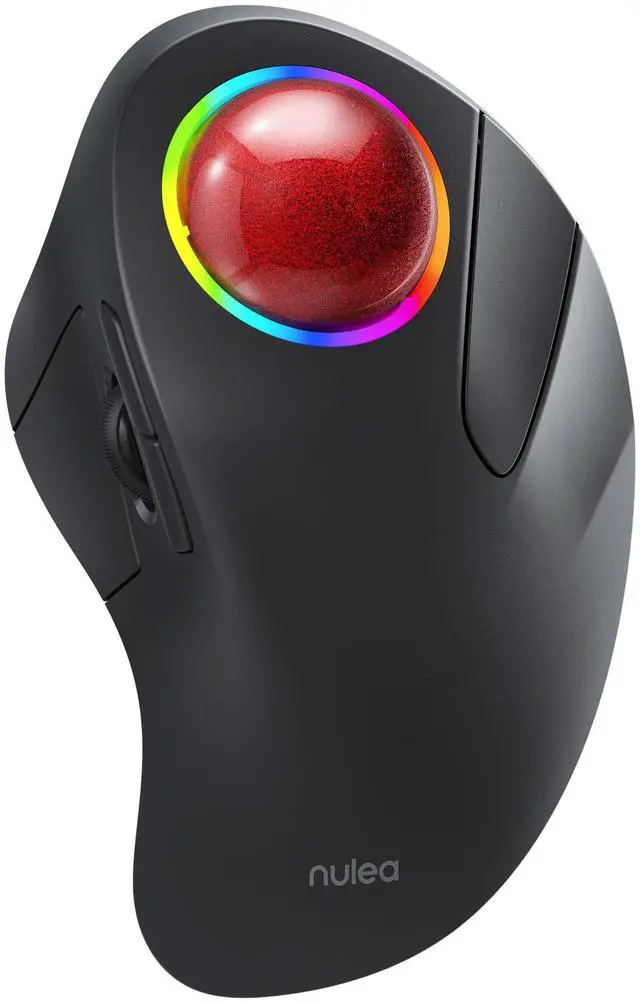
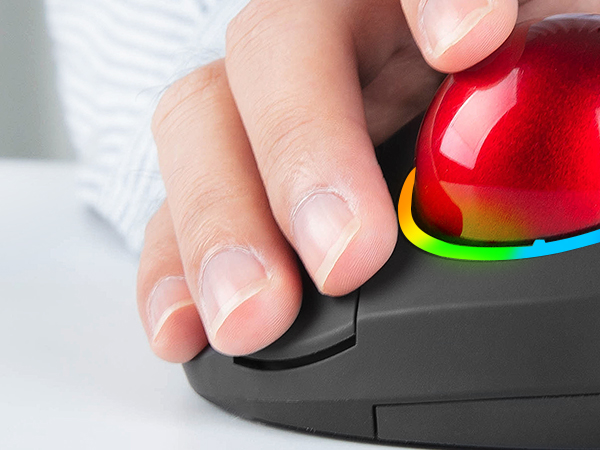
The 44mm index finger trackball enhances cursor control, reduces wrist pain and eases arm discomfort.
Suitable for Tight Workspaces
Long-Lasting Battery


The smooth index finger trackball allows you to move your cursor efficiently on almost any surface, making it ideal for cramped workspaces.
The built-in rechargeable battery lasts up to 45 days on a single full charge, ensuring you can use it for extended periods without worrying about charging.
Right mouse button
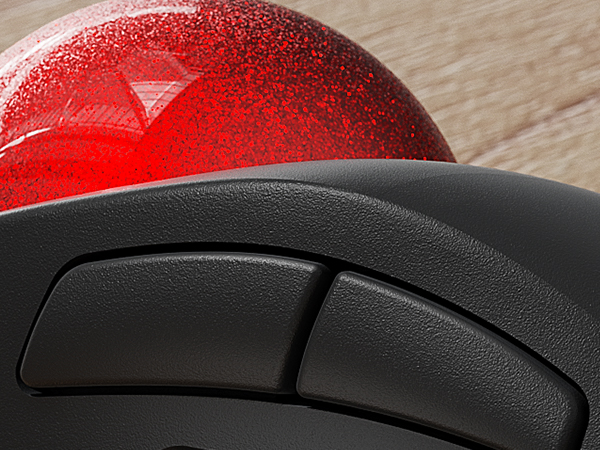
Forward/Backward Keys
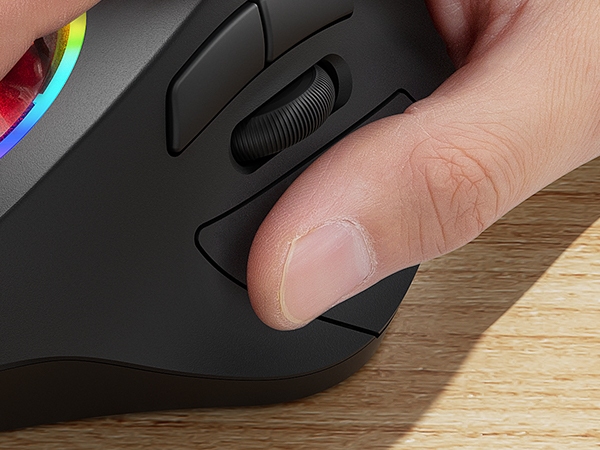
Left Mouse Button
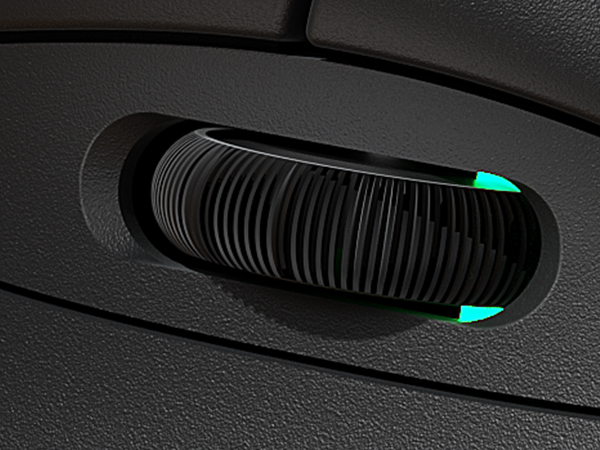
Precision Scroll Wheel
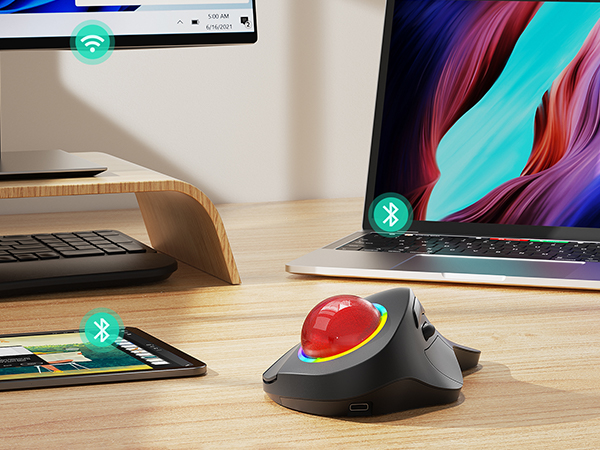
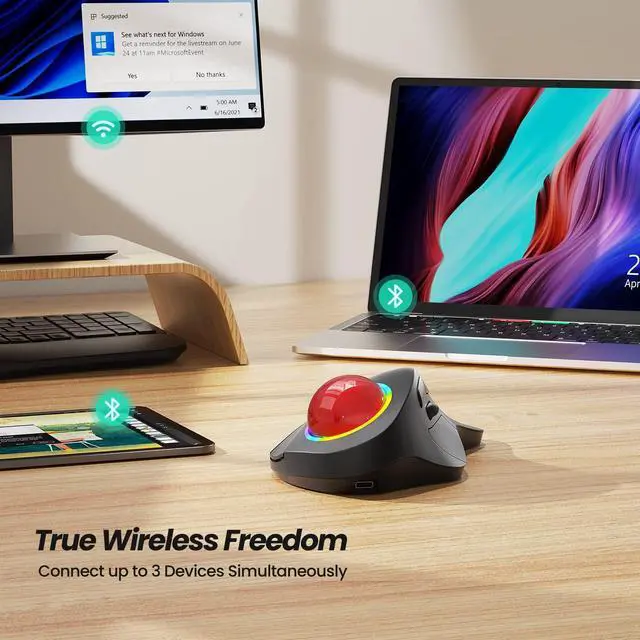
Triple connection
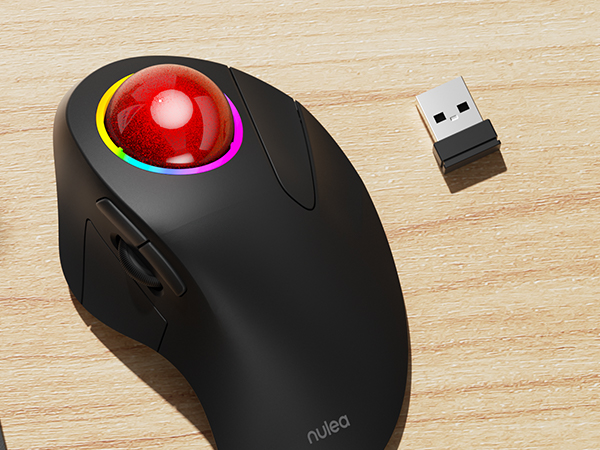
USB receiver
Meet Nulea Ergo Series
Meet Nulea Ergo Series

Promote natural postures and relaxed movements with innovative and smart designs
Promote natural postures and relaxed movements with innovative and smart designs
How to charge the mouse and know its charging state?
1.Use the provided USB-C to USB-A charging cable to charge the mouse.The low battery and charging indicator is in the slit of the scroll wheel
2.The charging indicator shows red during charging and turns green when fully charged.
How to wake up the mouse?
1.In wireless connection mode, the M505 mouse enters sleep mode 30 minutes after you last used the mouse.
2.lf you need to use the mouse, you can wake it up by clicking the key.(scrolling the trackball or moving the mouse will not wake up the mouse)
How to reprogram mouse buttons?
1. All keys are not programmable.
2. Forward/Backward buttons are not compatible with MAC OS.
How to adjust the DPI of the mouse?
The mouse has 5 DPI settings, 200/400/800//1200/1600, which can be easily switched by clicking the DPI button below the Bottom of the Mouse.
Where is the 2.4G USB Receiver for wireless connection?
The 2.4G USB Receiver is stored at the bottom of the mouse.
For Ergonomic Mouse
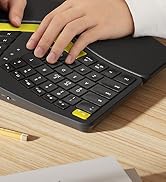
For Ergonomic Keyboard
