


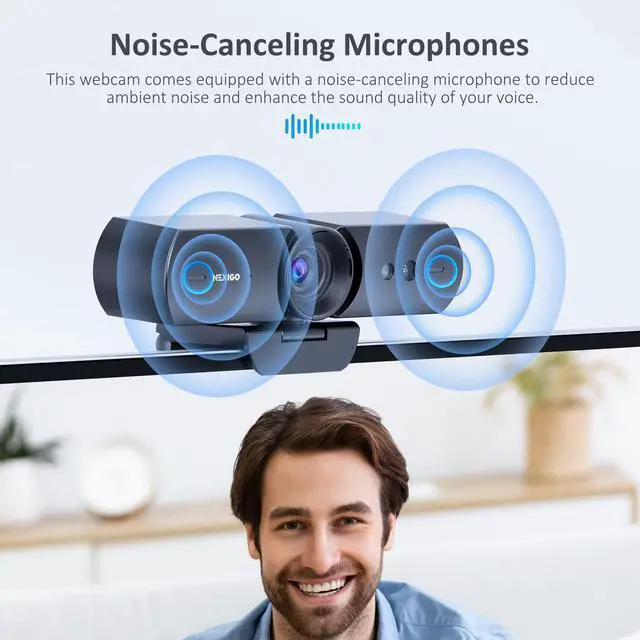





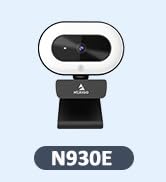
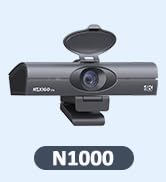
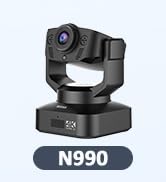
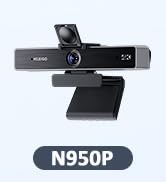


Noise-Canceling Technology
Stay focused with integrated dual microphones that suppress distracting background noise.

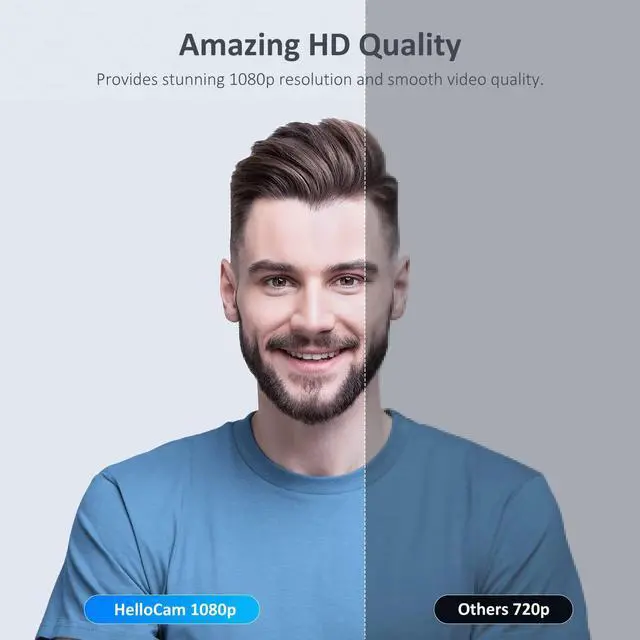
Full HD 1080p Resolution
The HelloCam produces crisp and clear images and videos.
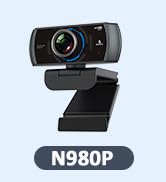
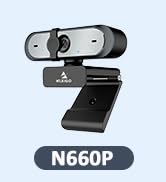
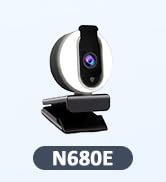
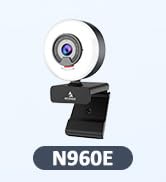
NexiGo Comparison Table
Windows Hello,Budget | Features | Windows Hello,Small |
90° Wide View | Field of View | 90° Wide View |
Yes | WinHello Recognition | Yes |
Automatic & Manual | Privacy Cover | Automatic & Manual |
Fixed Focus | Focus Type | Auto Focus |
30fps | Frame Rate | 60fps |
Dual Noise-Canceling | Built-in Mics | Dual Noise-Canceling |
Windows Hello,Budget | Features | 1080p Budget |
90° Wide View | Field of View | 110° Wide View |
Yes | WinHello Recognition | No |
Automatic & Manual | Privacy Cover | Attached |
Fixed Focus | Focus Type | Fixed Focus |
30fps | Frame Rate | 30fps |
Dual Noise-Canceling | Built-in Mics | Dual Noise-Canceling |
Windows Hello,Budget | Features | Built-in Light |
90° Wide View | Field of View | 78° Wide View |
Yes | WinHello Recognition | No |
Automatic & Manual | Privacy Cover | Built-in |
Fixed Focus | Focus Type | Auto Focus |
30fps | Frame Rate | 60fps |
Dual Noise-Canceling | Built-in Mics | Dual Noise-Canceling |


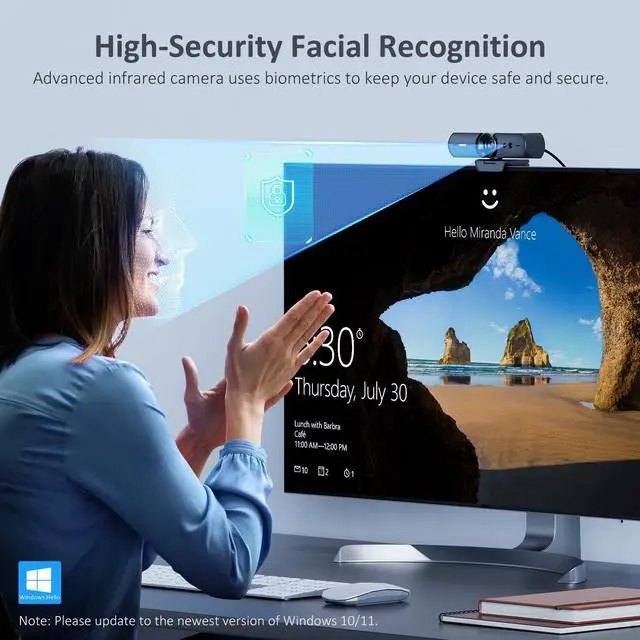
How do I set up Windows Hello?
First, set a PIN. Then, update to the newest version of Windows 10 or 11 on your device. Finally, navigate to System Settings > Account > Sign-in Options > Windows Hello Setup.
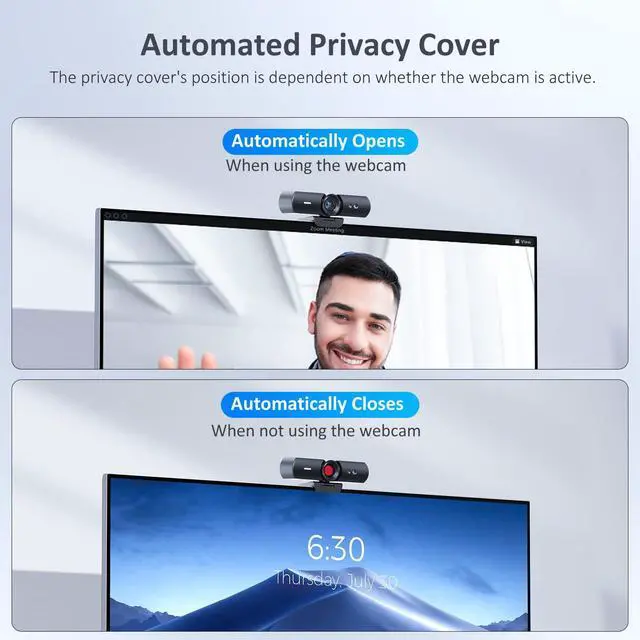
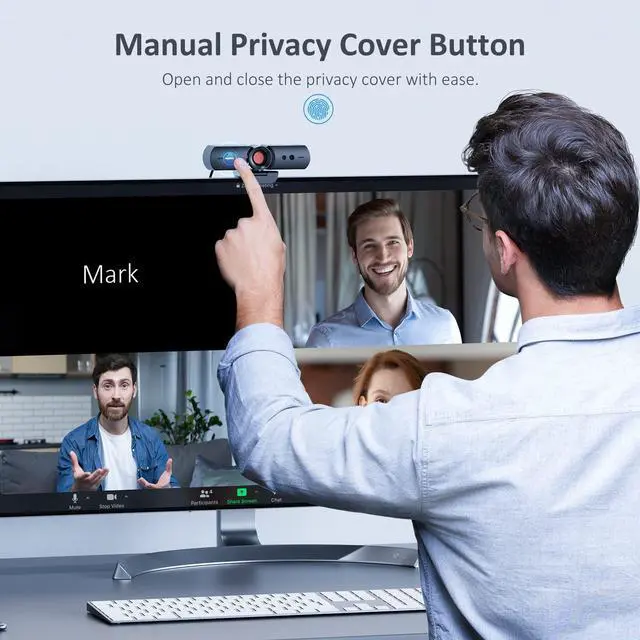
How does the privacy cover work?
The privacy cover automatically reveals the camera when the webcam is engaged, and then automatically hides the camera when it's not in use. Alternatively, you can also tap the touch sensor on the webcam to manually activate the privacy cover.
What is the optimum distance from the webcam when using facial recognition?
The optimum distance from the webcam when using facial recognition is within 20 inches. However, facial recognition will work between 12.4 to 47.2 inches.


Noise-Canceling Technology
Stay focused with integrated dual microphones that suppress distracting background noise.
Full HD 1080p Resolution
The HelloCam produces crisp and clear images and videos.
NexiGo Comparison Table
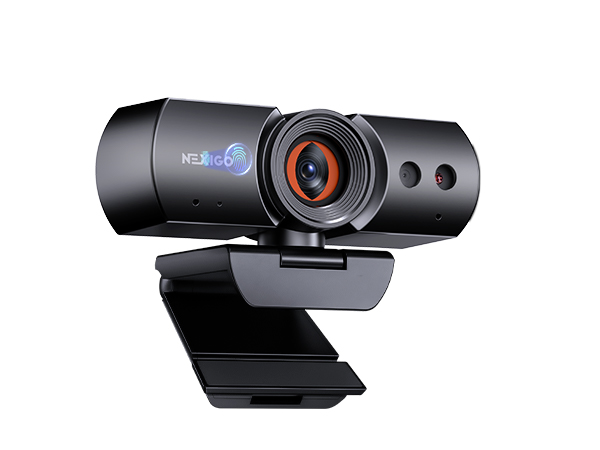
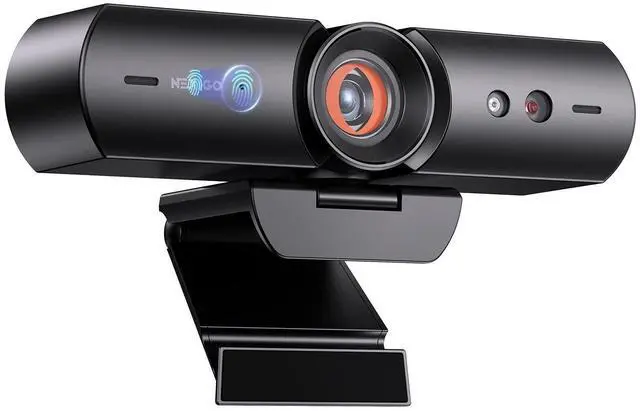
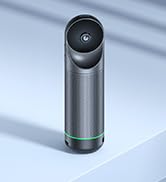
NexiGo HelloCam
Features
Windows Hello,Budget
Field of View
90° Wide View
WinHello Recognition
Yes
Privacy Cover
Automatic & Manual
Focus Type
Fixed Focus
Frame Rate
30fps
Built-in Mics
Dual Noise-Canceling
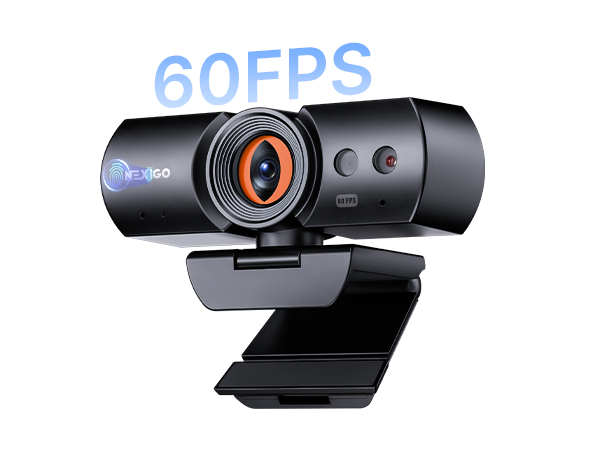
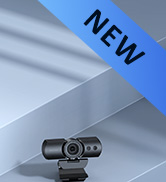
NexiGo HelloCam Pro
Features
Windows Hello,Small
Field of View
90° Wide View
WinHello Recognition
Yes
Privacy Cover
Automatic & Manual
Focus Type
Auto Focus
Frame Rate
60fps
Built-in Mics
Dual Noise-Canceling
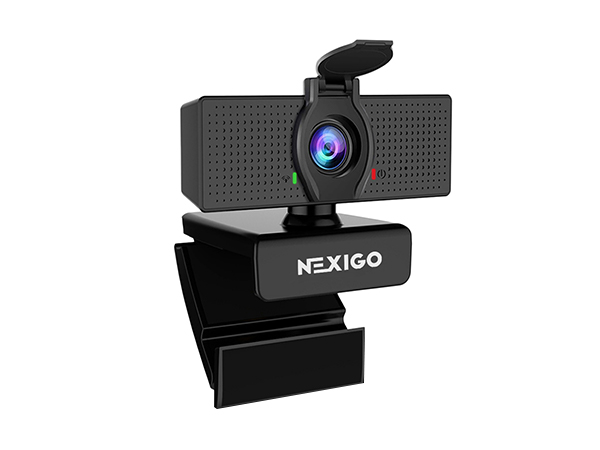
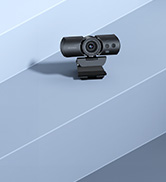
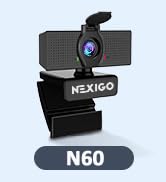
NexiGo N60
Features
1080p Budget
Field of View
110° Wide View
WinHello Recognition
No
Privacy Cover
Attached
Focus Type
Fixed Focus
Frame Rate
30fps
Built-in Mics
Dual Noise-Canceling
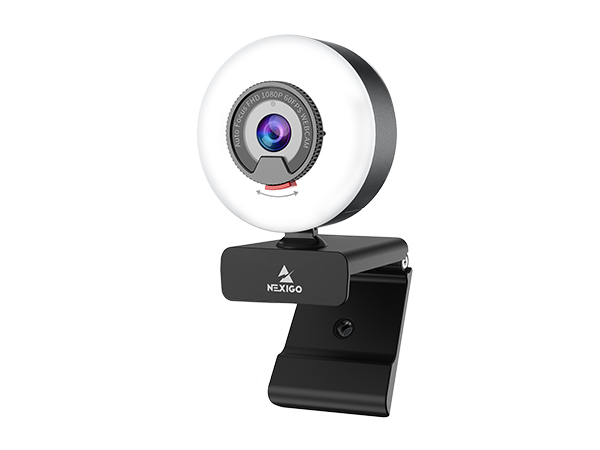
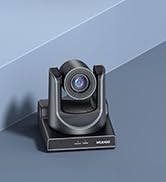
NexiGo N960E
Features
Built-in Light
Field of View
78° Wide View
WinHello Recognition
No
Privacy Cover
Built-in
Focus Type
Auto Focus
Frame Rate
60fps
Built-in Mics
Dual Noise-Canceling
How do I set up Windows Hello?
First, set a PIN. Then, update to the newest version of Windows 10 or 11 on your device. Finally, navigate to System Settings > Account > Sign-in Options > Windows Hello Setup.
How does the privacy cover work?
The privacy cover automatically reveals the camera when the webcam is engaged, and then automatically hides the camera when it's not in use. Alternatively, you can also tap the touch sensor on the webcam to manually activate the privacy cover.
What is the optimum distance from the webcam when using facial recognition?
The optimum distance from the webcam when using facial recognition is within 20 inches. However, facial recognition will work between 12.4 to 47.2 inches.
Upgrade Video Call Quality
Budget Webcams
Streaming Webcams
4K Webcams