



• $289.99
  • $344.99
  • Save: $55.00 (15%)
  • Add to PC build list 
    Price alert
    Sold by Newegg

    Shipped by Newegg

    Newegg PC Builder
    Shop it at NeweggBusiness.

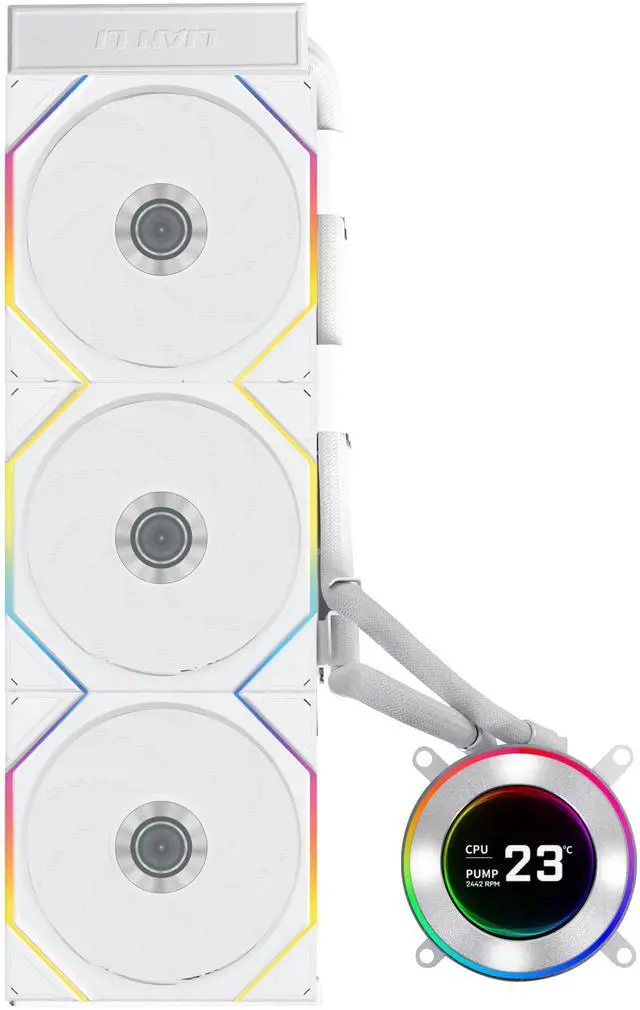
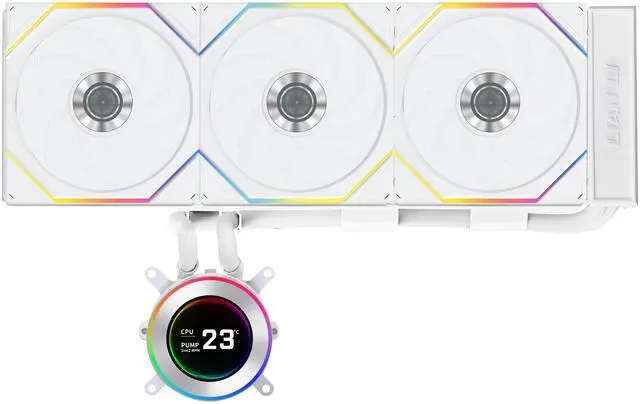
    Lian Li Hydroshift II-C 360TL RGB Liquid CPU Cooler - 360mm AIO - 3X 120 RGB Fans - 2.1 IPS LCD Screen - 3 Control Mode - Flexible Tubes Clamp - LGA 1851/1700, AMD AM5/AM4 - White (HS2LCD36TW)

    Lowest Price
    in 30 Days
    • Black
    • White
    • LIAN LI RGB Fans
    • LIAN LI TL Fans
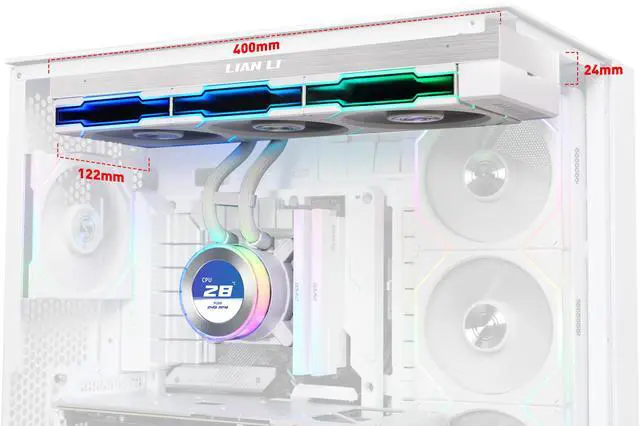
    • Side-Mounted Coolant Pathway with no fans
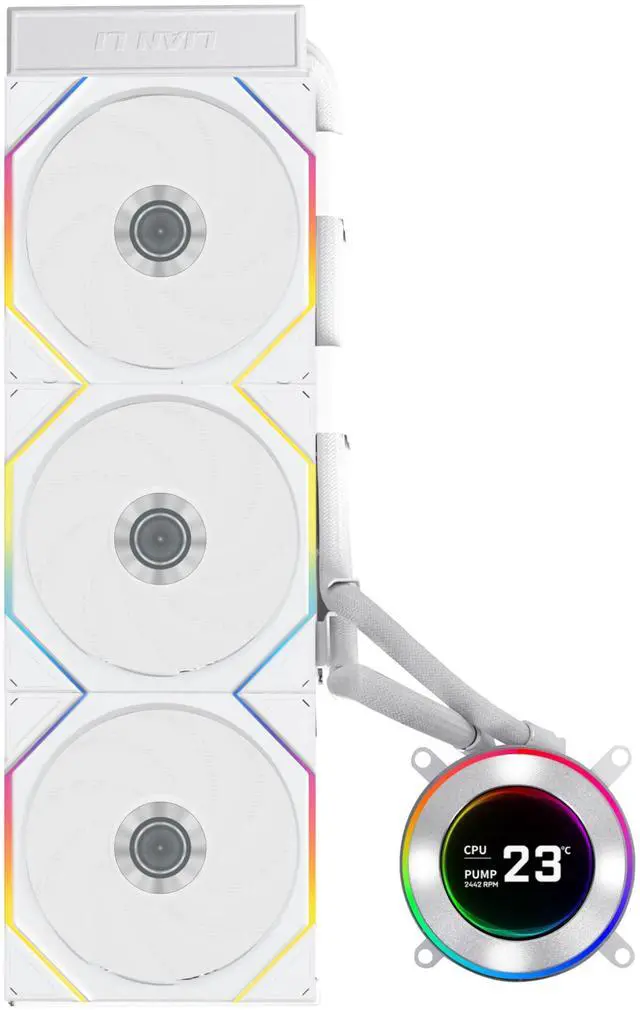
    • Pre-Installed 3X TL Wireless Fans: TL Wireless Fan offers seamless wireless connectivity. Its sleek design enhances airflow while maintaining a quiet operation.
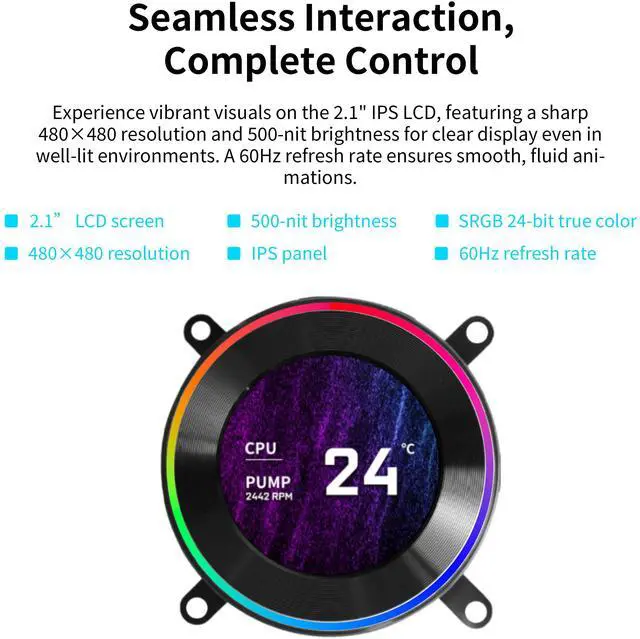
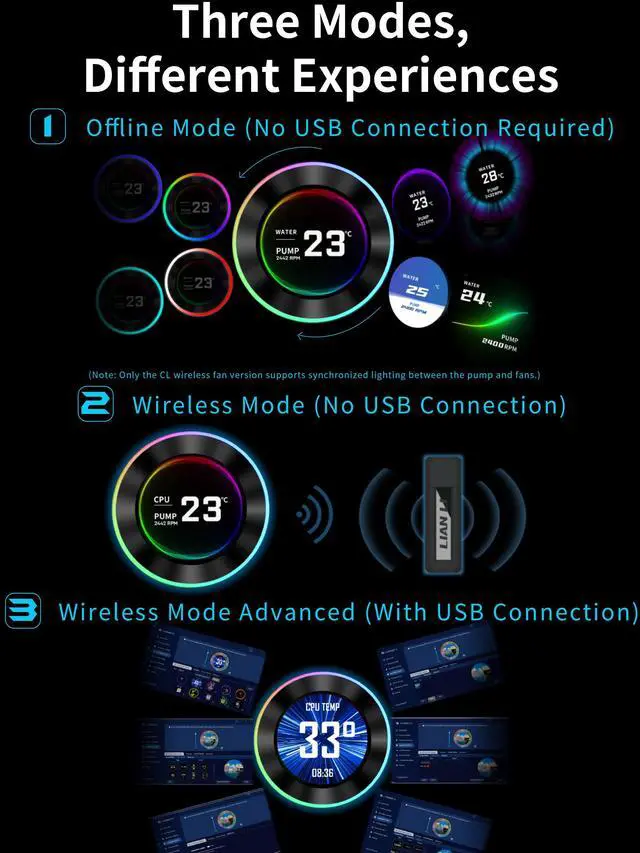
    • 3 Control Modes: Featuring a 2.1 round IPS LCD display with 480x480 resolution, users can choose between Offline Mode, Wireless Mode, and Streaming Mode.
    • USB Connection Set Up Tips:If L-Connect 3 still shows USB is not detected after connection, and HydroShift II is not detected in Device Manager, it may be due to lack of power from the connected PWM port. Please enter your BIOS and set the connected PWM port (recommended CPU_FAN or AIO_PUMP or PUMP ) to PWM/DC mode instead of Auto. Make sure to set the port to full speed.
    +
    +
    Overview
    Specs
    Reviews (14)
    Troubleshooting AIO Water Cooling USB Connection Issues
    1. Show Hidden Devices:In Device Manager, ensure that "Show hidden devices" is selected in the view options.
    2. Remove Problematic Devices:In the "Universal Serial Bus controllers" and "Universal Serial Bus devices" sections, remove all grayed-out items and any devices with errors. Look for descriptors such as "Unknown USB Device (Device Descriptor Request Failed)" and delete these entries.
    3. Uninstall Hydroshift Device:Under the "Universal Serial Bus devices" section, locate the Hydroshift labeled as "lianli-H2S-1.7." Right-click on it and select "Uninstall device."
    4. Scan for Hardware Changes:In Device Manager, click on "Scan for hardware changes" in the toolbar on the right. This will prompt the system to find and install the device again.
    5. Refresh Services in L-Connect:Refresh your services in L-Connect and check the firmware section again. The device should now be properly populated.
    6. If the issue persists, please contact us via the support form.
    hydroshift
    hs
    aio
    cool
    cooling
    cool
    c
    pump
    lcd
    lcd
    led
    light
    lcd
    usb cable
    system
    tubing design
    sleek design
    bracket
    warranty
    spec
    spec2
    spec3

    USB Connection Set Up Tips

    If LConnect 3 still shows USB is not detected after connection, and HydroShift II is not detected in Device Manager, it may be due to lack of power from the connected PWM port. Please enter your BIOS and set the connected PWM port (recommended CPU_FAN or AIO_PUMP or PUMP ) to PWM/DC mode instead of Auto. Make sure to set the port to full speed. 

    The HYDROSHIFT II LCD-C is LIAN LIs next gen AIO liquid cooling featuring
    improved case compatibility with side-mounted liquid cooling tubes for a
    sleek, tubeless appearance and a 2.1 round IPS LCD display (480x480
    resolution, 500 nits brightness, 60Hz) with three control modesoffline,
    USB-connected, and wirelessoffering versatile customization through
    L-Connect 3 software. The HYDROSHIFT II LCD-C features a reduced-sized
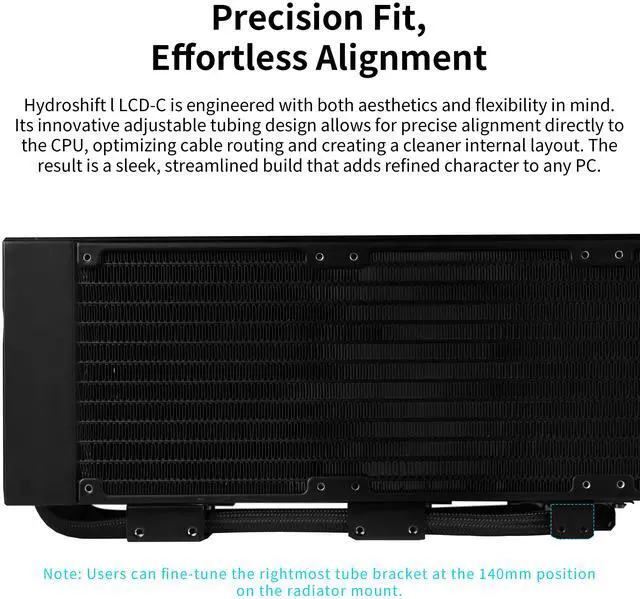
    radiator to enhance compatibility, an innovative sliding tube clamp for precise
    alignment, server-grade corrugated tubing for improved bendability and
    durability, and three SKUs (UNI FAN TL Wireless, UNI FAN CL Wireless, and
    non-fan versions). Available in black or white, the HYDROSHIFT II LCD-C
    ensures optimal cooling performance with a modern aesthetic and a six-year
    warranty.

    Warranty & Returns

    Warranty, Returns, And Additional Information

    Warranty

    • Limited Warranty period (parts): 5 years
    • Limited Warranty period (labor): 5 years
    • Read full details

    Return Policies

    LOADING...