






At Kensington, we identify areas where the modern workplace needs to be better and craft professional-tier product and solutions for organizations committed to inspiring their workforce to perform at its peak. From docks to locks and everything in between, we’ve got what you need. And we’re proud to be a leader in desktop and mobile device accessories, trusted by organizations around the world for more than 40 years.
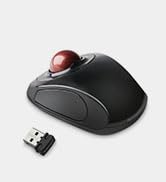
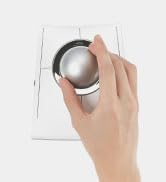
Trackballs
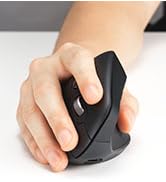
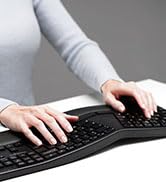
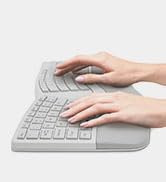
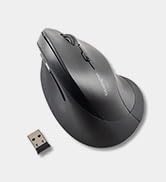
Ergonomic Keyboards and Mice
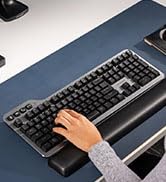
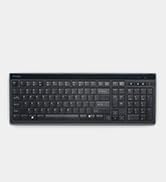
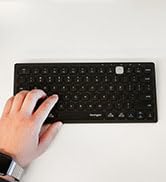
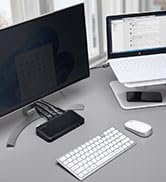
Keyboards


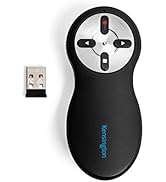
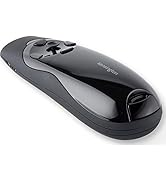
Wireless Presenters

The Professionals' Choice

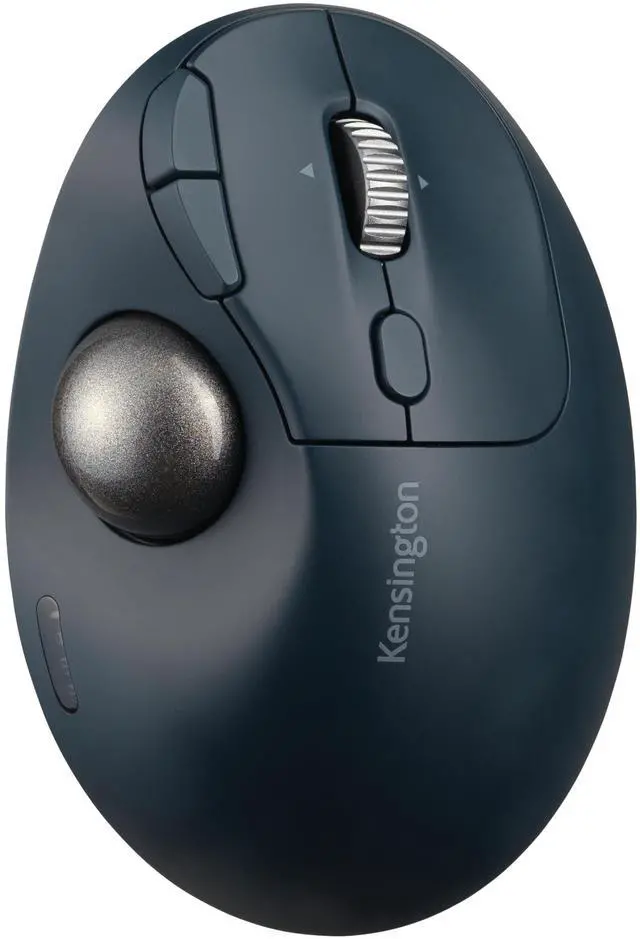
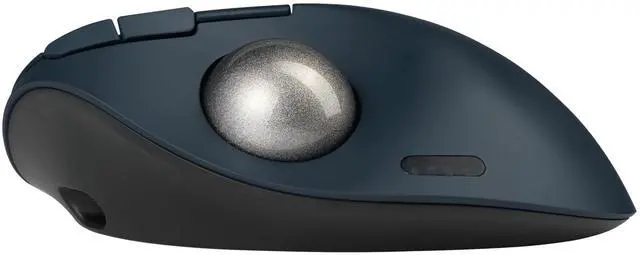
Pro Fit Ergo TB550 Trackball
Make the switch to trackball comfort and control.

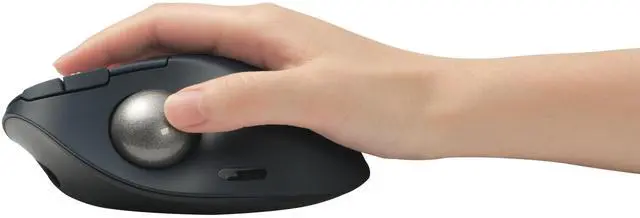
Ergonomic Design
• Provides all-day comfort; 45° tilt helps improve wrist and forearm alignment
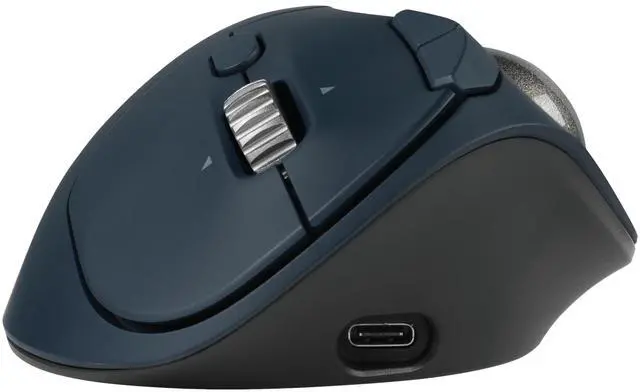
• 4D scroll wheel supports both vertical and horizontal scrolling

Dual Wireless (Bluetooth Low Energy (LE) + 2.4GHz) Connection Capability
Choice of Bluetooth Low Energy (LE) and 2.4GHz connection

Rechargeable Battery
• Up to 4 months of battery life via a single charge
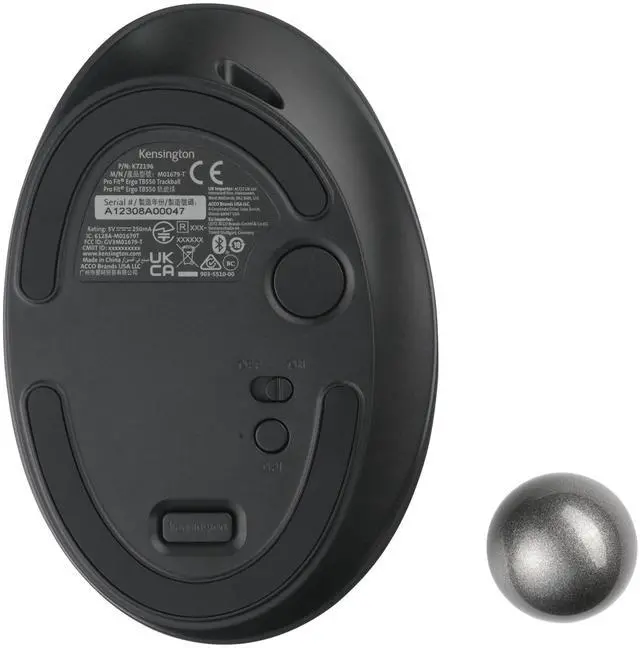
Patented Cleaning System
• Built-in trackball ejection button
• Effortlessly remove trackball for cleaning when needed
High-Quality Optical Tracking
• Smooth cursor control and optimal precision with the 34mm thumb-operated trackball
• 4 DPI options: 400, 800, 1200, and 1600
Make the switch to trackball comfort and control.
Using a mouse may feel familiar, but it can also provide less-than-precise navigation, cramped desk space—and cramped hands. The
Pro Fit Ergo TB550 Trackball brings the comfort and convenience of trackball technology to users who want to improve wrist and
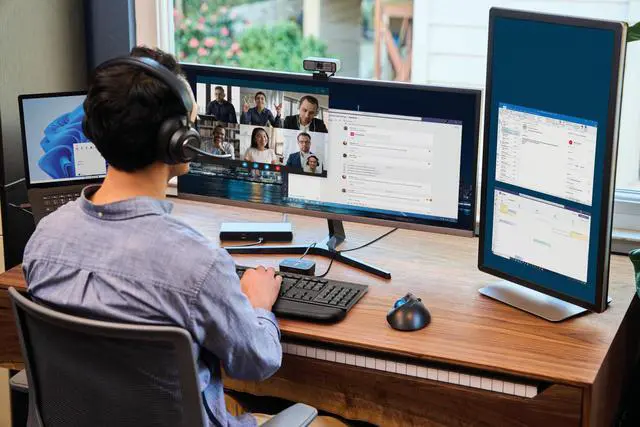
forearm alignment or work in tight areas with limited desktop space. An ideal solution for people who want to try a trackball for the
first time, it is made of 51% recycled plastic and includes long-life rechargeable battery, enhanced 4D scroll wheel, choice of
Bluetooth Low Energy (LE) and 2.4GHz wireless connection options for maximum flexibility, and patented ball ejection system for
easy cleaning.
- Ergonomic Design
- Dual Wireless (Bluetooth Low Energy (LE) + 2.4GHz) Connection Capability
- Rechargeable Battery
- 128-bit AES Encryption
- 4 DPI options: 400, 800, 1200, 1600
- 51% of overall plastic is recycled material
- Patented Cleaning System
- High-Quality Optical Tracking
- Plug & Play Installation
FAQ
Q: Can the trackball be programmed to perform shortcuts when you tilt the scroll wheel instead of scrolling side-to-side?
A: Yes. With KensingtonWorks software, the user can customize shortcuts when the scroll wheel is tilted left/right.
Q: Can this trackball scroll sideways as well? For example, can the trackball scroll from left to right on an Excel spreadsheet?
A: Yes. It can scroll both vertically and horizontally. But whether the horizontal scroll can work or not will depend on whether the application itself can support horizontal scrolling. Currently, horizontal scrolling is supported for Excel by default.
Q: Does the trackball require device driver software?
A: The trackball is a Plug & Play device and for basic functionality does not require drivers. For customization, free downloadable *KensingtonWorks software is available on the Kensington website. KensingtonWorks provides a personalized experience, letting you assign a variety of functions (including shortcuts) to a total of seven buttons (left click, right click, middle click, backward, forward, left tilt, and right tilt), and adjust cursor and scrolling speed.
*ChromeOS user can get HID functions for a trackball but will not be able to customize their device through KensingtonWorks. *Windows ARM-based computers are currently not supported. Please check back for future updates on compatibility.
Q: Can the TB550 Trackball work for left-handed users?
A: The TB550 Trackball is designed to work best for right-handed users.
Q: Can I use this trackball on a MacBook?
A: Yes. Both the trackball itself and the free downloadable KensingtonWorks software support macOS. You can connect the trackball to your MacBook via either Bluetooth or the 2.4GHz wireless receiver. Please note that you might need a USB-A to USB-C adapter (not included) for 2.4GHz wireless connection if there is no USB-A port on your MacBook. Please also note that backward and forward buttons do not work under macOS by default.
Pro Fit Ergo TB550 Trackball
Make the switch to trackball comfort and control.
Ergonomic Design
• Provides all-day comfort; 45° tilt helps improve wrist and forearm alignment
• 4D scroll wheel supports both vertical and horizontal scrolling
Dual Wireless (Bluetooth Low Energy (LE) + 2.4GHz) Connection Capability
Choice of Bluetooth Low Energy (LE) and 2.4GHz connection
Rechargeable Battery
• Up to 4 months of battery life via a single charge
Patented Cleaning System
• Built-in trackball ejection button
• Effortlessly remove trackball for cleaning when needed
High-Quality Optical Tracking
• Smooth cursor control and optimal precision with the 34mm thumb-operated trackball
• 4 DPI options: 400, 800, 1200, and 1600
Make the switch to trackball comfort and control.
Using a mouse may feel familiar, but it can also provide less-than-precise navigation, cramped desk space—and cramped hands. The
Pro Fit Ergo TB550 Trackball brings the comfort and convenience of trackball technology to users who want to improve wrist and
forearm alignment or work in tight areas with limited desktop space. An ideal solution for people who want to try a trackball for the
first time, it is made of 51% recycled plastic and includes long-life rechargeable battery, enhanced 4D scroll wheel, choice of
Bluetooth Low Energy (LE) and 2.4GHz wireless connection options for maximum flexibility, and patented ball ejection system for
easy cleaning.
- Ergonomic Design
- Dual Wireless (Bluetooth Low Energy (LE) + 2.4GHz) Connection Capability
- Rechargeable Battery
- 128-bit AES Encryption
- 4 DPI options: 400, 800, 1200, 1600
- 51% of overall plastic is recycled material
- Patented Cleaning System
- High-Quality Optical Tracking
- Plug & Play Installation
FAQ
Q: Can the trackball be programmed to perform shortcuts when you tilt the scroll wheel instead of scrolling side-to-side?
A: Yes. With KensingtonWorks software, the user can customize shortcuts when the scroll wheel is tilted left/right.
Q: Can this trackball scroll sideways as well? For example, can the trackball scroll from left to right on an Excel spreadsheet?
A: Yes. It can scroll both vertically and horizontally. But whether the horizontal scroll can work or not will depend on whether the application itself can support horizontal scrolling. Currently, horizontal scrolling is supported for Excel by default.
Q: Does the trackball require device driver software?
A: The trackball is a Plug & Play device and for basic functionality does not require drivers. For customization, free downloadable *KensingtonWorks software is available on the Kensington website. KensingtonWorks provides a personalized experience, letting you assign a variety of functions (including shortcuts) to a total of seven buttons (left click, right click, middle click, backward, forward, left tilt, and right tilt), and adjust cursor and scrolling speed.
*ChromeOS user can get HID functions for a trackball but will not be able to customize their device through KensingtonWorks. *Windows ARM-based computers are currently not supported. Please check back for future updates on compatibility.
Q: Can the TB550 Trackball work for left-handed users?
A: The TB550 Trackball is designed to work best for right-handed users.
Q: Can I use this trackball on a MacBook?
A: Yes. Both the trackball itself and the free downloadable KensingtonWorks software support macOS. You can connect the trackball to your MacBook via either Bluetooth or the 2.4GHz wireless receiver. Please note that you might need a USB-A to USB-C adapter (not included) for 2.4GHz wireless connection if there is no USB-A port on your MacBook. Please also note that backward and forward buttons do not work under macOS by default.
At Kensington, we identify areas where the modern workplace needs to be better and craft professional-tier product and solutions for organizations committed to inspiring their workforce to perform at its peak. From docks to locks and everything in between, we’ve got what you need. And we’re proud to be a leader in desktop and mobile device accessories, trusted by organizations around the world for more than 40 years.
Trackballs
Ergonomic Keyboards and Mice
Keyboards
Wireless Presenters
The Professionals' Choice