




Laptop-Style Typing
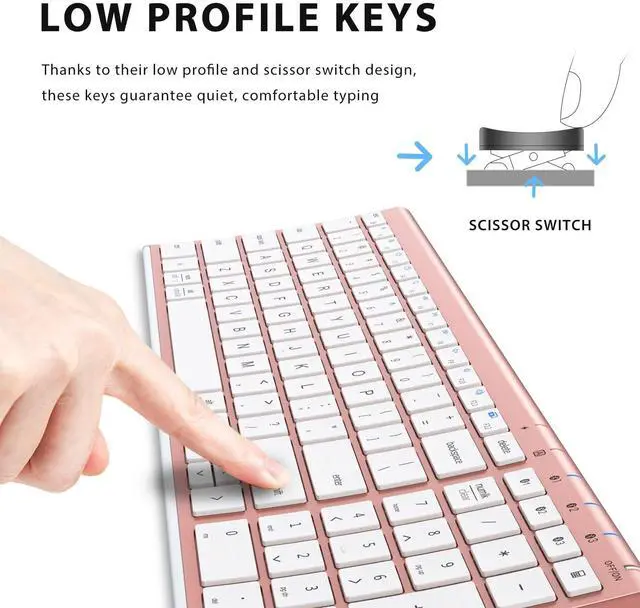
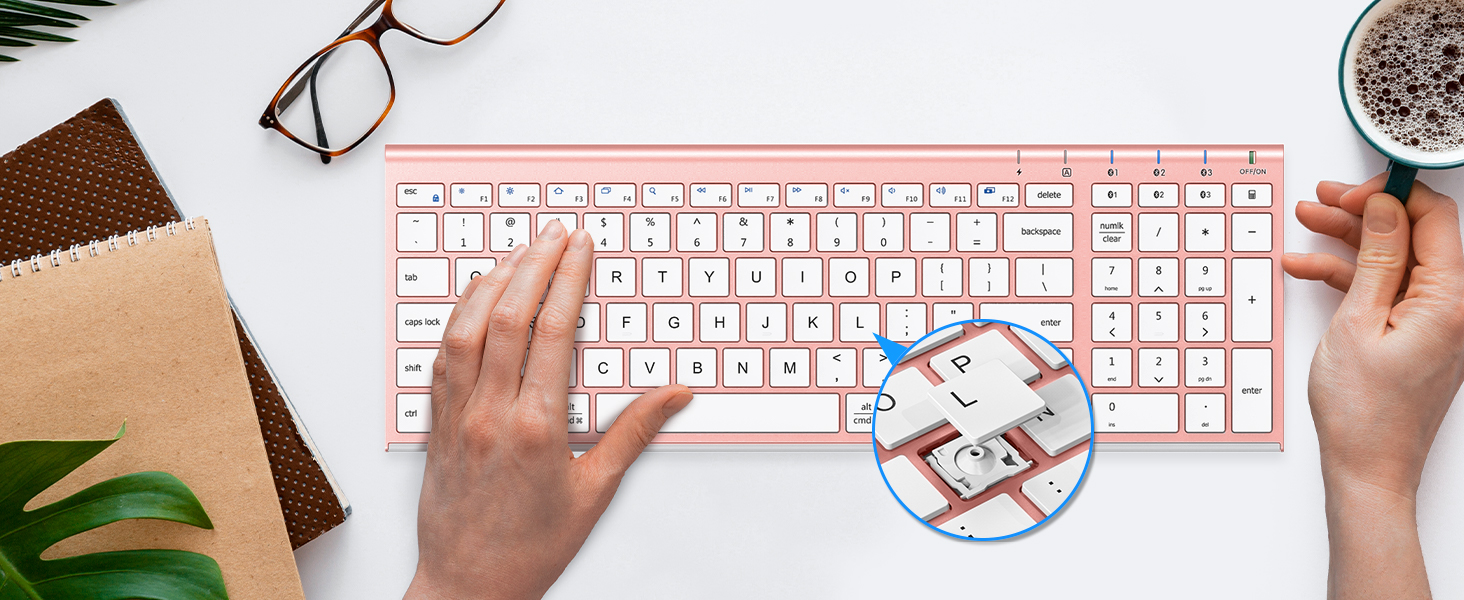
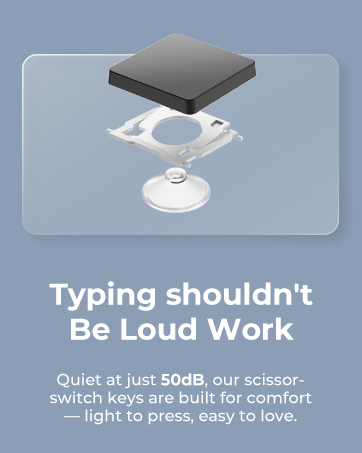
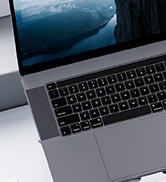
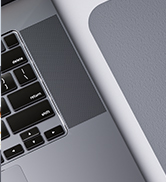
The scissor key enhances feedback and stability, makes typing more comfortable, quiet, and precise.
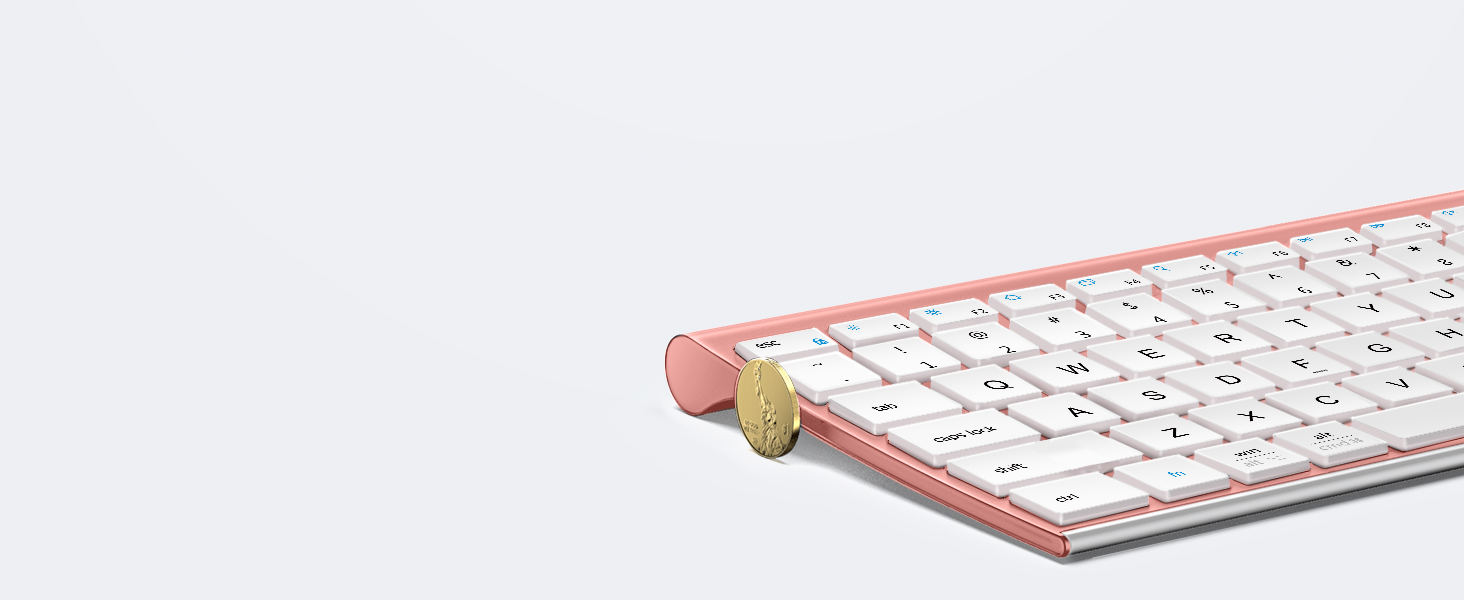
Designed for Superior comfort
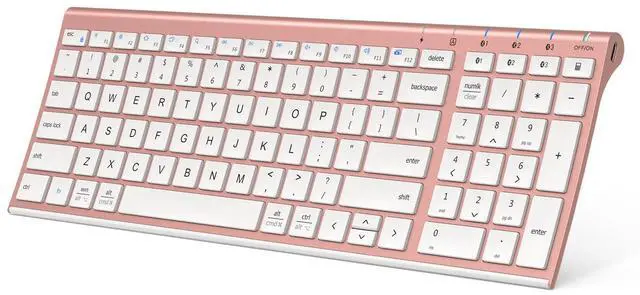
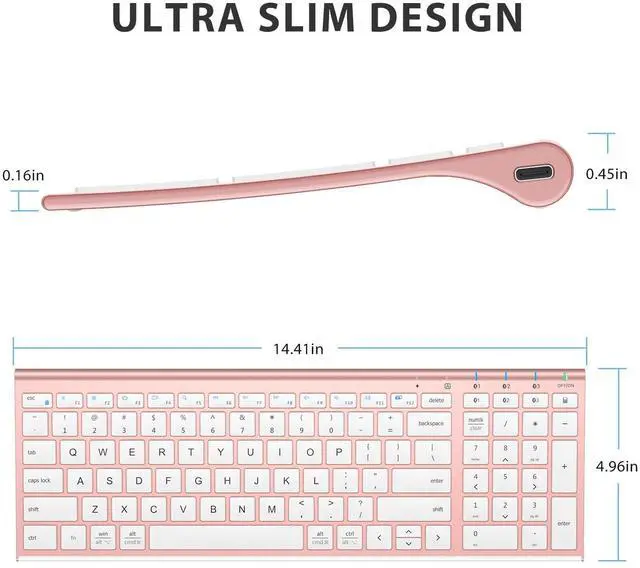
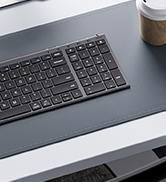
Keyboard with dimensions of 14x4.9x0.15 inches, optimum slope and spacing for fast, fluid typing.
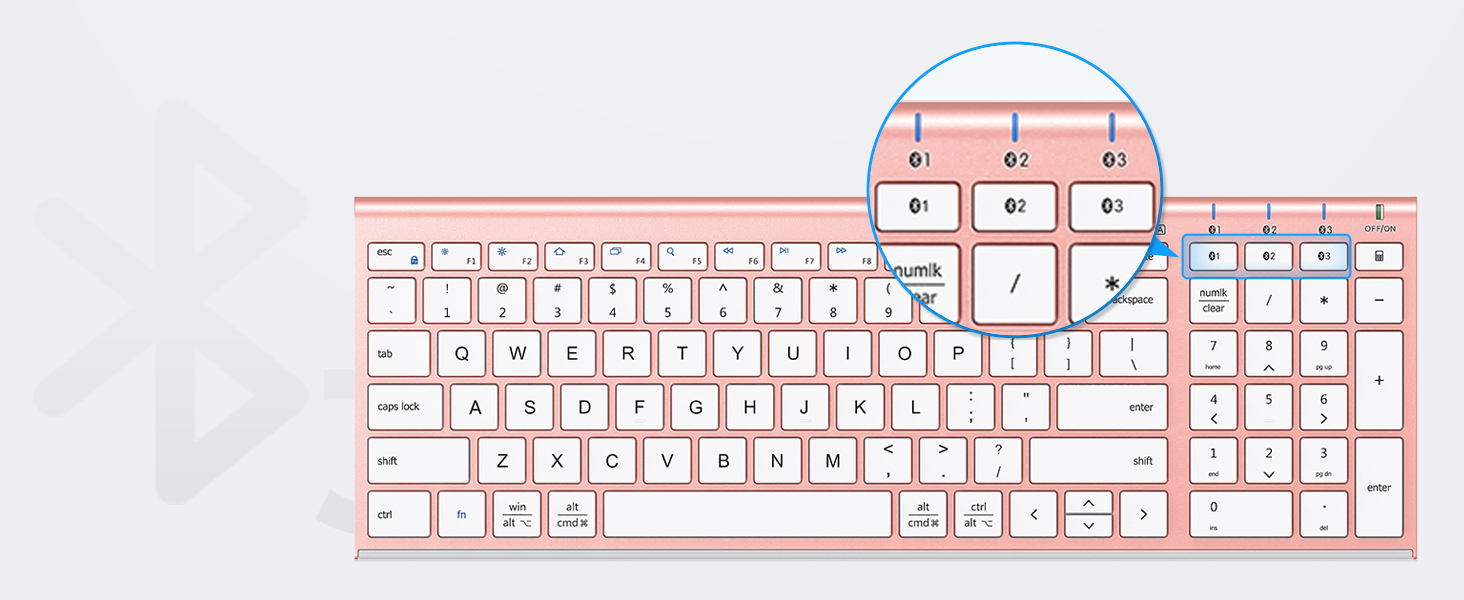
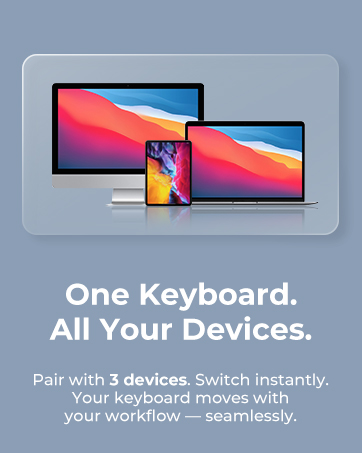
Pair up to 3 Devices
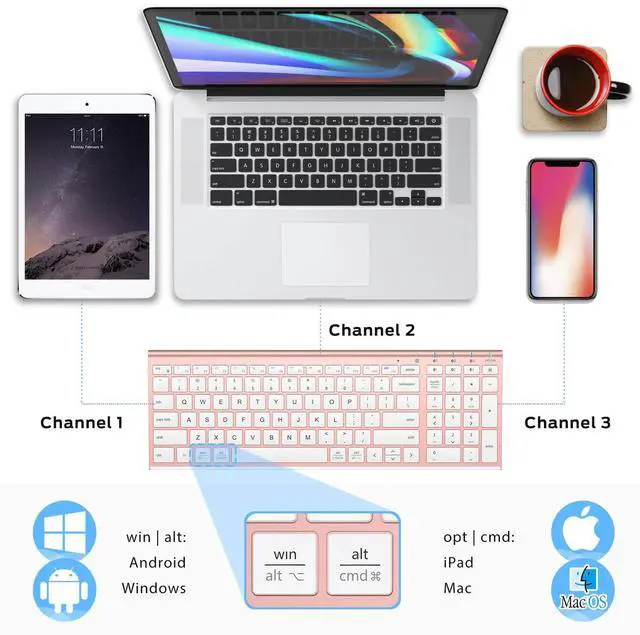
Switches among 3 devices. Automatically recognizes different operating systems and layouts.
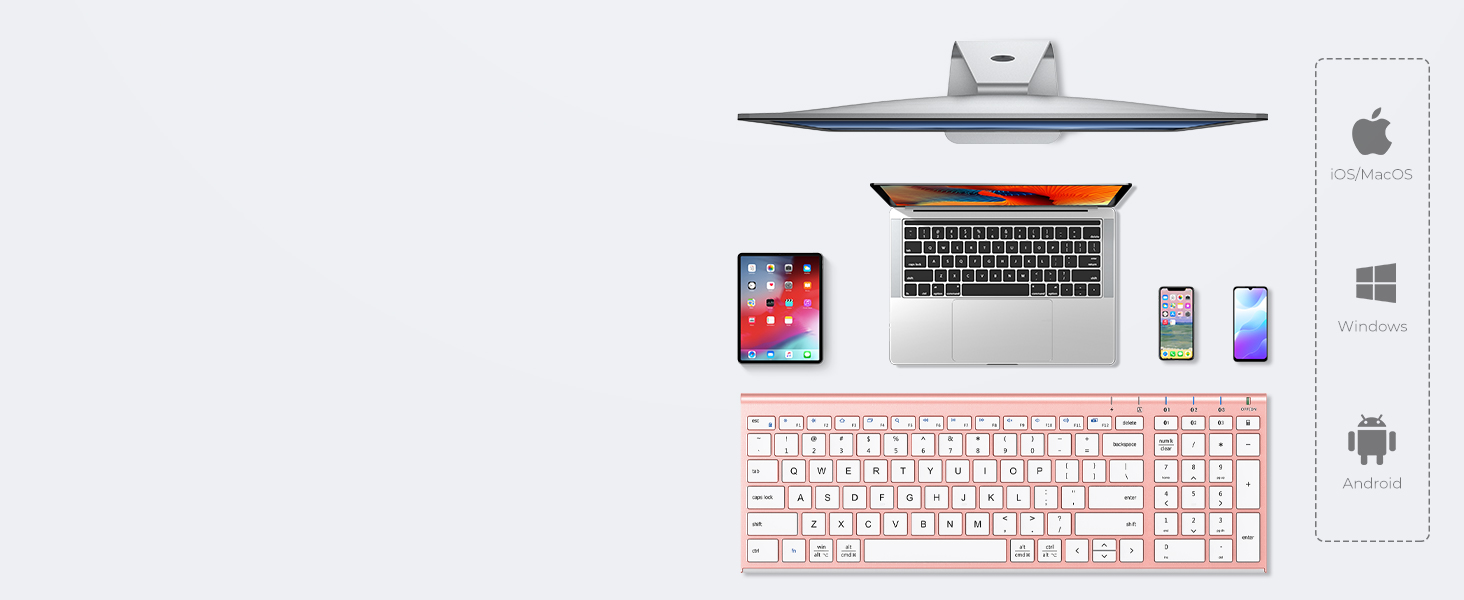
Broad Compatibility
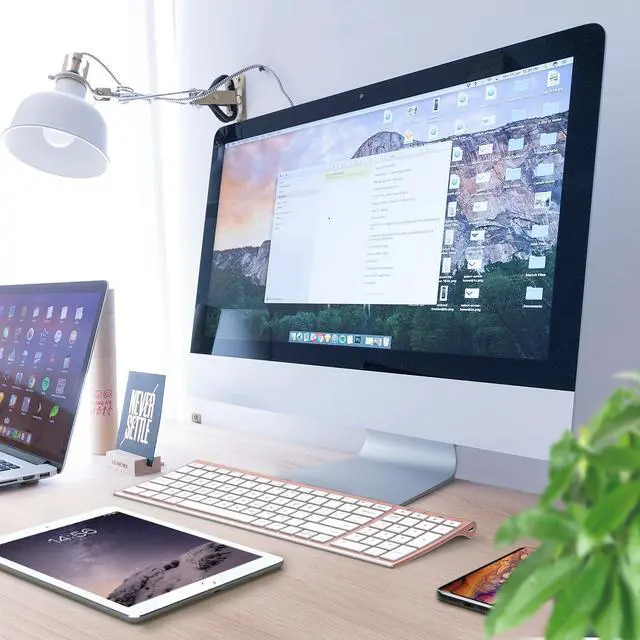
Compatible with PC/laptop/iPhone/iPad/smartphone/tablet.
Support with iOS/Mac/Windows/Android.

Product Compatibility
This product is compatible with Windows, Mac, iOS, Android computers, laptops, cell phones, and tablet devices.
Please note that the product is not compatible with systems and devices such as PS4, PS5, XBOX, Smart TV, Mac mini and Linux.
Can not hold the Charge
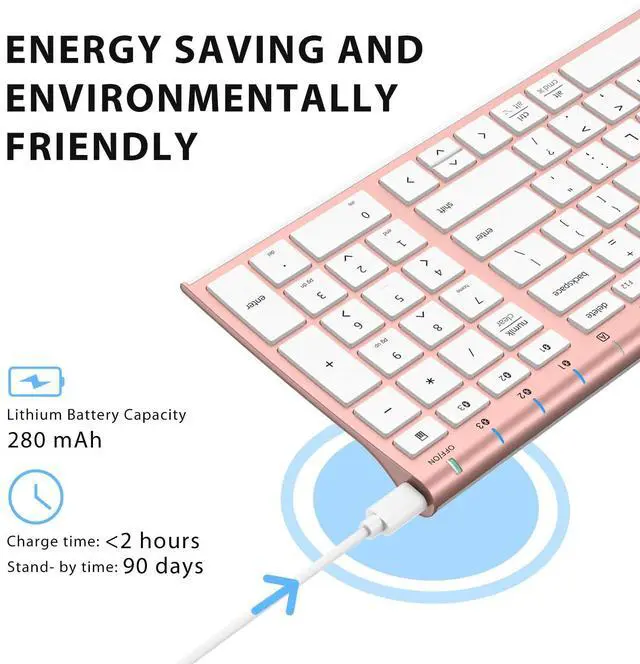
The output is 5V/200mA, please do not charge the keyboard with a voltage that is higher than 5V, and the keyboard will stop charging.
What does “Numlock” and “clear” mean
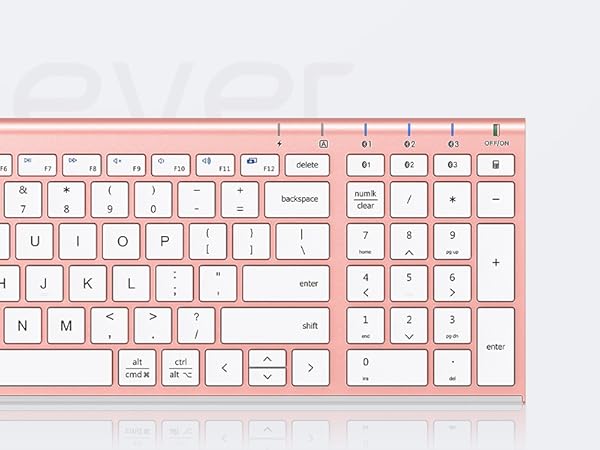
The Numlock key is treated differently on macOS than on Windows. Typically, the Numlock key does not function as a switch between the numeric keypad and the function keys on macOS, but is treated as a “clear” key.
How to solve the issue of the keyboard repeatedly typing letters?
1.Use compressed air or a soft cloth to clean the keys and make sure no debris or dust is stuck under the keys.
2.Try disconnecting the keyboard from your device and then re-pair it to ensure a stable Bluetooth connection.
Bluetooth connection failure, delay
1. Please make sure the keyboard is fully charged.
2. Please make sure the Bluetooth driver version of your device is the latest version.
3. Please delete the Bluetooth connection record on your device and then reconnect the keyboard.



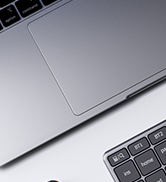
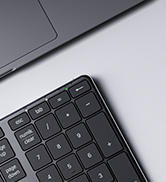
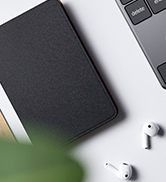
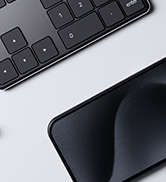


BLUETOOTH MULTI-DEVICE KEYBOARD
COMFORTABLE TYPING


USB-C Charge, Multi-devices, Laptop typing experience, Multi-OS,Scissor Switch, Compact Size, Ultra-Slim
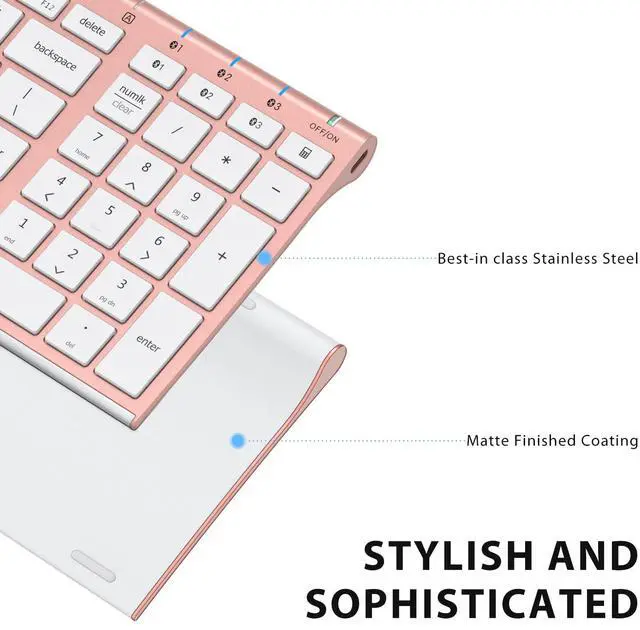
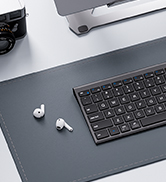
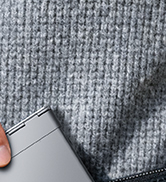
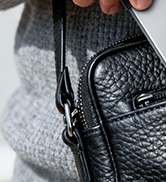
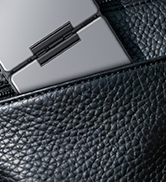
Stainless steel & ABS construction with a 10 tilt. Allows for cluster-free operation on your desktop, making it an ideal choice for office use.
Laptop-Style Typing
The scissor key enhances feedback and stability, makes typing more comfortable, quiet, and precise.
Designed for Superior comfort
Keyboard with dimensions of 14x4.9x0.15 inches, optimum slope and spacing for fast, fluid typing.
Pair up to 3 Devices
Switches among 3 devices. Automatically recognizes different operating systems and layouts.
Broad Compatibility
Compatible with PC/laptop/iPhone/iPad/smartphone/tablet.
Support with iOS/Mac/Windows/Android.


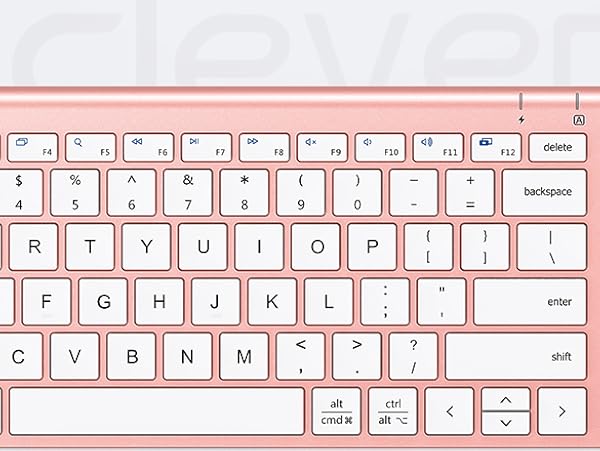
SCISSOR SWITCH
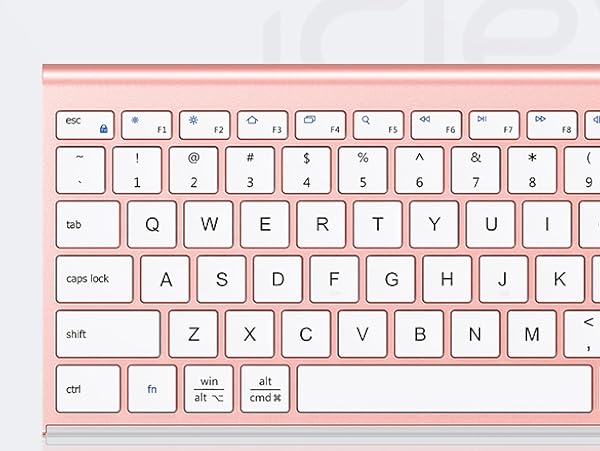
WINDOWS&MAC LAYOUT
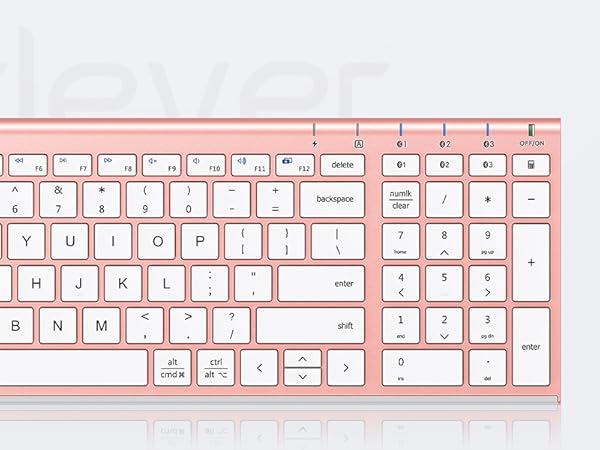
WINDOWS&MAC LAYOUT
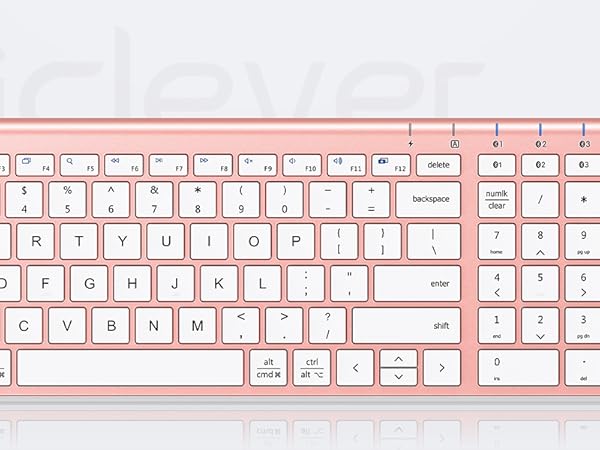
STAINLESS STEEL
USB-C CHARGE
Product Compatibility
This product is compatible with Windows, Mac, iOS, Android computers, laptops, cell phones, and tablet devices.
Please note that the product is not compatible with systems and devices such as PS4, PS5, XBOX, Smart TV, Mac mini and Linux.
Can not hold the Charge
The output is 5V/200mA, please do not charge the keyboard with a voltage that is higher than 5V, and the keyboard will stop charging.
What does “Numlock” and “clear” mean
The Numlock key is treated differently on macOS than on Windows. Typically, the Numlock key does not function as a switch between the numeric keypad and the function keys on macOS, but is treated as a “clear” key.
How to solve the issue of the keyboard repeatedly typing letters?
1.Use compressed air or a soft cloth to clean the keys and make sure no debris or dust is stuck under the keys.
2.Try disconnecting the keyboard from your device and then re-pair it to ensure a stable Bluetooth connection.
Bluetooth connection failure, delay
1. Please make sure the keyboard is fully charged.
2. Please make sure the Bluetooth driver version of your device is the latest version.
3. Please delete the Bluetooth connection record on your device and then reconnect the keyboard.
WorkMate
FoldMate
NumMate
SilentTap
