






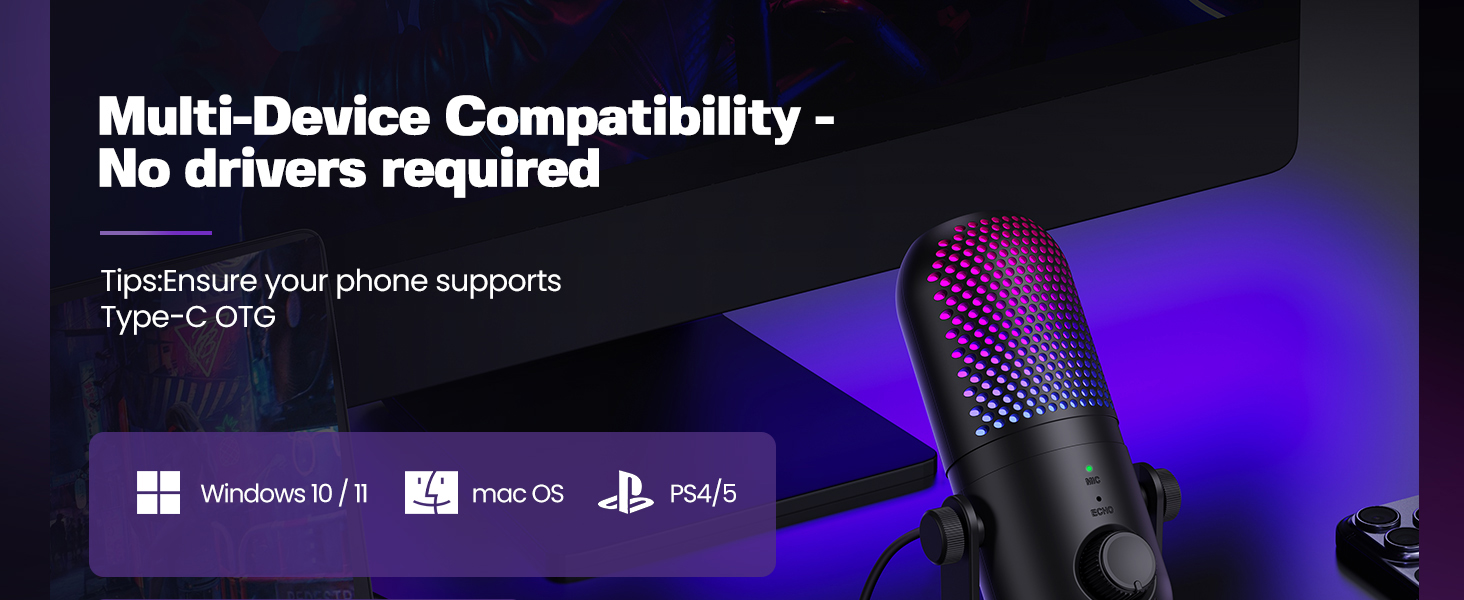
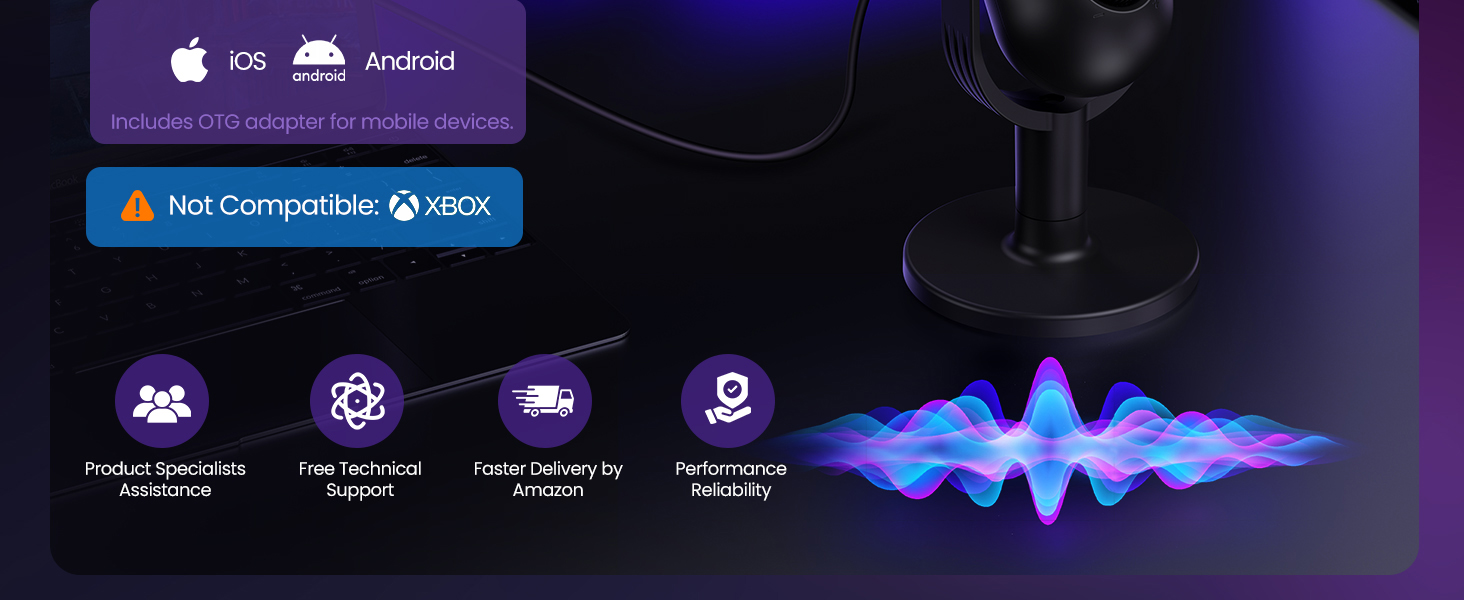
Does the ZTD39 microphone support Xbox?
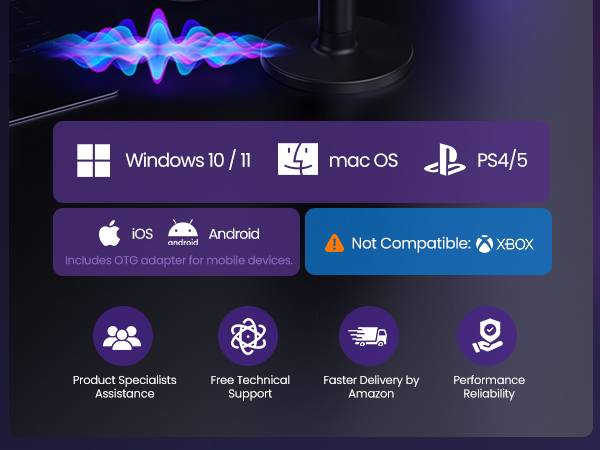
No, the ZTD39 does not support Xbox.
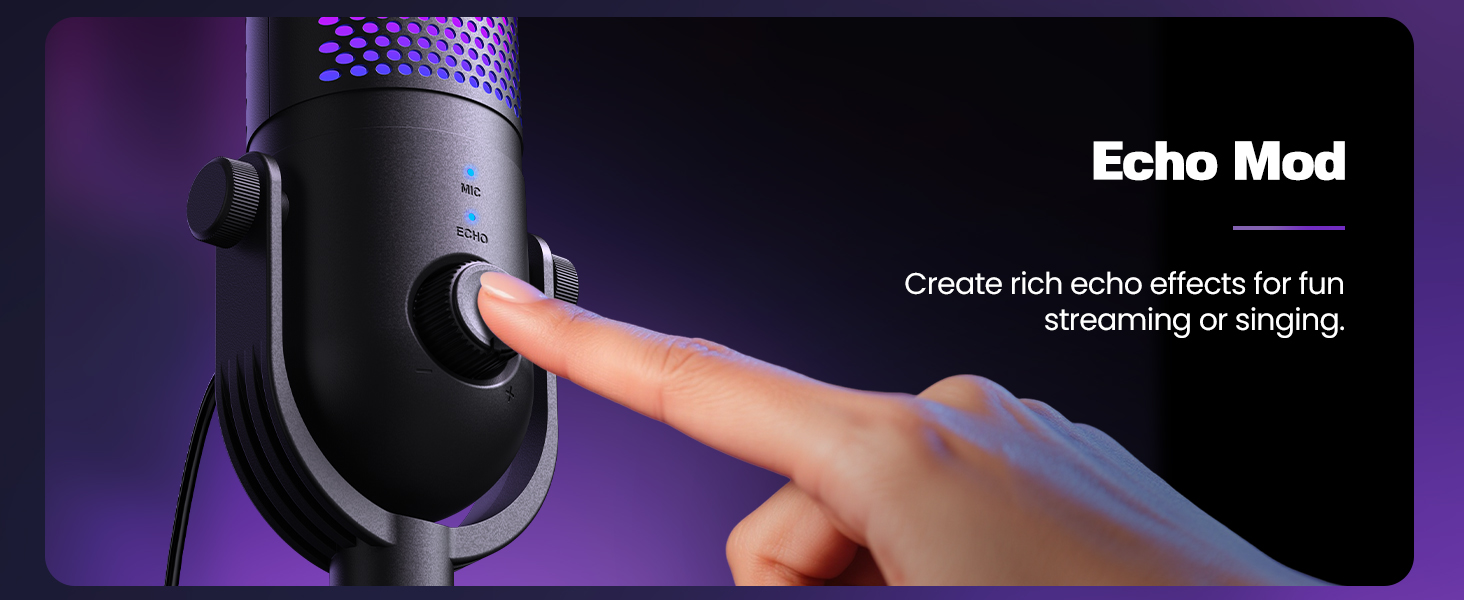
Why is there a strong echo when using the ZTD39 microphone?
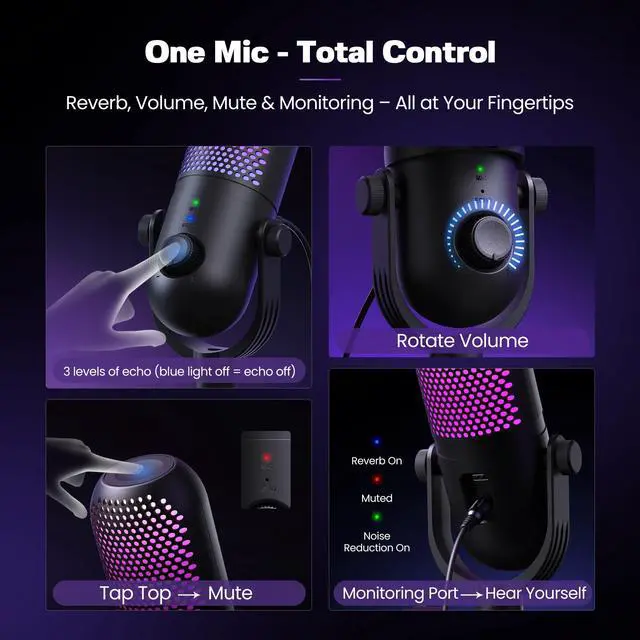
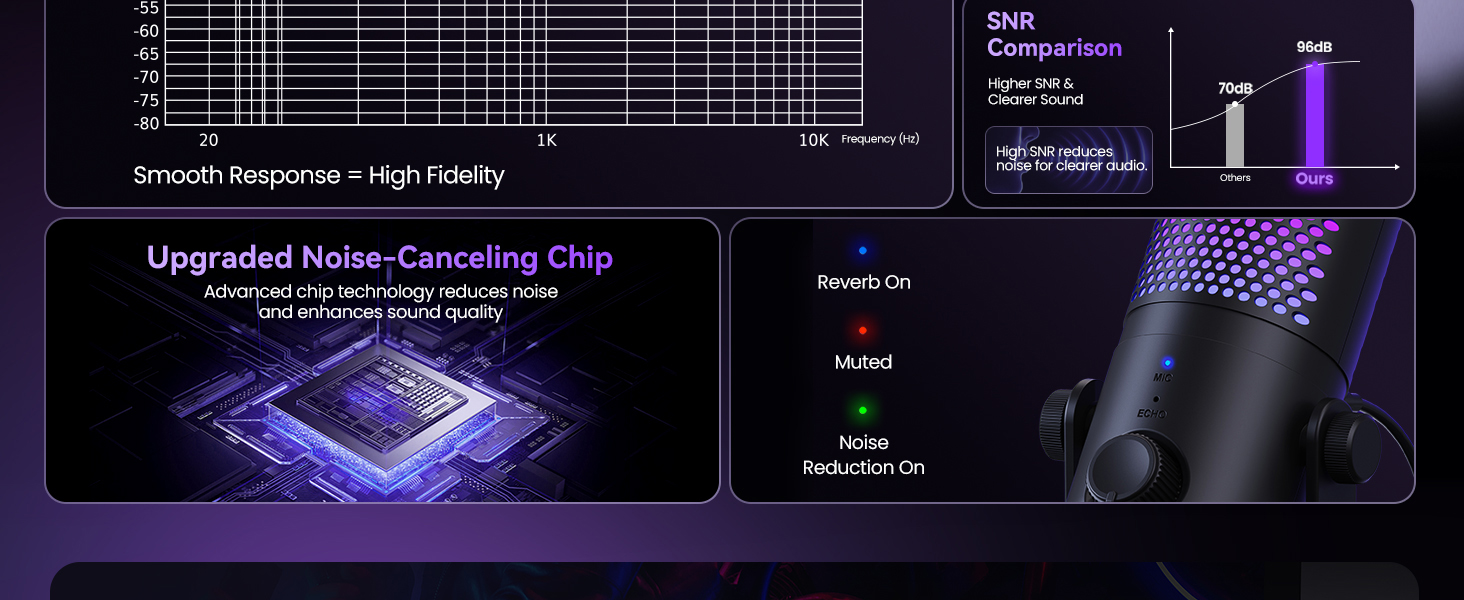
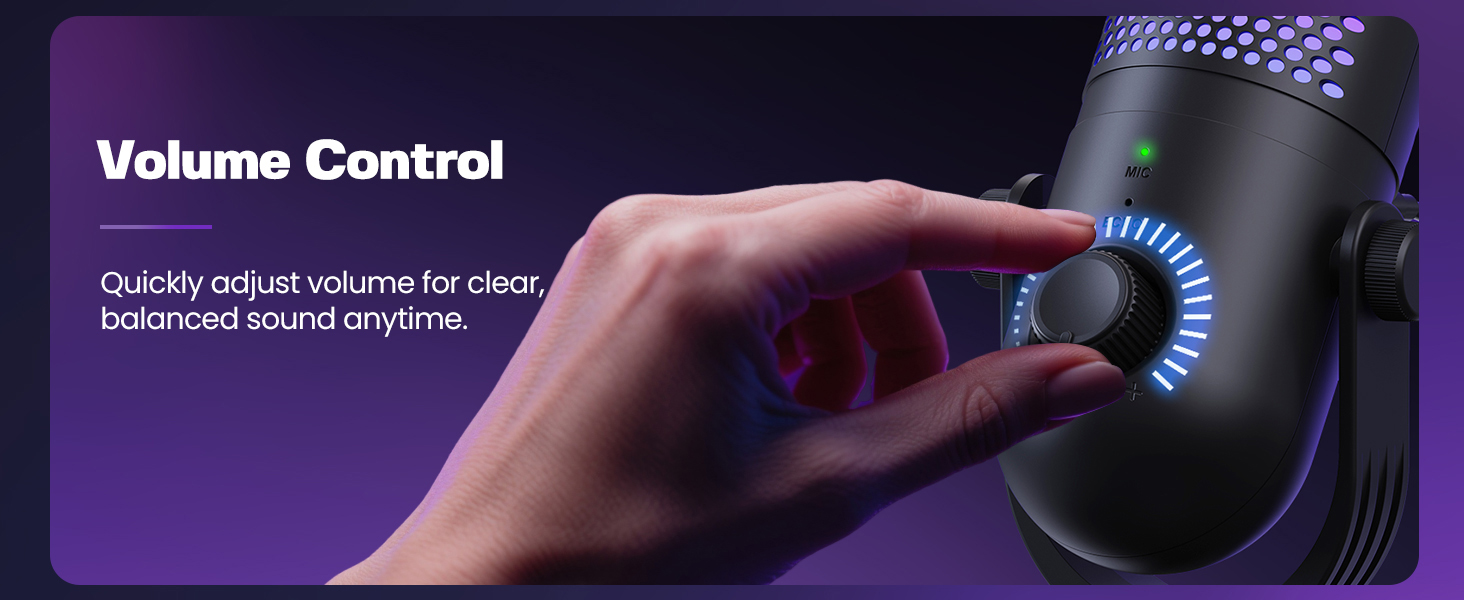
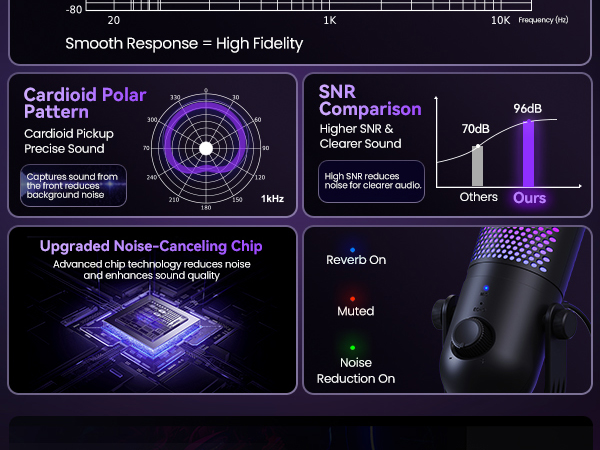
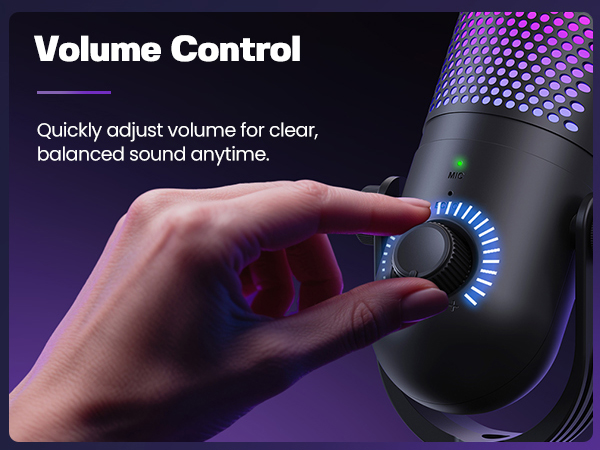
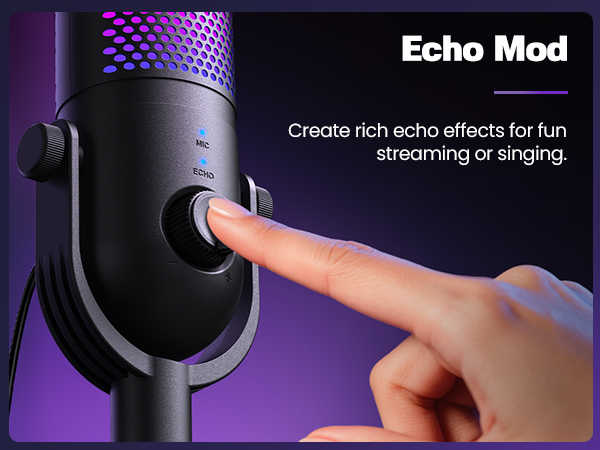
The echo occurs because the Echo Mode is enabled. The ZTD39 has 3 levels of Echo. You can short press the volume button to switch levels (blue Echo light flashes). Repeat until the Echo light turns off to disable Echo Mode.
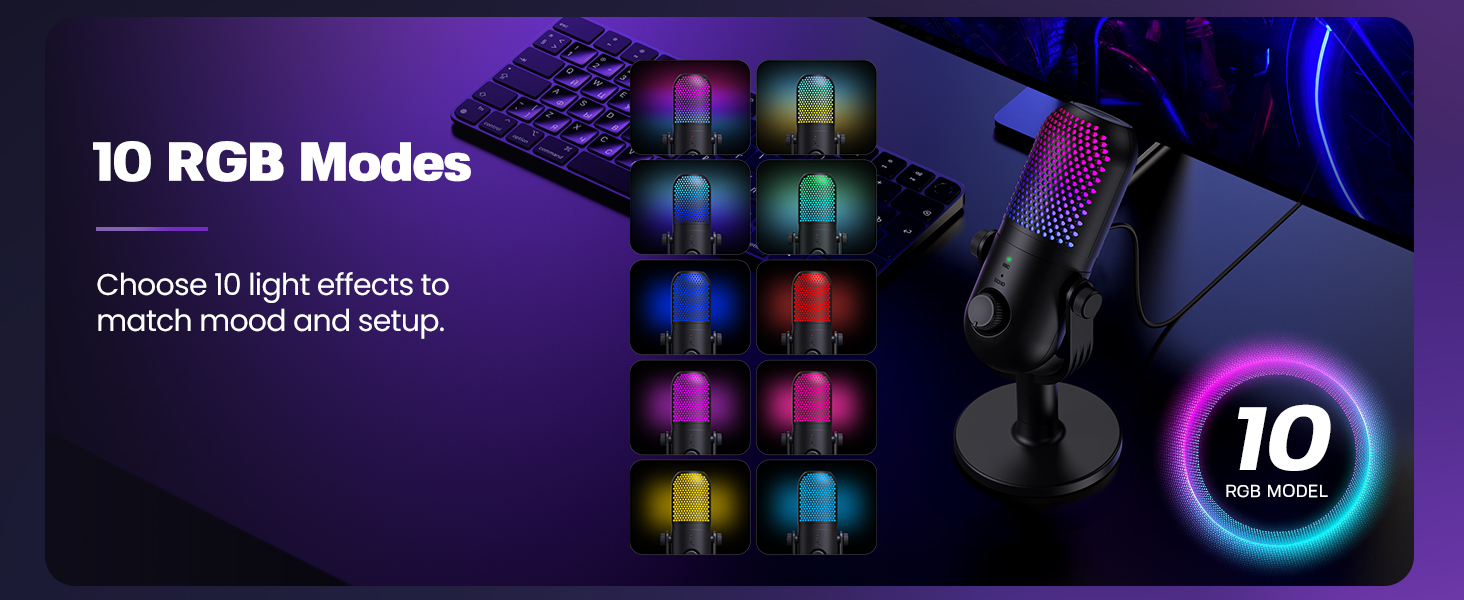
How do I adjust the lighting modes on the ZTD39 microphone?
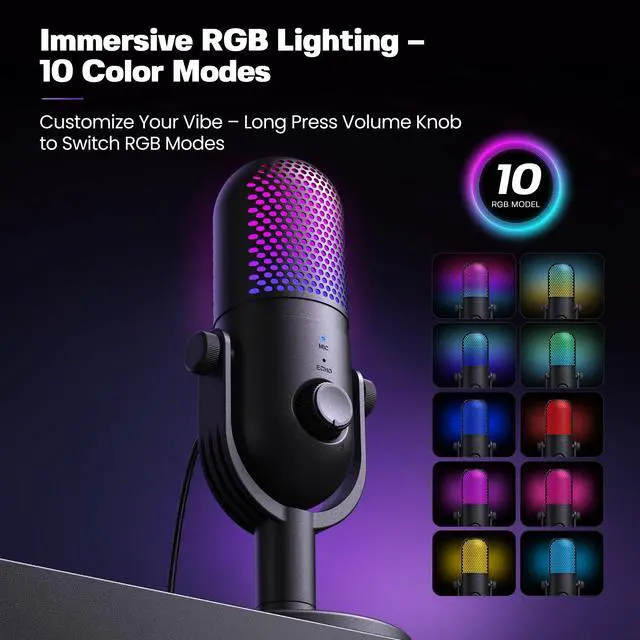
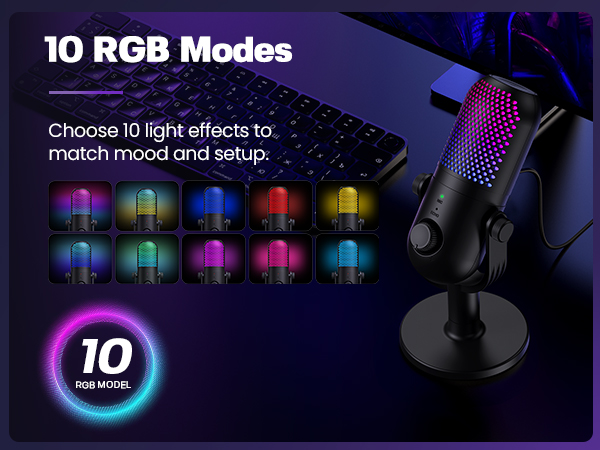
The ZTD39 features 10 RGB lighting effects. Long press the volume button to cycle through the modes, or turn off the RGB lighting.
How do I enable Noise Cancelling on the ZTD39 microphone?
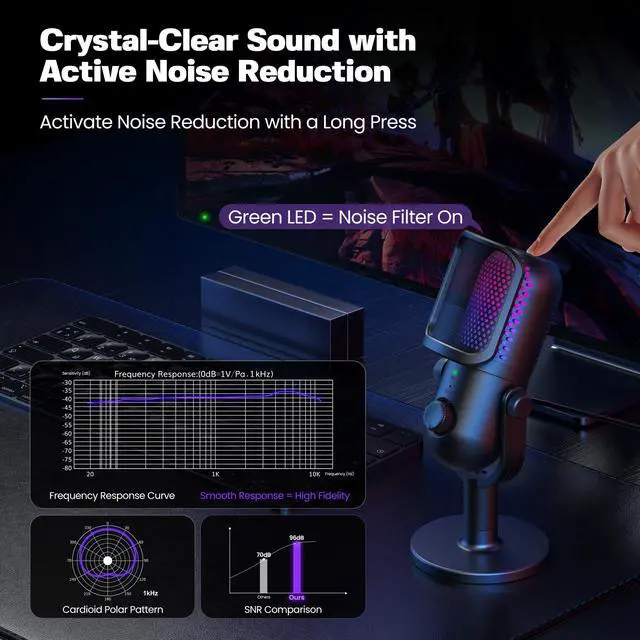
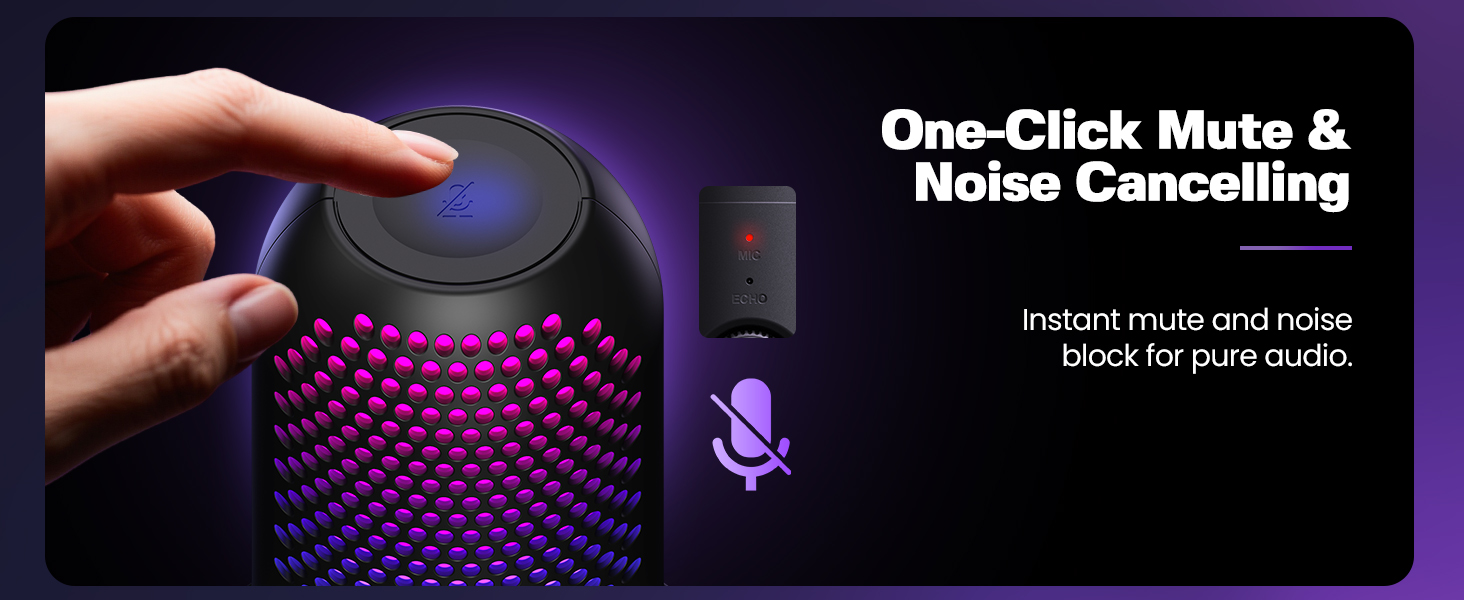
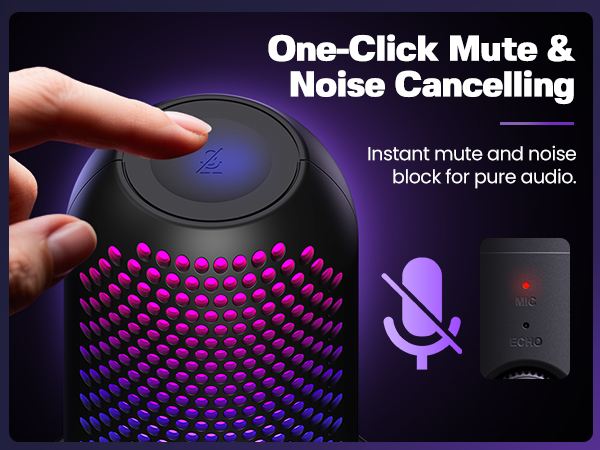
Long press the mute button on top of the ZTD39. When the MIC indicator turns green, Noise Cancelling is activated.




Does the ZTD39 microphone support Xbox?
No, the ZTD39 does not support Xbox.
Why is there a strong echo when using the ZTD39 microphone?
The echo occurs because the Echo Mode is enabled. The ZTD39 has 3 levels of Echo. You can short press the volume button to switch levels (blue Echo light flashes). Repeat until the Echo light turns off to disable Echo Mode.
How do I adjust the lighting modes on the ZTD39 microphone?
The ZTD39 features 10 RGB lighting effects. Long press the volume button to cycle through the modes, or turn off the RGB lighting.
How do I enable Noise Cancelling on the ZTD39 microphone?
Long press the mute button on top of the ZTD39. When the MIC indicator turns green, Noise Cancelling is activated.