


- Free 15-day Returns
$979.99
Add to PC build list
Ships from United States.
Sold by Newegg
Shipped by Newegg


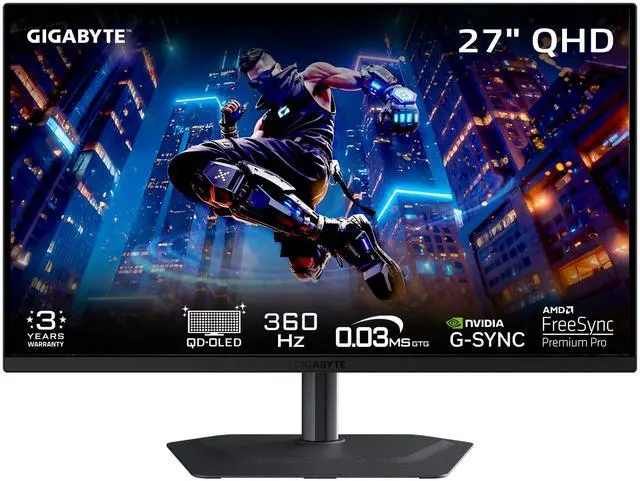
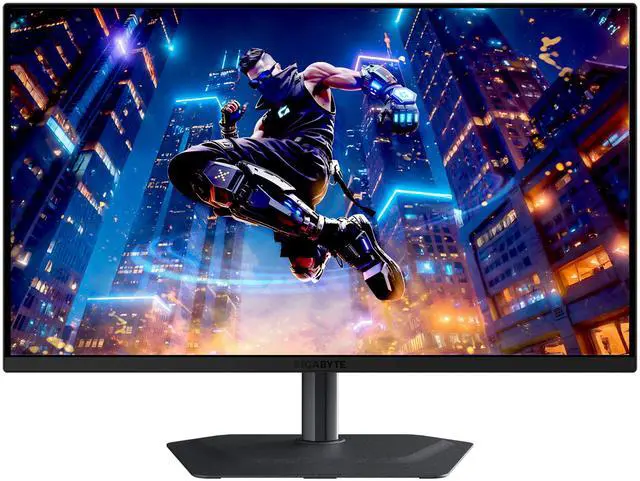

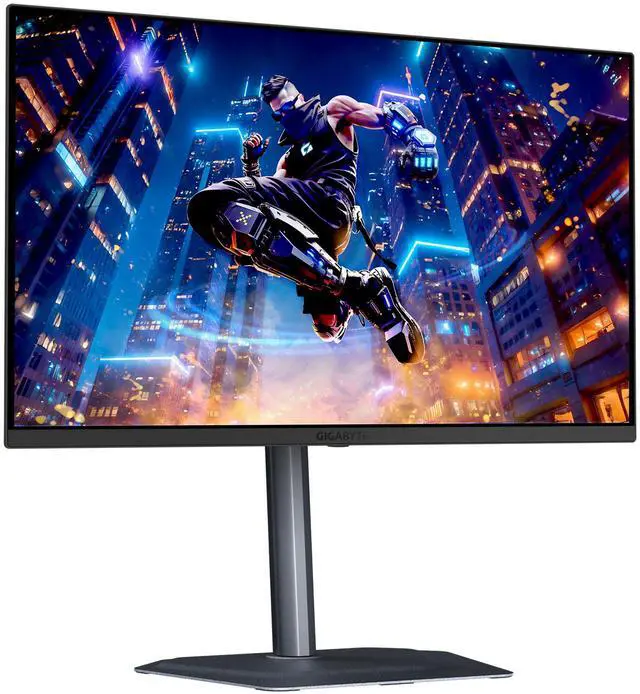
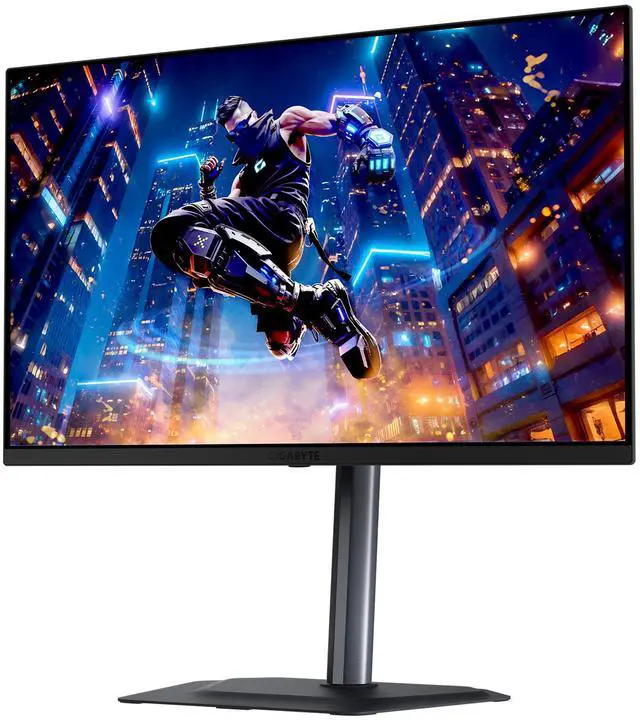
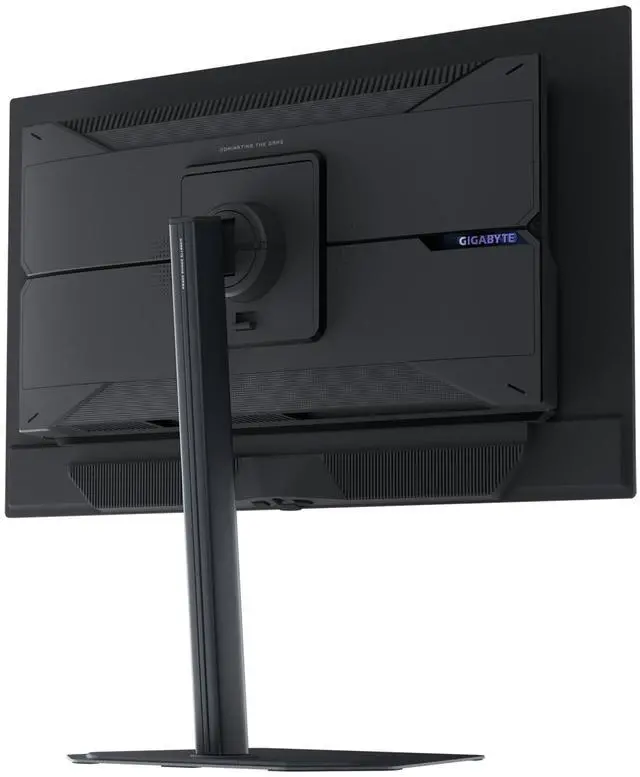
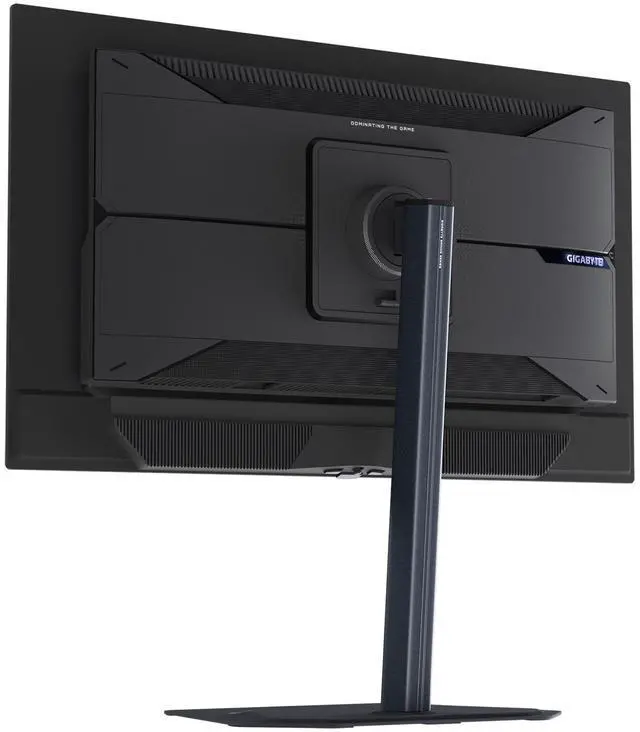
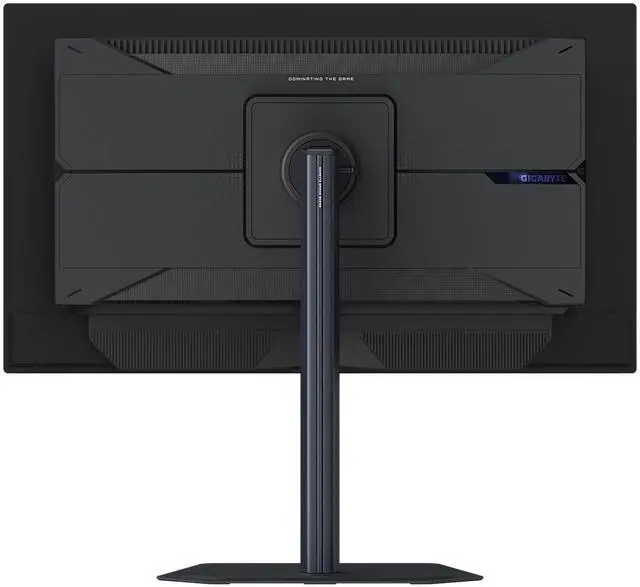

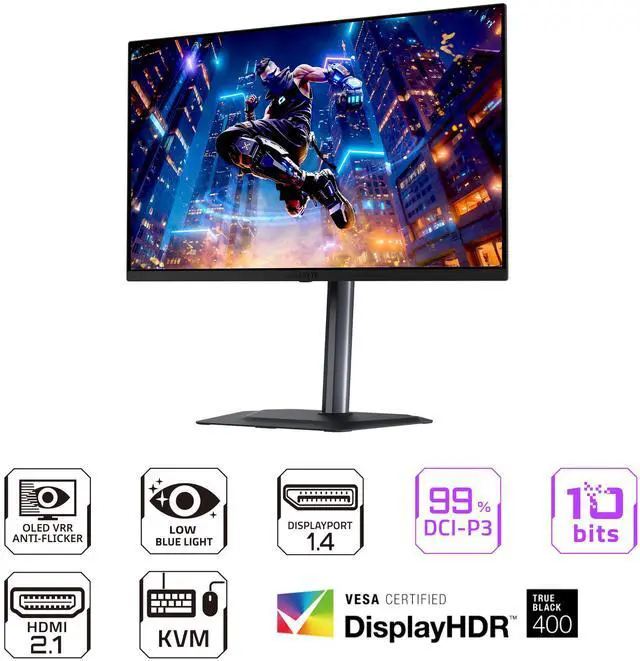
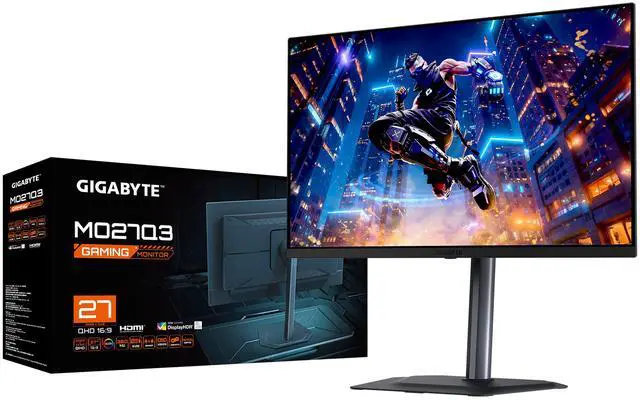


GIGABYTE 27 inch QHD 2K 1440P 360Hz AMD FreeSync Premium Pro & G-SYNC Compatible HDR400 KVM USB-C Built-in Speakers 0.03ms OLED Gaming Computer Monitor with Height Adjustable, Swivel, Pivot & Tilt Stand MO27Q3
- 27"
- OLED QHD
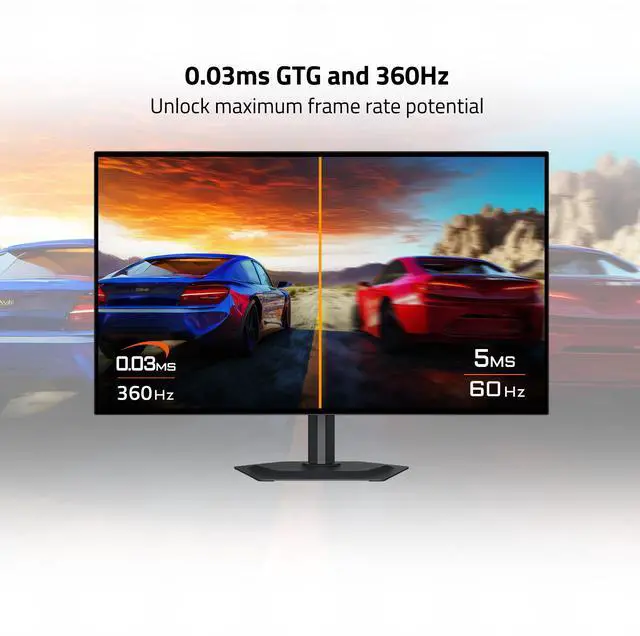
- 360Hz
- FreeSync Premium Pro & G-Sync Compatible
- 1,500,000:1
- 1.07 Billion
- Height, Pivot, Swivel, Tilt
- 1 x DisplayPort 1.4 / 1 x USB-C (DP Alternative) / 2 x HDMI 2.1 2 x USB 3.2 Downstream ports 1 x USB 3.2 Upstream port
+
+
Overview
Specs
Reviews
Warranty & Returns
Warranty, Returns, And Additional Information
Warranty
- Limited Warranty period (parts): 3 years
- Limited Warranty period (labor): 3 years
- Read full details
Return Policies
- Return for refund within: 15 days
- Return for replacement within: 15 days
- This item is covered by Newegg.ca's 15-Day Return Policy.
- Read full return policy for details.
Manufacturer Contact Info
LOADING...
The GIGABYTE MO27Q3 is a 27-inch QHD OLED gaming monitor with a 360Hz refresh rate, 0.03ms response time, and FreeSync Premium Pro and G-SYNC Compatible support, suited to competitive PC gamers who prioritize fast, smooth gameplay.
Recommended For
- Competitive FPS and esports players who can drive high frame rates at 1440p and want the combination of 360Hz refresh, fast OLED pixel response, and adaptive sync.
- Action-game players who want smoother motion for fast gameplay alongside QD-OLED contrast, deep blacks, and saturated color for cinematic scenes.
- PC-and-console or two-computer desk setups that benefit from HDMI 2.1, USB-C display input, and the monitor’s KVM feature for switching connected devices.
- Gamers who also do occasional web or visual-content work and want a wide-gamut display, with the option to use its sRGB mode for more restrained colors.
Real-World Use Scenarios
- In competitive PC shooters, players can track fast movement with clear motion and responsive controls; the 360Hz experience is most useful when the PC can deliver similarly high frame rates.
- When PC games fluctuate in frame rate, adaptive sync can help keep play smooth and reduce tearing; some users may still notice OLED VRR flicker in dark scenes when frame rates change sharply.
- For cinematic PC games and HDR video, the OLED panel’s deep blacks and vivid color make dark scenes and bright highlights more noticeable, especially in a dimmer room.
- When connected to a PS5 or Xbox Series X|S, players can use the monitor for console gaming at up to 120Hz; the consoles do not use its full 360Hz PC refresh-rate capability.
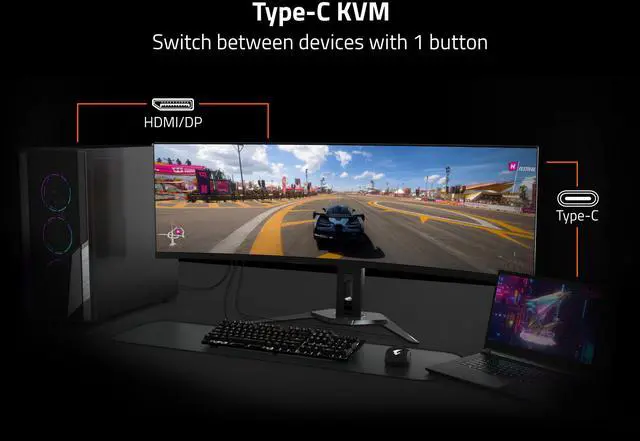
- At a shared work-and-gaming desk, a user can connect a laptop and PC and use the KVM feature to switch the connected keyboard and mouse between them; the 1440p screen also provides room for everyday desktop apps.
Spec Summary
| Attribute | Value |
|---|---|
| Best For | Gaming on a desktop, laptop, or console, plus entertainment and business use; the 360Hz refresh rate and adaptive sync support high-refresh gaming |
| Panel And Resolution | 27-inch flat QD-OLED panel with 2560 × 1440 QHD resolution, 16:9 aspect ratio, anti-reflection finish, 178° horizontal and vertical viewing angles, 250 cd/m² brightness, 1,500,000:1 contrast, 99% DCI-P3 color gamut, 1.07 billion colors, and DisplayHDR True Black 400 |
| Refresh Rate And Response | 360Hz refresh rate, 0.03ms response time, FreeSync Premium Pro, and G-SYNC Compatible support |
| Ports And Connectivity | 2 HDMI 2.1 ports, DisplayPort 1.4, USB-C with DisplayPort Alt Mode, 2 USB 3.2 downstream ports, 1 USB 3.2 upstream port, and a 3.5mm headphone jack; supports HDCP |
| Integrated Features And Audio | KVM switch, AI OLED Care, Tactical Switch 2.0, and 2 × 5W built-in speakers |
| Stand And Mounting | Height, pivot, swivel, and tilt adjustments; 100 × 100mm VESA mount compatibility |
| Power And Consumption | 100–240 VAC, 50/60Hz power input; 40W typical power consumption, under 0.5W in power-saving mode, and under 0.3W when off |
| Dimensions And Weight | With stand: 19.65 × 24.02 × 7.48 inches and 14.44 lb; without stand: 14.09 × 24.02 × 2.56 inches and 11.13 lb |
| Model Identifiers | GIGABYTE MO27Q3, black |
Reference Q&A
Q: GIGABYTE MO27Q3 or ASUS PG27AQDP: which 1440p OLED should I choose?
A: Choose the GIGABYTE MO27Q3 if 360Hz meets your gaming needs and you value its built-in speakers, USB hub, and KVM. Choose the ASUS PG27AQDP if you specifically want a 480Hz refresh rate for competitive play and your PC can produce frame rates high enough to benefit from it. Both are 27-inch 1440p OLED gaming monitors; the main refresh-rate difference is 360Hz versus 480Hz.
Q: How does the GIGABYTE MO27Q3 compare with the MSI MPG 271QRX?
A: Both are 1440p, 360Hz QD-OLED monitors with a listed 0.03ms response time, so choose between them mainly by features and setup. The MO27Q3 includes built-in 2 x 5W speakers and offers KVM; the MSI MPG 271QRX specifies USB-C charging up to 90W, which can suit a laptop-centered desk setup. Check each model’s exact port and feature list before buying.
Q: Is the GIGABYTE MO27Q3 worth choosing over a 240Hz 1440p OLED like the ASUS PG27AQDM?
A: Choose the MO27Q3 if you want a 360Hz ceiling for fast competitive games and your system can deliver frame rates above 240 fps in the games you play. Choose a 240Hz OLED such as the PG27AQDM if that refresh rate already suits your use or its overall value and features fit your setup better. Both offer 1440p OLED; the MO27Q3’s defining specification advantage in this comparison is its higher maximum refresh rate.
Q: Is this monitor suitable for office work as well as gaming?
A: Yes. Its 27-inch QHD screen, adjustable stand, and USB-C DisplayPort input support desk work as well as gaming. It also has built-in speakers, but no webcam. Because it uses an OLED panel, consider how much time you spend viewing static desktop elements; the provided product information does not specify burn-in protections.
Q: Should I be concerned about OLED burn-in?
A: OLED panels can be susceptible to permanent image retention when the same static elements remain on screen for long periods. The provided MO27Q3 information does not specify burn-in mitigation features or warranty coverage, so check the product documentation and warranty terms if you expect extended desktop use.
Q: Can I connect a laptop to it over USB-C?
A: Yes, if the laptop’s USB-C port supports video output. The monitor’s USB-C input supports DisplayPort Alt Mode. The provided specifications do not state USB-C power delivery, so do not assume this connection will charge the laptop.
Q: Can it display 1440p at 120Hz from a game console?
A: The monitor has HDMI 2.1 inputs and a 2560 × 1440 resolution, so it has the relevant display connections and resolution. Whether 1440p at 120Hz works depends on the console, game, and selected video settings.
Q: Is the MO27Q3 suitable for competitive gaming?
A: It is aimed at players who want 1440p and up to 360Hz. The high refresh rate is most useful when your PC can deliver high frame rates in the games you play; Reddit discussions specifically compare it with 240Hz options for games such as Valorant and Apex.
Q: Is the MO27Q3 a worthwhile upgrade from a 144Hz or 165Hz monitor?
A: It raises the refresh rate to 360Hz and changes the panel to OLED at 2560 × 1440. Whether that upgrade is worthwhile depends on your budget and whether your games and PC can make practical use of the higher refresh rate; Reddit buyers weigh it against less expensive or lower-refresh alternatives.
Q: Is the MO27Q3 a good choice for everyday browsing and text as well as gaming?
A: It can serve both uses, but Reddit feedback notes that text fringing may be visible to some users. If you spend many hours reading or working with text, consider checking the text rendering in person before buying; user sensitivity varies.