


Out of stock
This item is currently out of stock and it may or may not be restocked.
Sold by Newegg

Shipped by Newegg

Shop it at NeweggBusiness.

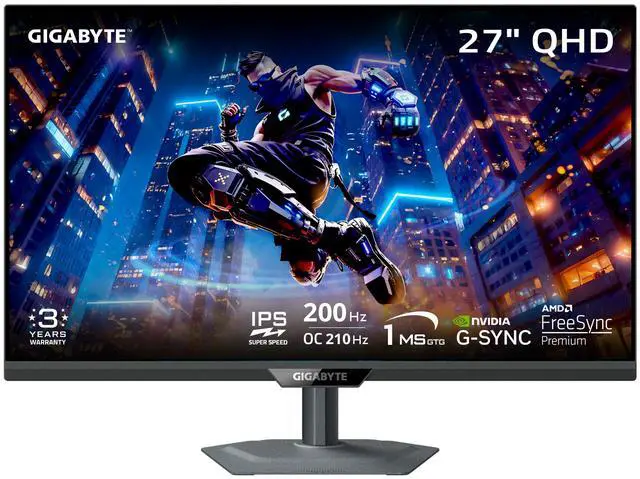
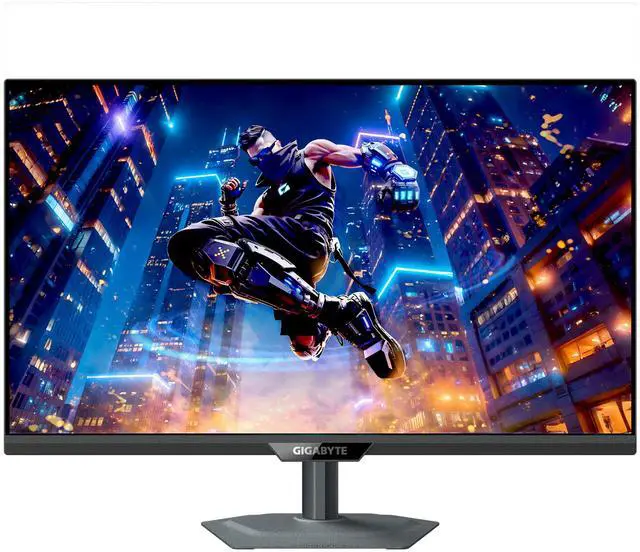
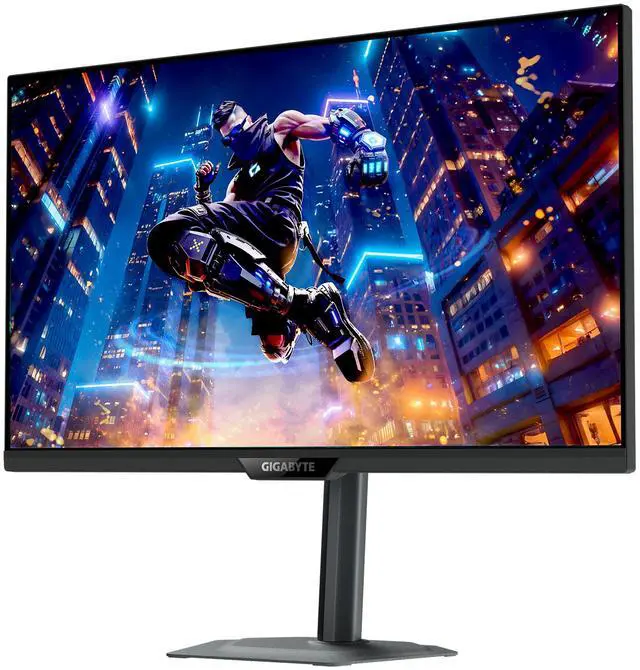
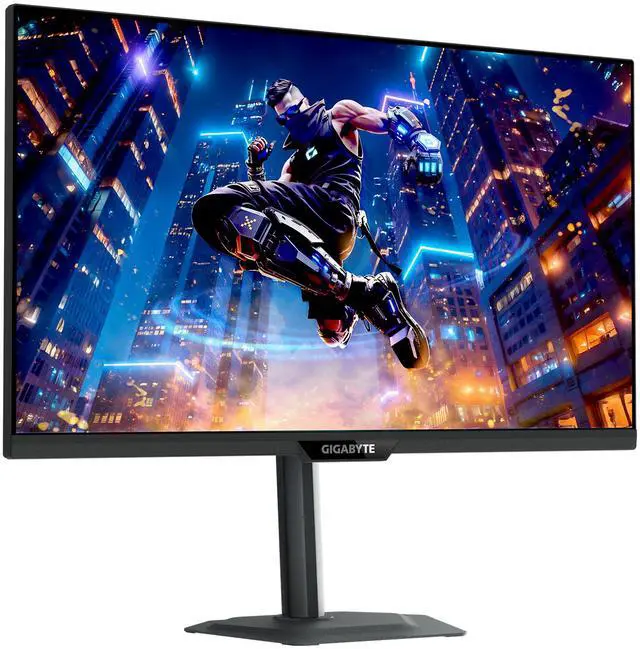
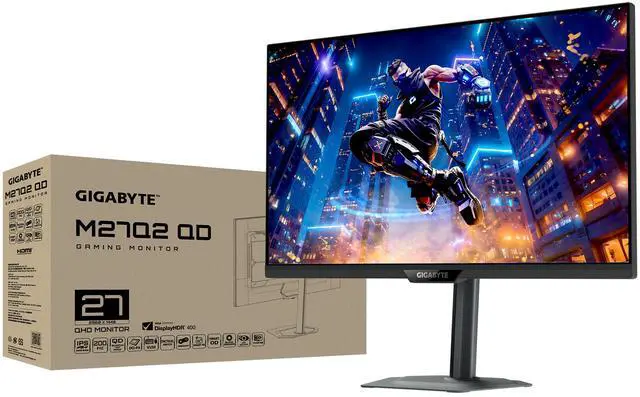
GIGABYTE 27 inch QHD 2K 1440P 200Hz AMD FreeSync Premium & G-SYNC Compatible 1ms HDR400 KVM USB-C USB HUB Gaming Computer Monitor with Height Adjustable, Swivel, Pivot & Tilt Stand M27Q2 SA

  • QUANTUM DOT SUPERSPEED IPS PANEL – The M27Q2 features a stunning 27-inch Superspeed IPS display with Quantum Dot Technology for the most smooth gaming experience ever!
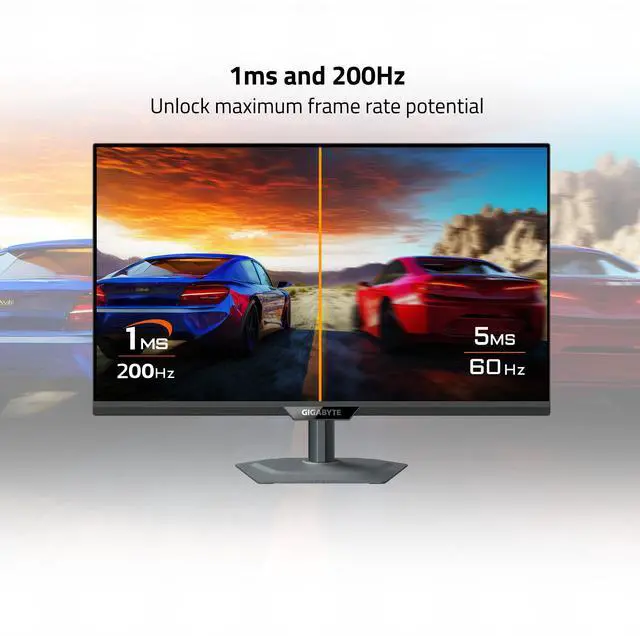
  • COMPETITIVE EDGE WITH 200HZ REFRESH RATE AND 1MS RESPONSE TIME – Achieve a super-fast response time and smooth motion clarity with an 200Hz/OC 210Hz refresh rate and 1ms GtG response time. Whether you’re in high speed FPS battles or intense esports competitions, the M27Q2 ensures every frame is delivered with precision, giving you the edge when milliseconds matter.
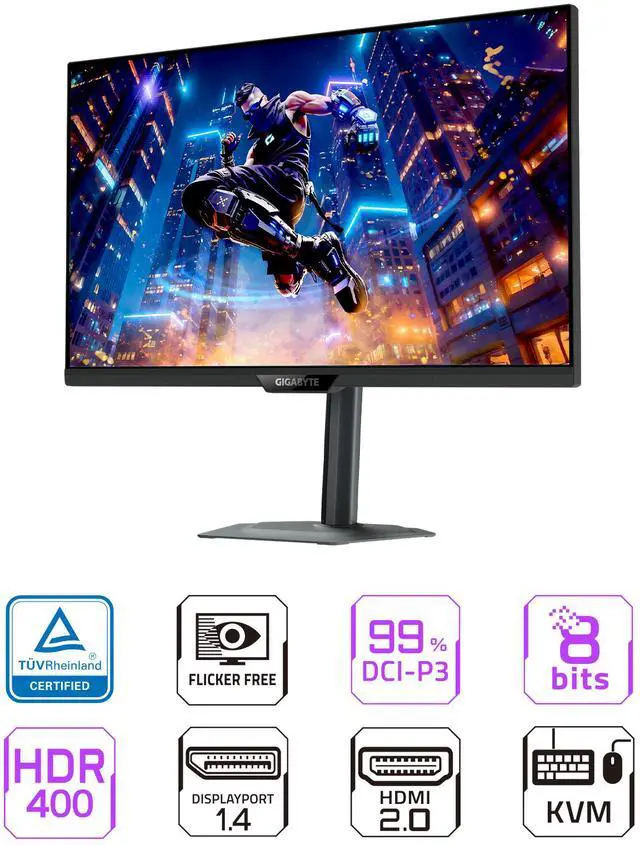
  • LIFE-LIKE COLORS EXPERIENCE – With 1000:1 contrast ratio, 99% DCI-P3 wide color gamut, and 8-bit color depth, you can experience richer, more lifelike colors for a cinema-grade visual experience.
  • SUPPORT VESA DISPLAY HDR 400 – With VESA DisplayHDR 400, the M27Q2 ensures a more realistic and captivating gaming experience with accurate color and contrast reproduction.
  • SUPPORT AMD FREESYNC PREMIUM AND NVIDIA G-SYNC COMPATIBLE – With AMD FreeSync Premium and NVIDIA G-SYNC compatibility, the M27Q2 provides an enhanced gaming experience by reducing screen tearing and stuttering.
  • TACTICAL FEATURES TO ENHANCED GAMEPLAY - The M27Q2 monitor elevates your gameplay with a suite of built-in, tactical assistance features designed to give you the edge in precision and control.
Overview
Specs
Reviews (9)
GIGABYTE M27Q2 Gaming Monitor

M27Q2 QD Gaming Monitor

MIGHTY PERFORMANCE, MATCHLESS GAMEPLAY!

QHD 200Hz
(OC 210Hz)

GIGABYTE M27Q2 Gaming Monitor

99% DCI-P3, 150% sRGB

GIGABYTE M27Q2 Gaming Monitor

1 ms (GTG)

Quantum Dot
Technology

GIGABYTE M27Q2 Gaming Monitor

G-Sync Compatible

GIGABYTE M27Q2 Gaming Monitor

Tactical Switch 2.0

GIGABYTE M27Q2 Gaming Monitor

Four-sided cooling

Visual Experience

OLED-class color vibrancy and wide gamut

GIGABYTE M27Q2 Gaming Monitor

Quantum Dot Technology

With Quantum Dot technology, the M27Q2 QD delivers OLED-like vibrant colors and a wide color range, along with long-lasting performance. It offers the same rich 99% DCI-P3 color as GIGABYTE OLED monitors, and its 83% BT.2020 coverage is nearly equal to the latest 4th-gen WOLED at 84%, bringing cinematic colors to your games.

GIGABYTE M27Q2 Gaming Monitor

99% DCI-P3/ 99% Adobe RGB/ 150%sRGB/ 83% BT.2020

With 1.07 billion colors and 99% DCI-P3 wide color gamut, enjoy richer, more lifelike colors for a cinema-grade visual experience.

GIGABYTE M27Q2 Gaming Monitor

1ms GTG Response Time

The SuperSpeed IPS technology reduces the response time to 1ms; meanwhile offering the IPS-grade splendid color!

GIGABYTE M27Q2 Gaming Monitor

G-Sync Compatible

G-SYNC Compatible unlocks the full potential of next-gen GPUs, ensuring smooth, tear-free, and responsive gameplay.

GIGABYTE M27Q2 Gaming Monitor

GAMING FEATURES

GIGABYTE M27Q2 Gaming Monitor

Tactical Switch 2.0

Built for FPS gamers — switch resolutions instantly with one click and take the shot that wins the game.

Smart OD

Smart OD intelligently detects the screen’s refresh rate and instantly adjusts the optimal overdrive level. It automatically reduces ghosting and white trails, delivering sharper visuals and smoother motion.

GIGABYTE M27Q2 Gaming Monitor

Aim Stabilizer Sync

Aim Stabilizer Sync combines "Dynamic Image Stabilization Technology" with VRR (Variable Refresh Rate) technology. It uses intelligent backlight control synchronization logic to enable dynamic clarity while using G-SYNC / FreeSync, significantly reducing motion blur. Perfectly suited for FPS, racing, and action games, ensuring every frame is sharp and clear!

Night Vision

Enhance your vision in low-light conditions, accentuating details and allowing you to spot enemies hidden in the deepest shadows without overexposing the entire screen.

GIGABYTE M27Q2 Gaming Monitor

Game Assist

Enhances your gaming power, whether it's custom crosshairs, timers/countdown timers, picture-in-picture mode, self-selected HDR modes, and more. Any feature you want can be found here!

GIGABYTE M27Q2 Gaming Monitor

TIMER

GIGABYTE M27Q2 Gaming Monitor

CROSSHAIRS

GIGABYTE M27Q2 Gaming Monitor

PIP/PBP

GIGABYTE M27Q2 Gaming Monitor

Four-sided cooling

Four-sided ventilation and heat dissipation improve the temperature in high-frequency mode, ensuring that the screen remains stable, low-temperature and durable during long-term efficient operation.?

One For All

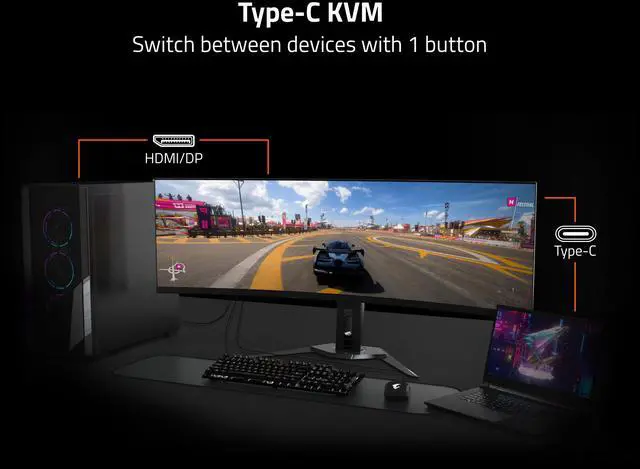
KVM feature allows you to control multiple devices via one set of keyboard, video and mouse. With our exclusive KVM button, you’ll find switching devices cannot be any easier! Quick like a snap!

GIGABYTE M27Q2 Gaming Monitor

One For All

KVM feature allows you to control multiple devices via one set of keyboard, video and mouse. With our exclusive KVM button, you’ll find switching devices cannot be any easier! Quick like a snap!

GIGABYTE M27Q2 Gaming Monitor

Eye Care

Equipped with TÜV Rheinland-certified Flicker-Free and Low Blue Light technologies, the monitor reduces flicker and filters harmful blue light while maintaining vivid colors, ensuring long-term eye comfort.

GIGABYTE M27Q2 Gaming Monitor

Ergonomic Design

PERFECT VIEWING ANGLE

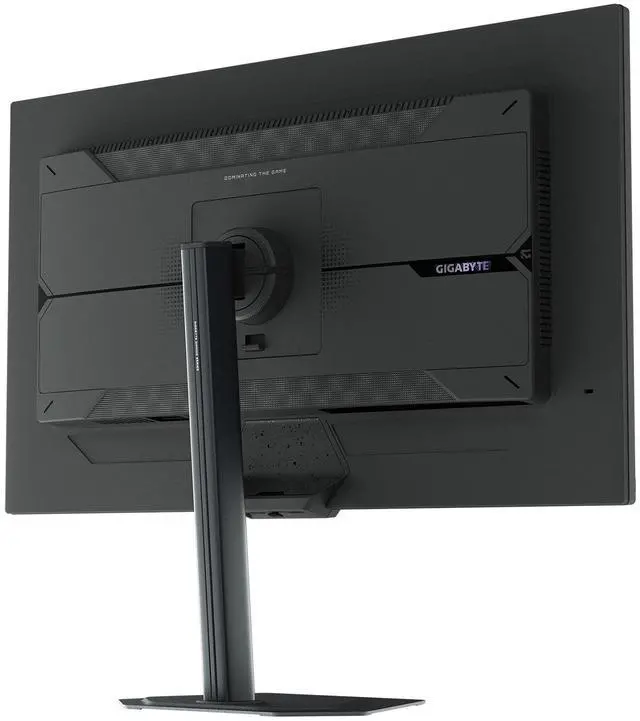
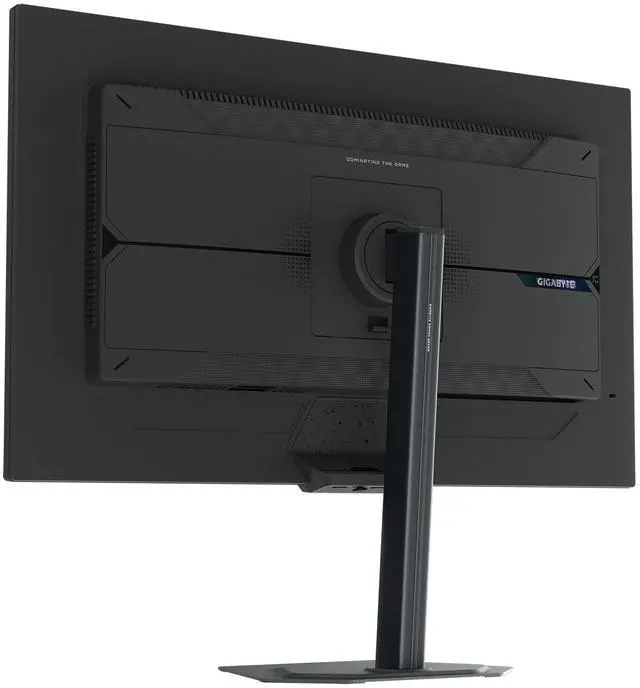
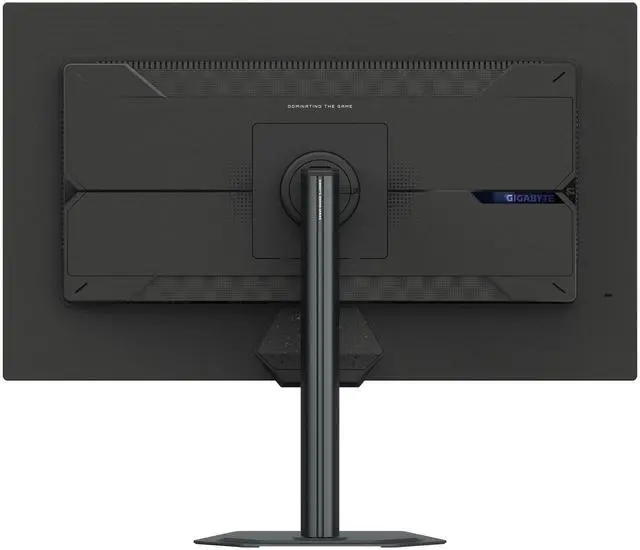
GIGABYTE Gaming monitor features an exclusive stand that's ergonomically designed to offer extensive range of height and tilt adjustments.

GIGABYTE M27Q2 Gaming Monitor

Height Adjustment:130mm

GIGABYTE M27Q2 Gaming Monitor

Tilt: -5°~+21°

GIGABYTE M27Q2 Gaming Monitor

Metal stand with an ultra-slim 2mm base.

GIGABYTE M27Q2 Gaming Monitor

Pivot:-0°~+90° (clockwise)

GIGABYTE M27Q2 Gaming Monitor

Swivel:±15°

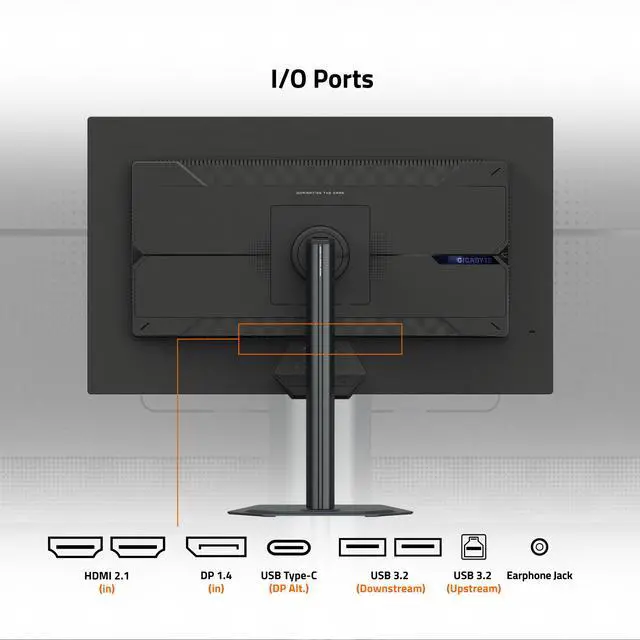
Monitor I/O port illustration

The M27Q2 QD features a USB-C Smart PD mode, providing 18W power (dynamic 65W).

GIGABYTE M27Q2 Gaming Monitor

All of the images on this page are for illustration purposes only and not an exact representation of the product.


Warranty & Returns

Warranty, Returns, And Additional Information

Warranty

  • Limited Warranty period (parts): 3 years
  • Limited Warranty period (labor): 3 years
  • Read full details

Return Policies

LOADING...
LOADING...

The GIGABYTE M27Q2 SA is a 27-inch QHD gaming monitor with a 200Hz refresh rate, 1ms response time, and FreeSync Premium and G-SYNC compatibility, suited to players who want sharp 1440p detail and smooth motion for fast-paced games.

Recommended For

  • PC gamers who play fast-paced shooters or esports titles and want a 1440p screen with high refresh and low measured input lag.
  • People switching between a gaming desktop and a work laptop who want a single monitor with USB-C video and KVM switching for shared peripherals.
  • Players who also watch video or do casual creative work and prefer vivid wide-gamut color on an IPS display rather than a dedicated professional reference monitor.
  • Desk-based users who want to adjust screen height, tilt, swivel, or pivot for different seating positions or portrait-oriented tasks.

Real-World Use Scenarios

  • In fast-paced PC games, players can use the high-refresh display with variable refresh rate to make motion look smoother and reduce tearing or stutter when frame rates fluctuate.
  • When switching between a gaming PC and a work laptop, users can connect both to the monitor and use its KVM function to share a keyboard and mouse instead of moving peripherals between systems.
  • For story-driven games and other colorful content, the wide-gamut display can make colors look more vivid; users who prefer less saturation may need to choose a more restrained picture mode or adjust the settings.
  • For everyday work alongside gaming, the QHD screen provides room for documents, browser windows, and chat while keeping text and desktop content clear at a typical desk distance.
  • When using the monitor for reading, coding, or long documents, users can rotate the screen to portrait orientation and adjust its height and angle to suit their desk setup.

Spec Summary

AttributeValue
Best ForGaming, entertainment, and business use, with a high-refresh QHD display and connections for desktops, laptops, and gaming consoles
Panel And Resolution27-inch flat IPS panel with a matte, non-glare finish, 2560 × 1440 resolution, 16:9 aspect ratio, 178° horizontal and vertical viewing angles, and 0.2331 mm pixel pitch
Refresh Rate And Adaptive Sync200Hz refresh rate with 1ms response time; supports AMD FreeSync Premium and G-SYNC Compatible adaptive sync
Color And HDR350 cd/m² brightness and 1,000:1 contrast ratio, with DisplayHDR 400, Quantum Dot technology, 98% DCI-P3 coverage (98.96% PVT average), and 99% Adobe RGB coverage
Ports And Connectivity2 HDMI 2.0 ports, 1 DisplayPort 1.4, and 1 USB-C port with DisplayPort Alt Mode; 5 USB ports, including 3 USB 3.0 ports, plus a KVM switch
Stand And MountingStand adjusts for height, pivot, swivel, and tilt; compatible with 100 × 100 mm VESA mounts
Built-In FeaturesIncludes Tactical Switch 2.0, Smart OD, Aim Stabilizer Sync, and Game Assist; no built-in speakers or webcam
Power100–240 VAC, 50/60 Hz
Dimensions And WeightWith stand: 24.09 × 20.26 × 7.56 inches; without stand: 24.09 × 14.61 × 2.32 inches; item weight 18.1 lb
Included ComponentsBase unit, power cable, DisplayPort cable, USB cable, and quick-start guide/warranty card
Model And FinishGIGABYTE M27Q2 SA, black

Reference Q&A

Q: Should I get the GIGABYTE M27Q2 SA or the M27Q3 for 1440p gaming?

A: Choose the M27Q2 SA if its listed 200Hz refresh rate and wide-gamut Quantum Dot IPS panel meet your needs. Choose the M27Q3 if you prioritize a higher refresh rate: GIGABYTE specifies 300Hz, with a 320Hz overclock mode, and HDMI 2.1. Both are 27-inch QHD monitors; the M27Q3 is aimed at higher-refresh-rate gaming, while the M27Q2 SA offers a lower listed refresh rate and a wider stated DCI-P3 gamut.

Q: Is the M27Q2 SA a worthwhile upgrade from the original GIGABYTE M27Q?

A: The M27Q2 SA is the more suitable choice if you want a newer listed 200Hz QHD model with Quantum Dot IPS and a fully adjustable stand. The original M27Q is a 170Hz QHD monitor, and independent testing of its Rev. 2.0 found slower motion handling. Consider the older M27Q if it costs substantially less and 170Hz is sufficient; check the revision, since M27Q versions differ.

Q: Should I choose the M27Q2 SA or a 4K monitor like the GIGABYTE M27UP?

A: Choose the M27Q2 SA if you prefer its listed 200Hz refresh rate for fast PC gaming at QHD. Choose the GIGABYTE M27UP if sharper 4K detail is more important: it is a 27-inch 4K monitor specified at 160Hz. The decision is mainly between higher listed refresh at 1440p and greater resolution at 4K.

Q: Is this monitor suitable for both gaming and everyday work?

A: Yes. Its 27-inch QHD IPS display, 200Hz refresh rate, adaptive sync, and adjustable stand suit gaming, while the 1440p resolution and USB-C/KVM features can also support a desk-based work setup. The monitor is not listed as having built-in speakers.

Q: Does the USB-C port charge a connected laptop?

A: The product information identifies USB-C with DisplayPort Alt Mode, but does not specify USB Power Delivery or a charging wattage. Treat USB-C as a video connection, and do not assume it will charge a laptop.

Q: Does it have built-in speakers?

A: No. The product specifications say it has no built-in speakers, so plan to use audio from your connected computer or console, or use separate speakers or headphones.

Q: Can I mount it or adjust it for a vertical setup?

A: Yes. It supports 100 × 100 mm VESA mounting, and its included stand offers height, pivot, swivel, and tilt adjustments, including portrait orientation.

Q: Is the M27Q2 a good all-around monitor for work and gaming?

A: It may suit someone who wants one 27-inch monitor for both: the supplied specifications list QHD resolution, an IPS panel, and a 200Hz refresh rate, while Reddit users have discussed the M27Q2 QD for work as well as gaming. The Reddit experiences are anecdotal and concern the QD variant, so they do not confirm the exact M27Q2 SA’s performance.

Q: Is the M27Q2 worth choosing over a cheaper 1440p monitor?

A: It depends on the price and whether you will use its higher refresh rate, USB-C, and KVM features. Reddit discussions compare the M27Q2 QD with less expensive monitors and describe its KVM and USB-C as useful, but do not establish that its added features justify a particular price premium. Check that the listing’s exact M27Q2 SA configuration includes the features you need.

Q: Is the M27Q2 a good choice for switching between a laptop and desktop?

A: It could be a fit if you want to share a monitor setup between two computers: the supplied product information lists USB-C and a USB hub, and Reddit users specifically discuss the M27Q2 QD’s KVM for a laptop-and-desktop setup. Confirm the exact M27Q2 SA’s KVM behavior, USB-C power delivery, and port requirements before buying; the community discussion is about the QD variant.

Q: Should I choose the M27Q2 for HDR gaming?

A: Choose it primarily for its QHD, high-refresh-rate IPS gaming features rather than for HDR. The supplied specifications list DisplayHDR 400, 350 cd/m² brightness, and a 1,000:1 contrast ratio; Reddit discussion of the M27Q2 QD also questions its HDR capability and contrasts it with Mini-LED options. That discussion is about the QD variant, not a verified test of the M27Q2 SA.