



100%


360°


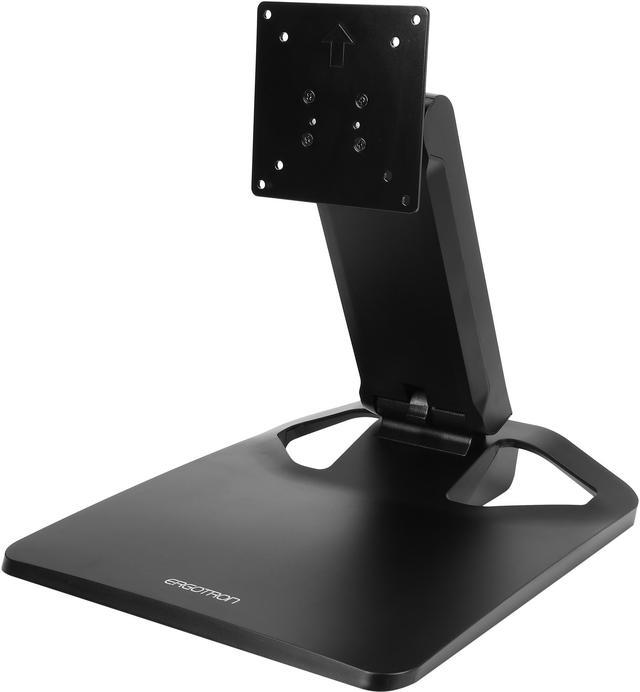
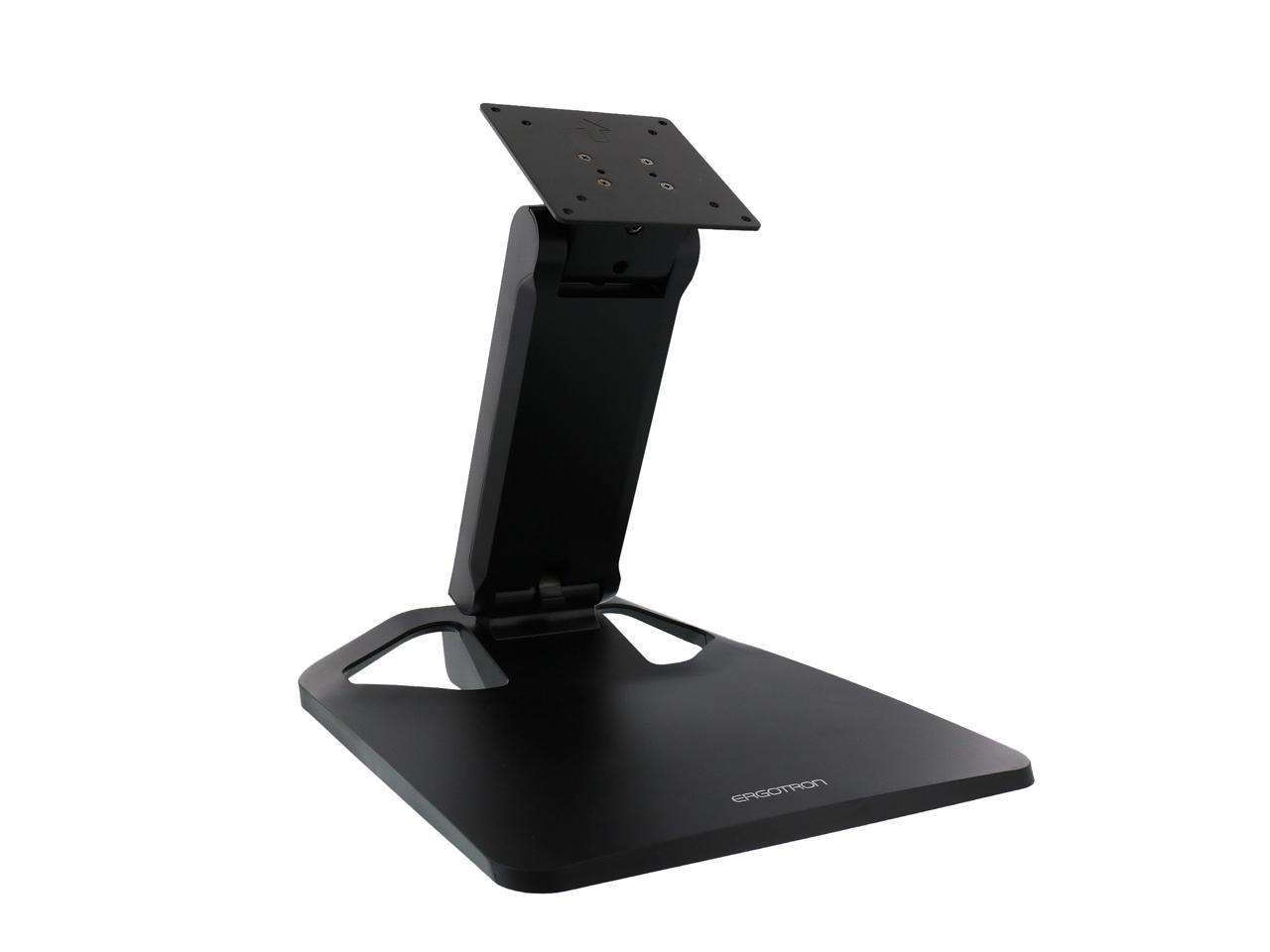
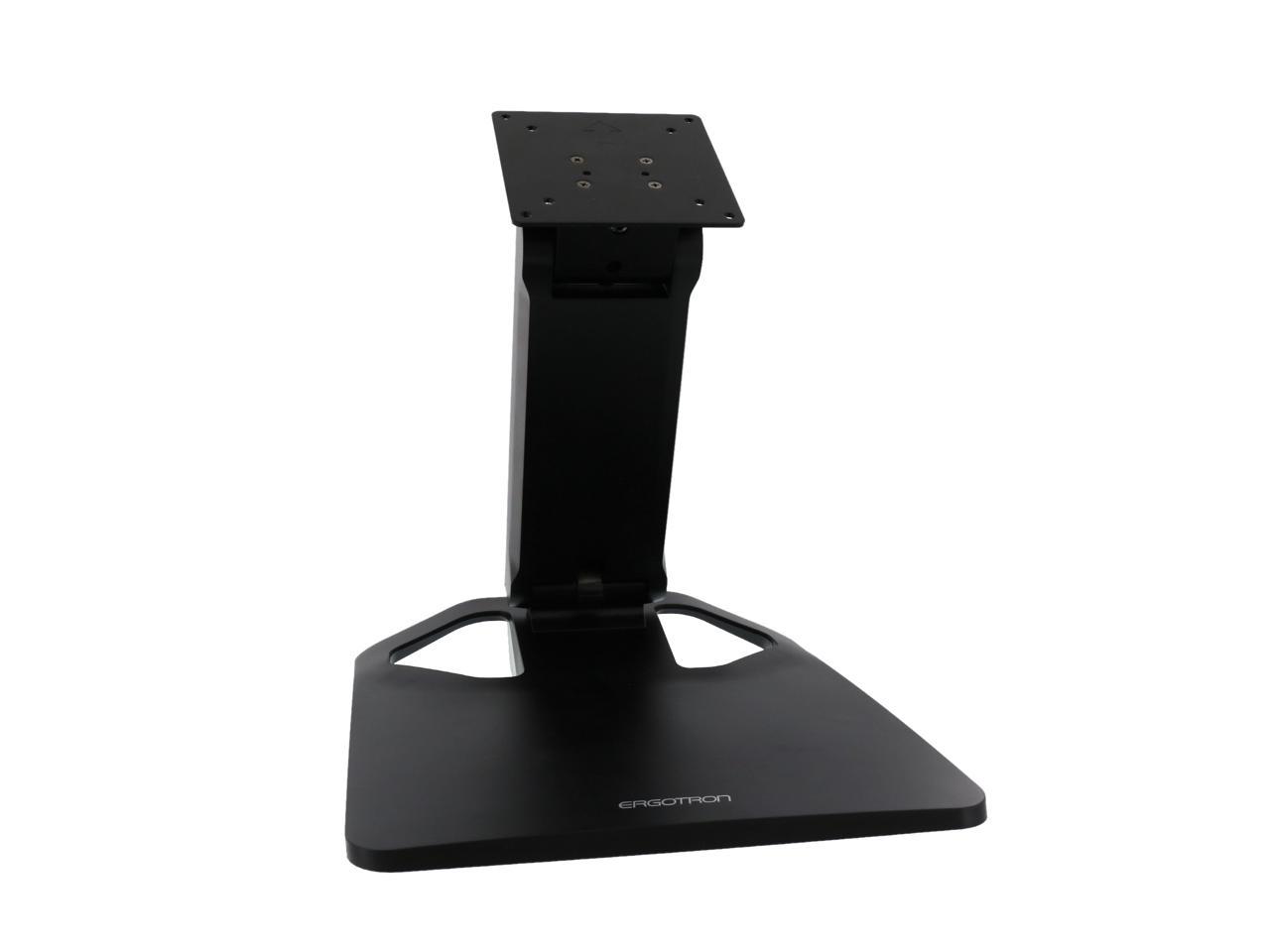
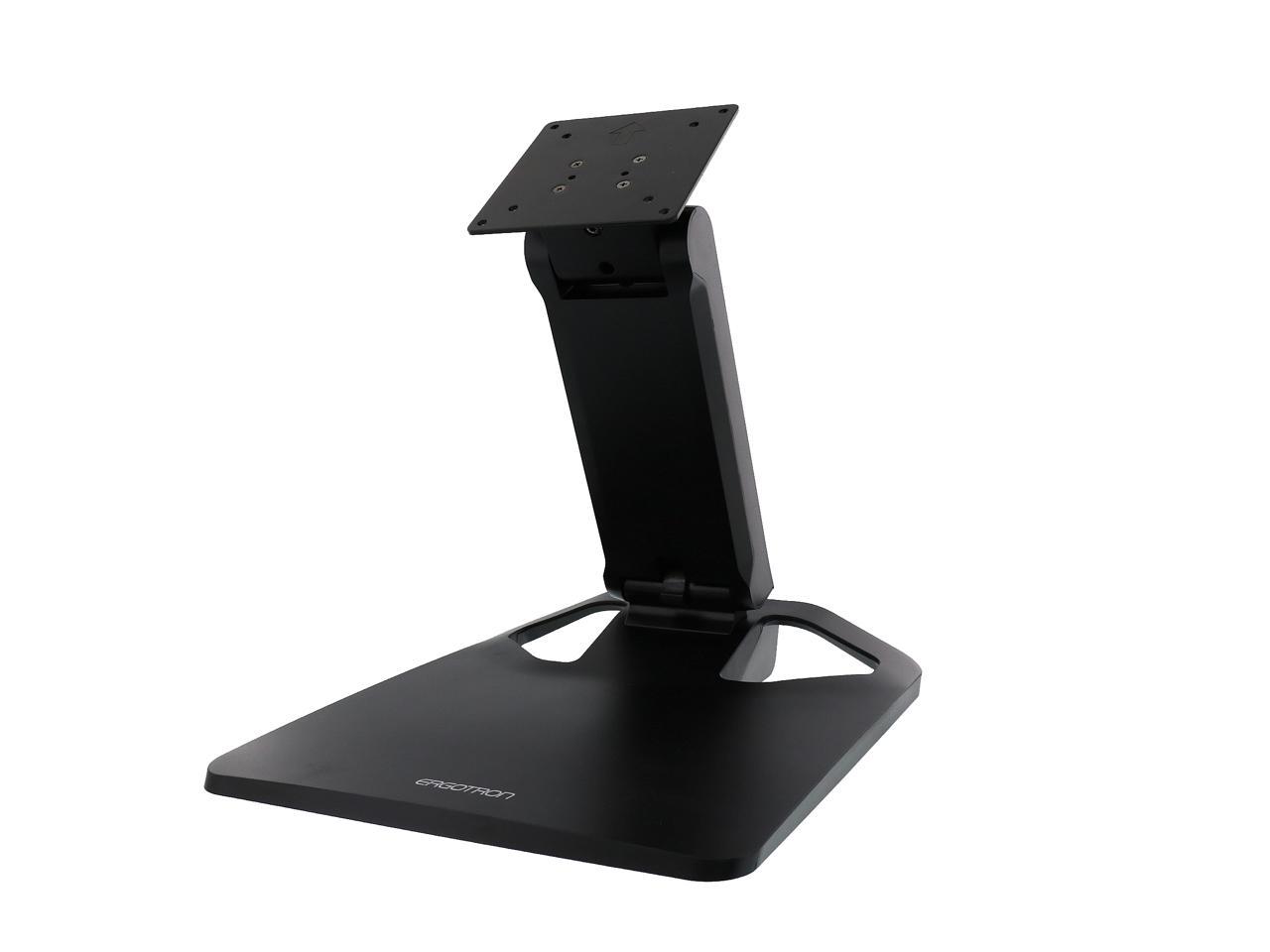
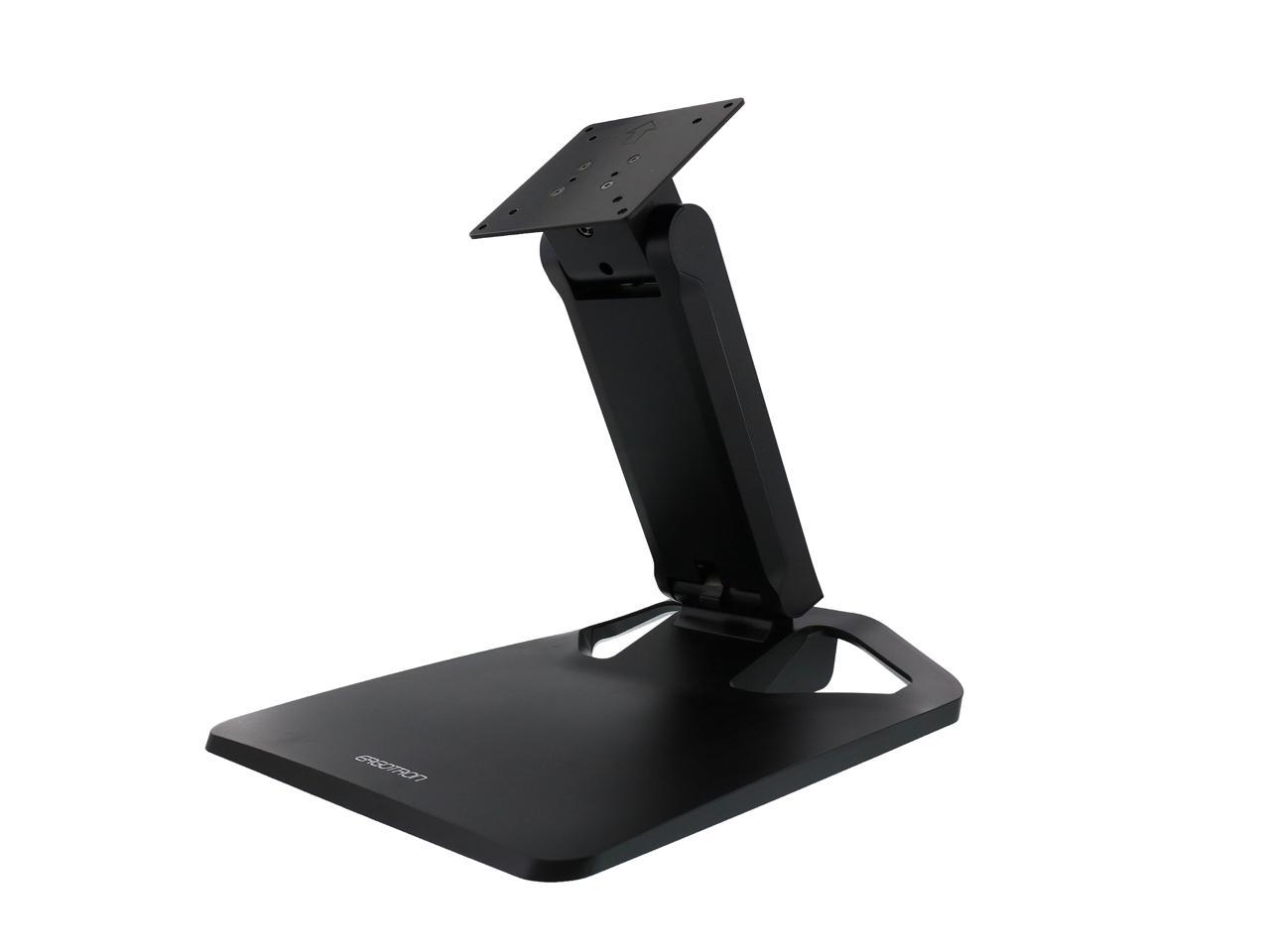
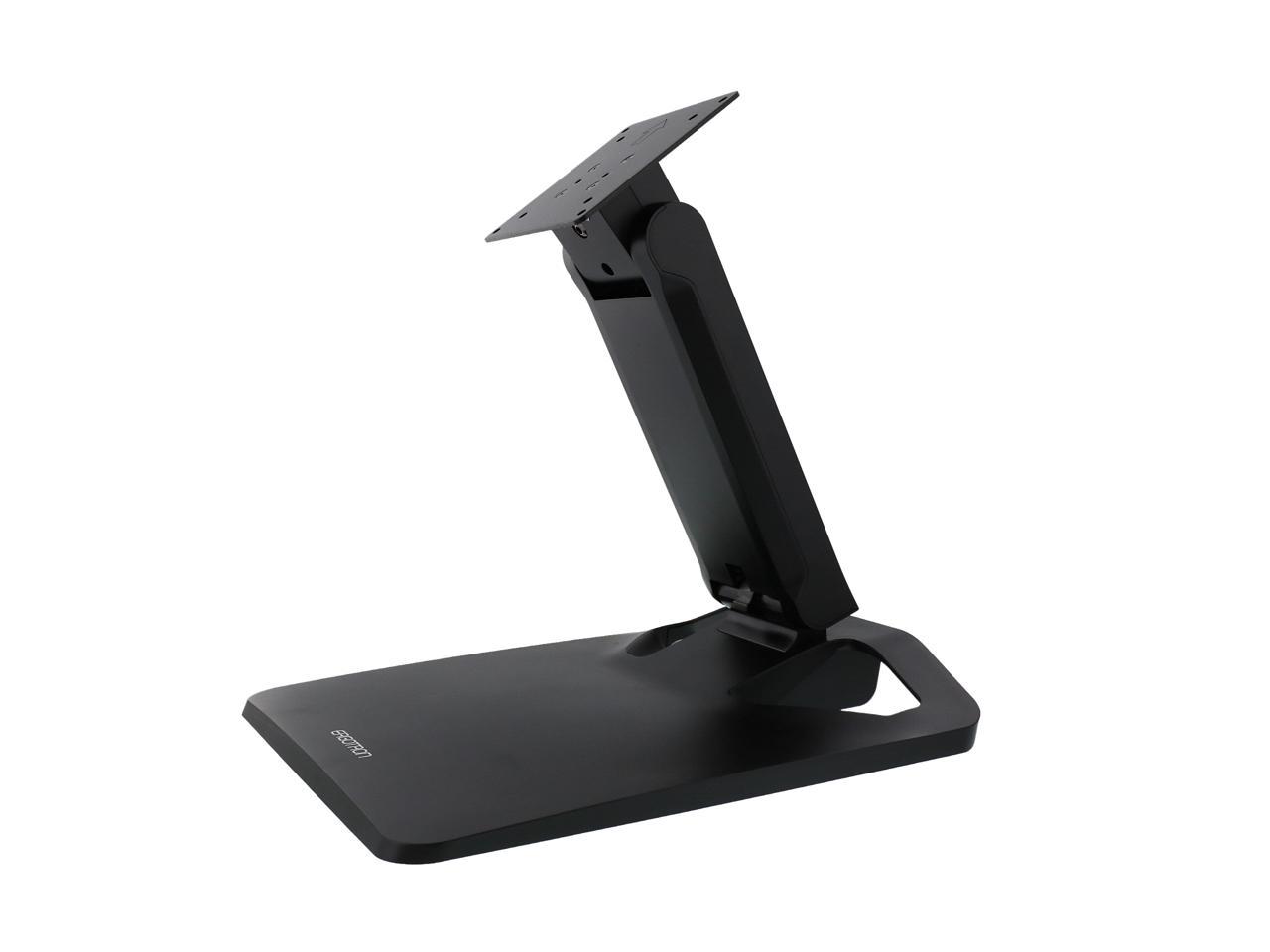
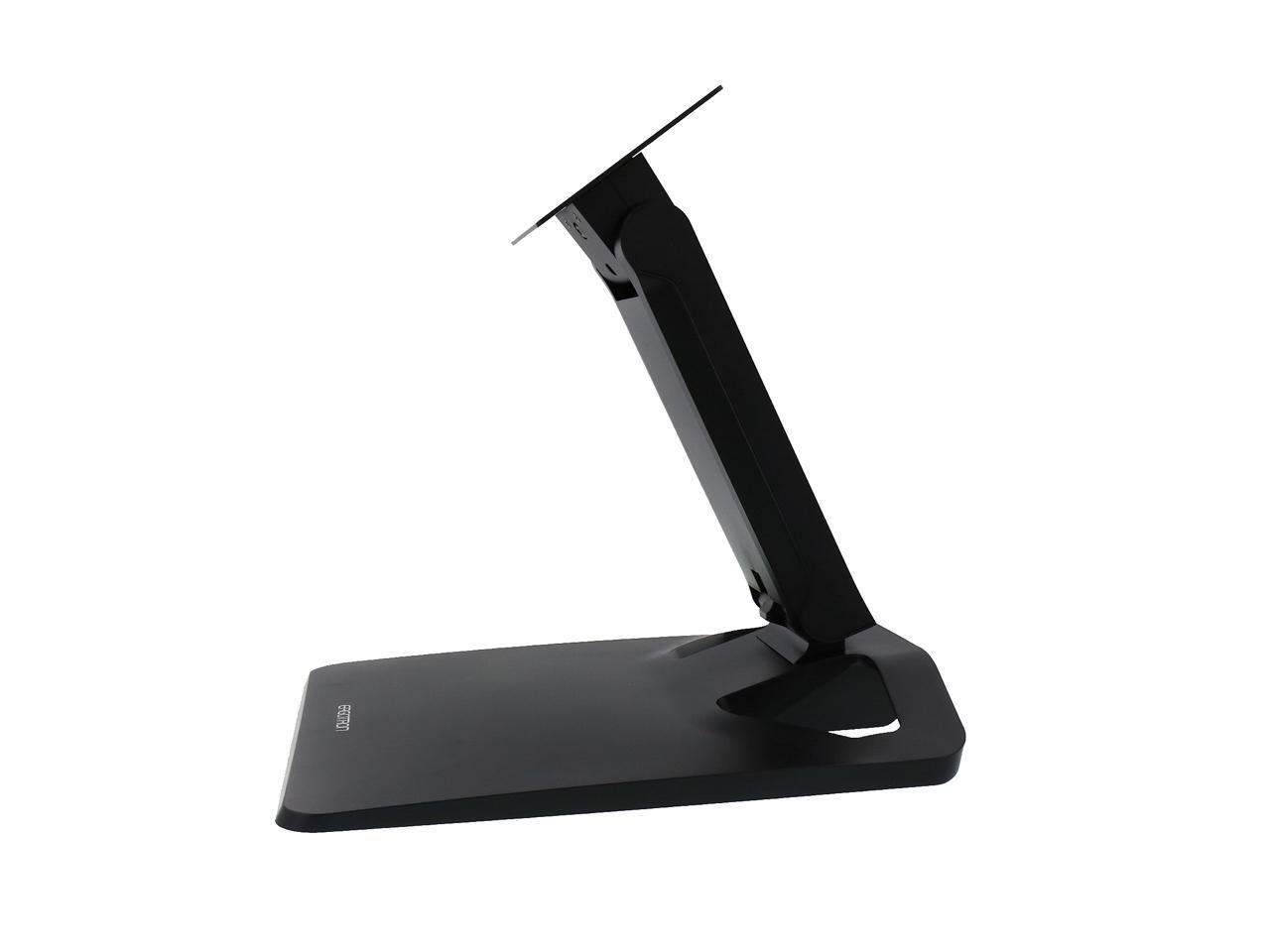
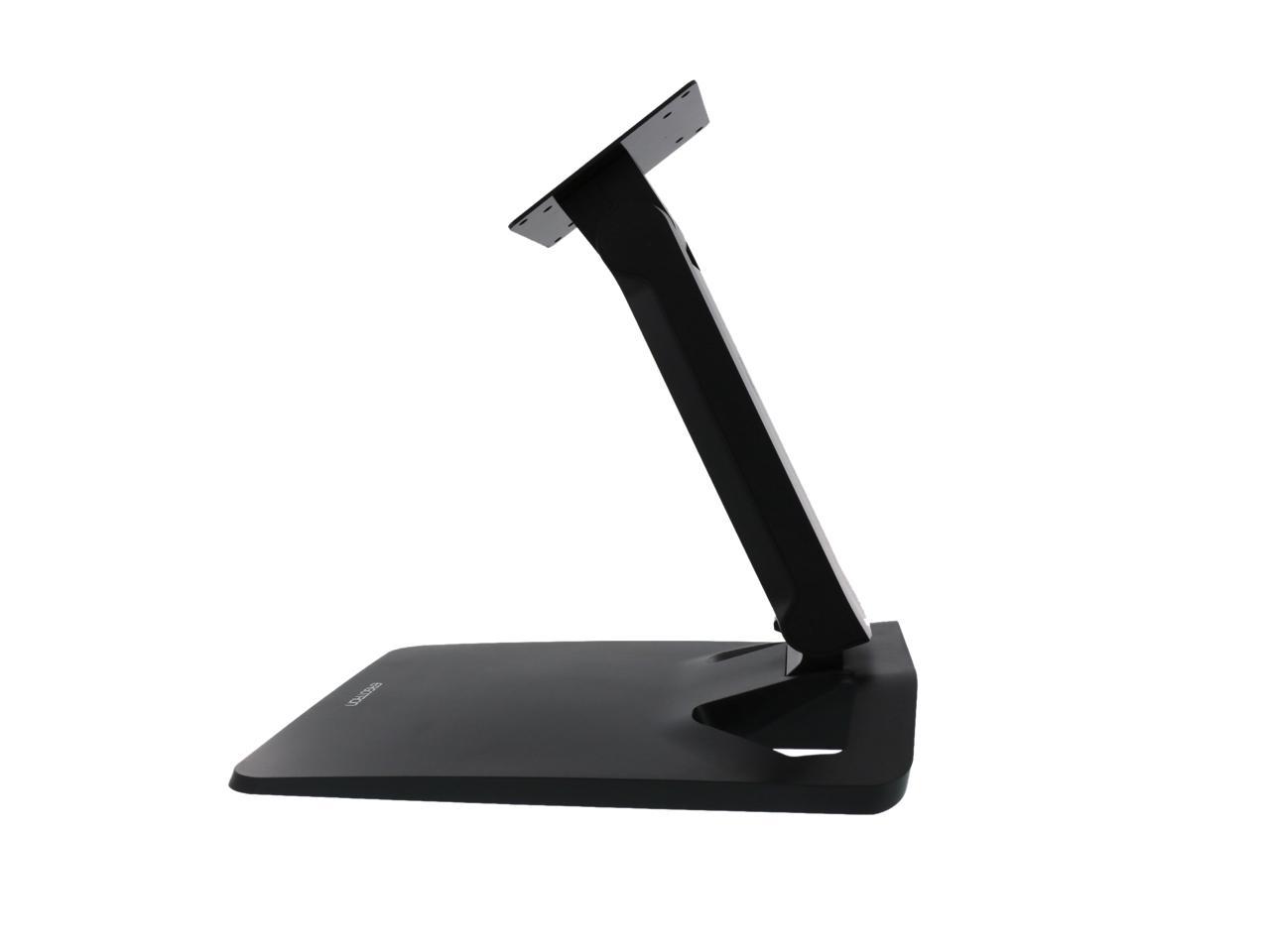
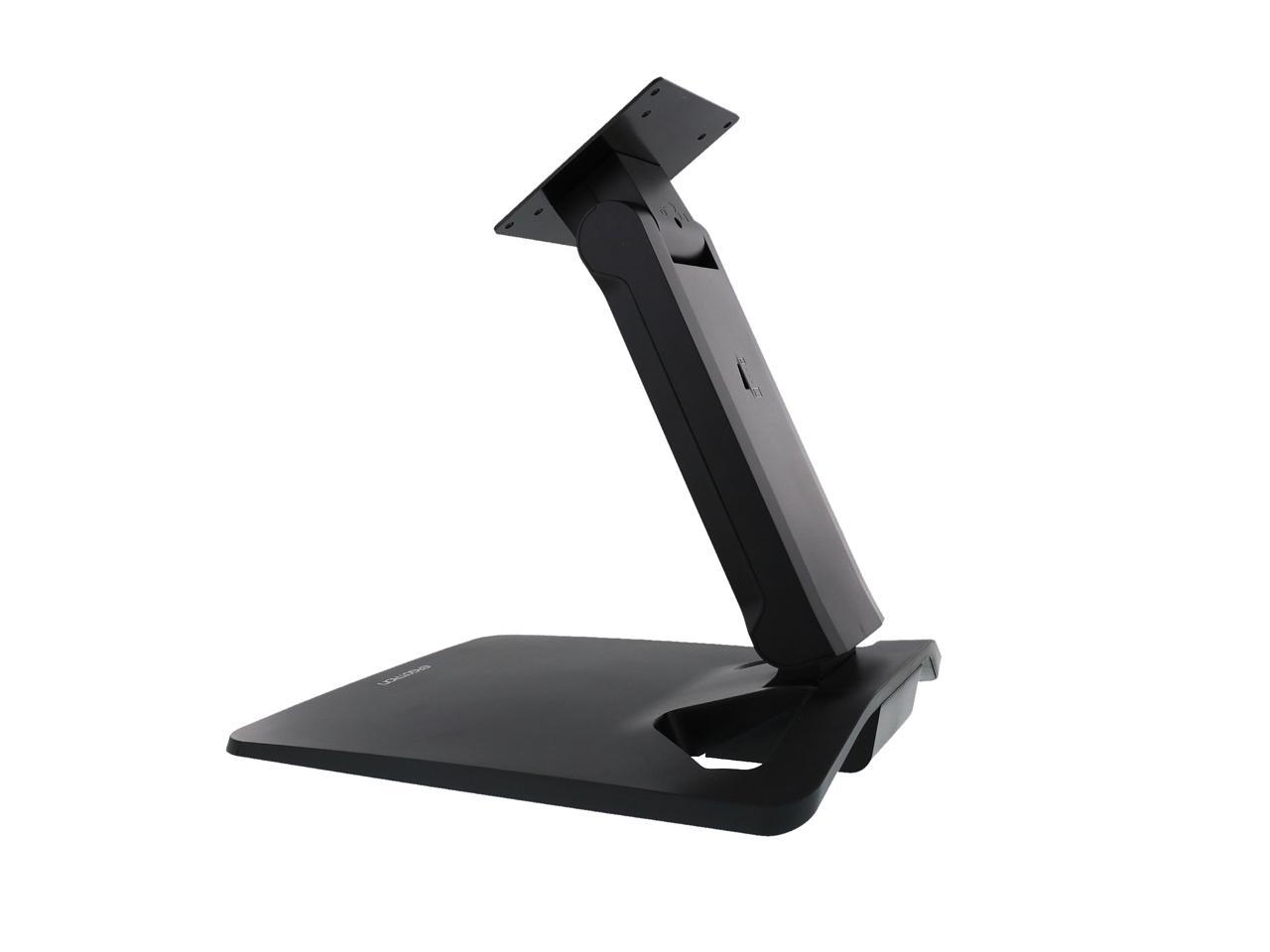
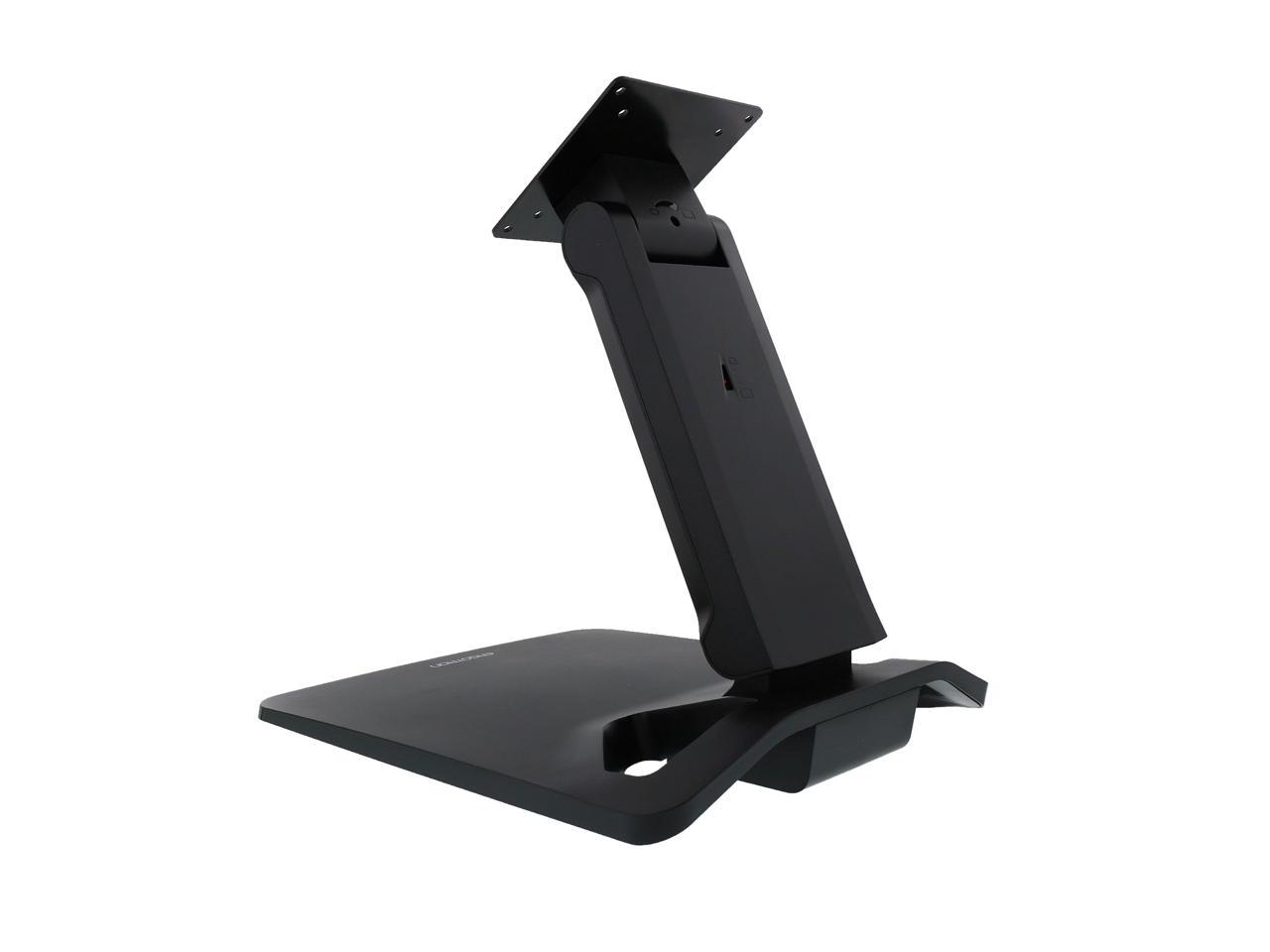
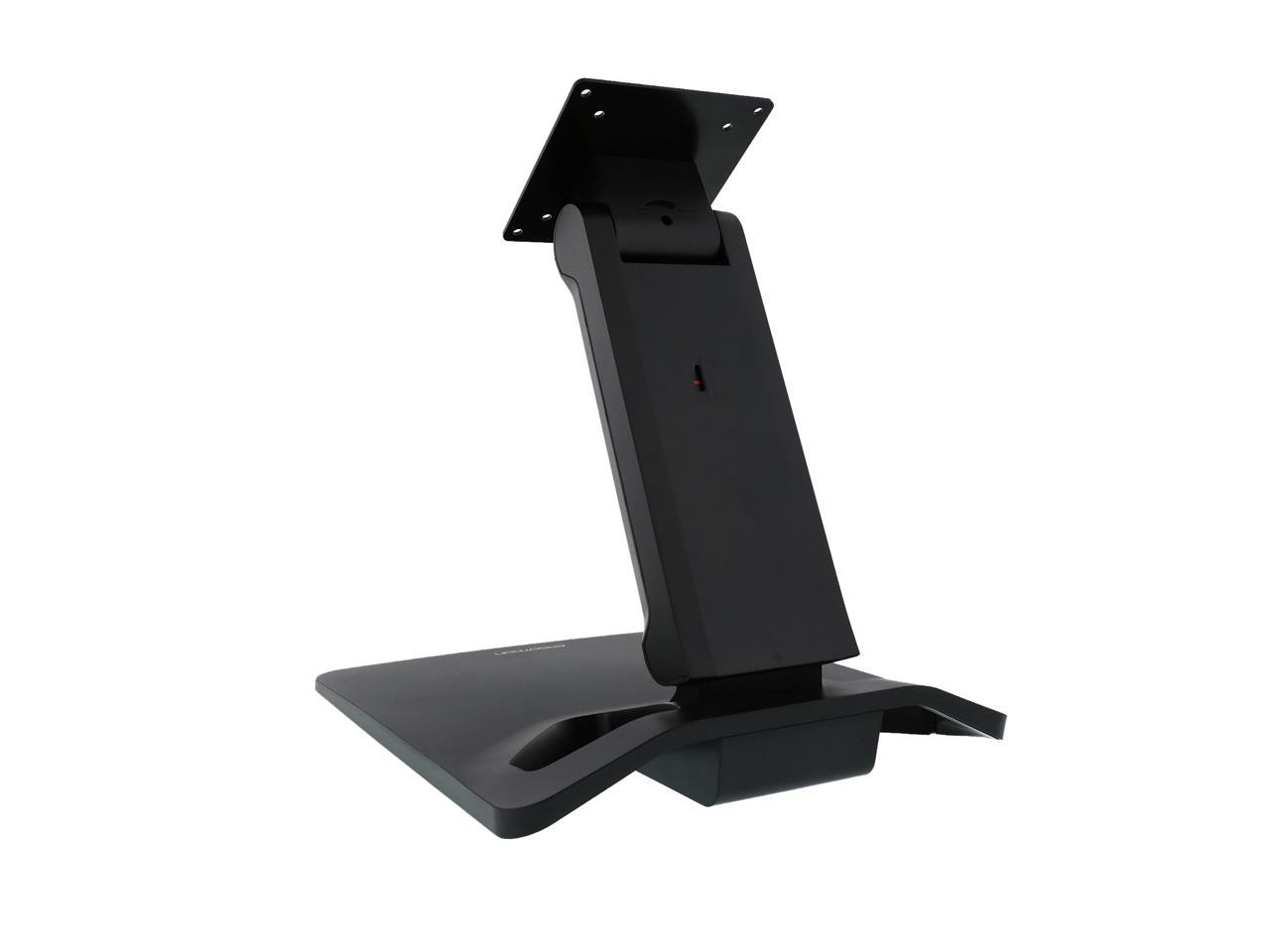
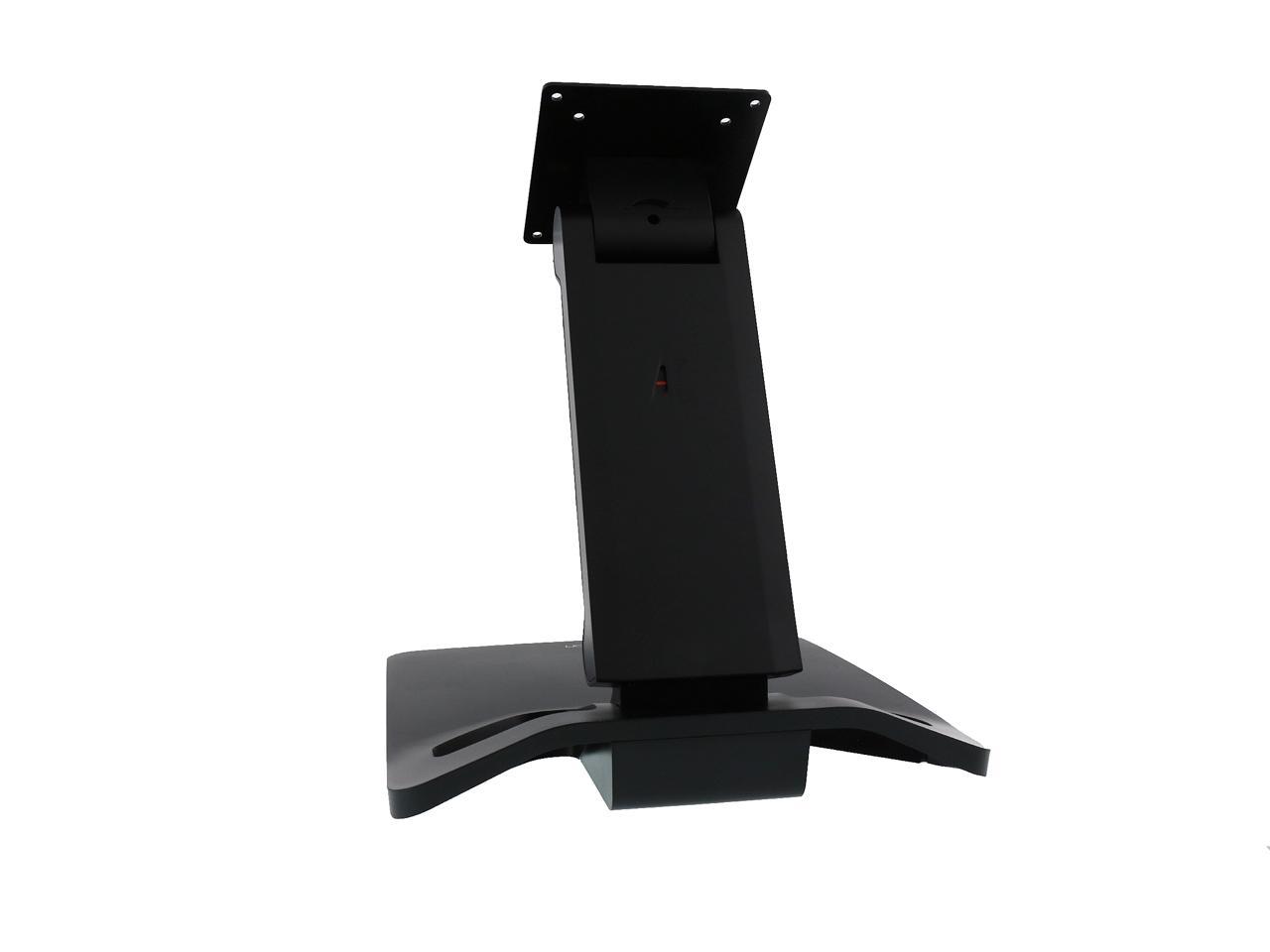
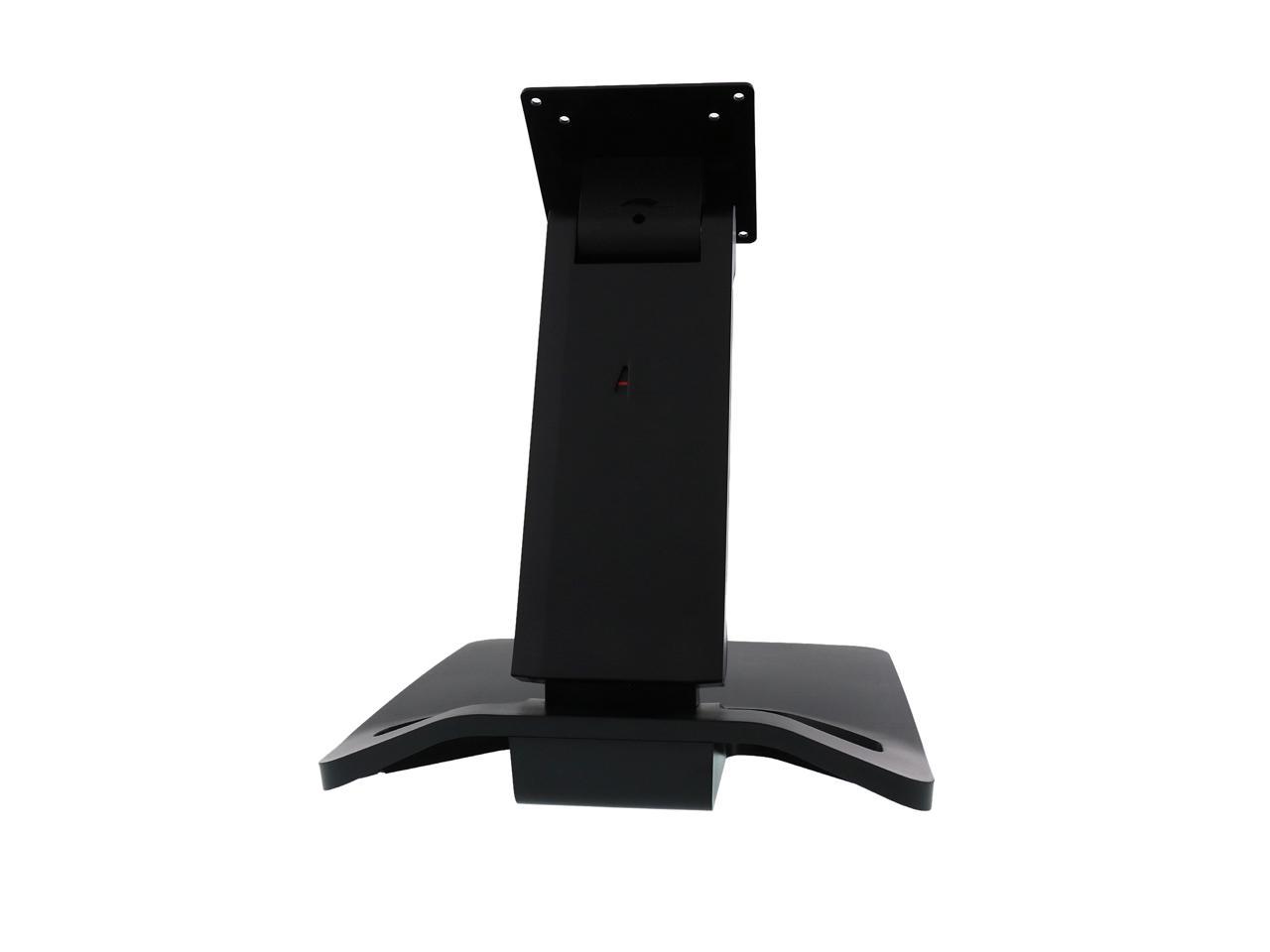
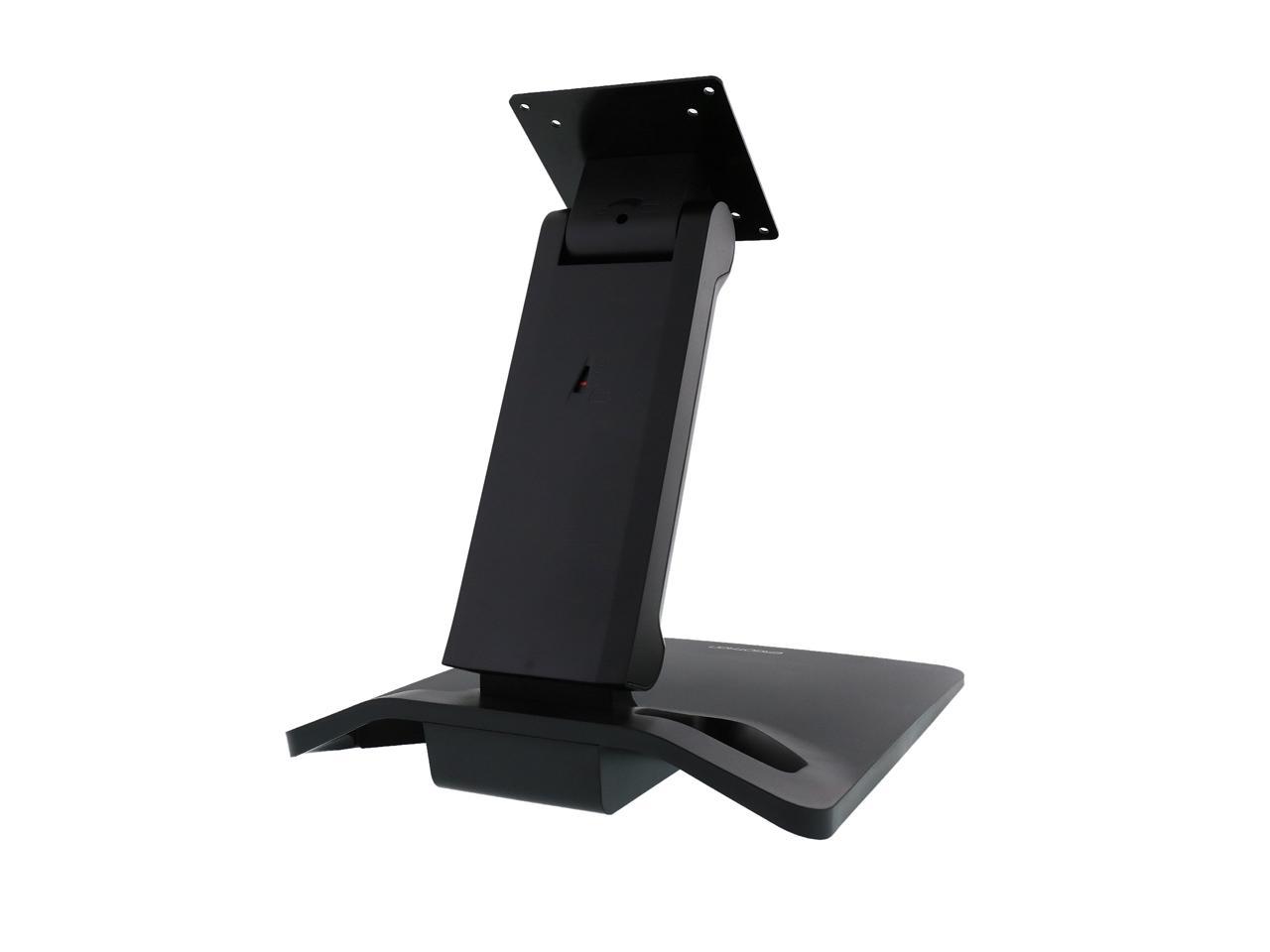
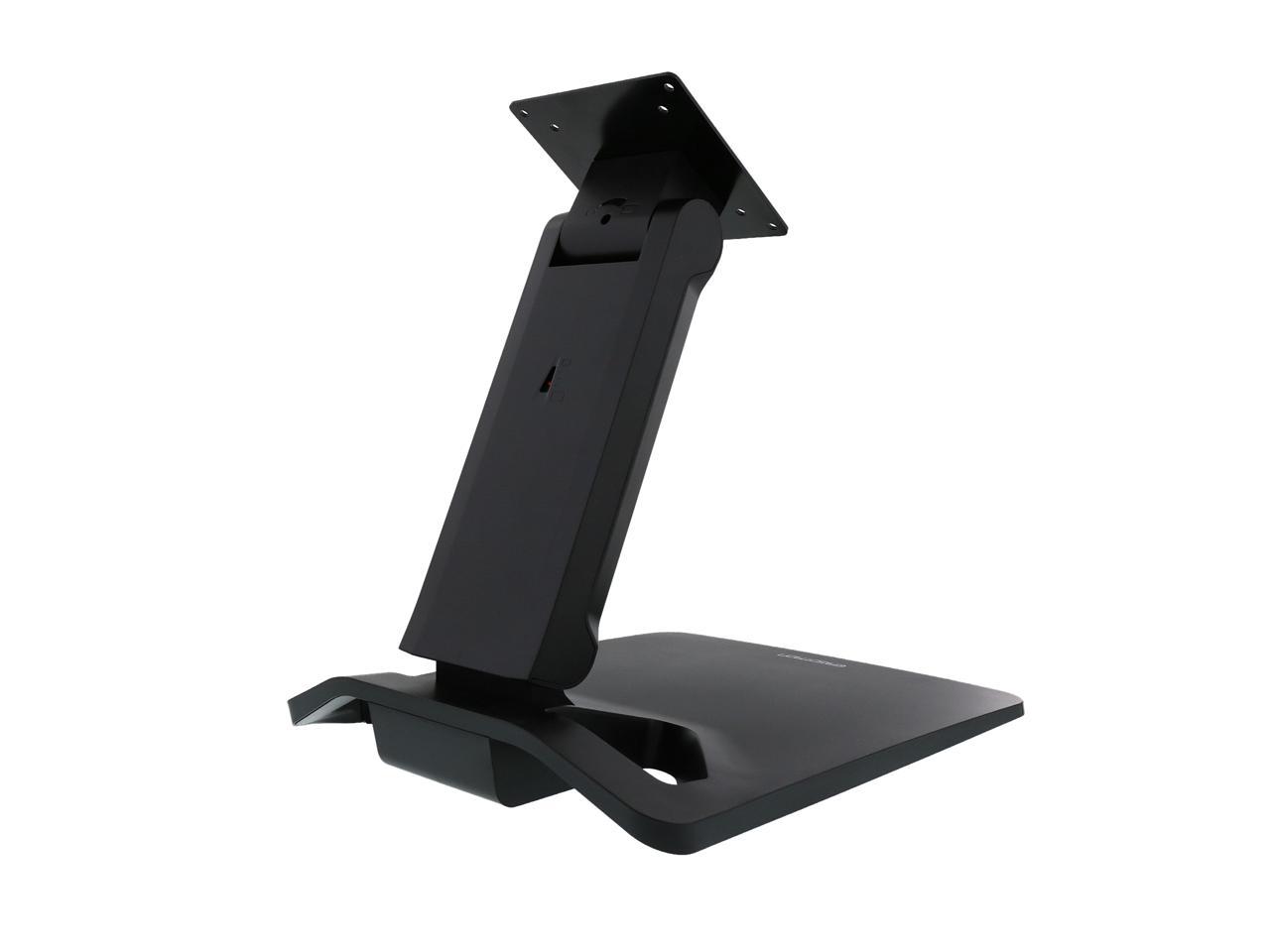
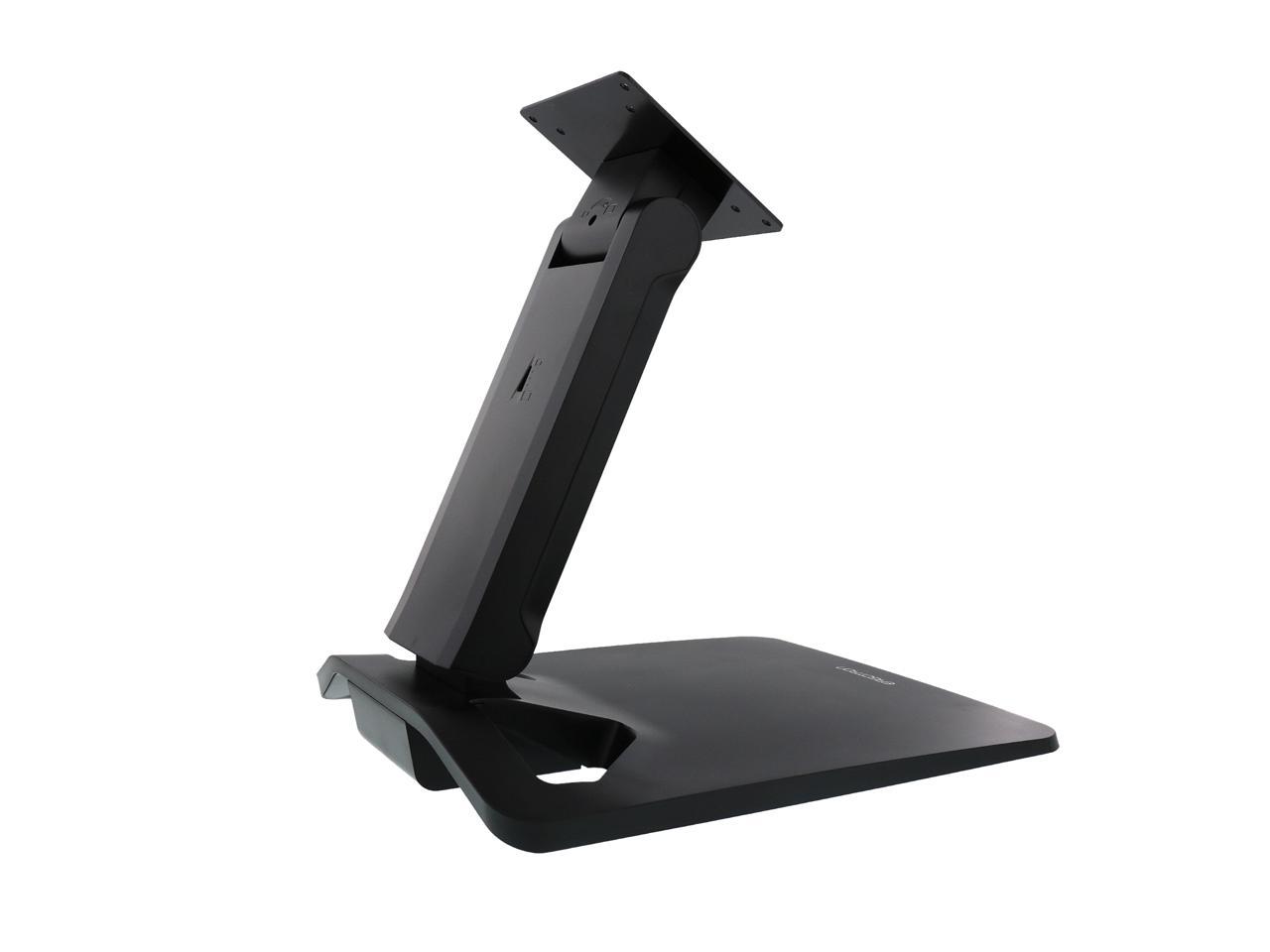
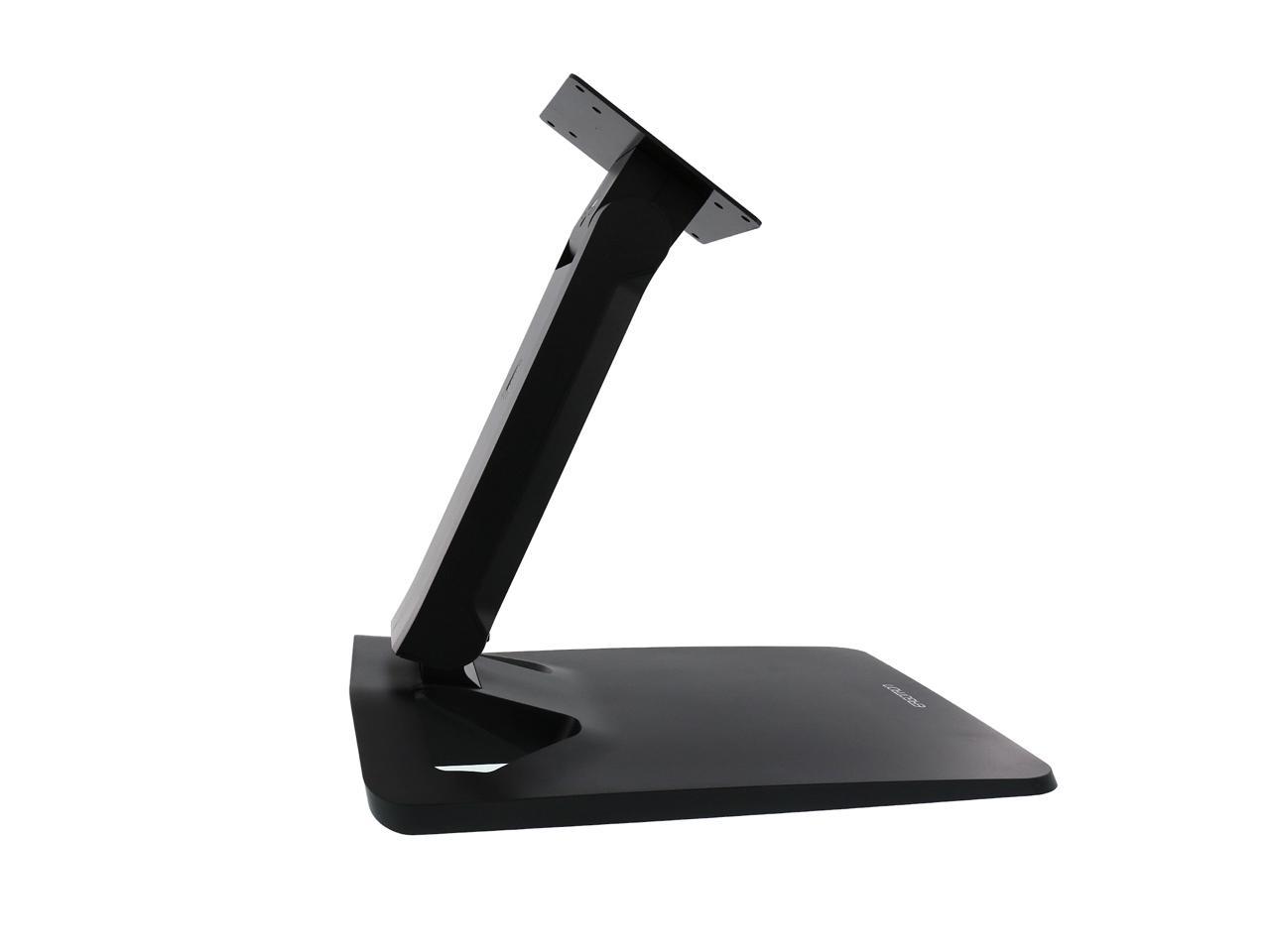
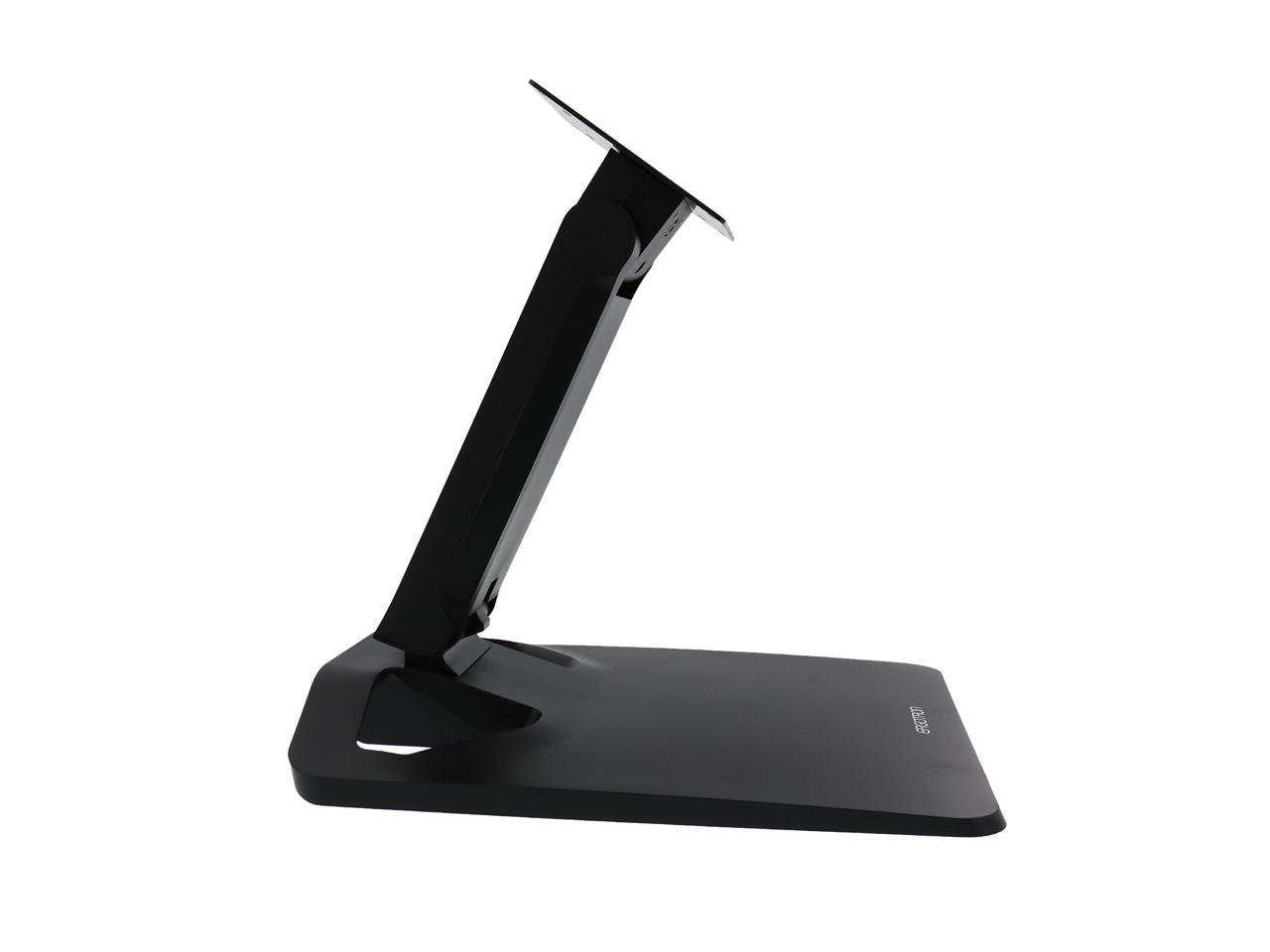
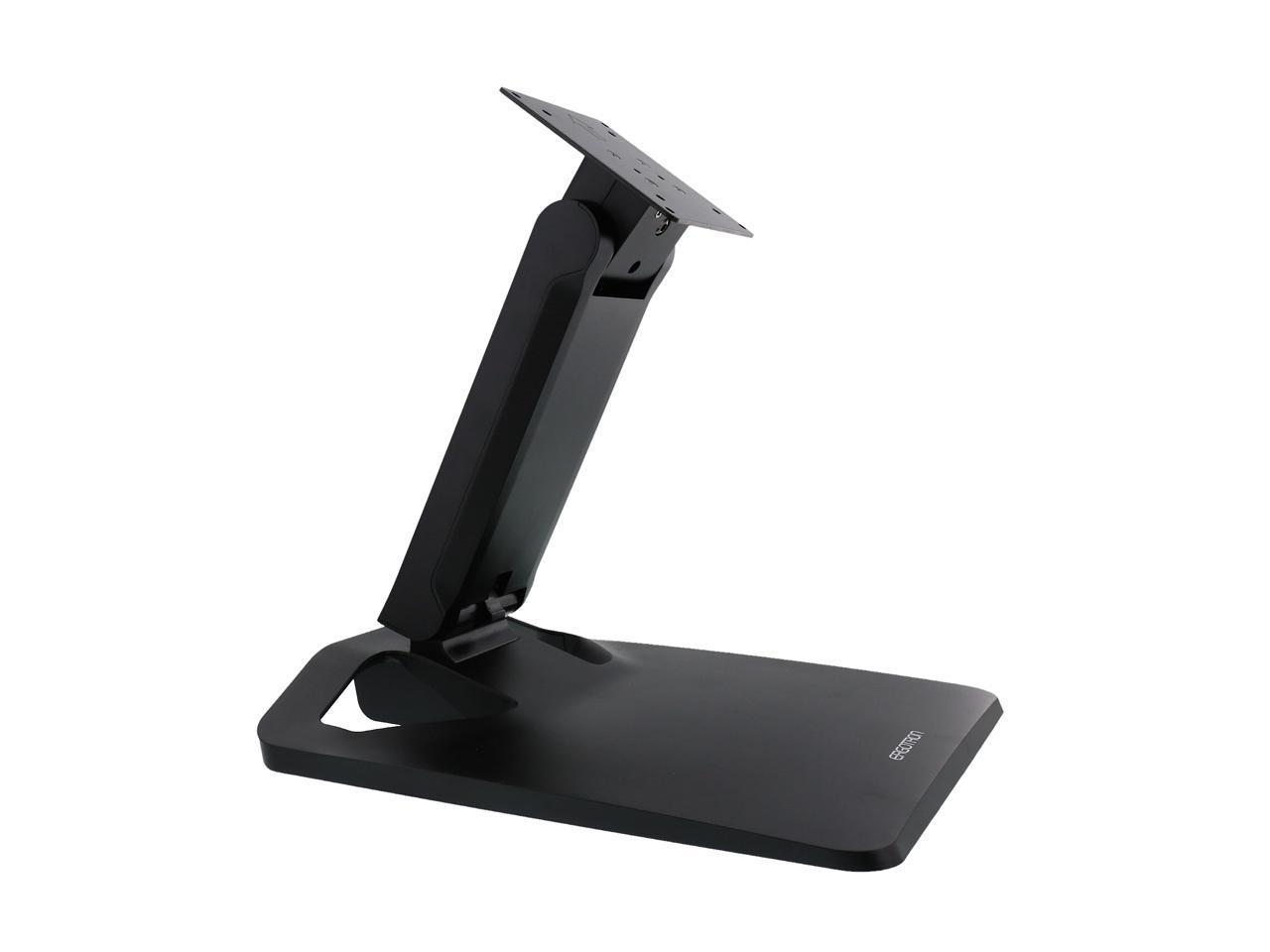
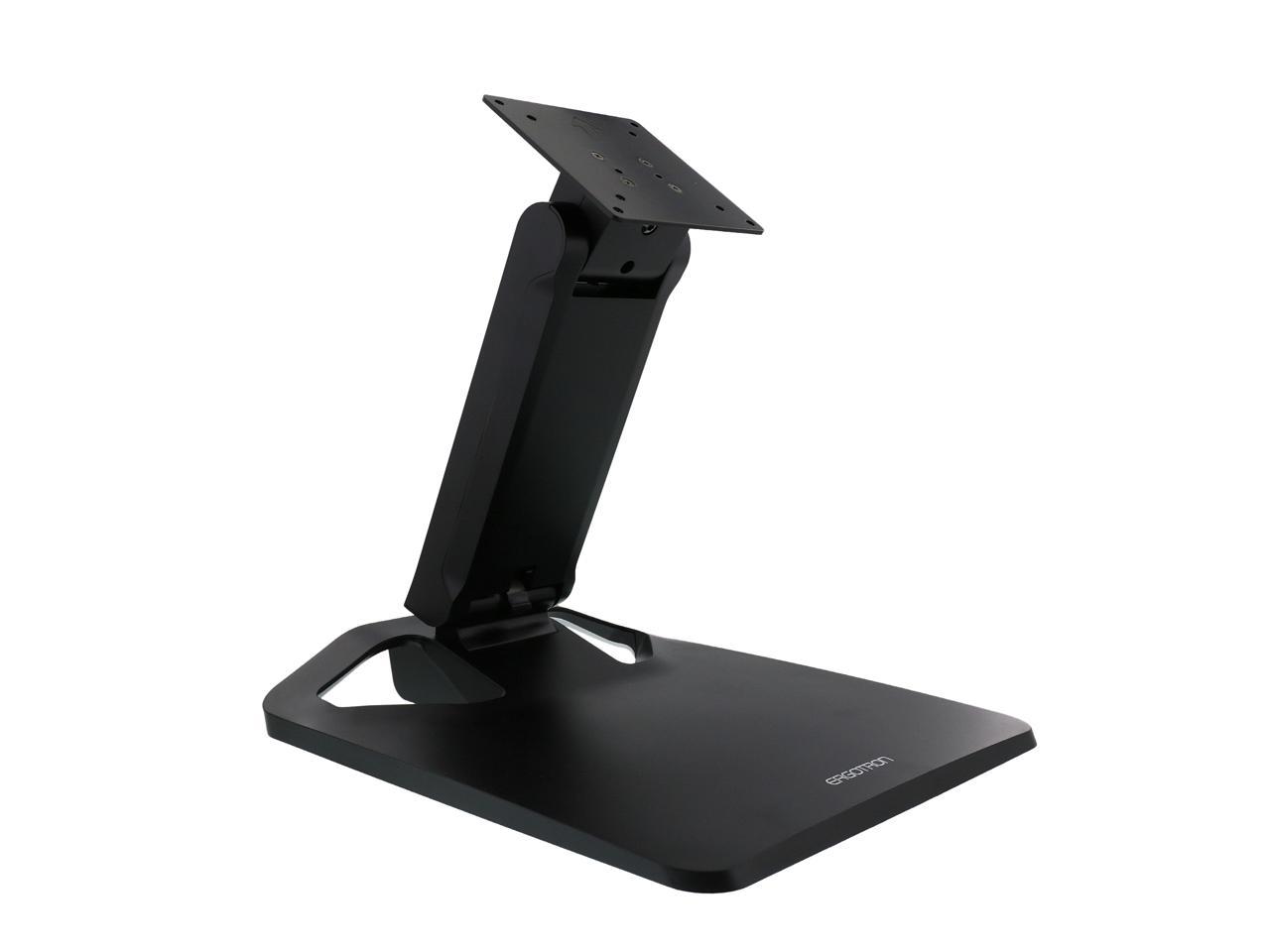
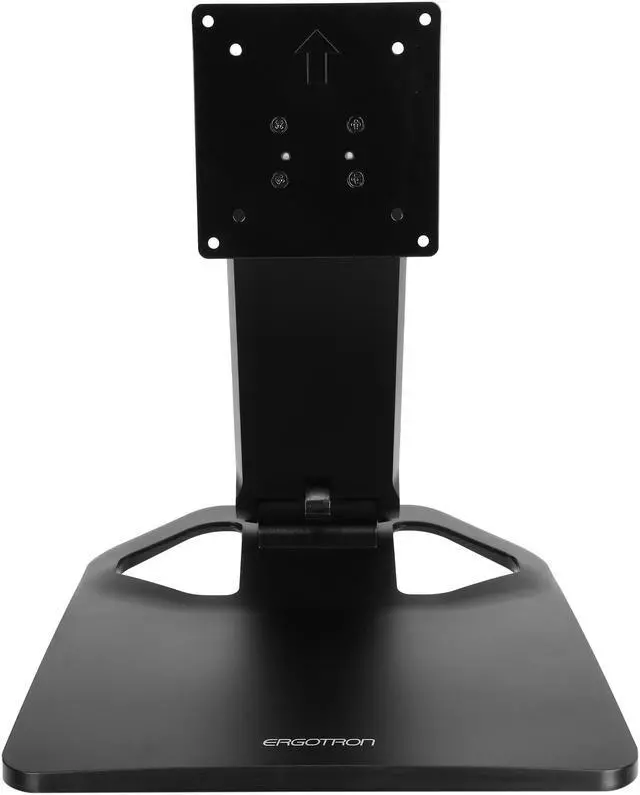
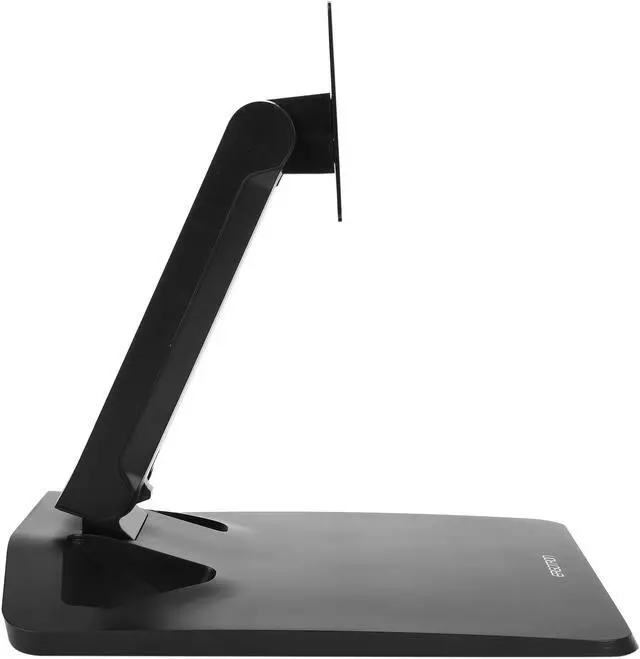
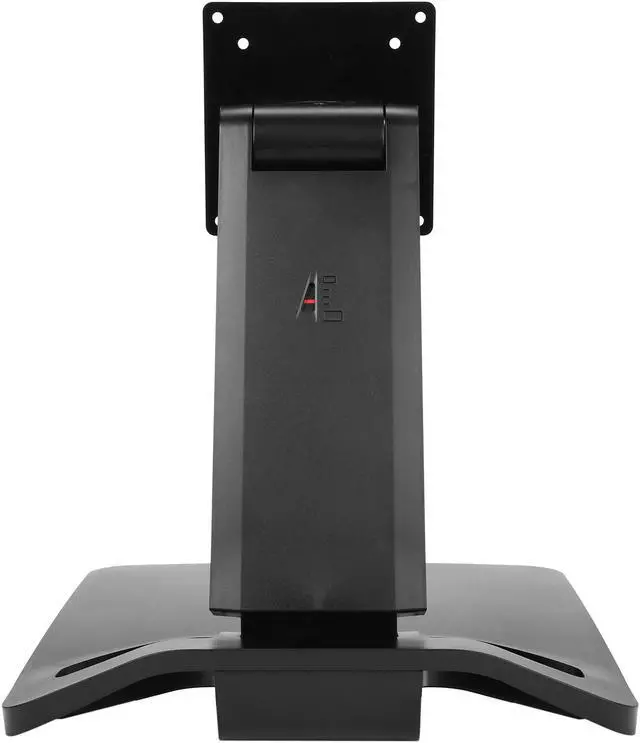
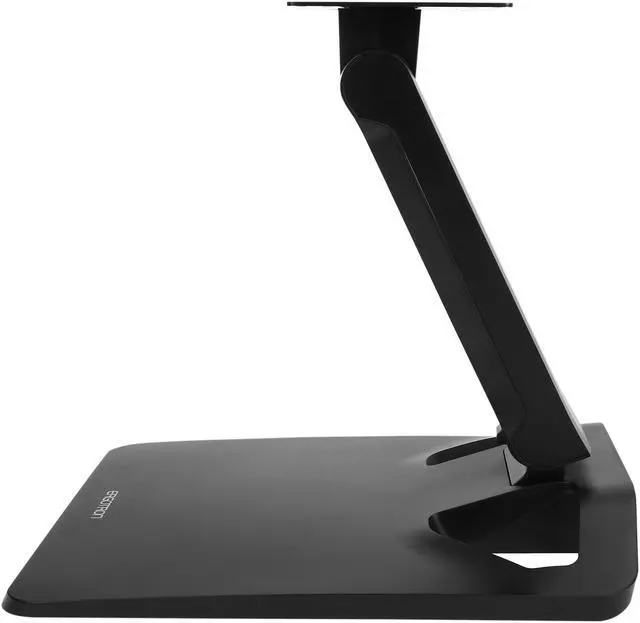
Ergotron 33-387-085 Neo-Flex Touchscreen Stand (black)
- Solid platform - Screen stays stable when in use
- Simple operation - Designed for easy adjustment and installation
- Ergonomic views - Offers 6.5" (16.5 cm) of height adjustment for a personalized fit
- More collaboration - 360-degree rotation makes screen-sharing easy for group work
- Fits bi-focals - Screen lowers and tilts upward to help bi-focal users
- Set-up check - Visual indicator shows when you have the right counter-balance tension
+
+
Overview
Specs
Reviews
MAIN OVERVIEW FEATURES: Maximum
Screen Size Supported: 27"Maximum
Load Capacity: 23.70
lbFeatures: 360° Swivel, Tilt, Heavy Duty,
Adjustable HeightColor:
BlackHeight: 11.8"W
idth: 10.9"D
epth: 12.8"
Screen Size Supported: 27"Maximum
Load Capacity: 23.70
lbFeatures: 360° Swivel, Tilt, Heavy Duty,
Adjustable HeightColor:
BlackHeight: 11.8"W
idth: 10.9"D
epth: 12.8"
Warranty & Returns
Warranty, Returns, And Additional Information
Warranty
- Limited Warranty period (parts): 3 years
- Limited Warranty period (labor): 3 years
- Read full details
Return Policies
- Return for refund until: January 31, 2027
- Return for replacement until: January 31, 2027
- This item is covered by Newegg.ca's Extended Holiday Return Policy.
- Read full return policy for details.
We want to ensure your holiday shopping this year is hassle-free. That’s why we’re automatically extending our return policies on almost every product! For purchases placed between November 1st, 2026 and December 31, 2026 you will have until January 31, 2027 to return your product.
Manufacturer Contact Info
- Manufacturer Product Page
- Manufacturer Website
- Support Phone: 1-800-888-8458
- Support Email: customerservice@ergotron.com
- Support Website
- View other products from Ergotron
LOADING...
LOADING...
The Ergotron Neo-Flex 33-387-085 is a black touchscreen stand for compatible LCDs up to 27 inches, with 16.5 cm of height adjustment and 360-degree rotation. It suits shared workspaces and collaborative teams that need to reposition or turn a screen for group viewing.
Recommended For
- Touchscreen and pen-display users who press or draw on the screen at a desk and want a freestanding stand positioned for hands-on use; Ergotron positions this model for touchscreen applications, and a Cintiq owner reported using it for that purpose.
- Teams sharing one touchscreen during discussions or demonstrations who want to turn the display toward different viewers without moving the stand.
- Users of compatible all-in-one or touchscreen displays who need substantial screen tilt to bring the display closer to a tabletop working angle.
- Bifocal wearers who want to lower the screen and tilt it upward to adjust their viewing angle.
Real-World Use Scenarios
- When using a touchscreen or compatible all-in-one PC for frequent tapping and swiping, the user can angle the display closer to the desk and interact with it on a stable platform rather than a typical upright monitor stand.
- When drawing or editing on a compatible pen display, the user can tilt the screen toward a more tablet-like working position; Wacom-community users describe choosing this stand for a steadier drawing setup.
- During a desk-side discussion, the user can turn the display toward a colleague to show work without moving the entire stand, making quick screen-sharing more convenient.
- When switching between seated viewing and hands-on screen use, the user can adjust the display’s height and tilt to bring the screen into a more comfortable position for that task.
- For a user who looks through bifocals, lowering the screen and tilting it upward can make the display easier to view without relying on the usual higher monitor position.
Spec Summary
| Attribute | Value |
|---|---|
| Best For | Tabletop touchscreen displays up to 27 inches, with adjustable positioning for shared viewing and ergonomic use |
| Display Compatibility And Capacity | Supports MIS-D VESA mounting, including a 100 × 100 mm hole pattern; internal specifications list a supported screen weight of 6.5–10.8 kg |
| Positioning And Adjustment | 16.5 cm of lift, 115° tilt, and 360° pan for adjusting screen height, angle, and orientation |
| Build And Finish | Polycarbonate enclosure in black |
| Dimensions And Weight | 16.3 × 13.4 × 9 inches; item weight 9.55 lb |
| Model Identifiers | Ergotron Neo-Flex Touchscreen Stand, model 33-387-085 |
Reference Q&A
Q: Ergotron Neo-Flex Touchscreen Stand vs. Neo-Flex Monitor Stand: which is better for a touchscreen?
A: Choose the Neo-Flex Touchscreen Stand for interactive displays: it offers 115° of tilt, 6.5 inches of height adjustment, and a 14–23.7 lb capacity. The Neo-Flex Monitor Stand is designed for general monitor positioning, with 5 inches of height adjustment and 30° of tilt.
Q: Neo-Flex Touchscreen Stand vs. Neo-Flex Widescreen Lift Stand: which should I choose?
A: Choose the Neo-Flex Touchscreen Stand when frequent touch interaction and a broad range of screen tilt are priorities; its 115° tilt helps position a display at a shallow angle for desktop use. The Neo-Flex Widescreen Lift Stand is designed for larger displays, with support for screens up to 32 inches and a 16–36 lb capacity.
Q: Should I get the Neo-Flex Touchscreen Stand or the Neo-Flex All-In-One Lift Stand?
A: Choose the Neo-Flex Touchscreen Stand for a touchscreen-focused setup, with 115° of tilt and 6.5 inches of height adjustment. Choose the Neo-Flex All-In-One Lift Stand when you want to mount a monitor and a small-form-factor computer together; it includes an adjustable CPU holder and a Secure Clamp.
Q: Will this stand fit my monitor?
A: Check the monitor’s VESA mounting pattern and weight, not just its screen size. This stand supports MIS-D VESA mounting and displays up to 27 inches, with a supported weight range of 6.5–10.8 kg (14.3–23.8 lb).
Q: Is it stable enough for touchscreen use?
A: It is designed for touchscreen use, with a solid platform intended to keep the screen stable when touched. It is best suited to a compatible desktop display or all-in-one PC, rather than a portable setup.
Q: How much can I adjust the screen for viewing or sharing?
A: The stand provides 16.5 cm (6.5 inches) of height adjustment, up to 115° of tilt, and 360° of pan. These adjustments support repositioning the screen for viewing and turning it toward others; they do not make the stand portable.
Q: Is this stand suitable for everyday office work and collaboration?
A: It is suited to a desk-based touchscreen or all-in-one display setup. Height and tilt adjustment support repositioning the screen, and 360° pan can help turn it toward colleagues. The stand does not provide a screen or computer, so those must be supplied separately.
Q: Is the Neo-Flex a suitable stand for drawing on a 27-inch Cintiq?
A: A Reddit user reported using it with a Cintiq Pro 27 for drawing, including suspending the display over the desk. The stand is specified for displays up to 27 inches and 6.5–10.8 kg; check that your display also meets its VESA and weight requirements.
Q: Does it stay stable while drawing on a pen display?
A: One Reddit user reported that their Cintiq Pro 27 setup felt sturdy with little to no wobble; another described the stand as stiff and able to support drawing pressure. These are individual experiences, so results may vary with the display and setup.
Q: Will it fit a Cintiq Pro 24?
A: The Reddit discussion did not establish a definite fit. Before buying, check the display’s VESA compatibility, weight against the stand’s 6.5–10.8 kg range, and physical dimensions; commenters also raised concerns about the display’s size and the possible need for a VESA adapter.