








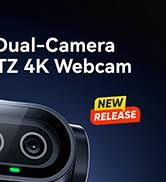
EMEET PIXY — Next-Gen Webcam
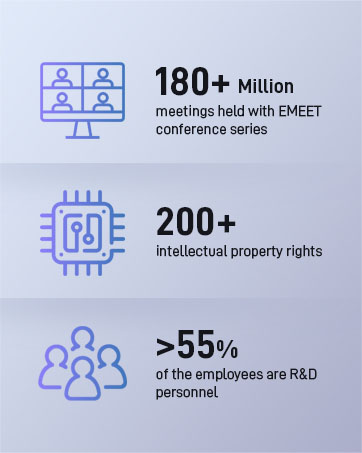
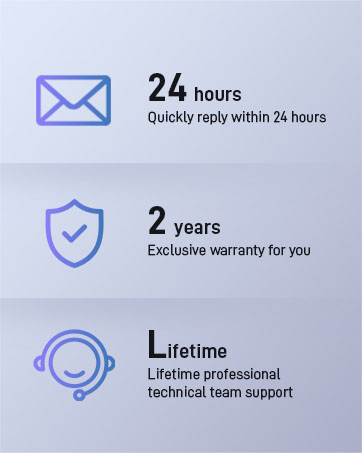
EMEET values the contributions of every individual in meetings and knows that everyone should be heard and seen. Established in August 2016, with the mission of "better communication, better world", we endeavored to create an intelligent mobile collaboration space. Today, EMEET is a prominent global company, specializing in R&D, production, and sales of AI-driven intelligent audio and video communication products and cloud services.
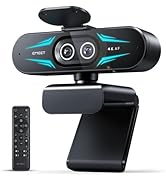


EMEET New Release
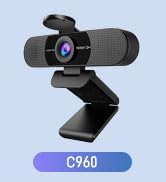
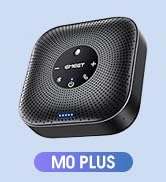
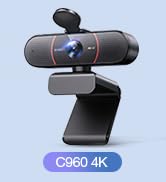

EMEET Best Sellers
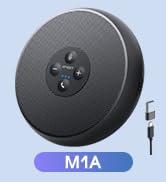
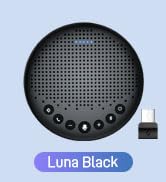
Cost-Effective Speakerphones
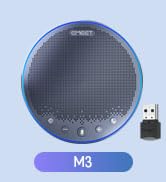
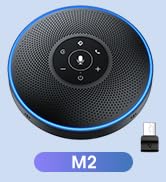
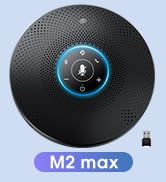
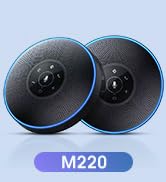
High-End Speakerphones
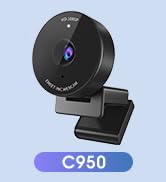
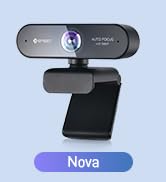
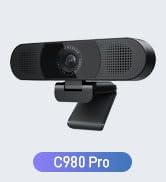
1080P Webcams
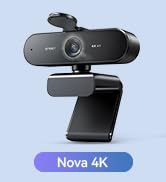
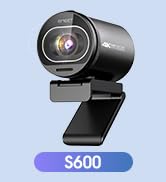
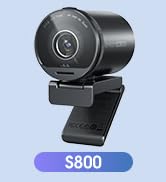
4K Webcams
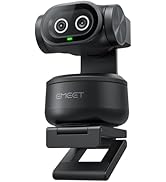
Dual-Camera 4K Webcams
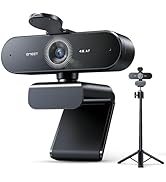
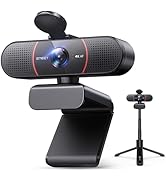
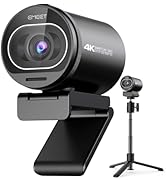
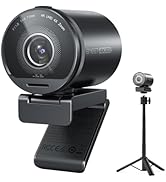
Webcams with Tripod

EMEET Accessories
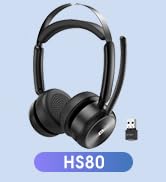
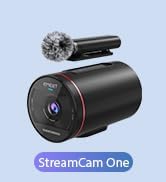

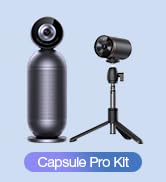
Other Choices
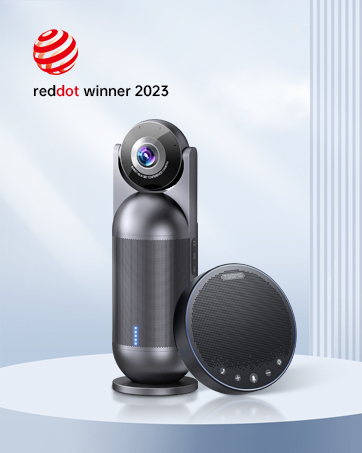
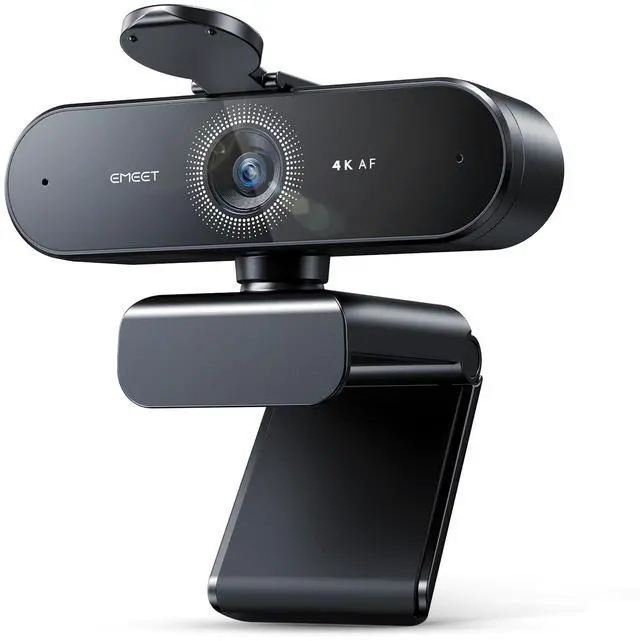
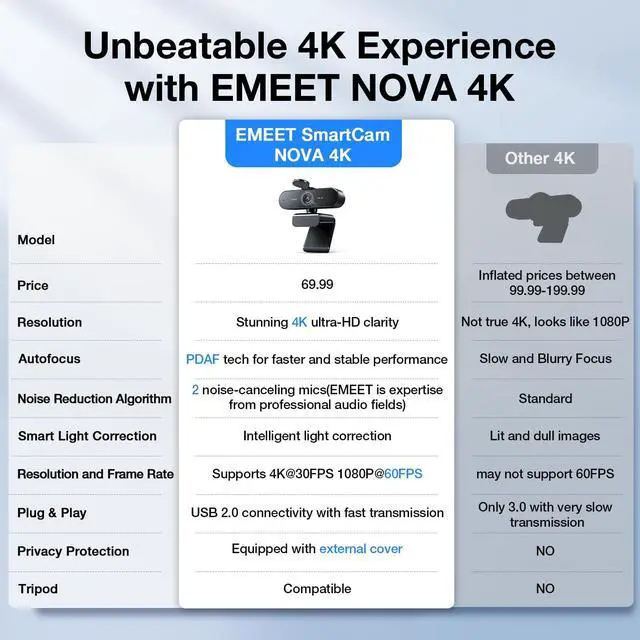
EMEET NOVA 4K Webcam for PC
Merchant Video






Which operating systems are compatible with the NOVA 4K webcam?
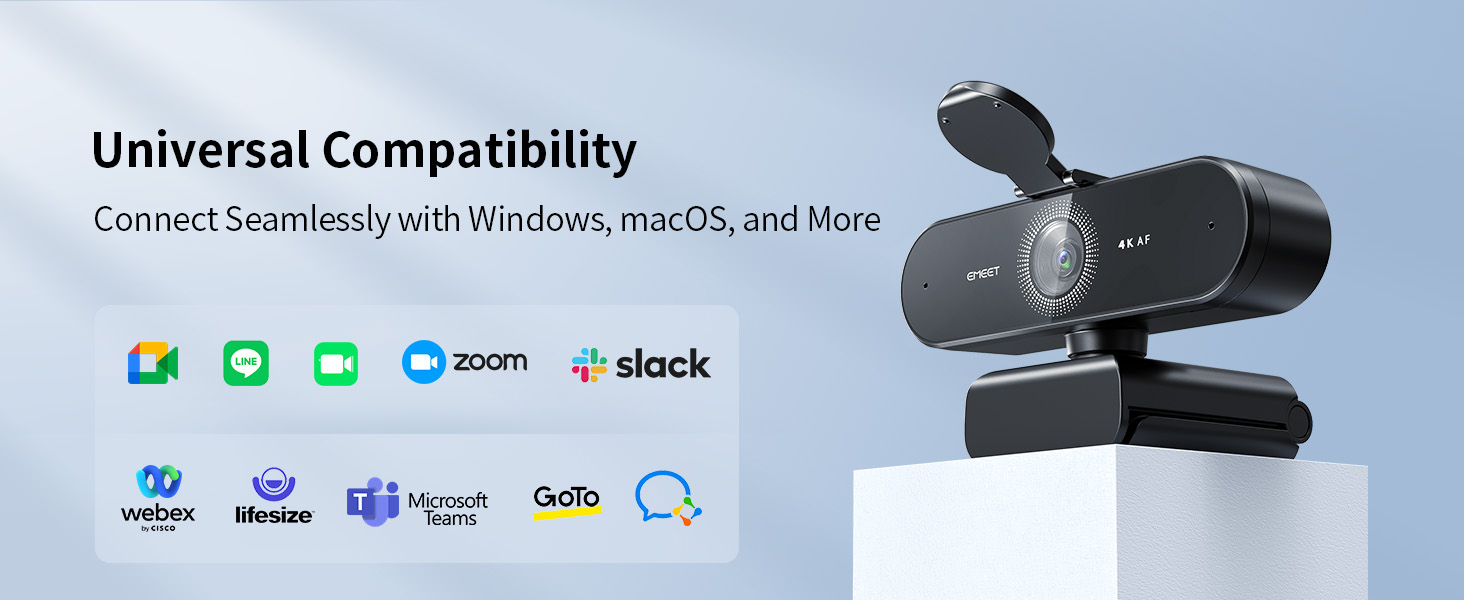
The NOVA 4K webcam is compatible with the following operating systems, please make sure your device is running one of these operating systems for use:
Windows 10 and 11
macOS 10.14 and above
Android TV version 7.0 and above
Is the NOVA 4K webcam compatible with video conferencing software?
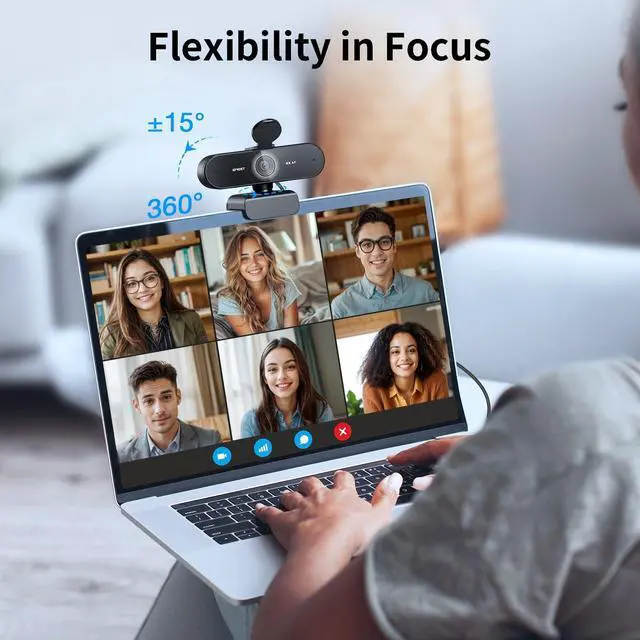
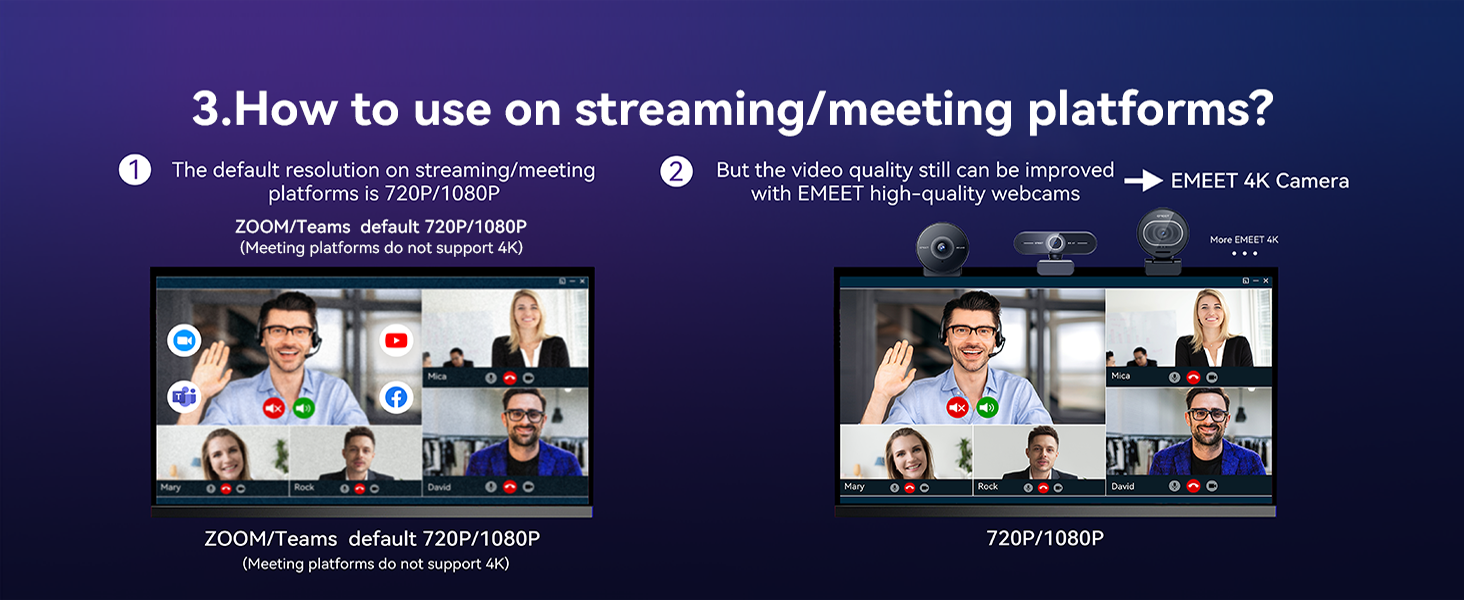
Yes, the NOVA 4K webcam is compatible with a wide range of video conferencing software. It works with Zoom, Microsoft Teams, Google Meet, Cisco Webex, Facetime, GoToMeeting, Lifesize, Slack, Line, TrueConf.
What type of USB port does the NOVA 4K webcam require?
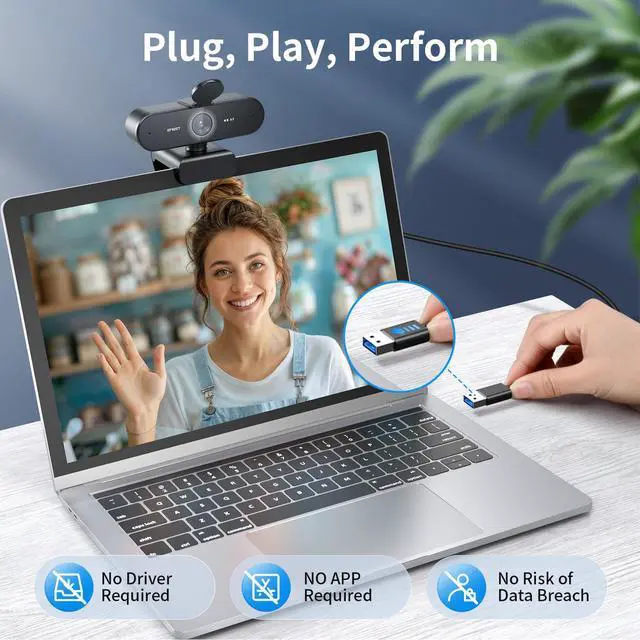
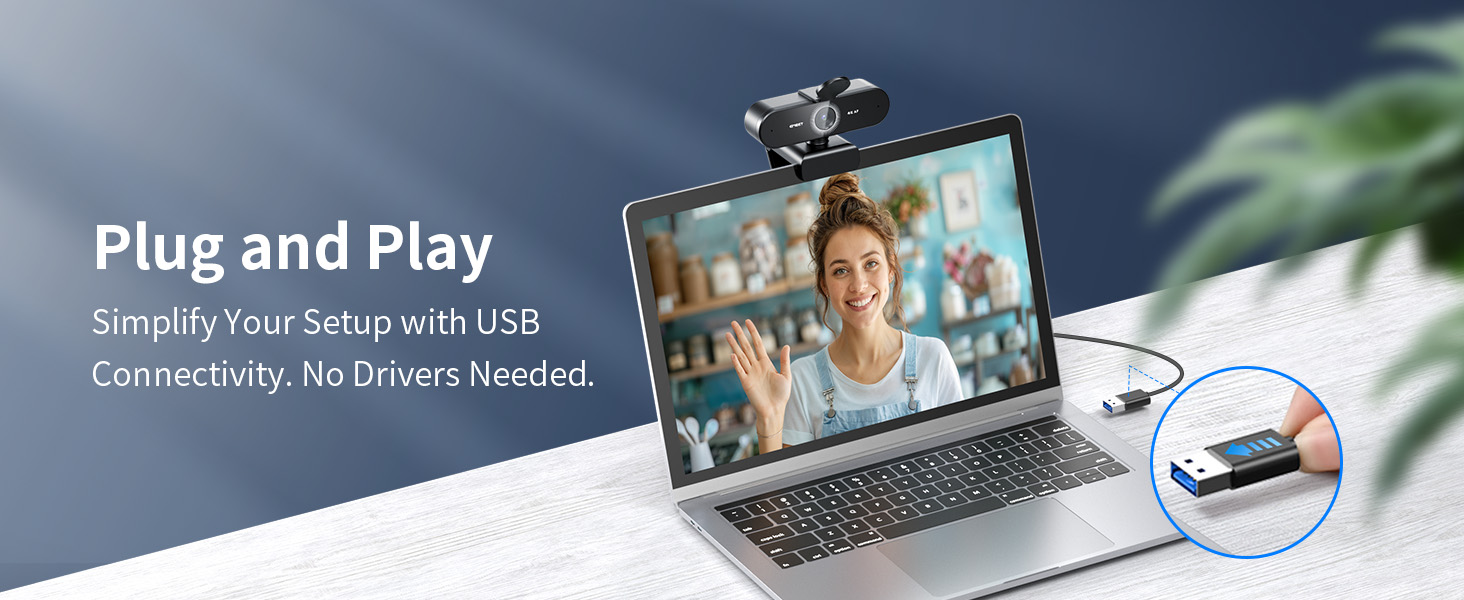
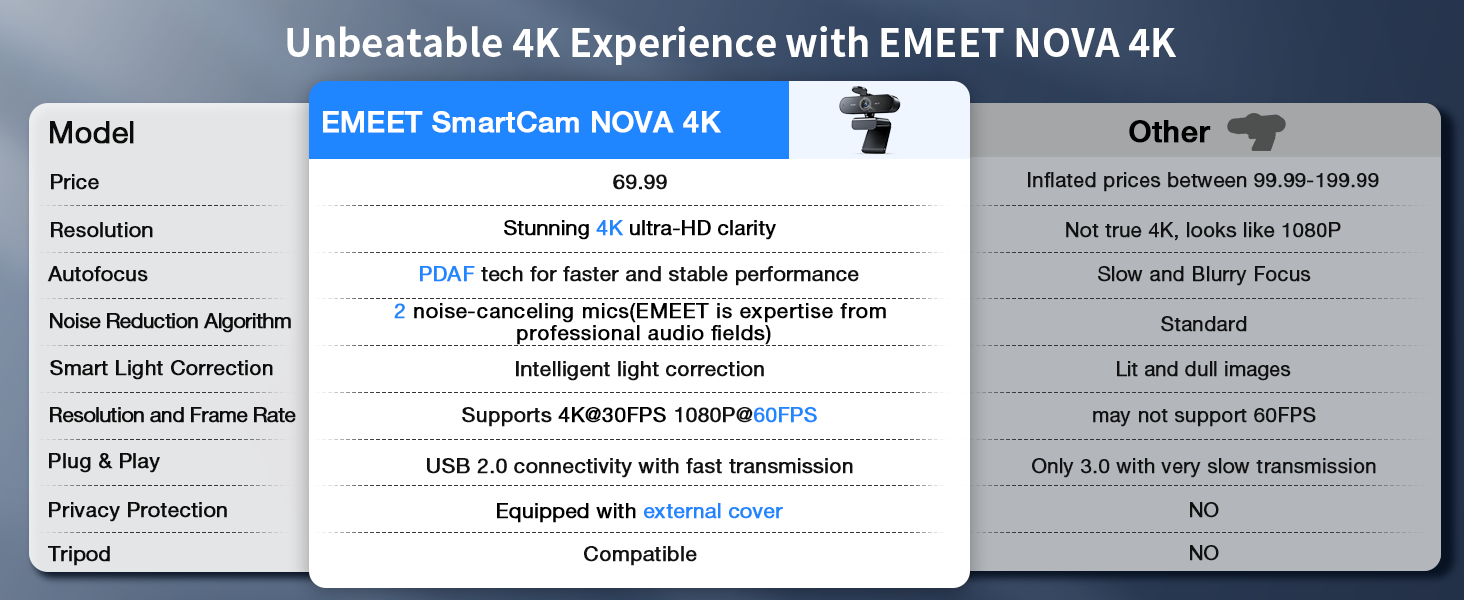
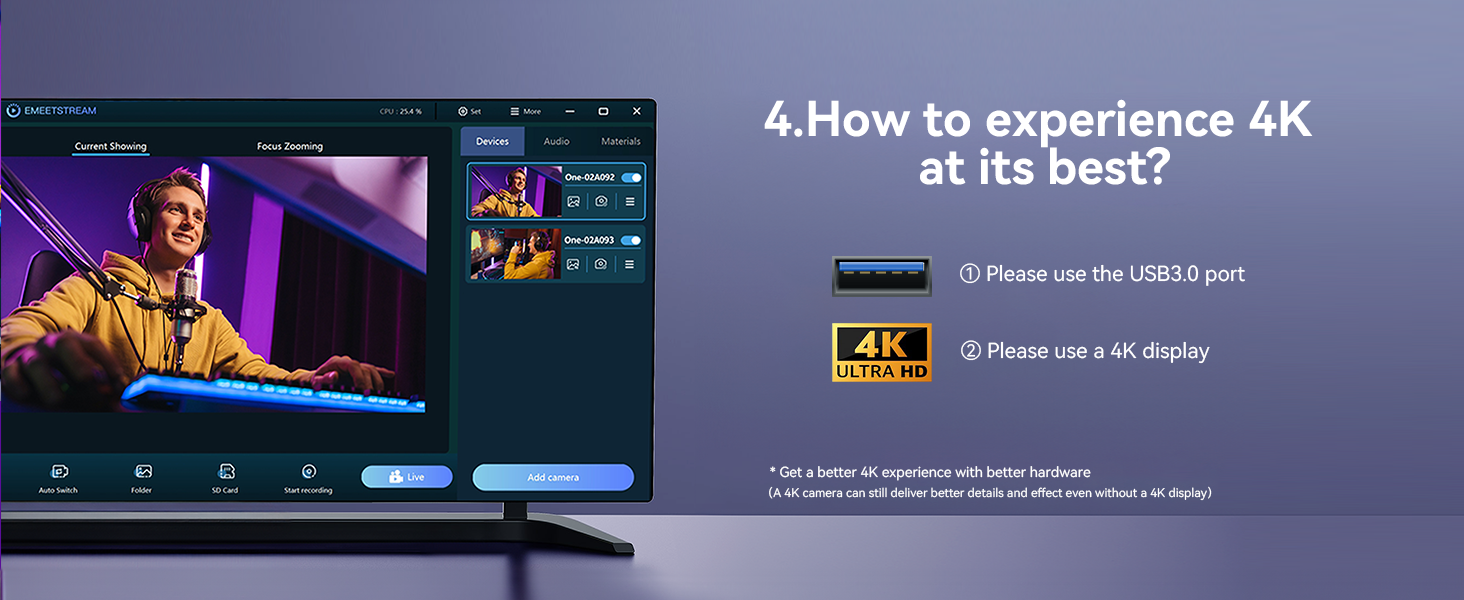
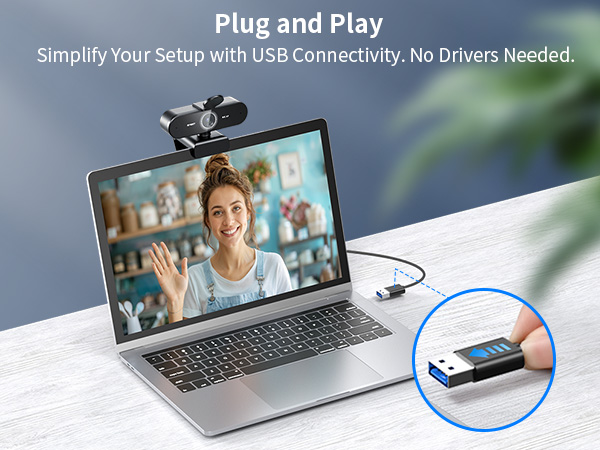
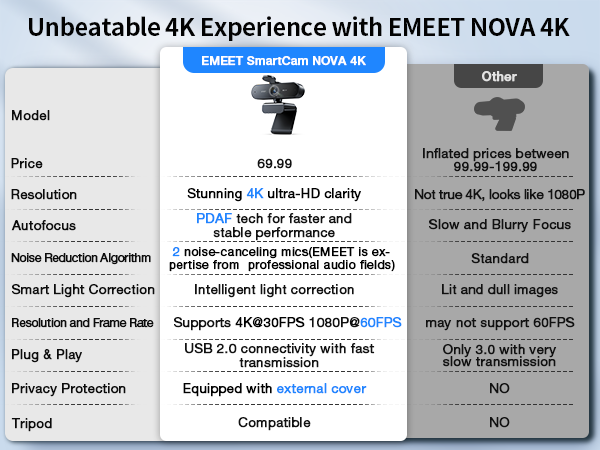
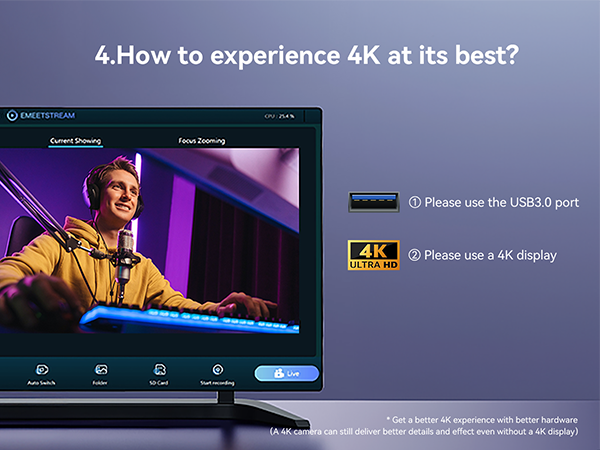
It requires a USB 2.0 or Type-A USB port for proper functionality. Please ensure that your device has the appropriate USB port to avoid connection issues. Using other types of USB ports (such as USB-C) may result in not recognizing or functioning.
What should I do if the NOVA 4K webcam is not working?
If the webcam is not working, please follow these troubleshooting steps:
1. Check compatibility.
2. Verify USB port type.
3. Try a different port or device, and Update drivers.
4. If the issue persists, go to find us for further assistance.
Which versions of Windows are supported by EMEETLINK software?
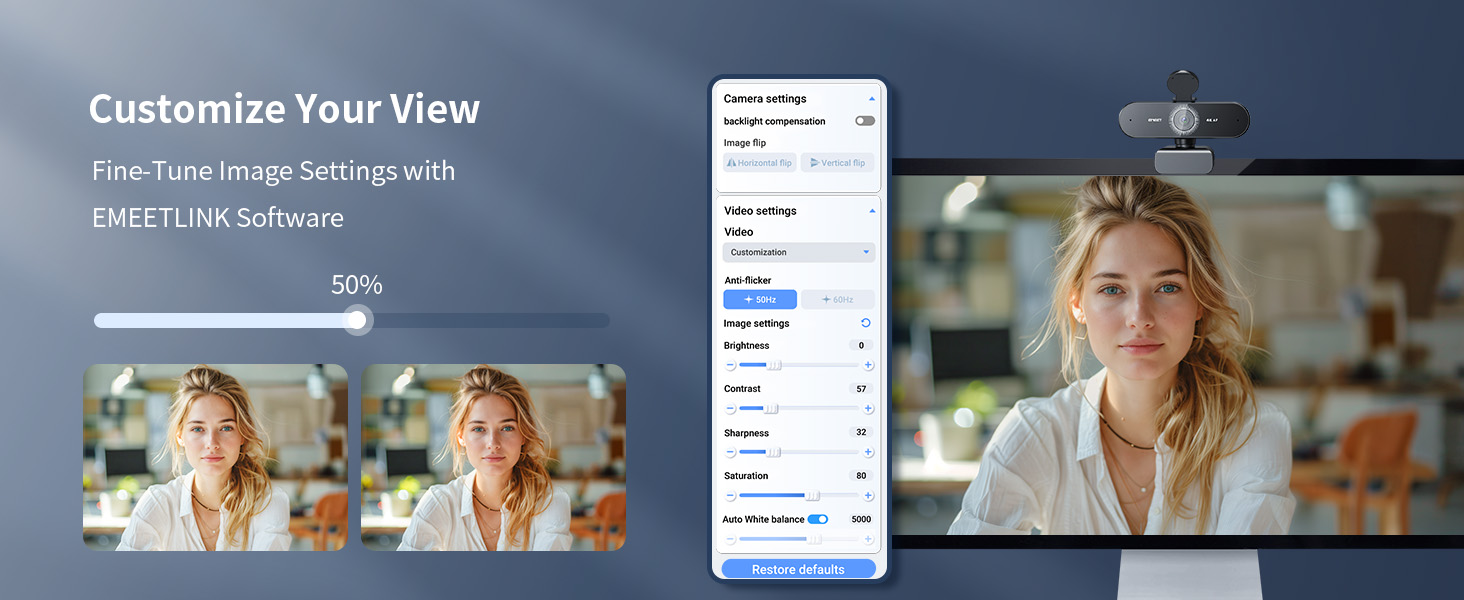
The EMEETLINK software supports Windows 10 and later, 64-bit operating systems. It is not supported on ARM architecture-based Windows systems.
EMEET NOVA 4K Webcam for PC
Merchant Video





Which operating systems are compatible with the NOVA 4K webcam?
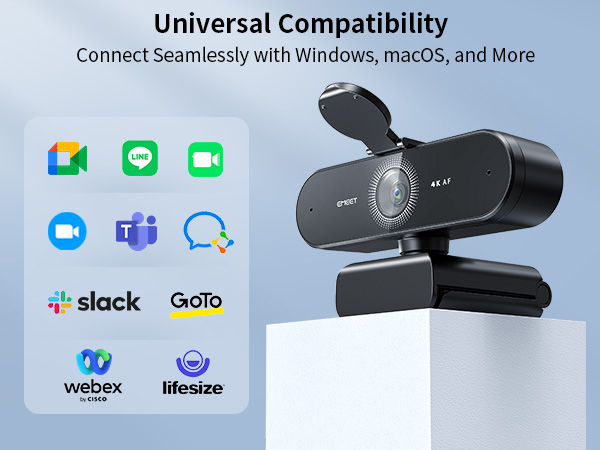
The NOVA 4K webcam is compatible with the following operating systems, please make sure your device is running one of these operating systems for use:
Windows 10 and 11
macOS 10.14 and above
Android TV version 7.0 and above
Is the NOVA 4K webcam compatible with video conferencing software?
Yes, the NOVA 4K webcam is compatible with a wide range of video conferencing software. It works with Zoom, Microsoft Teams, Google Meet, Cisco Webex, Facetime, GoToMeeting, Lifesize, Slack, Line, TrueConf.
What type of USB port does the NOVA 4K webcam require?
It requires a USB 2.0 or Type-A USB port for proper functionality. Please ensure that your device has the appropriate USB port to avoid connection issues. Using other types of USB ports (such as USB-C) may result in not recognizing or functioning.
What should I do if the NOVA 4K webcam is not working?
If the webcam is not working, please follow these troubleshooting steps:
1. Check compatibility.
2. Verify USB port type.
3. Try a different port or device, and Update drivers.
4. If the issue persists, go to find us for further assistance.
Which versions of Windows are supported by EMEETLINK software?
The EMEETLINK software supports Windows 10 and later, 64-bit operating systems. It is not supported on ARM architecture-based Windows systems.
EMEET PIXY — Next-Gen Webcam
EMEET values the contributions of every individual in meetings and knows that everyone should be heard and seen. Established in August 2016, with the mission of "better communication, better world", we endeavored to create an intelligent mobile collaboration space. Today, EMEET is a prominent global company, specializing in R&D, production, and sales of AI-driven intelligent audio and video communication products and cloud services.
EMEET New Release
EMEET Best Sellers
Cost-Effective Speakerphones
High-End Speakerphones
1080P Webcams
4K Webcams
Dual-Camera 4K Webcams
Webcams with Tripod
EMEET Accessories
Other Choices