







EMEET PIXY — Next-Gen Webcam
EMEET values the contributions of every individual in meetings and knows that everyone should be heard and seen. Established in August 2016, with the mission of "better communication, better world", we endeavored to create an intelligent mobile collaboration space. Today, EMEET is a prominent global company, specializing in R&D, production, and sales of AI-driven intelligent audio and video communication products and cloud services.
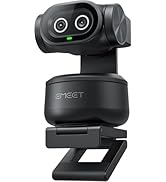
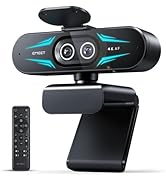


EMEET New Release
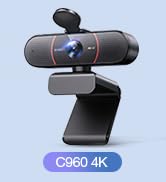

EMEET Best Sellers
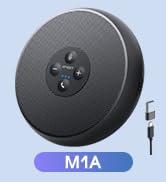
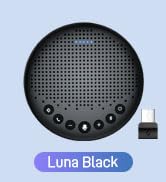
Cost-Effective Speakerphones
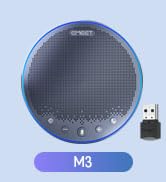
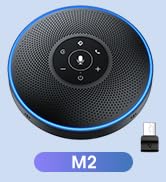
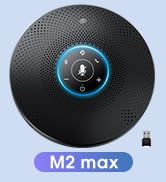
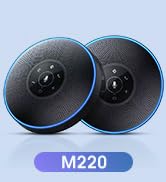
High-End Speakerphones
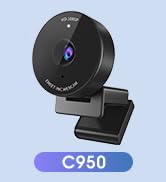
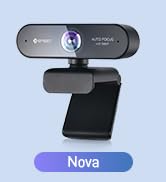
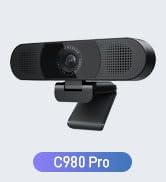
1080P Webcams
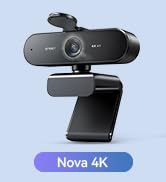
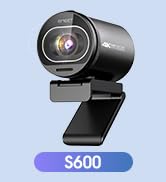
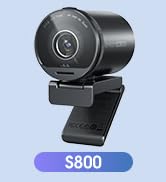
4K Webcams
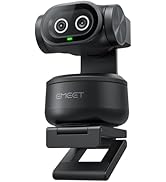
Dual-Camera 4K Webcams
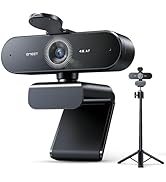
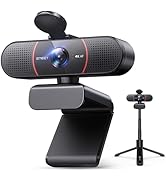
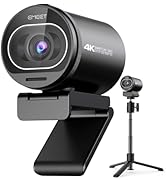
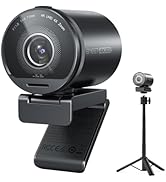
Webcams with Tripod
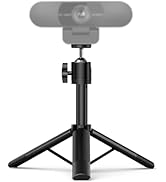
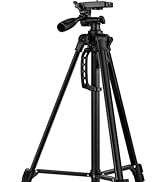


EMEET Accessories
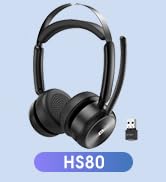
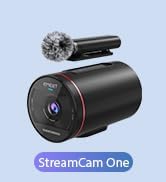

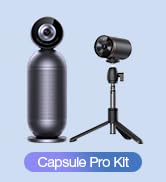
Other Choices
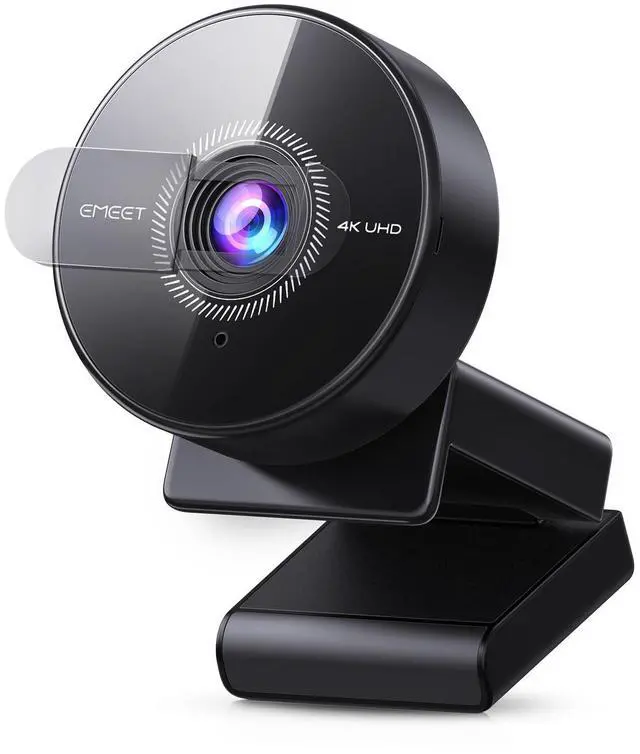
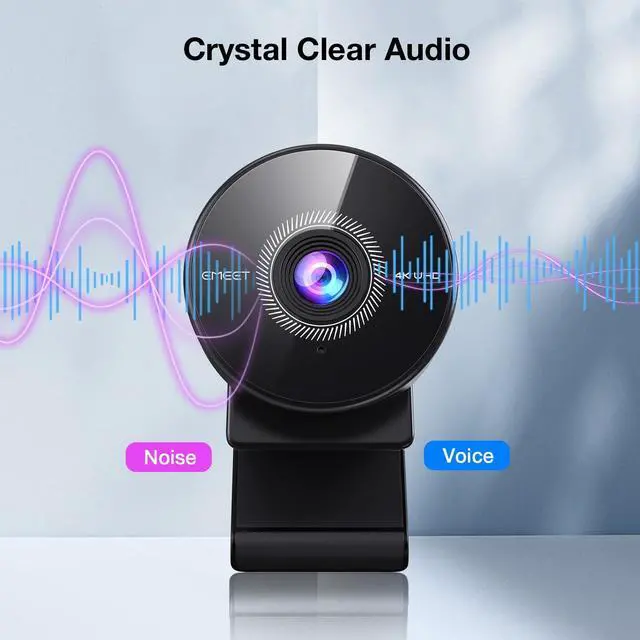
EMEET C950 4K Webcam for PC
Merchant Video


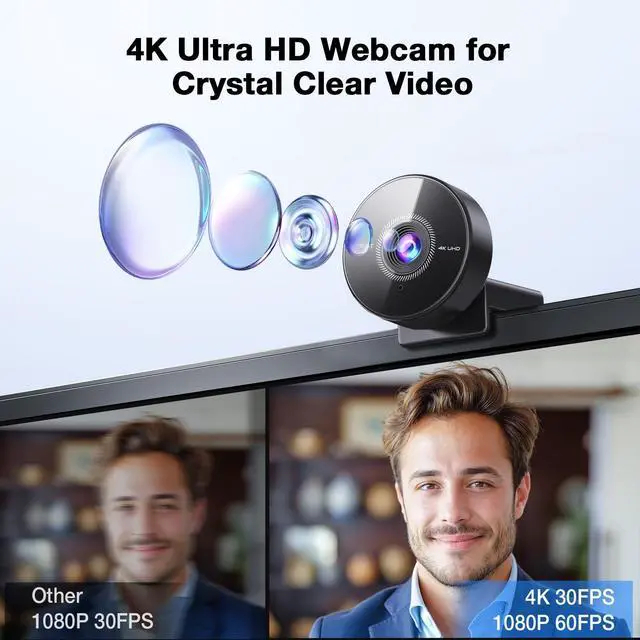
Why does the video quality of my C950 4K webcam look blurry or not as clear as expected?
The C950 4K webcam supports 4K. For best results:
1. On Windows, go to Camera app > Settings > Video quality > 3840×2160.
2. In Zoom/OBS/Teams, set resolution to 4K.
3. Use bright lighting and keep the camera 4"–10' away for clear focus.
My C950 4K webcam didn’t come with a tripod or privacy cover. Is something missing from the box?
The C950 4K includes a USB cable and built-in lens cover. It doesn’t come with a tripod or 1/4" mount, as it’s made for monitor use. If your USB cable or lens cover is missing, please find us via —we’re happy to help!
Why is my C950 4K webcam not focusing properly or looks blurry during video calls?
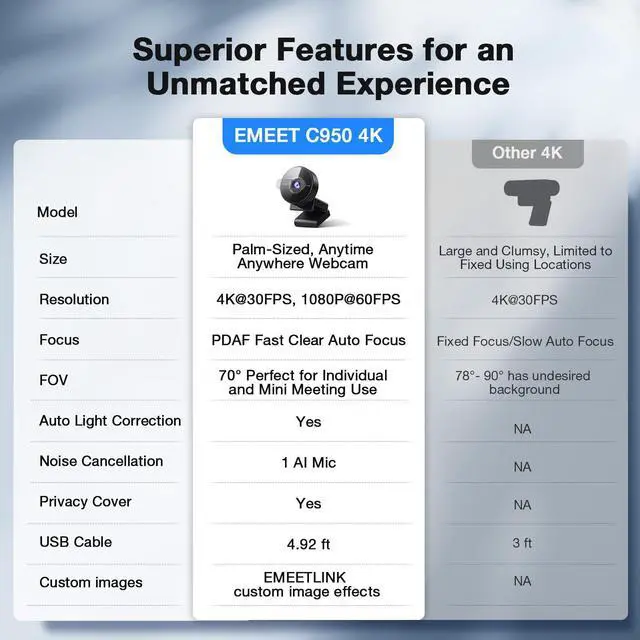
The C950 4K PDAF autofocus works best at 4"–10'. For clear video, adjust your distance, use bright lighting, and wait 1–2 seconds after movement to refocus. AutofocusStill Not Work? Find us via —we’re happy to help!
Why isn’t my C950 4K webcam working with my device or video app? Is it not compatible?
The C950 4K works with Windows 10/11, macOS 10.14+, Linux, Android TV 7.0+, and apps like Zoom, Teams, Skype, Google Meet, etc. Use a direct USB port, allow camera access in system settings, and select “C950 4K” in your app. Need help? Find us!
I think I received the wrong item. This doesn’t look like the C950 4K webcam—what should I do?
Please check the model name on the webcam—it should say “C950 4K.” Packaging details differ slightly from the 1080P version. If you're unsure, send us a photo via , and we'll help confirm. If there's a mix-up, we’ll resolve it promptly!
EMEET C950 4K Webcam for PC
Merchant Video


Why does the video quality of my C950 4K webcam look blurry or not as clear as expected?
The C950 4K webcam supports 4K. For best results:
1. On Windows, go to Camera app > Settings > Video quality > 3840×2160.
2. In Zoom/OBS/Teams, set resolution to 4K.
3. Use bright lighting and keep the camera 4"–10' away for clear focus.
My C950 4K webcam didn’t come with a tripod or privacy cover. Is something missing from the box?
The C950 4K includes a USB cable and built-in lens cover. It doesn’t come with a tripod or 1/4" mount, as it’s made for monitor use. If your USB cable or lens cover is missing, please find us via —we’re happy to help!
Why is my C950 4K webcam not focusing properly or looks blurry during video calls?
The C950 4K PDAF autofocus works best at 4"–10'. For clear video, adjust your distance, use bright lighting, and wait 1–2 seconds after movement to refocus. AutofocusStill Not Work? Find us via —we’re happy to help!
Why isn’t my C950 4K webcam working with my device or video app? Is it not compatible?
The C950 4K works with Windows 10/11, macOS 10.14+, Linux, Android TV 7.0+, and apps like Zoom, Teams, Skype, Google Meet, etc. Use a direct USB port, allow camera access in system settings, and select “C950 4K” in your app. Need help? Find us!
I think I received the wrong item. This doesn’t look like the C950 4K webcam—what should I do?
Please check the model name on the webcam—it should say “C950 4K.” Packaging details differ slightly from the 1080P version. If you're unsure, send us a photo via , and we'll help confirm. If there's a mix-up, we’ll resolve it promptly!
EMEET PIXY — Next-Gen Webcam
EMEET values the contributions of every individual in meetings and knows that everyone should be heard and seen. Established in August 2016, with the mission of "better communication, better world", we endeavored to create an intelligent mobile collaboration space. Today, EMEET is a prominent global company, specializing in R&D, production, and sales of AI-driven intelligent audio and video communication products and cloud services.
EMEET New Release
EMEET Best Sellers
Cost-Effective Speakerphones
High-End Speakerphones
1080P Webcams
4K Webcams
Dual-Camera 4K Webcams
Webcams with Tripod
EMEET Accessories
Other Choices