
Your Browsing History
- Free 30-day Returns
$280.87

Meet Your Seller


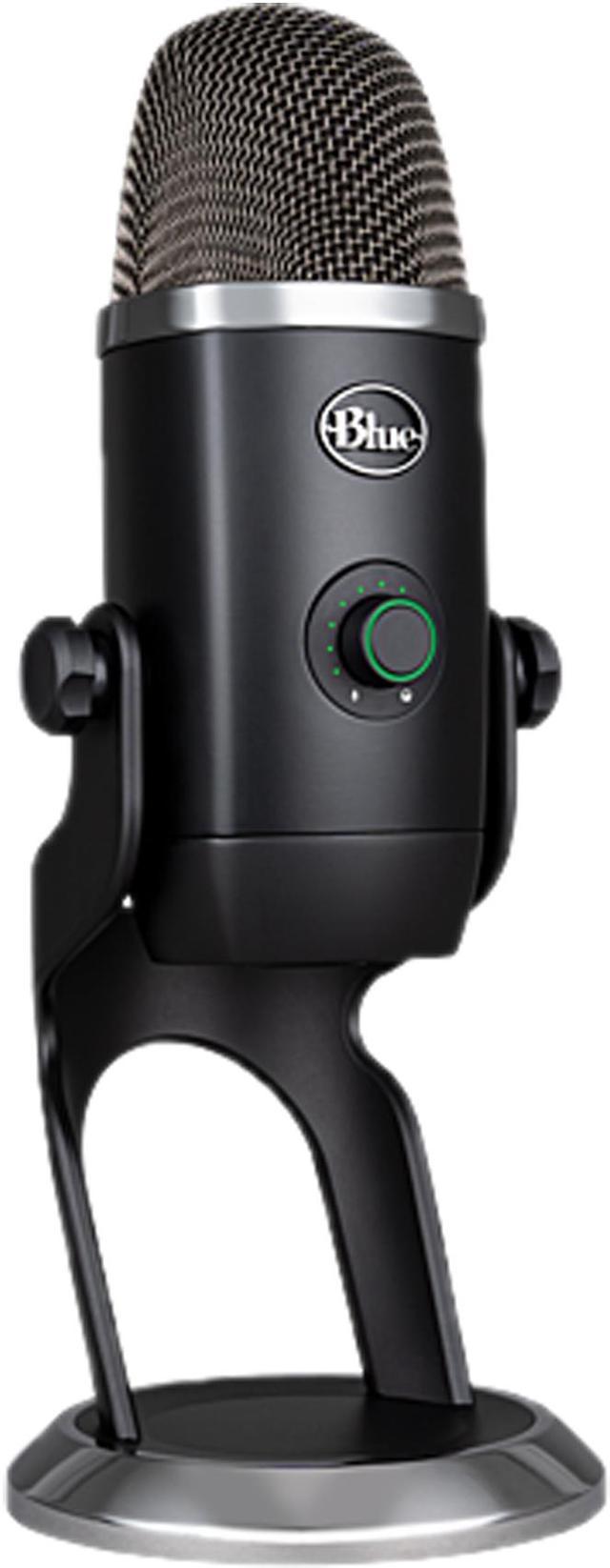

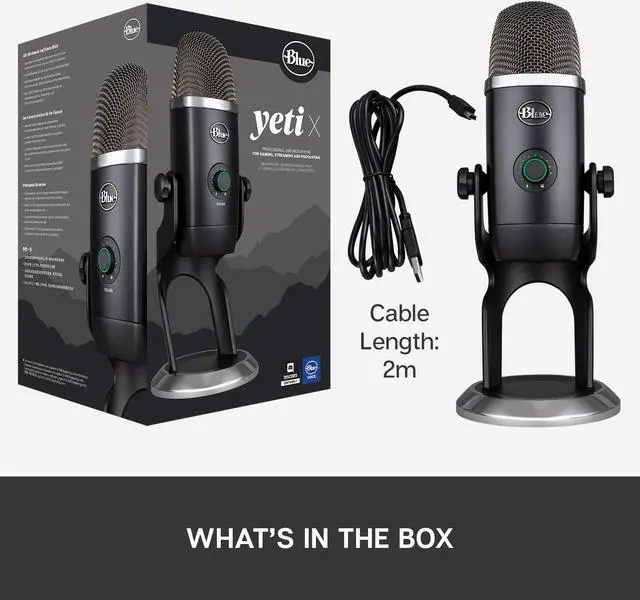
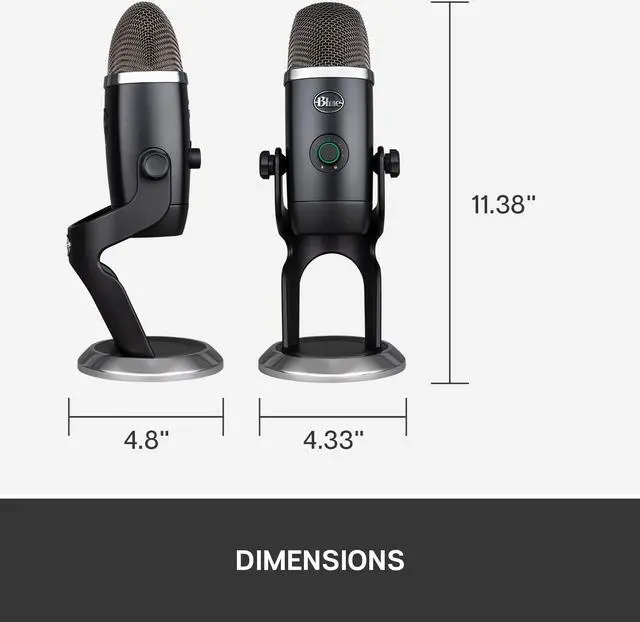


Blue Yeti X Professional USB Condenser Microphone for PC, Mac, Gaming, Recording, Streaming, Podcasting on PC, Desktop Mic with High-Res Metering, LED Lighting, Blue VO!CE Effects - Black
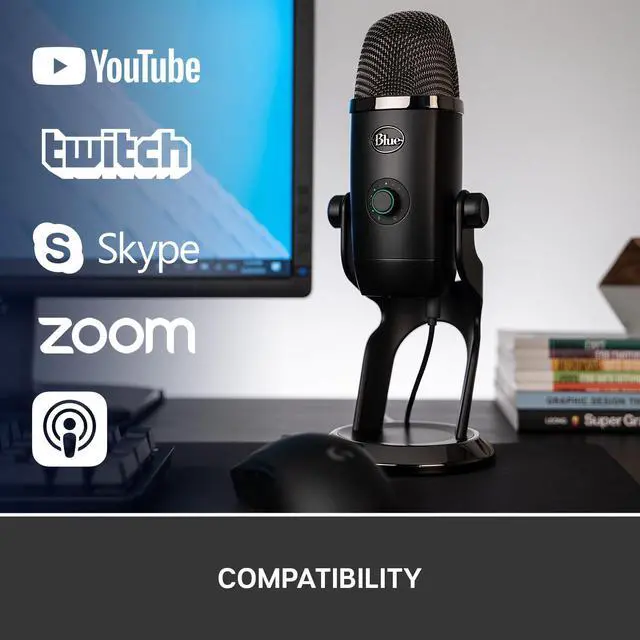
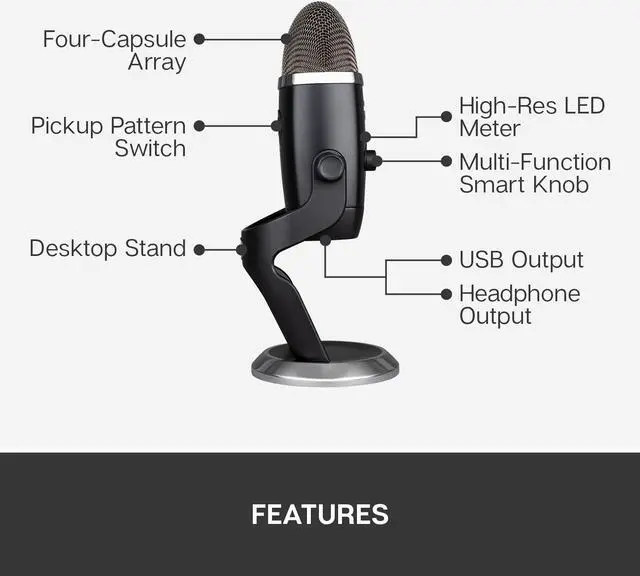
- Four-capsule array - capture legendary Blue broadcast sound with greater focus and clarity than ever for professional-level gaming, Twitch streaming, podcasting and YouTube Productions.
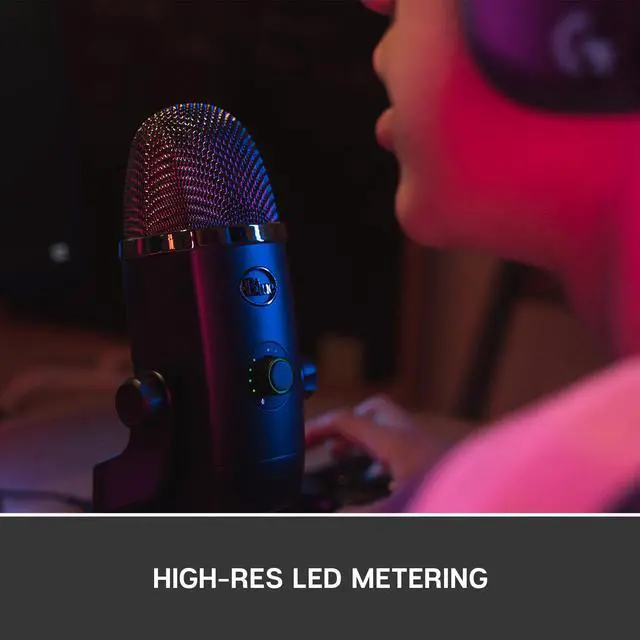
- High-res LED metering - visualize your voice level with the Yeti X Microphone 11-segment LED meter. At a glance you can check if your voice level is too high or too low and adjust accordingly.
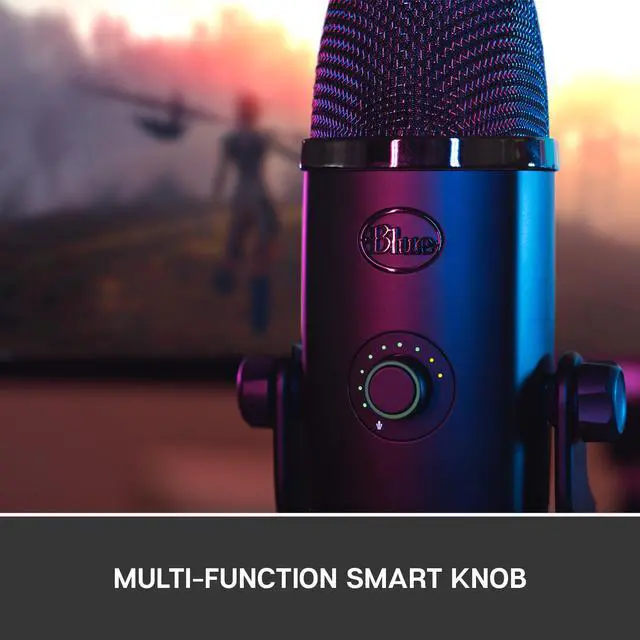
- Multi-function smart knob - easily adjust mic gain, mute and headphone volume, as well as the blend of microphone signal and computer sound in your headphones.
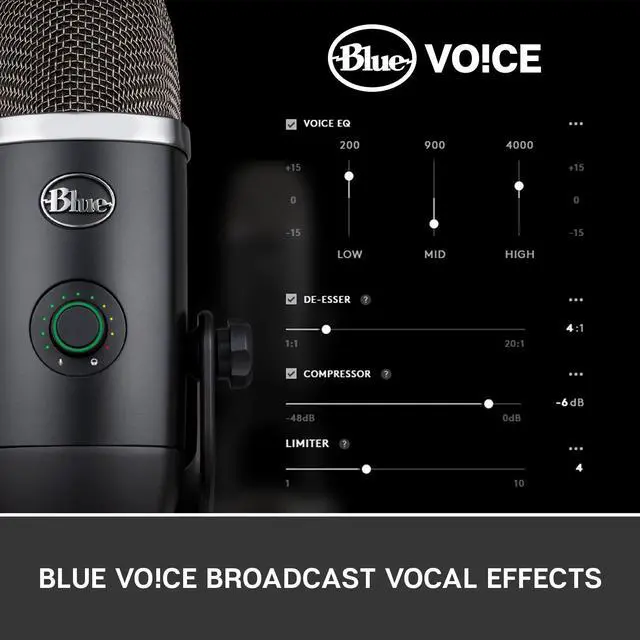
- Blue Voice broadcast vocal effects - download Logitech G HUB or Blue Sherpa (for PC and Mac) and gain instant access to a suite of Blue Voice broadcast effects for achieving Professional on-stream sound quality
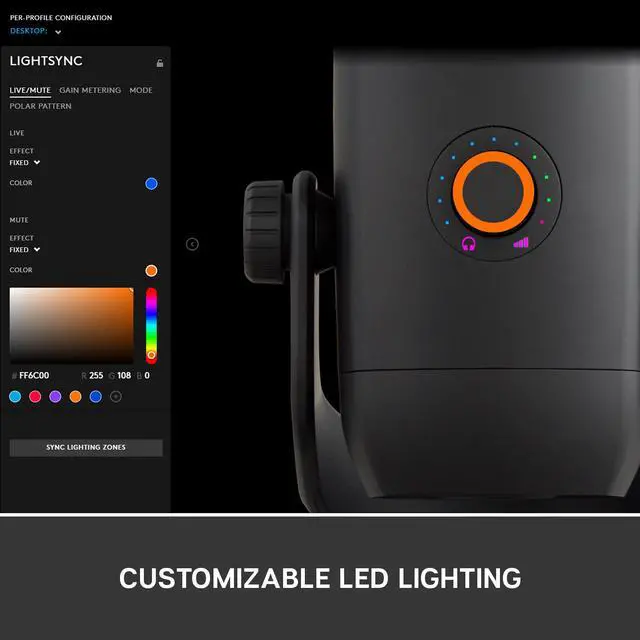
- Customizable LED lighting - personalize the color of Yeti X's LED lights to match your on-stream aesthetic.
+
+
Overview
Specs
Reviews (8)
Warranty & Returns
Warranty, Returns, And Additional Information
Warranty
- Please contact the Seller directly for warranty information. Warranty information may also be found on the Manufacturer's website.
- CONTACT
Return Policies
- Return for refund within: 30 days
- Return for replacement within: 30 days
- This item is covered by OneDealOutlet Canada Return Policy
Manufacturer Contact Info
- For a directory of all our manufacturers, please click below.
- Manufacturers Directory
LOADING...
LOADING...