


Best Sellers

- $403.79
- + FREE SHIPPING
 Hot Seller
- $646.82
- + FREE SHIPPING

Get Educated
Make informed decisions with expert advice. Learn More

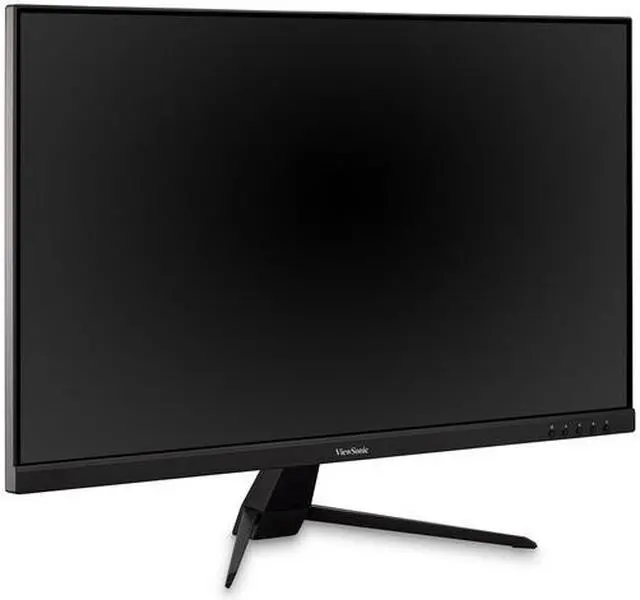
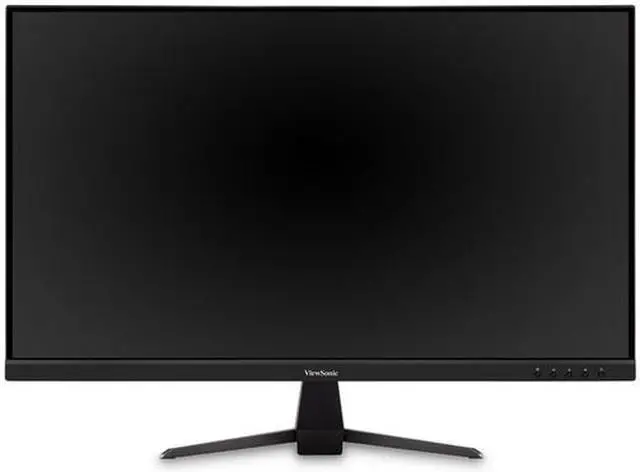
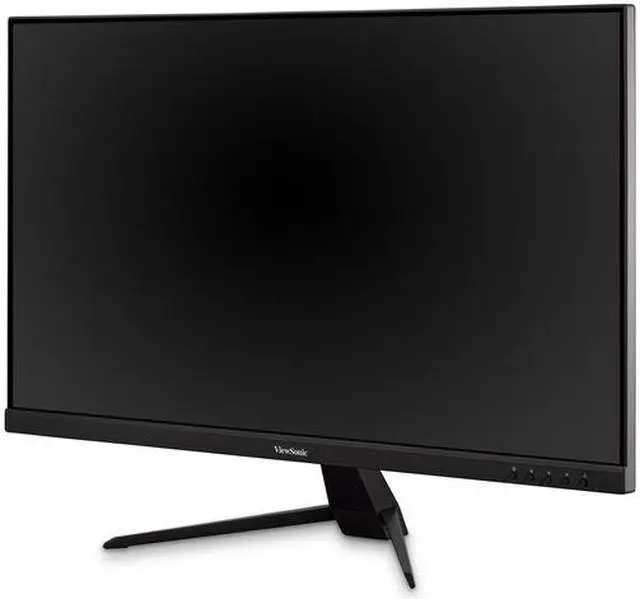
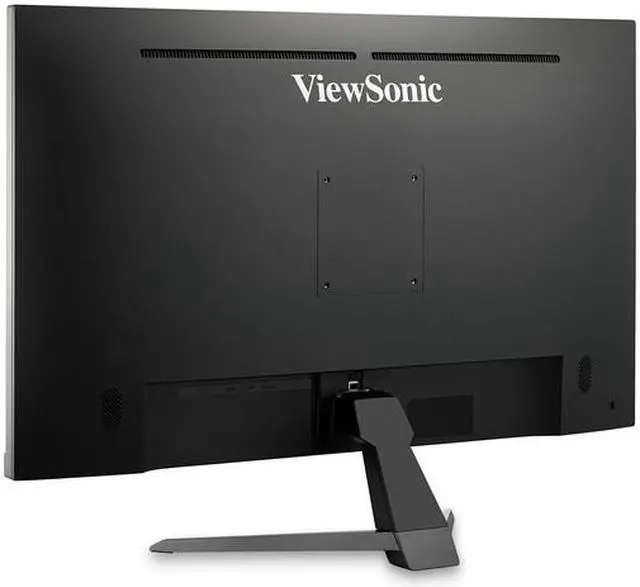
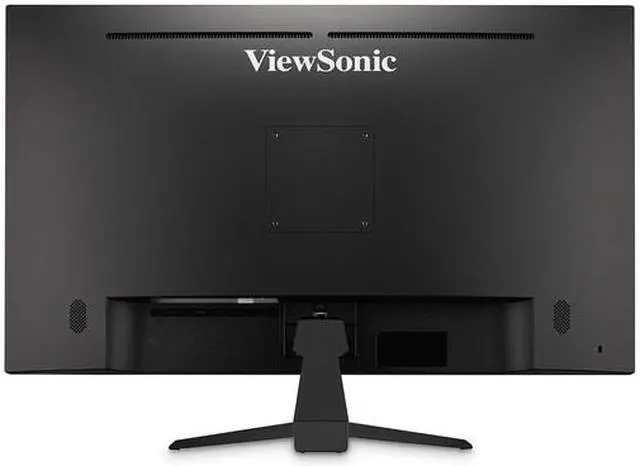
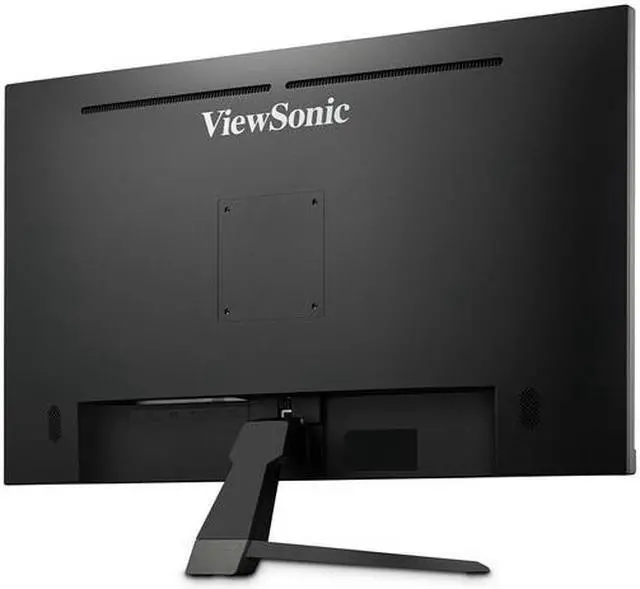

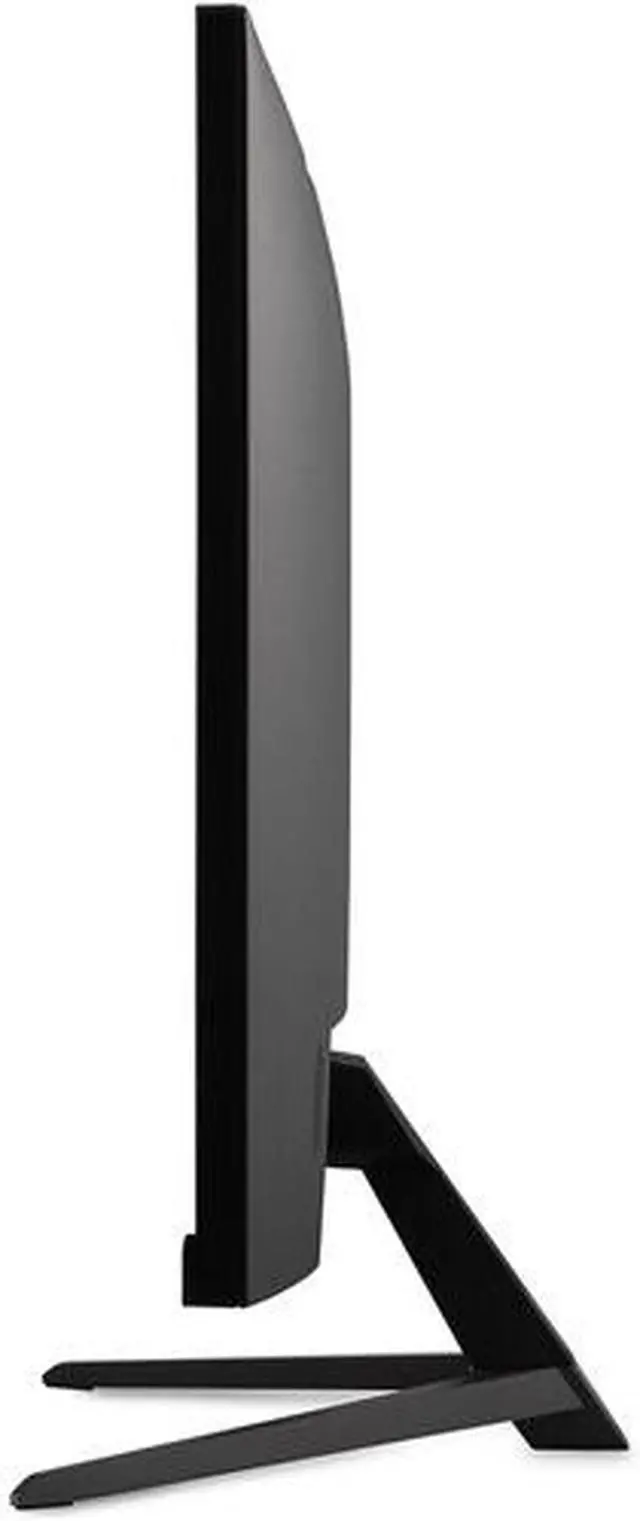
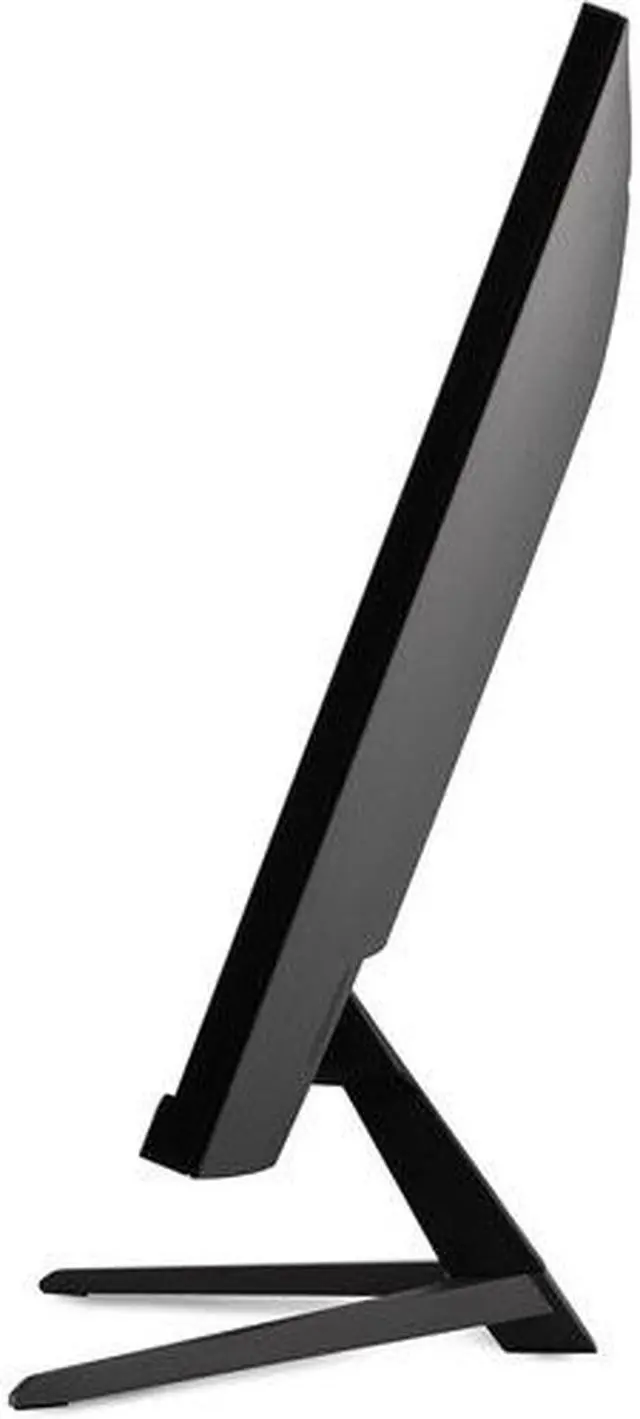


ViewSonic VX3267U-2K 32 Inch 1440p IPS Monitor with 65W USB C, HDR10 Content Support, Ultra-Thin Bezels, Eye Care, HDMI, and DP input
- 32"
- IPS QHD 2560 x 1440 (2K)
- HDR10
- 1 x DisplayPort 1.2 / 1 x HDMI 1.4 / 1 x USB-C (DP Alternative)
+
+
Overview
Specs
Reviews
The ViewSonic VX3267U-2K is a 32 Quad HD monitor that combines style with optimal versatility and functionality perfect for home use. With IPS Panel technology, this monitor offers best-in-class screen performance with ultra-wide viewing angles. A sleek edge-to-edge frameless design combined with a stunning 2560 x 1440 resolution provides 70% more on-screen content than Full HD monitors, while HDR10 content support delivers vivid colors and brightness that exceed standard monitors. The latest USB 3.2 Type-C connectivity delivers charging up to 65W of power, video, and audio over a single cable, while HDMI and DisplayPort inputs keep you connected to your favorite devices.
Warranty & Returns
Warranty, Returns, And Additional Information
Warranty
- Limited Warranty period (parts): 3 years
- Limited Warranty period (labor): 3 years
- Read full details
Return Policies
- Return for refund until: January 31, 2027
- Return for replacement until: January 31, 2027
- This item is covered by Newegg.ca's Extended Holiday Return Policy.
- Read full return policy for details.
We want to ensure your holiday shopping this year is hassle-free. That’s why we’re automatically extending our return policies on almost every product! For purchases placed between November 1st, 2026 and December 31, 2026 you will have until January 31, 2027 to return your product.
Manufacturer Contact Info
- Manufacturer Product Page
- Manufacturer Website
- Support Phone: 1-800-688-6688
- Support Website
- View other products from ViewSonic
LOADING...
LOADING...
The ViewSonic VX3267U-2K is a 32-inch-class QHD IPS monitor with USB-C connectivity and up to 65W charging, making it suitable for laptop users who want a spacious screen and a simpler single-cable desk setup.
Recommended For
- Laptop-first home-office users who want a large desktop display and a single USB-C connection for video, data, and up to 65W of laptop charging.
- Desk-based workers who keep multiple windows open—such as spreadsheets, documents, and video calls—and prefer a 31.5-inch QHD screen over a smaller monitor.
- Home users who switch between office work and streaming or casual gaming, and value an IPS screen, built-in speakers, and up to 75Hz refresh rather than gaming-focused speed.
- Users who want one monitor for a laptop and a desktop, connecting through USB-C, HDMI, or DisplayPort without needing a high-refresh gaming display.
Real-World Use Scenarios
- For home-office work on a compatible laptop, connect over USB-C to send the display signal and charge the laptop from the monitor, reducing desk cable clutter; whether 65W is sufficient depends on the laptop.
- When working with documents, spreadsheets, or browser tabs, the 32-inch QHD screen offers a large workspace for keeping more content visible than on a smaller Full HD display.
- For a shared desk with a laptop and desktop PC, use USB-C for the laptop and HDMI or DisplayPort for the desktop, then switch the monitor’s input when changing devices.
- For streaming shows or watching online video at a desk, the large anti-glare IPS screen provides a broad viewing area; HDR10 support is available for compatible content, but it does not by itself guarantee a dramatic HDR effect.
- For casual PC gaming, it can handle games at QHD resolution with motion smoother than a basic 60Hz display; its 75Hz refresh rate makes it less suited to players seeking high-refresh competitive play.
Spec Summary
| Attribute | Value |
|---|---|
| Best For | Desktop entertainment and business use, with compatibility for laptops and desktops |
| Panel And Resolution | 32-inch flat IPS LCD panel with a 2560 × 1440 QHD resolution, 16:9 aspect ratio, 0.2727 mm pixel pitch, 178° horizontal and vertical viewing angles, and 1.07 billion display colors. Matte anti-glare finish, HDR10 support, 250 cd/m² brightness, 1,200:1 contrast ratio, 72% NTSC color gamut, and 3H screen hardness |
| Refresh Rate And Response | 75 Hz refresh rate, 3 ms GtG response time, and FreeSync adaptive sync |
| Ports And Connectivity | 1 DisplayPort 1.2, 1 HDMI 1.4, 1 USB-C port with DisplayPort Alternate Mode, and 1 3.5 mm audio output; USB hub feature |
| Stand And Ergonomics | Tilt adjustment from -5° to 20°; supports 100 × 100 mm VESA mounting |
| Audio And Webcam | Two built-in 2.5 W speakers; no built-in webcam |
| Power And Consumption | AC 100–240 V, 50/60 Hz auto-switching power supply; 26 W typical power consumption |
| Dimensions And Weight | 28.1 × 19.6 × 9.1 inches; 15 lb |
| In The Box | LCD display, power adapter, HDMI cable, USB Type-C cable, and quick-start guide |
| Model Identifiers | ViewSonic VX3267U-2K; external model number VS19436 |
Reference Q&A
Q: ViewSonic VX3267U-2K vs. VX3276-2K-MHD: which is better for a laptop desk setup?
A: Choose the VX3267U-2K for a laptop-centered setup: its USB-C connection carries video and data while providing up to 65W of laptop charging. Both models offer a 32-inch IPS panel, 2560 × 1440 resolution, and a 75Hz refresh rate; the VX3276-2K-MHD offers HDMI, DisplayPort, and Mini DisplayPort connections.
Q: VX3267U-2K or VX3268-2KPC-MHD for gaming?
A: Choose the VX3268-2KPC-MHD for gaming features, including a 144Hz refresh rate, 1500R curved screen, and AMD FreeSync Premium. Choose the VX3267U-2K for a flat IPS display and USB-C connectivity with up to 65W laptop charging; it has a 75Hz refresh rate.
Q: VX3267U-2K or VX3276-MHD for a 32-inch monitor?
A: Choose the VX3267U-2K for QHD resolution (2560 × 1440) and USB-C laptop connectivity with up to 65W charging. The VX3276-MHD is a 32-inch Full HD (1920 × 1080) IPS option with HDMI, DisplayPort, and VGA inputs.
Q: Can I connect and charge a laptop through one USB-C cable?
A: Yes, if the laptop’s USB-C port supports DisplayPort Alt Mode. The product information lists USB-C video and up to 65W power delivery, so one compatible cable can carry the display signal and charge the laptop. Check that 65W meets your laptop’s charging needs.
Q: Is this monitor suitable for office work and video meetings?
A: It is suited to everyday office work, with a 32-inch QHD IPS screen, anti-glare coating, and built-in speakers. It has no built-in webcam, so video meetings that require a camera need a separate webcam. Its stand tilts but does not adjust in height.
Q: Does the stand raise up, or can I mount the monitor?
A: The included stand offers tilt adjustment only; it does not raise or lower the screen. The monitor supports 100 × 100 mm VESA mounting, so it can be attached to a compatible mount or arm.
Q: Is this monitor good for gaming?
A: It can suit casual gaming, but its 75Hz refresh rate is a limitation for people seeking high-refresh competitive play. It has a QHD IPS panel and 3 ms GtG response time; actual performance also depends on the computer or console and its connection.
Q: Is the VX3267U-2K a good budget 32-inch 1440p monitor?
A: It may suit someone prioritizing a 32-inch IPS screen, 2560 × 1440 resolution, and USB-C charging up to 65W. Its refresh rate is 75Hz. The available YouTube video raises the budget-monitor question but does not provide enough evidence to establish value for money or independently assess performance.