


Best Sellers
 Top Rated
- $183.67
- + FREE SHIPPING
 Hot Seller
- $168.55
- + $23.16 Shipping

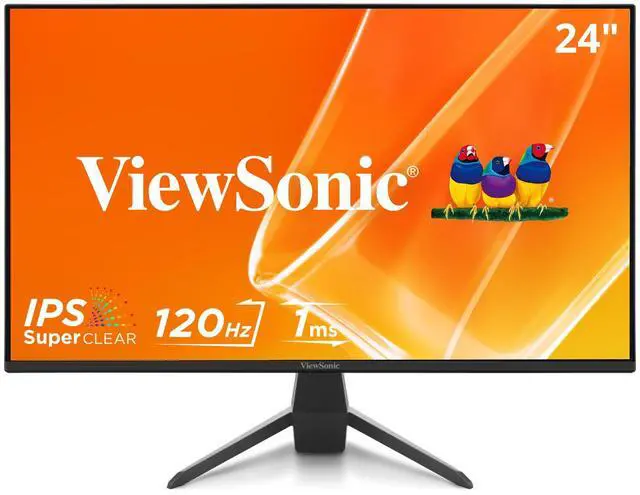
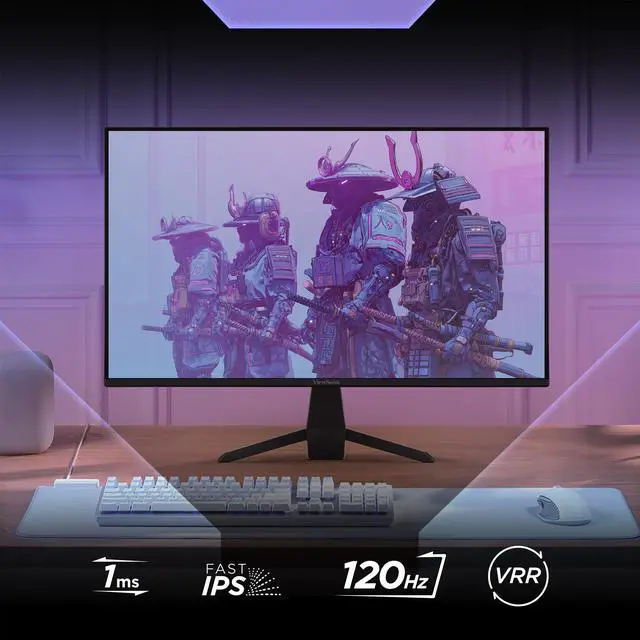
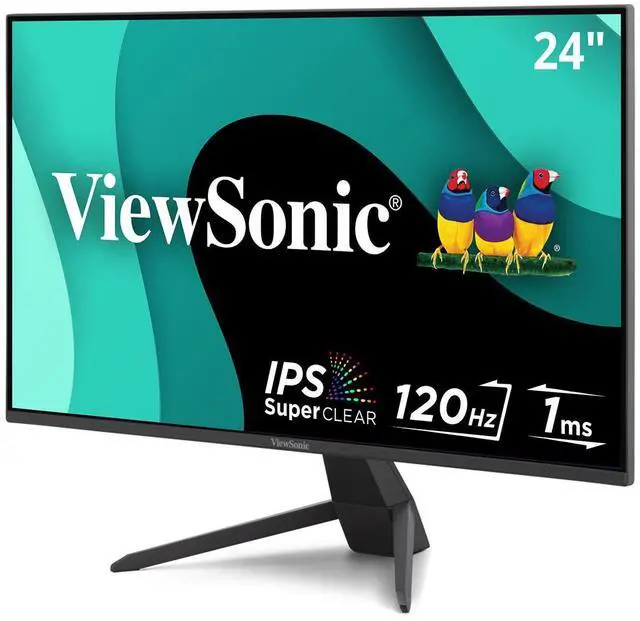
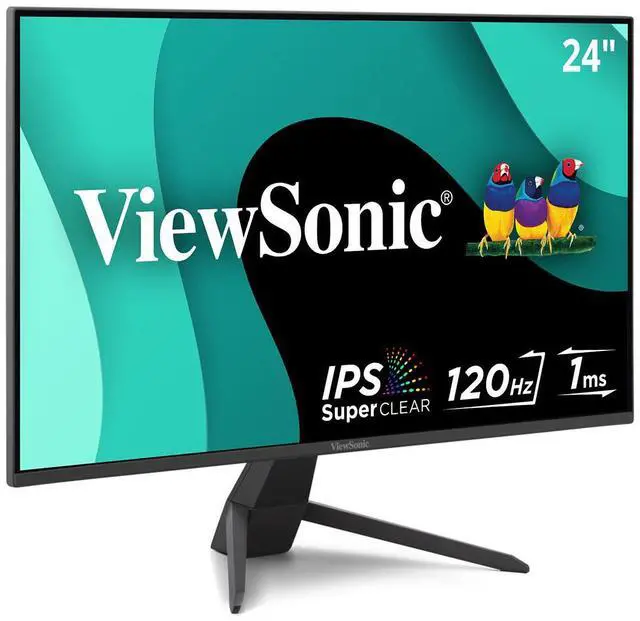
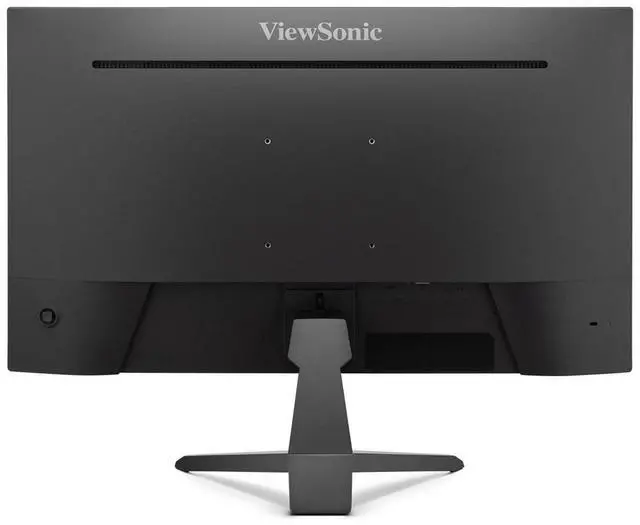
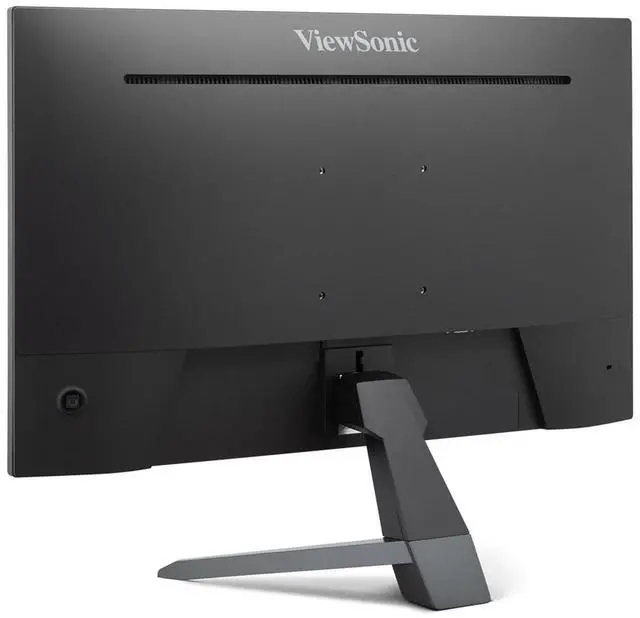
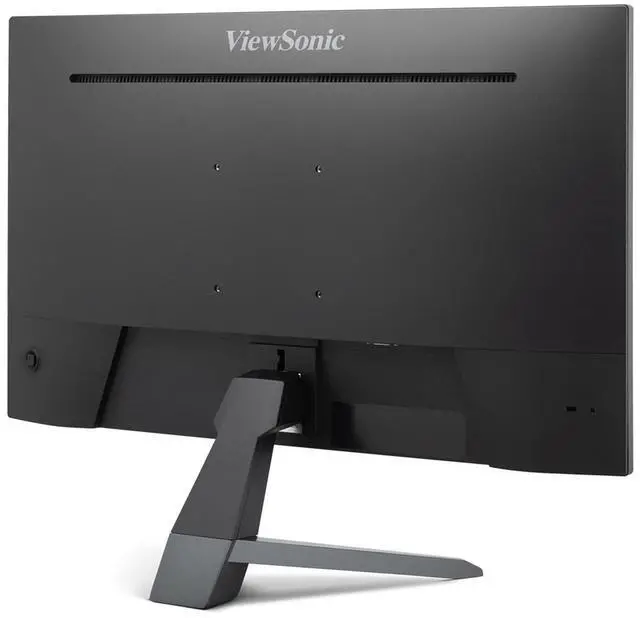

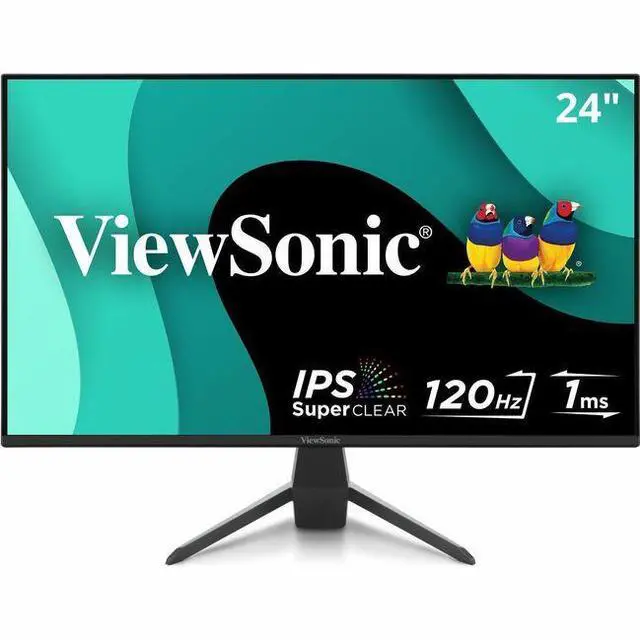
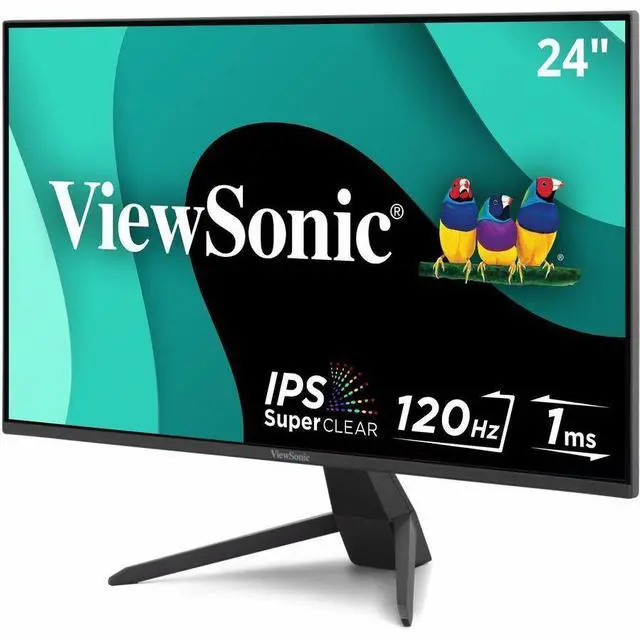
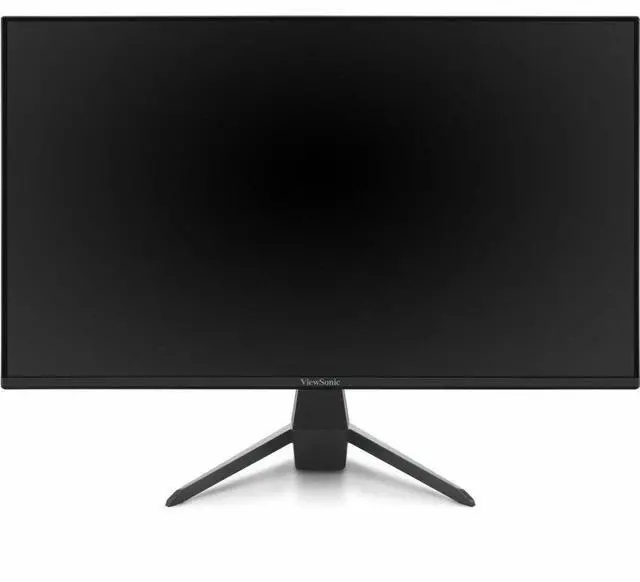
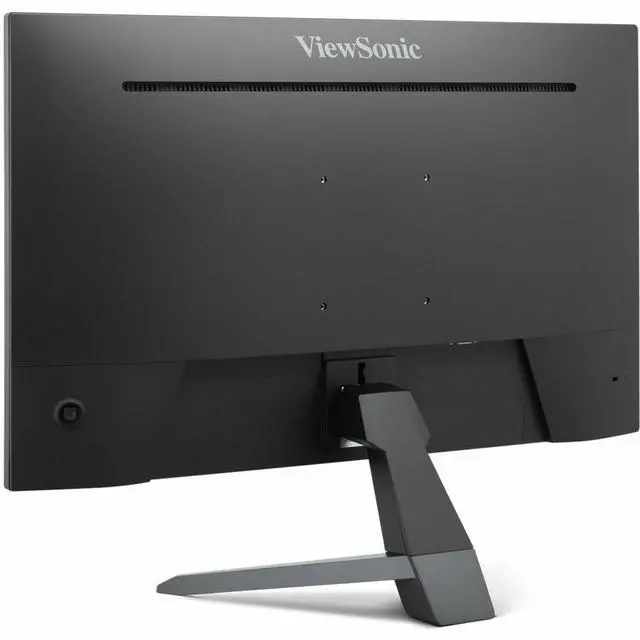
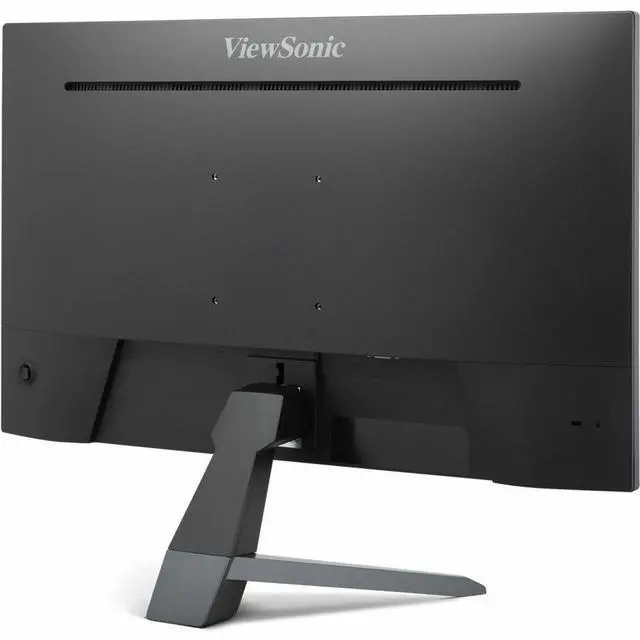
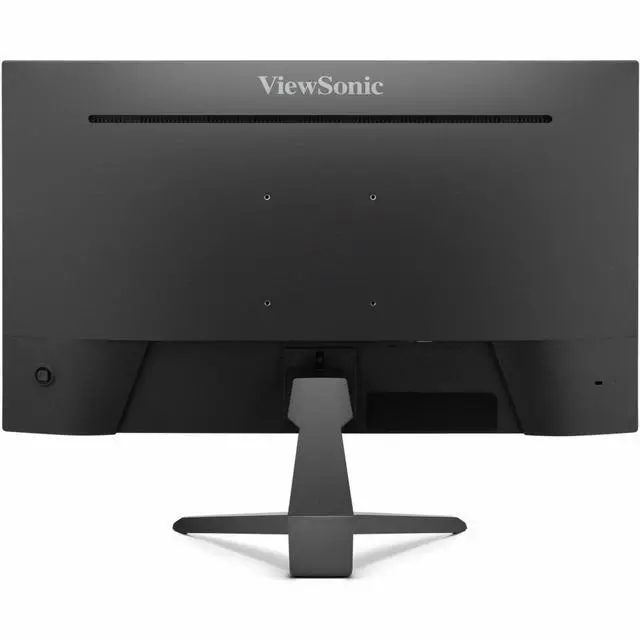


ViewSonic VX2470-MHD 24 Inch 1080p IPS Gaming Computer Monitor with 120Hz, 1ms, Variable Refresh Rate, Eye Care, HDMI, VGA and DisplayPort Inputs
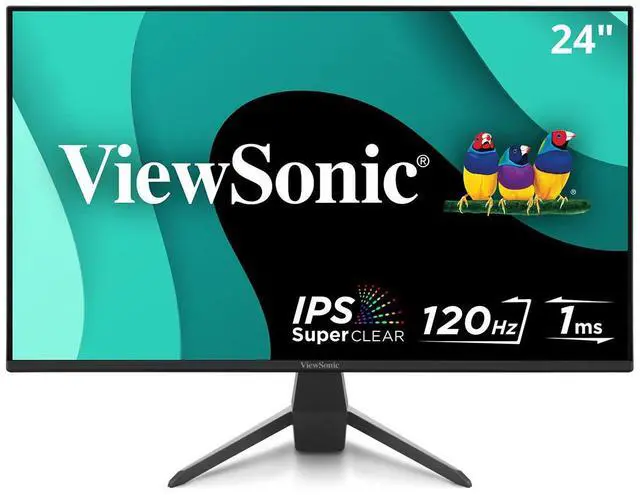
- SEE THE DIFFERENCE: 24 Inch Full HD (1920x1080p) IPS gaming monitor with thin bezels
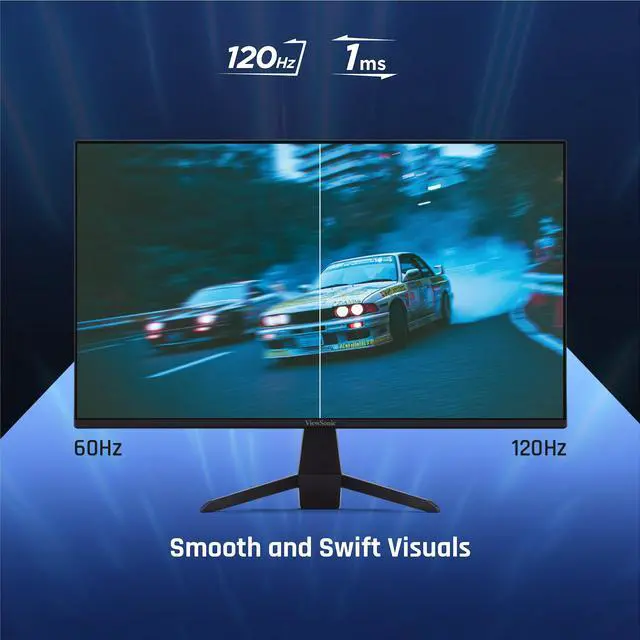
- GAME ON: 120Hz refresh rate and 1ms (MPRT) response time for fast gaming
- ULTRA-SMOOTH GAMING: FreeSync technology enables fluid and tear-free gameplay
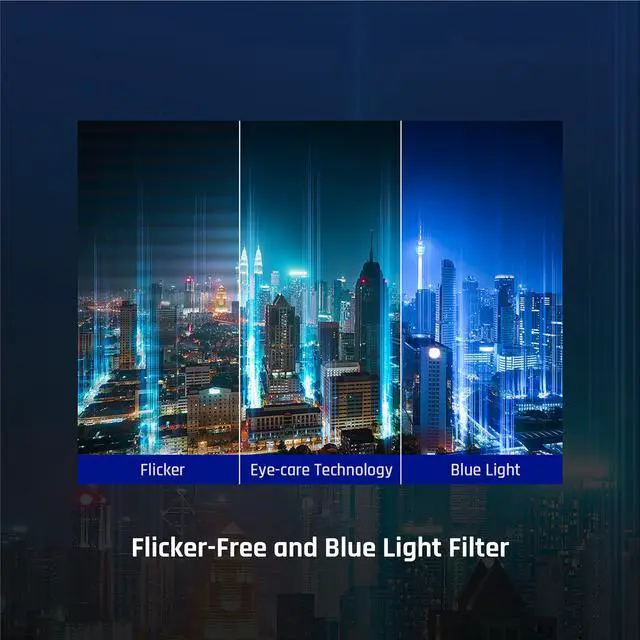
- ENHANCED VIEWING COMFORT: Flicker-Free technology and Blue Light Filter for reduced eye fatigue
- GAME ON: An arsenal of pre-set customizable visual modes keeps you ready for any FPS, RTS, or MOBA games
+
+
Overview
Specs
Reviews (1)
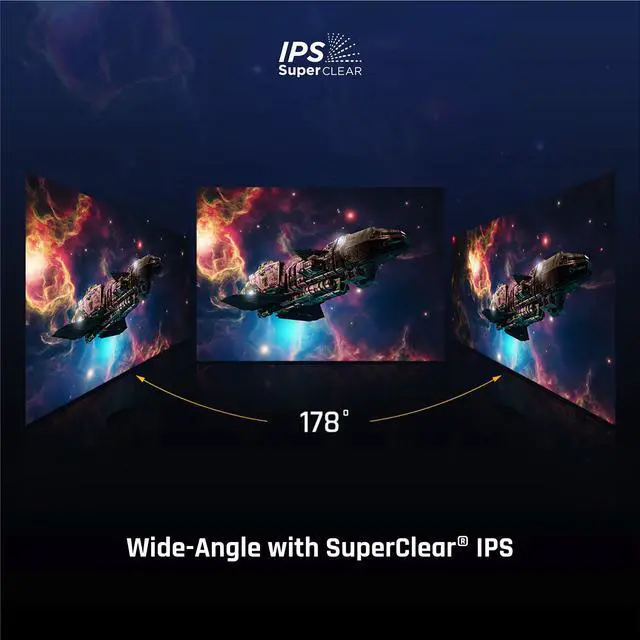
Featuring versatile connectivity and performance, the ViewSonic VX2470-MHD monitor is built for both work and play. Designed with SuperClear® IPS panel technology for wide-angle viewing and vibrant color, it delivers stunning visuals whether youre doing projects, watching a movie, or gaming. Its 3-sided frameless design enhances immersion in multi-monitor setups, while connectivity options including VGA, HDMI, and DisplayPort ensure compatibility with your favorite devices. Flicker-Free technology and a blue light filter help reduce eye strain during long sessions, while ViewSonics industry-leading 3-year limited warranty offers lasting peace of mind for home, office, and gaming use.
Warranty & Returns
Warranty, Returns, And Additional Information
Warranty
- Limited Warranty period (parts): 3 years
- Limited Warranty period (labor): 3 years
- Read full details
Return Policies
- Return for refund within: 15 days
- Return for replacement within: 15 days
- This item is covered by Newegg.ca's 15-Day Return Policy.
- Read full return policy for details.
Manufacturer Contact Info
- Manufacturer Website
- Support Phone: 1-800-688-6688
- Support Website
- View other products from ViewSonic
LOADING...
LOADING...
The ViewSonic VX2470-MHD is a 24-inch Full HD IPS gaming monitor with a 120Hz refresh rate and FreeSync, suited to casual and competitive PC gamers who want smoother gameplay at 1080p.
Recommended For
- PC players who want smoother 1080p gameplay than a standard 60Hz display and use FreeSync to reduce tearing when frame rates vary.
- Home-office users who split time between documents, browsing, and video, and want a 24-inch IPS screen with text and viewing presets.
- People building a two-monitor desk setup who want a three-sided frameless design and standard 1080p resolution for everyday work and gaming.
- Users connecting a mix of newer and older computers who need DisplayPort, HDMI, and VGA inputs rather than a USB-C-only display.
Real-World Use Scenarios
- For PC gaming in fast-moving FPS, MOBA, or racing games, enable the monitor’s high-refresh and variable-refresh features to make motion appear smoother and help reduce tearing when the graphics card’s frame rate fluctuates.
- For everyday home-office tasks such as writing, browsing, and video calls, use the Full HD screen and select a Text or Web viewing preset to adjust the display for the task.
- When switching between work and entertainment, connect a compatible computer or laptop over HDMI or DisplayPort and use the screen for documents, movies, or games; the IPS panel supports wide viewing angles.
- For extended study or desk-work sessions, turn on the flicker-free feature or blue-light filter and adjust the tilt to suit your seating position; these settings offer viewing adjustments, but do not guarantee that eye fatigue will be prevented.
- For a desk setup that includes a newer computer and an older device, use the available HDMI, DisplayPort, and VGA inputs to connect compatible sources; VGA is limited to lower refresh rates than HDMI or DisplayPort.
Spec Summary
| Attribute | Value |
|---|---|
| Best For | Gaming, desktop use, and entertainment, with a 24-inch Full HD IPS display and 120Hz refresh rate |
| Panel And Resolution | 24-inch flat IPS/WLED display with 1920 × 1080 Full HD resolution, 16:9 aspect ratio, 178° horizontal and vertical viewing angles, 300 cd/m² brightness, and 1500:1 static contrast; anti-glare finish and 0.99 sRGB color gamut |
| Refresh Rate And Response | 120Hz refresh rate, 3ms response time, and FreeSync adaptive sync |
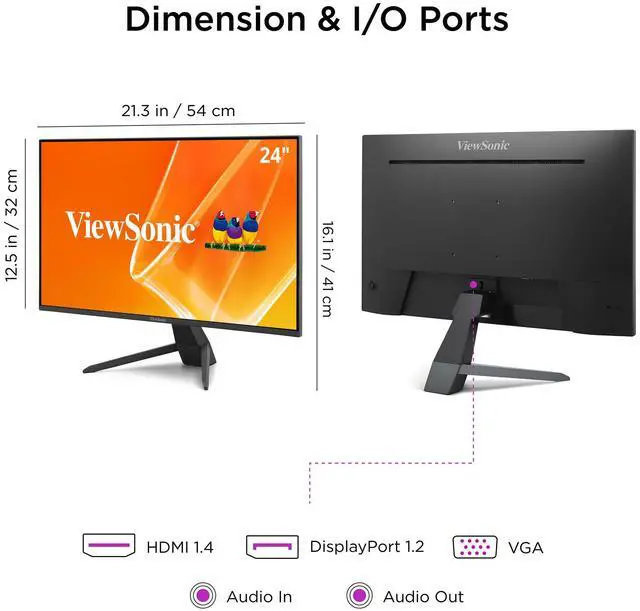
| Ports And Connectivity | One HDMI 1.4 input, one DisplayPort input, one VGA input, and 3.5mm audio input and output; no USB or Thunderbolt ports |
| Stand And Ergonomics | Tilt-adjustable stand, 100 × 100mm VESA mounting, and Flicker-Free and Blue Light Filter features |
| Audio And Webcam | Built-in speakers; no built-in webcam |
| Power And Dimensions | 22W power consumption; operates on 100–240 VAC, 50/60Hz. Measures 21.26 × 16.14 × 7.96 inches and weighs 7.5 lb |
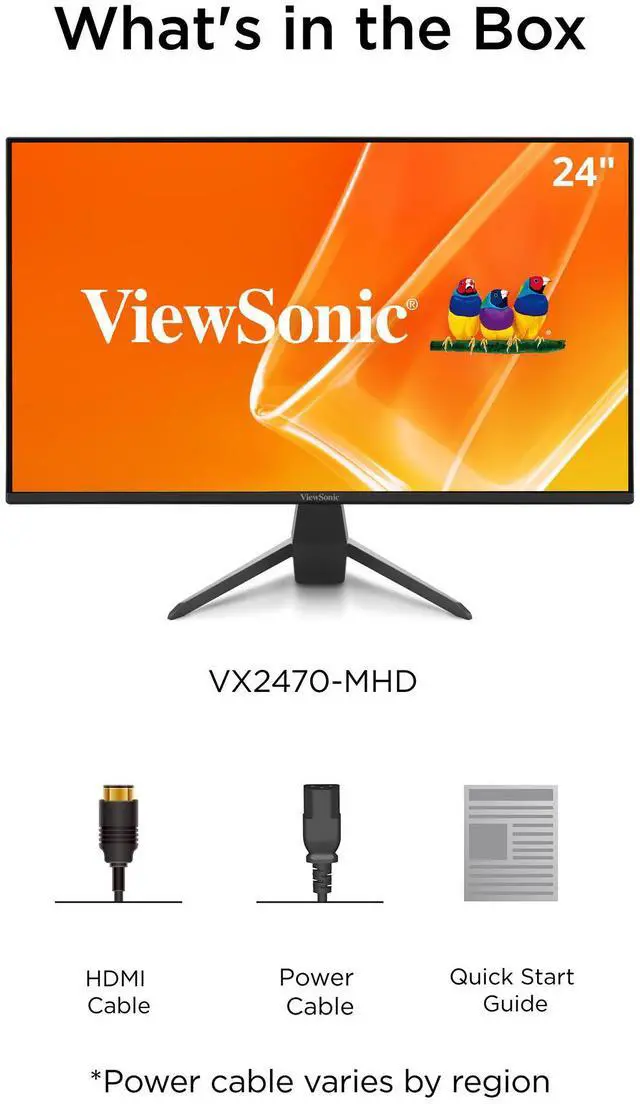
| Included Items | LCD display, power cable, HDMI cable, and quick start guide |
| Model Identifiers | ViewSonic VX2470-MHD, part number VX2470-MHD |
Reference Q&A
Q: Should I get the ViewSonic VX2470-MHD or the VX2428 for PC gaming?
A: Choose the VX2470-MHD if 120Hz is sufficient and you want VGA alongside HDMI and DisplayPort. Choose the VX2428 if you want a higher maximum refresh rate: ViewSonic lists it at up to 180Hz over DisplayPort, compared with 120Hz for the VX2470-MHD. Both are 24-inch 1080p IPS monitors with variable refresh rate support.
Q: Is the VX2470-MHD worth choosing over a 75Hz 1080p monitor?
A: Choose the VX2470-MHD if you want smoother motion in games that can run above 75 frames per second: it supports up to 120Hz, while ViewSonic’s VA2409M supports up to 75Hz. Both are 24-inch 1080p IPS monitors, so the main listed difference is refresh rate and connectivity; the VX2470-MHD also includes DisplayPort and built-in speakers.
Q: Should I choose the VX2470-MHD or a 27-inch 1440p gaming monitor?
A: Choose the VX2470-MHD for a smaller 24-inch 1080p display with a 120Hz refresh rate and VGA, HDMI, and DisplayPort inputs. A model such as ViewSonic’s VX2728J-2K is a better fit if you prefer a larger 27-inch 1440p screen and up to 180Hz; its higher resolution also means rendering more pixels, so consider whether your PC can drive your games at the frame rates you want.
Q: Is this monitor suitable for gaming, including 120Hz play?
A: It is suited to 1080p gaming: the monitor supports a 120Hz refresh rate and FreeSync variable refresh rate. Reaching 120 frames per second also depends on the connected device, game, and settings; the product information does not confirm 120Hz compatibility with every console.
Q: Can I connect it to a laptop or desktop?
A: Yes, if the computer has a compatible video output. The monitor has HDMI, DisplayPort, and VGA inputs, and an HDMI cable is listed as included. A computer with only USB-C video output may need a compatible adapter.
Q: Does it have built-in speakers or a webcam for meetings?
A: It has built-in speakers but no built-in webcam. It can display video meetings from a connected computer, but you will need a separate webcam for video. It also has a 3.5mm audio output.
Q: Can it be mounted on a monitor arm, and does the stand adjust?
A: Yes. Its 100 × 100mm VESA pattern supports compatible mounts. The included stand adjusts for tilt only; it does not provide height adjustment.