


Best Sellers
 Hot Seller
- $373.55
- + $37.06 Shipping
- $422.66
- + FREE SHIPPING

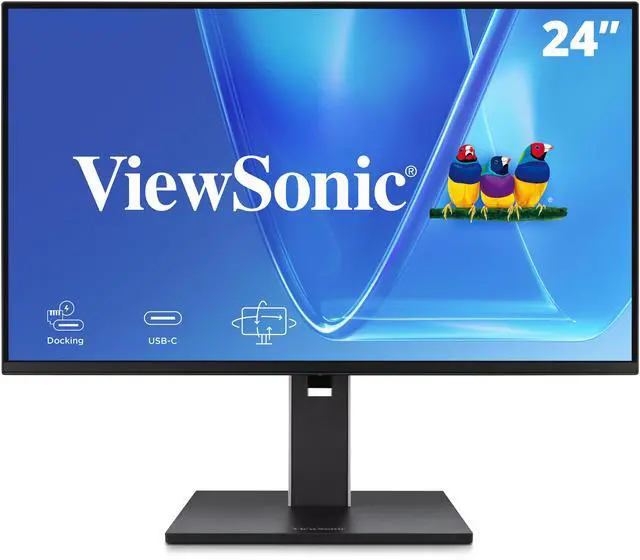
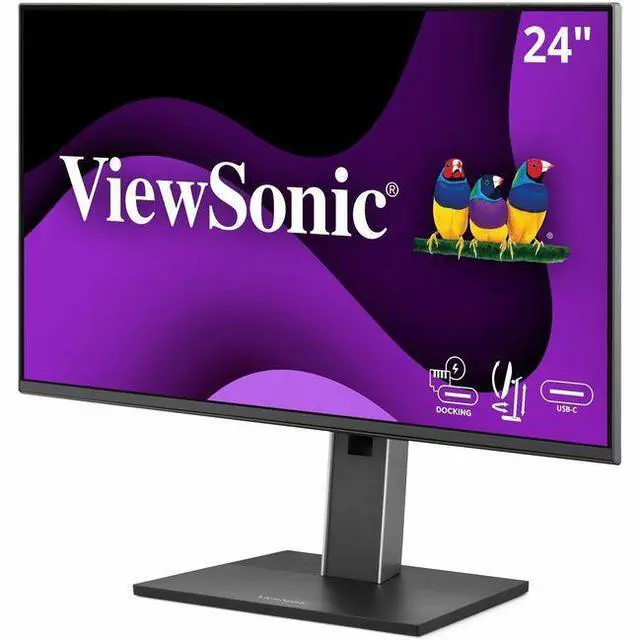
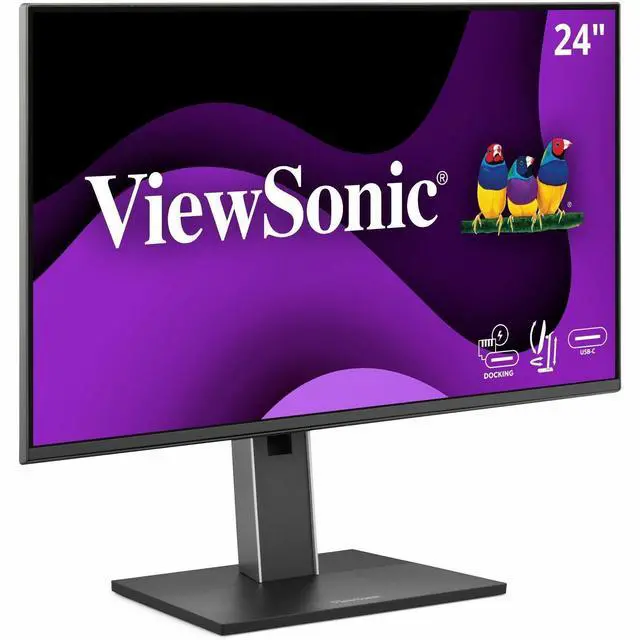
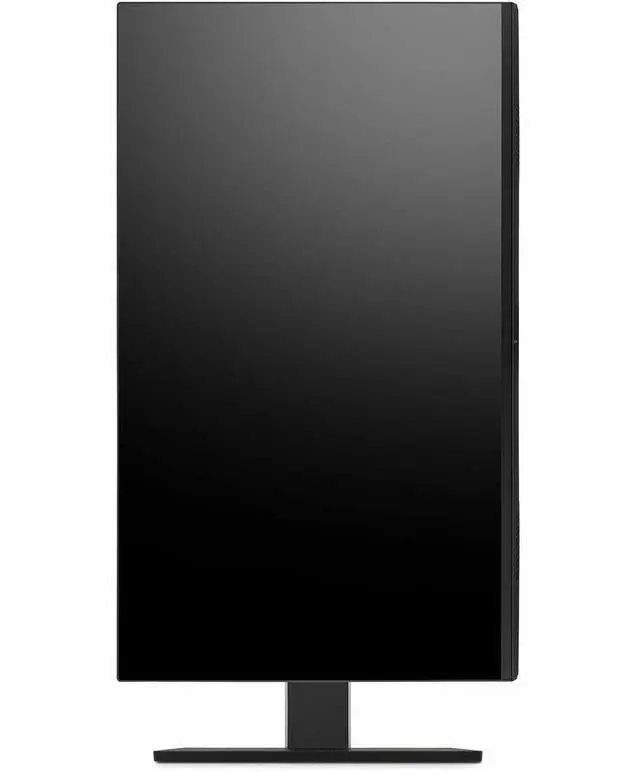
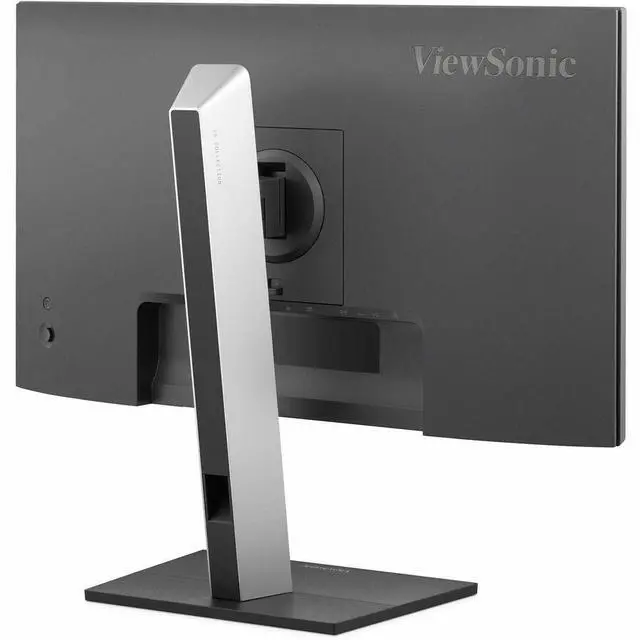
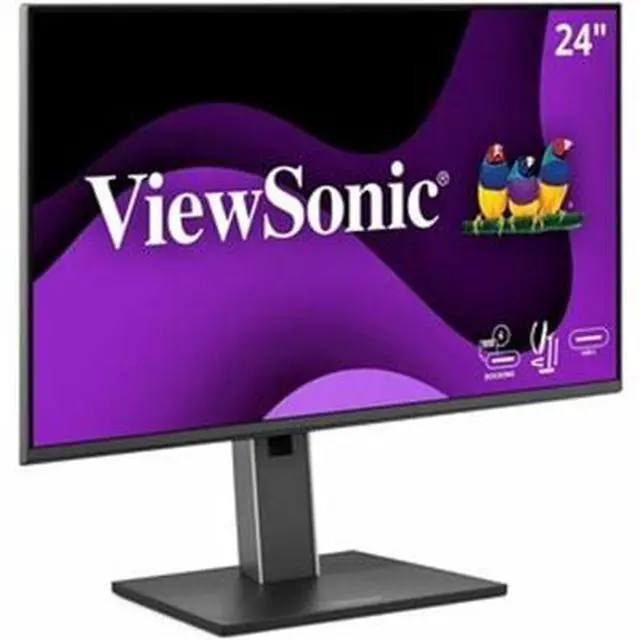
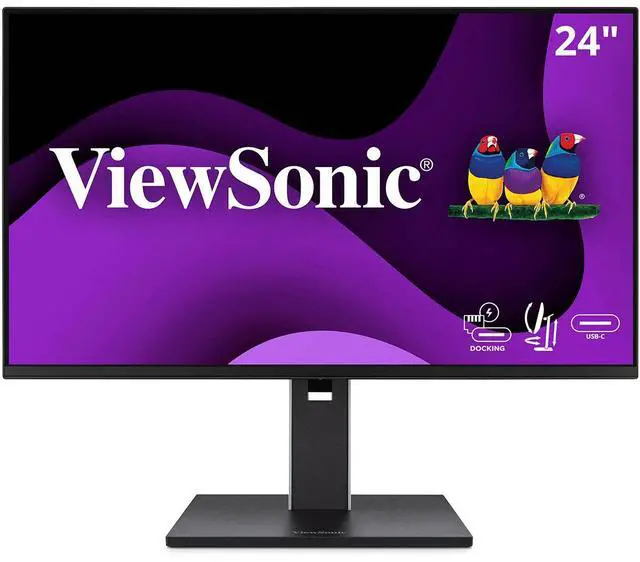
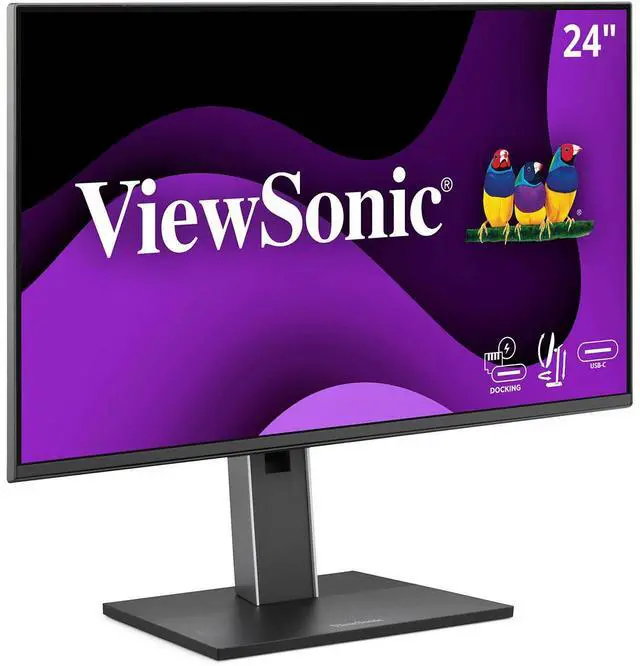
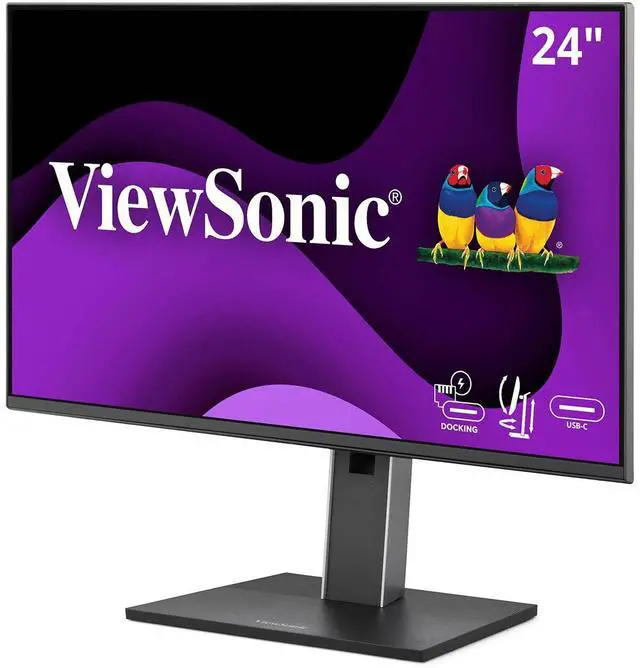
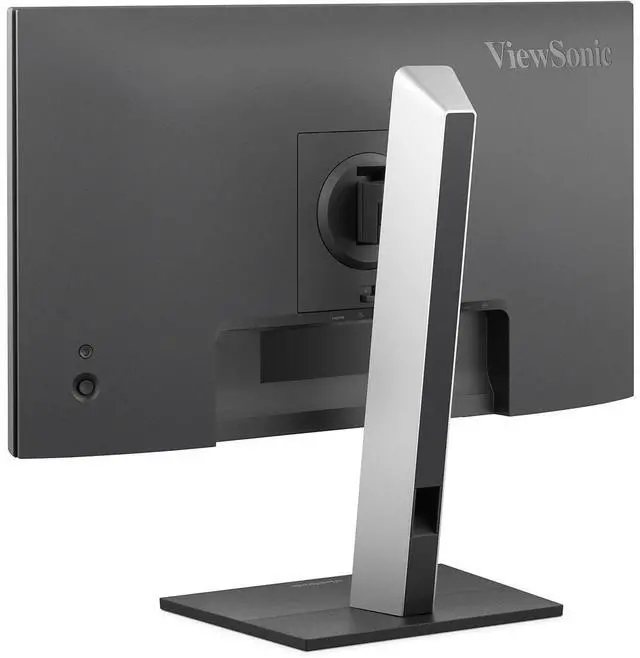
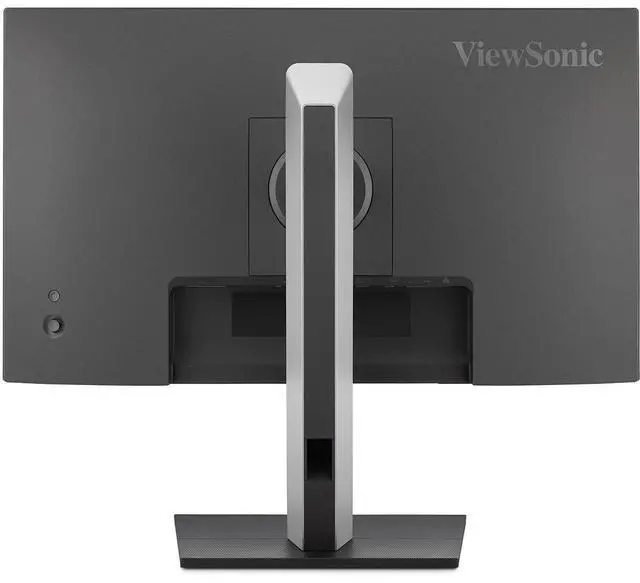


ViewSonic VG2458 24 Inch 1080p IPS Docking Monitor with Advanced Ergonomics, 100W USB C, 5-port USB Hub, HDMI, DisplayPort, and Daisy Chain for Home and Office
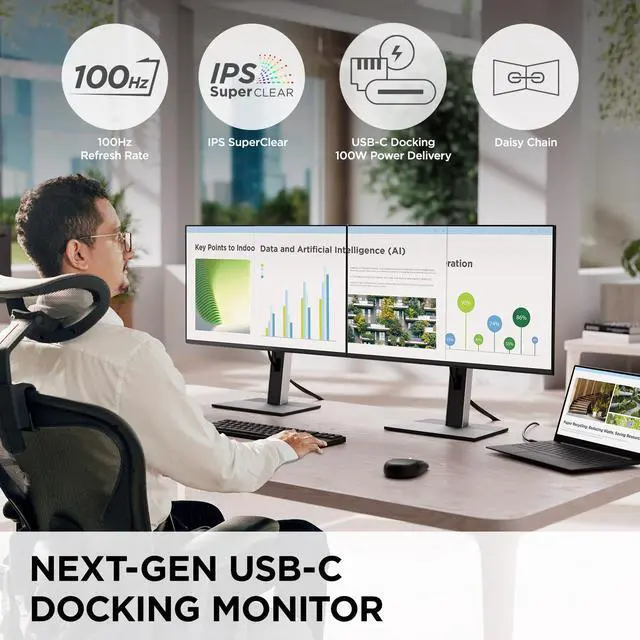
- VERSATILE MONITOR: 24 Inch Full HD (1920x1080p) IPS docking monitor with thin bezels and 100Hz refresh rate
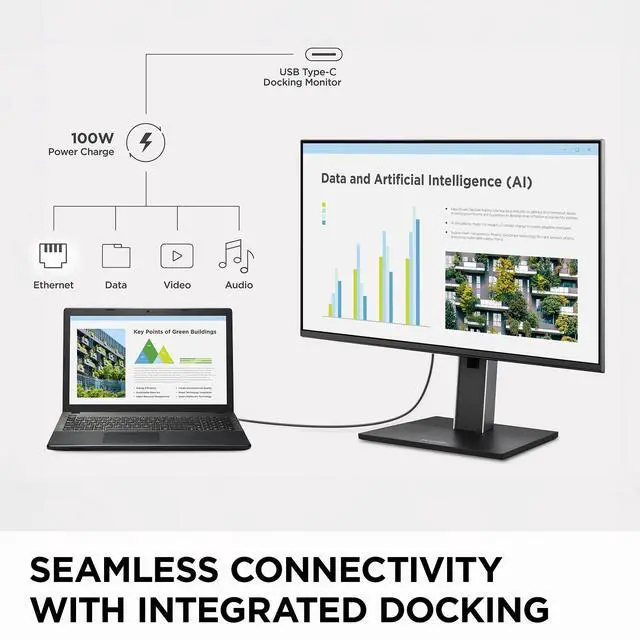
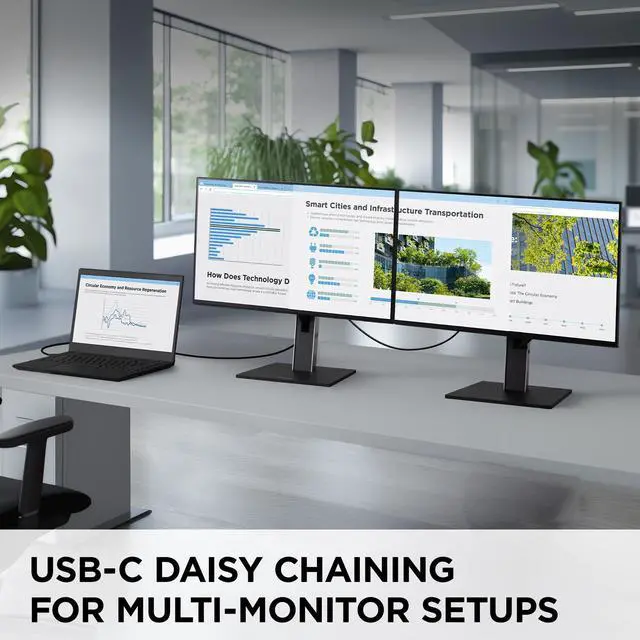
- SINGLE-CABLE DAISY CHAIN: Streamline your multi-monitor setup with USB-C connectivity for fast data, audio and video transfer, 100W charging over one cable
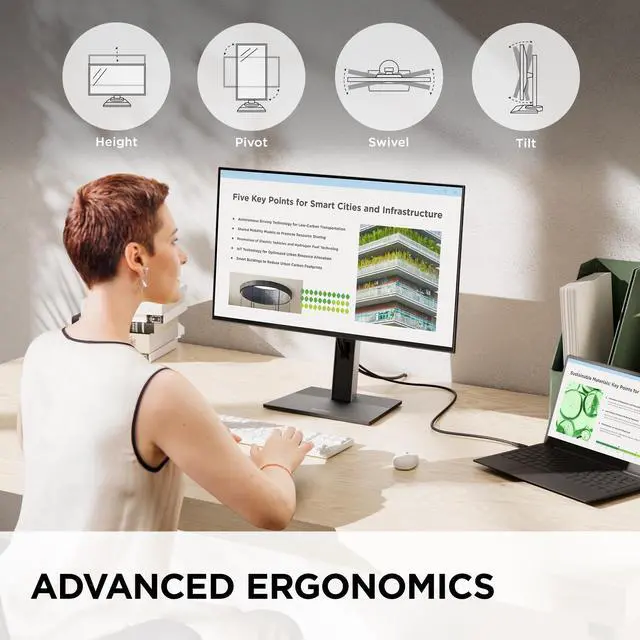
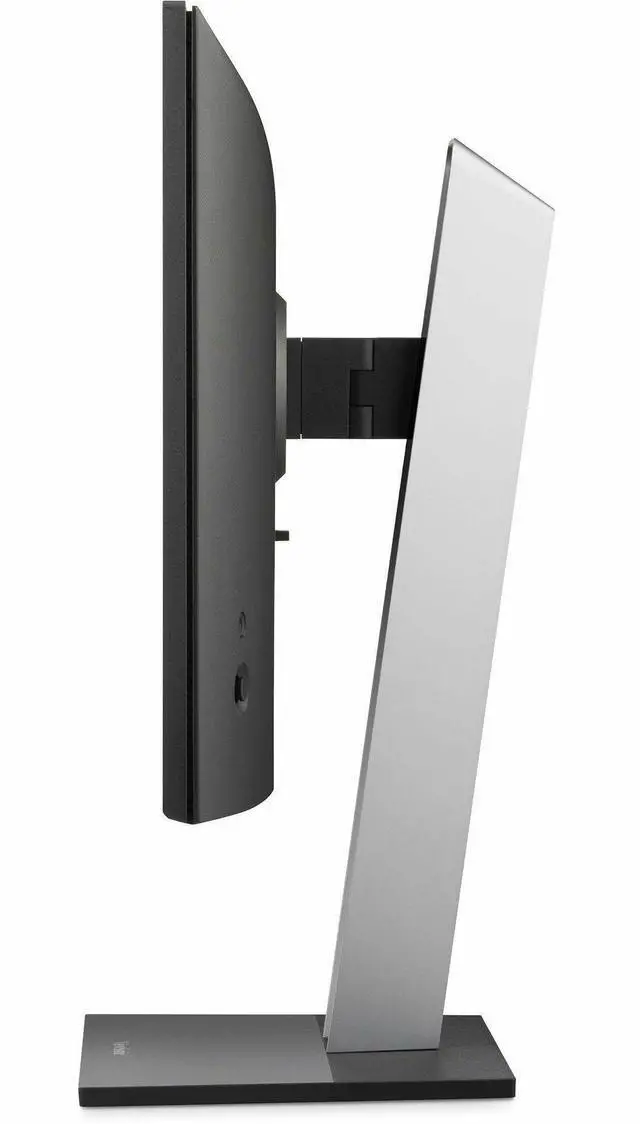
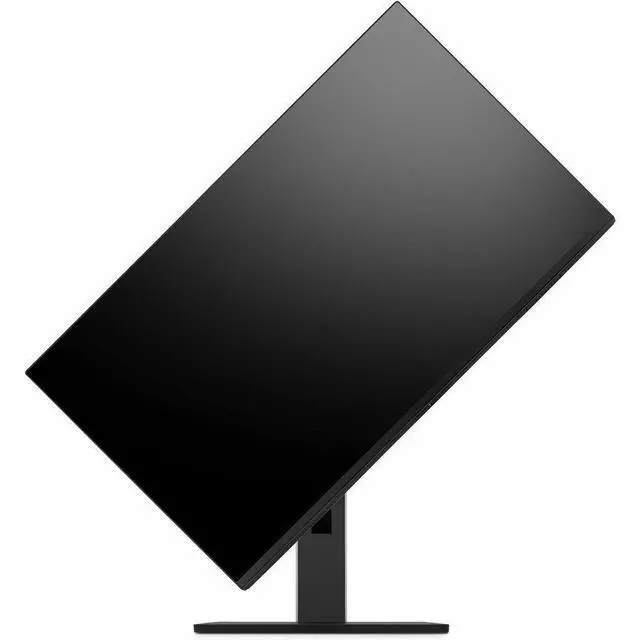
- ERGONOMIC STAND: Advanced ergonomics (tilt, swivel, rotate and height) for all-day comfort
- VERSATILE STAND: Easy-to-install quick release stand with carrying handle and client mount
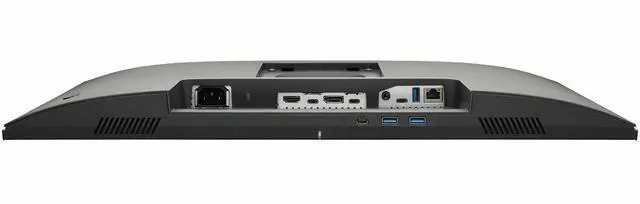
- FLEXIBLE CONNECTIVITY: The VG2458 supports PC, Mac and more with USB-C, RJ45, HDMI, DisplayPort (Daisy Chain), USB inputs
+
+
Overview
Specs
Reviews
24 1080P IPS ERGONOMIC DOCKING MONITOR, 100W USB-C, RJ45, DAISY CHAIN
Warranty & Returns
Warranty, Returns, And Additional Information
Warranty
- Limited Warranty period (parts): 3 years
- Limited Warranty period (labor): 3 years
- Read full details
Return Policies
- Return for refund until: January 31, 2027
- Return for replacement until: January 31, 2027
- This item is covered by Newegg.ca's Extended Holiday Return Policy.
- Read full return policy for details.
We want to ensure your holiday shopping this year is hassle-free. That’s why we’re automatically extending our return policies on almost every product! For purchases placed between November 1st, 2026 and December 31, 2026 you will have until January 31, 2027 to return your product.
Manufacturer Contact Info
- Manufacturer Website
- Support Phone: 1-800-688-6688
- Support Website
- View other products from ViewSonic
LOADING...
LOADING...
The ViewSonic VG2458 is a 24-inch Full HD IPS docking monitor with a 100Hz refresh rate, 100W USB-C charging, RJ45 Ethernet, and adjustable ergonomics, suited to home and office users who want a flexible everyday display and fewer desk cables.
Recommended For
- Laptop-based office workers who want one USB-C cable for display, up to 100W laptop charging, wired Ethernet, and connected USB peripherals.
- Desk-based users building a two- or multi-monitor work setup: USB-C daisy chaining and the adjustable stand support a more organized, ergonomic workstation.
- Office users who regularly connect keyboards, mice, storage, or other accessories and want a monitor-based USB hub rather than a separate dock.
- People doing everyday document, email, and browser work who prefer a compact 24-inch Full HD screen with height, tilt, swivel, and pivot adjustment.
- Casual gamers and desktop users who want a refresh rate above 60Hz but do not need a high-refresh competitive gaming display.
Real-World Use Scenarios
- At a home-office desk, a user connects a compatible laptop with USB-C to drive the display, charge the laptop, and connect wired Ethernet and USB accessories, reducing the number of separate cables and the need for a standalone dock.
- For a two-screen work setup, a user connects the VG2458 to a compatible second display through its daisy-chain connection, adding screen space for tasks such as keeping documents open beside a video call.
- For a shared or frequently adjusted desk, a user raises, tilts, swivels, or rotates the screen to suit different seating positions or put a document in portrait orientation without changing the monitor mount.
- At a fixed desktop workstation, a user connects a PC through HDMI or DisplayPort and plugs everyday USB peripherals into the monitor’s hub, keeping commonly used accessories together at the desk.
- For routine office tasks such as editing documents, browsing, and spreadsheets, a user gets a Full HD workspace with a 100Hz refresh rate that can make scrolling and on-screen movement appear smoother than a standard 60Hz display.
Spec Summary
| Attribute | Value |
|---|---|
| Best For | Business, desktop, and entertainment use with a compatible desktop or laptop |
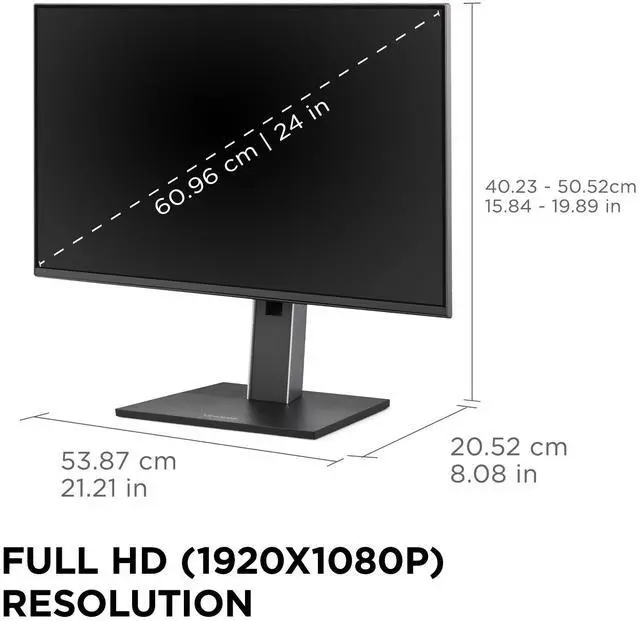
| Panel And Resolution | 24-inch flat IPS LED display with Full HD 1920 × 1080 resolution, 16:9 aspect ratio, 178° horizontal and vertical viewing angles, 350 cd/m² brightness, 1500:1 static contrast ratio, 16.7 million colors, and 75% NTSC color gamut; matte anti-glare screen |
| Refresh Rate And Response | 100 Hz refresh rate, 5 ms response time, FreeSync adaptive sync, flicker-free technology, and blue-light filter |
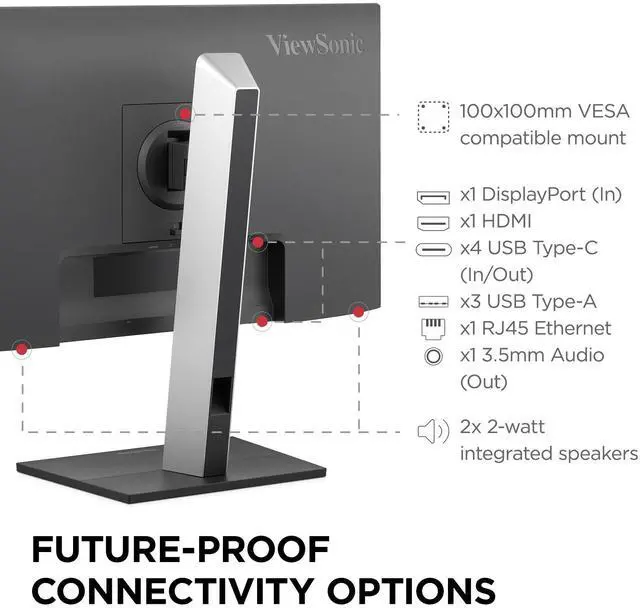
| Ports And Connectivity | Seven USB ports (3 USB-A and 4 USB-C), one HDMI 1.4 port, one DisplayPort input, one RJ45 Ethernet port, and one 3.5 mm audio output |
| Stand And Mounting | Desk-mount design with tilt adjustment and 100 × 100 mm VESA mounting compatibility |
| Built-In Audio And Camera | No built-in speakers or webcam |
| Physical Specifications | Black finish; 13.6 lb; 21.21 in wide × 19.89 in high × 8.08 in deep with stand, or 21.21 in wide × 12.5 in high × 1.76 in deep without stand |
| Power | 100–240 VAC, 50/60 Hz power supply; 138 W power consumption |
| Included Accessories | Power cable, DisplayPort cable, USB-C cable with USB-A adapter, and quick-start guide |
| Model Identifiers | ViewSonic VG2458; model number VS20063 |
Reference Q&A
Q: ViewSonic VG2458 vs VG2456a: which is better for a laptop dock setup?
A: Choose the ViewSonic VG2458 for a 24-inch docking monitor with 100W USB-C laptop charging and a 100Hz refresh rate. The VG2456a is also a 24-inch Full HD IPS docking monitor, with 90W USB-C charging and a 60Hz refresh rate.
Q: Should I choose the ViewSonic VG2458 or VG2456 for 100W USB-C charging?
A: Choose the VG2458 if you want 100W USB-C charging and a 100Hz refresh rate in a 24-inch Full HD docking monitor. The VG2456 offers the same 24-inch Full HD docking format with 60W USB-C charging and a 60Hz refresh rate.
Q: ViewSonic VG2458 or VG2758-2K: which gives me more screen detail?
A: Choose the VG2758-2K for its 27-inch QHD resolution of 2560 × 1440. Choose the VG2458 for a 24-inch Full HD display with a 100Hz refresh rate. Both are ViewSonic docking monitors with 100W USB-C power delivery and daisy-chain connectivity.
Q: Is the VG2458 a good fit for a home-office setup?
A: It suits everyday office work if you want a 24-inch 1080p IPS display with an adjustable stand and built-in docking features. Its USB-C connection supports up to 100W charging, and the monitor includes USB ports and Ethernet. Check that your computer supports video over USB-C and that 1080p meets your screen-detail needs.
Q: Can one USB-C cable connect the monitor to my laptop and charge it?
A: Yes, the VG2458 supports up to 100W USB-C power delivery along with video and data over one cable. The laptop’s USB-C port must support video output and USB-C charging; laptops requiring more power may still need their own charger.
Q: Can I mount the VG2458 on a monitor arm?
A: Yes. It supports a 100 × 100 mm VESA mount, so it can be used with a compatible monitor arm or wall mount.
Q: Does it have built-in speakers or a webcam for video meetings?
A: No. The VG2458 does not include built-in speakers or a webcam, so plan to use separate audio and video devices for meetings.