


Best Sellers
- $187.46
- + FREE SHIPPING
 Hot Seller
- $188.11
- + FREE SHIPPING
Hot Seller- $167.22
- + $25.94 Shipping

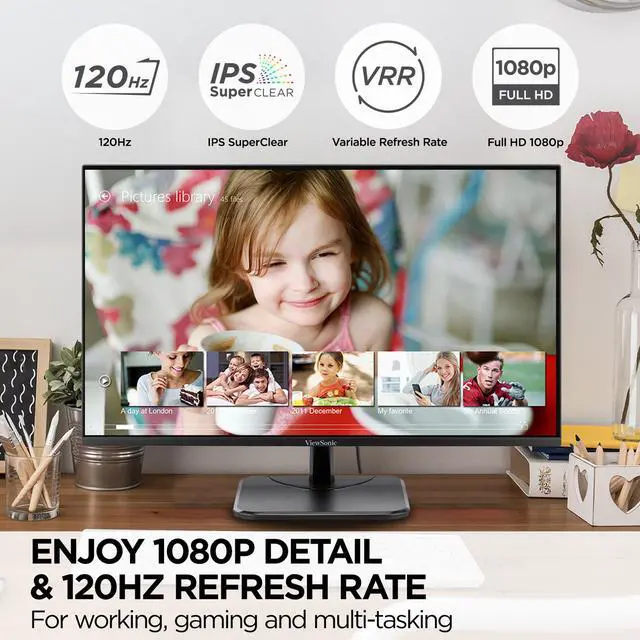
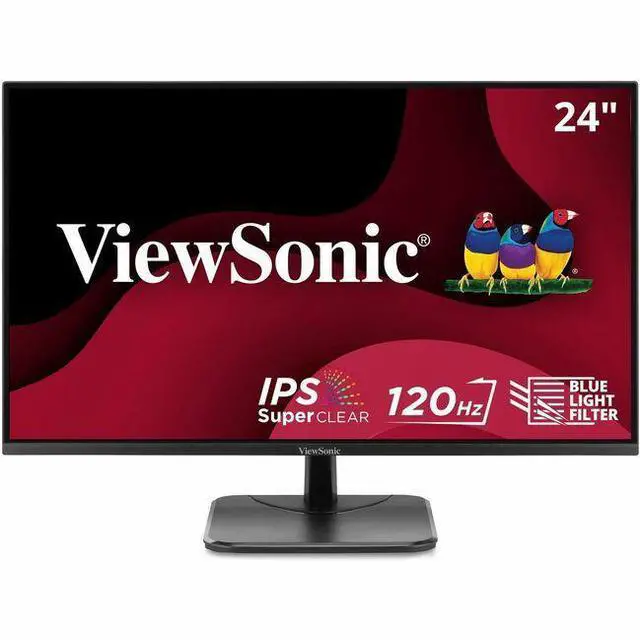
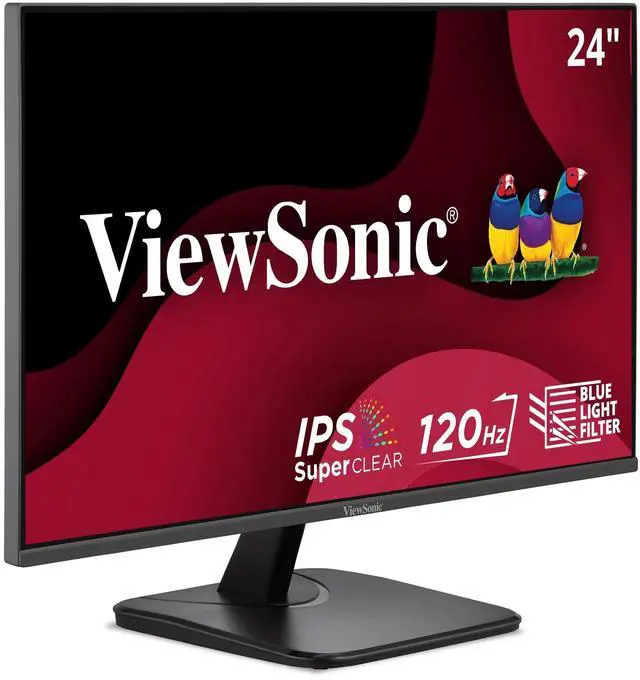
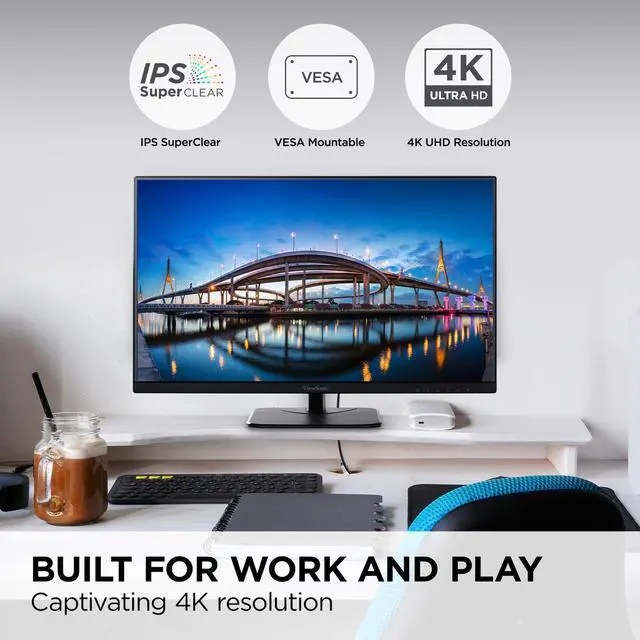
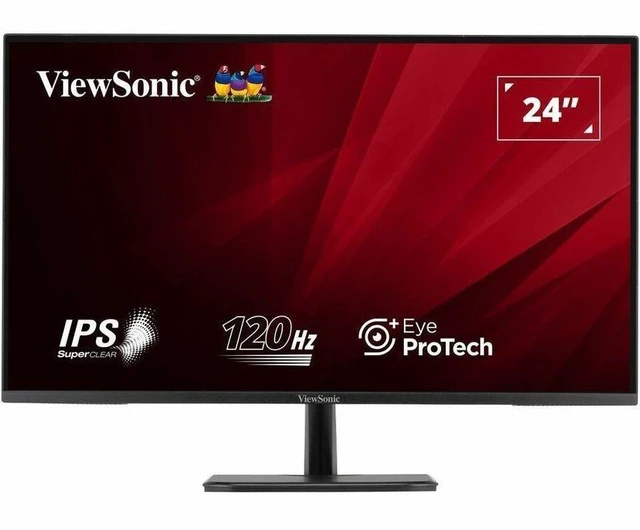
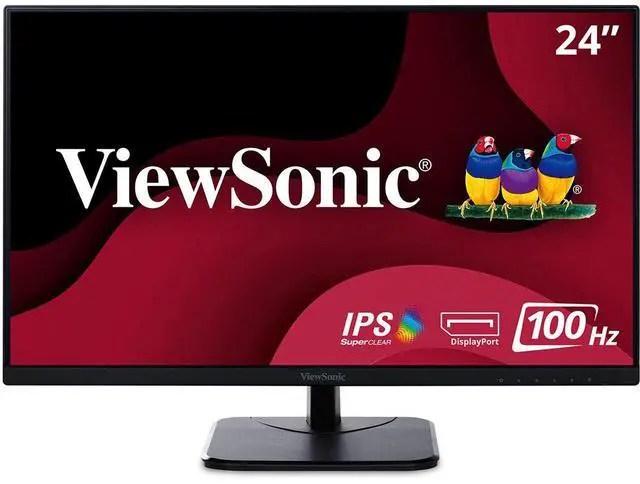
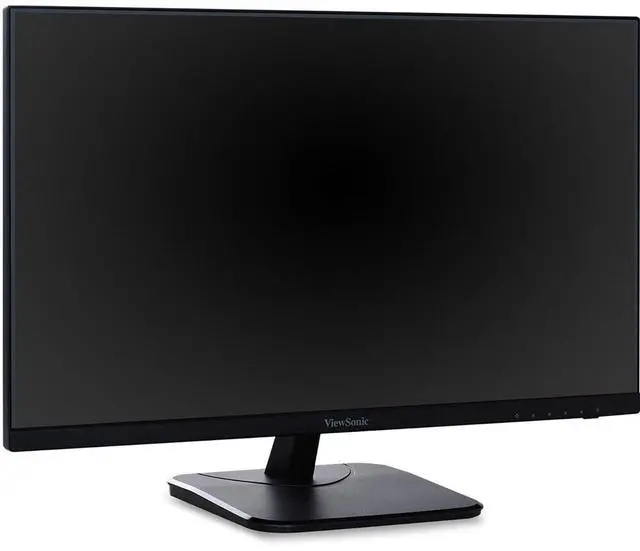
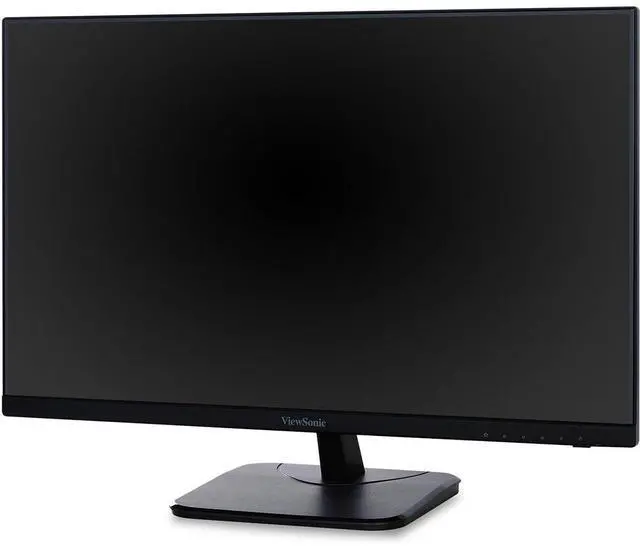
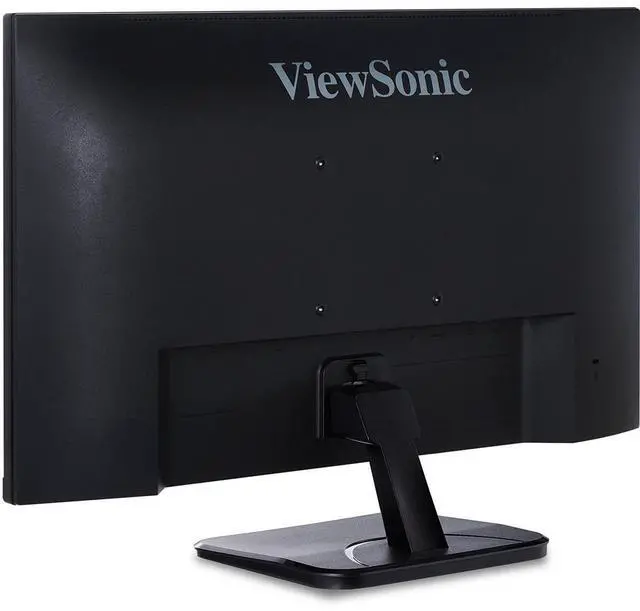
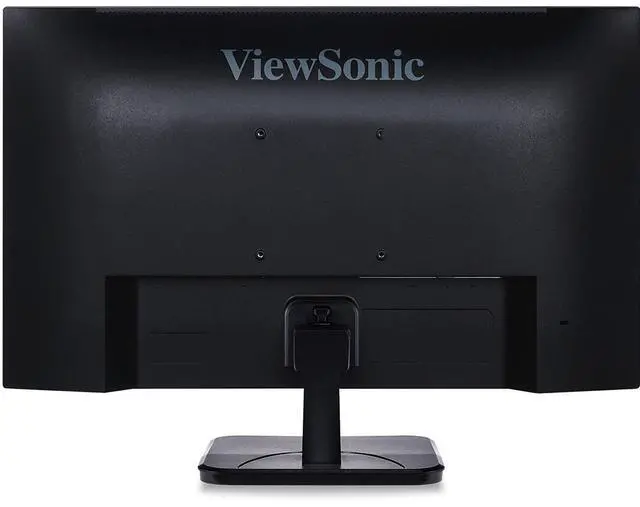

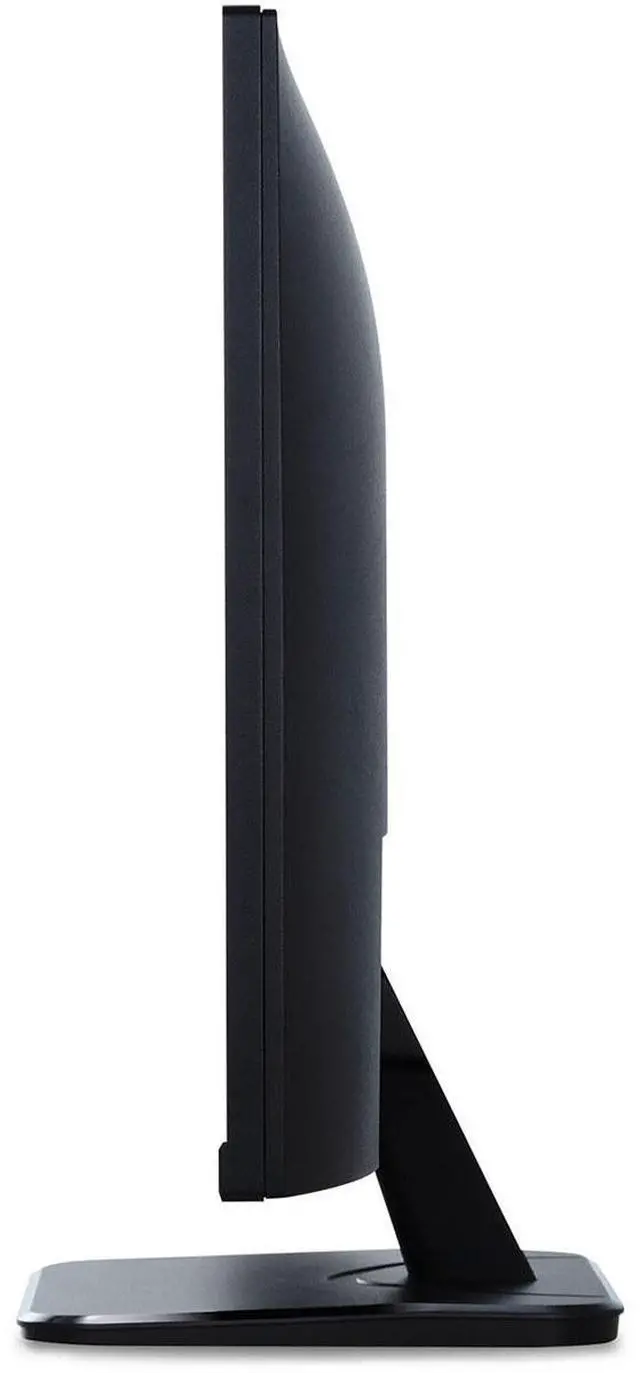
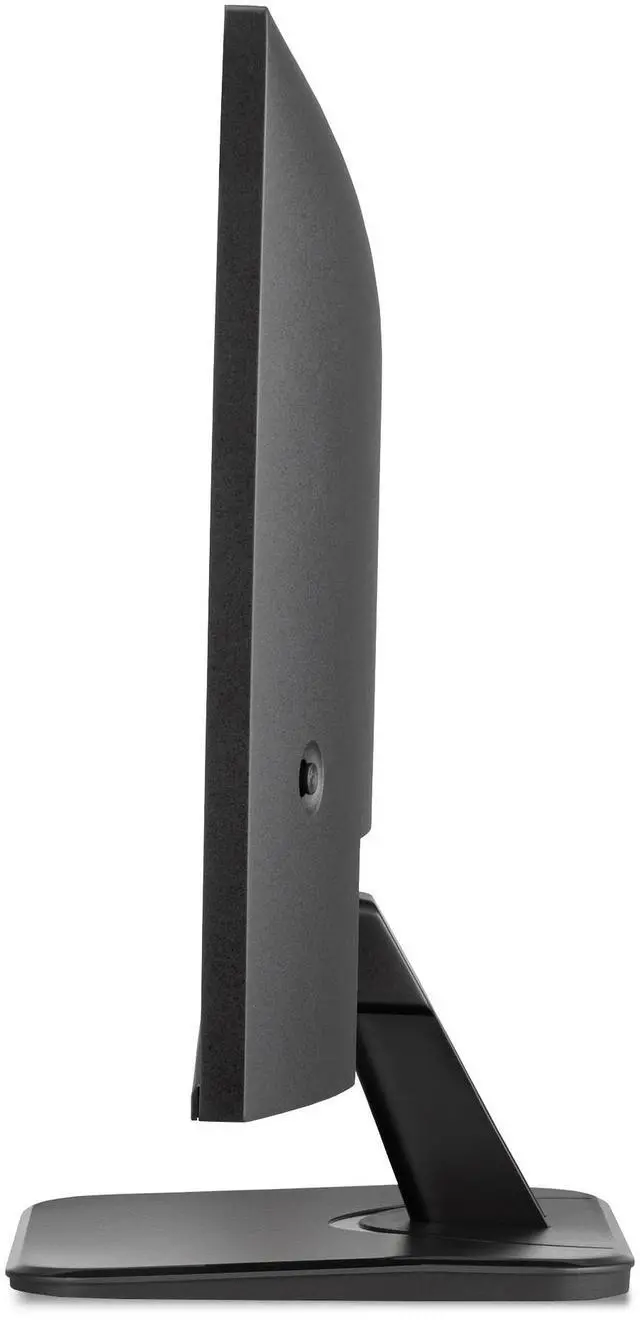



ViewSonic VA2456A-MHD 24 Inch IPS 1080p Monitor with 120Hz, Eye Care, HDMI, DisplayPort, and VGA Inputs for Home and Office
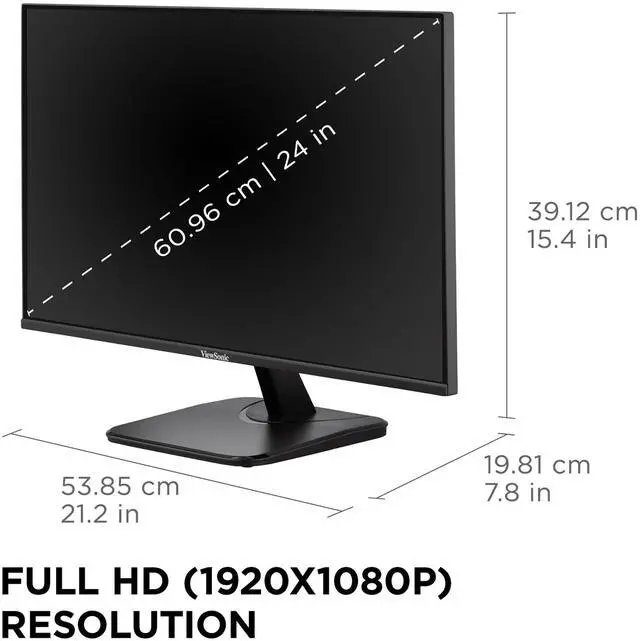
- VERSATILE MONITOR: 24 Inch Full HD (1920x1080p) IPS monitor with thin bezels and 120Hz refresh rate
- ACCURATE FROM ALL ANGLES: Enjoy accurate and vivid colors with consistent levels of brightness with SuperClear IPS technology.
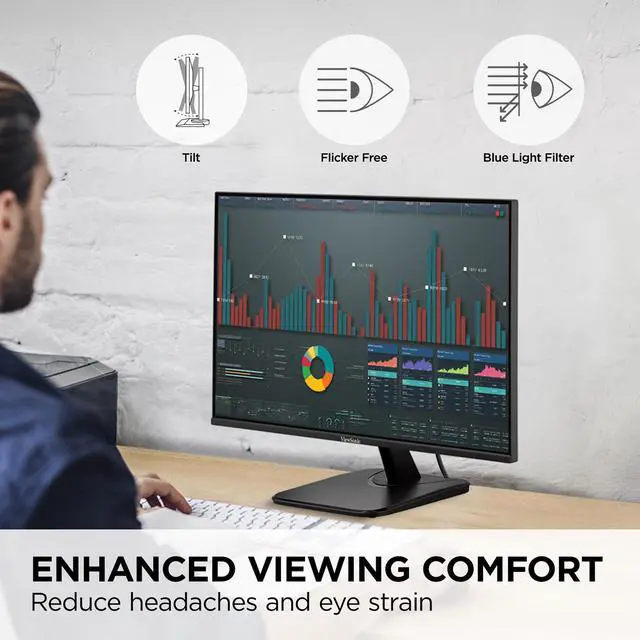
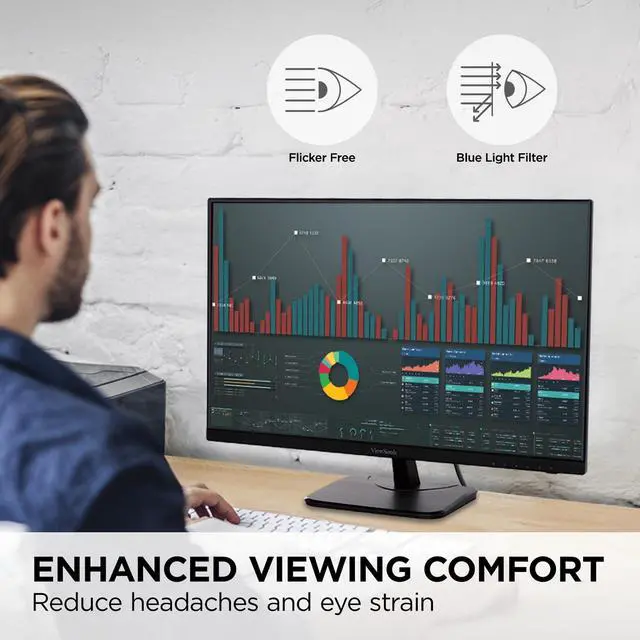
- ENHANCED VIEWING COMFORT: Flicker-Free technology and Blue Light Filter for reduced eye fatigue
- OPTIMIZED VIEW SETTINGS: Offers Game, Movie, Web, Text, and Mono presets
- FLEXIBLE CONNECTIVITY: The VA2456A-MHD supports laptops, PCs, Macs and more with HDMI, DisplayPort and VGA inputs
+
+
Overview
Specs
Reviews
24 1080P IPS MONITOR WITH ADAPTIVE SYNC, HDMI, DISPLAYPORT, AND VGA
Warranty & Returns
Warranty, Returns, And Additional Information
Warranty
- Limited Warranty period (parts): 3 years
- Limited Warranty period (labor): 3 years
- Read full details
Return Policies
- Return for refund until: January 31, 2027
- Return for replacement until: January 31, 2027
- This item is covered by Newegg.ca's Extended Holiday Return Policy.
- Read full return policy for details.
We want to ensure your holiday shopping this year is hassle-free. That’s why we’re automatically extending our return policies on almost every product! For purchases placed between November 1st, 2026 and December 31, 2026 you will have until January 31, 2027 to return your product.
Manufacturer Contact Info
- Manufacturer Website
- Support Phone: 1-800-688-6688
- Support Website
- View other products from ViewSonic
LOADING...
LOADING...
The ViewSonic VA2456A-MHD is a 24-inch Full HD IPS monitor with a 120Hz refresh rate and FreeSync Premium, suited to home and office users who want smooth everyday viewing, with gaming support for compatible systems.
Recommended For
- Office workers who spend the day on documents, email, and web pages: ViewSonic positions this 24-inch IPS monitor for business use and includes Text and Web viewing presets, flicker-free technology, and a blue-light filter.
- Home-office users connecting a mix of newer and older computers: HDMI, DisplayPort, and VGA inputs support a range of devices, including older systems that still use VGA.
- Casual PC gamers who want smoother motion than a standard 60Hz display for everyday gaming: its 120Hz refresh rate and variable-refresh-rate support suit this use, without making it a high-refresh competitive gaming monitor.
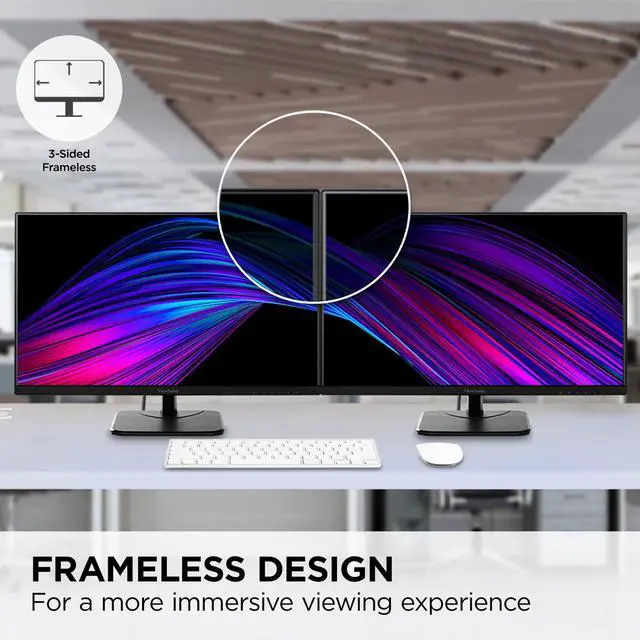
- People building a simple multi-monitor desk setup: the 3-sided frameless design is intended to reduce visible bezel gaps between screens.
Real-World Use Scenarios
- For everyday office work—such as email, spreadsheets, and web-based tools—the 24-inch Full HD screen provides a straightforward desktop workspace, while its IPS panel keeps the picture consistent when viewed from different positions.
- For long reading or document sessions, users can select the Text viewing preset and enable the flicker-free and low-blue-light features; these are intended to support more comfortable viewing, though comfort varies by person and settings.
- For a home desk used for both work and entertainment, users can switch between Web, Text, Movie, and Game presets to adjust the display for different activities without changing monitors.
- For casual PC gaming, the 120Hz refresh rate and variable refresh support can make compatible games feel smoother than on a standard 60Hz display; it is still a Full HD general-purpose monitor rather than a dedicated high-end gaming screen.
- For a desk with a work laptop and a desktop PC, the HDMI, DisplayPort, and VGA inputs let users connect different devices to the monitor; the display does not include USB ports for peripheral docking.
Spec Summary
| Attribute | Value |
|---|---|
| Best For | Desktop business use, photo and video editing, and setups with a desktop, laptop, or gaming console |
| Panel And Resolution | 24-inch flat IPS display with 1920 × 1080 resolution, 16:9 aspect ratio, matte anti-glare finish, 178° horizontal and vertical viewing angles, 250 cd/m² brightness, 1500:1 static contrast ratio, and 16.7 million colors |
| Refresh Rate And Response | 120Hz refresh rate, 4ms response time, and FreeSync Premium adaptive sync |
| Picture Enhancement And Color | SuperClear IPS, Flicker-Free, and Blue Light Filter technologies; 80% NTSC color gamut |
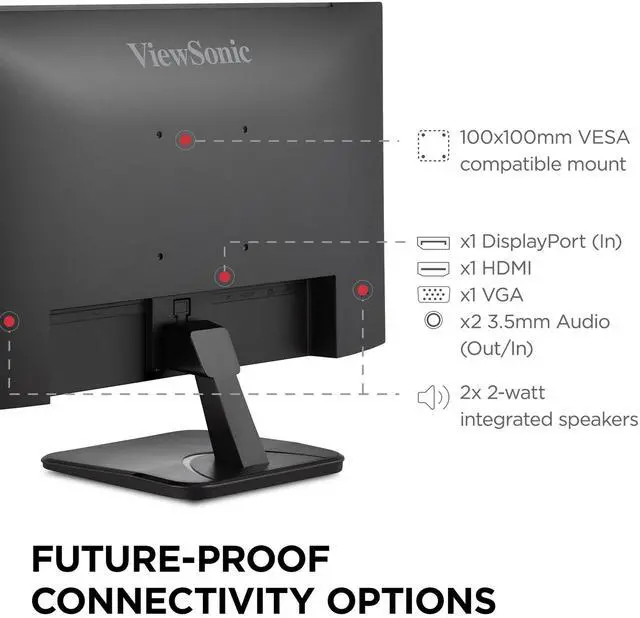
| Ports And Connectivity | One HDMI 1.4, one DisplayPort, one VGA, and 3.5mm audio input and output; no USB or Thunderbolt ports |
| Audio And Webcam | Built-in speakers; no built-in webcam |
| Mounting And Dimensions | 100 × 100mm VESA mounting compatible; 21.2 × 15.4 × 7.8 inches overall and 21.2 × 12.4 × 2 inches without the stand; flat screen |
| Power | 100–240 VAC, 50/60Hz power supply; listed power consumption is 19.5W |
| Color And Weight | Black cabinet; 6.8 lb |
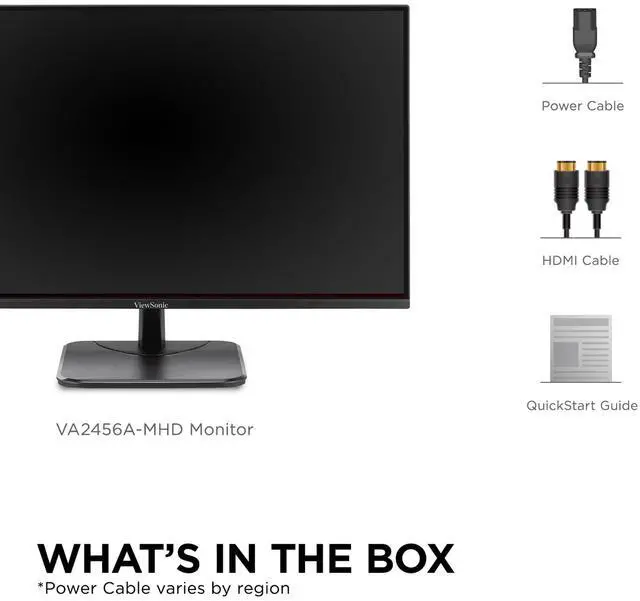
| Included Components | LCD display, HDMI cable, and quick start guide |
| Model Identifiers | ViewSonic VA2456A-MHD; part number VA2456A-MHD |
Reference Q&A
Q: ViewSonic VA2456A-MHD vs. VA2456-MHD: what changed?
A: Choose the VA2456A-MHD for a 120Hz refresh rate; the earlier VA2456-MHD is rated at 100Hz. Both are 24-inch, 1080p IPS monitors with HDMI, DisplayPort, and VGA, so the VA2456A-MHD is the more refresh-focused choice while retaining the familiar connectivity.
Q: ViewSonic VA2456A-MHD or VA2448-MHU for a USB-C laptop?
A: Choose the VA2448-MHU when you want USB-C video, audio, data, and up to 15W of power over one cable. Choose the VA2456A-MHD when DisplayPort and VGA inputs are priorities alongside HDMI; both models offer a 24-inch 1080p IPS panel and 120Hz refresh rate.
Q: Should I get one VA2456A-MHD or the VA2456A-MHD_H2 dual pack?
A: Choose the VA2456A-MHD for a single-monitor setup. Choose the VA2456A-MHD_H2 when you want two matching 24-inch, 1080p IPS monitors for a dual-screen workspace.
Q: Is this monitor suitable for everyday office work and as a laptop second screen?
A: Yes. Its 24-inch 1080p IPS screen, anti-glare surface, wide viewing angles, and Text preset suit everyday tasks such as documents, browsing, and email. It can serve as a second screen when your computer has a compatible video output. It has no built-in webcam, so video meetings require a separate camera.
Q: Can I connect this monitor to my laptop?
A: Yes, if the laptop has HDMI, DisplayPort, or VGA video output. The monitor has all three inputs and includes an HDMI cable. It has no USB-C input, so a laptop with only USB-C video output will need a compatible video adapter.
Q: Does it have built-in speakers or a webcam for video calls?
A: It has built-in speakers, but no webcam. For video calls, connect a separate webcam. The monitor also has a 3.5 mm audio output for compatible headphones or speakers.
Q: Can I mount it on a monitor arm or wall mount?
A: Yes. It supports VESA 100 × 100 mm mounting, so it can be attached to a compatible monitor arm or wall mount.
Q: Is the VA2456A-MHD a suitable budget monitor for studying and reading PDFs on a Mac?
A: It may suit basic study and PDF reading: it has a 24-inch 1080p IPS panel, an anti-glare surface, and HDMI and DisplayPort inputs. It is not a direct MacBook Air screen equivalent, and it has no USB-C input, so check that your Mac can connect through HDMI or DisplayPort, possibly with an adapter.