


- Free 30-day Returns
$1,424.99
Add to PC build list
Sold by Newegg
Shipped by Newegg
Add to Wish List(Found on 14 wish lists)



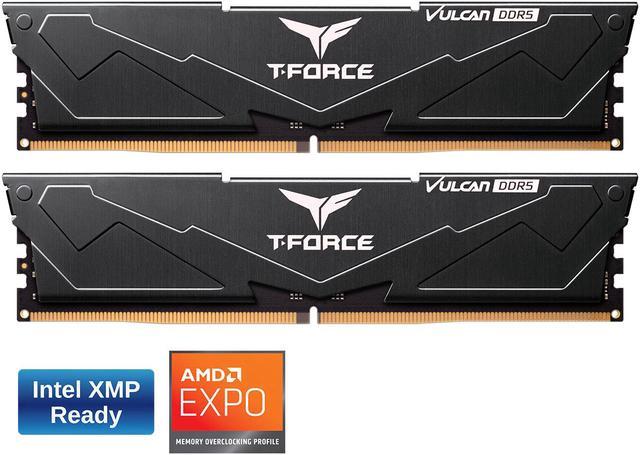
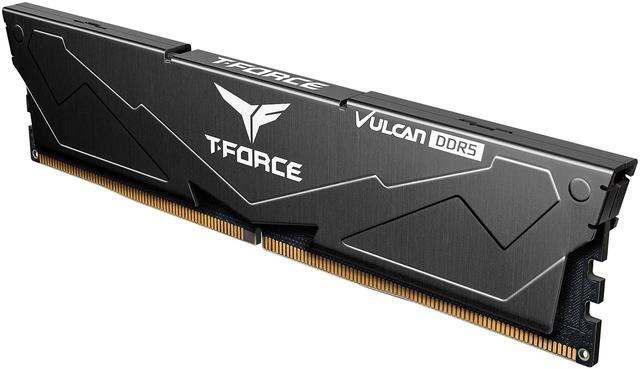
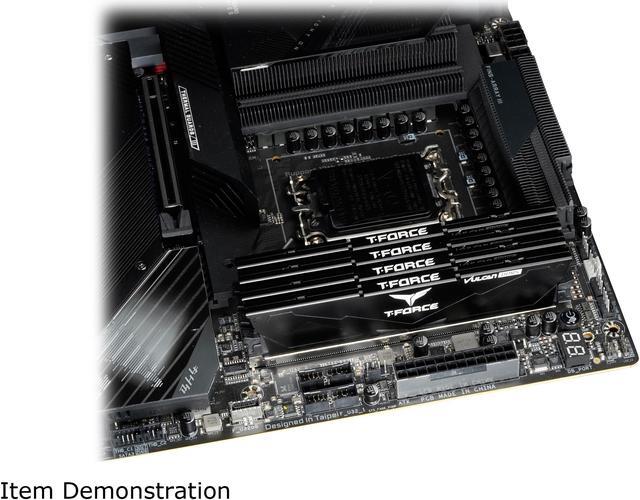
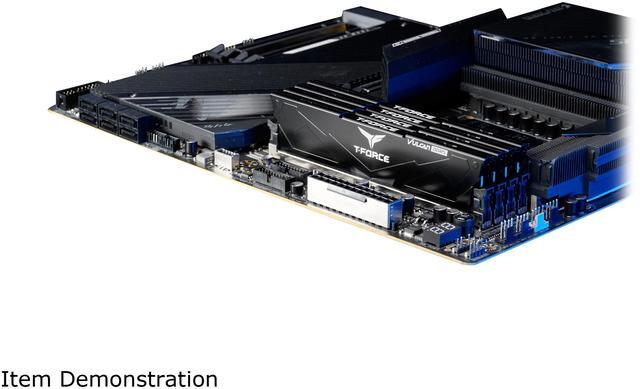
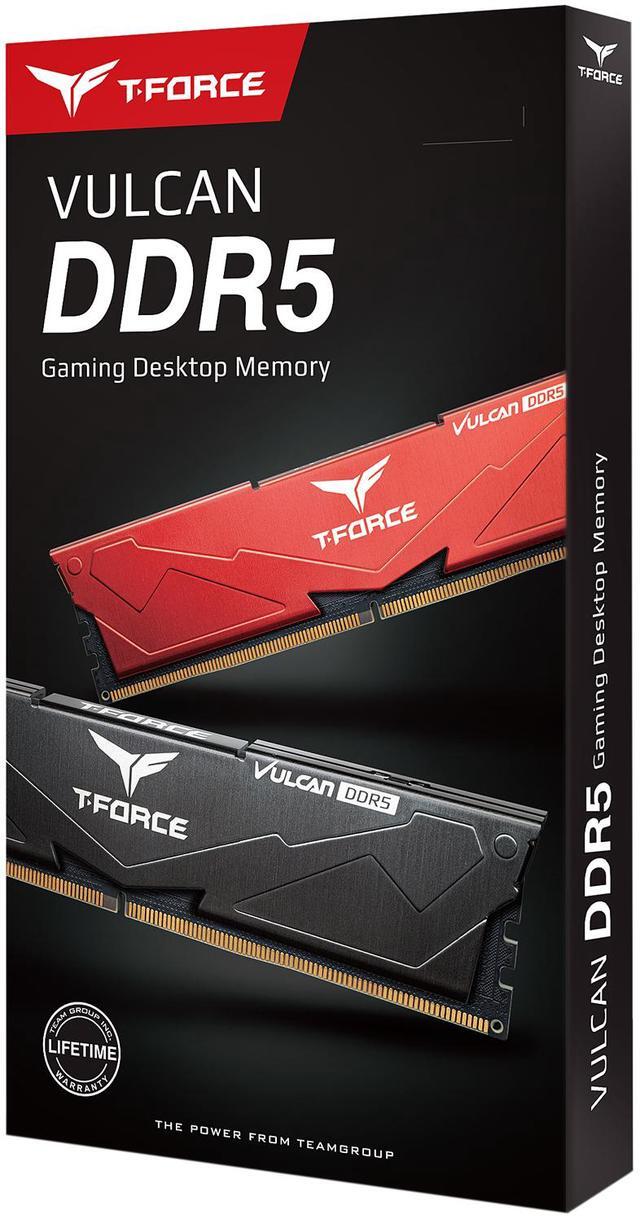


Team T-Force Vulcan 64GB (2 x 32GB) 288-Pin PC RAM DDR5 6000 (PC5 48000) Desktop Memory Model FLBD564G6000HC38ADC01
- DDR5 6000 (PC5 48000)
- Timing 38-38-38-78
- CAS Latency CL38
- Voltage 1.30V
+
+
Specs
Reviews (120)
Learn more about the Team Group FLBD564G6000HC38ADC01
| Brand | Team |
|---|---|
| Series | T-Force Vulcan |
| Model | FLBD564G6000HC38ADC01 |
| Part Number | FLBD564G6000HC38ADC01 |
| Capacity | 64GB (2 x 32GB) |
|---|---|
| Type | 288-Pin PC RAM |
| Speed | DDR5 6000 (PC5 48000) |
| CAS Latency | CL38 |
| Timing | 38-38-38-78 |
| Voltage | 1.30V |
| ECC | No |
| Buffered/Registered | Unbuffered |
| BIOS/Performance Profile | Intel XMP 3.0 |
| Color | Black |
| Heat Spreader | Yes |
| Features | Sleek Design Reinforced Structure for Better Cooling Supports Intel XMP3.0 for One-Click Overclocking Power Management ICs (PMICs) Equipped for Stable, Efficient Power Usage Strengthened PMIC Cooling Design On-die ECC for Stable Systems High-Quality ICs Selected for Stability & Reliability |
| Recommend Use | Intel B660 / Intel Z690 |
| First Listed on Newegg | April 18, 2023 |
|---|
Warranty & Returns
Warranty, Returns, And Additional Information
Warranty
- Limited Warranty period (parts): Lifetime
- Limited Warranty period (labor): Lifetime
- Read full details
Return Policies
- Return for refund within: 30 days
- Return for replacement within: 30 days
- This item is covered by Newegg.ca's Standard Return Policy.
- Read full return policy for details.
Manufacturer Contact Info
- Manufacturer Product Page
- Manufacturer Website
- Support Phone: 1-833-574-4629
- Support Website
- View other products from Team Group
LOADING...
LOADING...
The Team T-Force Vulcan FLBD564G6000HC38ADC01 is a 64GB (2 x 32GB) DDR5-6000 desktop memory kit with CL38 timings, suited to compatible Intel desktop builds that need high capacity for gaming, content creation, or multitasking.
Recommended For
- Desktop users running memory-heavy work—such as several virtual machines, large software projects, or data-heavy tools—who need 64GB in a two-module kit.
- Video editors and other creative workers whose large projects or concurrent apps exceed the memory headroom they want from a 32GB setup.
- PC builders assembling a compatible DDR5 desktop who want 64GB across two matched modules rather than using four memory slots.
- Intel or AMD DDR5 desktop builders who have checked motherboard and CPU compatibility and are comfortable enabling the memory profile in BIOS to target DDR5-6000.
Real-World Use Scenarios
- When editing longer 4K video timelines with effects or animations, the 64GB kit can give editing software more room to work and help keep timelines responsive; results still depend on the footage, software, and rest of the PC.
- For a PC used for 3D modeling, CAD, or game development, this kit can accommodate larger projects and creative apps running together, reducing the chance that memory capacity becomes a bottleneck during work.
- When gaming while keeping a browser, voice chat, streaming tools, or other apps open, 64GB provides extra headroom for the combined workload; it should not be expected to raise frame rates by itself when a game already fits in available memory.
- For heavy everyday multitasking—such as many browser tabs, development tools, and several background apps—the kit can reduce memory pressure and the need for the system to rely as much on slower storage-backed virtual memory.
Spec Summary
| Attribute | Value |
|---|---|
| Best For | Intel B660 or Z690 desktop builds needing 64GB of DDR5 memory |
| Memory Capacity And Configuration | 64GB kit with two 32GB modules |
| Memory Speed | DDR5-6000 (PC5-48000) |
| Latency And Voltage | CL38 timing of 38-38-38-78 at 1.30V |
| Compatibility And Features | 288-pin unbuffered, non-ECC desktop memory with Intel XMP 3.0 and on-die ECC |
| Physical Design | Black modules with heat spreaders and reinforced PMIC cooling |
| Model Identifiers | Team T-Force Vulcan, model and part number FLBD564G6000HC38ADC01 |
Reference Q&A
Q: Should I choose this 64GB DDR5-6000 kit or a 32GB kit?
A: Choose this 64GB kit for memory-heavy creative projects, demanding multitasking, or more room for future workloads. A 32GB kit is a practical choice for general use and many gaming setups when the lower cost matters more than extra capacity; testing shows the difference between 32GB and 64GB depends on the application and workflow.
Q: Is this DDR5-6000 CL38 kit worth choosing over DDR5-6000 CL30?
A: Choose this kit when you want 64GB at DDR5-6000 and do not need to prioritize the tighter CL30 timing. A CL30 kit has a lower CAS latency at the same data rate, which can suit latency-sensitive workloads; benchmark results show that memory timing gains vary by game and scenario, so the practical difference is not fixed.
Q: Can I use this kit instead of DDR4 memory in my current PC?
A: Only if the motherboard supports DDR5. This is a desktop DDR5 kit, and DDR5 modules are not compatible with DDR4 motherboard slots. Check your motherboard’s memory type and compatibility list before buying.
Q: Will this 64GB DDR5 kit work with my desktop?
A: It is a 2×32GB, 288-pin DDR5 desktop memory kit. Your motherboard and processor must support DDR5 and the kit’s capacity; check the system or motherboard compatibility list before buying. The 6000 MT/s profile may not be available on every system.
Q: Will it run at 6000 MT/s automatically?
A: The kit is rated for DDR5-6000 and supports Intel XMP 3.0. Reaching that rated speed typically requires enabling the XMP profile in BIOS, and actual support depends on the motherboard, processor, and BIOS. Without the profile, it may run at a lower default speed.
Q: Is this RAM compatible with a laptop?
A: No. This is 288-pin desktop memory; laptops generally require smaller SO-DIMM modules. Check your laptop’s memory type and supported capacity before purchasing RAM.
Q: Who is a 64GB memory kit suitable for?
A: This 2×32GB kit is suited to desktop users who need substantial memory for heavy multitasking or demanding workloads. It may be more capacity than needed for everyday office use; check your applications’ memory needs and your system’s supported maximum.
Q: Is 64GB of DDR5-6000 CL38 a reasonable choice over a 6000 CL30 kit?
A: This kit provides 64GB at DDR5-6000 CL38. A CL30 kit has lower listed CAS latency at the same data rate; whether that difference is worth paying more for depends on your workload and the price gap. Compare motherboard compatibility as well as timings.
Q: Will this T-Force Vulcan kit work with an AMD motherboard?
A: The provided specifications list Intel XMP 3.0, not an AMD EXPO profile, and recommend Intel B660 and Z690 platforms. AMD compatibility is not guaranteed by those details; check the motherboard’s memory support list for this exact kit before buying.
Q: Who is likely to benefit from a 64GB RAM kit?
A: It is a fit for a desktop that needs 64GB of memory, such as a system running memory-intensive work alongside other applications. If your workloads do not use that much memory, the extra capacity may not provide a practical benefit; check your current and expected memory use before upgrading.