


- Free 30-day Returns
$789.99
Add to PC build list
Sold by Newegg
Shipped by Newegg
Add to Wish List(Found on 12 wish lists)



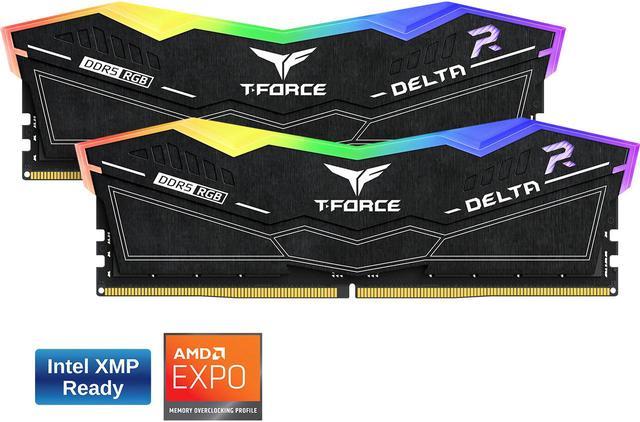
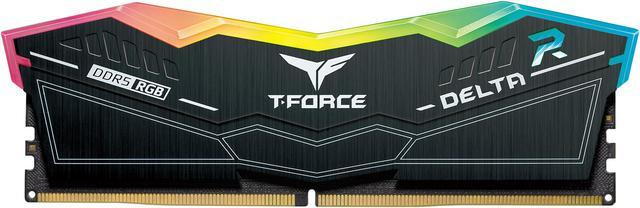
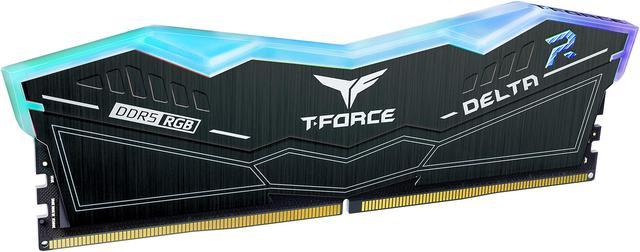
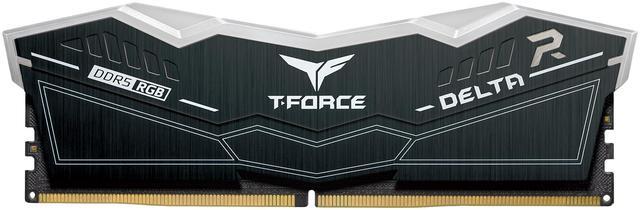
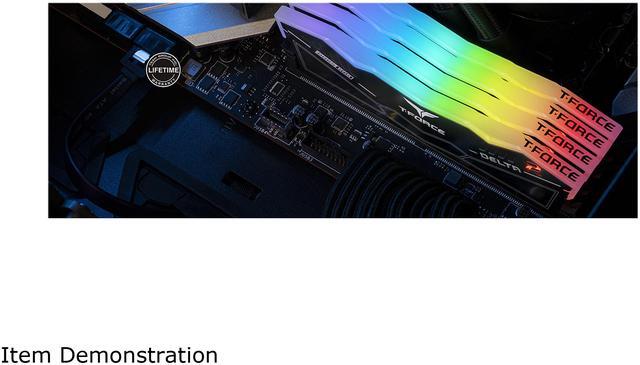
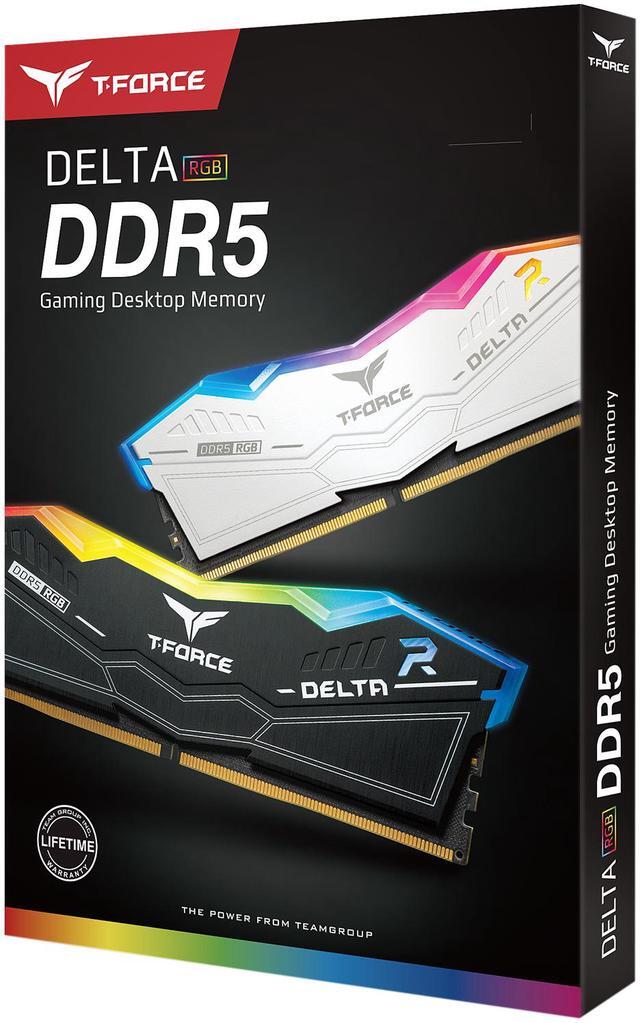



Team T-Force Delta RGB 32GB (2 x 16GB) 288-Pin PC RAM DDR5 6000 (PC5 48000) Desktop Memory Model FF3D532G6000HC38JDC01
- DDR5 6000 (PC5 48000)
- Timing 38-46-46-84
- CAS Latency CL38
- Voltage 1.35V
+
+
Specs
Reviews (5)
Learn more about the Team Group FF3D532G6000HC38JDC01
| Brand | Team |
|---|---|
| Series | T-Force Delta RGB |
| Model | FF3D532G6000HC38JDC01 |
| Capacity | 32GB (2 x 16GB) |
|---|---|
| Type | 288-Pin PC RAM |
| Speed | DDR5 6000 (PC5 48000) |
| CAS Latency | CL38 |
| Timing | 38-46-46-84 |
| Voltage | 1.35V |
| ECC | No |
| Buffered/Registered | Unbuffered |
| BIOS/Performance Profile | Intel XMP 3.0 and AMD EXPO |
| Color | Black |
| Heat Spreader | Yes |
| Features | RGB Colors & 120° Ultra-Wide Lighting Supports Intel XMP3.0 for One-Click Overclocking Power Management ICs (PMICs) Equipped for Stable, Efficient Power Usage Strengthened PMIC Cooling Design On-die ECC for Stable System High-Quality ICs Selected for Stability & Reliability Equipped with Smart RGB IC Controller that Supports Various Lighting Effect Software |
| Recommend Use | Intel B660 / Intel Z690 |
| LED Color | RGB |
| First Listed on Newegg | September 15, 2024 |
|---|
Warranty & Returns
Warranty, Returns, And Additional Information
Warranty
- Limited Warranty period (parts): Lifetime
- Limited Warranty period (labor): Lifetime
- Read full details
Return Policies
- Return for refund within: 30 days
- Return for replacement within: 30 days
- This item is covered by Newegg.ca's Standard Return Policy.
- Read full return policy for details.
Manufacturer Contact Info
- Manufacturer Product Page
- Manufacturer Website
- Support Phone: 1-833-574-4629
- Support Website
- View other products from Team Group
LOADING...
The Team T-Force Delta RGB FF3D532G6000HC38JDC01 is a 32GB (2×16GB) DDR5-6000 desktop memory kit with CL38 timings, suited to builders upgrading a compatible DDR5 PC for gaming, multitasking, or general performance-focused use.
Recommended For
- Desktop gamers building a custom PC who want a 32GB DDR5-6000 kit with synchronized RGB lighting; a reviewer tested the Delta RGB line with both AMD EXPO and Intel XMP profiles.
- Builders styling a windowed desktop around RGB components who want memory lighting they can coordinate with major motherboard lighting systems.
- DIY builders choosing between compatible Intel and AMD desktop platforms who want a kit listed with both XMP 3.0 and EXPO support, subject to motherboard and CPU compatibility.
- New desktop builders who prefer enabling a memory profile in BIOS over manually tuning memory settings; the review describes XMP/EXPO setup as a straightforward profile-selection process.
Real-World Use Scenarios
- When building a DDR5 gaming PC, use the 2×16GB kit for current games alongside voice chat, launchers, and browser tabs; 32GB gives these common gaming and background tasks room to run together, though it does not guarantee higher frame rates.
- When assembling a compatible Intel or AMD DDR5 system, enable the matching XMP 3.0 or EXPO profile in BIOS to run the kit at its rated memory profile; without a profile, it may start at a lower default speed.
- For everyday multitasking—such as keeping office apps, many browser tabs, and communication tools open—this 32GB kit provides a shared memory pool for those tasks; unusually large projects or heavier workloads may require more capacity.
- When finishing a windowed gaming PC build, use the modules’ RGB lighting with supported motherboard lighting software to coordinate the memory’s appearance with the rest of the system.
Spec Summary
| Attribute | Value |
|---|---|
| Best For | Desktop systems needing a 32GB DDR5-6000 DIMM kit, with Intel XMP 3.0 and AMD EXPO profile support |
| Capacity And Configuration | 32GB kit with 2 × 16GB modules |
| Memory Type And Compatibility | DDR5 desktop DIMM memory with a 288-pin interface; Intel B660 and Z690 platforms are recommended |
| Speed And Timings | 6000 MHz (DDR5-6000 / PC5-48000) with CL38 latency and 38-46-46-84 timings |
| Voltage And Thermal Design | 1.35V with a heat spreader |
| Error Correction And Buffering | Unbuffered; no system ECC, with on-die ECC |
| RGB Lighting | RGB LEDs with 120° ultra-wide lighting |
| Physical Dimensions And Weight | 144.2 × 7 × 46.1 mm; item weight 96 g |
| Model Identifiers | Team T-Force Delta RGB, model FF3D532G6000HC38JDC01 |
Reference Q&A
Q: Should I choose this DDR5-6000 CL38 kit or a 32GB DDR5-6000 CL30 kit?
A: Choose this T-FORCE Delta RGB kit if its price, RGB design, and dual XMP 3.0/EXPO profiles suit your build. A DDR5-6000 CL30 kit has a lower CAS latency at the same data rate, so it is the better fit if you prioritize lower memory latency and the price difference is worthwhile. Real-world gaming gains from faster or tighter-timed memory vary by game and CPU; TechSpot found that even DDR5-8000’s gains over DDR5-6000 CL30 were small in some tested scenarios. Check motherboard and CPU memory compatibility before enabling a profile.
Q: Is this 32GB kit worth choosing over a 16GB DDR5 kit for gaming?
A: Choose this 32GB (2 x 16GB) kit for more headroom across games, background apps, and demanding titles. A 16GB kit can still be sufficient in many games, so it may suit a tighter budget or lighter use; TechSpot’s testing found that results varied by game, with some titles benefiting from more capacity. The 32GB kit is the more flexible choice if you multitask or want to reduce the chance of running short on system memory.
Q: Should I buy this DDR5-6000 kit or step up to DDR5-8000?
A: Choose this DDR5-6000 kit for a mainstream build where capacity, RGB, and a moderate memory speed are the priorities. Consider DDR5-8000 if your platform supports it and you specifically want to pursue higher memory performance; it may require more attention to CPU and motherboard compatibility. In TechSpot’s Ryzen AM5 testing, the gains from DDR5-8000 varied by game and resolution, and were small in some cases, so the higher data rate is not automatically a noticeable upgrade for every system.
Q: Does this RAM support both Intel XMP and AMD EXPO?
A: Yes. This 32GB kit supports Intel XMP 3.0 and AMD EXPO. To use its rated DDR5-6000 speed, enable the matching memory profile in BIOS; actual support can depend on the motherboard and processor.
Q: Will this memory work with my motherboard?
A: It can work with a desktop motherboard that supports DDR5 UDIMM memory, but compatibility is not guaranteed for every system. Check your motherboard’s supported memory specifications and compatibility list; running the kit at 6000 MT/s may require an XMP or EXPO profile.
Q: Can I use this RAM in a laptop?
A: No. This is 288-pin desktop DIMM memory, not the smaller SO-DIMM format used by most laptops. Confirm your device’s memory type before buying.
Q: Does the package include two RAM sticks?
A: Yes. The kit contains two 16GB modules, for 32GB total, and is intended for dual-channel desktop memory configurations.
Q: Can I add this kit to my existing DDR5 RAM if the speed is also 6000?
A: Matching speed alone does not guarantee compatibility. Reddit discussions about T-Force Delta RGB users adding memory raise concerns about mixing timings, kits, and revisions; combining kits may prevent XMP from working reliably. For a simpler upgrade, use a matched kit and check your motherboard’s memory-support guidance.
Q: Is CL38 a meaningful trade-off compared with a DDR5-6000 CL30 kit?
A: This kit is DDR5-6000 with CL38 timings (38-46-46-84). Reddit discussions compare T-Force Delta RGB CL38 and CL30 kits, so check the timing and price of the exact kit rather than assuming all DDR5-6000 versions perform identically.
Q: Will this kit run at 6000 MT/s as soon as I install it?
A: The product lists Intel XMP 3.0 and AMD EXPO profiles. Reaching the advertised 6000 MT/s may require enabling the appropriate memory profile in BIOS, and results can depend on the motherboard, processor, and memory configuration. Reddit users discuss XMP setup and stability, particularly when using four DIMMs.