
 We‘re shipping as usual! The Canada Post strike only affects certain remote deliveries and PO Boxes.
  Holiday Shipping Details & Extended Holiday Returns

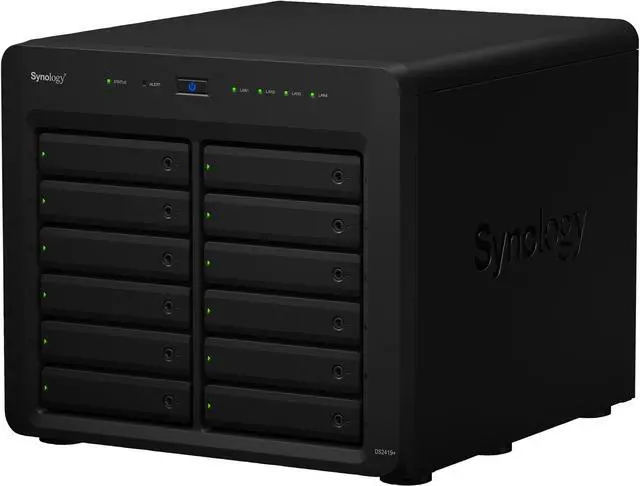
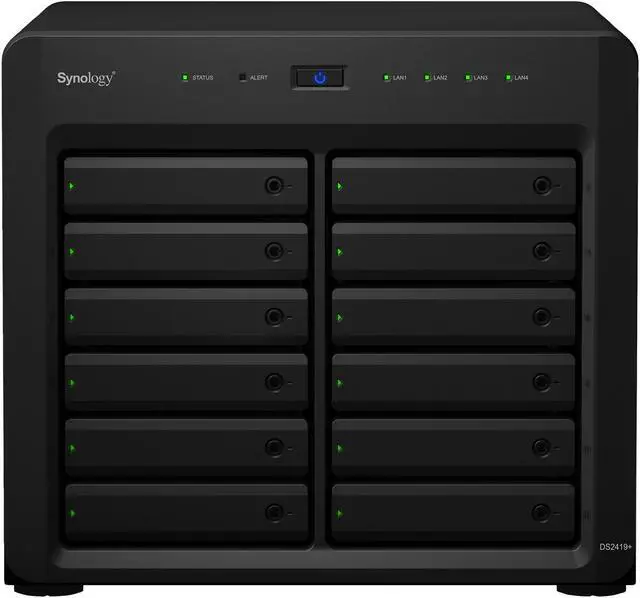
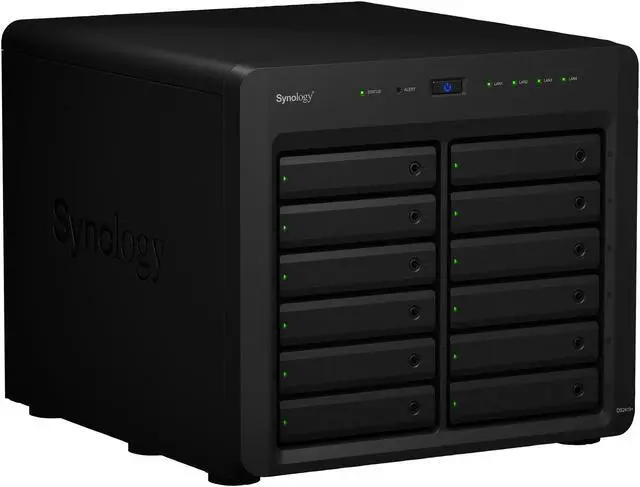
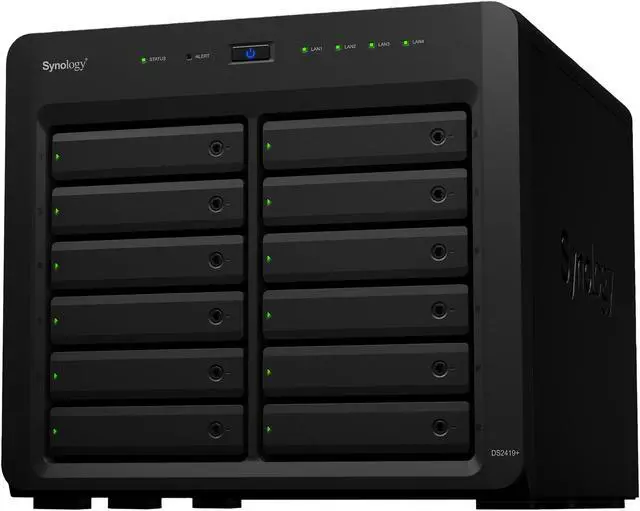
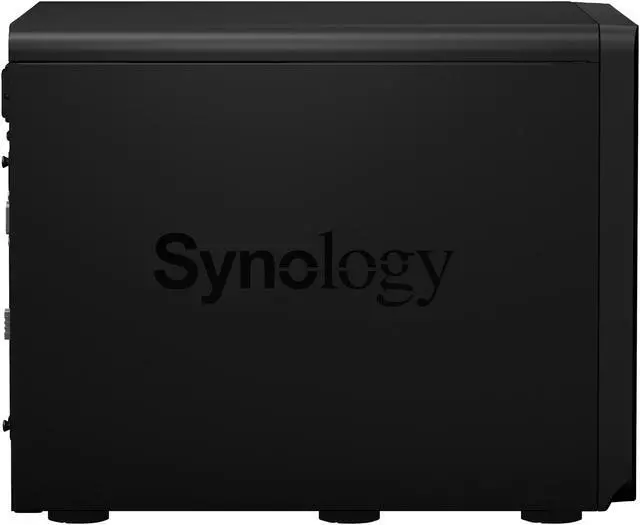
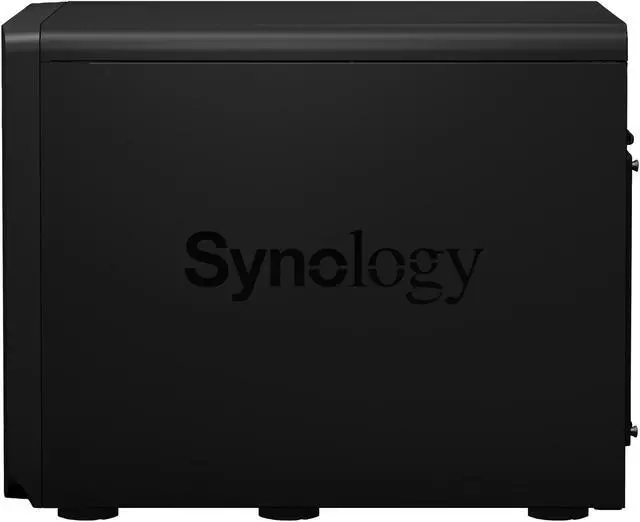
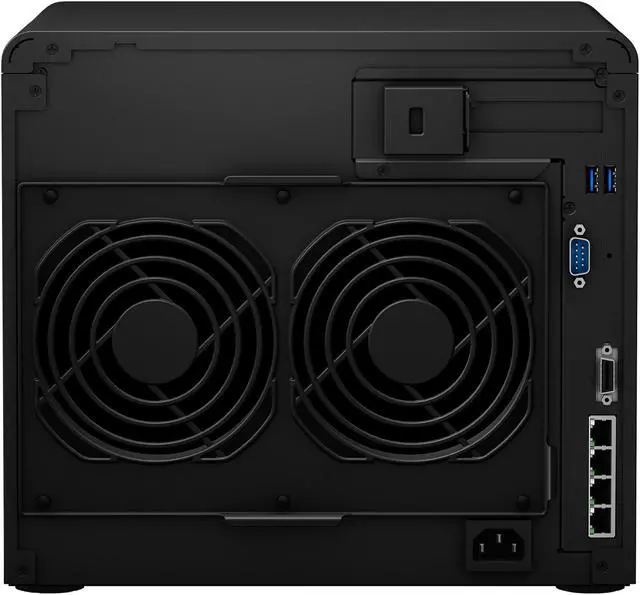
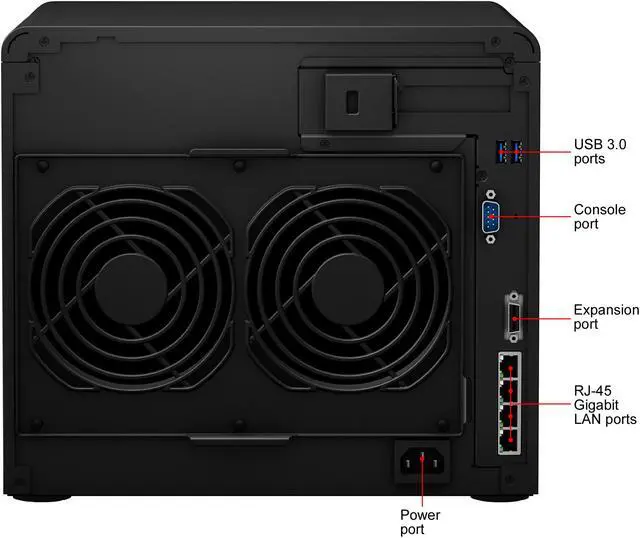


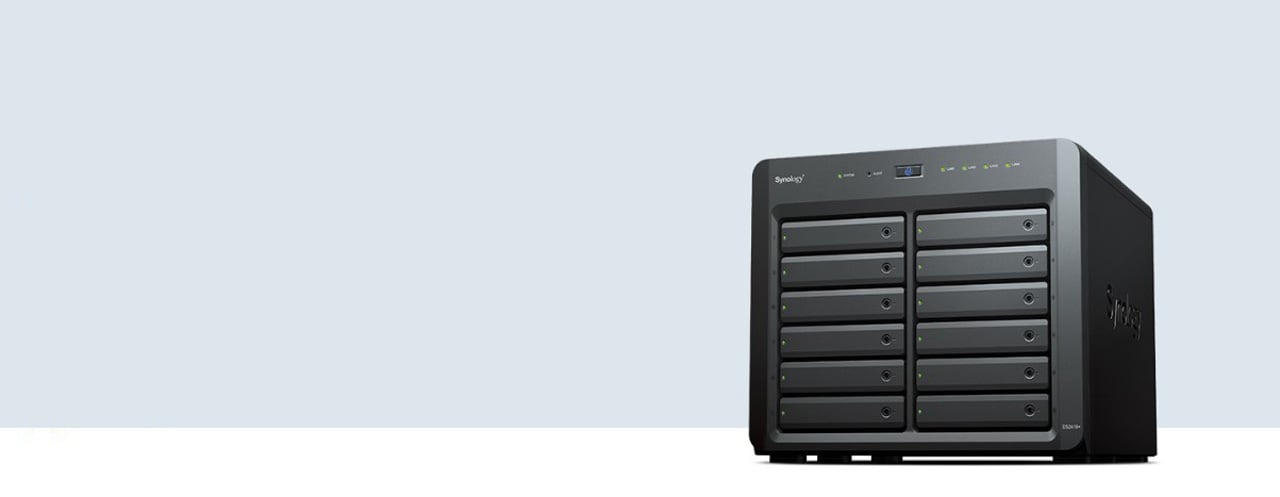
The DiskStation DS2419+ is a high-capacity and scalable desktop NAS that's adapted to meet small- to medium-sized businesses needs.
The DS2419+ comes with on-the-fly volume expansion capabilities, upgradable memory configuration, and diversified add-on card options to meet the needs of modern businesses which require flexible, reliable, and efficient storage solutions.
CPU
Quad-Core 2.1GHz
RAM Options
4GB DDR4 SODIMM, up to 32GB
High Performance
1,716MBps Sequential Read & 671MBps Sequential Write
Scalability
Up to 24 Drives with One DX1215*

Equipped with a PCIe 3.0 slot, the DS2419+ supports the installation of an M.2 SSD adapter card or 10GbE NIC for a high-IOPS system cache and ultra-fast data transmission.
| M2D18 | Dual M.2 NVMe/SATA SSD slot, compatible with 2280/2260/2242 form factors |
| 10GbE | 10GbE network capacity for bandwidth-intensive environments |
Note: M2D18 and 10GbE network adapter cards sold separately.
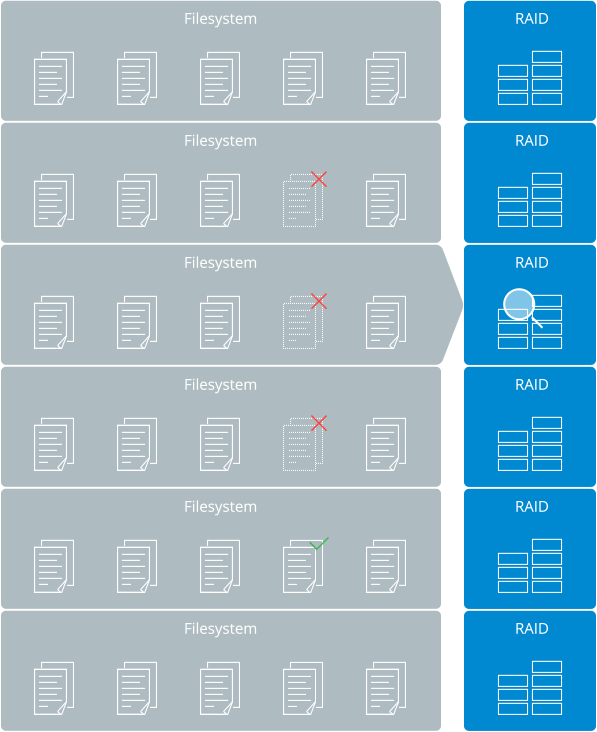
The Btrfs file system introduces advanced storage technologies and optimized snapshots to prevent data corruption and reduce maintenance overhead. In addition to ensuring high-level data integrity, it also offers flexible, efficient data protection and recovery tools.

Flexible Shared Folder/User Quota System provides comprehensive quota control on all user accounts and shared folders.

Snapshot Replication provides schedulable and storage capacity-saving data protection with 1,024 shared folder backups and 65,000 system-wide snapshots.

File or Folder Level Data Restoration makes data recovery fast and flexible.

Automatic File Self-Healing detects and recovers corrupted files without user intervention.
The DS2419+ 12-bay NAS integrates various backup applications to safeguard your important data on any device with an intuitive user interface and durable storage technologies.

Centralize backup tasks for VMware, Windows and file servers. Restore whatever you want fast and reliably when needed.

Comprehensively back up your data to a local shared folder, an external device, another Synology NAS, an rsync server or a public cloud to ensure data safety.

Safeguard your PC with Cloud Station Backup. Effortlessly back up data stored on macOS to Synology NAS with Time Machine.

Here's an on-premise backup solution with a centralized dashboard. Optimize storage efficiency with single instancing and block-level deduplication technology.

Synology iSCSI storage fully supports most virtualization solutions to enhance work efficiency with an easy management interface. VMware vSphere 6 and VAAI integration helps offload storage operations while optimizing computation efficiency. Windows Offloaded Data Transfer (ODX) speeds up data-transfer and migration rates. OpenStack Cinder support turns your Synology NAS into a block-based storage component.
Powered by Synology DiskStation Manager (DSM), Synology NAS offers advanced security measures to protect against sudden data loss and potential security holes.

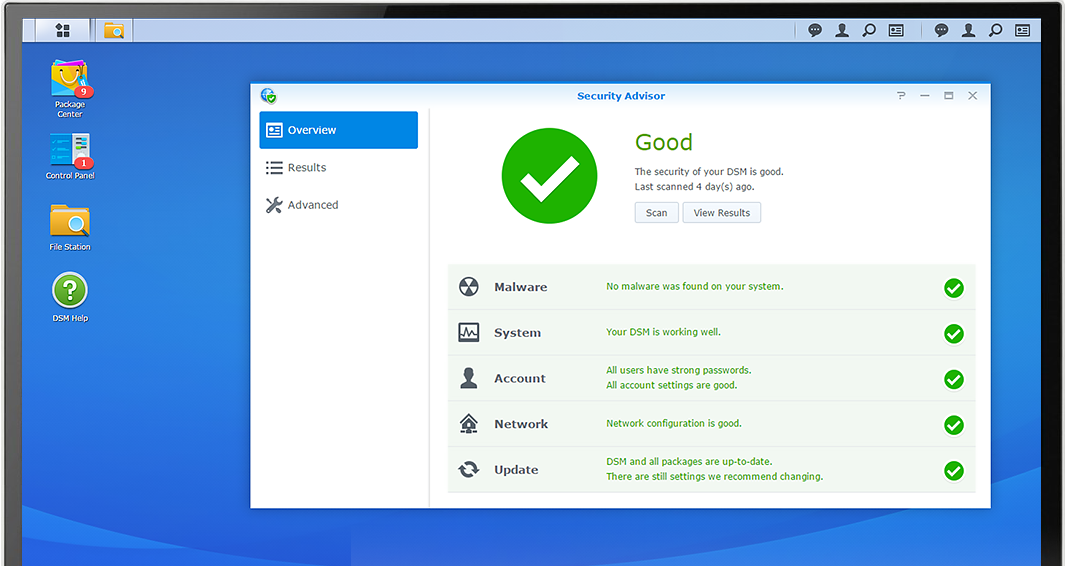
Security Advisor
Analyzes system settings, password strength, network preferences and removes any possible malware.

AppArmor
A kernel-level enhancement that blocks malicious programs from accessing unauthorized system resources.

AES 256-bit encryption
Encrypt shared folders and network data transmission to keep data from unauthorized access.

2-step verification
Prevent others from logging in to your DSM by generating a one-time password (OTP) on your mobile device.

Trust Level
Customize the trust level in Package Center to avoid installing packages from untrusted sources, safeguarding your NAS from unknown or tampered package files.

Get access to the award-winning operating system with an intuitive user interface and powerful capabilities.

Backup and synchronize data easily between your public cloud accounts and your NAS.

Ensure seamless service transition between clustered servers in the event of a server failure.

Now you have a versatile solution for file management and synchronization.

Users are provided with schedulable and instantaneous data protection for shared folders and virtual machines on iSCSI LUNs in the event of disaster.

Run various operating systems in isolated sandboxes. Seamlessly clone, restore and migrate virtual machines.

Notes:
1. DS2419+ supports one Synology expansion unit DX1215 sold separately.