


Best Sellers
 Hot Seller
- $608.22
- + $42.62 Shipping
Hot Seller- $656.14
- + FREE SHIPPING
- $680.69
- + FREE SHIPPING


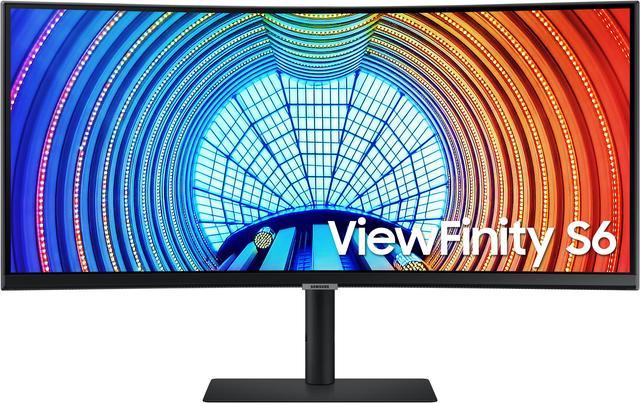
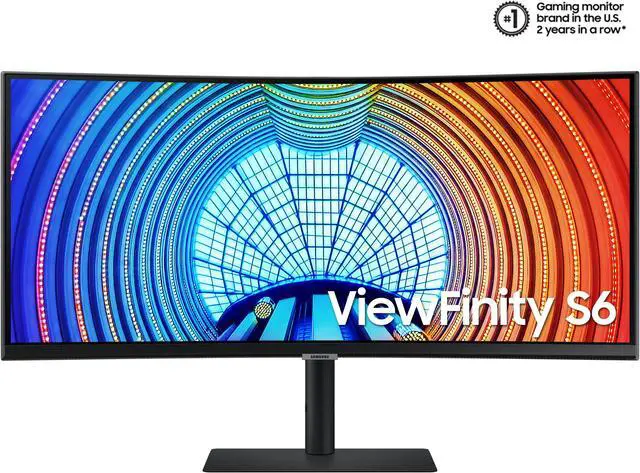
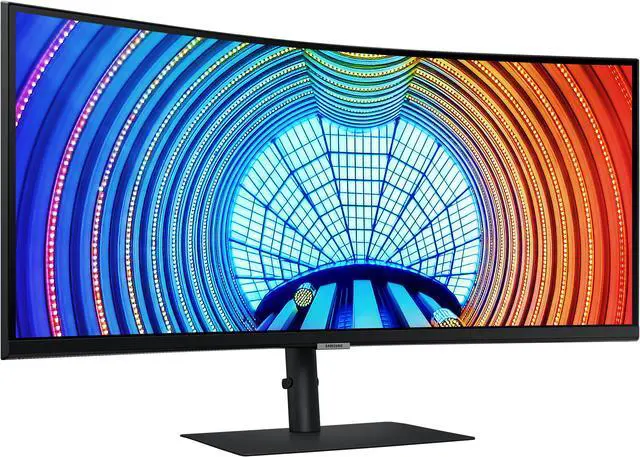
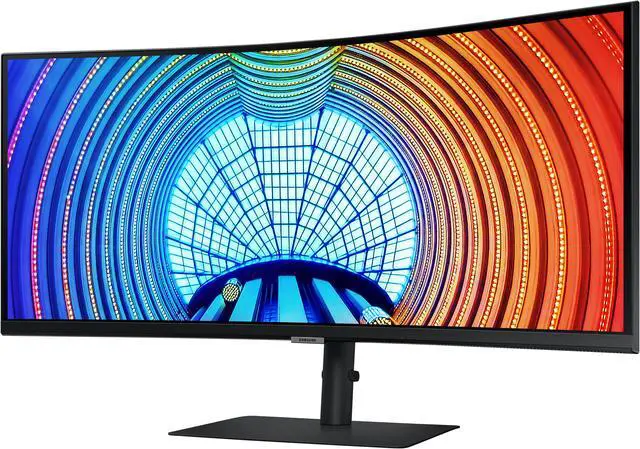
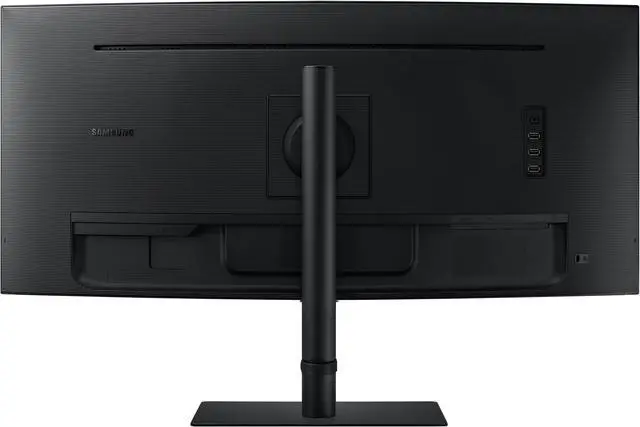
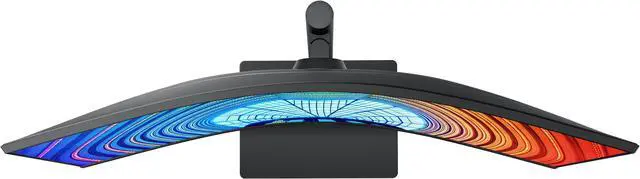
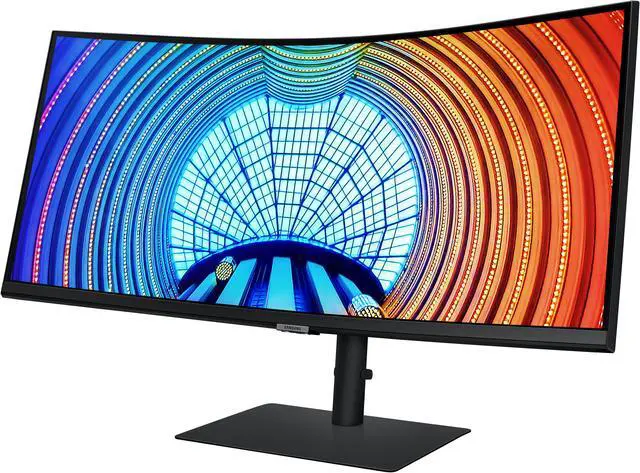
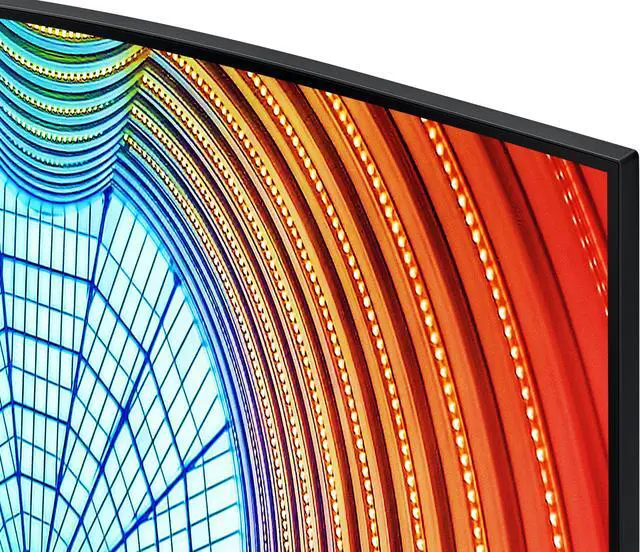


SAMSUNG LS34A650UBNXGO ViewFinity S65UA 34" Ultra-WQHD 100Hz AMD FreeSync HDR10 with USB-C Curved Monitor
- 34"
- VA WQHD
- 100Hz
- FreeSync (AMD Adaptive Sync)
- 4000:1
- Stand Type HAS HAS(Height Adjustable Stand) 120.0mm(±5.0mm) Tilt -2.0°(±2.0°) ~ 25.0°(±2.0°) Swivel -30.0°(±2.0°) ~ 30.0°(±2.0°) Pivot -2°(±2.0°) ~ 2°(±2.0°)
+
+
Overview
Specs
Reviews (30)
Warranty & Returns
Warranty, Returns, And Additional Information
Warranty
- Limited Warranty period (parts): 1 year
- Limited Warranty period (labor): 1 year
- Read full details
Return Policies
- Return for refund within: 15 days
- Return for replacement within: 15 days
- This item is covered by Newegg.ca's 15-Day Return Policy.
- Read full return policy for details.
Manufacturer Contact Info
- Manufacturer Product Page
- Manufacturer Website
- Support Phone: 1-800-726-7864
- Support Website
- View other products from SAMSUNG
LOADING...
LOADING...
The Samsung ViewFinity S65UA is a 34-inch curved Ultra-WQHD monitor with a 21:9 display, 100Hz refresh rate, and AMD FreeSync, suited to people who want an expansive screen for multitasking, media, and smoother everyday gaming.
Recommended For
- Home-office users who keep documents, spreadsheets, browsers, and chat windows open together: the 34-inch 21:9 workspace can place multiple windows side by side without a second monitor.
- Laptop-based workers who want a tidier desk: USB-C can carry display, data, and up to 90W of power, while the monitor’s USB ports can connect peripherals.
- People who work long sessions at a fixed desk and prefer a curved ultrawide: the 1000R screen and adjustable stand suit a setup where the monitor stays in one place and can be positioned for the user.
- Casual gamers and viewers who want an ultrawide picture for compatible games and video, plus smoother-than-60Hz motion; FreeSync and 100Hz support occasional gaming, rather than making this a high-refresh gaming-first display.
- Users who want to view two connected computers or devices at once: the monitor supports Picture-by-Picture and Picture-in-Picture, which can help compare or monitor separate sources.
Real-World Use Scenarios
- For a work-from-home desk, keep a browser, spreadsheet, and chat or document window visible together; the wide workspace can reduce the need to switch between windows or use two separate monitors.
- When moving between a work laptop and a home desk setup, connect a compatible laptop over USB-C for display, charging, and access to the monitor’s USB peripherals and Ethernet, helping reduce cable clutter.
- For comparing or monitoring two connected devices, use Picture-by-Picture to show both sources side by side, or Picture-in-Picture to keep one source visible in a smaller window.
- For casual PC gaming, the wide screen can make supported games feel more expansive, while FreeSync and the 100Hz refresh rate support smoother motion; it is less suited to players who need refresh rates above 100Hz.
- For watching films or other video at a desk, the curved ultrawide gives content a broad viewing area; how much of the screen is used depends on the video’s aspect ratio.
Spec Summary
| Attribute | Value |
|---|---|
| Best For | Business, photo/video editing, and gaming on a curved ultrawide monitor |
| Panel And Resolution | 34-inch curved VA LCD with a 3440 × 1440 resolution, 21:9 aspect ratio, and 1000R curvature |
| Refresh Rate And Response | 100Hz refresh rate, 5ms response time, and AMD FreeSync adaptive sync |
| Image Quality | 350 cd/m² brightness, 4000:1 contrast ratio, 178° horizontal and vertical viewing angles, HDR10, 72% NTSC color gamut, and a matte screen finish |
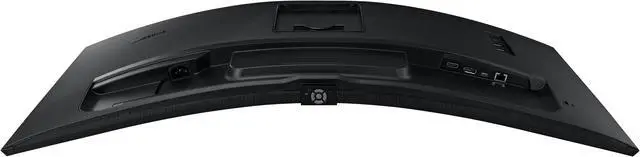
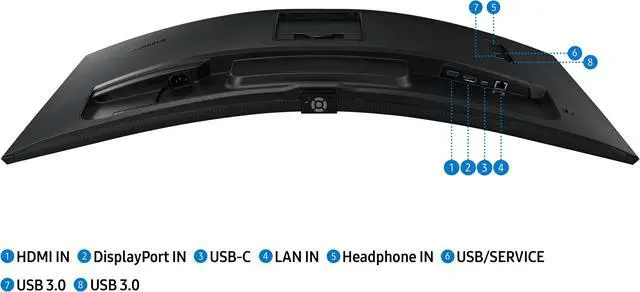
| Ports And Connectivity | HDMI, USB-C, DisplayPort, Ethernet, and headphone connectivity; one HDMI port and three USB 3.0 ports |
| Stand And Ergonomics | Height-adjustable stand with 120mm adjustment, -2° to 25° tilt, -30° to 30° swivel, and -2° to 2° pivot |
| Mounting | Compatible with 100 × 100mm VESA mounts |
| Power | 90W power consumption; AC 100–240V power supply |
| Model Identifiers | Samsung ViewFinity S65UA, model LS34A650UBNXGO |
Reference Q&A
Q: Samsung S65UA vs. Gigabyte M34WQ: which is better for work and gaming?
A: Choose the Samsung S65UA if your priority is connecting and charging a laptop over one USB-C cable: it supports up to 90W power delivery and has a curved VA panel. Choose the Gigabyte M34WQ if you prioritize gaming performance, a flat IPS screen, or a built-in KVM switch; it supports up to 144Hz, compared with the Samsung’s 100Hz. Independent testing found the M34WQ has fast response at its maximum refresh rate, while its IPS panel has lower contrast than VA models.
Q: Samsung S65UA vs. Dell S3423DWC: which is better for a USB-C laptop setup?
A: Both are 34-inch, 3440 × 1440 ultrawide monitors with 100Hz refresh rates and USB-C video input. The Samsung S65UA is the better fit if your laptop benefits from more charging power: it supports up to 90W USB-C power delivery, versus up to 65W for the Dell. Choose the Dell if 65W is sufficient for your laptop and you prefer its 1800R curve to the Samsung’s more pronounced 1000R curve.
Q: Samsung S65UA or Dell S3422DWG for gaming?
A: Choose the Dell S3422DWG if you want a higher refresh rate for PC gaming: it supports up to 144Hz, compared with 100Hz on the Samsung. Choose the Samsung S65UA if USB-C laptop connectivity and charging are important alongside gaming; it combines a 100Hz ultrawide display with USB-C power delivery. Both are 34-inch, 3440 × 1440 curved VA monitors, but the Dell’s 1800R curve is less pronounced than the Samsung’s 1000R curve.
Q: Is this monitor suitable for office work and multitasking?
A: Yes. Its 34-inch, 21:9 screen and 3440 × 1440 resolution provide a wide workspace for arranging multiple windows. The height-, tilt-, and swivel-adjustable stand can help with desk positioning. It is a monitor, not a standalone computer or note-taking device.
Q: Can I connect a laptop with USB-C and charge it through the monitor?
A: The product title identifies USB-C, but the supplied specifications do not state USB-C power-delivery wattage or confirm laptop charging. Check the product manual or port specifications before relying on it for single-cable video and charging.
Q: Is this monitor good for gaming?
A: It is suited to casual and general gaming: it supports 3440 × 1440 resolution, a 100Hz refresh rate, and AMD FreeSync. Its listed 5ms response time and 100Hz refresh rate may be limiting for buyers prioritizing highly competitive, high-refresh-rate gaming.
Q: Can I mount it on a monitor arm or wall mount?
A: Yes. It supports a 100 × 100mm VESA mount, so it can be used with a compatible arm or wall mount. Its included stand also supports up to 120mm of height adjustment, tilt, and swivel.
Q: Is the S65UA a good choice for work like coding or spreadsheets?
A: It is suited to desktop productivity if you want a wide workspace: its 34-inch, 3440 × 1440, 21:9 screen can show multiple windows side by side. The 1000R curve is pronounced, so consider whether you prefer a strongly curved screen.
Q: Is the S65UA suitable for gaming?
A: It can suit casual or general PC gaming: the listed specs include 100Hz, AMD FreeSync, and a 3440 × 1440 ultrawide resolution. It is not a high-refresh-rate model, so consider a faster display if competitive gaming is your priority.
Q: Is this a good monitor for color-critical graphic design?
A: The supplied specifications identify a VA panel but do not give color-gamut or color-accuracy measurements. If accurate color is essential, compare measured color performance before choosing it.
Q: Can I connect a laptop to the S65UA with one USB-C cable?
A: USB-C is listed in the product title, and users have considered this model for single-cable laptop setups. The provided specifications do not state USB-C power-delivery wattage or confirm the refresh rate available over USB-C, so check those details against your laptop before relying on it as a one-cable dock.