

Out of stock
This item is currently out of stock and it may or may not be restocked.
Sold by Newegg

Shipped by Newegg

Shop it at NeweggBusiness.

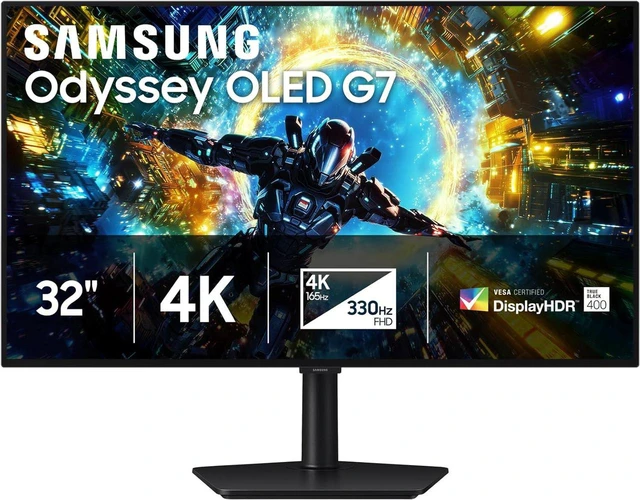
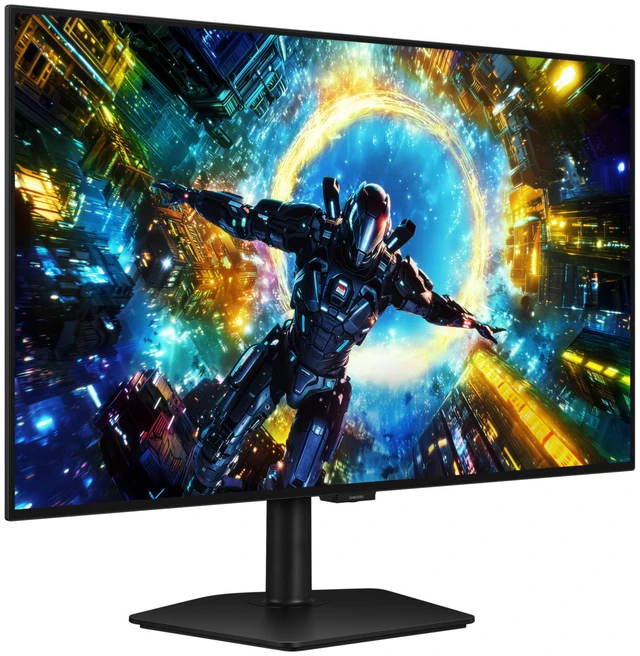
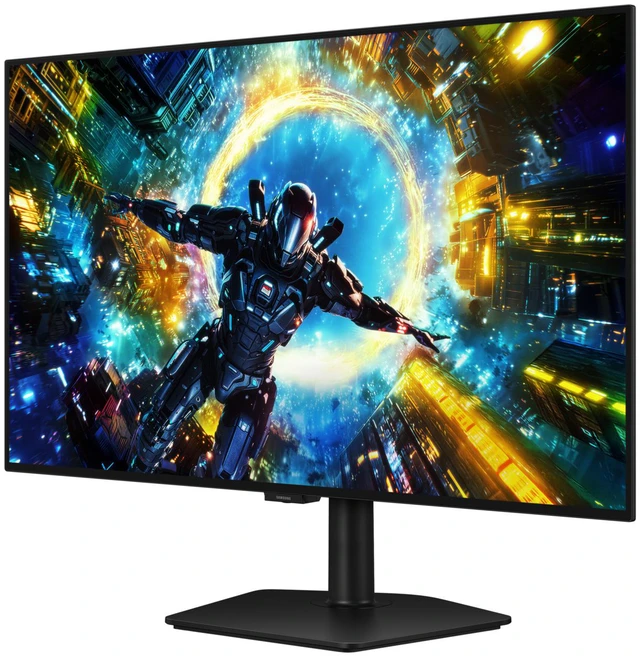
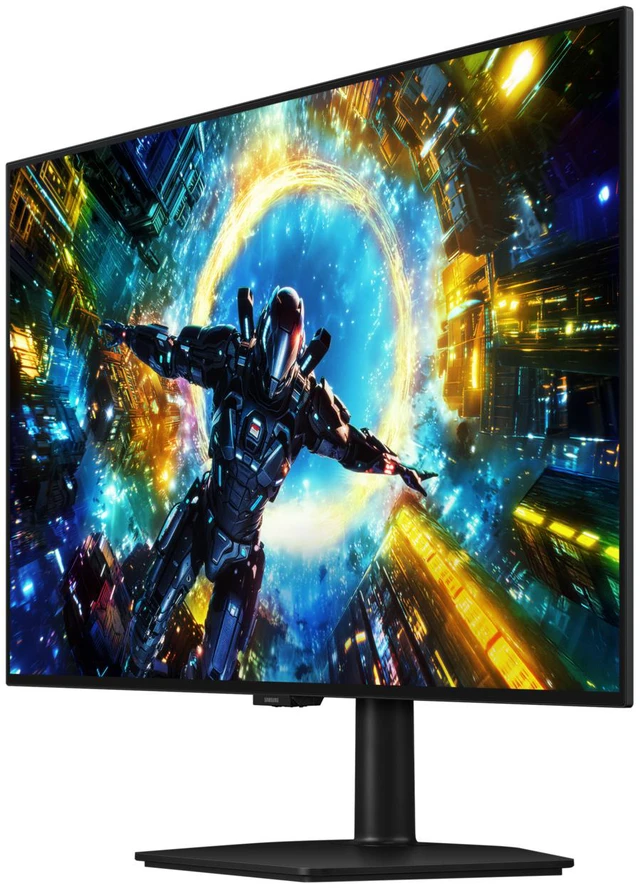
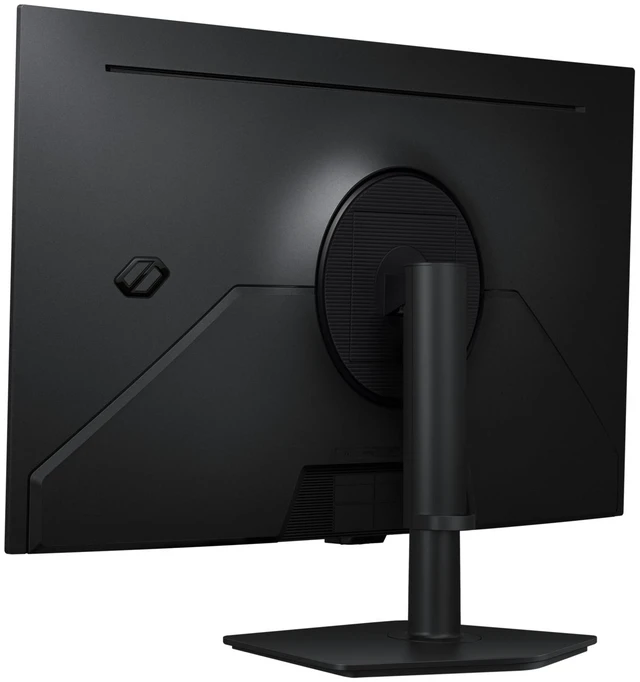
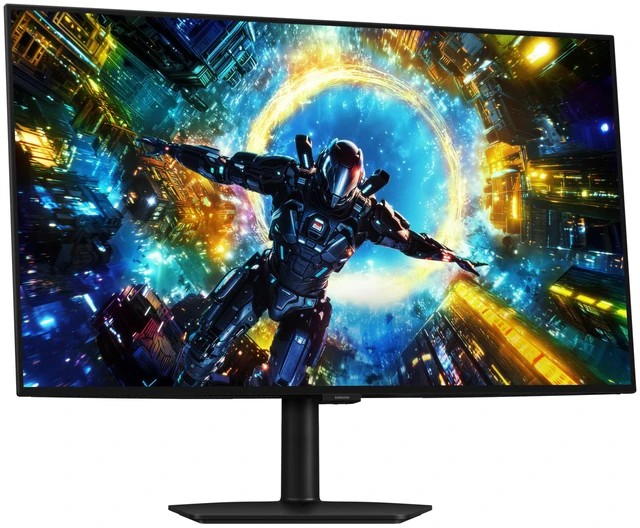
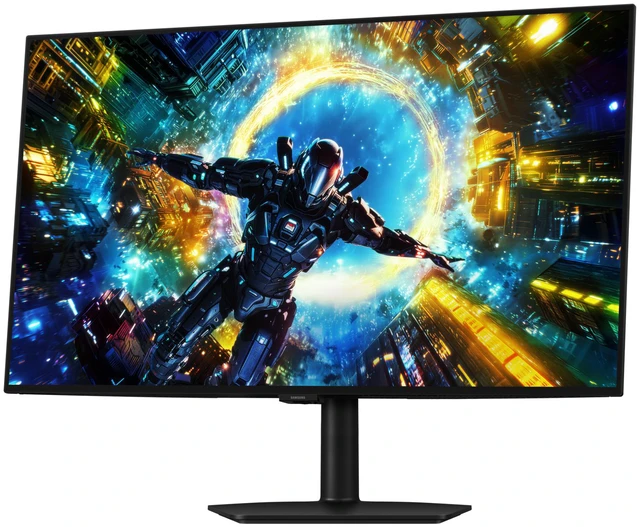
Samsung Odyssey OLED G7 (G73SH) 32" Dual Mode 4K UHD 165Hz / Full HD 330Hz, AMD FreeSync Premium Pro & G-Sync Compatible, HDR400 OLED Gaming Monitor with Height Adjustable, Swivel, Pivot & Tilt Stand

  • "32"" OLED Panel
  • Dual Mode: Max 4K 165Hz / FHD 330Hz
  • 0.03ms (GTG) Response Time
  • FreeSync Premium Pro & G-Sync Compatible
  • 1,500,000:1 Contrast Ratio
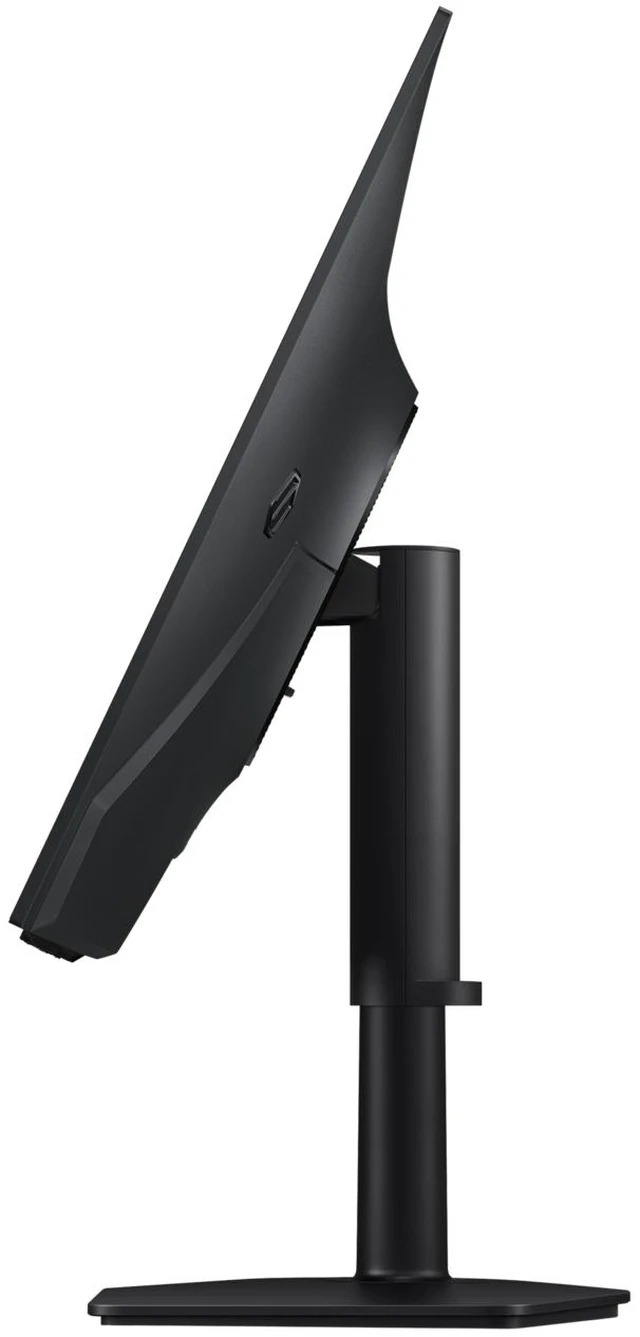
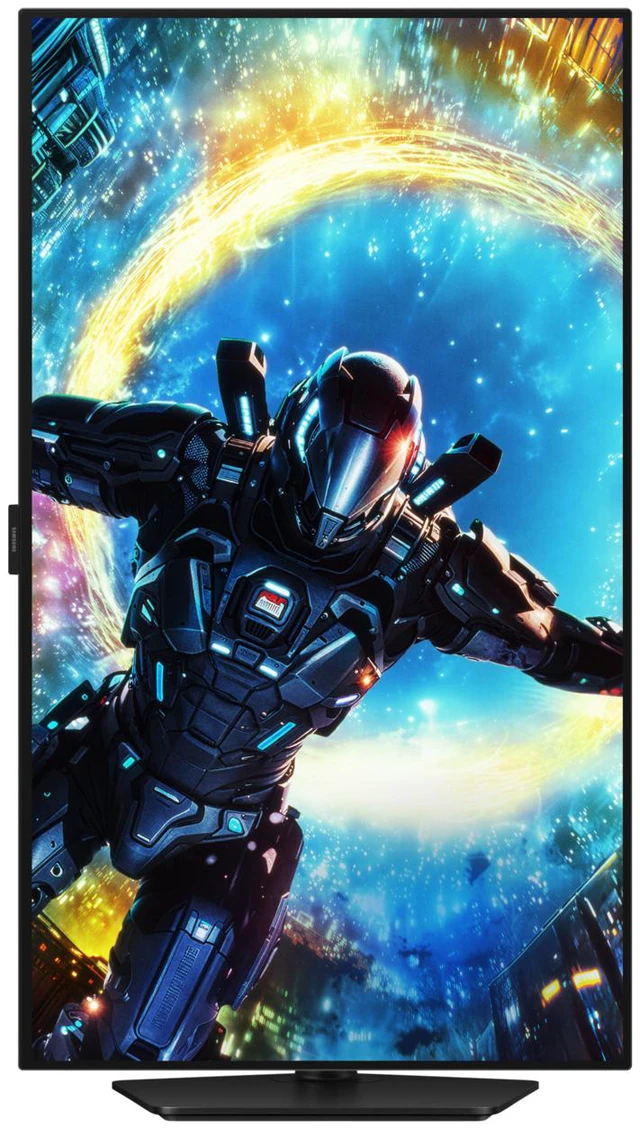
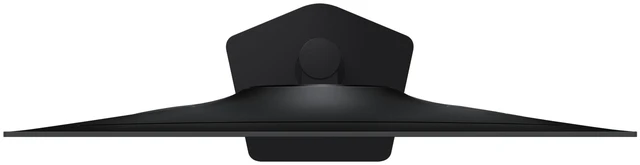
  • Height, Pivot, Swivel, Tilt Adjustable Stand"
Overview
Specs
Reviews
32 Inch Odyssey OLED G7 G73SH 4K UHD 165Hz / FHD 330Hz Gaming OLED
Odyssey OLED G7 Gaming Monitor
Epic Screen. Epic Play.
32 Inch Odyssey OLED G7 G73SH 4K UHD 165Hz / FHD 330Hz Gaming OLED
Feature Overview
32 Inch Odyssey OLED G7 G73SH 4K UHD 165Hz / FHD 330Hz Gaming OLED
Explore a brighter, more detailed world
OLED in 4K

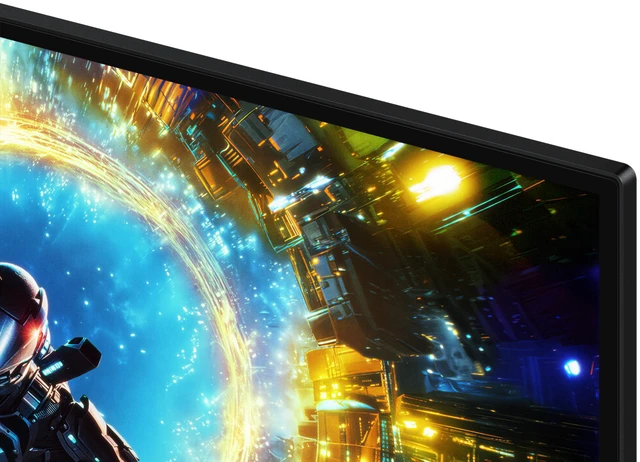
Find small details that make your game world more lifelike. OLED technology provides clear and sharp 4K visuals on the Odyssey OLED G7, so you can watch scenes unfold in vivid clarity.

32 Inch Odyssey OLED G7 G73SH 4K UHD 165Hz / FHD 330Hz Gaming OLED
Spot the details in the dark
VESA DisplayHDR True Black 400

Uncover hidden elements in your favorite games with the Odyssey OLED G7. VESA DisplayHDR True Black 400 helps display true black levels without light bleed, enhancing contrast and colour. Scenes become richer, adding unmatched depth and clarity to the background.

32 Inch Odyssey OLED G7 G73SH 4K UHD 165Hz / FHD 330Hz Gaming OLED
Dive into true-to-life colour
Pantone Validated

The Pantone Validated screen ensures precise colour reproduction for the library of Pantone’s 2100+ colours and 110+ SkinTone shades. The striking accuracy brings games to life as intended by developers, for realistic and immersive gaming.1

In-depth detail for a competitive edge
HDR10+ Gaming

Lead your team to victory on the Odyssey G7. Thanks to HDR10+ Gaming, brightness and contrast are optimized in real time, revealing details hiding in dark shadows and bright highlights. The result is game scenes brought to life with enhanced colour and depth, giving you the ultimate advantage.2

32 Inch Odyssey OLED G7 G73SH 4K UHD 165Hz / FHD 330Hz Gaming OLED
Game your way: 4K detail or 330Hz speed
Dual Mode

Effortlessly toggle between resolutions and refresh rates. The Odyssey OLED G7 offers 4K UHD at 165Hz for stunning visuals and 330Hz at Full HD for responsive gameplay — giving you a tailored gaming experience.3

32 Inch Odyssey OLED G7 G73SH 4K UHD 165Hz / FHD 330Hz Gaming OLED
Dominate your rivals with superior speed
0.03ms Response Time

Take your most intense gaming sessions to new heights with the Odyssey OLED G7. OLED technology delivers a near-instant response time of 0.03ms (GtG), allowing you to secure wins in fast-paced games with crisp, pin-sharp visuals.4

32 Inch Odyssey OLED G7 G73SH 4K UHD 165Hz / FHD 330Hz Gaming OLED
Immerse in smooth action without disruption
NVIDIA G-Sync Compatible

G-Sync compatibility syncs the GPU and panel to reduce choppiness, screen lag and image tearing. Along with AMD FreeSync Premium Pro, it creates ultra-smooth scenes that flow smoothly to the next.5

32 Inch Odyssey OLED G7 G73SH 4K UHD 165Hz / FHD 330Hz Gaming OLED
Maintain winning streaks with ease
Ergonomic Stand

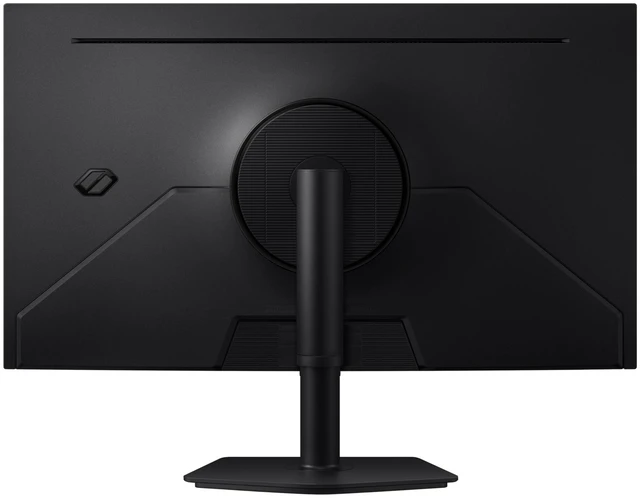
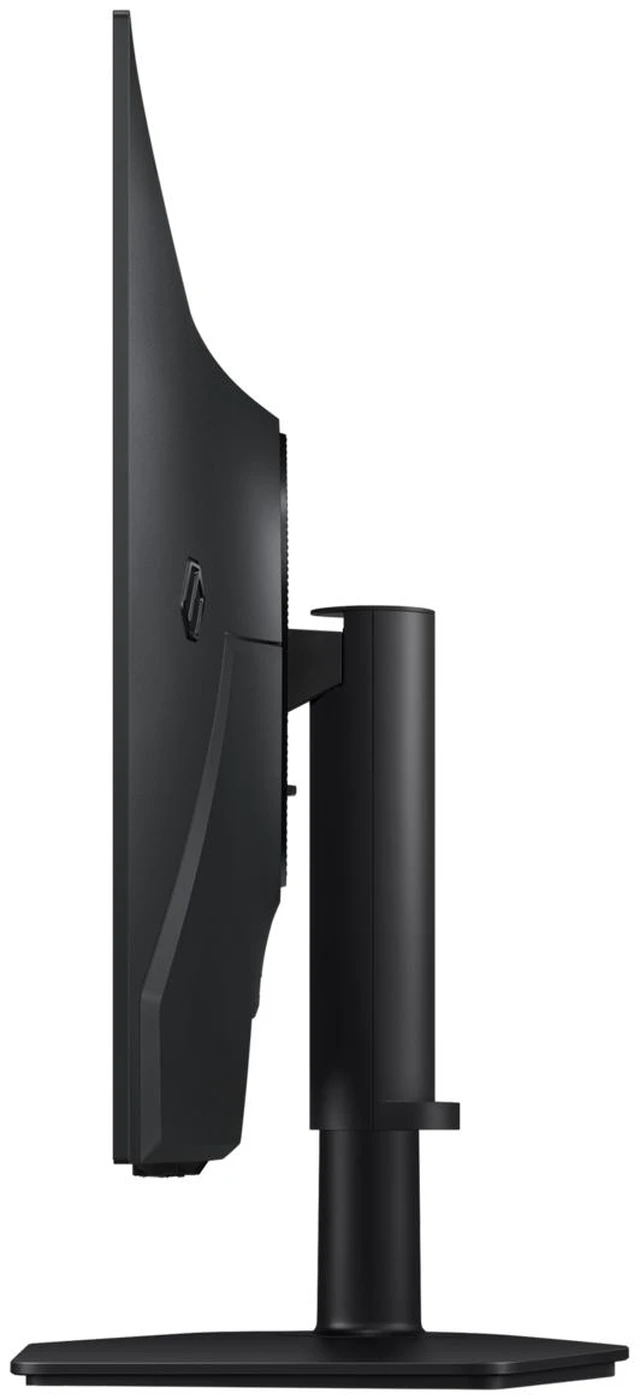
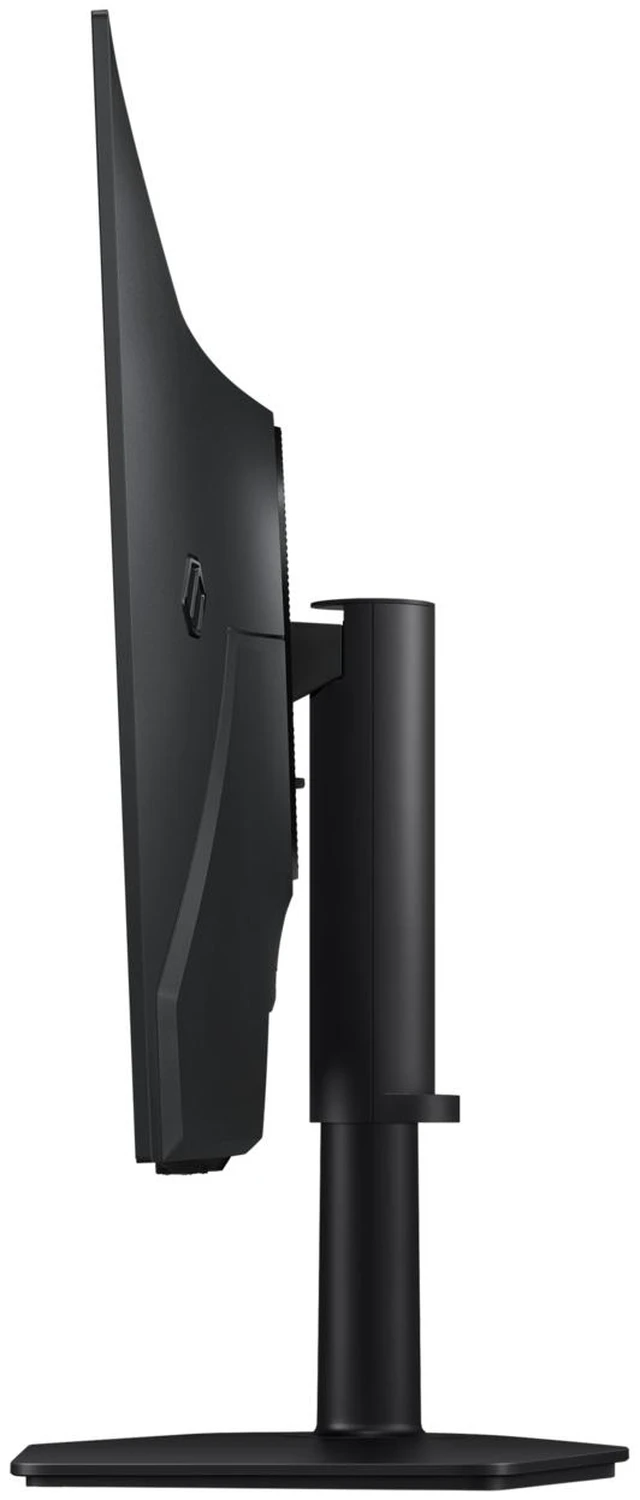
Reach the height of winning in total comfort with Samsung's Ergonomic Stand. Simply swivel, tilt and adjust your Odyssey OLED G7 until all enemies are in perfect view.

Notes:

1. For more information, please visit https://www.pantone.com/license/pantone-validated-for-designers.

2. The videos were generated with the assistance of AI tools.

3. Refresh rate may vary based on the supported game content and the performance of the input source.

4. Response time may vary based on the performance of the input source.Based on GtG measured under internal test conditions. Results may vary by content and monitor settings.GtG (Gray to Gray) measures the time taken for a monitor pixel to change from one gray value to another.

5. Screen images simulated for illustrative purposes.The application of the G-Sync logo on the package and product may vary depending on the time of purchase.G-Sync Compatible and AMD FreeSync™ are available only when compatible NVIDIA and AMD graphics cards are used, respectively.

Warranty & Returns

Warranty, Returns, And Additional Information

Warranty

  • Limited Warranty period (parts): 1 year
  • Limited Warranty period (labor): 1 year
  • Read full details

Return Policies

    We want to ensure your holiday shopping this year is hassle-free. That’s why we’re automatically extending our return policies on almost every product! For purchases placed between November 1st, 2026 and December 31, 2026 you will have until January 31, 2027 to return your product.

  • Return for refund until: January 31, 2027
  • Return for replacement until: January 31, 2027
  • This item is covered by Newegg.ca's Extended Holiday Return Policy.
  • Read full return policy for details.
LOADING...
LOADING...

The Samsung Odyssey OLED G7 G73SH is a 32-inch 4K OLED gaming monitor with Dual Mode for up to 165Hz at 4K or 330Hz at Full HD, making it suitable for players who want detailed visuals for immersive games and very high refresh rates for fast-paced play.

Recommended For

  • PC gamers who switch between visually detailed games and fast competitive titles: use 4K at 165Hz for image detail, then switch to 1080p at 330Hz when prioritizing refresh rate.
  • Console players who want a large 4K OLED screen for gaming in a moderately lit room, with deep blacks and responsive motion; the reviewed model supports current consoles’ 4K signals up to 120Hz.
  • Gamers who play in a dim or moderately lit room and prioritize high contrast, dark-scene detail, and clear motion over a very bright display.
  • People who create or edit visual content on a 32-inch 4K screen and value sharp detail and strong out-of-box color accuracy, provided the room is not prone to intense glare.

Real-World Use Scenarios

  • For PC players tackling visually rich games, use 4K mode for detailed scenes, deep blacks, and bright HDR highlights; the picture is clearest when strong room glare is limited.
  • For competitive games where frame rate matters more than fine detail, switch to 1080p mode for up to 330Hz; expect a visibly softer image than 4K on the 32-inch screen.
  • For console gaming, connect through HDMI 2.1 to play supported games at up to 4K/120Hz; fast response, low input lag, and variable refresh support help keep motion responsive.
  • For photo or video work alongside gaming, 4K provides sharp image detail and the wide color range supports visual editing; color-critical work benefits from calibration, and bright colors may not look as vivid as on some alternatives.
  • For everyday reading, browsing, or documents, the 4K mode renders text sharply, but glossy-screen reflections can distract in sunny rooms; its 32-inch size and lack of a USB hub may also affect desk setup preferences.

Spec Summary

AttributeValue
Best ForPC gaming with a choice of 4K at 165 Hz or Full HD at 330 Hz, plus OLED visuals and adaptive sync support
Panel And Resolution32-inch flat OLED panel with a 16:9 aspect ratio and 4K UHD resolution (3840 × 2160)
Refresh Rate And ResponseDual mode: up to 165 Hz at 4K or 330 Hz at Full HD, with 0.03 ms (GTG) response time and FreeSync Premium Pro and G-Sync Compatible support
Image Quality And HDR275 cd/m² brightness, 1,500,000:1 contrast ratio, 98.5% DCI-P3 color gamut, 1 billion display colors, and VESA DisplayHDR True Black 400, HDR10+, and HDR10+ Gaming
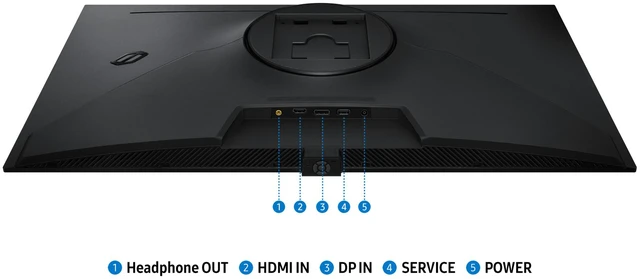
Ports And Connectivity1 × HDMI 2.1, 1 × DisplayPort 1.4, headphone connection, and HDCP support
Stand And MountingHeight adjustment: 105 mm (±5 mm); tilt: −3° (±2°) to 25° (±2°); swivel: −45° (±3°) to 45° (±3°); pivot: −92° (±2°) to 92° (±2°); VESA mount: 100 × 100 mm
Gaming And Display FeaturesDual Mode, Black Equalizer, Virtual AIM Point, Super Arena Gaming UX, Auto Source Switch+, Image Size, Eye Saver Mode, Flicker Free, and Off Timer Plus; Windows 11 certified
Built-In FeaturesNo built-in speakers, webcam, or TV tuner
PowerExternal power adapter; 100–240 VAC input and 140 W power consumption
Dimensions And WeightWith stand: 713.1 × 592.1 × 250.2 mm and 4.8 kg; without stand: 713.1 × 410.8 × 64.9 mm and 3.3 kg
Operating EnvironmentTemperature: 10–40 °C; humidity: 10–80% non-condensing
Package Contents1.5 m power cable and DisplayPort cable
Model IdentifiersSamsung; model and part number LS32HG730SNXZA; black cabinet

Reference Q&A

Q: Samsung Odyssey OLED G7 G73SH vs LG UltraGear 32GS95UE-B: which should I choose?

A: Choose the Samsung G73SH if 4K at 165Hz and Full HD at 330Hz meet your needs. Choose the LG if you want higher refresh rates in both modes: 4K at 240Hz or Full HD at 480Hz. The LG has a matte coating that reduces reflections; the Samsung’s glossy coating produces a clear image but can show more reflections.

Q: Should I get the Odyssey OLED G7 G73SH or the higher-refresh-rate G8 G80SH?

A: Choose the G80SH if you want 4K at 240Hz and a QD-OLED panel with Glare Free viewing. Choose the G73SH if you want the option to switch from 4K at 165Hz to Full HD at 330Hz. Both are 32-inch OLED gaming monitors; the G73SH’s dual mode favors switching between high-resolution and high-refresh-rate play.

Q: Is the Odyssey OLED G7 G73SH better than the older G8 G80SD for 4K gaming?

A: Choose the G80SD if you prioritize its 4K 240Hz refresh rate. Choose the G73SH if you value dual mode and want an additional Full HD 330Hz option. The G73SH runs at up to 165Hz at 4K, while the G80SD is a 4K 240Hz monitor.

Q: What refresh rates does it support in each display mode?

A: It supports up to 165Hz at 4K UHD (3840 × 2160) or up to 330Hz at Full HD (1920 × 1080). Choose the mode that best fits your preference for resolution or refresh rate.

Q: Can I connect a gaming PC and a console to it?

A: It has one HDMI 2.1 input and one DisplayPort 1.4 input, so you can connect devices that use those outputs. It has only one HDMI port; check your devices’ output requirements if you need a specific resolution or refresh rate.

Q: Does it have built-in speakers?

A: No. The monitor has no built-in speakers, so plan to use headphones or separate speakers for audio.

Q: Is this monitor suitable for office work as well as gaming?

A: It can serve for general screen-based work as well as gaming: it has a 32-inch 4K display and a stand adjustable for height, tilt, swivel, and pivot. It has no built-in webcam or speakers, so video calls and audio require separate equipment.

Q: Who is the G73SH’s dual mode best suited for?

A: It suits PC gamers who want to switch between detailed 4K gaming at up to 165Hz and Full HD gaming at up to 330Hz. The faster mode is less relevant if you mainly play on a console or don’t need very high refresh rates.

Q: Is the G73SH a good choice for coding or other desktop work?

A: It can serve as a 32-inch 4K work-and-gaming display, but OLED buyers who spend long hours with static interfaces should weigh burn-in concerns. If work is the main use, compare it with non-OLED options and consider your willingness to use OLED care features.

Q: Is 330Hz mode worth it if I mostly play on a console?

A: Probably not as a deciding feature: the 330Hz mode is Full HD, and console-focused discussion notes that consoles may not make use of that refresh rate. The monitor still offers 4K at up to 165Hz, but compare its price and other features with alternatives if you won’t use dual mode.

Q: Should I choose the G73SH over a 4K OLED with a higher refresh rate?

A: Choose based on which mode you’ll use more. The G73SH reaches 165Hz at 4K and 330Hz at Full HD; if you want a higher refresh rate while staying at 4K, compare it with a 4K model that offers a higher 4K refresh rate. Reddit buyers explicitly weigh that trade-off.