


- Free 30-day Returns
$719.99
Add to PC build list
Ships from United States.
Sold by Newegg
Shipped by Newegg



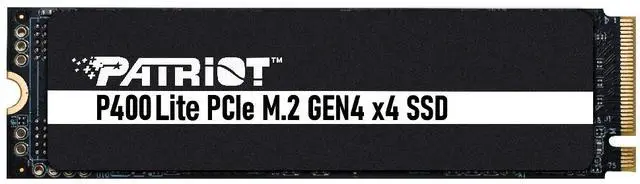

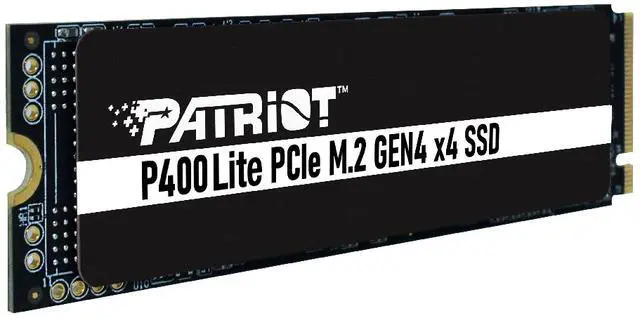
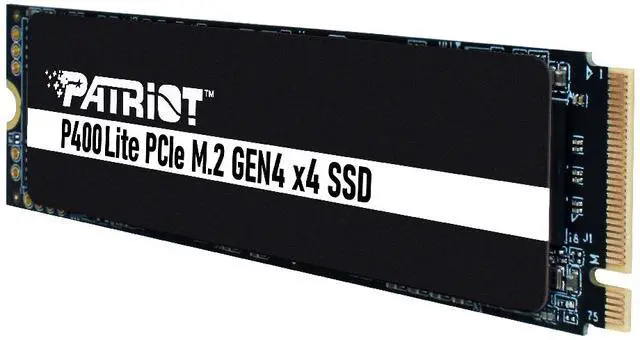
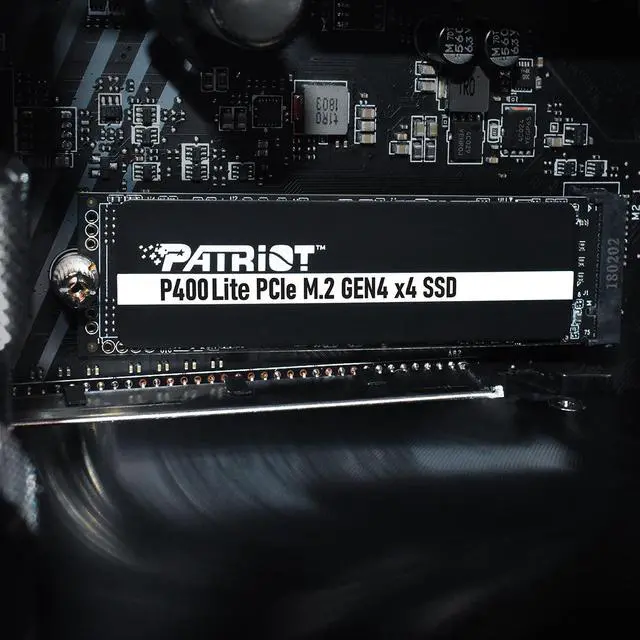
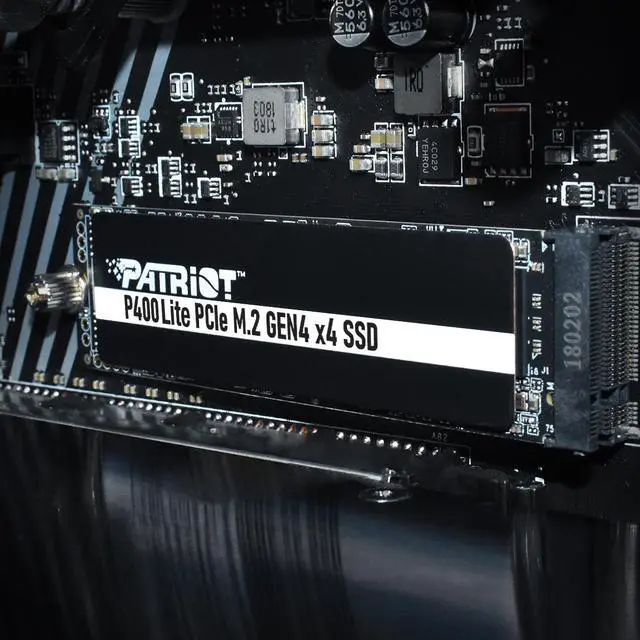
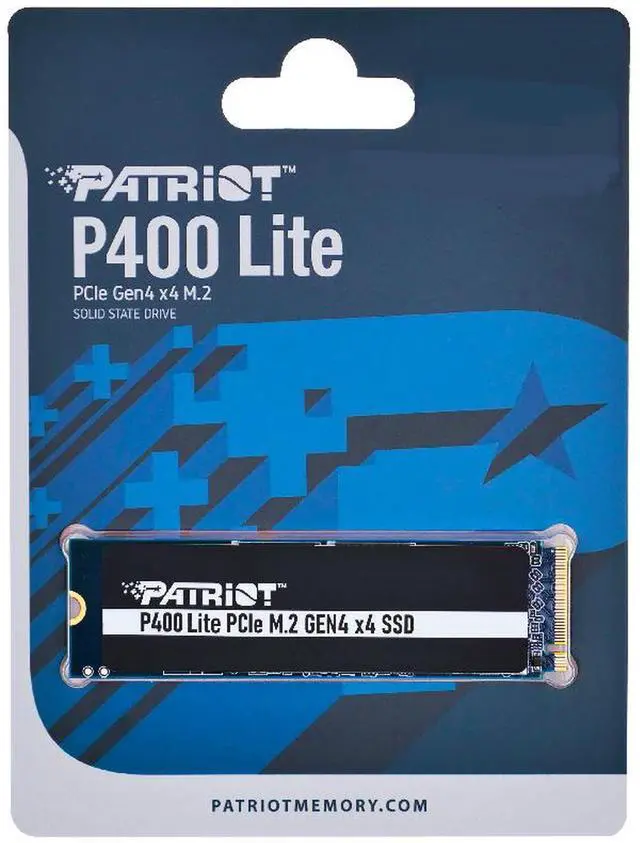


Patriot Viper P400 Lite M.2 2280 4TB PCI-Express 4.0 x4 P400LP4KGM28H
- M.2 2280
- 4TB
- PCI-Express 4.0 x4
+
+
Overview
Specs
Reviews
Elevate your system's performance with Patriot's P400 solid state drive for maximized reliability, ultra-thin profile, and easy-to-install PCIe. The improved graphene heatshield provides better temperature dissipation for greater performance and unhinged efficiency throughout immense application usage. Assembled with the latest PCIe Gen4 x4 controller, the P400 provides excellent dependability including faster data access, multi-application uses, and quick transfer speeds. Designed for a high-performance functionality across video editing, gaming battles, creative projects and so much more!
Warranty & Returns
Warranty, Returns, And Additional Information
Warranty
- Limited Warranty period (parts): 5 years
- Limited Warranty period (labor): 5 years
- Read full details
Return Policies
- Return for refund within: 30 days
- Return for replacement within: 30 days
- This item is covered by Newegg.ca's Standard Return Policy.
- Read full return policy for details.
Manufacturer Contact Info
- Manufacturer Product Page
- Manufacturer Website
- Support Phone: 1-800-800-9600
- Support Website
- View other products from Patriot Memory
LOADING...
The Patriot Viper P400 Lite is a 4TB M.2 2280 PCIe 4.0 x4 NVMe SSD for PC and PS5 users who want high-capacity storage, with sequential speeds up to 3,500 MB/s read and 2,700 MB/s write.
Recommended For
- PC gamers expanding a desktop or laptop’s game library who want 4TB for installed games and everyday PC use, rather than a top-tier drive for the fastest transfers. The P400 Lite is positioned for mainstream PCs and laptops, and independent testing of the 2TB model includes game-folder copying.
- PC users replacing or adding an internal drive for a large collection of applications, documents, and media who value 4TB capacity and mainstream PCIe Gen4 performance over high-end transfer speeds.
- Hobbyist creators who need a roomy internal drive for project files, assets, and completed media, and whose workflow does not depend on workstation-class sustained transfer performance.
Real-World Use Scenarios
- A PC gamer adding a large game library can keep more titles installed on one drive and load games from SSD storage; the drive’s capacity helps with space, but it does not by itself increase in-game frame rates.
- For a mainstream desktop or laptop, using the P400 Lite as the Windows and application drive provides roomy internal storage for everyday computing; Patriot positions the series for PC and laptop use.
- Someone running short on internal storage can add the drive to a compatible PC with an available M.2 2280 slot, keeping games, applications, and personal files on one internal volume instead of juggling a smaller system drive.
- For occasional transfers of large files or mixed folders, such as moving a game folder or project files, the P400 Lite offers responsive NVMe transfers; long, uninterrupted write sessions may slow after its write cache fills.
- A laptop owner upgrading storage can use the compact M.2 2280 drive for more internal space, provided the laptop supports that size and PCIe NVMe interface; check the laptop’s slot and clearance before buying.
Spec Summary
| Attribute | Value |
|---|---|
| Best For | Consumer internal storage upgrades for desktop systems and PS5-compatible use |
| Capacity | 4TB of solid-state storage |
| Interface And Form Factor | M.2 2280 SSD using PCIe 4.0 x4 with NVMe 2.0 |
| Read Write Performance | Sequential speeds up to 3500 MB/s read and 2700 MB/s write |
| Cache And Endurance | DRAM-less design with Host Memory Buffer support and 4000TB endurance rating |
| Thermal Management | No heatsink; includes a slim graphene heatshield and thermal sensor with thermal throttling, for operation from 0°C to 70°C |
| Compatibility And Features | Compatible with PS5 and desktop systems; supports Windows 7, 8, 8.1, 10, and 11, with SmartECC and Toggle 5/ONFi 5 mode flash support |
| Model Identifiers | Patriot Viper P400 Lite, model and part number P400LP4KGM28H |
Reference Q&A
Q: Is the P400 Lite 4TB a good fit for PS5, or should I choose a faster SSD?
A: Choose a faster SSD if you want to meet Sony’s recommended sequential read speed of 5,500 MB/s or more: the P400 Lite is rated up to 3,500 MB/s. The Newegg listing identifies it as PS5-compatible, but it does not meet Sony’s stated speed recommendation. It also has no included heatsink, and Sony requires effective heat dissipation for an M.2 drive.
Q: P400 Lite 4TB or Samsung 990 PRO 4TB—which should I choose?
A: Choose the P400 Lite if 4TB capacity and its rated speeds of up to 3,500 MB/s read and 2,700 MB/s write suit your PC storage needs. Choose the Samsung 990 PRO if you prioritize higher sequential transfer speeds: Samsung rates the 4TB 990 PRO at up to 7,450 MB/s read and 6,900 MB/s write. Compare current prices before deciding, since the performance difference alone does not establish which is the better value.
Q: Should I get the P400 Lite 4TB or the 2TB version?
A: Choose the 4TB model if you need more room for games, media, or work files on one drive. Choose the 2TB model if that capacity is sufficient. Patriot lists the same maximum sequential speeds—3,500 MB/s read and 2,700 MB/s write—for both capacities, so the key stated difference is storage space.
Q: Will this SSD work in my PC or laptop?
A: It fits an M.2 2280 slot that supports NVMe over PCIe. Check your device’s manual for the supported M.2 length, interface, and capacity; the drive’s PCIe 4.0 interface may run at a lower speed in a compatible older-generation slot.
Q: Is this SSD a good choice for adding storage to a PS5?
A: It is not the best fit for PS5 game storage. Although the product listing says it is PS5-compatible, its maximum sequential read speed is 3,500 MB/s, below Sony’s recommended 5,500 MB/s. Sony also notes that PS5 does not support Host Memory Buffer allocation, which this DRAM-less SSD uses. It has no full heatsink, and PS5 installation requires an appropriate heat-dissipation solution.
Q: Does this SSD need a heatsink?
A: The drive includes a slim graphene heatshield and a thermal sensor, but it is listed without a full heatsink. In a PC, whether additional cooling is needed depends on the system and its M.2 cooling provision. For PS5 use, Sony requires an appropriate heat-dissipation solution; check its size requirements before installing one.
Q: Is this 4TB SSD suitable for gaming and everyday PC use?
A: It offers 4TB of storage and advertised sequential speeds of up to 3,500 MB/s read and 2,700 MB/s write, making it a potential fit for game libraries and everyday PC storage when the system supports M.2 2280 NVMe drives. It has no onboard DRAM and uses Host Memory Buffer, so buyers seeking higher sustained performance for demanding workloads should consider that trade-off.
Q: Is the Patriot P400 Lite 4TB a suitable SSD for storing games?
A: It offers 4TB of capacity and is a PCIe 4.0 x4 NVMe drive rated for up to 3,500 MB/s reads and 2,700 MB/s writes. A Reddit discussion about using the 4TB model for games notes that, for game loading, a less expensive SSD may also be sufficient; consider whether you need the extra capacity before choosing it.
Q: Will it work in a PC with a PCIe 3.0 motherboard?
A: A Reddit discussion notes that a PCIe 4.0 SSD can work in a PCIe 3.0 system, but runs at the system’s supported speed. Check that the motherboard has a compatible M.2 NVMe slot; the drive’s listed maximum speeds require a suitable PCIe 4.0 connection.
Q: Is 4TB a good choice, or would a smaller SSD be enough?
A: Choose 4TB if your games and other files need the space; otherwise, a smaller drive may be a more practical purchase. A Reddit discussion about upgrading storage weighs a 4TB drive against using a smaller SSD, and includes the P400 Lite among the options.