
Your Browsing History
- In Stock
- Sold by Newegg
- New
Quick View
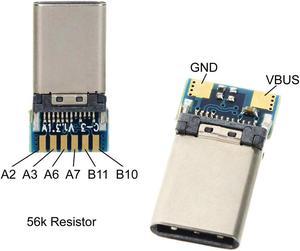
DIY 24pin USB 3.1 Type C USB-C Male Plug Connector SMT type with PC Board
- Model #: ZZL-RNU-ASD537344
- $23.99 –
- Free Shipping

Quick View
Zebra ZD420 4” Thermal Transfer Desktop Label Printer, 203 dpi, USB, USB Host, Bluetooth LE, Modular Connectivity Slot (Ethernet), Standard EZPL - ZD42042-T01E00EZ
- Printer Type: Desktop
- Memory: 512 MB Flash; 256 MB SDRAM
- Media Type: Roll-fed or fan-fold, die cut or continuous with or without black mark, tag stock, continuous receipt paper, and wristbands
- Media sizes supported: Maximum Label Length: 39.0 in./991 mm Maximum Label and Media Width: 4.65 in./118 mm Media Roll Size: 5.00 in./127 mm outer diameter Core inner diameter: 0.5 in. (12.7 mm) and 1.0 in. (25.4 mm) standard, 1.5 in. (38.1), 2.0 in., (50.8 mm) and 3.0 in. (76.2 mm) using optional adapters Thickness: 0.003 in./0.08 mm - 0.012 in./0.305 mm (tear-off mode only)
- Model #: ZD42042-T01E00EZ
- $818.00 –
- More options from $818.00 - $820.00
- Free Shipping
Quick View
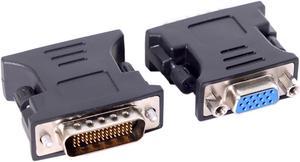
NGFF LFH DMS-59pin Male to 15Pin VGA RGB Female Extension Adapter for PC Graphics Card
- Model #: ZZL-RNU-ASD537295
- $22.49 –
- Free Shipping
Quick View
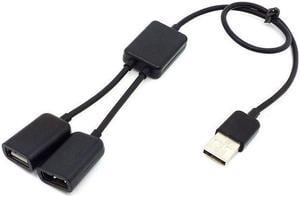
CYDZ Black USB 2.0 Dual Ports Hub Cable Bus power For Laptop Mac book Notebook PC & Mouse & Flash Disk
- Model #: ZZL-RNU-ASD537172
- $22.49 –
- Free Shipping
Quick View
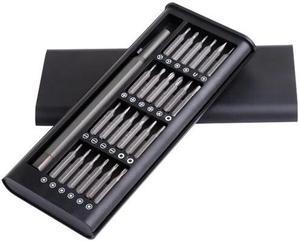
24pcs Magnetic Screwdriver Kit with Detachable Handle Tools for 3D Printer Mobile Phone Smartphone Game Console Tablet PC
- Model #: ZZL-RNU-ASD1096183
- $33.00 –
- Free Shipping
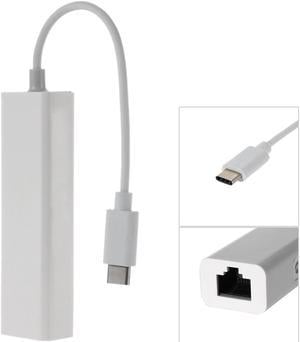
Quick View
CYDZ Chenyang-Cable USB-C Type C Male to 100M Gigabit Ethernet Network LAN Adapter for Laptop PC
- Model #: ZZL-RNU-ASD537413
- $23.99 –
- Free Shipping
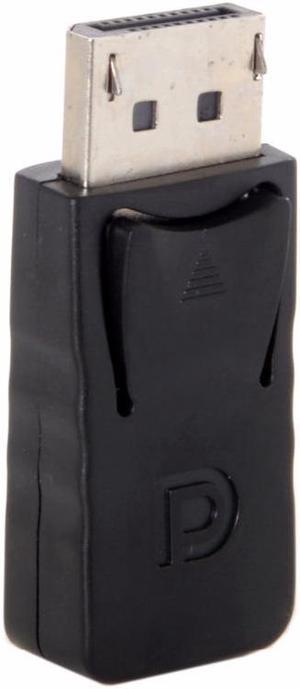
Quick View
CYSM Male DisplayPort to Female Mini DP DisplayPort Adapter for PC Computer Laptop HDTV Monitor
- Model #: ZZL-RNU-ASD537134
- $22.49 –
- Free Shipping
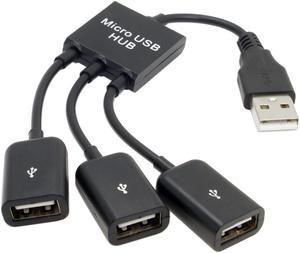
Quick View
CYDZ CY USB 2.0 to 3 Ports Hub Cable Bus power For Laptop Laptop Notebook PC & Mouse & Flash Disk
- Model #: ZZL-RNU-ASD537284
- $22.49 –
- Free Shipping
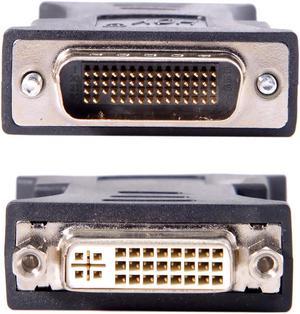
Quick View
CYDZ LFH DMS-59pin Male to DVI 24+5 Female Extension Adapter for PC Graphics Card
- Model #: ZZL-RNU-ASD537294
- $22.49 –
- Free Shipping
Quick View
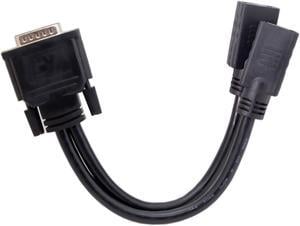
CYDZ DMS-59Pin Male to Dual DP Displayport Female Splitter Extension Cable for PC Graphics Card Black
- Model #: ZZL-RNU-ASD537405
- $23.99 –
- Free Shipping
Quick View
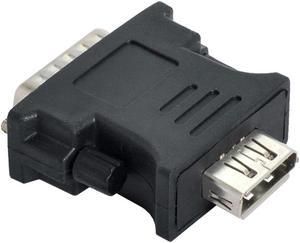
LFH DMS-59pin Male to DP Displayport Female Extension Adapter for PC Graphics Card
- Model #: ZZL-RNU-ASD537410
- $23.99 –
- Free Shipping
Quick View
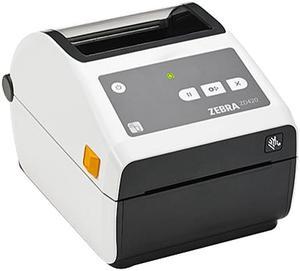
Zebra ZD420 4" Direct Thermal Desktop Label Printer for Healthcare, 203 dpi, USB, USB Host, Bluetooth, Modular Connectivity Slot - Ethernet, Std. EZPL, Locking - ZD42L42-D01E00EZ
- Printer Type: Desktop
- Memory: 256 MB SDRAM
- Fonts Included: 2 x scalable ZPL 5 x expandable EPL2 16 x bitmapped ZPL II
- Barcode Type: Code 93, Industrial 2 of 5, Code 39, Code 49, CODABLOCK, ISBT 128, QR code, MaxiCode, Aztec code, LOGMARS, UPC-A, UPC-E, MicroPDF417, Codabar, Code 128, Code 11, Interleaved 2 of 5, Postnet, PDF417, Data Matrix, PLANET, Plessey, Standard 2 of 5, EAN-8, EAN-13, MSI
- Model #: ZD42L42-D01E00EZ
- $818.00 –
- Free Shipping
Quick View
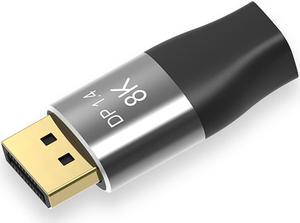
Mini DisplayPort 1.4 8K 60hz Female Adapter Ultra-HD UHD 4K 144hz to DP Male 7680*4320 for Video PC Laptop TV
- Model #: ZZL-RNU-ASD537460
- $29.04 –
- Free Shipping
Quick View
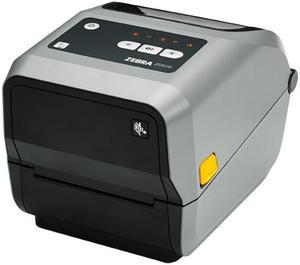
Zebra ZD620 Series Desktop Thermal Transfer Printer, Icon, 203 dpi, USB, USB Host, Serial, Ethernet, 802.11, Bluetooth USA/Canada, Standard EZPL - ZD62142-T01L01EZ
- Printer Type: Desktop
- Memory: 512 MB Flash; 256 MB SDRAM
- Fonts Included: 16 resident expandable ZPL II bitmap fonts Two resident scalable ZPL fonts Five resident expandable EPL2 fonts Native open-type font support Unicode compliant for multi-language, on demand thermal printing China units include SimSun simplified Chinese font 64 MB user available non-volatile memory, 8 MB user available SDRAM
- Barcode Type: Barcode Ratios: 2:1 and 3:1 1D Barcodes Code 11, Code 39, Code 93, Code 128, ISBT128, UPC-A, UPC-E, EAN-8, EAN-13, UPC and EAN 2-or 5-digit extensions, Plessey, Postnet, Standard 2-of-5, Industrial 2-of-5, Interleaved 2-of-5, Logmars, MSI, Codabar and Planet Code 2D Barcodes Codablock, PDF417, Code 49, DataMatrix, MaxiCode, QR Code, MicroPDF, Aztec
- Model #: ZD62142-T01L01EZ
- $957.00 –
- Free Shipping
Quick View
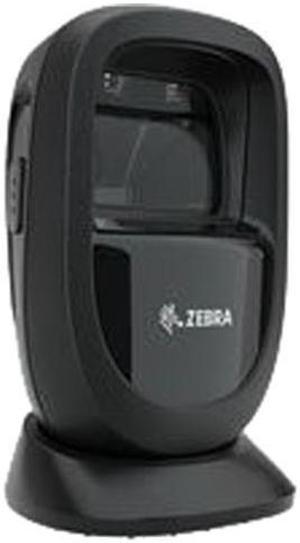
Nice Zebra DS9308-SR00004ZZWW Desktop Barcode Scanner with USB Cable
- Model #: DS9308-SR00004ZZWW-f4
- $245.00 –
- More options from $244.70
- Free Shipping
Quick View
Nice Zebra DS9308-SR00004ZZWW Desktop Barcode Scanner with USB Cable
- Model #: DS9308-SR00004ZZWW-f5
- $245.00 –
- More options from $236.49 - $245.00
- Free Shipping
Quick View
- $2,964.00 –
- Free Shipping
Quick View
- $967.00 –
- Free Shipping
Quick View
- $645.00 –
- Free Shipping

Quick View
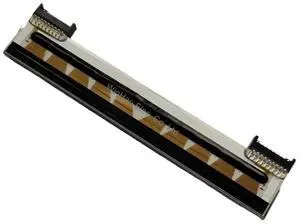
New Original ZD421D Printhead P1112640-218 for Ze bra ZD421 ZD421T Desktop Thermal Label Printer 203dpi Print Head
- Model #: 1ADGE-360
- $232.00 –
- Free Shipping
Quick View
- $566.00 –
- Free Shipping
Quick View
- $114.00 –
- Free Shipping
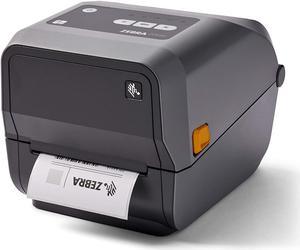
Quick View
Zebra ZD620t Thermal Transfer Desktop Printer 300 dpi Print Width 4 in Ethernet Serial USB
- Model #: ZD62043-T01F00EZ
- $957.00 –
- Free Shipping
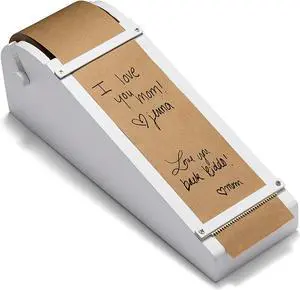
Quick View
Desktop Roller - Kraft Paper Desktop Roller - 1 Kraft Paper Roll Included (White)
- Model #: BAOCAHB07V9K1CCW
- $227.99 –
- Free Shipping
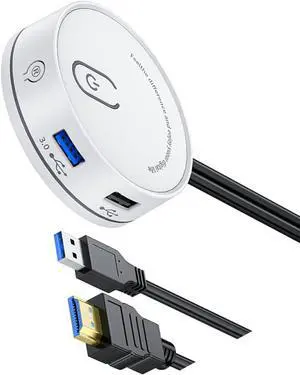
Quick View
USB 3.0 Type C Desktop Computer Power Switching Extension Button Option 3.5 Auditory Port 116cm Cable
- Model #: CLATB0F9XXC9W3
- $103.99 –
- Free Shipping

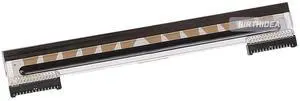
Quick View
New P1112640-218 Printhead for Ze bra ZD421 ZD421T Desktop Thermal Label Printer 203dpi Print Head
- Model #: 1ADGE-283
- $180.00 –
- Free Shipping
Quick View
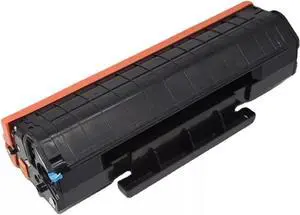
1x PA-210e PB-210 PC-210 PC-211EV Toner Cartridge with Chip for Pantum M6500 M6500W P2500W P2200 2500 6600 6550 PC-211 PC 211 EV(PA-210e)
- Model #: BAOCAHB0FKZBBC9L
- $217.99 –
- Free Shipping
Quick View
- $1,589.00 –
- Free Shipping
Quick View
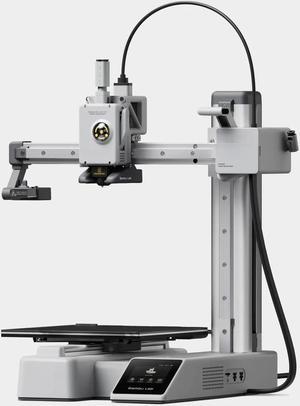
Takuzu desktop home FDM fully automatic levelling multi-colour high-speed active motor noise reduction 3d printing machine
- Type Specifications: Desktop
- Quantity: 1 each
- Specifications: A1 mini 单色
- Features: FDM 全自动调 平多色高速
- Model #: A1 mini
- $728.00 –
- Free Shipping
Quick View
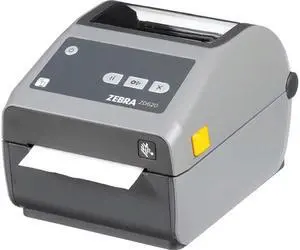
Zebra ZD620d Direct Thermal Desktop Label Printer, 4", 300 dpi, USB, USB Host, Bluetooth Low Energy, Serial, Ethernet, EZPL - ZD62043-D01F00EZ
- Printer Type: Desktop
- Interface: USB, USB Host, Bluetooth Low Energy, Serial, Ethernet
- Features: EASY TO USE: Connects via Ethernet, Serial, USB and is compatible with thermal transfer label rolls with 1.00" core, max diameter of 5.00", and max media width of 4.25" NO INK OR TONER: Prints using direct thermal technology which eliminates the need for expensive ink or toner ENTERPRISE GRADE QUALITY: Best-in-class print
- Weight: 6.0000
- Model #: ZD62043-D01F00EZ
- $957.00 –
- Free Shipping
Quick View
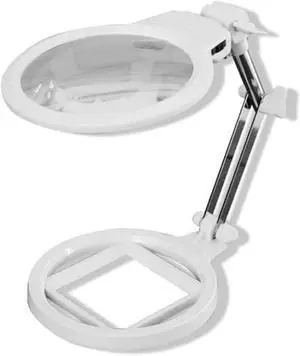
Desktop Magnifying Glass,2X 6X Led Foldable Magnifier Lamp, Reading Magnifying Glass Loupe for Reading Repair Hobbies,White
- Model #: BAOCAHB0FNWNDWCZ
- $597.99 –
- Free Shipping
Quick View
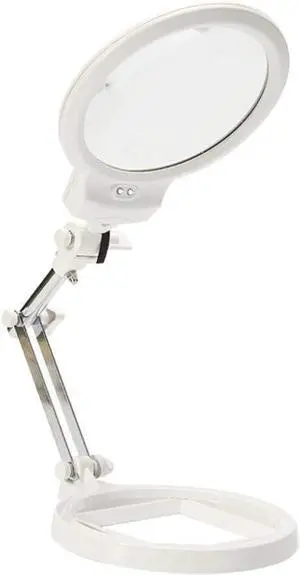
Illuminated Magnifying Glass Whit 2 Led Light Magnifiers Desktop Foldable Double Lens 2X 6X Magnifying Glass for Old Man Reading Circuit Board Repair Watches Repair White Magnifiers
- Model #: BAOCAHB0FNWKTR12
- $876.99 –
- Free Shipping
Choosing the Right Printer for Your Office Needs
When it comes to office solutions, printers and scanners are essential tools for any business. Whether you need to print important documents, scan invoices, or create professional-quality marketing materials, having the right equipment is crucial. In this article, we will explore the different types of printers and scanners available in the market and provide tips on how to choose the best one for your office.
All-in-One Printers: Versatility and Convenience
all-in-one printers, also known as multifunction printers, are a popular choice for offices. These devices combine the functionality of a printer, scanner, copier, and sometimes even a fax machine into a single unit. They offer versatility and convenience, allowing you to perform multiple tasks without the need for separate devices. All-in-one printers are available in both inkjet and laser options, catering to different printing needs and budgets.
Specialized Printers for Specific Tasks
In addition to all-in-one printers, there are specialized printers designed for specific tasks. For example, 3D printers are ideal for creating prototypes or intricate models, while barcode and label printers are perfect for businesses that require efficient inventory management. laser printers are known for their fast printing speeds and high-quality output, making them suitable for offices with high-volume printing needs. inkjet printers, on the other hand, are more cost-effective and can produce vibrant color prints.
Choosing the Right Supplies
Once you have selected the right printer for your office, it is important to choose the right supplies to ensure optimal performance and longevity. When it comes to inkjet printers, using high-quality ink cartridges is essential to achieve the best print quality and prevent clogging. For laser printers, it is important to choose the right type of toner cartridges that are compatible with your printer model. Additionally, investing in high-quality paper can make a significant difference in the final print results.
FAQs: Common Questions about Printers and Scanners
| Q: How often should I replace the ink cartridges? | A: The frequency of replacing ink cartridges depends on your printing volume. However, it is recommended to replace them when the print quality starts to degrade. |
|---|---|
| Q: Can I use third-party ink cartridges with my printer? | A: While it is possible to use third-party ink cartridges, it is important to ensure compatibility with your printer model. Using incompatible cartridges may result in poor print quality or damage to the printer. |
| Q: How do I clean the scanner glass? | A: To clean the scanner glass, use a soft, lint-free cloth slightly dampened with glass cleaner. Gently wipe the glass surface to remove any smudges or debris. |
| Q: What is the difference between optical and interpolated resolution in scanners? | A: Optical resolution refers to the actual hardware resolution of the scanner, while interpolated resolution is achieved through software enhancements. Optical resolution provides more accurate and detailed scans. |
| Q: How can I improve the scanning speed? | A: To improve scanning speed, reduce the scanning resolution, use black and white mode instead of color, and ensure that the scanner is connected to a high-speed USB port. |