




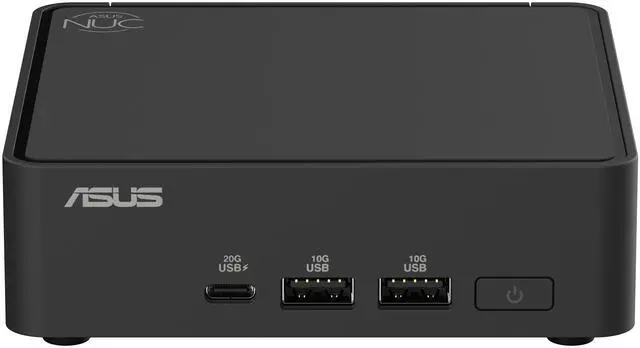
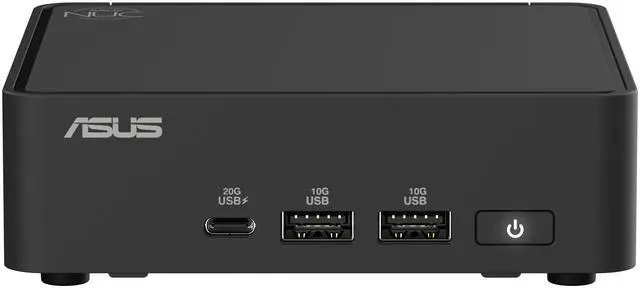
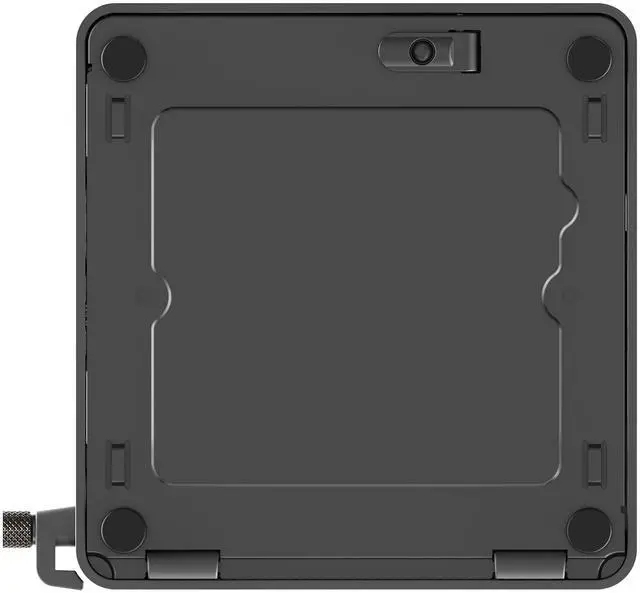
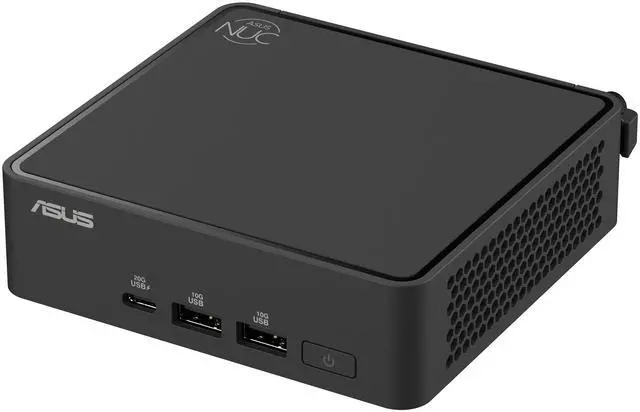
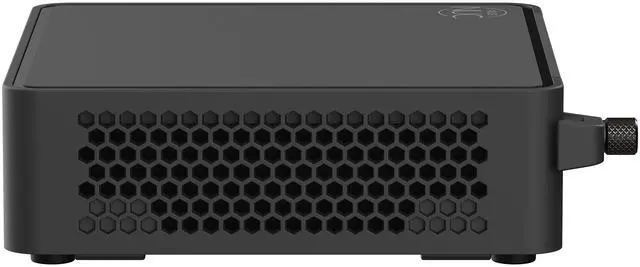
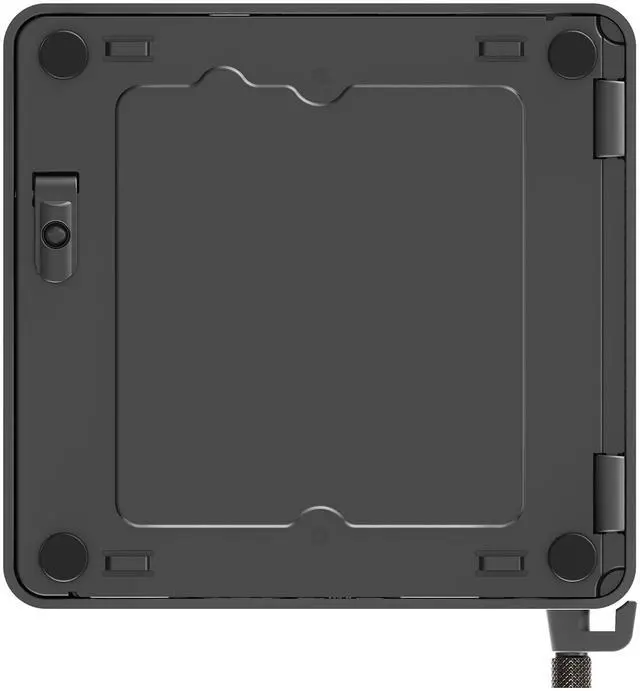
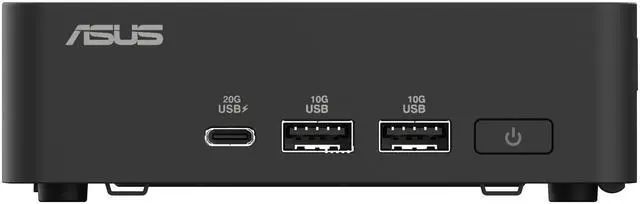
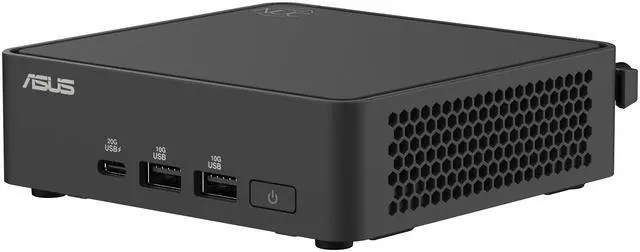
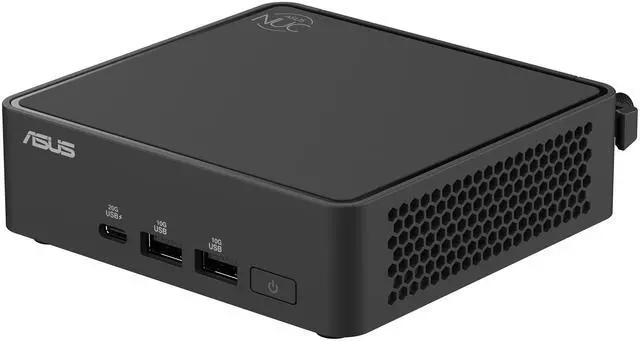
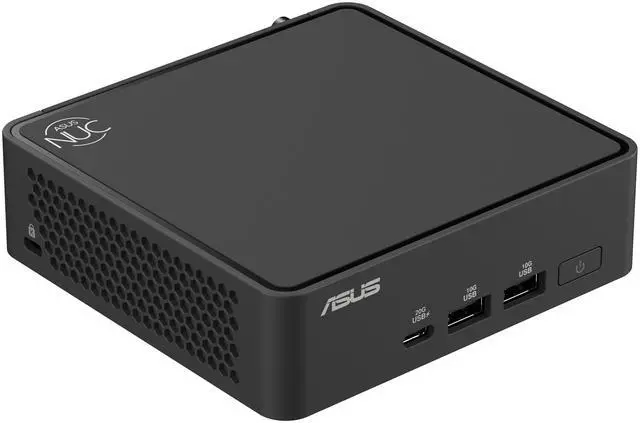
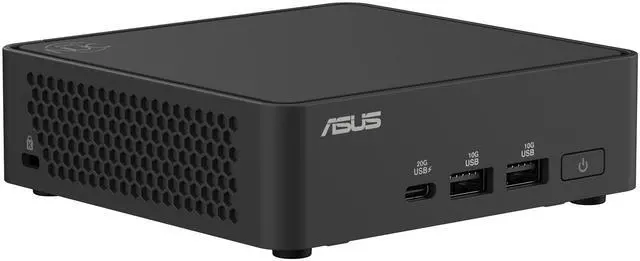
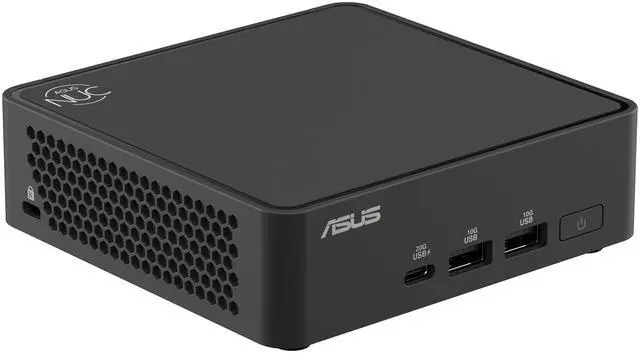
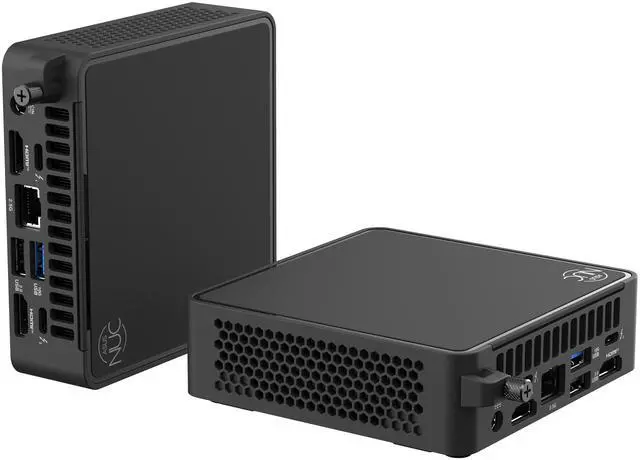
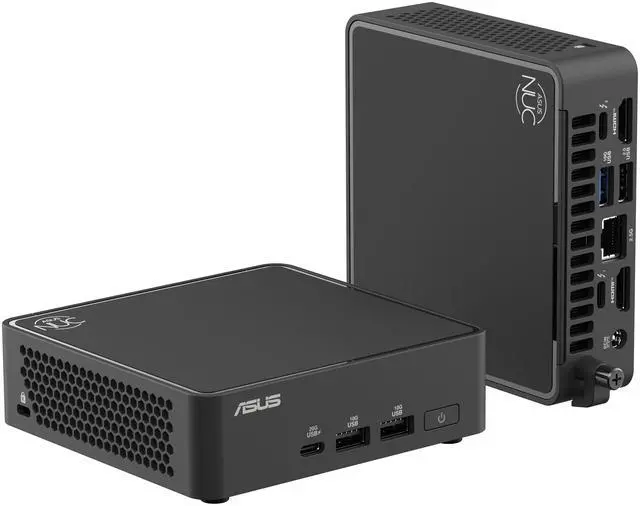


ASUS Mini PC BNUC15CRKI5063CU Intel Core 5 120U 16GB DDR5 512GB NVMe SSD Intel Graphics Windows 11 Pro 64-bit
- Intel Core 5 120U
- 16GB DDR5
- 512GB NVMe SSD
- Windows 11 Pro 64-bit
- Intel Graphics
+
+
Overview
Specs
Reviews
Warranty & Returns
Warranty, Returns, And Additional Information
Warranty
- Limited Warranty period (parts): 3 years
- Limited Warranty period (labor): 3 years
- Read full details
Return Policies
- Return for refund until: January 31, 2027
- Return for replacement until: January 31, 2027
- This item is covered by Newegg.ca's Extended Holiday Return Policy.
- Read full return policy for details.
We want to ensure your holiday shopping this year is hassle-free. That’s why we’re automatically extending our return policies on almost every product! For purchases placed between November 1st, 2026 and December 31, 2026 you will have until January 31, 2027 to return your product.
Manufacturer Contact Info
- Manufacturer Product Page
- Manufacturer Website
- Support Phone: 1-888-678-3688
- Support Website
- View other products from ASUS
LOADING...
The ASUS Mini PC BNUC15CRKI5063CU is a compact Windows 11 Pro desktop with an Intel Core 5 120U, 16GB DDR5 memory, and a 512GB NVMe SSD, making it a strong fit for students, home offices, and everyday productivity users who want full PC capability in a space-saving format.
Recommended For
- People setting up a fixed desk or behind-monitor workstation for web apps, Office work, video calls, and lots of browser tabs, especially when they want a full Windows PC without a tower footprint.
- Home-office users and small-business teams that need a compact Windows Pro desktop with easy service access, multi-display support, and straightforward deployment in tight workspaces.
- Users who want a clean multi-monitor setup for dashboards, admin tools, finance, scheduling, or light creative work, and value the NUC 15 Pro's small chassis plus support for up to four 4K displays.
- Buyers who care more about quiet everyday operation, low desk clutter, and occasional RAM or SSD upgrades than about maximum graphics performance.
- Always-on kiosk, signage, edge, or light self-hosted workloads where compact size, 24/7 operation, wired networking, and business-oriented positioning matter more than expandability.
Real-World Use Scenarios
- Home office and school setup: handling web browsing, Microsoft 365, email, video calls, and light multitasking should feel smooth, with the compact chassis fitting easily on a desk or behind a monitor.
- Multi-display productivity station: for users who want several screens for spreadsheets, browser tabs, dashboards, and communication apps, this class of ASUS NUC is positioned to support multiple 4K displays and works well for dense desktop workflows.
- Living-room or media-duty PC: streaming video, local playback, and general media use are realistic fits, especially when a small, quiet Windows box is preferred over a full tower.
- Light creative and everyday business tasks: editing large documents, running many browser tabs, basic photo work, and simple 1080p content creation are reasonable, but heavier editing projects will feel limited compared with higher-end mini PCs.
- Light gaming and older games: casual titles, esports at reduced settings, and older games are more realistic than demanding new AAA releases, which typically need low settings and still may not deliver consistently smooth frame rates.
Spec Summary
| Attribute | Value |
|---|---|
| Best For | Everyday student and home-office computing on a compact Mini PC (consumer/everyday use) |
| Processor And Core Count | Intel Core 5 120U — 10-core 64-bit design with 12 MB L3 cache; processor speed reported as 2.1 GHz and uses BGA 559 socket |
| Graphics | Integrated Intel graphics using shared system memory (0 GB dedicated video RAM) |
| Memory And Expansion | 16GB (2 x 8GB) DDR5-6400 installed, DDR5 technology; system supports up to 96GB maximum memory |
| Storage And Expansion | 512GB G4 NVMe SSD installed (solid-state NVMe interface) |
| Connectivity And Networking | Wi‑Fi and Bluetooth wireless (Wi‑Fi 7 reported) plus wired Ethernet connectivity |
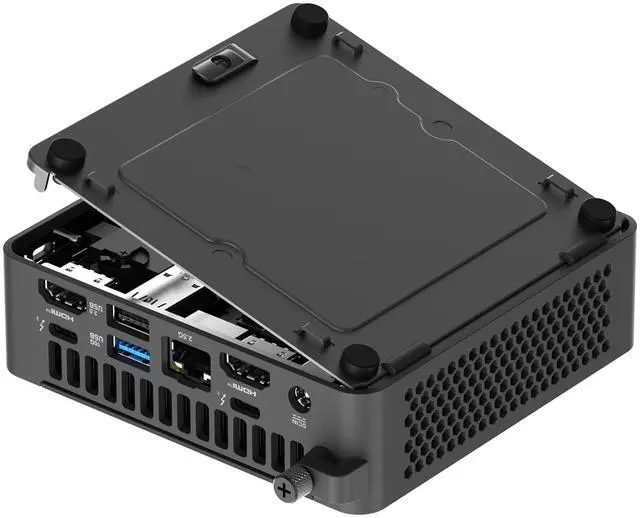
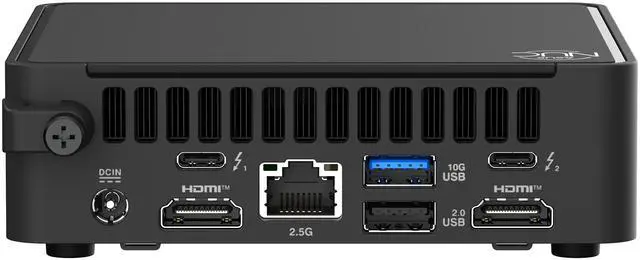
| Ports And I/O | HDMI video output, Ethernet, hardware interfaces listed as USB/thunderbolt/ethernet/bluetooth, 5 total USB ports and 2 Thunderbolt ports; human-interface input via buttons |
| Operating System | Windows 11 Pro 64-bit |
| Power And Battery | No batteries installed or required; product listing includes a power adapter |
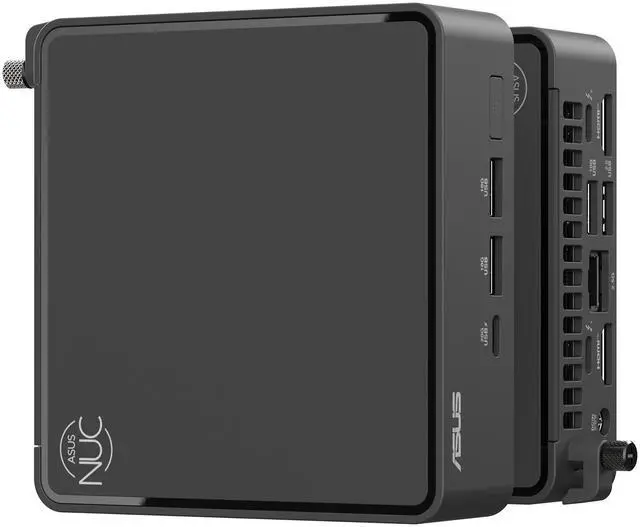
| Physical Dimensions And Weight | Item dimensions 6.46 x 4.63 x 7.8 inches; item weight 3.19 pounds |
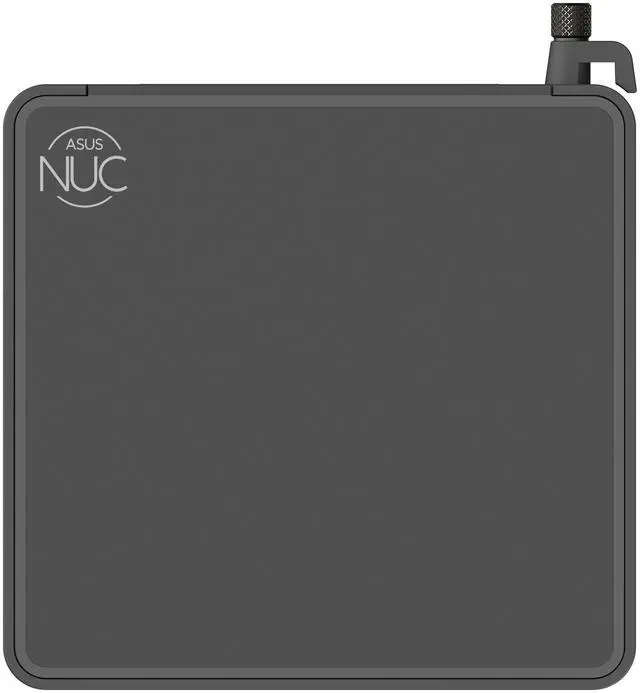
| Form Factor And Chassis | Compact Mini PC form factor, color Black; design type listed as Barebone in some listings |
| Model Identifiers | ASUS BNUC15CRKI5063CU (NUC 15 Pro series) — Part Number 90AS00L1-M00270; manufacturer ASUS Computer International |
| Additional Notes | Unit described in some attribute data as a NUC 15 Pro barebone system and ships with a power adapter; marketed for everyday consumer use |
Reference Q&A
Q: Should I choose this ASUS mini PC or a cheaper Intel N100/N305 mini PC for home office use?
A: Choose this ASUS model if you want a more complete everyday Windows mini PC for multitasking, heavier browser use, Office apps, and longer-term headroom. Its Core 5 120U sits above Intel N100 and Core i3-N305 class chips in typical CPU comparisons, and this configuration already includes 16GB DDR5, a 512GB NVMe SSD, and Windows 11 Pro. A lower-cost N100 or N305 mini PC makes more sense when low power draw, very light workloads, or budget-first buying matters more than responsiveness under heavier multitasking.
Q: Is this ASUS Core 5 120U mini PC a better buy than an older Core i5-12450H mini PC?
A: Pick this ASUS system if your priority is quieter day-to-day office use, newer platform features, and a balanced efficiency-focused mini PC. Pick a Core i5-12450H mini PC if your priority is higher short-burst CPU performance from an H-series processor and you are comfortable with the trade-off of higher power and, in some reviewed systems, more fan noise. In buyer terms, the ASUS Core 5 120U configuration is the safer fit for productivity and general home-office use, while many 12450H boxes are positioned more aggressively on raw value-per-performance.
Q: Should I get this Core 5 120U model or move up to an ASUS NUC 15 Pro with Core Ultra?
A: Choose this Core 5 120U version when your workload is centered on web apps, Office, remote work, media playback, and general home productivity. Move up to an ASUS NUC 15 Pro with Core Ultra if you specifically want stronger integrated graphics, a more premium platform tier, and access to ASUS's higher-end NUC 15 positioning around AI and performance-focused use cases. The practical trade-off is simple: this model is the more sensible fit for mainstream office and student use, while Core Ultra configurations target users who expect more graphics and acceleration headroom.
Q: Is this a better fit than a larger desktop or laptop if I care most about portability and space?
A: Choose this mini PC if you want a fixed desktop setup that takes very little desk space, can sit behind a monitor, and still gives you upgrade-friendly desktop-style storage and memory access typical of the mini PC category. A laptop is the better choice if true portability and battery-powered use matter. A larger desktop is the better choice if you want stronger sustained performance, more expansion, or dedicated graphics. For buyers comparing form factors, this ASUS model fits best when compact size and clean setup matter more than mobile use or maximum performance.
Q: Is this a good mini PC for note-taking, meetings, web browsing, and office work?
A: Yes. This configuration is well suited to everyday productivity because it pairs an Intel Core 5 120U with 16GB DDR5 memory, a 512GB NVMe SSD, and Windows 11 Pro. That makes it a practical fit for email, documents, spreadsheets, video calls, browser-based work, and general multitasking. The main limit is graphics: Intel integrated graphics are fine for office use and media, but not the best choice for demanding gaming or heavy 3D work.
Q: Who is this ASUS mini PC best for?
A: It is best for students, home office users, and buyers who want a compact Windows desktop for daily work rather than a gaming system. The included 16GB RAM and 512GB SSD are enough for mainstream productivity, and Windows 11 Pro is useful for users who prefer a business-oriented Windows edition. It is a better fit for fixed-desk use than for people who need an all-in-one travel computer, since it still requires an external monitor, keyboard, and mouse.
Q: Can this replace a laptop for remote work or travel?
A: It can replace a laptop for remote work if your setup stays in one place, but it is not the better choice for true travel use. A mini PC saves desk space and can be easy to move between locations, but you still need separate peripherals and power at the destination. For hybrid or office-only remote work, it makes sense. For frequent travel, a laptop is usually more convenient.
Q: Does it come ready to use, or is it a barebones mini PC?
A: This model appears to be a ready-to-use system, not a barebones kit. The listed configuration includes a processor, 16GB RAM, 512GB NVMe SSD, and Windows 11 Pro. That matters because many mini PCs and NUC-style products are sold without memory, storage, or an operating system, so buyers often ask this before purchase.
Q: What is the main trade-off versus a stronger mini PC or small gaming desktop?
A: The trade-off is efficiency and compactness versus graphics and high-end performance. This ASUS model is a sensible choice for office work, browsing, meetings, and general home use, but its Intel integrated graphics make it a weaker option for modern gaming, GPU-heavy creative apps, or more advanced video production. Buyers who need those workloads should look at a mini PC with stronger integrated graphics or a dedicated GPU, even if it costs more and runs larger or hotter.
Q: Is this ASUS mini PC a good fit for home office, school, or everyday work?
A: Yes. This configuration is best suited to general productivity: web browsing, Office apps, video calls, note-taking, and light multitasking. The Intel Core 5 120U, 16GB DDR5 RAM, and 512GB NVMe SSD are appropriate for student and home-office use, but it is not positioned as a high-performance creator or gaming system.
Q: Can this replace a laptop for work or study?
A: It can replace a laptop only if you do not need portability. As a desk-based PC, it should work well for fixed setups in a dorm, home office, or small workspace. It is not a substitute for a laptop if you need battery power, built-in display, or frequent travel use.
Q: Is it worth buying if I mainly want a compact Windows PC and not a gaming machine?
A: Yes, if your priority is a small Windows 11 Pro desktop for everyday computing. The main trade-off is value: ASUS NUC and mini PC discussions often treat ASUS models as relatively premium-priced, so this makes more sense when you specifically want the compact form factor, brand, and prebuilt convenience rather than the lowest cost per performance.
Q: Is this a good choice for gaming or graphics-heavy use?
A: No, not as a primary gaming or graphics-focused PC. This model uses integrated Intel Graphics and a Core 5 120U, so it is better matched to office, study, and light media tasks than modern gaming, 3D work, or heavier creative workloads. If gaming is a priority, a system with stronger integrated graphics or a discrete GPU is a safer choice.
Q: What are the main trade-offs of choosing this mini PC?
A: The main advantages are size, desk efficiency, and a ready-to-use Windows 11 Pro setup. The trade-offs are limited graphics performance, less flexibility than a full desktop, and potentially weaker value than larger PCs or some competing mini PCs if raw performance per dollar is the main goal.