



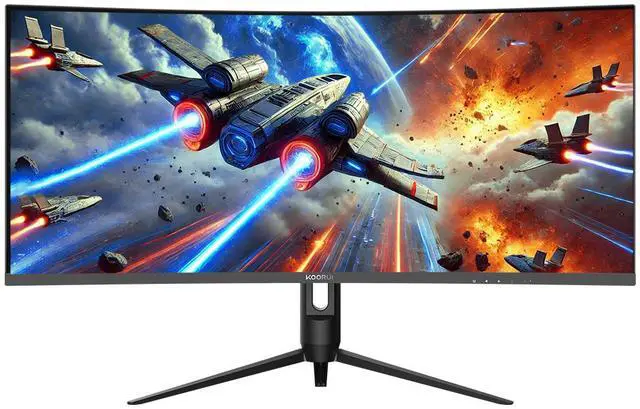
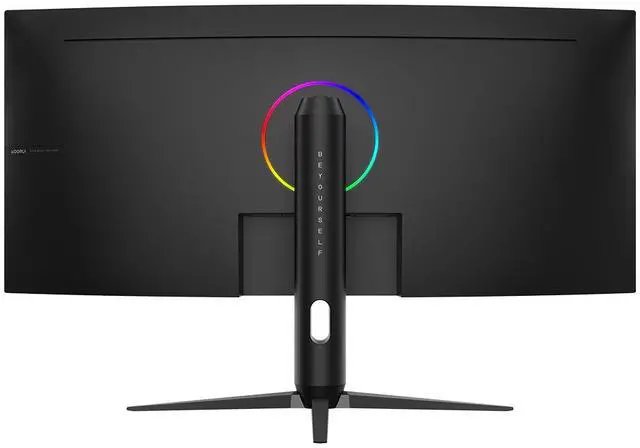
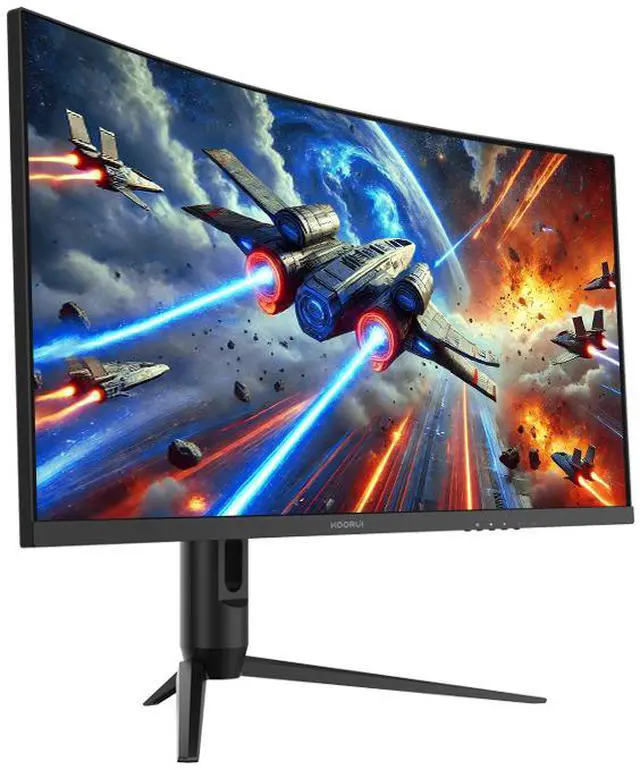
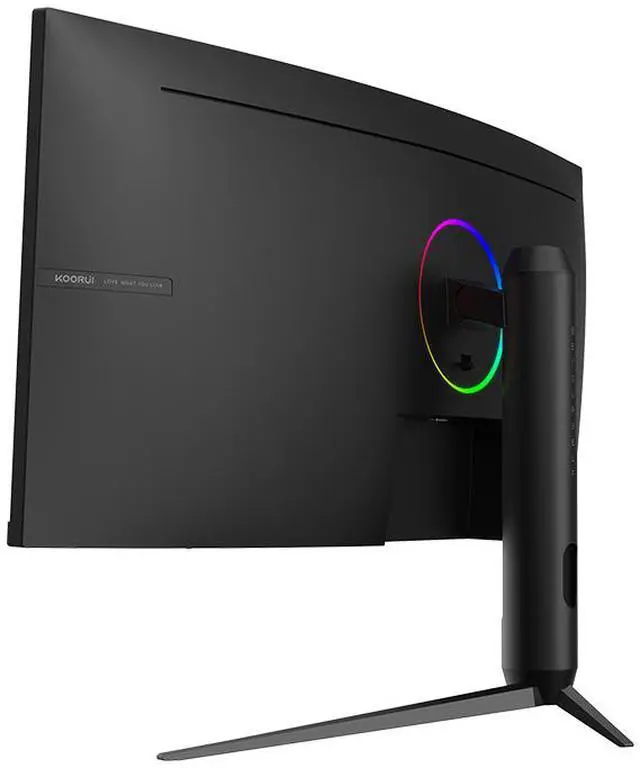
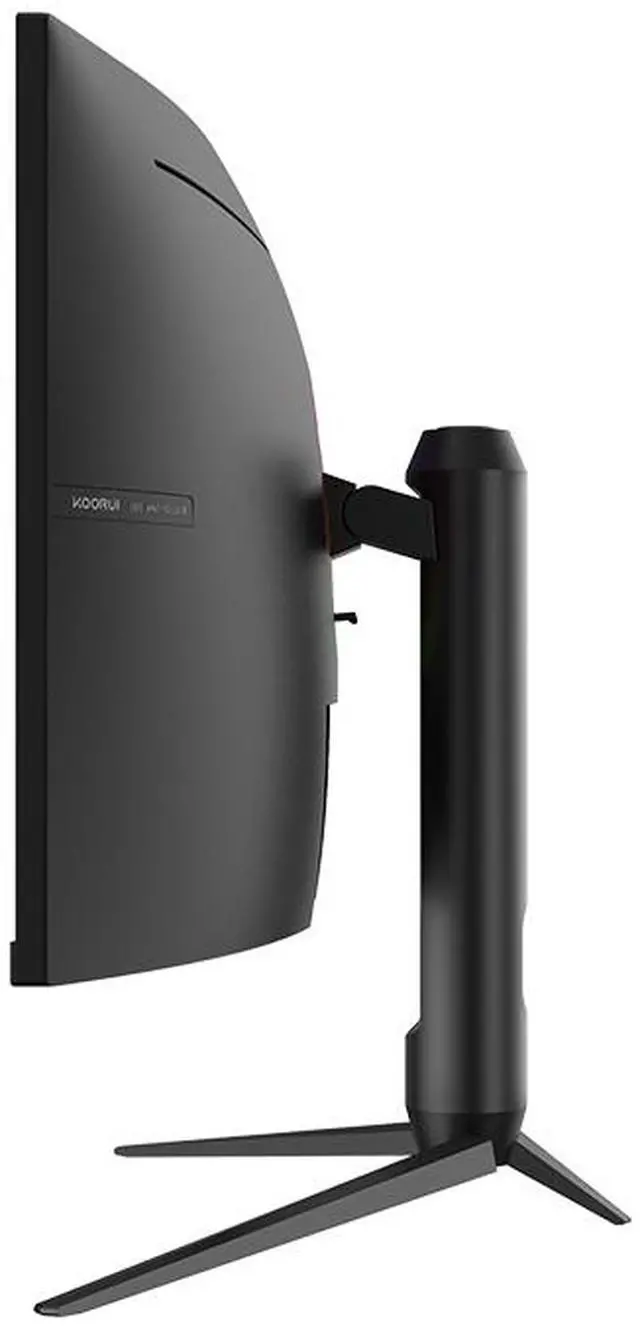
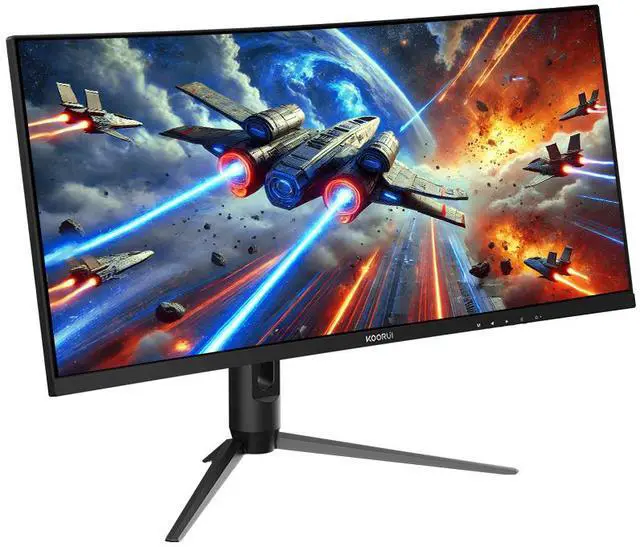
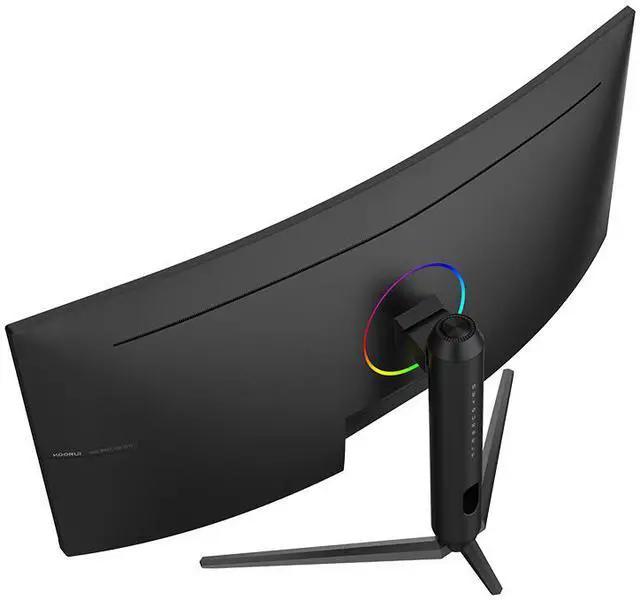
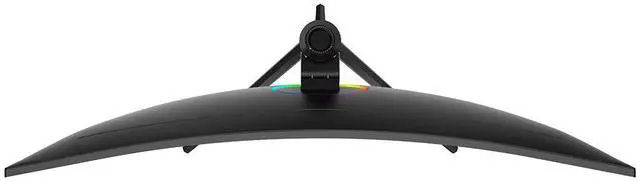


KOORUI 34" 3440 x 1440 240 Hz VA Gaming Monitor FreeSync Premium (AMD Adaptive Sync) 90% DCI-P3 G3441XC
- 34"
- VA
- 240Hz
- FreeSync Premium (AMD Adaptive Sync)
- 20000000:1 (DCR)
- 16.7 Million
- Height
- 1 x DisplayPort 1.4 / 2 x HDMI 2.0
- 1.5M DP cable +1.2M adapter +1.5M power cable Manual (including repair card + Certificate)
Specs
Reviews
Learn more about the KOORUI G3441XC
| Brand | KOORUI |
|---|---|
| Model | G3441XC |
| Cabinet Color | Black |
| Screen Size | 34" |
|---|---|
| Panel | VA |
| Adaptive Sync Technology | FreeSync Premium (AMD Adaptive Sync) |
| Resolution | 3440 x 1440 |
| Viewing Angle | 178° (H) / 178° (V) |
| Aspect Ratio | 21:9 |
| Brightness | 350 cd/m2 |
| Contrast Ratio | 20000000:1 (DCR) |
| Response Time | MPRT 1ms |
| Color Gamut | 90% DCI-P3 |
| Display Colors | 16.7 Million |
| Monitor Pixel Density | 0.23175mm |
| Refresh Rate | 240Hz |
| VESA Certified DisplayHDR | DisplayHDR 400 |
| Curved Surface Screen | Curved |
| Curvature Radius | 1500R |
| Video Ports | 1 x DisplayPort 1.4 / 2 x HDMI 2.0 |
|---|
| Power Supply | External power |
|---|---|
| Power Consumption | Standby power: <=0.5W |
| Stand Adjustments | Height |
|---|---|
| VESA Compatibility - Mountable | 75 x 75mm |
| Dimensions | 20.24" x 31.83" x 10.63" with base 14.27" x 31.83" x 4.71" without base |
|---|---|
| Weight | 15.54 lbs. with Stand 12.13 lbs. without stand |
| Package Contents | 1.5M DP cable +1.2M adapter +1.5M power cable Manual (including repair card + Certificate) |
|---|
| First Listed on Newegg | August 20, 2025 |
|---|
Warranty & Returns
Warranty, Returns, And Additional Information
Warranty
- Limited Warranty period (parts): 1 year
- Limited Warranty period (labor): 1 year
- Read full details
Return Policies
- Return for refund within: 15 days
- Return for replacement within: 15 days
- This item is covered by Newegg.ca's 15-Day Return Policy.
- Read full return policy for details.
Manufacturer Contact Info
LOADING...
LOADING...
The KOORUI G3441XC is a 34-inch curved UWQHD gaming monitor with a 240Hz refresh rate, VA panel, and FreeSync Premium, suited to PC gamers who want a wide 21:9 view and fluid high-refresh gameplay.
Recommended For
- PC gamers who play fast-paced titles and want a wide 21:9 view with up to 240Hz refresh and Adaptive Sync, provided their graphics card can drive the games at high frame rates.
- Players of racing, exploration, and other games that support ultrawide presentation who want a curved, panoramic screen for a more enveloping desk setup.
- Desk-based multitaskers who want one wide display for side-by-side windows, such as a game or stream alongside chat or reference material; the monitor lists Picture-in-Picture and dual-screen modes.
- Gamers and media viewers who prefer a VA panel’s high-contrast image for darker scenes and want a large curved screen for seated viewing.
Real-World Use Scenarios
- For PC action games, the wide curved screen gives the game more horizontal room, while Adaptive Sync can help reduce tearing when frame rates fluctuate.
- In fast-paced PC games, players seeking smoother motion can use the high-refresh display; reaching its maximum refresh rate depends on the PC and game producing enough frames.
- When playing a supported PC game such as GTA 5, the 21:9 screen can show a broader view than a standard widescreen display, making open-world play feel more panoramic.
- For desk work alongside gaming or media, users can arrange multiple windows across the ultrawide workspace; KOORUI also lists picture-in-picture and picture-by-picture modes for viewing multiple inputs.
Spec Summary
| Attribute | Value |
|---|---|
| Best For | Ultrawide gaming setups that benefit from a 34-inch 3440 × 1440 display, 240 Hz refresh rate, and FreeSync Premium adaptive sync |
| Panel And Resolution | 34-inch curved VA panel with 3440 × 1440 resolution, 21:9 aspect ratio, 1500R curvature, 178° horizontal and vertical viewing angles, and 0.23175 mm pixel density |
| Refresh Rate And Response | 240 Hz refresh rate with 1 ms MPRT response time and FreeSync Premium (AMD Adaptive Sync) |
| Image And Color | 350 cd/m² brightness, 20,000,000:1 dynamic contrast ratio, DisplayHDR 400, 90% DCI-P3 color gamut, and 16.7 million display colors |
| Ports And Connectivity | 1 × DisplayPort 1.4 and 2 × HDMI 2.0 |
| Stand And Ergonomics | Height-adjustable stand; 75 × 75 mm VESA mounting compatibility |
| Power | External power supply; standby power consumption of ≤0.5 W |
| Physical Design And Dimensions | Black cabinet; 31.83 × 20.24 × 10.63 inches with base or 31.83 × 14.27 × 4.71 inches without base; weighs 15.54 lb with stand or 12.13 lb without stand |
| Model Identifiers | KOORUI G3441XC |
| Included Accessories | 1.5 m DisplayPort cable, 1.2 m adapter, 1.5 m power cable, and manual with repair card and certificate |
Reference Q&A
Q: KOORUI G3441XC vs. KOORUI 34E6UC: is 240Hz worth choosing over 180Hz?
A: Choose the G3441XC if you want the higher 240Hz refresh rate for fast-paced PC gaming and your system can deliver high frame rates. Choose the 34E6UC if 180Hz is sufficient and you prefer that model’s feature set. Both are 34-inch, 3440 × 1440 VA ultrawides, so the main listed difference is refresh rate; independent testing directly comparing these models was not found.
Q: KOORUI G3441XC or Samsung Odyssey G5 34-inch: which is the better upgrade from 165Hz?
A: The G3441XC is the specification-led upgrade if you want to keep a 34-inch, 3440 × 1440 VA ultrawide while moving from the Odyssey G5’s 165Hz to 240Hz. The G5 remains a fit if 165Hz meets your needs. The refresh-rate difference is clear on paper, but reviews of the Samsung do not establish how the G3441XC performs in real-world motion tests.
Q: KOORUI G3441XC vs. Alienware AW3425DW OLED: which should I choose for gaming?
A: Choose the G3441XC if you want a 34-inch 3440 × 1440 VA monitor rated at 240Hz. Choose the Alienware AW3425DW if OLED motion response and image characteristics are your priority: professional testing reports near-instantaneous response, while noting OLED-specific trade-offs such as text clarity and ambient-light reflectivity. Both are rated at 240Hz, and independent head-to-head testing against the G3441XC was not found.
Q: Is this monitor suitable for both gaming and everyday office work?
A: Yes, it can suit someone who wants one display for PC gaming and everyday computer work. Its 34-inch, 3440 × 1440, 21:9 screen provides a wide workspace, and its 240Hz refresh rate and FreeSync Premium support gaming. It connects by DisplayPort or HDMI; it does not list USB-C, so check that your computer has a compatible video output. Reaching 240Hz also depends on the computer and connection.
Q: Can I mount it on a monitor arm, and is the stand height adjustable?
A: Yes. The stand supports height adjustment, and the monitor has a 75 × 75 mm VESA mounting pattern. Check that a monitor arm or wall mount supports that VESA size and the monitor’s weight.
Q: Is it a good choice for multitasking and office work?
A: It may suit users who want a wide desktop for placing multiple application windows side by side. The 3440 × 1440 resolution and 21:9 aspect ratio provide horizontal workspace, but the listing does not specify built-in split-screen software or USB-C. Multitasking features will depend on your computer and software.
Q: Is this monitor suitable for console gaming?
A: It has HDMI 2.0 inputs, but the listed specifications do not confirm support for a particular console’s resolution, refresh rate, or ultrawide output. Check your console’s video-output options before buying; if it does not support 21:9 output, the image may use only part of the screen.
Q: Should I choose the G3441XC over KOORUI’s 34E6UC?
A: The main stated difference is refresh rate: the G3441XC is 240Hz, while the 34E6UC is 165Hz. If gaming at very high refresh rates is your priority, the G3441XC has the higher spec; the Reddit discussion also noted limited user reviews, so it offers less community feedback to evaluate.
Q: Is the G3441XC suitable for productivity with occasional gaming?
A: Its 34-inch, 3440 × 1440 ultrawide format may suit users who want room for multiple windows, and its 240Hz refresh rate is aimed at high-refresh gaming. It has DisplayPort and two HDMI inputs, but the supplied specifications do not list a KVM feature—relevant if you plan to switch between two computers.
Q: Does 240Hz mean the G3441XC will have no ghosting?
A: No. The 240Hz refresh rate and 1ms MPRT specification do not, by themselves, establish real-world ghosting performance. A Reddit commenter specifically asked about testing ghosting, so buyers who are sensitive to motion trails should look for hands-on testing before deciding.