




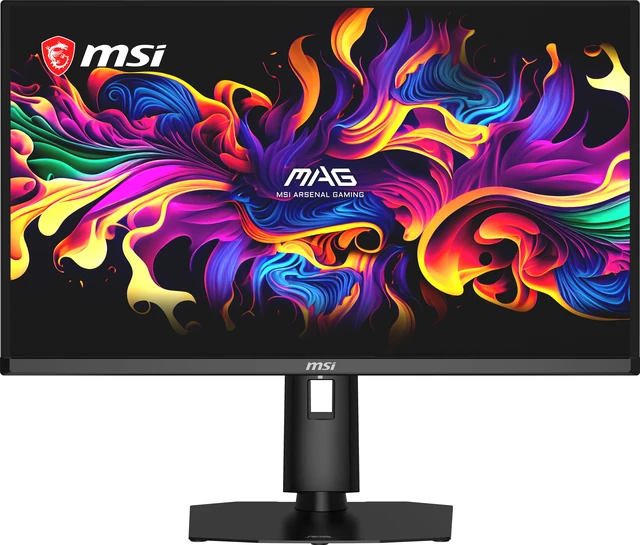
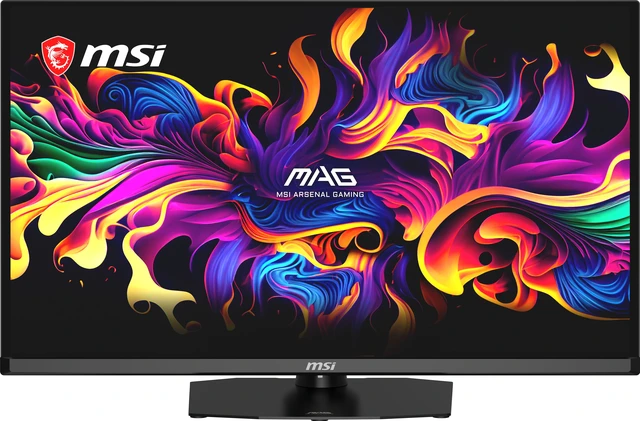
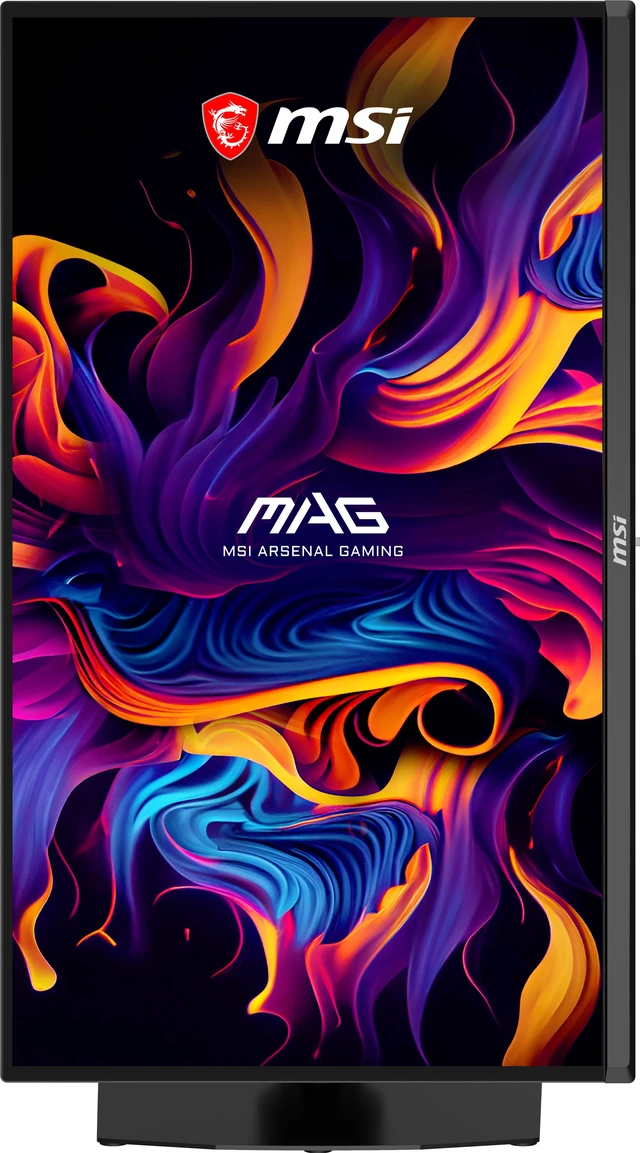
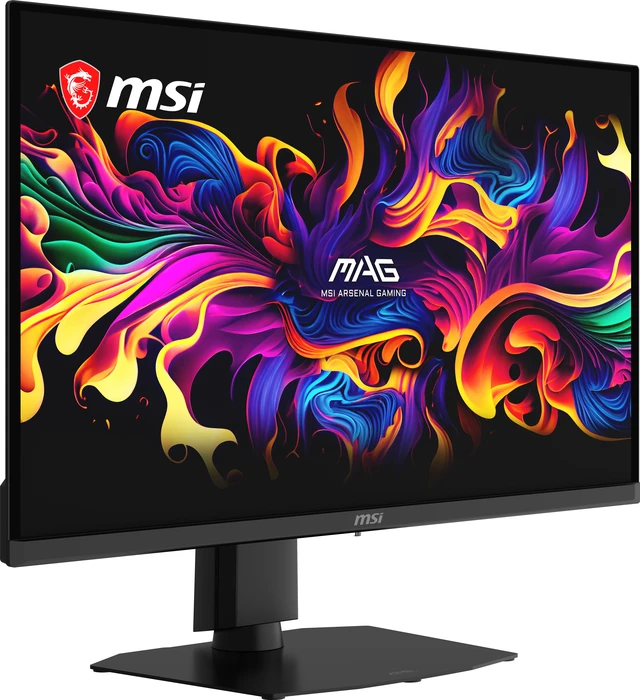
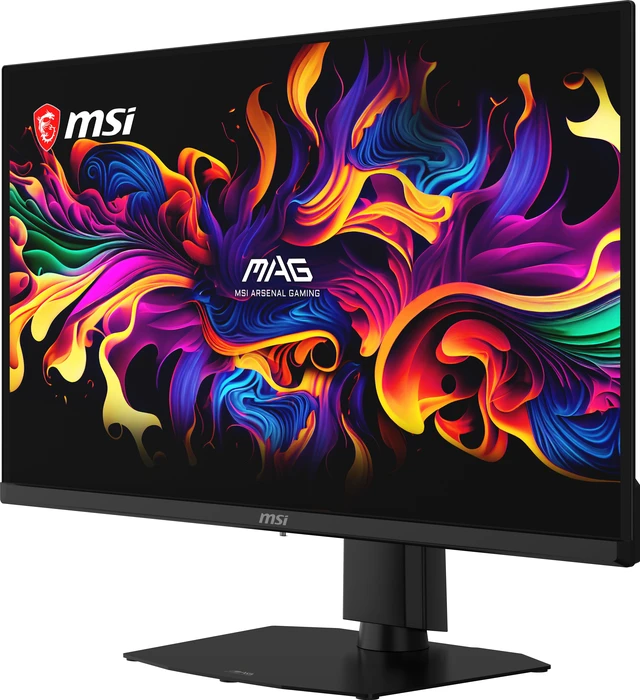
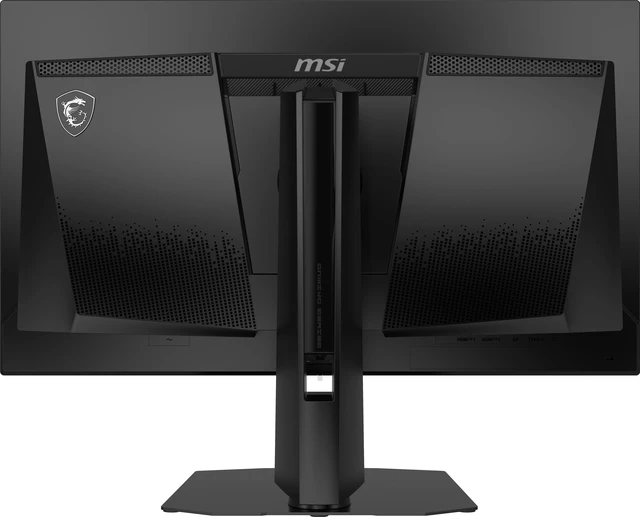
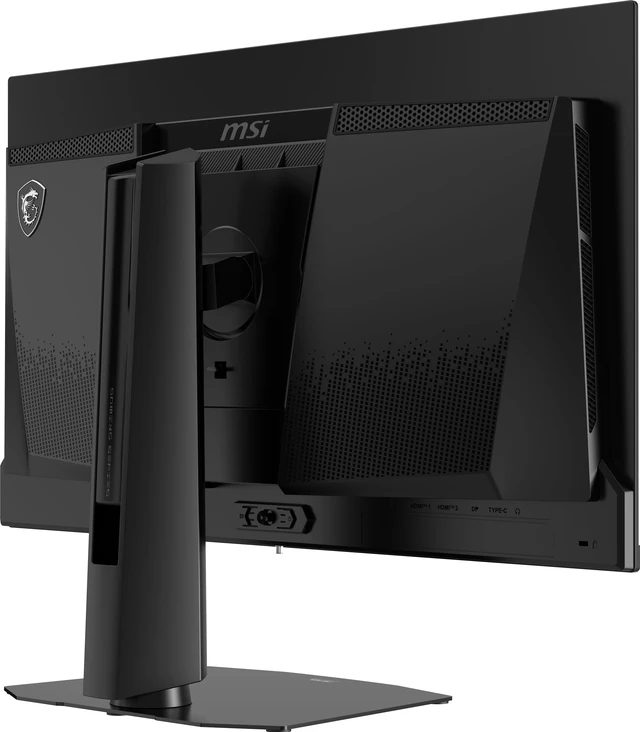
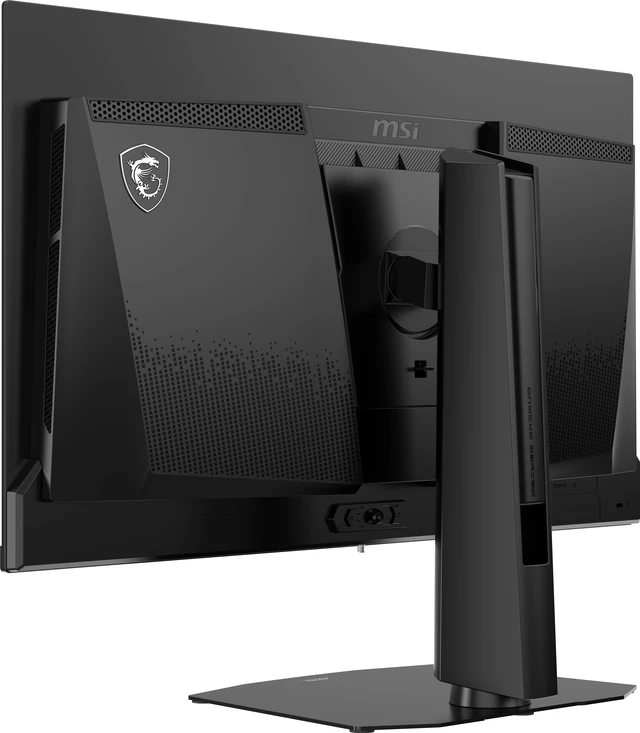
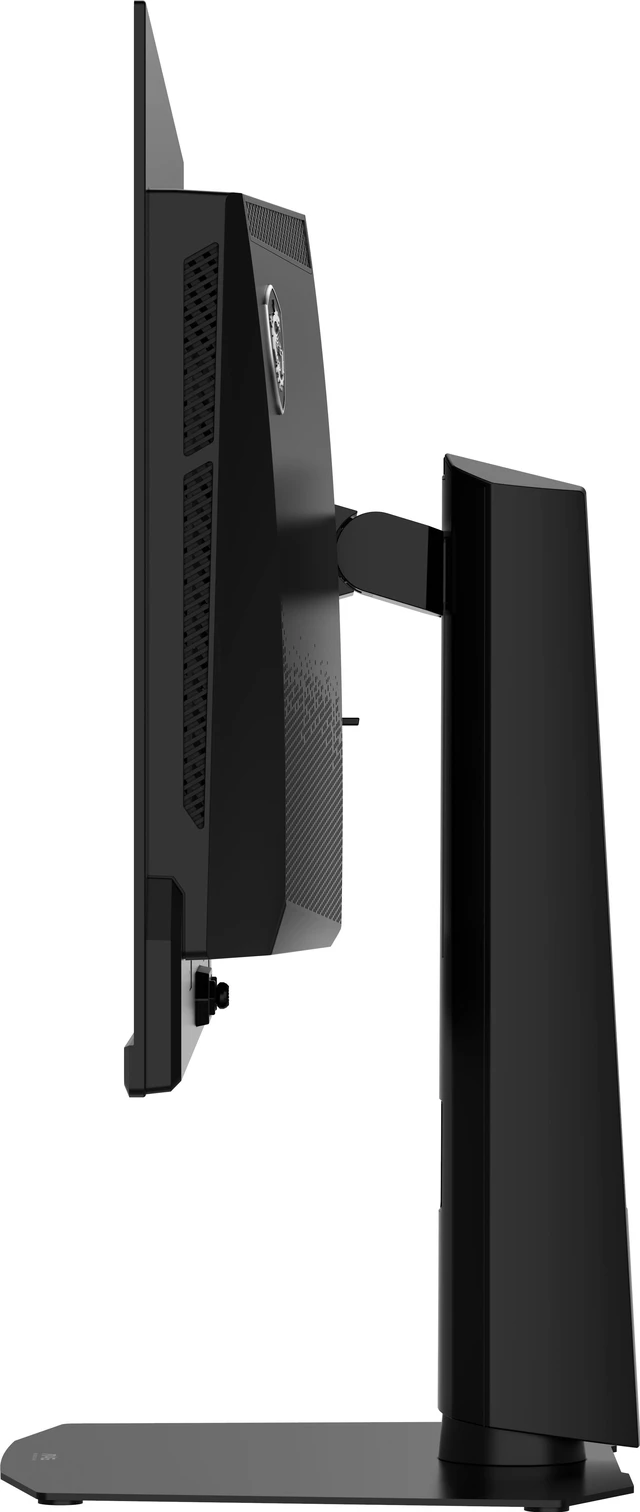
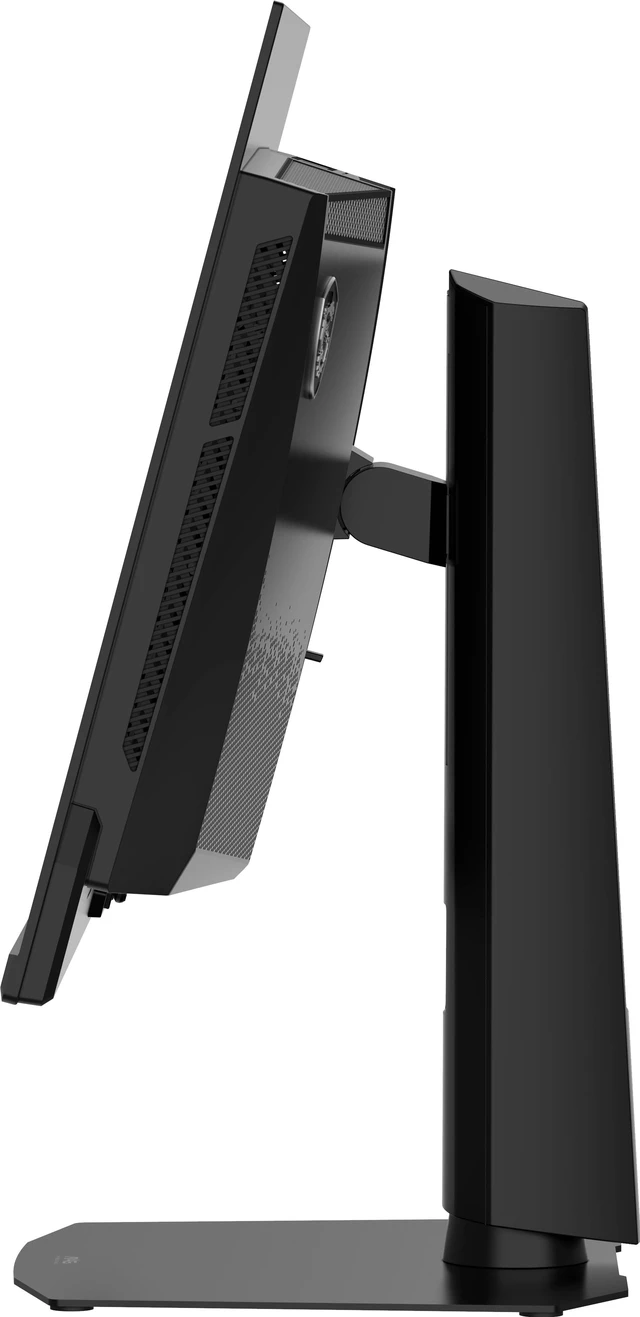
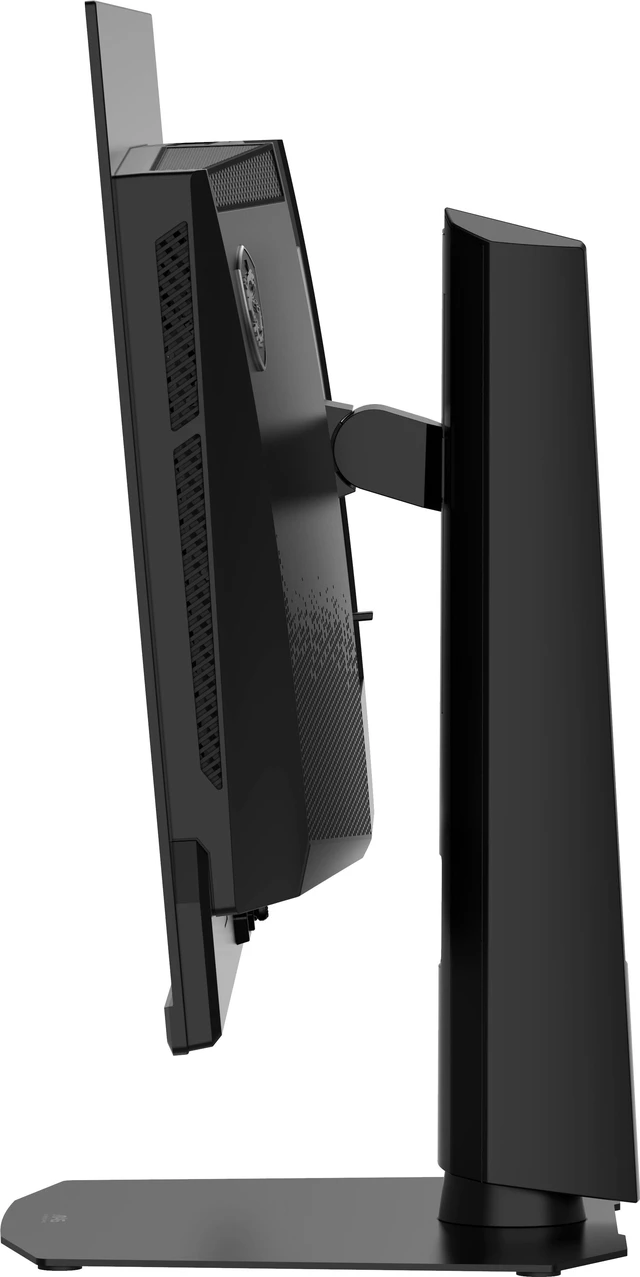
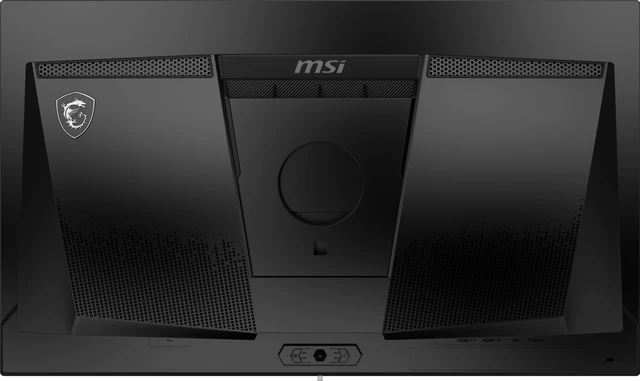
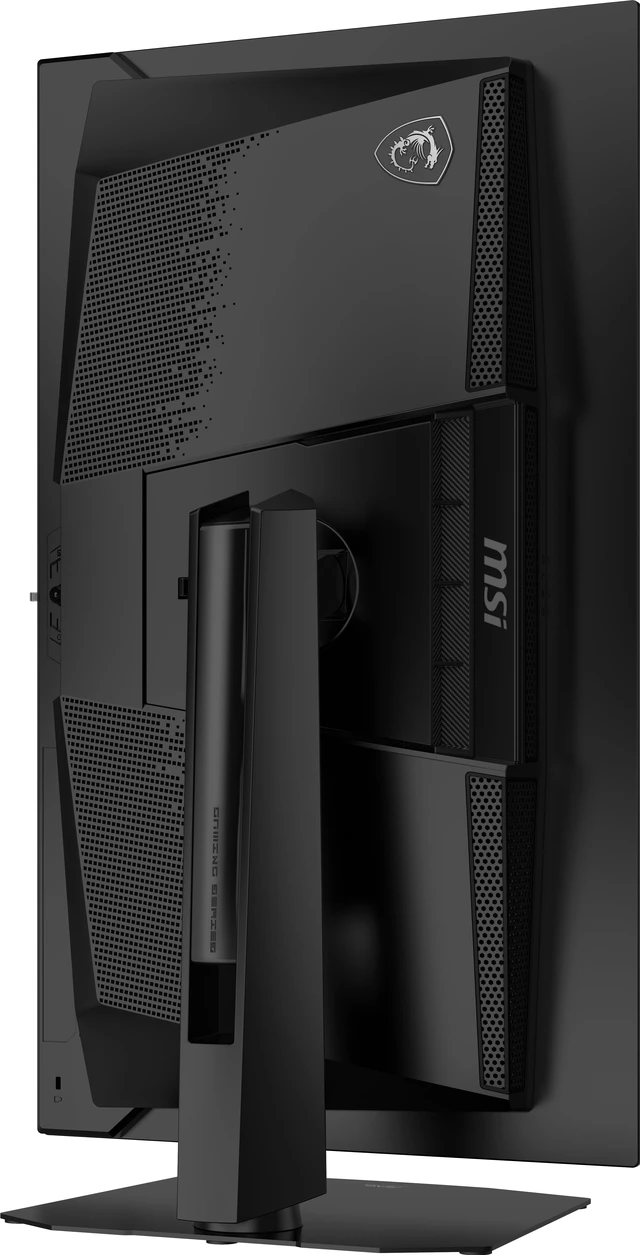
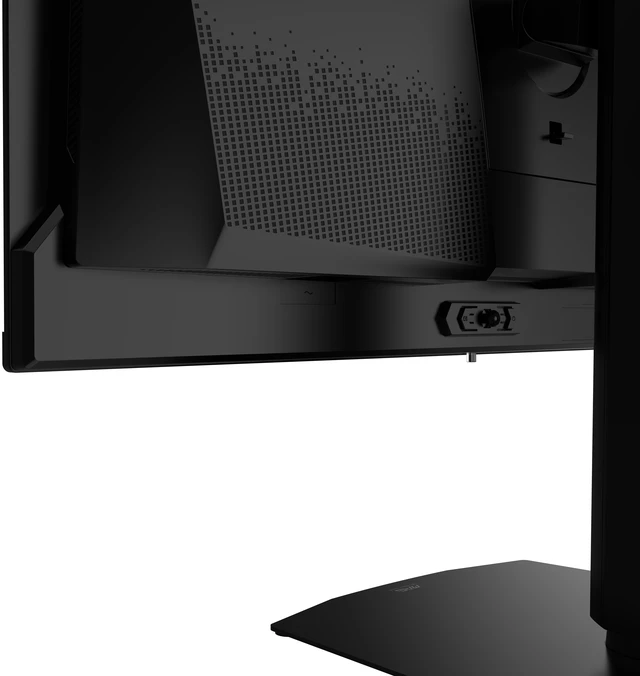
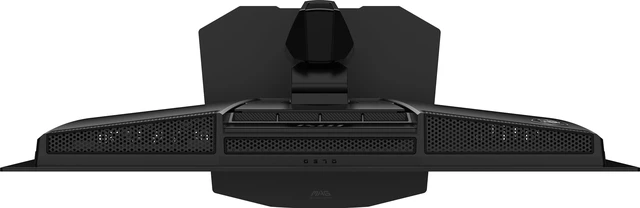


Stable Foundation, Durably Built
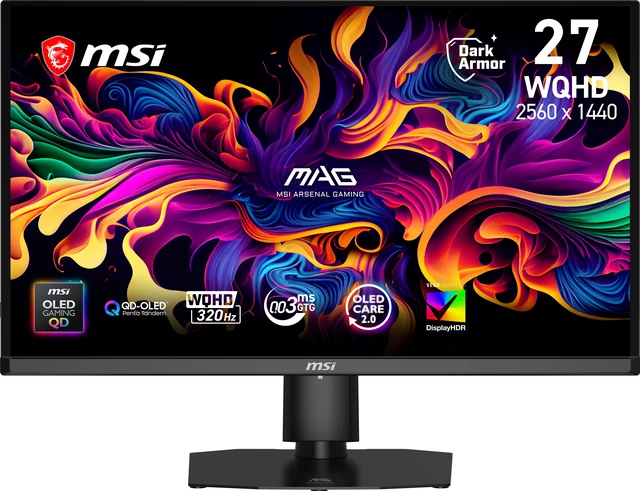
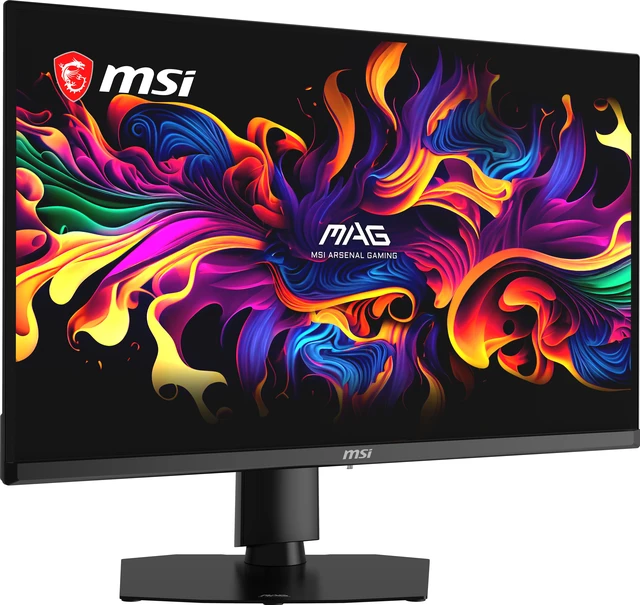
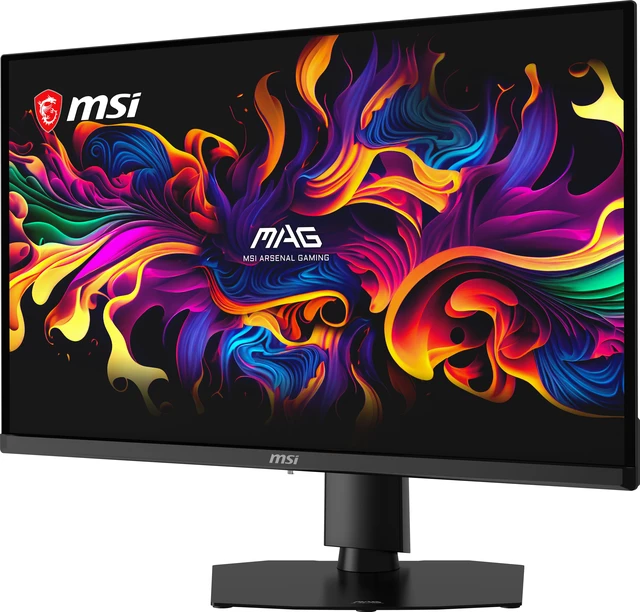
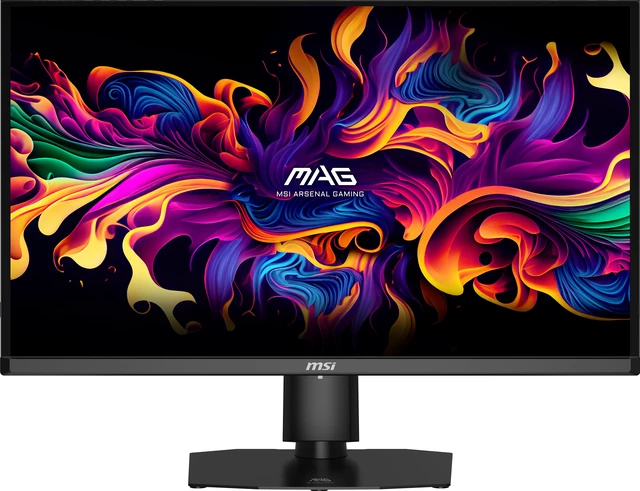
Equipped with a 27" WQHD (2560 x 1440) QD-OLED panel with a high 320 Hz refresh rate & an ultra-low 0.03ms response time, the MAG OLED 271QPX32 provides an outstanding image quality. The 4th-gen Tandem QD-OLED incorporates a 5-layer Tandem OLED architecture powered by EL Gen 3 technology, which boosts light efficiency by 30%. The MAG OLED 271QPX32 features AMD FreeSync Premium Pro technology, which matches the display & GPU refresh rates for ultra-smooth gameplay.

DarkArmor Film
This specialized film technology is designed to enhance light absorption and eliminate the distracting purple or reddish tints often visible on standard QD-OLEDs under ambient light. It boosts pure black levels by up to 40%, significantly improving contrast and delivering superior image performance. Furthermore, it upgrades the screen surface hardness from 2H to 3H, offering 2.5x better scratch resistance to effectively withstand daily wear and tear.

Uniform Luminance
Uniform Luminance minimizes ABL effects, ensuring smooth transitions between light and dark scenes in HDR movies and games, eliminating sudden brightness fluctuations.

VESA Certified DisplayHDR True Black 500
VESA Certified DisplayHDR True Black 500 monitors produce a consistently higher brightness range as well as superior detail in darker regions.
Enjoy realistic dynamic contrast by OLED pixel dimming control that mimics the human eye in the real world:
- Brightness : 300 nits typically (1300 nits at HDR peak)
- Dynamic Contrast Ratio : 1500000:1

Penta Tandem™
The QD-OLED panel integrates a 5-layer tandem structure with EL Gen 3 technology, boosting light efficiency by up to 30%. It sustains a peak HDR brightness of 1300 nits while reducing power consumption, ensuring brilliant visuals with superior light emission.

Super Low Motion Blur
Supports Super Low Motion Blur (SLMB) to significantly reduce ghosting and motion blur, ensuring fast-moving objects remain razor-sharp and easy to track. This technology inserts black frames between images to counteract image persistence, providing gamers with advanced motion clarity.
* Note: SLMB is available at 240Hz, 280Hz only and cannot be used simultaneously with VRR.

Personalized Color
Refine visuals with advanced color controls. Adjust saturation, six-axis color, and gamma to tailor color performance precisely to your viewing preferences.

MSI OLED Care 2.0
MSI OLED Care 2.0 provides several care services and significantly reduce the chances of OLED screen burn-in.(BOUNDARY DETECTION?TASKBAR DETECTION?MULTI-LOGO DETECTION)
- Pixel shift (movement)
- Panel protection (refresh)
- Static screen detection (dim)
MSI Gaming Intelligence offers a host of smart gaming features for an enhanced in-game experience.
MSI guarantees a 3-year warranty on OLED panels. Our 3-year warranty extends beyond typical coverage—it includes protection against burn-in.
* OLED Care 2.0 expands on the original OLED Care with static multi-logo & taskbar detection, as well as image boundary luminance calibration.
* This function is disabled when the monitor receives VRR (Variable Refresh Rate) content.

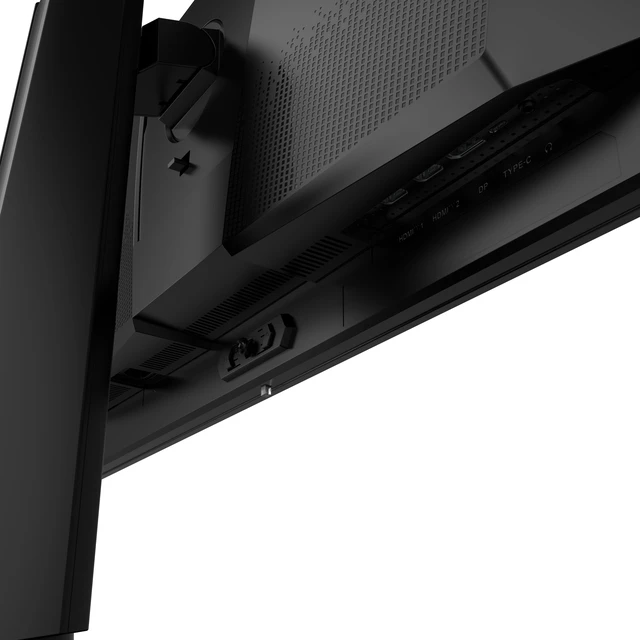
Complete Connectivity
PC console & laptop interface options include:
- DisplayPort 1.4a: 2560 x 1440 (320 Hz max.)
- 2 x HDMI™ (Supports 2560 x 1440@320Hz as specified in HDMI™2.1)
- USB Type-C (DP alt.): 2560 x 1440 with 15W power delivery (320 Hz max.)