




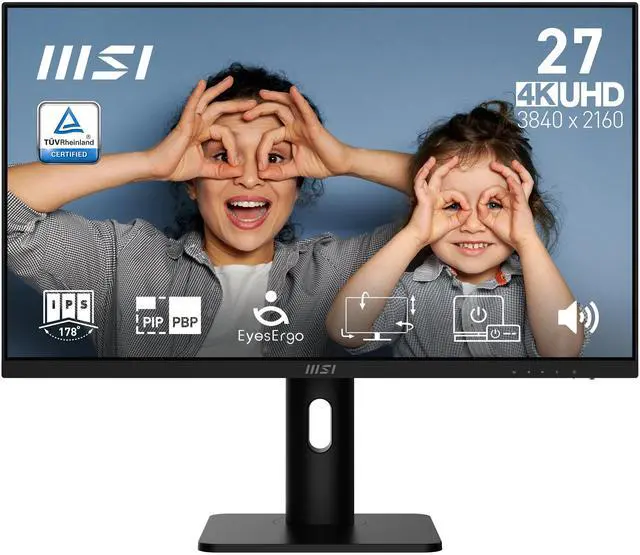
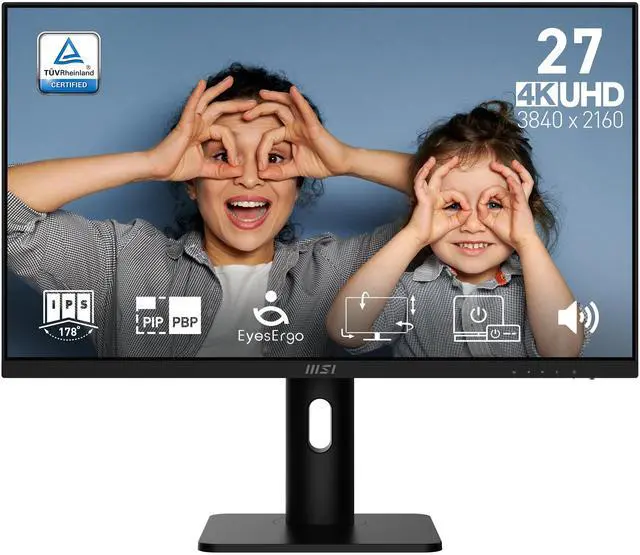
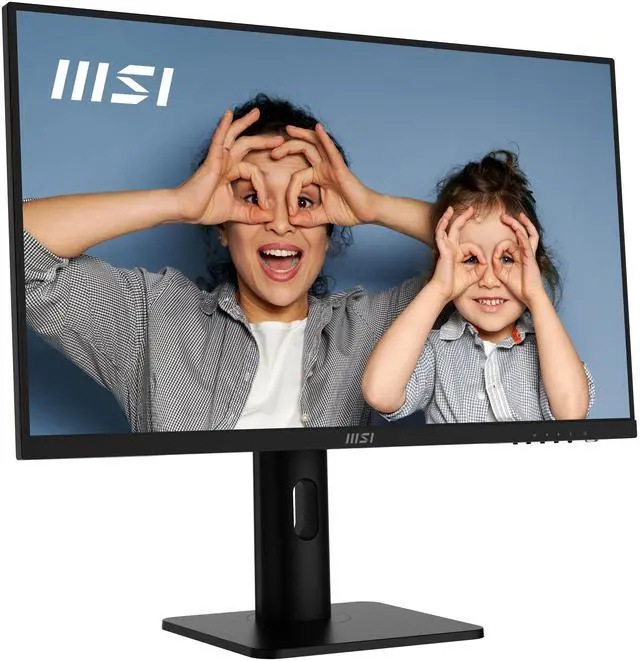
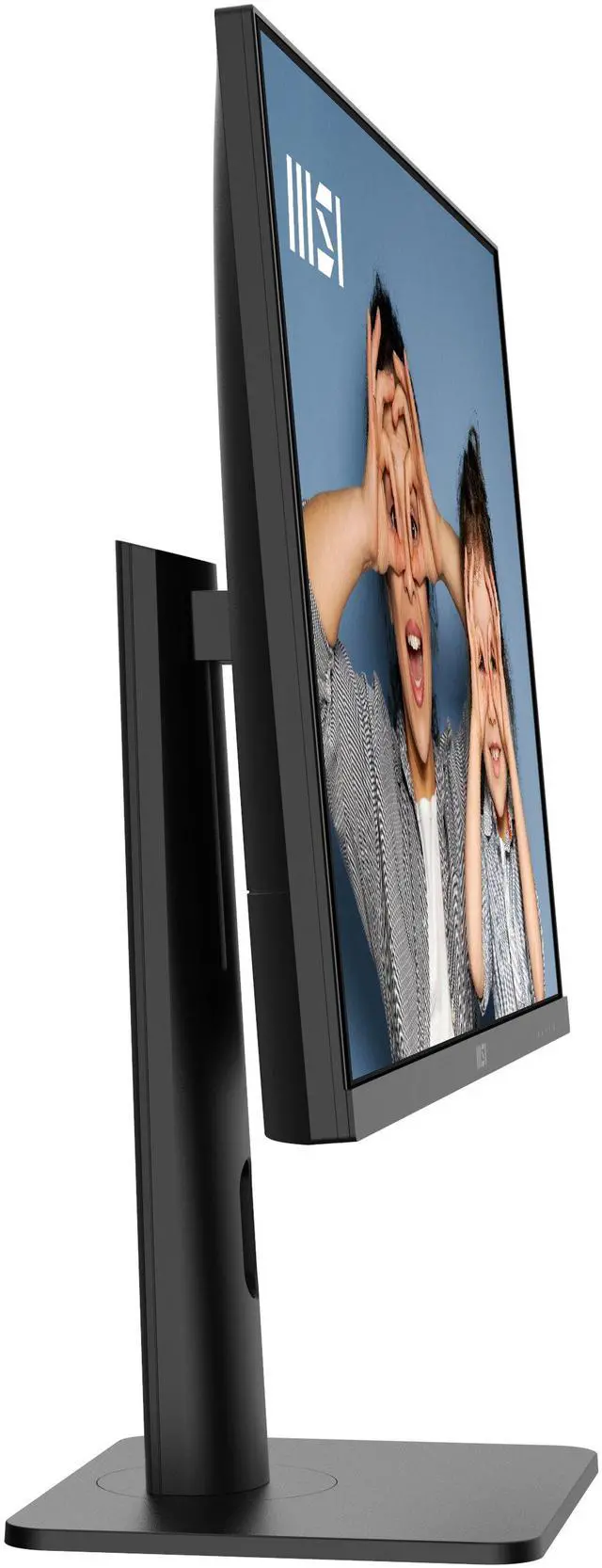
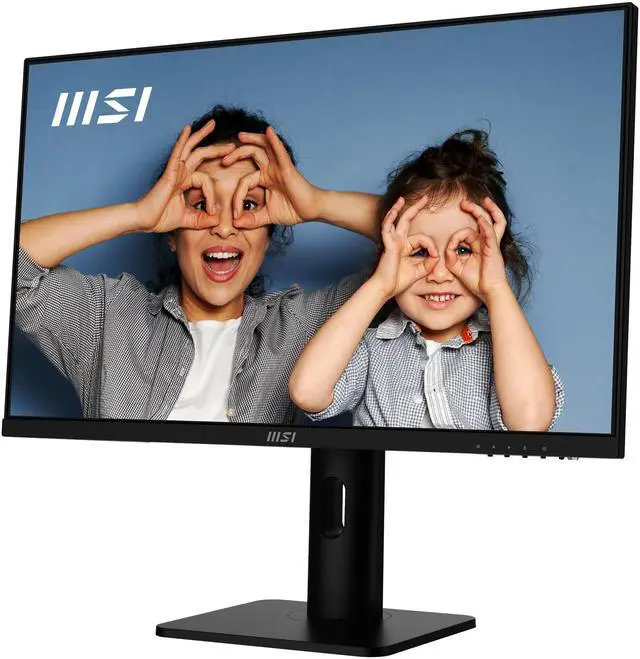
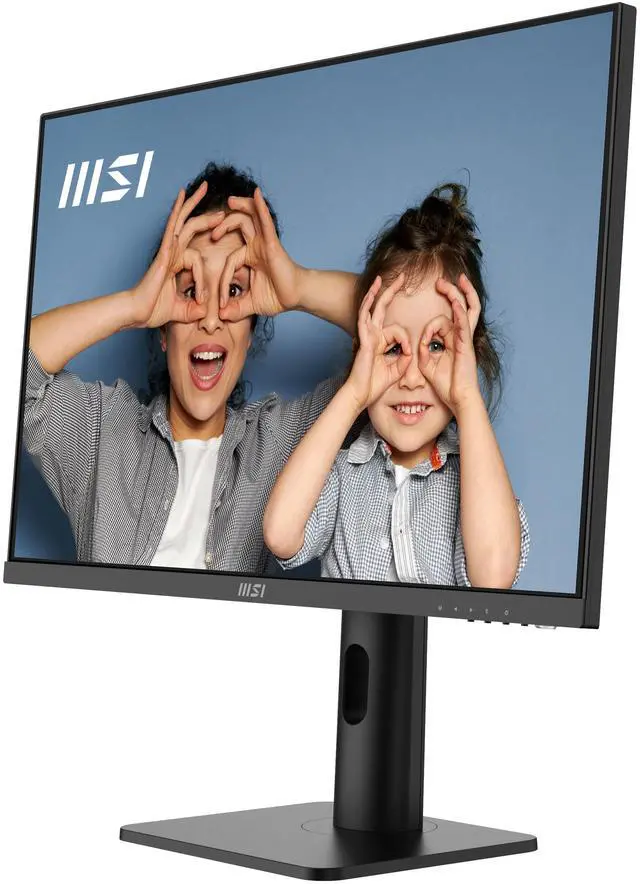
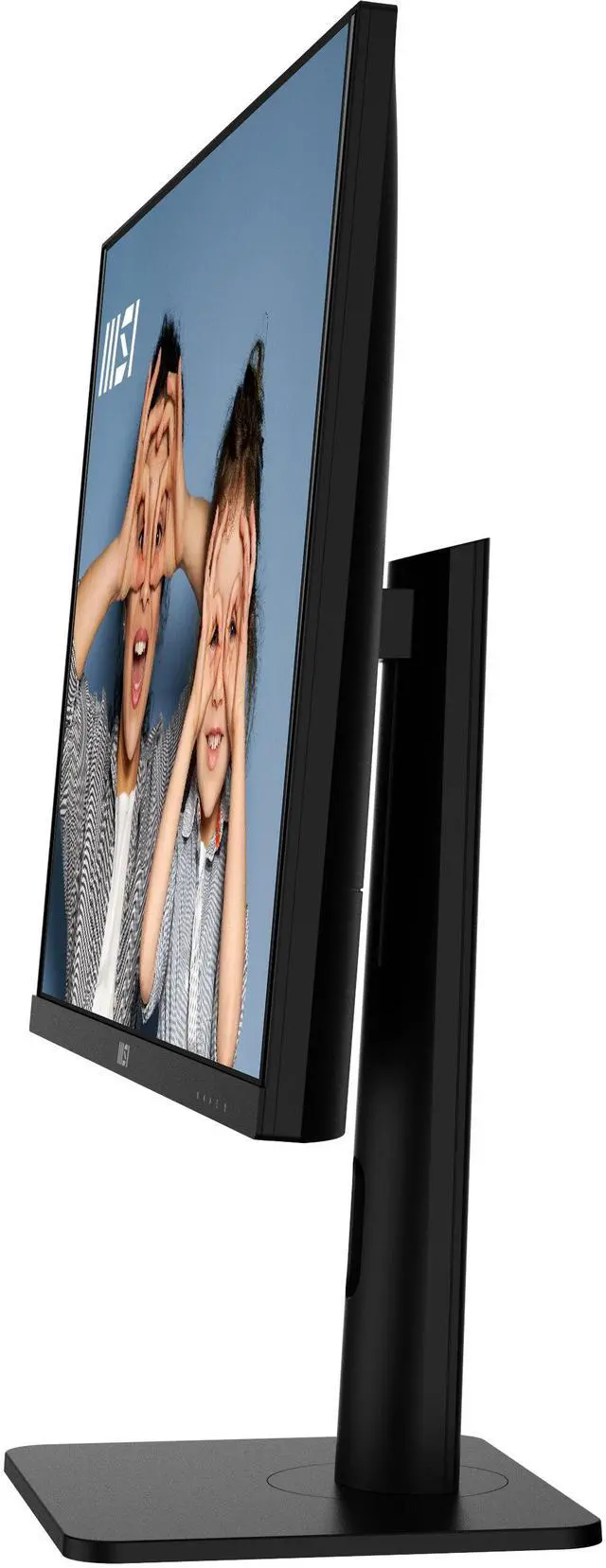
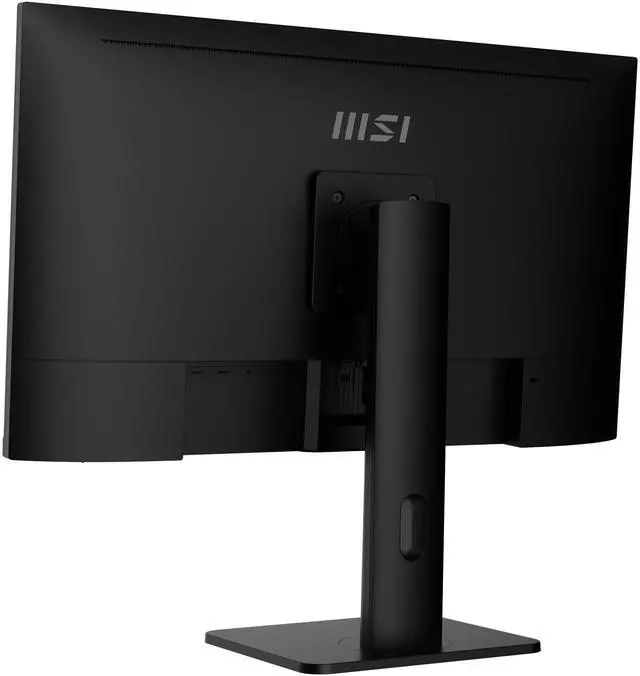
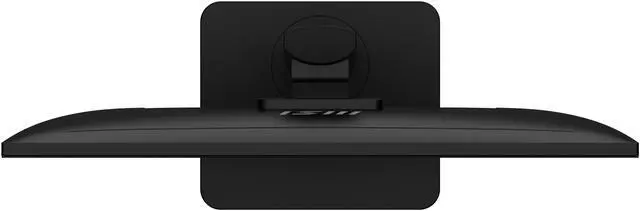
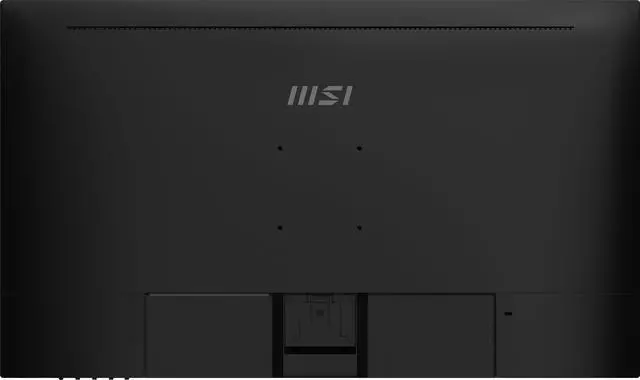
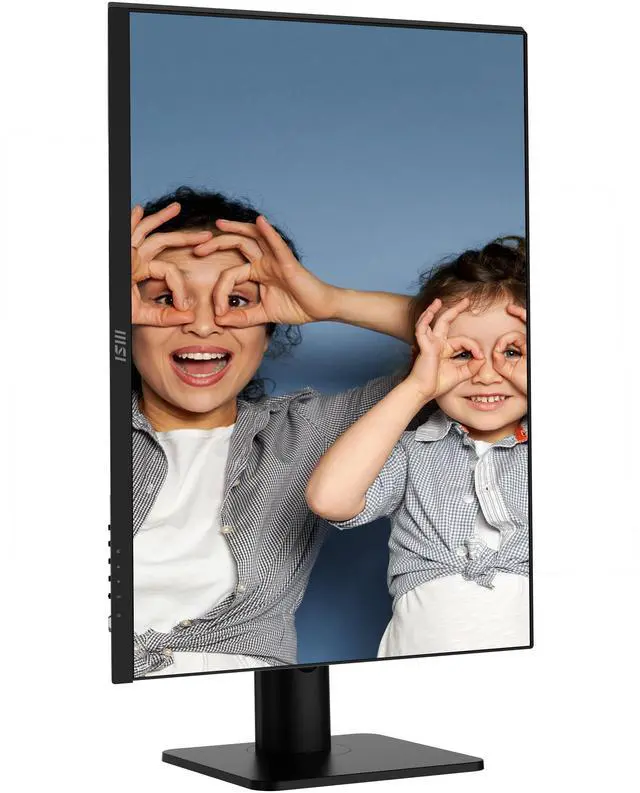


MSI 27" 60Hz IPS Monitor 4ms (GTG) Adaptive Sync Flat Panel PRO MP273UP E6
- 27"
- IPS
- 60Hz
- Adaptive Sync
- 1,000:1
- 1.07 Billion
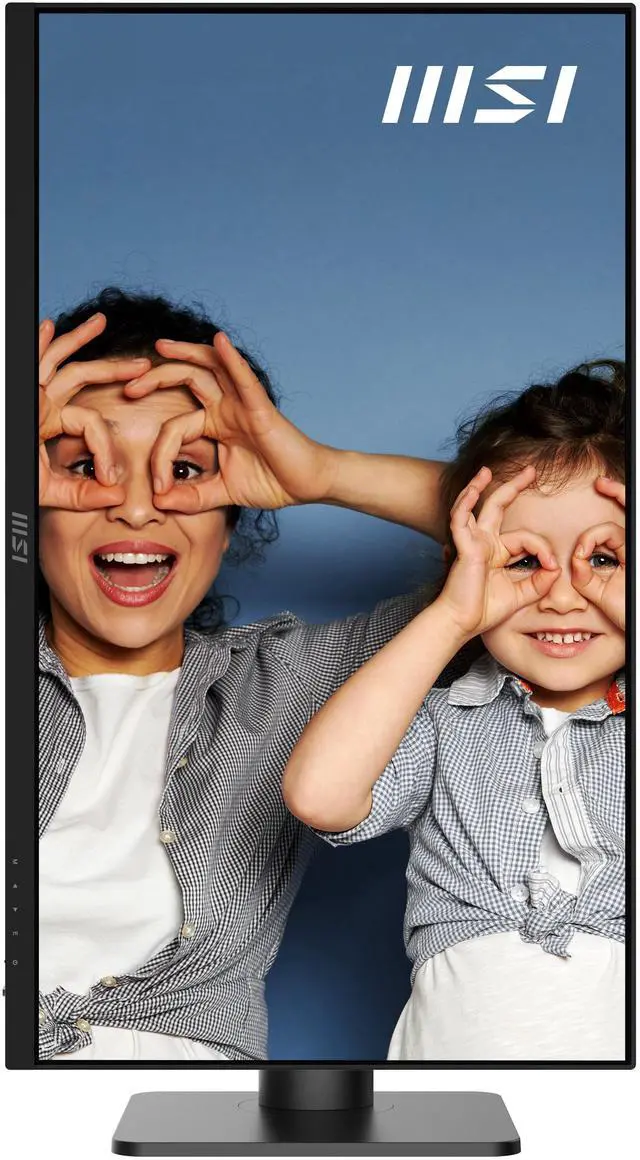
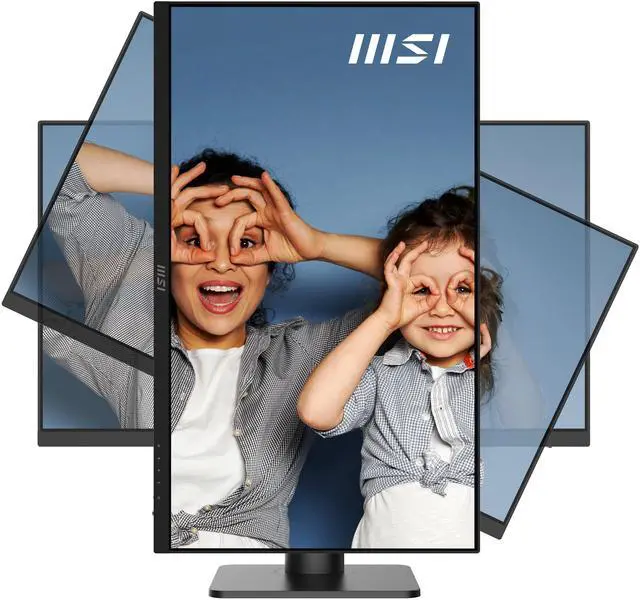
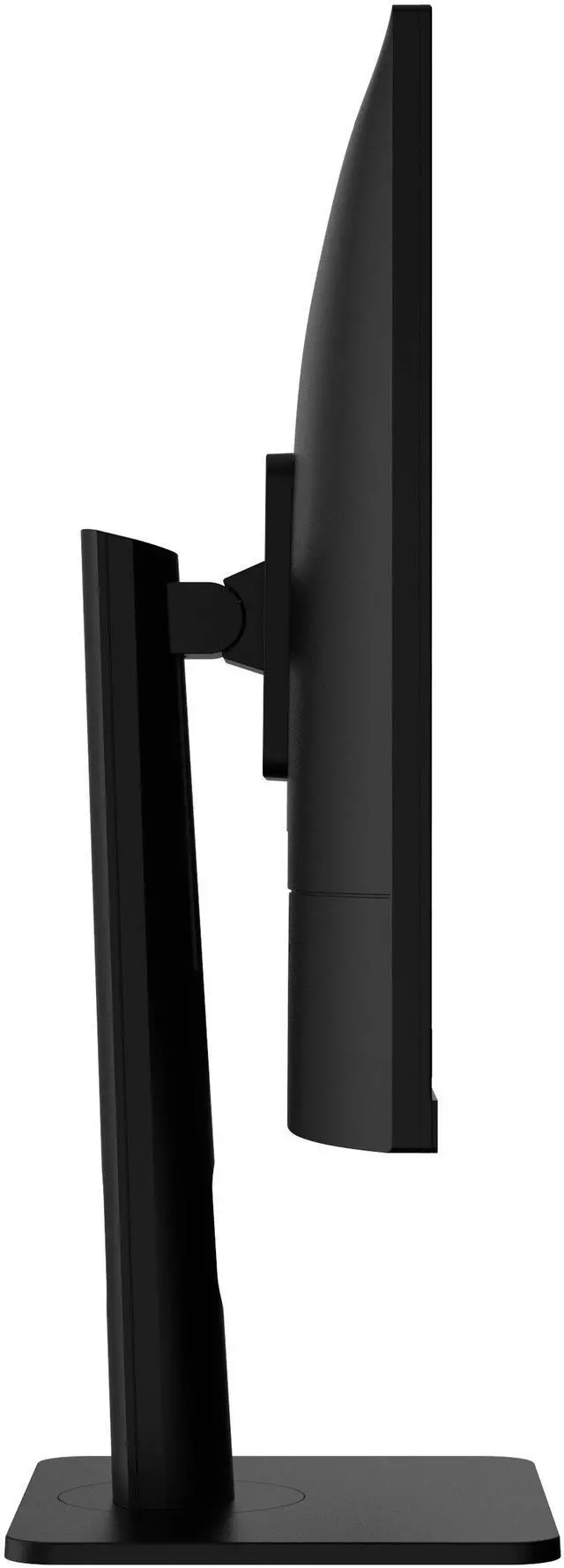
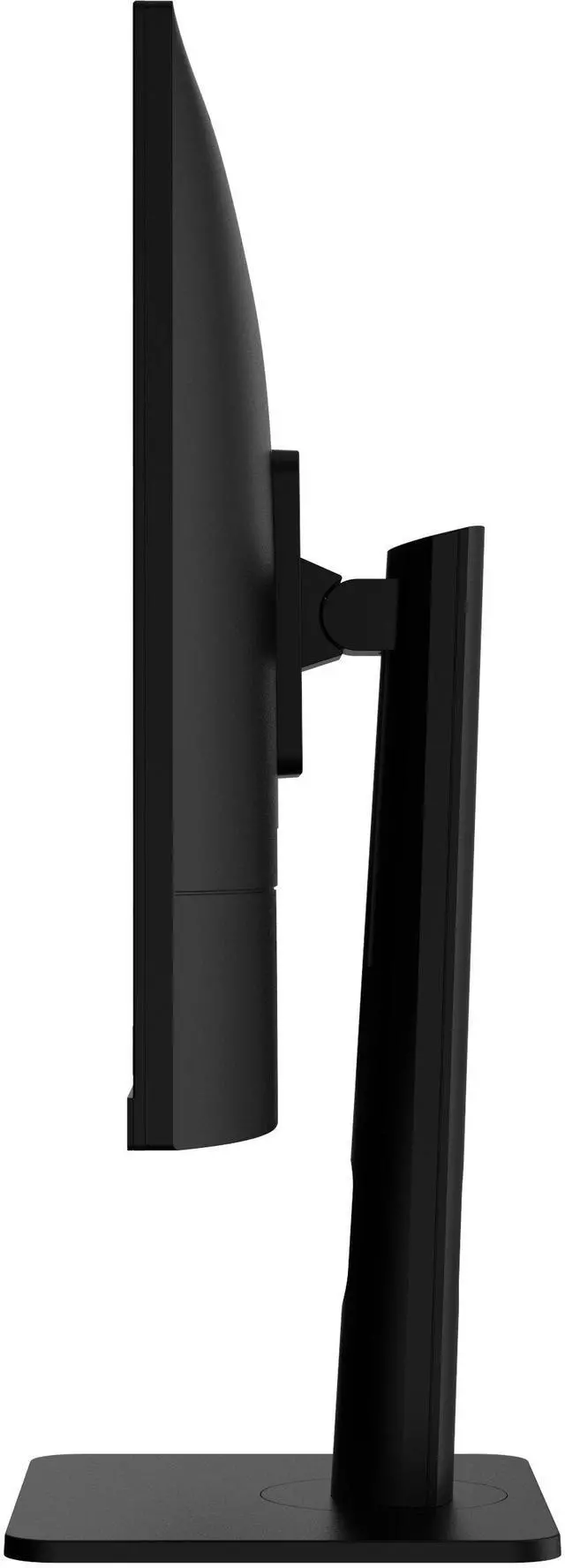
- Tilt -5°~20° Swivel -30°~30° Pivot -90°~90° Height 0~110 mm
- 1 x DisplayPort 1.4a / 2 x HDMI 2.0b
- 1x 1.5M HDMI Cable (2.0b), 1x Power Cord (Optional), 1x Power Adaptor, 1x Quick Guide, 4x Stand Screw
+
+
Specs
Reviews
Learn more about the MSI PRO MP273UP E6
| Best Seller Ranking | #73 in Computer Monitor |
|---|
| Brand | MSI |
|---|---|
| Model | PRO MP273UP E6 |
| Cabinet Color | Black |
| Screen Size | 27" |
|---|---|
| Glare Screen | Anti-glare |
| Widescreen | Yes |
| Resolution | 3840 x 2160 (4K) |
| Refresh Rate | 60Hz |
| Viewing Angle | 178° (H) / 178° (V) |
| Monitor Pixel Density | 0.1554mm |
| Display Colors | 1.07 Billion |
| Brightness | 300 cd/m2 |
| Contrast Ratio | 1,000:1 |
| Aspect Ratio | 16:9 |
| Response Time | 4ms (GTG) |
| Panel | IPS |
| HDR Standard | HDR Ready |
| Adaptive Sync Technology | Adaptive Sync |
| Curved Surface Screen | Flat Panel |
| Video Ports | 1 x DisplayPort 1.4a / 2 x HDMI 2.0b |
|---|---|
| Headphone | 1 x Headphone-out |
| Power Supply | 100 - 240 VAC, 50/60Hz, External Adaptor 12V 4A |
|---|
| Stand Adjustments | Tilt -5°~20° Swivel -30°~30° Pivot -90°~90° Height 0~110 mm |
|---|---|
| Built-in Speakers | Yes |
| Built-in Webcam | No |
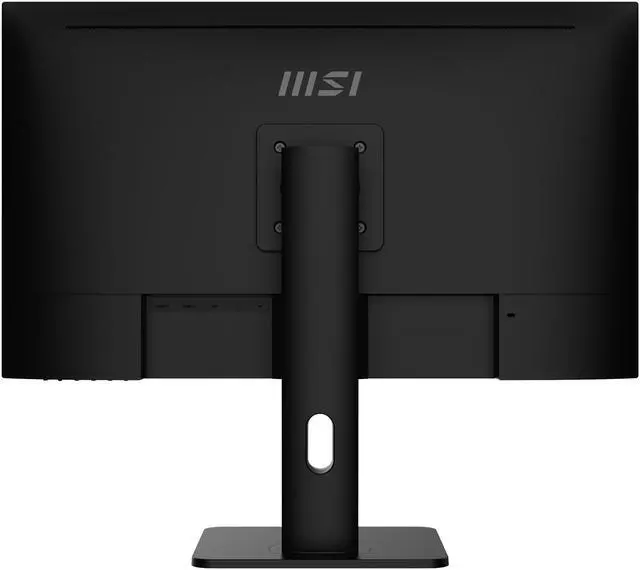
| VESA Compatibility - Mountable | 75 x 75mm |
| Dimensions | 16.28" x 24.15" x 7.91" with stand 14.27" x 24.15" x 1.91" without stand |
|---|---|
| Weight | 12.68 lbs. |
| Package Contents | 1x 1.5M HDMI Cable (2.0b), 1x Power Cord (Optional), 1x Power Adaptor, 1x Quick Guide, 4x Stand Screw |
|---|
| First Listed on Newegg | May 02, 2026 |
|---|
Warranty & Returns
Warranty, Returns, And Additional Information
Warranty
- Limited Warranty period (parts): 1 year
- Limited Warranty period (labor): 1 year
- Read full details
Return Policies
- Return for refund until: January 31, 2027
- Return for replacement until: January 31, 2027
- This item is covered by Newegg.ca's Extended Holiday Return Policy.
- Read full return policy for details.
We want to ensure your holiday shopping this year is hassle-free. That’s why we’re automatically extending our return policies on almost every product! For purchases placed between November 1st, 2026 and December 31, 2026 you will have until January 31, 2027 to return your product.
Manufacturer Contact Info
- Manufacturer Product Page
- Manufacturer Website
- Support Phone: 1-626-271-1004
- Support Website
- View other products from MSI
LOADING...
The MSI PRO MP273UP E6 is a 27-inch 4K IPS monitor with a 60Hz refresh rate, suited to office work, study, and detailed everyday viewing where sharp resolution and wide viewing angles matter more than high-refresh gaming.
Recommended For
- Office and remote workers who keep spreadsheets, documents, or browser windows open side by side and want a sharp 27-inch 4K workspace.
- Programmers and readers who regularly work with long code files, websites, or documents and want to rotate the screen vertically without buying a separate stand.
- Hobbyist photo and video editors who want a detailed 4K preview and wide-gamut color coverage, but do not require a verified reference display for color-critical delivery.
- Desk users who switch among a computer and other HDMI or DisplayPort devices, or want to view two connected sources at once using PIP/PBP.
- People who want a work-focused monitor for everyday viewing and occasional gaming, and are comfortable with a 60Hz refresh rate.
Real-World Use Scenarios
- For a home-office day of spreadsheets, documents, and browser tabs, the 27-inch 4K screen gives you a detailed workspace for reading and arranging content; small interface text may need scaling to suit your eyesight.
- When coding or working across multiple apps, you can use the high-resolution desktop to keep code, documentation, and reference windows visible together; picture-by-picture can also show two connected sources at once.
- For occasional photo work or personal design projects, the 4K image helps you inspect fine details, while its wide-gamut specifications support viewing a broader range of colors; color-critical professional work should still use a calibrated workflow.
- For video calls or remote meetings, it can serve as the larger screen for a connected computer, making shared documents and meeting windows easier to view; you’ll need a separate webcam because the monitor has none.
- For console play, streaming, or other casual entertainment at a desk, it can display a connected console or computer at 4K; its 60Hz refresh rate is better suited to casual play than high-refresh competitive gaming.
Spec Summary
| Attribute | Value |
|---|---|
| Best For | 4K desktop viewing on a 27-inch IPS display, with Adaptive Sync and an adjustable stand |
| Panel And Resolution | 27-inch flat IPS panel with 3840 x 2160 resolution, 16:9 aspect ratio, 178° horizontal and vertical viewing angles, and 0.1554 mm pixel density. Anti-glare screen with 300 cd/m² brightness, 1,000:1 contrast, 1.07 billion colors, and HDR Ready support |
| Refresh Rate And Response | 60Hz refresh rate, 4ms GTG response time, and Adaptive Sync |
| Ports And Connectivity | 1 x DisplayPort 1.4a, 2 x HDMI 2.0b, and 1 x headphone-out |
| Stand And Ergonomics | Adjustable tilt (-5° to 20°), swivel (-30° to 30°), pivot (-90° to 90°), and height (0–110 mm) |
| Audio And Webcam | Built-in speakers; no built-in webcam |
| Power | External 12V 4A adapter; accepts 100–240 VAC at 50/60Hz |
| Dimensions And Mounting | VESA 75 x 75 mm compatible; measures 16.28 x 24.15 x 7.91 inches with stand or 14.27 x 24.15 x 1.91 inches without stand; weighs 12.68 lb |
| Included Accessories | 1.5 m HDMI 2.0b cable, power adapter, optional power cord, quick guide, and four stand screws |
| Model Identifiers | MSI PRO MP273UP E6, black |
Reference Q&A
Q: MSI PRO MP273UP E6 vs. PRO MP273U: which is more adjustable for a desk setup?
A: Both are 27-inch 4K, 60Hz IPS monitors. Choose the PRO MP273UP E6 if you want height, swivel, and pivot adjustments or Picture-in-Picture and Picture-by-Picture modes for viewing multiple sources. The PRO MP273U is another option with the same core screen size, resolution, and refresh rate.
Q: MSI PRO MP273UP E6 vs. MAG 274UPF: which fits work and gaming better?
A: Choose the PRO MP273UP E6 for a 27-inch 4K productivity setup with an adjustable stand and PIP/PBP for viewing multiple sources. Choose the MAG 274UPF if a higher refresh rate is the priority: MSI specifies 4K resolution at up to 144Hz and positions it as a gaming monitor.
Q: MSI PRO MP273UP E6 vs. PRO MP275Q: should I choose 4K or 100Hz QHD?
A: Choose the PRO MP273UP E6 for 4K resolution (3840 × 2160) and its adjustable stand; choose the PRO MP275Q for a 100Hz refresh rate at QHD resolution (2560 × 1440). The decision comes down to prioritizing greater resolution or a higher refresh rate.
Q: Is this monitor suitable for office work, studying, and everyday multitasking?
A: Yes. Its 27-inch 4K IPS display, 60Hz refresh rate, and height-, tilt-, swivel-, and pivot-adjustable stand suit typical office, study, and multitasking use. It has no built-in webcam, so video calls require a separate camera.
Q: Does it have built-in speakers or a webcam for video meetings?
A: It has built-in speakers and a headphone output, but no built-in webcam. You can use the speakers for basic audio and connect a separate camera for video meetings.
Q: Can I connect both a laptop and a desktop to it?
A: Yes. It has two HDMI 2.0b inputs and one DisplayPort 1.4a input, so you can connect compatible devices to different ports and select an input. It does not list USB-C connectivity, so a laptop without HDMI or DisplayPort may need an adapter.
Q: Is it a good choice for console gaming?
A: It can display compatible games at up to 4K and 60Hz and supports Adaptive Sync. Its 60Hz refresh rate makes it a less suitable fit for buyers who specifically want high-refresh-rate gaming, such as 120Hz gameplay.
Q: Can I adjust the screen position or mount it on a monitor arm?
A: Yes. The included stand supports height adjustment up to 110 mm, tilt, swivel, and portrait pivot. The monitor also supports 75 × 75 mm VESA mounting.
Q: Is the MSI PRO MP273UP E6 suitable for office work and coding?
A: It is a reasonable fit if you want a 27-inch 4K IPS screen for documents, coding, and general work and are comfortable with 60Hz. It has a height-adjustable, pivoting stand and HDMI and DisplayPort inputs, but no USB-C display input is listed. A Reddit discussion naming the MP273UP raises similar work-use and connectivity considerations.
Q: Is 27-inch 4K too small for everyday use?
A: The 4K resolution can make text and interface elements small at 100% scaling on a 27-inch screen. A Reddit owner of the closely named MP273U reported using 150% scaling to make text comfortable while retaining a sharp image. The best scaling depends on your eyesight and operating system.
Q: Is it a good choice for gaming?
A: It supports 4K at up to 60Hz and Adaptive Sync, so it may suit casual or slower-paced gaming where resolution matters more than high refresh rates. Choose a faster-refresh monitor if you prioritize smoother motion in competitive games. Reddit discussions about the MP273U also identify 60Hz as a gaming trade-off.
Q: Would it work for occasional photo editing?
A: It offers a 4K IPS panel and supports 1.07 billion display colors, which are useful features for viewing detailed images. The supplied information does not establish calibration accuracy, so treat it as a possible option for occasional editing rather than assuming it meets color-critical professional needs.