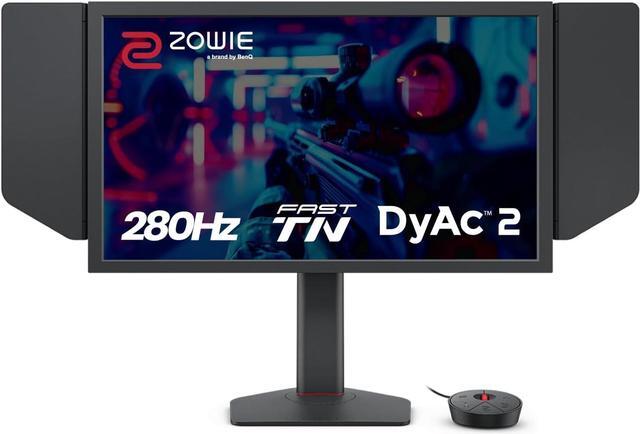
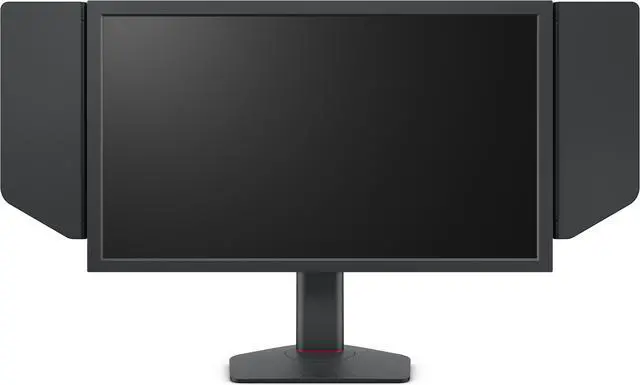
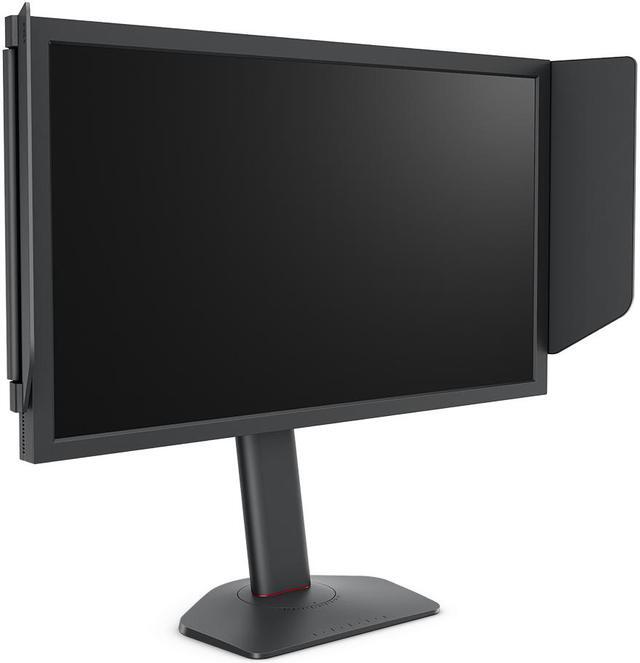
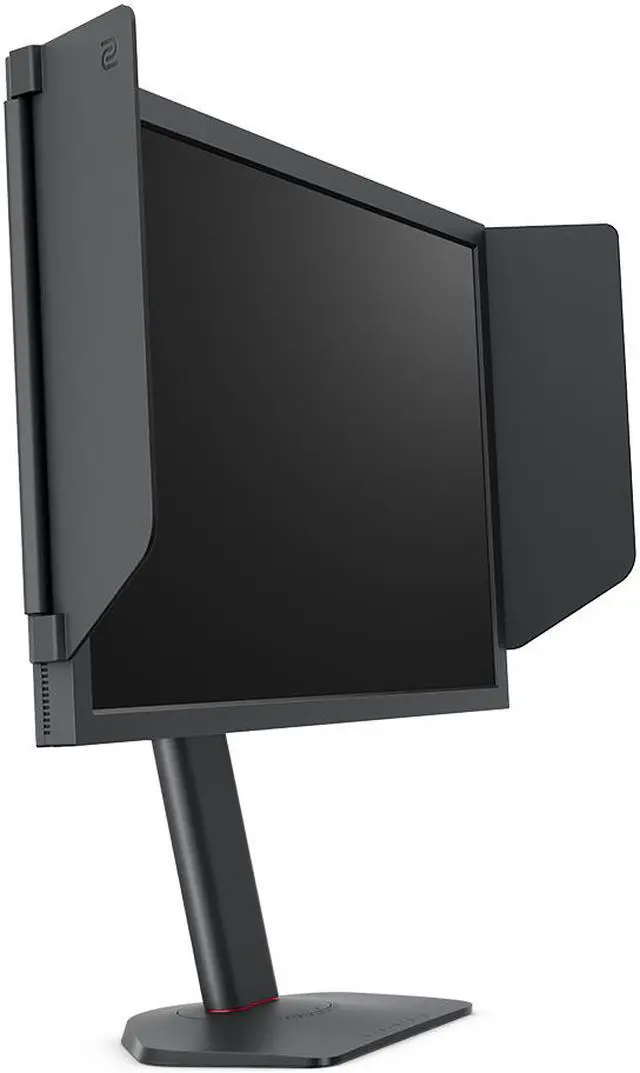
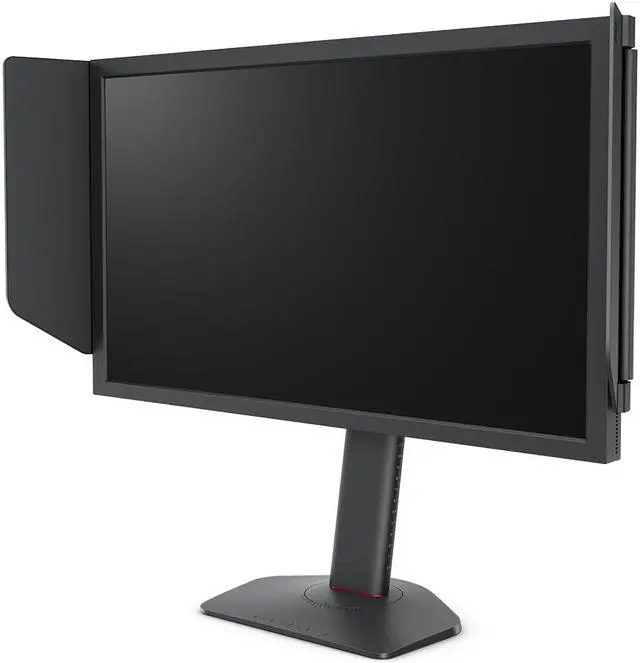
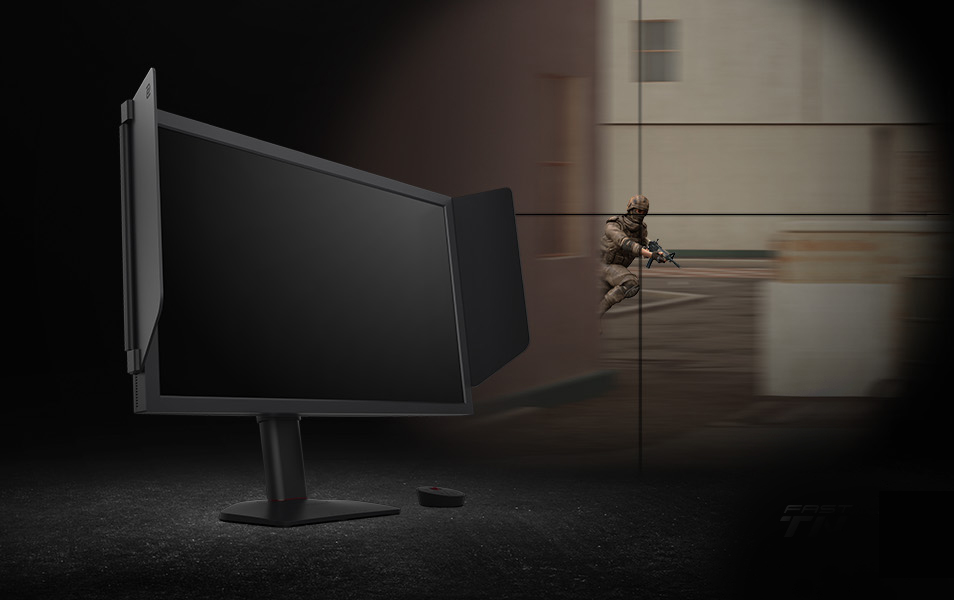
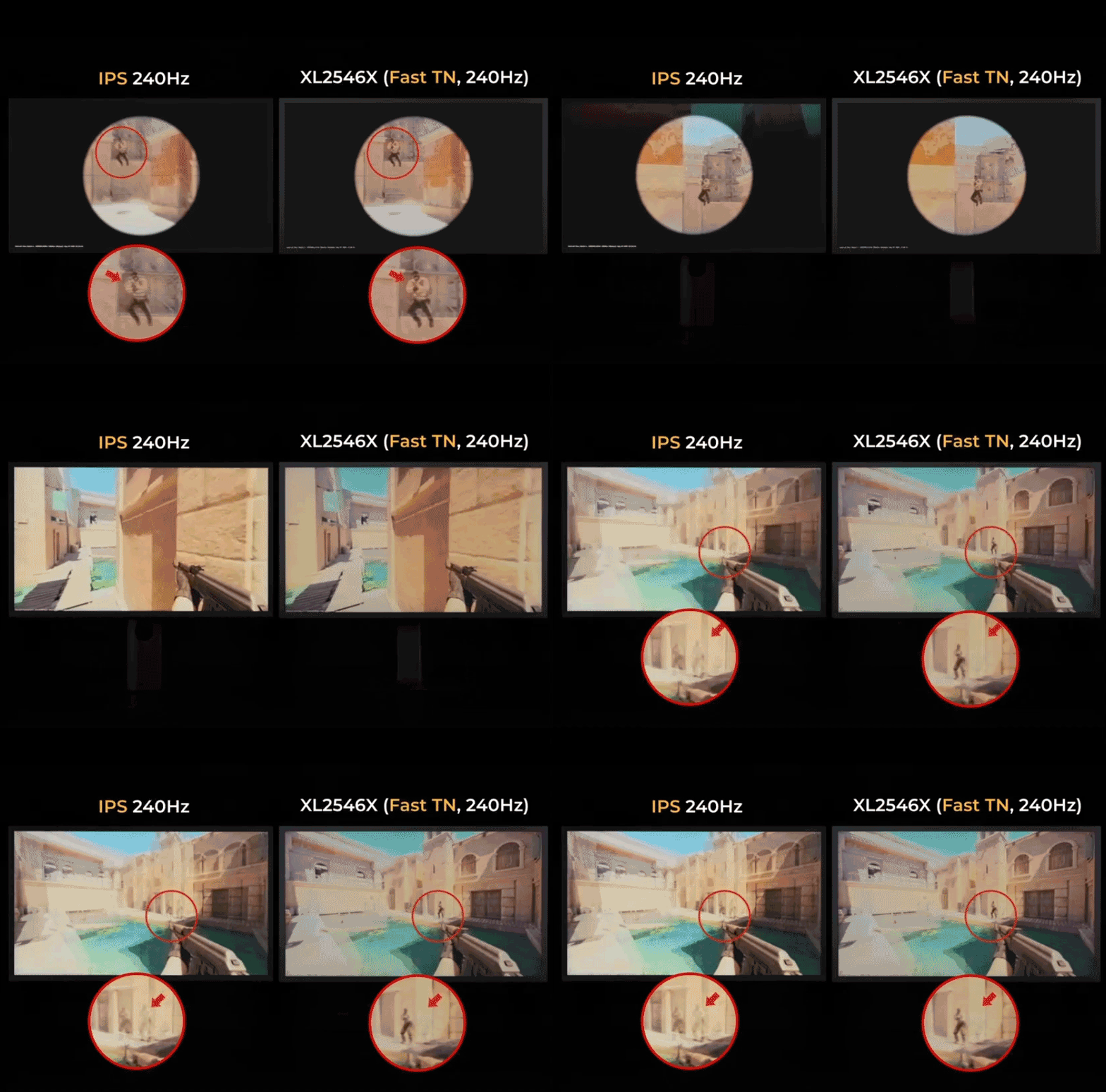
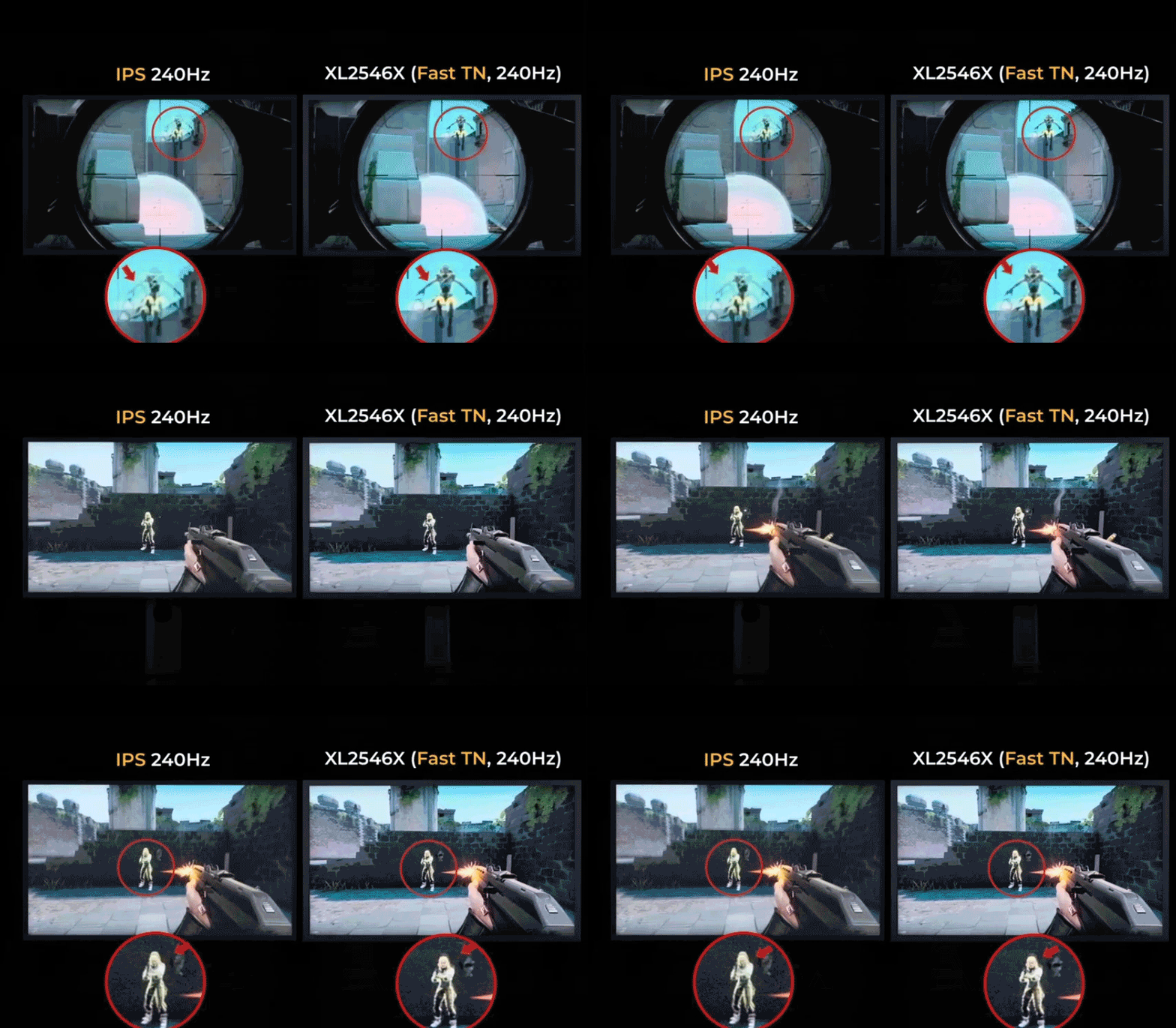
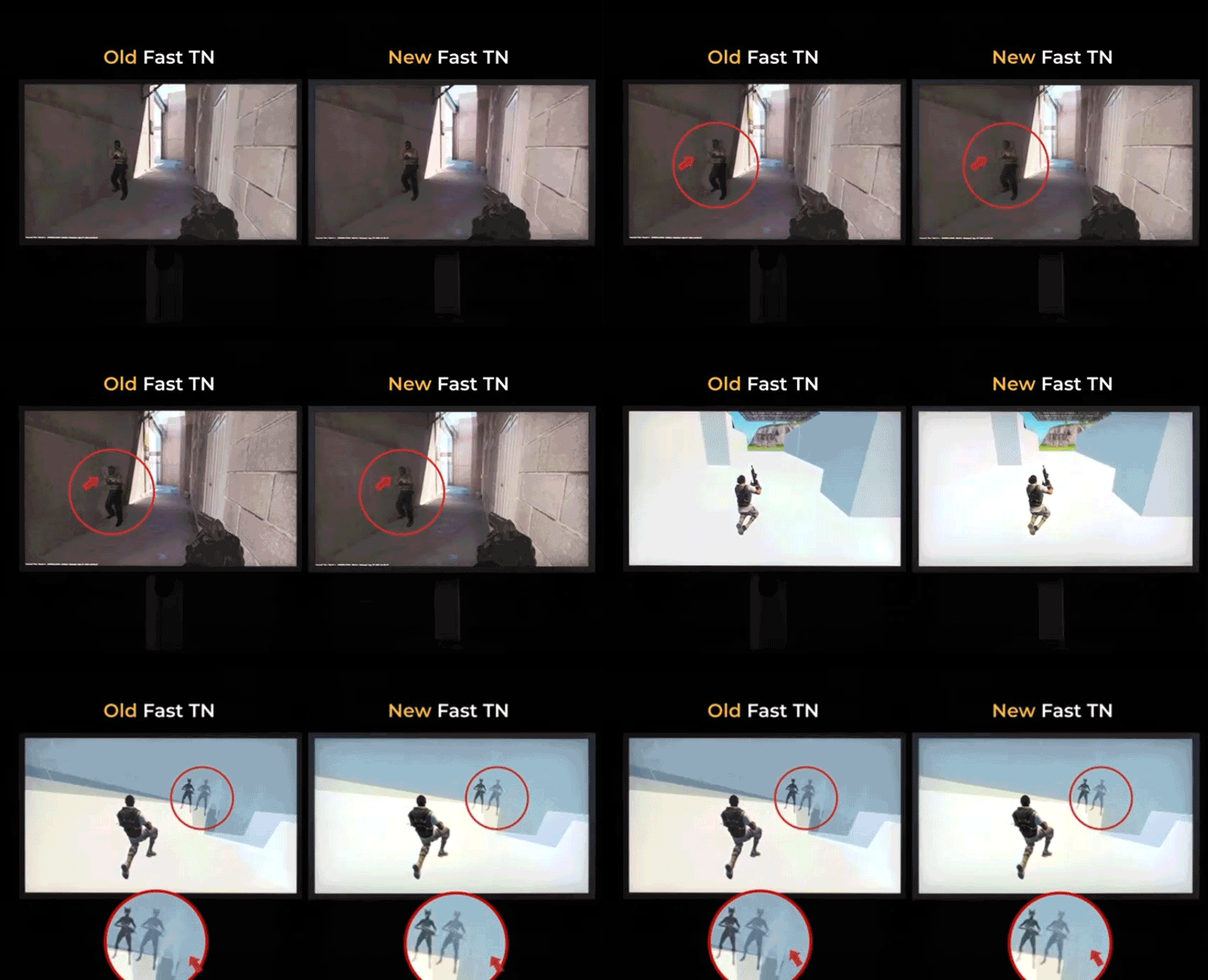
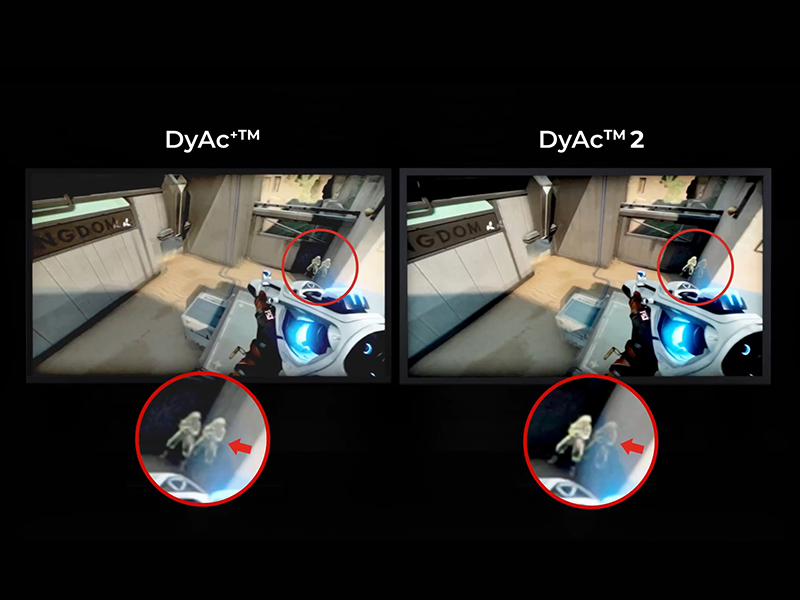
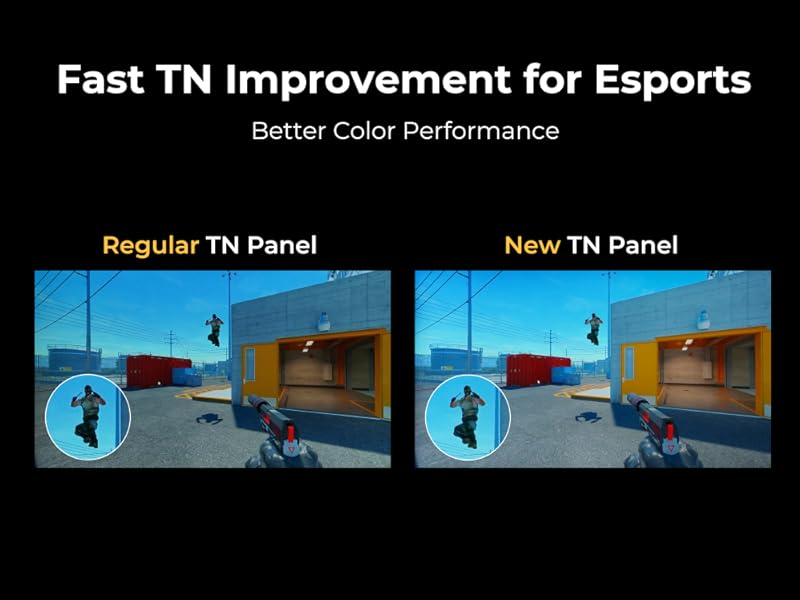
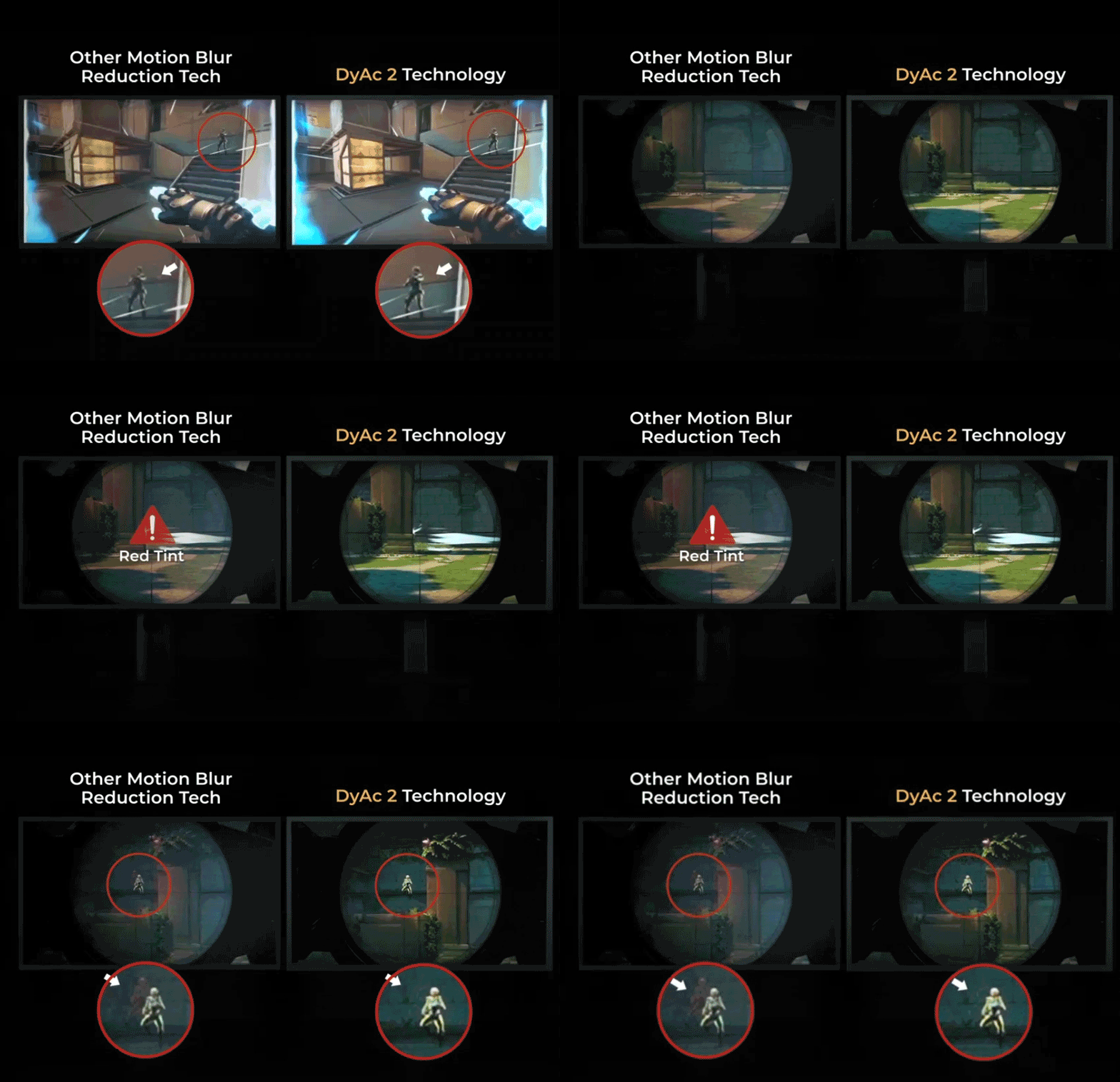
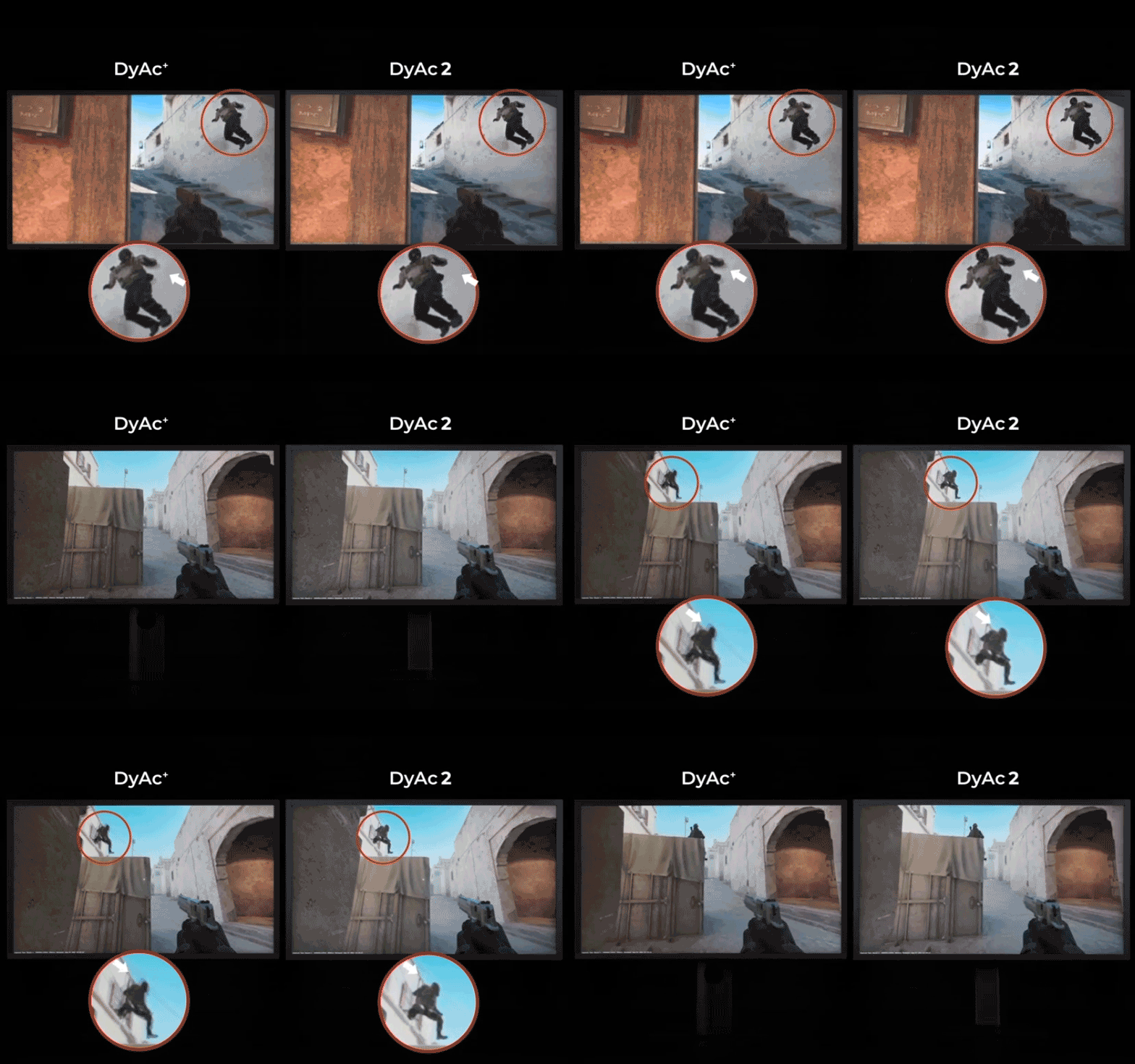
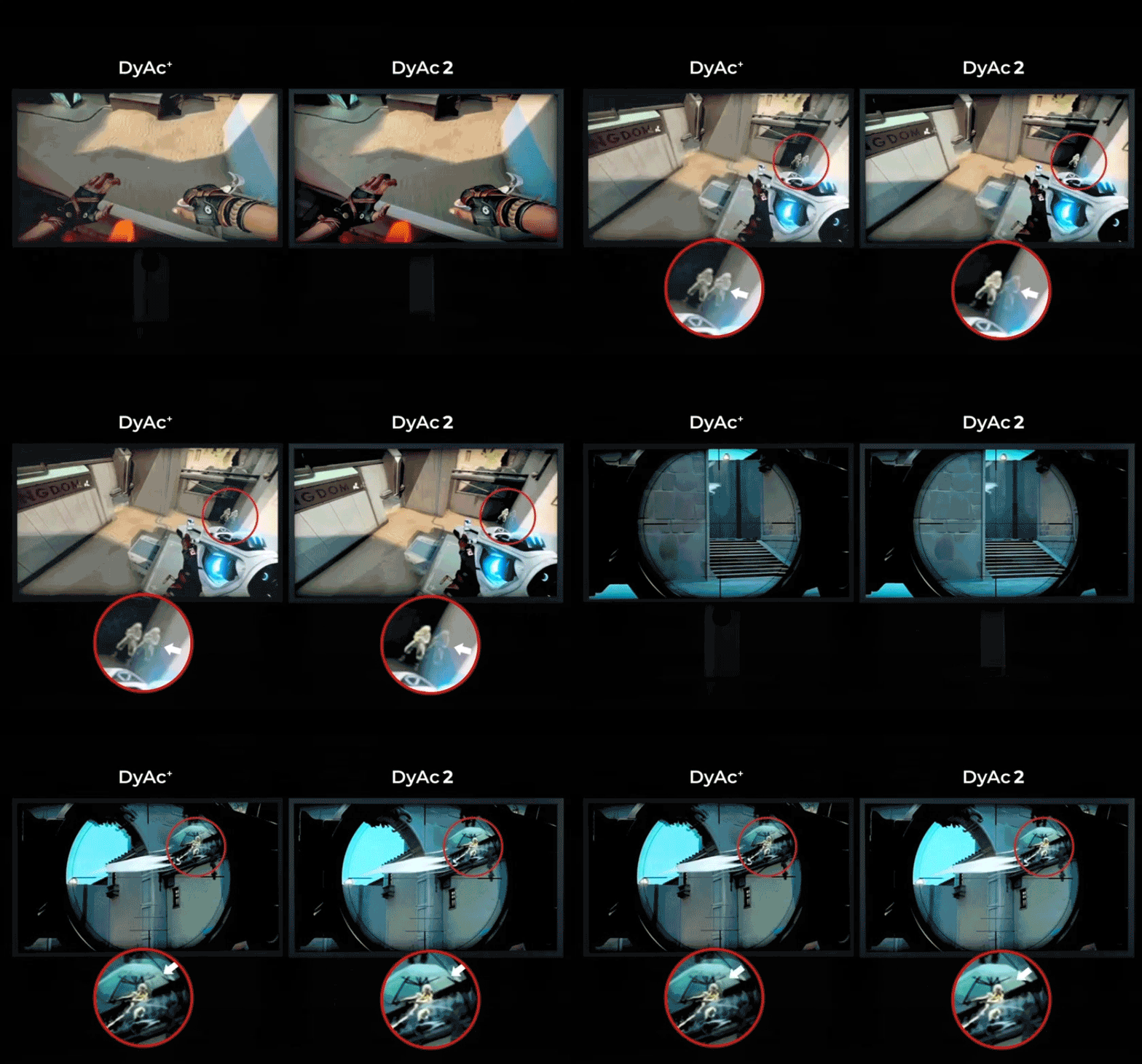
The BenQ Zowie XL2546X+ is a 24.1-inch 1080p Fast TN gaming monitor with a 280Hz refresh rate and DyAc 2 motion-clarity technology, suited to esports players who prioritize fast-paced competitive gameplay.
Recommended For
- Competitive PC FPS players who prioritize clear motion during fast turns and tracking in games such as VALORANT and CS2; DyAc 2 and the 280Hz panel are aimed at this kind of play.
- Players with a PC that can sustain high frame rates who want to use the monitor’s high-refresh performance in competitive matches; reaching refresh rates above 240Hz can call for a fast CPU and GPU.
- FPS players who regularly adjust or share game-specific display settings and want quick access to saved profiles using the S Switch and XL Setting to Share.
- Players who prefer a compact 24.1-inch, 1080p esports screen and sit directly in front of it rather than needing a large, shared-viewing display.
Real-World Use Scenarios
- In competitive CS2 or VALORANT matches, a player tracking strafing opponents or making quick aim corrections can use DyAc 2 to make moving targets appear clearer, which may make it easier to follow their position during a fight.
- During a tactical shooter round with flashbangs, the player can use the Fast-TN panel’s faster recovery from bright flashes to see the game scene—and potentially opponent outlines—sooner after the flash fades.
- On a dimly lit map, a player trying to spot opponents in shadowed areas can adjust Black eQualizer to make dark regions easier to see without changing the room lighting.
- When switching between supported games or saved display profiles, a player can use XL Setting to Share’s Auto Game Mode to reduce the need to change picture settings manually each time.
- For a dedicated PC esports setup, a player moving from a standard 60Hz screen is likely to notice smoother motion in fast games; the clearest benefit is in high-frame-rate play rather than cinematic visuals or HDR-focused games.
Spec Summary
| Attribute | Value |
|---|
| Best For | Esports and fast-paced gaming on a 24.1-inch 1080p display with a 280Hz refresh rate and DyAc 2 motion-clarity technology |
|---|
| Panel And Resolution | 24.1-inch flat Fast TN LCD panel with 1920 × 1080 resolution, 16:9 aspect ratio, and matte screen finish |
|---|
| Refresh Rate And Response | 280Hz refresh rate and 0.5ms response time for fast-moving gameplay |
|---|
| Image Quality And Gaming Features | 320 cd/m² brightness, 1000:1 contrast ratio, 98% sRGB color gamut, DyAc 2 motion-clarity technology, Black eQualizer, Color Vibrance, Low Blue Light, and flicker-free operation with DyAc 2 off |
|---|
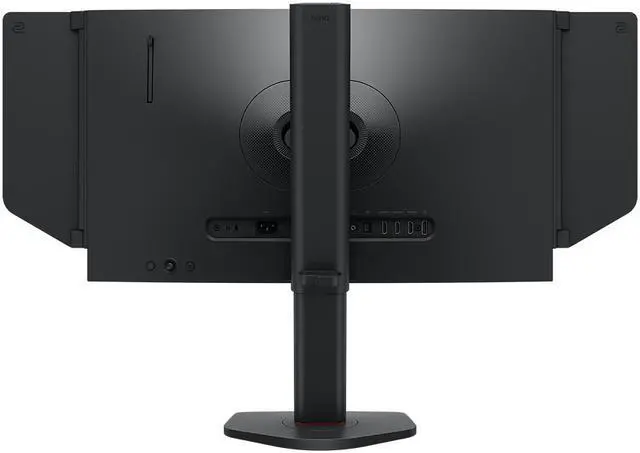
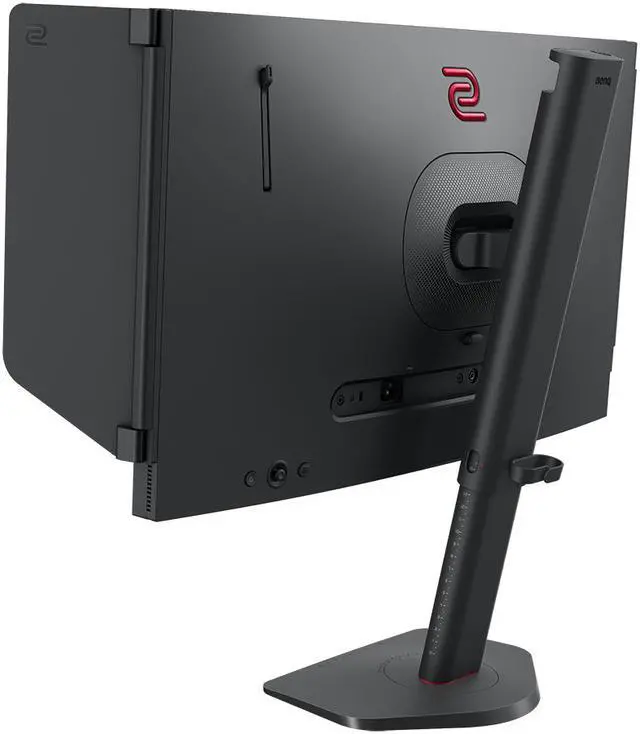
| Ports And Connectivity | 1 DisplayPort 1.2, 3 HDMI 2.0 ports, and headphone support for connecting a computer or gaming console |
|---|
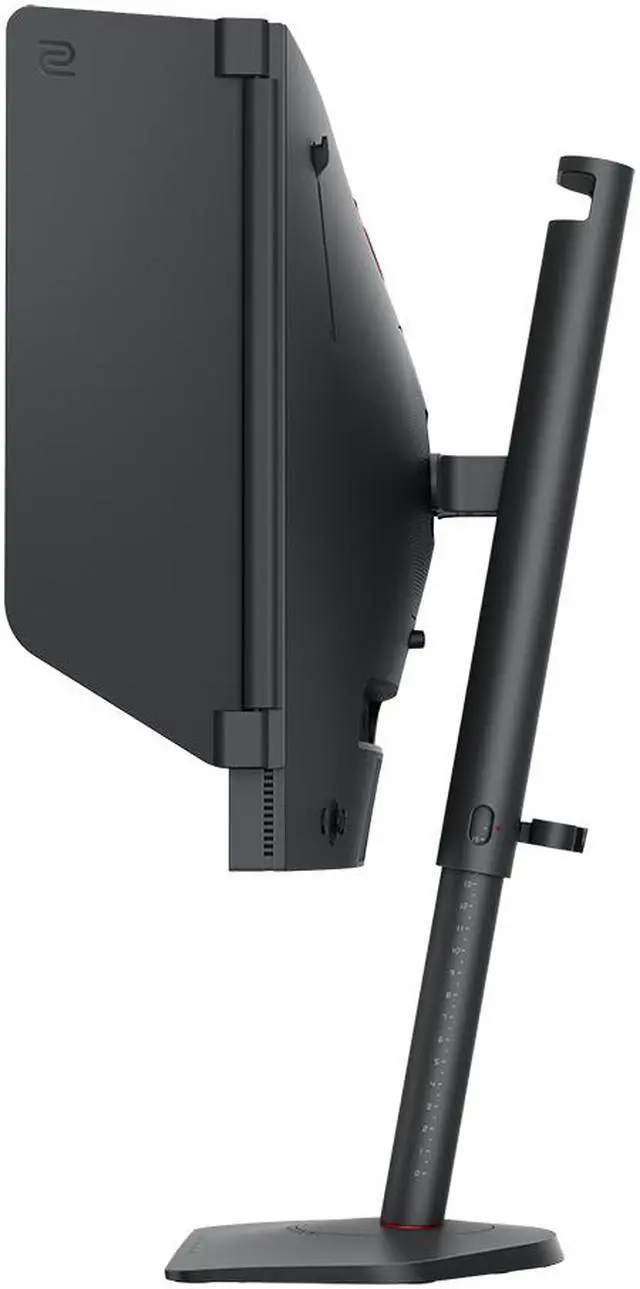
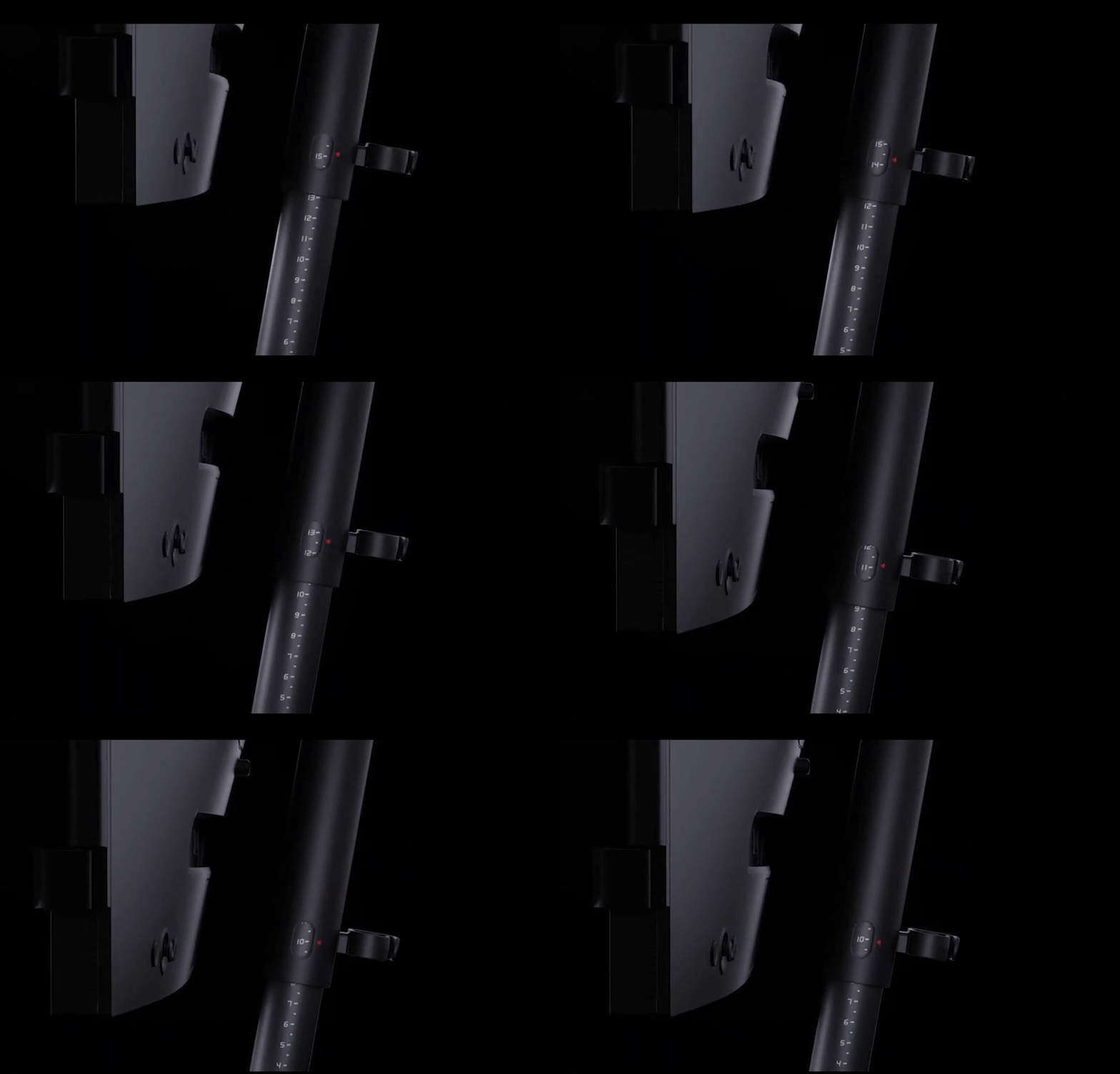
| Stand And Ergonomics | Swivels 45° left or right, tilts from -5° to 35°, and offers 155 mm of height adjustment; compatible with 100 × 100 mm VESA mounts |
|---|
| Controls And Convenience | Includes S Switch, XL Setting to Share with Auto Game Mode, Shield, and K Locker; button-based controls |
|---|
| Power | 100–240 VAC, 50/60Hz power supply with on-mode consumption under 65W |
|---|
| Physical Specifications | Black cabinet; dimensions are 14.25–20.35 × 22.68 × 8.23 inches and weight is 12.79 lb |
|---|
| Model Identifiers | BenQ Zowie XL2546X+ |
|---|
Reference Q&A
Q: Should I get the XL2546X+ or the older XL2546K?
A: Choose the XL2546X+ if you want the newer 280Hz model with DyAc 2. The XL2546K is 240Hz and uses DyAc+, so it remains a reasonable choice if you find it at a lower price and 240Hz meets your needs. Both are 1080p TN esports monitors with BenQ’s S Switch and shielding hood.
Q: Is the XL2566X+ worth choosing over the XL2546X+?
A: Choose the XL2566X+ if your PC can produce the frame rates you want and you prioritize a higher refresh rate: it supports 400Hz versus the XL2546X+’s 280Hz, while both are 24.1-inch, 1080p Fast-TN monitors with DyAc 2. The XL2546X+ is the more suitable fit if 280Hz is enough for your setup; the extra refresh rate alone does not establish that the XL2566X+ is worth its price difference.
Q: XL2540X+ or XL2546X+: which 280Hz Zowie should I buy?
A: Both are 24.1-inch, 1080p, 280Hz Fast-TN monitors. Choose the XL2546X+ if you want DyAc 2 motion-blur reduction; choose the XL2540X+ if you do not need that feature and prefer the model whose listed features include variable refresh rate without DyAc 2. Check current prices and your preferred motion settings before deciding.
Q: Is this monitor suitable for competitive PC gaming?
A: Yes. Its 280Hz refresh rate, 1080p resolution, Fast TN panel, and DyAc 2 motion-clarity feature suit competitive gaming. To benefit from 280Hz, the connected PC and game must be able to output a sufficiently high frame rate. Variable Refresh Rate is listed as available with DyAc 2 off.
Q: Can I use this monitor with a console, and will it run at 120Hz?
A: It has HDMI 2.0 inputs for connecting compatible consoles, but the maximum refresh rate depends on the console, game, and supported video mode. The listed 280Hz maximum should not be taken as a guarantee of 120Hz on every console setup; check the console’s output requirements before buying.
Q: Can I mount it on a monitor arm or adjust its height?
A: Yes. It supports 100 × 100 mm VESA mounting. Its included stand provides 155 mm of height adjustment, plus swivel from 45° left to 45° right and tilt from -5° to 35°.
Q: Does this monitor have built-in speakers?
A: No. The product’s Best Buy Q&A says it does not have built-in speakers. It has a headphone connection, so plan to use headphones or separate speakers for audio.
Q: Who is the XL2546X+ best suited for?
A: It is best suited to players who prioritize competitive FPS motion clarity and a high refresh rate. Reddit users describe the X+ series as a more focused choice for competitive shooters; its 24.1-inch, 1080p Fast TN panel is a more specialized fit than a general-purpose image-quality upgrade.
Q: Is 280Hz enough if my PC gets around 320–350 FPS?
A: The XL2546X+ supports up to 280Hz, so it is a reasonable match if you are choosing based on the monitor’s refresh ceiling and your current performance. In a Reddit discussion comparing it with a 400Hz model, users described the higher refresh rate as a modest difference for some players; whether that extra headroom is worth paying for depends on your budget and upgrade plans.
Q: Is DyAc 2 worth paying extra for?
A: It may be worthwhile if clearer motion during competitive play is a priority, but Reddit discussions show that the value is debated and depends on the buyer. The XL2546X+ includes DyAc 2; consider the price premium against how much you expect to use that feature.
Q: Is the XL2546X+ a good choice for mixed gaming, school, and general use?
A: It can handle general desktop use, but it is a specialized choice if you also want higher resolution or a panel aimed at image quality. The XL2546X+ is 1080p with a Fast TN panel, and Reddit comparisons of this model with OLED options describe the Zowie as more focused on competitive play than mixed use.