


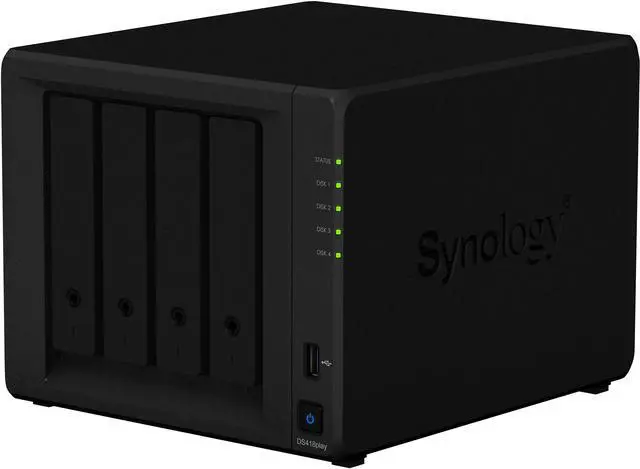
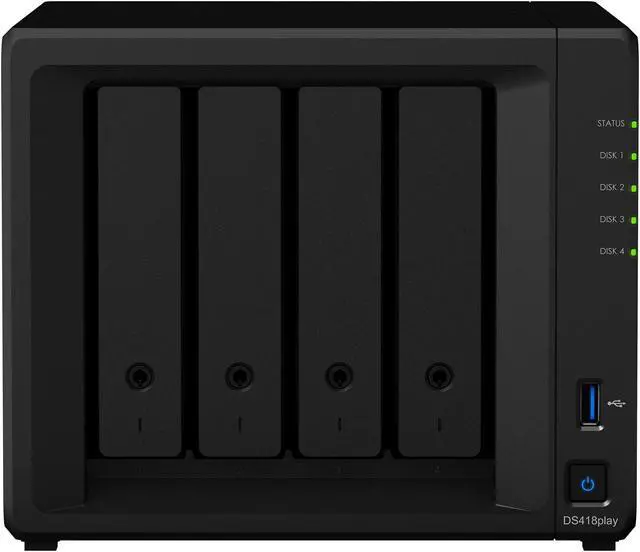
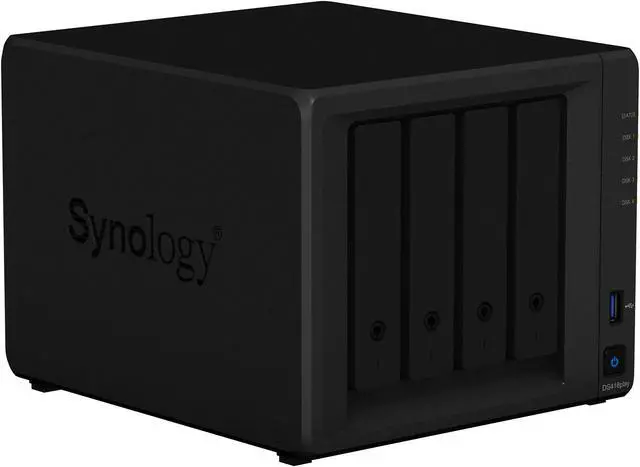
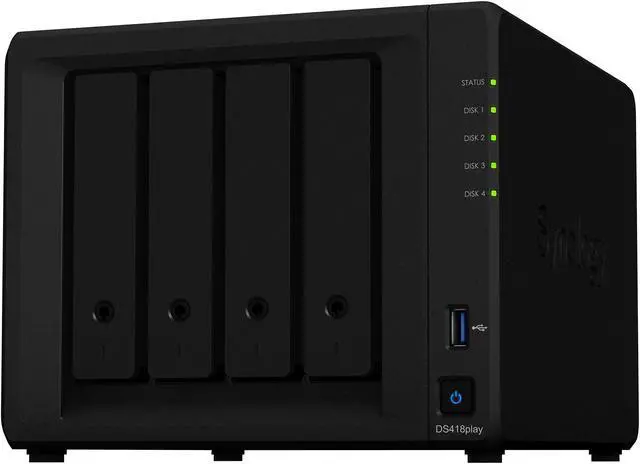
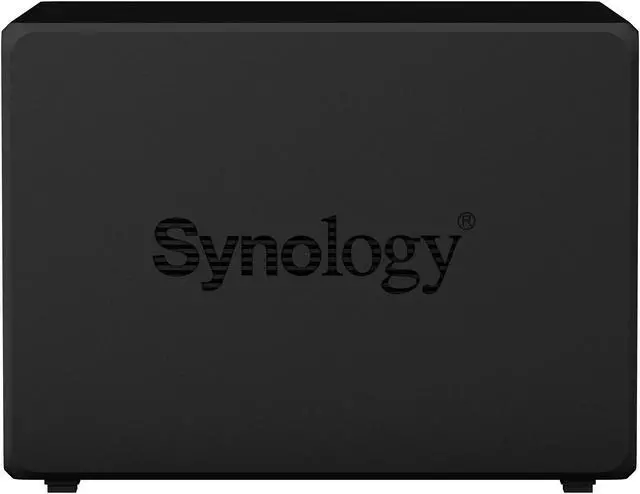
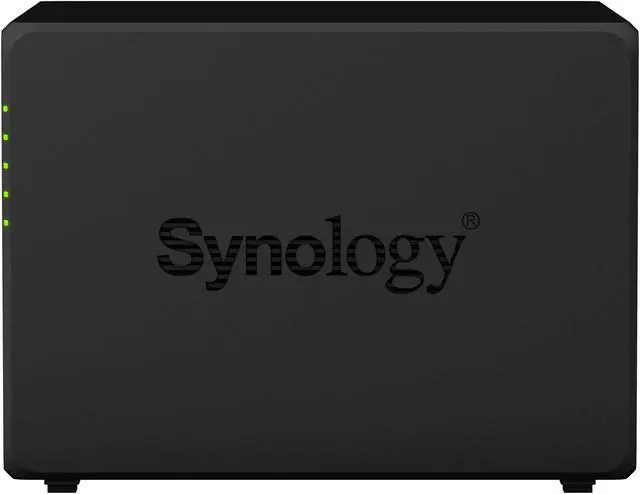
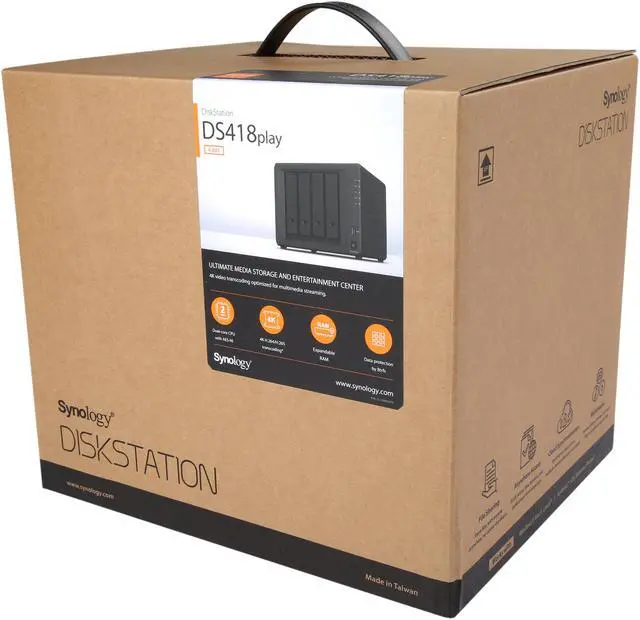


Synology DiskStation DS418play
Multimedia-enhanced personal cloud solution with massive storage capacity and 4K Ultra HD capability
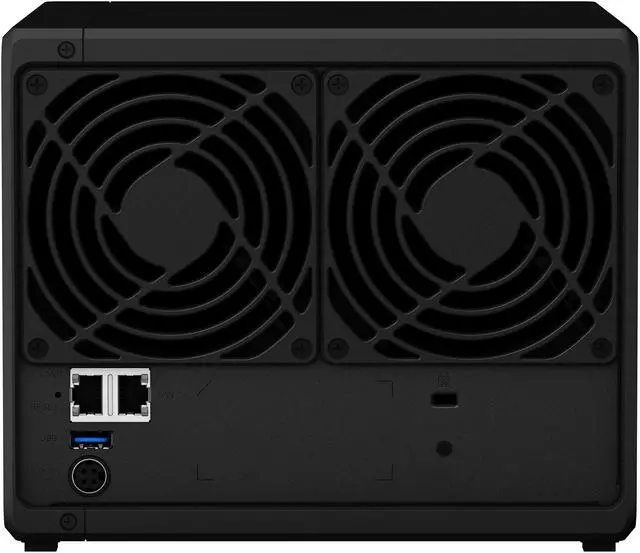
The DS418play is a four-bay NAS with support for up to 40 TB storage capacity (HDDs sold separately), ideal for use as your file backup solution or a centralized multimedia hub. Designed with HD entertainment in mind, it supports transcoding of up to two streams of H.265/H.264 4K videos at the same time. Dual-core processor with built-in AES-NI hardware encryption engine enables excellent encrypted file transmission speed. The DS418play also features two USB 3.0 ports for high-speed data exchange with external storage, and dual 1GbE ports that support network failover for maximized uptime.
4K Multimedia Server
Access and stream your 4K media content anytime and anywhere. DS418play supports 4K H.264/H.265 online transcoding via Video Station and DS video, allowing 4K videos to be converted and played on the fly on other computers, smartphones, and media players that originally do not support Ultra HD formats.

Next-generation File System for Better Data Protection
The Btrfs file system introduces advanced storage technologies


Flexible Shared Folder / User Quota System provides comprehensive quota control on user accounts and shared folders

Snapshot Replication provides schedulable and storage capacity-saving data protection with 1,024 shared folder backups and 65,000 system-wide snapshots

File- or folder-level data restoration accelerates data recovery, providing more flexibility for businesses

Automatic file self-healing detects and recovers corrupted files without user intervention
Synology Hybrid RAID (SHR) technology
Storage management is easy with Synology Hybrid RAID (SHR) technology. SHR is an automated RAID management system allowing you to easily create and expand storage volumes and migrate RAID types without requiring details on RAID. SHR provides 1 to 2-disk redundancy to safeguard your data during drive failures.

SHR maximizes the data capacity of your RAID when different sizes of HDDs are used.

For novice users who have no technical background and still want to protect their data using RAID technology, a convenient installation wizard will guide you through all the steps during your first installation.

You can add new disks on the fly in Storage Manager with a simple click.

While creating a volume, you can plan ahead and leave empty and unallocated space for future usage.
Easy file access with QuickConnect
Access files on your Synology NAS over the Internet without the hassle of setting up port forwarding rules, DDNS, or other complicated network settings. QuickConnect allows you to connect via a secure, customizable address, so that you can instantly access media and work files on any Internet-connected device with no additional charge.

Powered by Synology DSM

Synchronize cross-platform data automatically with file version control on all your devices.

Synology Office, Calendar and Chat guarantee a secure and high-performance private communication and user-friendly content organization.

Powerful built-in file management and sharing services

Award-winning operating system with an intuitive user interface and powerful capabilities

Simplified backup solution for your Mac, PC, and mobile devices

Comprehensive built-in security tools are constantly updated to tackle evolving threats and protect your devices.