


- Free 30-day Returns
$56.69
Ships from China.
Sold by LitWay Tech Electronics
Shipped by LitWay Tech Electronics
Best Sellers
- $79.77
- + FREE SHIPPING


Meet Your Seller

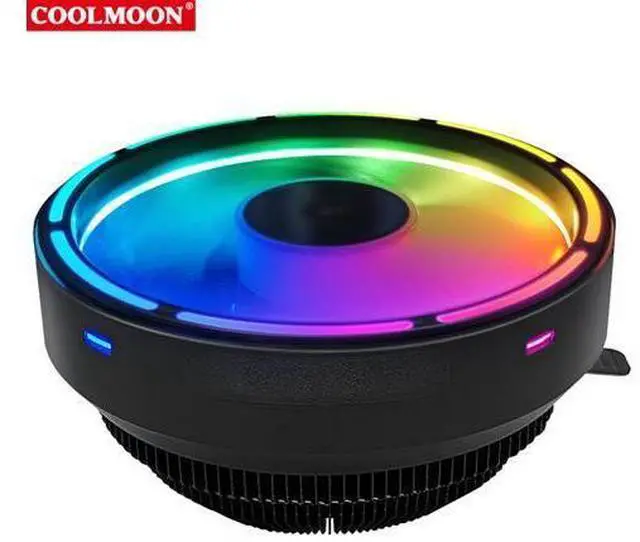
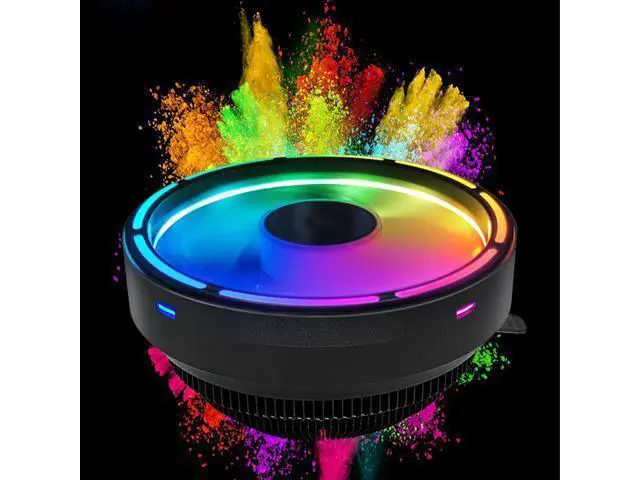
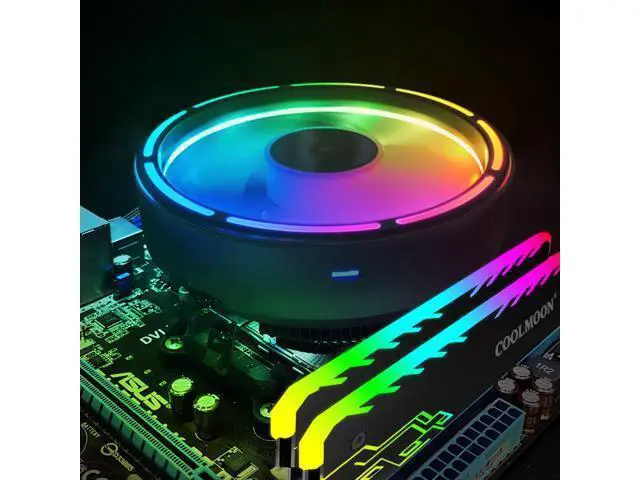
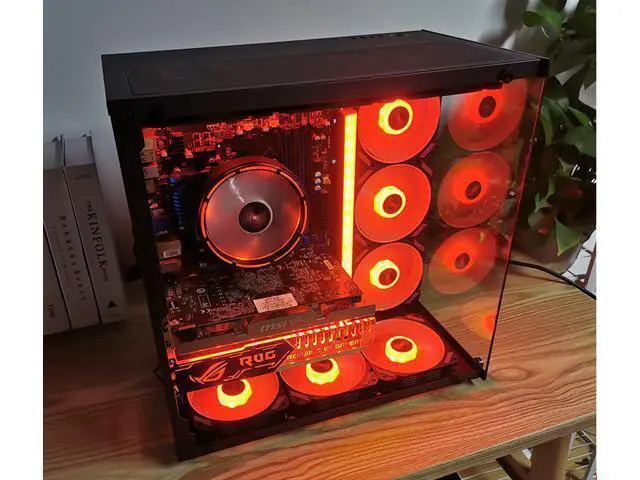
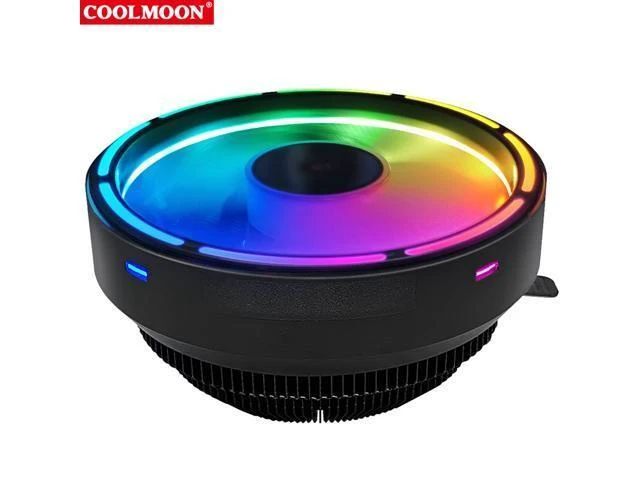
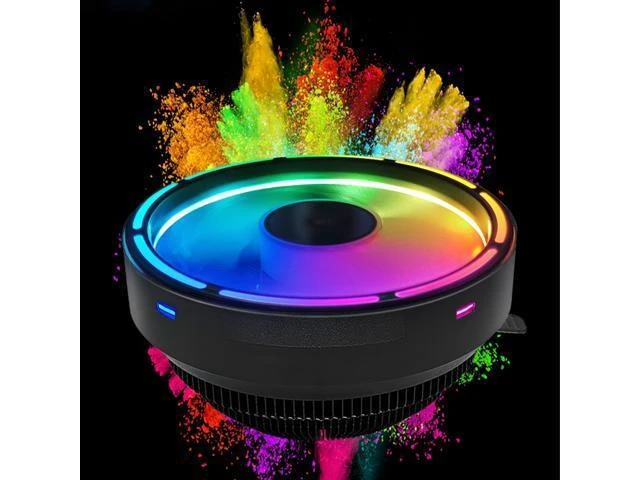
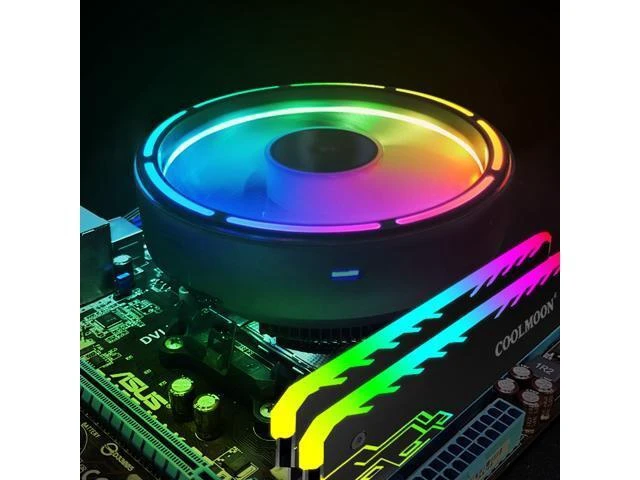
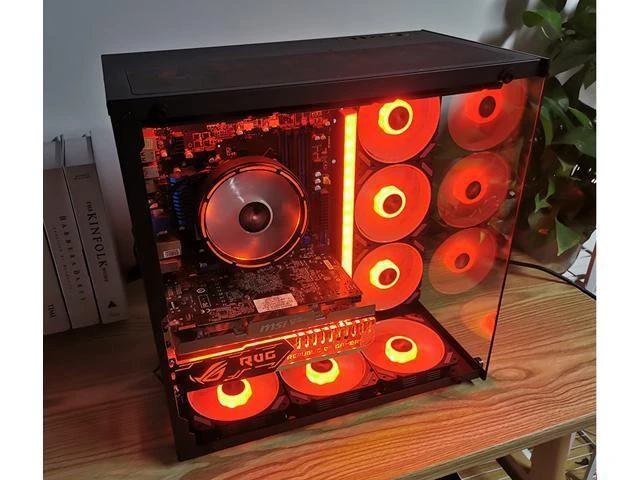


Coolmoon CPU Cooling Fan Silent Down Pressure 120mm RGB CPU Fan Intel LGA 775 115X AMD AM3 PC Computer Cooler Fan
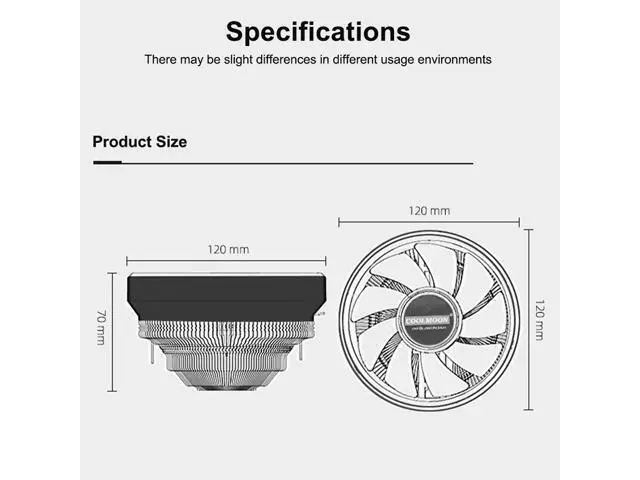
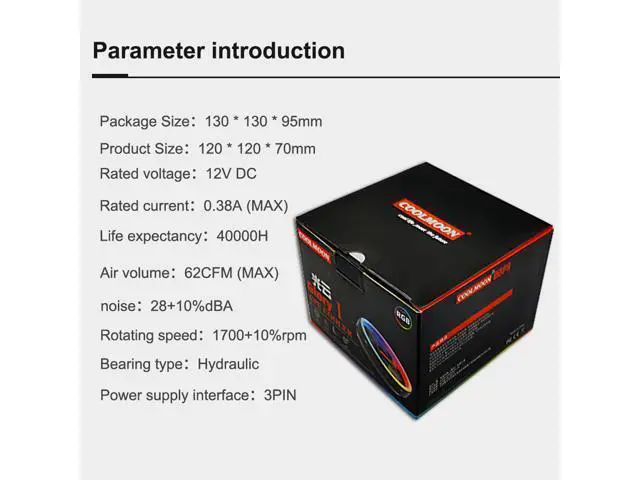
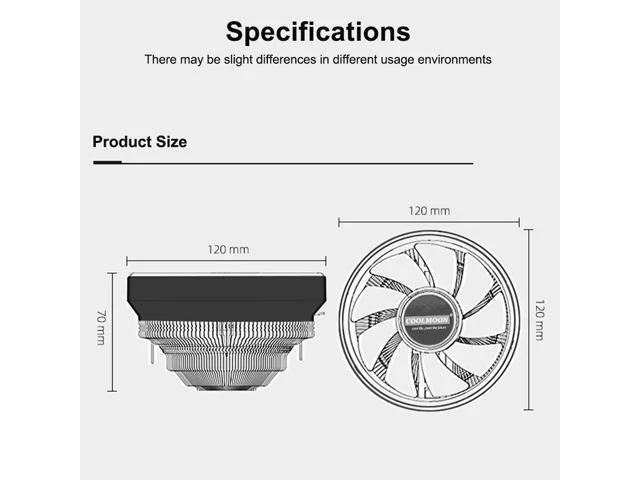
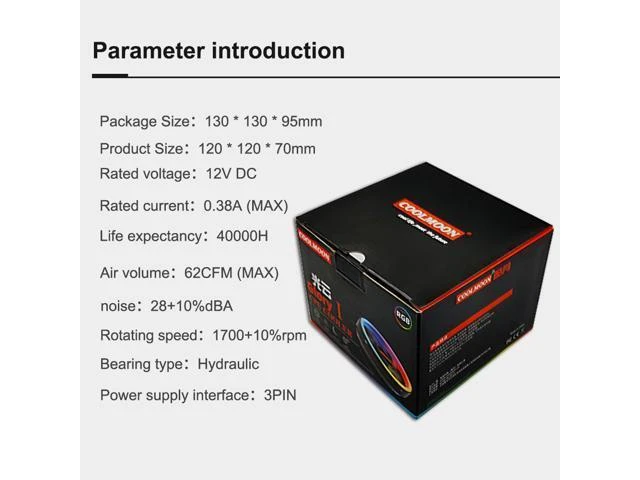
- Brand: Coolmoon; Package size: 130 * 130 * 95mm; Fan size: 120 * 120 * 70mm; Applicable Accessory Type: CPU; Type: CPU Cooler; Rated Voltage: 12v DC; Rated Current: 0.38A (max); Material: Aluminum, ABS; Bearing Type: Hydraulic Bearing; Speed: 1700 ± 10% RPM; Noise: 28 ± 10% dBA; Air Volume: 62 CFM (max); Service Life: 40000hrs; Power Supply Interface: Small 3 Pin; Cooling Method: Air Cooling; Features: Silent and Longevity
+
+
Overview
Specs
Reviews
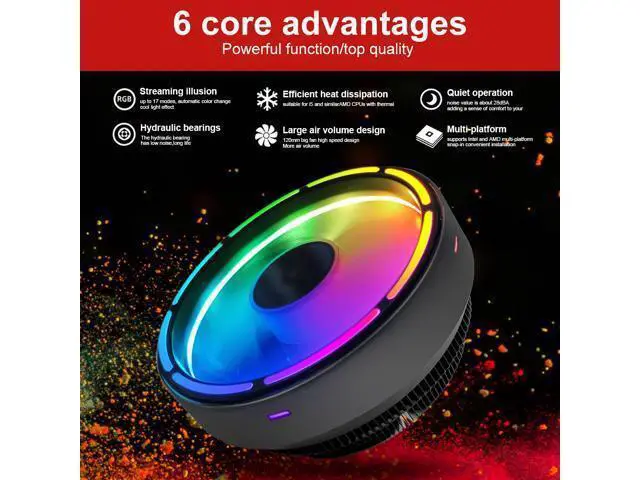
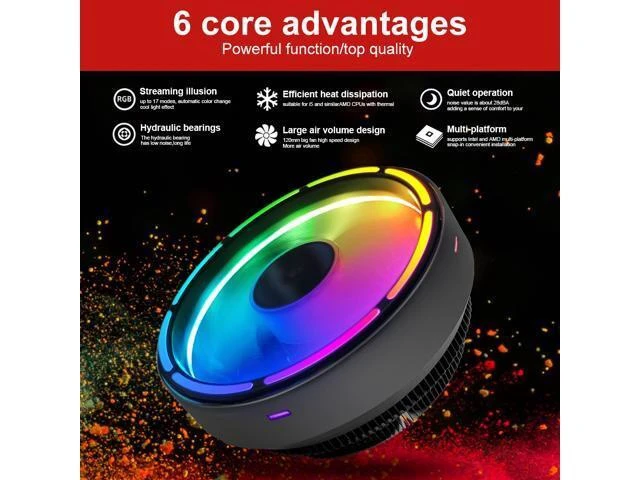
Features Streamer Magic Color: up to 17 Modes of Automatic Color Change, Cool Lighting Effect Large
Air Volume Design: 120mm Large Fan, High Speed Design, with Greater Air Volume Efficient Heat Dissipation: Suitable for i5 and AMD CPU with Thermal Power Consumption Below 95w
Hydraulic Bearing: Low Noise, Long Life and other
Advantages Silent Operation: the Noise Value is about 28dBA, Adding Comfort to Your Work and Entertainment Intel Socket LGA 115X/LGA 775, AMD Socket FM2/FM1/AM3+/AM4/AM2/940/939/754, Easy To Install and Excellent
Compatibility Specification Brand: Coolmoon
Package size: 130 * 130 * 95mm
Fan size: 120 * 120 * 70mm Applicable
Accessory Type: CPU
Type: CPU
Cooler Rated Voltage: 12v DC
Rated Current: 0.38A (max)
Material: Aluminum, ABS
Bearing Type: Hydraulic
Bearing Speed: 1700 ± 10%
RPM Noise: 28 ± 10% dBA
Air Volume: 62 CFM (max)
Service Life: 40000hrs
Power Supply Interface: Small 3
Pin Cooling Method: Air
Cooling Features: Silent and
Longevity Packages: CPU
Cooling Fan*1 Note: Due to the Different Monitor and Light Effect, the Actual Color of the Item Might be Slightly Different From the Color Showed on the Pictures. Please Allow 1-3mm Measuring Deviation Due to Manual Measurement. Intel LGA 775 115X Installation
Guide Step 1: Install the Bracket on the Motherboard and Insert 4 Pins Bracket Mounted on Motherboard (Motherboard Placed on Soft Surface or Suspended) Insert Pin Retaining Bracket Step 2: Apply the Cooling Paste Evenly on the CPU AMD754/939/940/A
Air Volume Design: 120mm Large Fan, High Speed Design, with Greater Air Volume Efficient Heat Dissipation: Suitable for i5 and AMD CPU with Thermal Power Consumption Below 95w
Hydraulic Bearing: Low Noise, Long Life and other
Advantages Silent Operation: the Noise Value is about 28dBA, Adding Comfort to Your Work and Entertainment Intel Socket LGA 115X/LGA 775, AMD Socket FM2/FM1/AM3+/AM4/AM2/940/939/754, Easy To Install and Excellent
Compatibility Specification Brand: Coolmoon
Package size: 130 * 130 * 95mm
Fan size: 120 * 120 * 70mm Applicable
Accessory Type: CPU
Type: CPU
Cooler Rated Voltage: 12v DC
Rated Current: 0.38A (max)
Material: Aluminum, ABS
Bearing Type: Hydraulic
Bearing Speed: 1700 ± 10%
RPM Noise: 28 ± 10% dBA
Air Volume: 62 CFM (max)
Service Life: 40000hrs
Power Supply Interface: Small 3
Pin Cooling Method: Air
Cooling Features: Silent and
Longevity Packages: CPU
Cooling Fan*1 Note: Due to the Different Monitor and Light Effect, the Actual Color of the Item Might be Slightly Different From the Color Showed on the Pictures. Please Allow 1-3mm Measuring Deviation Due to Manual Measurement. Intel LGA 775 115X Installation
Guide Step 1: Install the Bracket on the Motherboard and Insert 4 Pins Bracket Mounted on Motherboard (Motherboard Placed on Soft Surface or Suspended) Insert Pin Retaining Bracket Step 2: Apply the Cooling Paste Evenly on the CPU AMD754/939/940/A
Warranty & Returns
Warranty, Returns, And Additional Information
Warranty
- Please contact the Seller directly for warranty information. Warranty information may also be found on the Manufacturer's website.
- CONTACT
Return Policies
- Return for refund within: 30 days
- Return for replacement within: 90 days
- This item is covered by LitWay Tech Electronics Return Policy
Manufacturer Contact Info
- For a directory of all our manufacturers, please click below.
- Manufacturers Directory
LOADING...
LOADING...