


Best Sellers
 Hot Seller
- $335.23
- + FREE SHIPPING
Hot Seller- $305.22
- + $37.06 Shipping


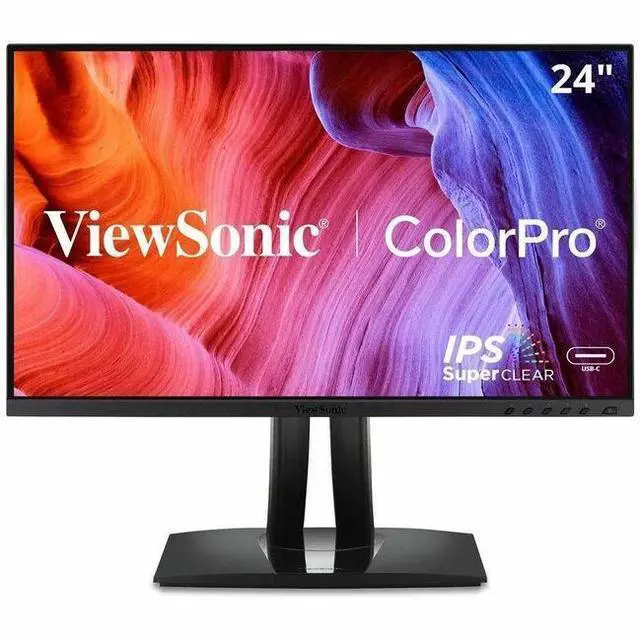
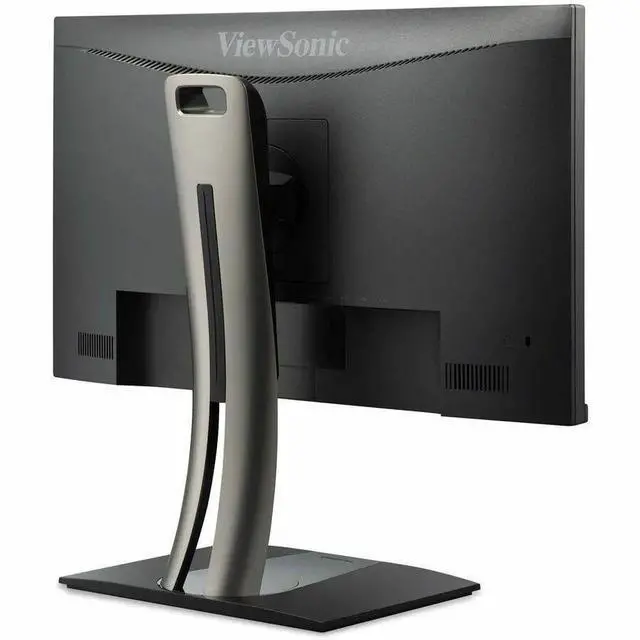
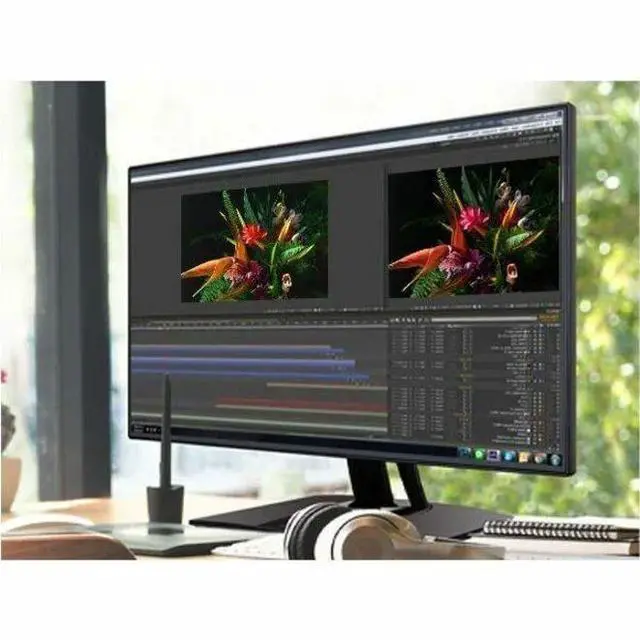
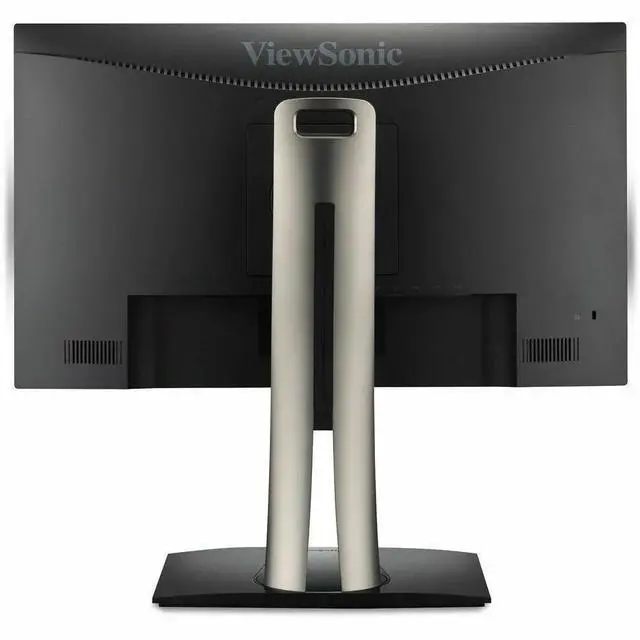
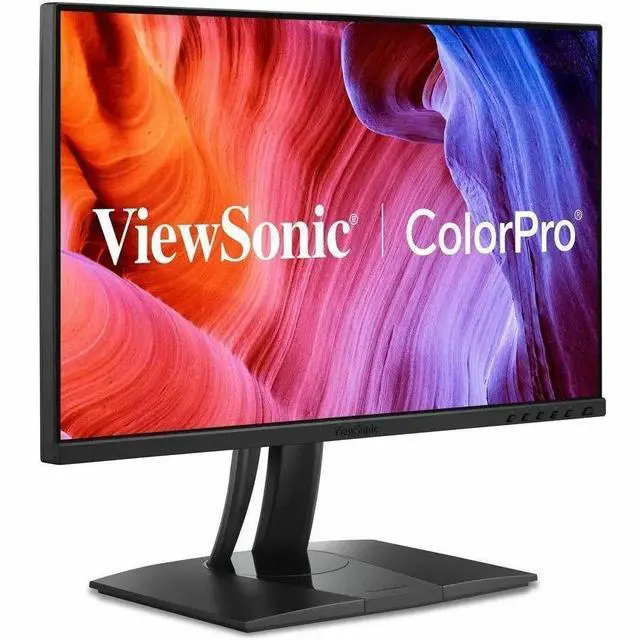
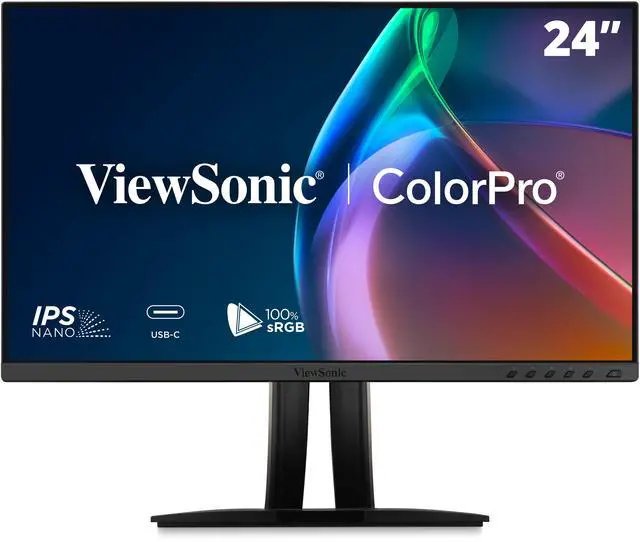



ViewSonic VP2456A 24 Inch 1080p IPS Monitor with Advanced Ergonomics, ColorPro 100% sRGB Rec 709, Pantone Validated, 14-bit 3D LUT, 120Hz, USB, HDMI, DisplayPort, 90W USB C for Home and Office
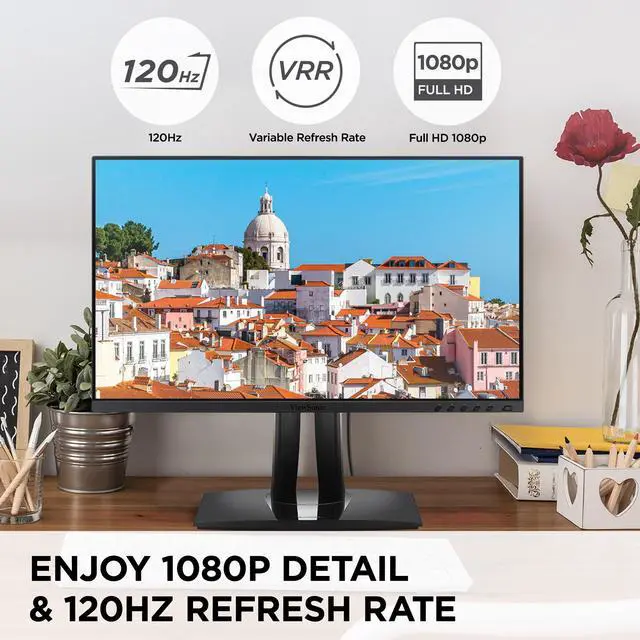
- PREMIUM MONITOR: 24 Inch Full HD (1920x1080p) IPS monitor with thin bezels and 120Hz refresh rate
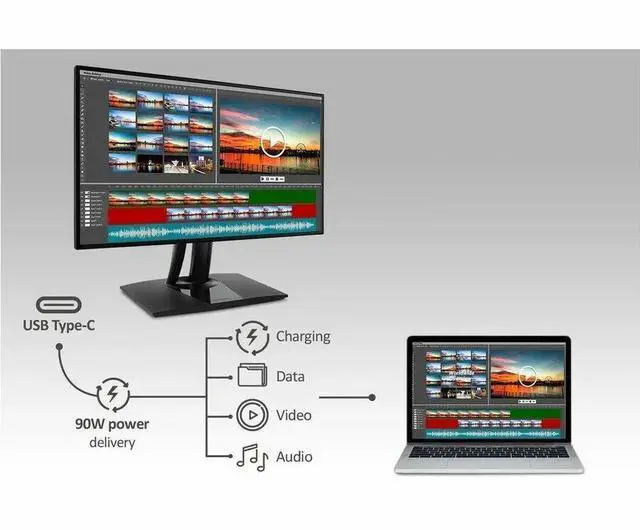
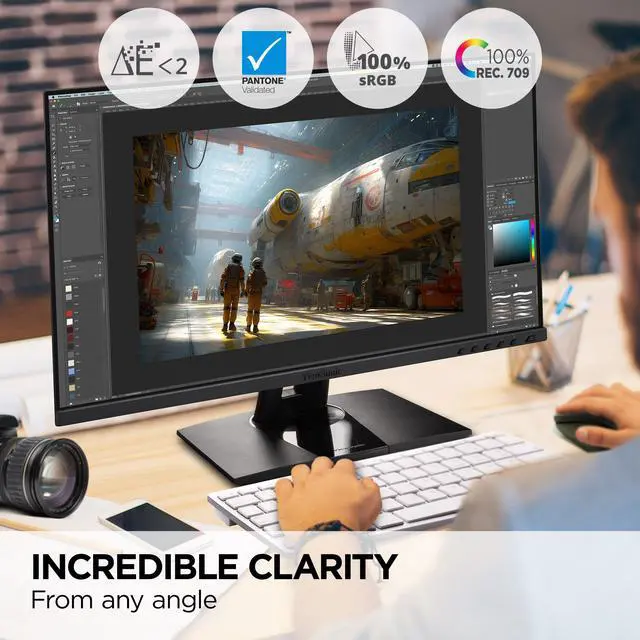
- PROFESSIONAL COLOR ACCURACY & UNIFORMITY: In addition to fast data, audio and video transfer, USB-C also provides quick 90W charging over a single cable
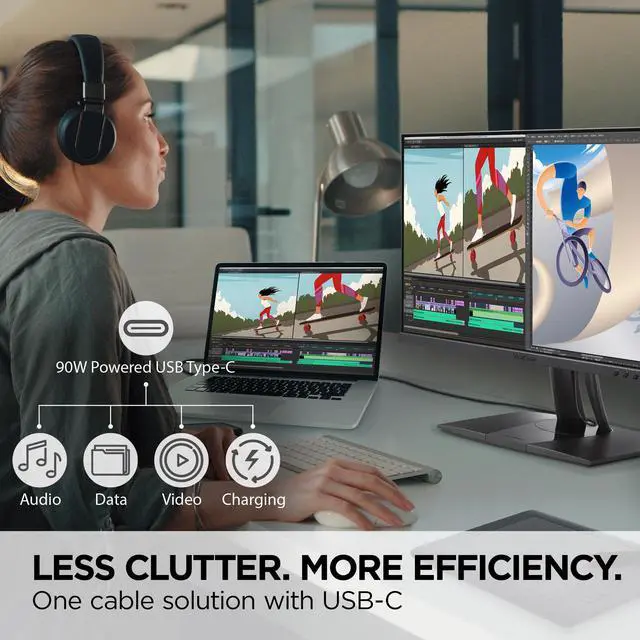
- LESS CABLE CLUTTER: In addition to fast data, audio and video transfer, USB-C also provides quick 90W charging over a single cable
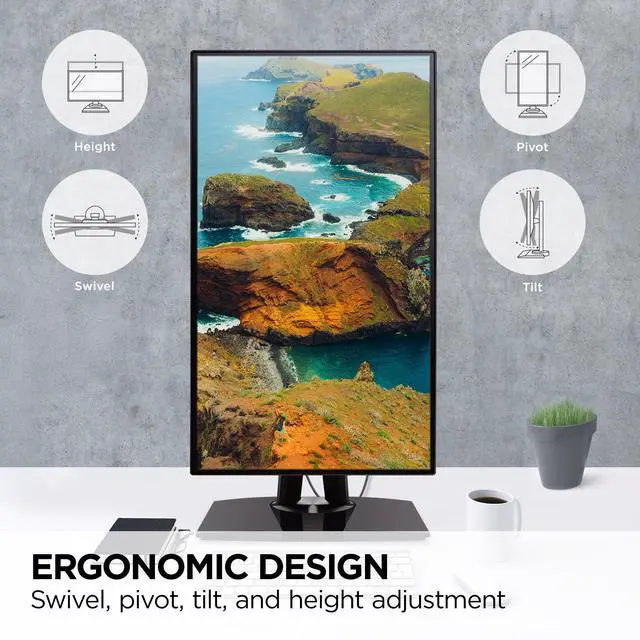
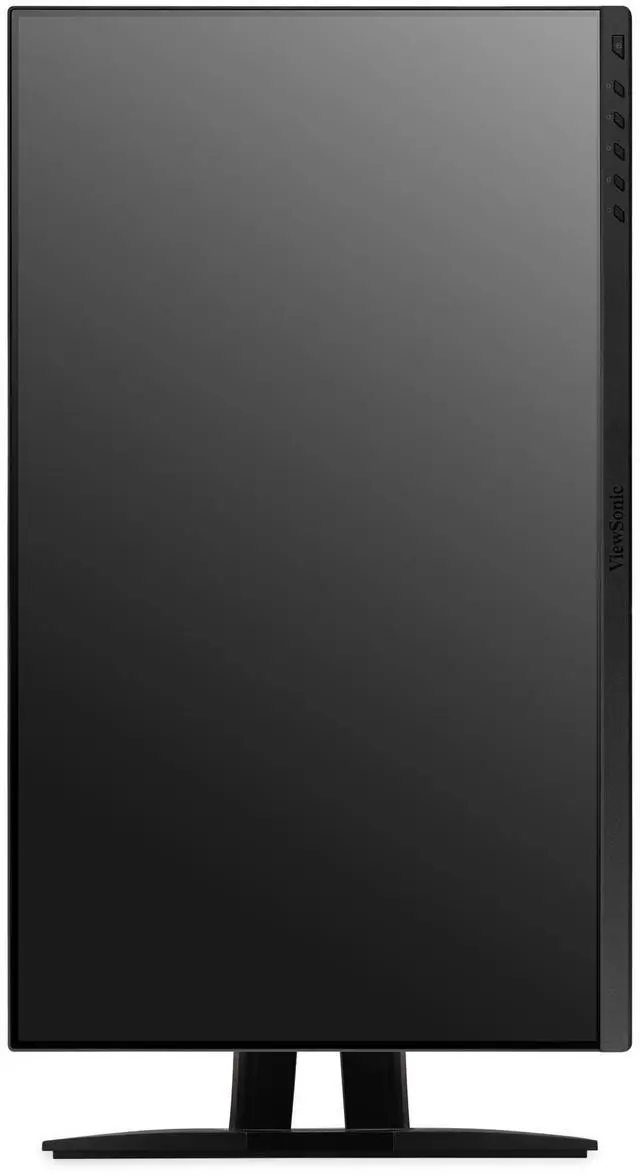
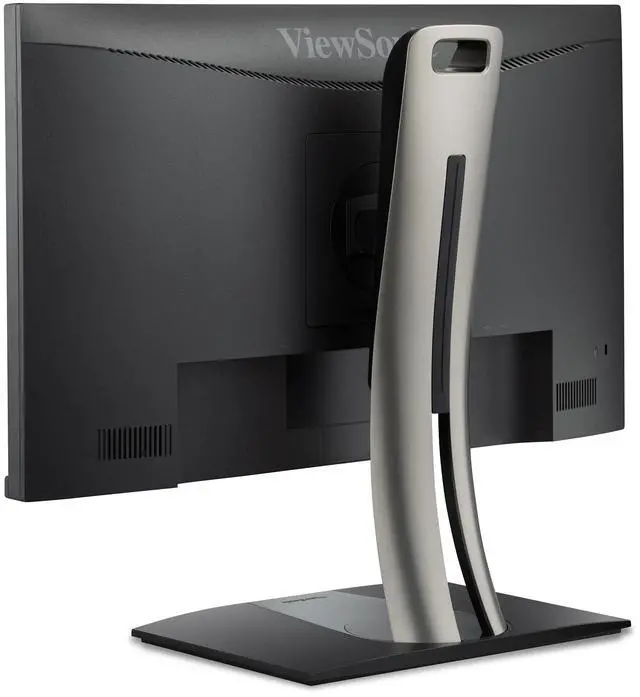
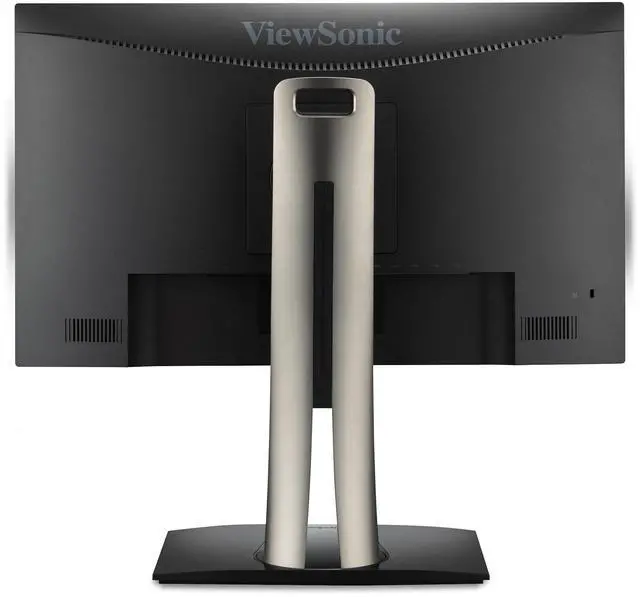
- ERGONOMIC STAND: Advanced ergonomics with tilt, swivel, pivot and height adjustment for all-day comfort
- ENHANCED VIEWING COMFORT: Flicker-Free technology and Blue Light Filter for reduced eye fatigue
+
+
Overview
Specs
Reviews
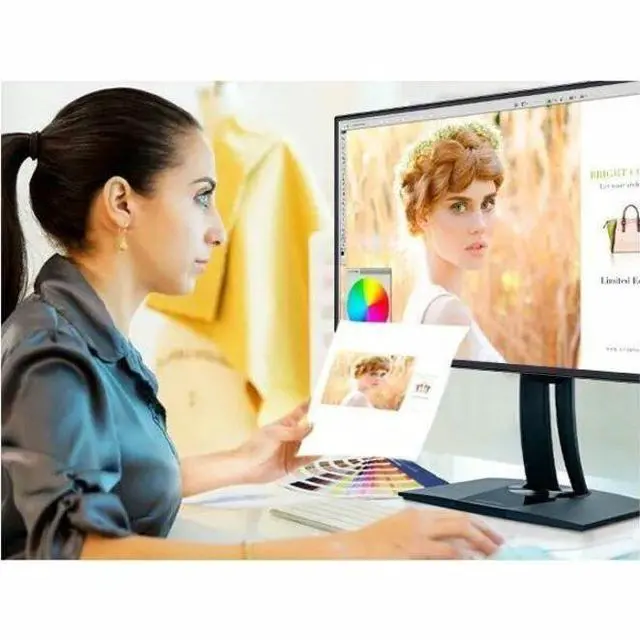
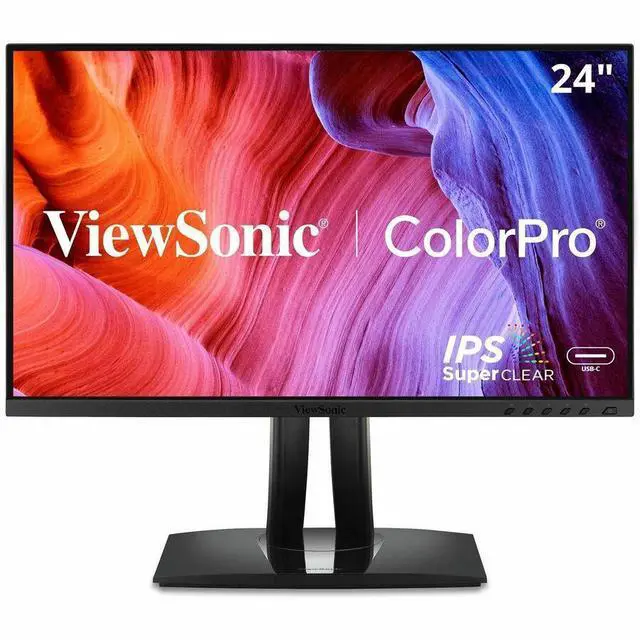
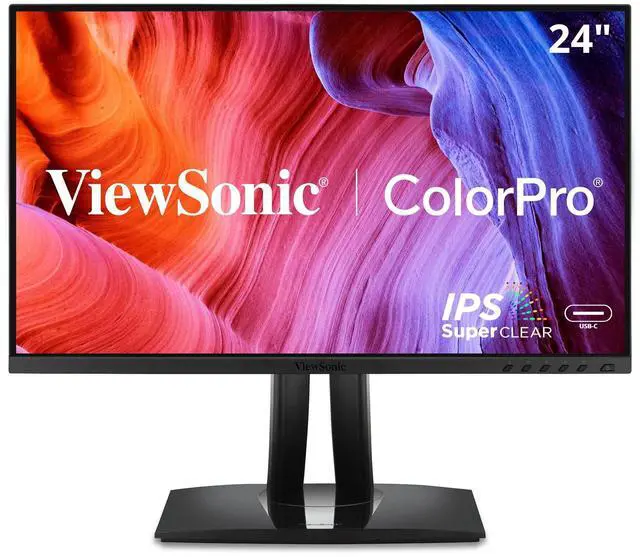
Engineered to deliver unmatched color accuracy crucial for professional applications, the ViewSonic VP2456A 24" ( 23.8" viewable) Full HD monitor displays your work with the vivid and lifelike color it deserves. With a SuperClear® IPS panel and a sleek 3-sided frameless design, the VP2456A provides a near-seamless viewing experience ideal for multi-monitor setups. The VP2456A is equipped with USB-C for single cable connectivity to deliver video, audio, and 90W of power delivery. To ensure precise, uniform color, each of our monitors is factory calibrated to deliver an amazing Delta E <2, so you can be confident what you see on screen is what your clients and customers will see as well.
Warranty & Returns
Warranty, Returns, And Additional Information
Warranty
- Limited Warranty period (parts): 3 years
- Limited Warranty period (labor): 3 years
- Read full details
Return Policies
- Return for refund until: January 31, 2027
- Return for replacement until: January 31, 2027
- This item is covered by Newegg.ca's Extended Holiday Return Policy.
- Read full return policy for details.
We want to ensure your holiday shopping this year is hassle-free. That’s why we’re automatically extending our return policies on almost every product! For purchases placed between November 1st, 2026 and December 31, 2026 you will have until January 31, 2027 to return your product.
Manufacturer Contact Info
- Manufacturer Website
- Support Phone: 1-800-688-6688
- Support Website
- View other products from ViewSonic
LOADING...
LOADING...
The ViewSonic VP2456A is a 24-inch Full HD IPS monitor with 120Hz refresh, Pantone-validated 100% sRGB color, and 90W USB-C charging, making it a strong fit for home-office users and creators who want accurate color, smooth everyday motion, and one-cable laptop connectivity.
Recommended For
- Web designers and creators preparing images or graphics for sRGB and Rec.709 delivery who want a factory-calibrated color-focused display.
- Laptop-based home or office workers who want a single USB-C connection for display, data, and up to 90W charging, with USB ports for desk accessories.
- Office users who spend long hours at a fixed desk and want to adjust monitor height, tilt, swivel, or orientation for different tasks and viewing positions.
- People who want smoother desktop scrolling and casual gaming on a compact 24-inch Full HD display, without needing a monitor above 120Hz.
Real-World Use Scenarios
- When editing photos intended for standard web display, a photographer can use the monitor’s sRGB-focused color support as a consistent preview; final color-critical work should still be checked with a calibrated workflow.
- For a laptop-based home-office setup, connecting over USB-C can send the display signal and connect the monitor’s USB hub, reducing the need to plug in separate display and peripheral cables.
- When reviewing Rec. 709 video or preparing graphics for standard video workflows, the monitor’s Rec. 709 color-space support provides a relevant preview for everyday editing; it is not a substitute for a professional reference-monitor setup.
- For coding, reading long documents, or reviewing portrait-format content, rotating the adjustable stand to portrait orientation can show more lines at once and reduce repeated scrolling.
- For everyday desktop use and casual gaming, the 120Hz refresh rate can make scrolling and supported on-screen motion look smoother than a standard 60Hz display, provided the connected computer can output a higher frame rate.
Spec Summary
| Attribute | Value |
|---|---|
| Best For | Desktop use and photo/video editing, with compatibility for desktop computers and laptops |
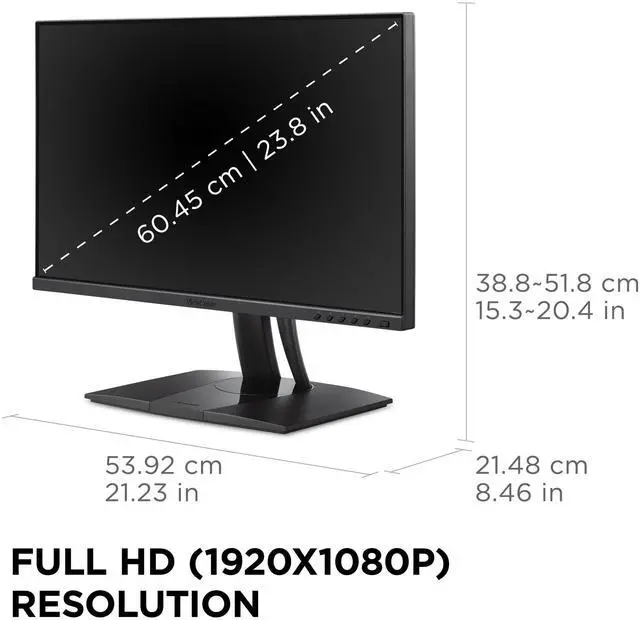
| Panel And Resolution | 24-inch flat IPS display with 1920 × 1080 Full HD resolution, 16:9 aspect ratio, 16.7 million colors, sRGB color gamut, and color calibration; 250 cd/m² brightness, 1500:1 static contrast ratio, 178° horizontal and vertical viewing angles, and matte anti-glare finish |
| Refresh Rate And Response | 120 Hz refresh rate, 5 ms response time, and G-Sync Compatible adaptive sync |
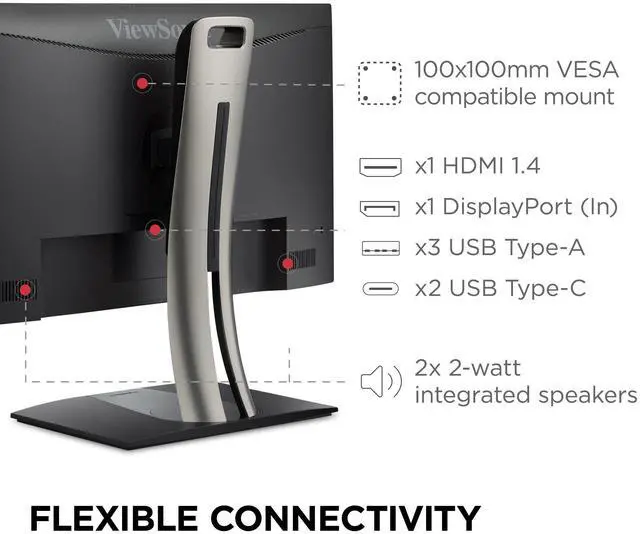
| Ports And Connectivity | HDMI 1.4 × 1, DisplayPort 1.2 × 1, USB-A × 3, and USB-C × 2; one USB-C port supports upstream data, DisplayPort Alt Mode, and up to 90 W power delivery, while the downstream port provides 15 W |
| Stand And Ergonomics | Height, pivot, swivel, and tilt adjustments; 100 × 100 mm VESA mounting support |
| Audio And Webcam | Built-in speakers; no built-in webcam |
| Power | 59.8 W power consumption; 100–240 VAC, 50/60 Hz power input |
| Model Identifiers | ViewSonic VP2456A; manufacturer model number VS20413 |
Reference Q&A
Q: ViewSonic VP2456A vs. VP2456: which is the better upgrade?
A: Choose the VP2456A if you want a 24-inch Full HD ColorPro monitor with a 120Hz refresh rate and 90W USB-C power delivery. The VP2456 is also a 24-inch Full HD ColorPro display with Pantone-validated color and an ergonomic stand; its listed refresh rate is 60Hz and USB-C power delivery is 60W. Both suit color-focused work, while the VP2456A adds higher refresh and USB-C charging capacity.
Q: ViewSonic VP2456A vs. VP2458: which should I choose for color-focused office work?
A: Choose the VP2456A if you want a 120Hz display, 90W USB-C power delivery, and Pantone validation in a 24-inch Full HD monitor. The VP2458 is a 24-inch Full HD IPS monitor with 100% sRGB coverage, Delta E color accuracy, and an ergonomic stand. The VP2456A combines color-focused features with a higher refresh rate and single-cable USB-C charging.
Q: ViewSonic VP2456A vs. VP2756A-2K: is the 27-inch model worth choosing?
A: Choose the VP2756A-2K if you want a larger 27-inch screen and QHD resolution (2560 × 1440). Choose the VP2456A for a more compact 24-inch Full HD setup. Both are 120Hz ColorPro IPS monitors with Pantone validation, factory-calibrated color, and 90W USB-C power delivery.
Q: Can I connect and charge my laptop with one USB-C cable?
A: Yes, the VP2456A supports video and data over USB-C and provides up to 90W of power delivery, so one cable can connect and charge a compatible laptop. The laptop’s USB-C port must support video output and charging; check that 90W meets the laptop’s power needs.
Q: Is this monitor suitable for office work and long work sessions?
A: It is suited to everyday office work such as documents, browsing, and video meetings when paired with a computer. The 24-inch Full HD IPS screen, height, tilt, swivel, and pivot adjustments, and flicker-free and blue-light-filter features support a flexible desk setup. It has built-in speakers but no webcam, so video meetings require a camera from the connected device or a separate webcam.
Q: Does it have built-in speakers or a webcam?
A: It has built-in speakers, but no built-in webcam. For video calls, use a webcam connected to your computer or another camera supported by your setup.
Q: Can I mount it on an arm or use it in portrait orientation?
A: Yes. The monitor supports 100 × 100 mm VESA mounting, and its included stand has a pivot adjustment for portrait orientation.
Q: Does the ViewSonic VP2456A fit a mixed office-and-gaming setup?
A: Its 24-inch 1080p IPS panel, 120Hz refresh rate, USB hub, and adjustable stand match the requirements discussed for a mixed office and gaming monitor. The Reddit post lists it as a candidate but does not report hands-on gaming results.
Q: Can the VP2456A power a laptop and connect it to the display over one USB-C cable?
A: Yes, according to the provided specifications: its USB-C port supports DisplayPort Alt Mode and up to 90W power delivery. The Reddit post’s stated minimum was 65W, so the listed power delivery meets that requirement; actual compatibility depends on the laptop.
Q: Is the VP2456A likely to have noticeable ghosting in games?
A: The available discussion raises ghosting as a concern but does not provide an owner report or test for the VP2456A. Its listed 120Hz refresh rate and 5ms response time are specifications, not enough to establish real-world ghosting performance.