


Best Sellers
 Hot Seller
- $413.44
- + $45.40 Shipping
- $467.67
- + FREE SHIPPING


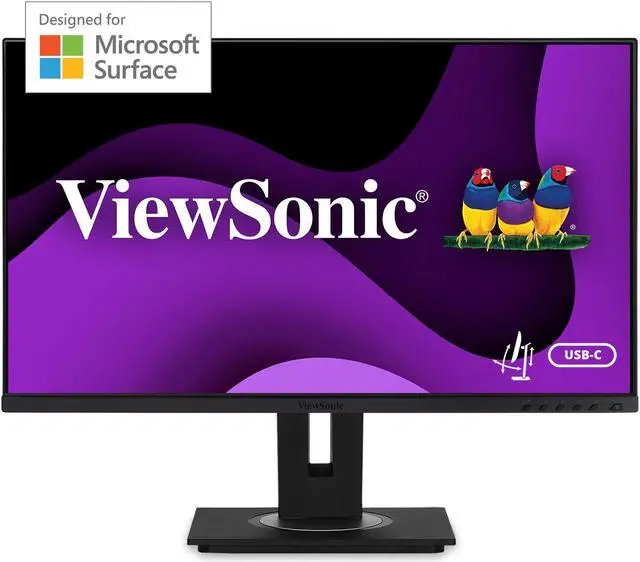
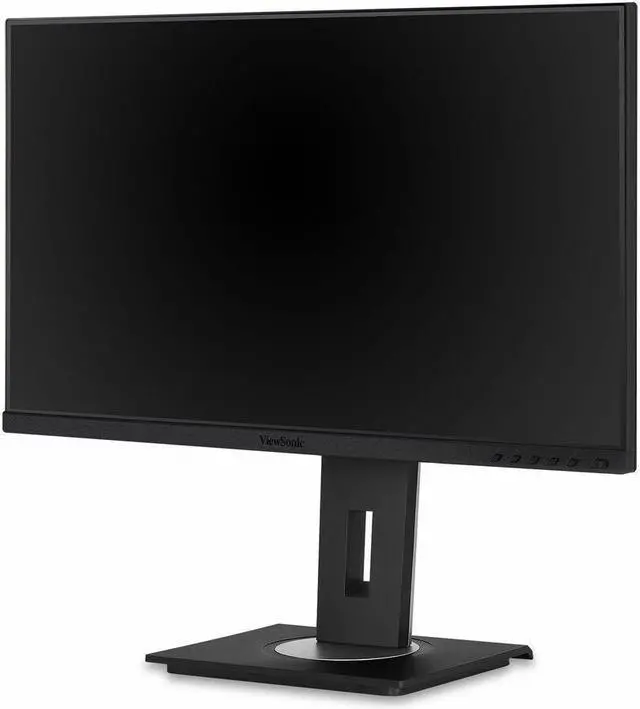
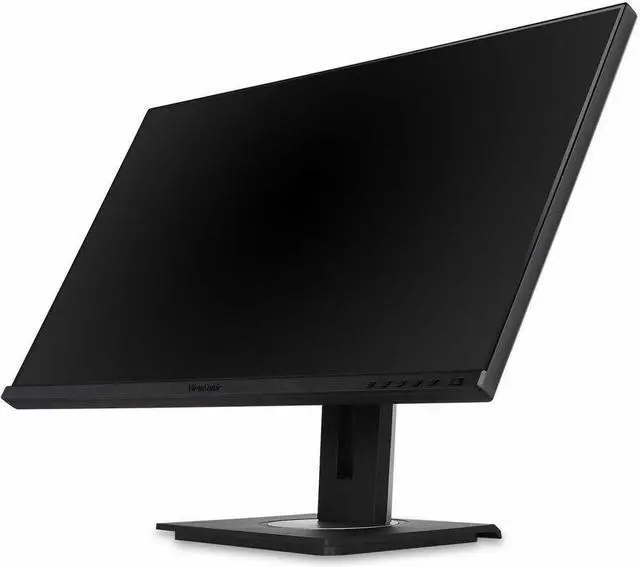
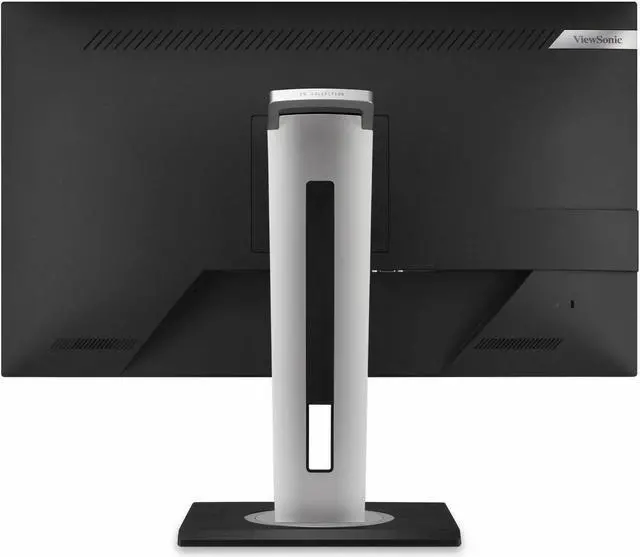
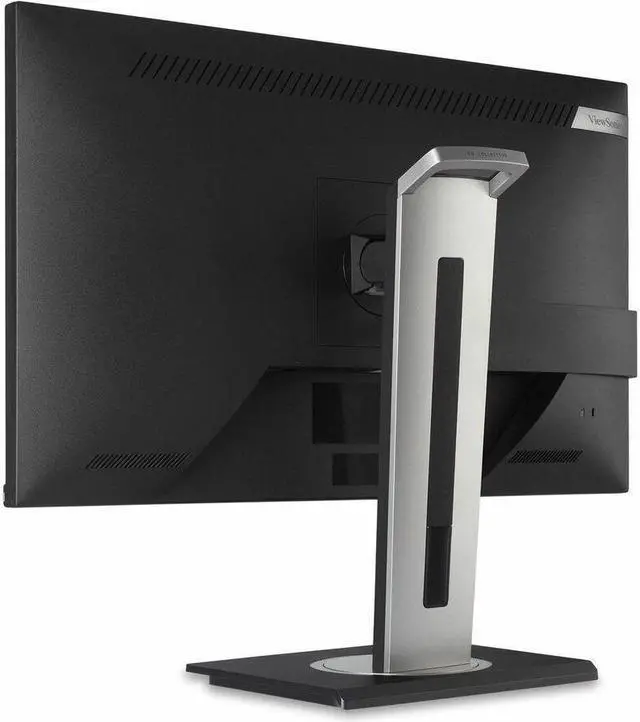
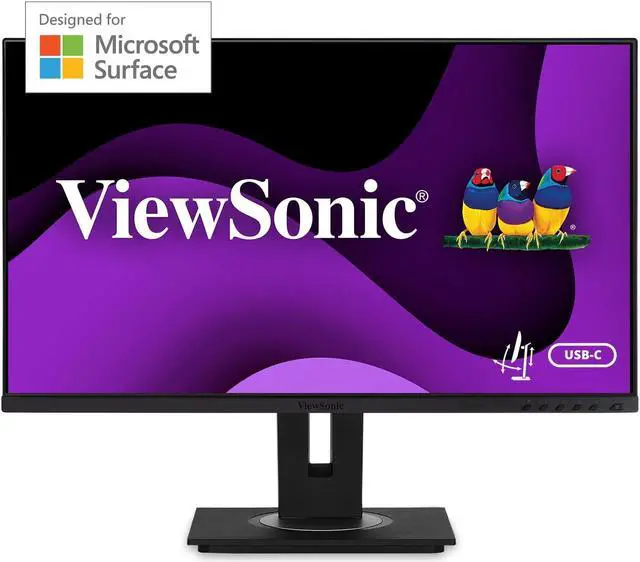
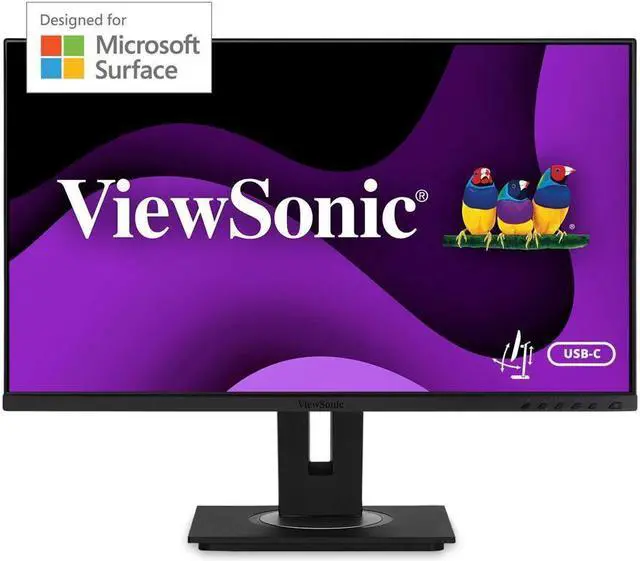
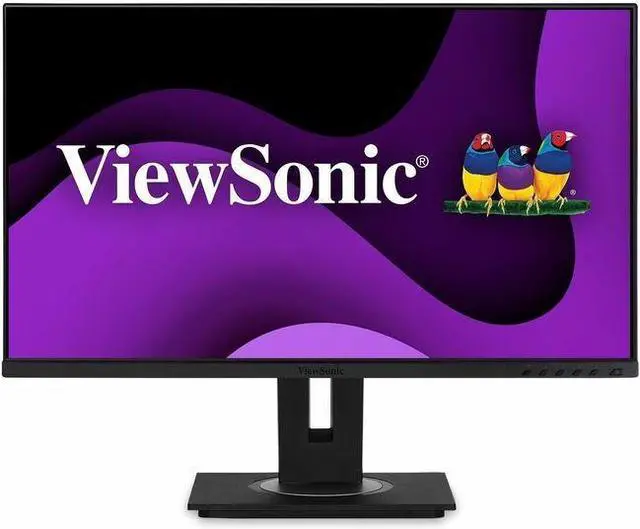
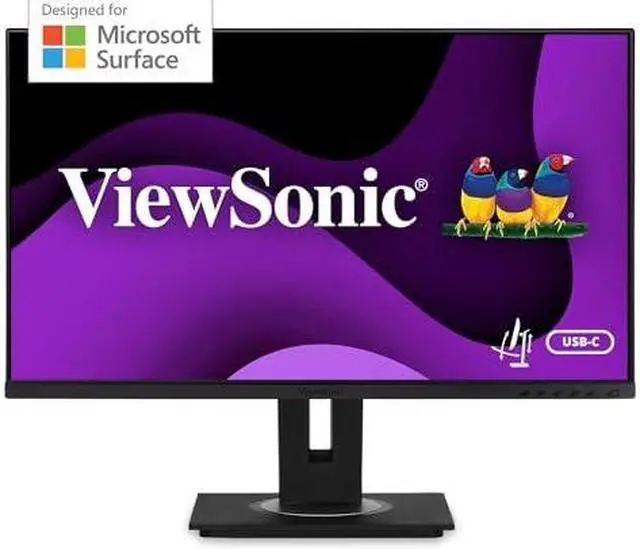
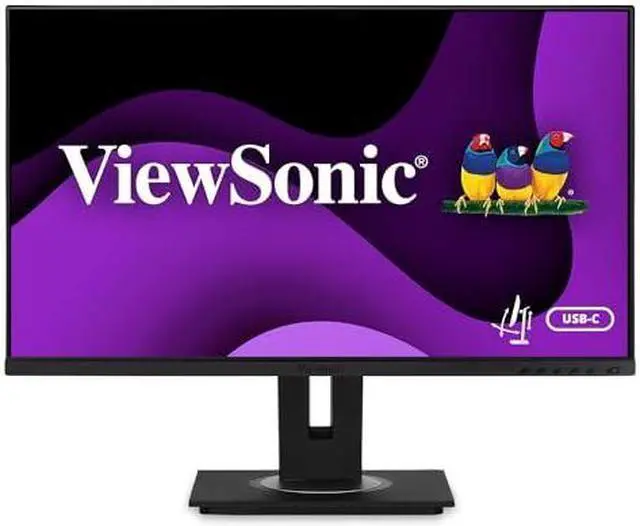


ViewSonic VG275 27 Inch IPS 1080p Monitor Designed for Surface with advanced ergonomics, 60W USB C, HDMI and DisplayPort inputs for Home and Office
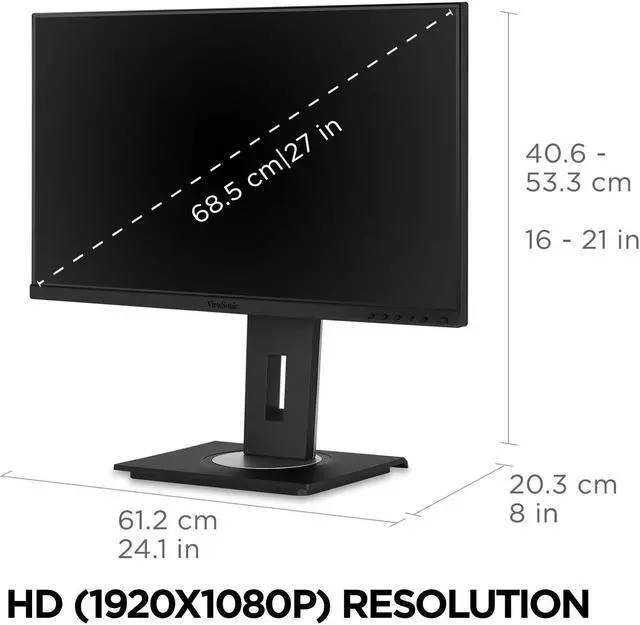
- VERSATILE MONITOR: 27 Inch HD (1920x1080p) IPS Design for Surface monitor with thin bezels and 60 Hz refresh rate
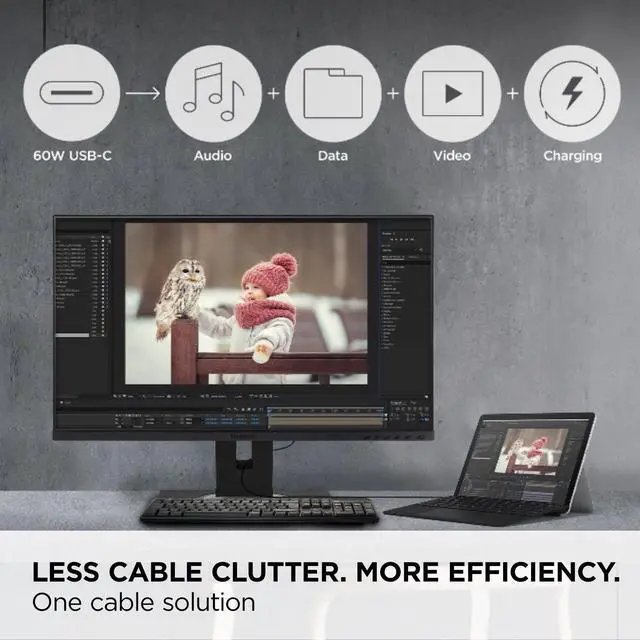
- LESS CABLE CLUTTER: In addition to fast data, audio and video transfer, USB-C also provides quick 60W charging over a single cable
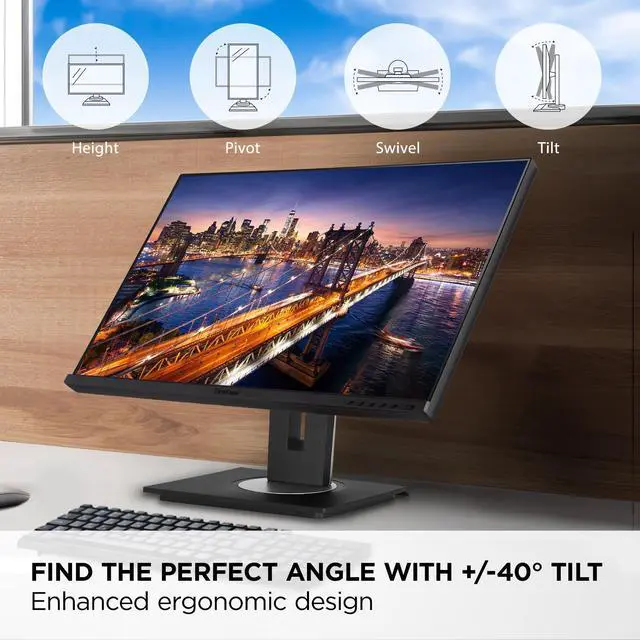
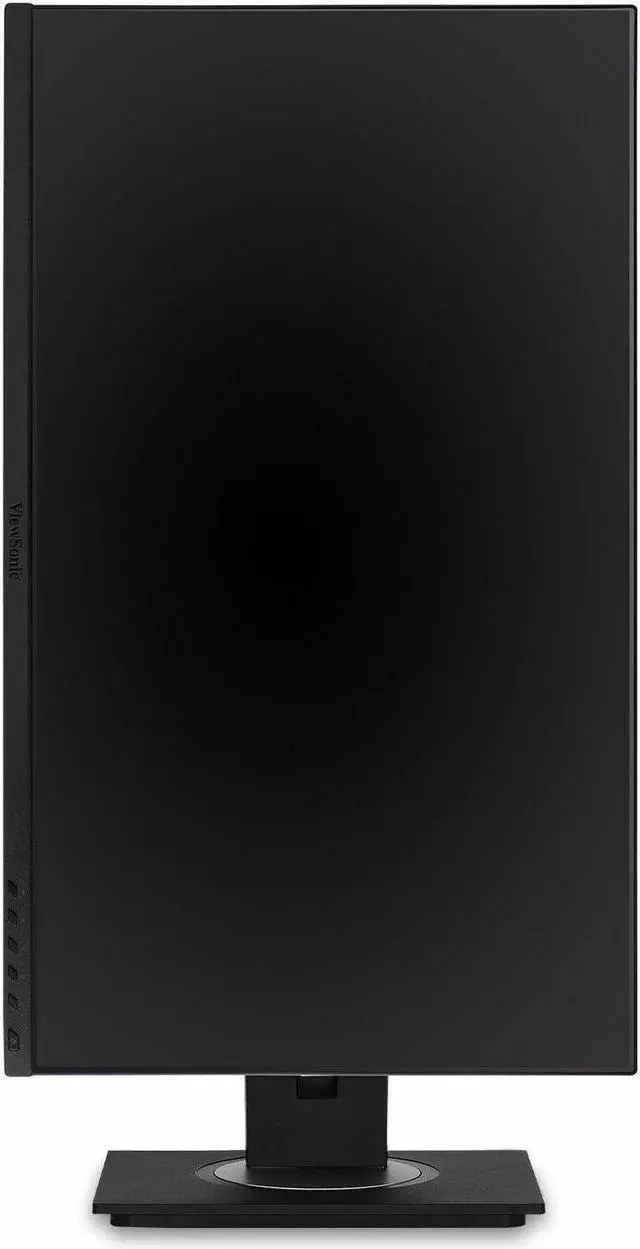
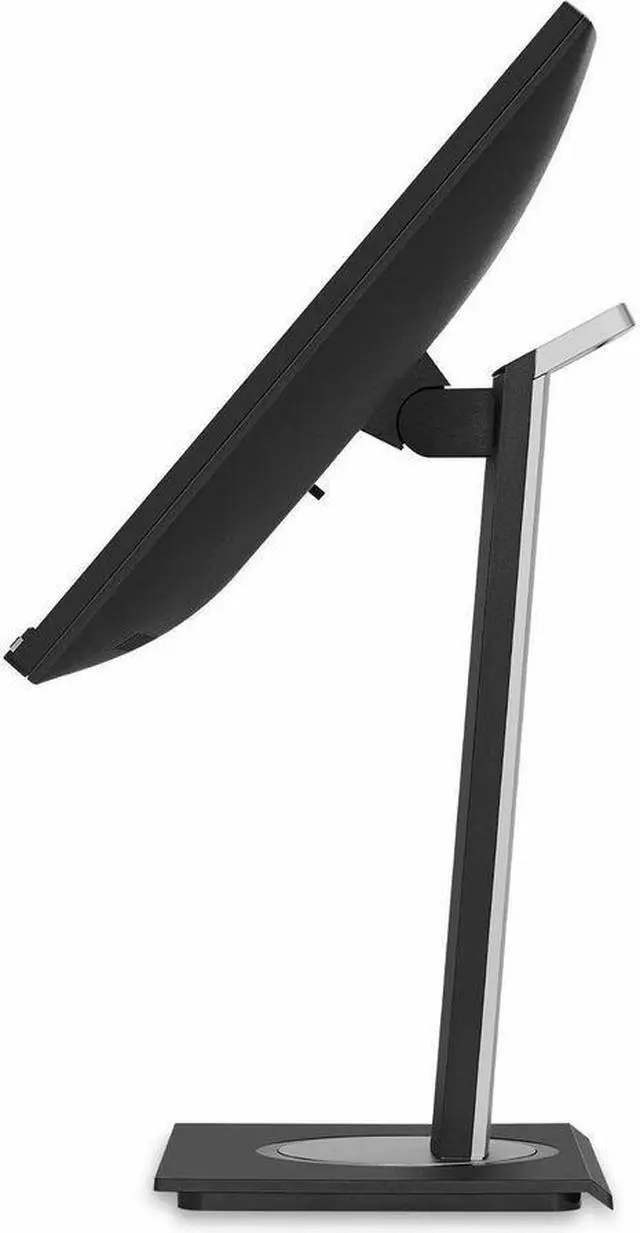
- ERGONOMIC STAND: Advanced ergonomics (tilt, swivel, rotate and height) for all-day comfort
- OPTIMIZED VIEW SETTINGS: Offers Game, Movie, Web, Text, and Mono presets
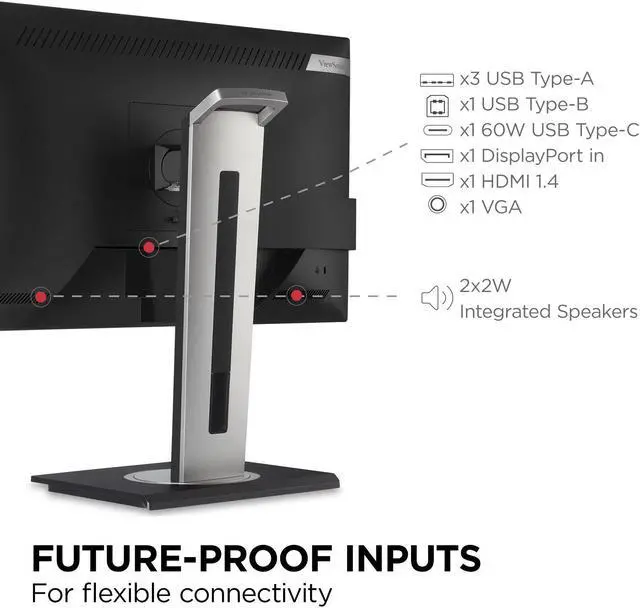
- FLEXIBLE CONNECTIVITY: The VG275 supports PCs, laptops, and more with USB, HDMI, DisplayPort, and VGA inputs
+
+
Overview
Specs
Reviews
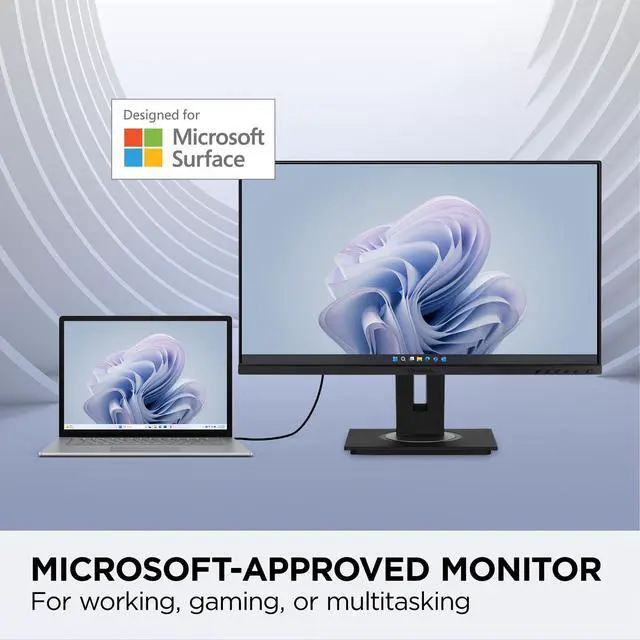
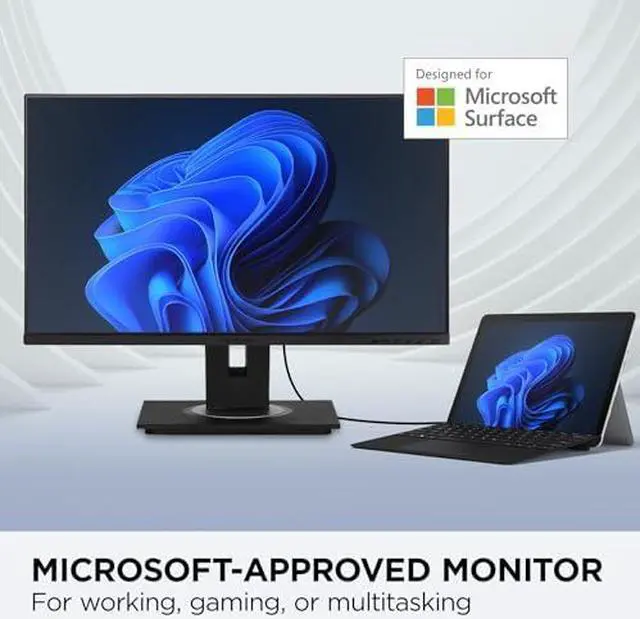
Designed for Surface (DfS) products must meet the rigorous standards of Microsoft to ensure optimal compatibility with Microsoft Surface products. * The ViewSonic® VG275 monitor is compatible with all USB-C Surface devices and is ideal for office and home use. USB-C connectivity offers convenient charging power, video and audio over a single cable, and will charge your Surface device without the need for an additional power cable. Along with USB-C, additional connectivity options include HDMI, DisplayPort, VGA, and a USB hub.
This 27 monitor also includes an advanced ergonomic design that features height adjustment, pivot, swivel and tilt for maximum comfort and enhanced productivity. This monitor is shipped in eco-friendly biodegradable packaging, along with an easy-to-install quick release stand that makes for simple out-of-the box setup. The quick release stand also includes an integrated client mount and cable management features.
*Microsoft, Microsoft Surface, Designed for Surface are trademarks of the Microsoft group of companies.
Warranty & Returns
Warranty, Returns, And Additional Information
Warranty
- Limited Warranty period (parts): 3 years
- Limited Warranty period (labor): 3 years
- Read full details
Return Policies
- Return for refund until: January 31, 2027
- Return for replacement until: January 31, 2027
- This item is covered by Newegg.ca's Extended Holiday Return Policy.
- Read full return policy for details.
We want to ensure your holiday shopping this year is hassle-free. That’s why we’re automatically extending our return policies on almost every product! For purchases placed between November 1st, 2026 and December 31, 2026 you will have until January 31, 2027 to return your product.
Manufacturer Contact Info
- Manufacturer Website
- Support Phone: 1-800-688-6688
- Support Website
- View other products from ViewSonic
LOADING...
LOADING...
The ViewSonic VG275 is a 27-inch Full HD IPS monitor designed for Surface, with USB-C charging up to 60W, a USB hub, and height, pivot, swivel, and tilt adjustments. It suits Surface and other laptop users who want a flexible home or office display with fewer cables.
Recommended For
- Surface laptop and tablet users who want a desk setup with one USB-C cable for video, data, and up to 60W charging, without adding a separate laptop power cable.
- Home-office workers who spend long sessions at a fixed desk and want to adjust screen height, tilt, swivel, and rotation to suit their seating and monitor position.
- Desk users switching between newer laptops and older computers or peripherals who need USB-C plus HDMI, DisplayPort, VGA, and a USB hub in one monitor.
- Office and home users who want a larger-than-laptop screen for documents, web browsing, and video calls, and are comfortable with Full HD resolution on a 27-inch display.
Real-World Use Scenarios
- A Surface user connects the monitor to a compatible USB-C Surface device for a larger desktop workspace; video, audio, data, and up to 60W of charging can run through one cable, reducing desk clutter.
- Someone working from home uses the VG275 for everyday laptop tasks such as email, documents, and web browsing; the larger screen gives them room to work at a desk while the adjustable stand helps position the display to suit their setup.
- A user reading long documents or working with code turns the screen to portrait orientation; the pivot stand lets them view more vertical content at once and adjust the monitor back for landscape tasks.
- A desk shared by a laptop and a desktop can use USB-C for the laptop and HDMI or DisplayPort for the desktop; selecting the monitor’s input lets the user switch between connected devices without repeatedly changing the display cable.
- A home-office user plugs compatible USB peripherals into the monitor’s USB hub, keeping accessories such as a keyboard and mouse close at hand instead of using up laptop ports.
Spec Summary
| Attribute | Value |
|---|---|
| Best For | Business and desktop setups, including laptops and gaming consoles, with USB-C connectivity and an adjustable stand |
| Panel And Resolution | 27-inch flat IPS/WLED display with 1920 × 1080 Full HD resolution, 16:9 aspect ratio, 16.7 million colors, 300 cd/m² brightness, 1000:1 static contrast, 178° horizontal and vertical viewing angles, anti-glare finish, and 74% NTSC color gamut |
| Refresh Rate And Response | 60 Hz refresh rate with a 5 ms response time |
| Ports And Connectivity | HDMI 1.4, DisplayPort, and VGA video inputs, plus three USB Type-A ports, one USB Type-B port, and one USB-C port with up to 60 W charging |
| Stand And Ergonomics | Stand adjusts for height, pivot, swivel, and tilt; supports 100 × 100 mm VESA mounting |
| Audio And Camera | Built-in stereo speakers rated at 2 × 2 W; no built-in webcam |
| Power And Efficiency | Accepts 100–240 VAC at 50/60 Hz; typical power consumption is 20.7 W, with 14.5 W and 17.1 W Eco modes, up to 45.8 W maximum consumption, and 0.3 W standby |
| Dimensions And Weight | With stand: 24.1 × 15.99–20.99 × 8.0 inches and 16.1 lb; without stand: 24.1 × 14.2 × 2.0 inches and 11.2 lb |
| Model Identifiers | ViewSonic VG275; model number VS17529; black cabinet |
Reference Q&A
Q: ViewSonic VG275 vs VP275-4K: which is better for a Surface setup?
A: Choose the VG275 for a 27-inch Full HD Surface workspace with USB-C charging up to 60W and an adjustable stand. Both are Designed for Surface models; the VP275-4K adds 4K resolution and specified color-accuracy features for users whose work benefits from finer detail or color-focused viewing.
Q: ViewSonic VG275 vs VG245: which should I choose for a Surface laptop?
A: Choose the VG275 if you want a 27-inch screen; choose the VG245 if you prefer a 24-inch screen. Both are Full HD Designed for Surface monitors with 60W USB-C charging and height, pivot, swivel, and tilt adjustments.
Q: ViewSonic VG275 vs VG2755-2K: is the higher-resolution model worth choosing?
A: Choose the VG275 for a 27-inch Full HD display and ViewSonic’s Designed for Surface positioning, with USB-C charging up to 60W. Choose the VG2755-2K if you want QHD resolution (2560 × 1440) while keeping 60W USB-C charging and an adjustable ergonomic stand.
Q: Can I use the VG275 as a second screen for my laptop?
A: Yes. Connect a laptop through HDMI, DisplayPort, VGA, or compatible USB-C video output to use the VG275 as an extended or mirrored display. For USB-C video, the laptop’s USB-C port must support display output.
Q: Can one USB-C cable connect and charge my laptop?
A: The VG275 supports video, data, and up to 60W charging over USB-C. A single-cable setup requires a laptop USB-C port that supports video output and charging; laptops needing more than 60W may still require their own power adapter.
Q: Is the VG275 suitable for everyday office work and video meetings?
A: It is suited to common office tasks such as documents, web browsing, and multitasking, with a 27-inch Full HD IPS screen and an adjustable stand. It has built-in speakers but no webcam, so video meetings require a separate camera.
Q: Can I raise, tilt, swivel, and rotate the screen?
A: Yes. The stand supports height adjustment, tilt, swivel, and pivot rotation, allowing you to position the screen for your desk and viewing posture.