


Best Sellers
 Hot Seller
- $178.11
- + $18.99 Shipping


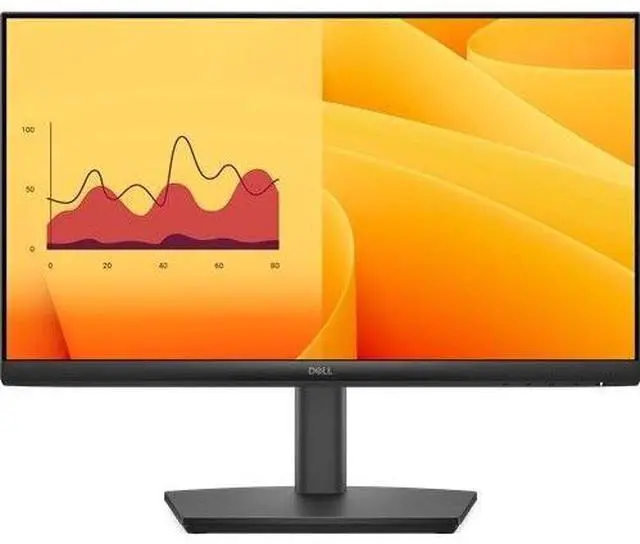
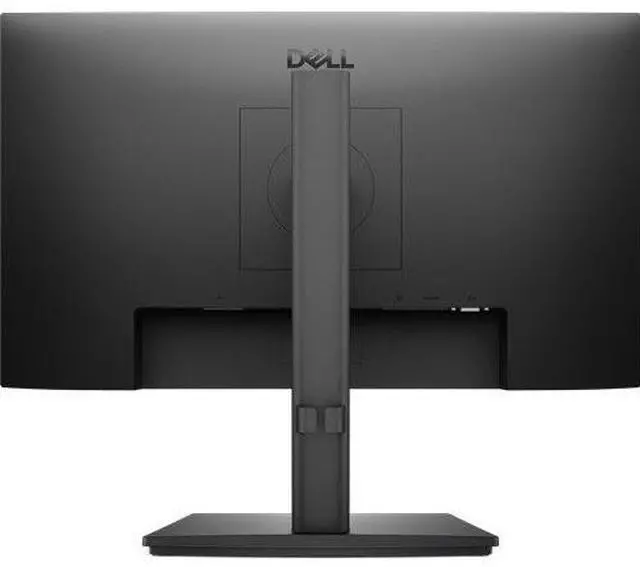
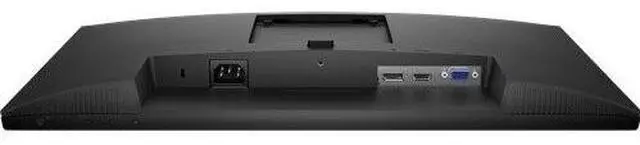
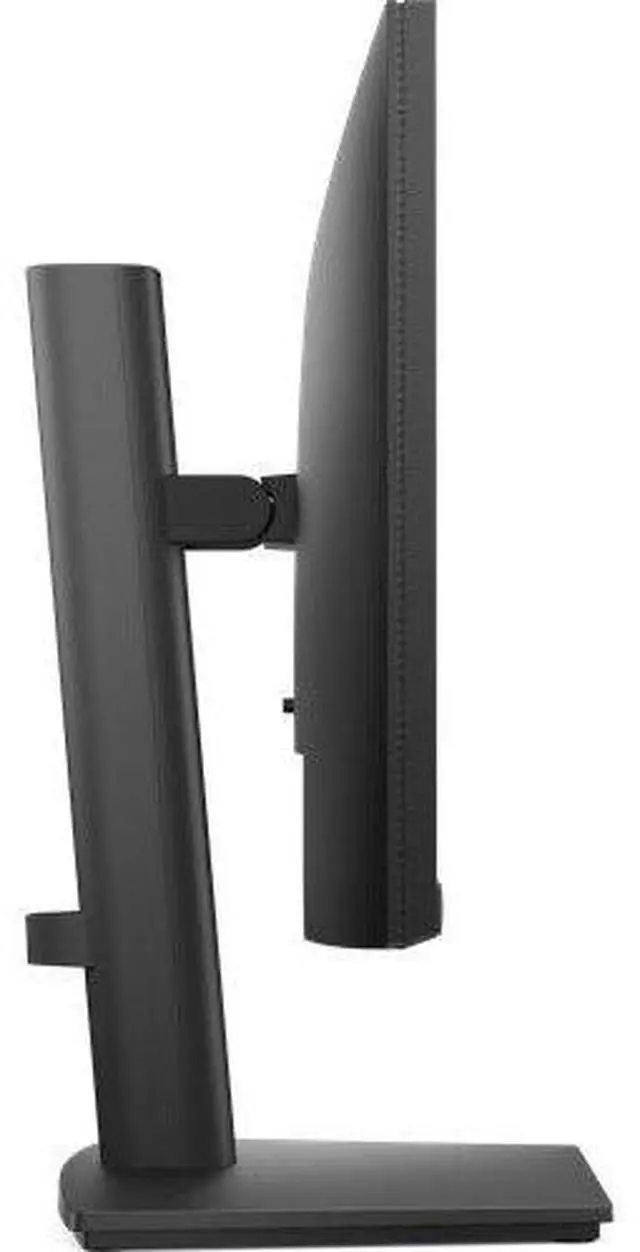
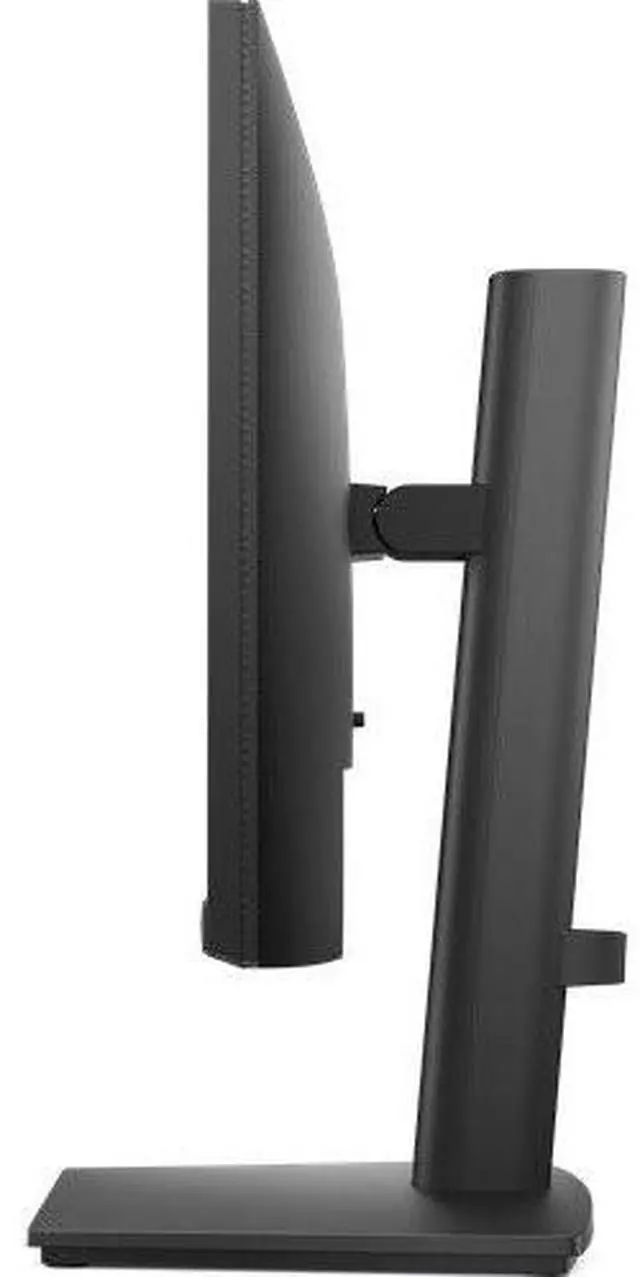
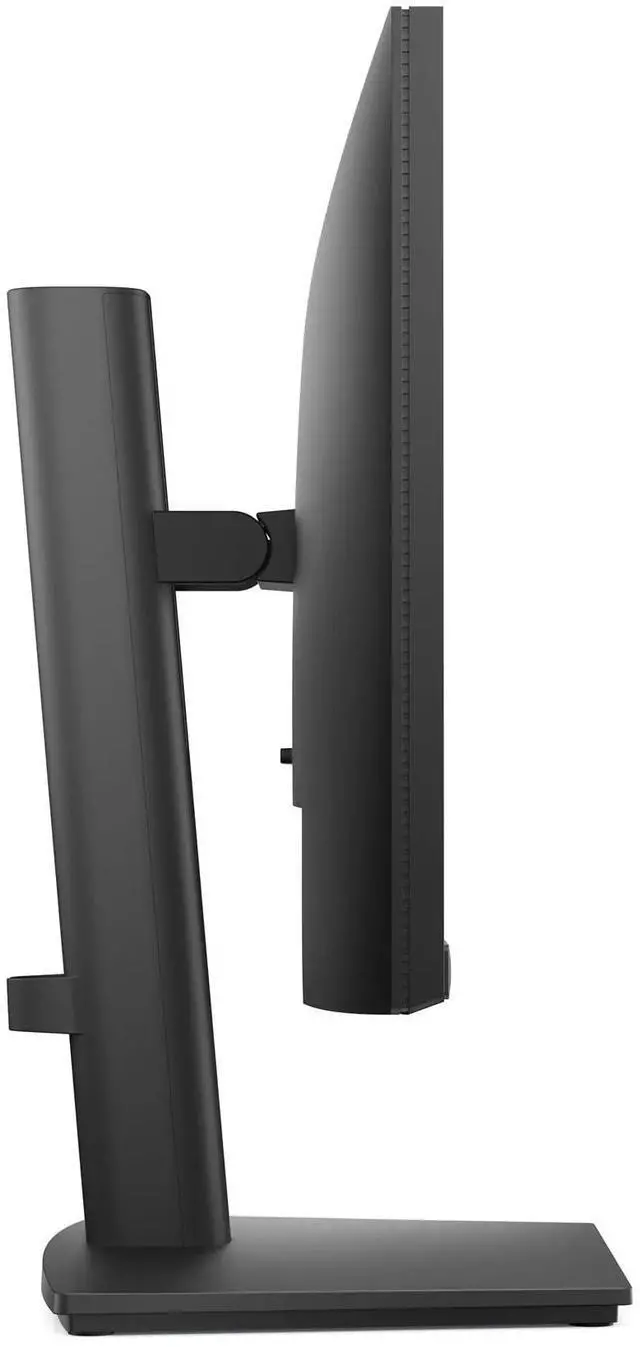


Dell Pro 22 Adjustable Stand Monitor - E2225HSM
- Get fully adjustable Dell Pro 22 inch Monitor with a wide viewing angle, ultra-thin bezel, 100Hz refresh & TÜV 3-star eye comfort.
+
+
Overview
Specs
Reviews
Get the essentials to enhance productivity with this 21.5 -inch height-adjustable monitor certified by TÜV Rheinland® for 3-star eye comfort.
Warranty & Returns
Warranty, Returns, And Additional Information
Warranty
- Limited Warranty period (parts): 1 year
- Limited Warranty period (labor): 1 year
- Read full details
Return Policies
- Return for refund until: January 31, 2027
- Return for replacement until: January 31, 2027
- This item is covered by Newegg.ca's Extended Holiday Return Policy.
- Read full return policy for details.
We want to ensure your holiday shopping this year is hassle-free. That’s why we’re automatically extending our return policies on almost every product! For purchases placed between November 1st, 2026 and December 31, 2026 you will have until January 31, 2027 to return your product.
Manufacturer Contact Info
- Manufacturer Website
- Support Phone: 1-800-WWW-DELL
- Support Website
- View other products from DELL
LOADING...
LOADING...
The Dell Pro 22 E2225HSM is a 21.5-inch monitor with a fully adjustable stand, 100Hz refresh rate, and TÜV 3-star eye-comfort certification, suited to office users who want flexible positioning and comfortable everyday viewing.
Recommended For
- Office workers who spend the day on email, documents, spreadsheets, and browser-based tools and want a compact Full HD screen with a height-adjustable stand.
- People setting up a small or shared desk who need to raise, tilt, swivel, or rotate the display to suit different seating positions or portrait-oriented documents.
- Workplaces connecting a mix of newer and older computers that need DisplayPort, HDMI, or VGA inputs on a single monitor.
- Users who want built-in speakers for basic video calls, system audio, or occasional media without setting up separate desktop speakers.
- People using a monitor for long work sessions who value Dell’s TÜV Rheinland 3-star eye-comfort certification and ComfortView Plus positioning.
Real-World Use Scenarios
- For everyday office work—editing documents, managing email, and working in spreadsheets—the 21.5-inch Full HD screen provides a straightforward desktop workspace, while the adjustable stand helps position it for the user.
- When a desk setup needs a smaller main or second screen, this monitor can handle reference material, chat, or email alongside a laptop or larger display without taking up as much space as a larger monitor.
- For reading long documents or viewing code, the stand can rotate the screen to portrait orientation, making more lines visible at once; the compact screen is best suited to focused reading rather than displaying many large windows side by side.
- During frequent scrolling through web pages, documents, or spreadsheets, the 100Hz refresh rate can make on-screen movement look smoother than a standard 60Hz display when the computer and connection are set to support it.
- In a shared office or home workspace, the HDMI, DisplayPort, and VGA inputs make it practical to connect to a range of newer or older computers; built-in speakers can cover basic system audio without separate desktop speakers.
Spec Summary
| Attribute | Value |
|---|---|
| Best For | Compact desktop setups needing a 21.5-inch Full HD display with 100 Hz refresh and HDMI, DisplayPort, or VGA connectivity |
| Panel And Resolution | 21.5-inch VA LCD panel with a glossy finish, 1920 × 1080 Full HD resolution, 16:9 aspect ratio, 3000:1 contrast ratio, and 178-degree viewing angle |
| Refresh Rate And Response | 100 Hz refresh rate, 5 ms response time, and FreeSync adaptive sync |
| Ports And Connectivity | 1 HDMI port, 1 Thunderbolt port, DisplayPort, and VGA; no USB ports |
| Stand And Ergonomics | Height-adjustable stand; listed for vertical orientation |
| Power And Weight | 19 W power consumption; listed weight is 13 lb |
| Model Identifiers | Dell E2225HSM, model number DELL-E2225HSM; FCC ID E2K-P152G006 |
Reference Q&A
Q: Dell E2225HSM vs E2225HM: which one has the more adjustable stand?
A: Choose the Dell Pro E2225HSM if you want height, tilt, swivel, and pivot adjustments, plus built-in speakers. The E2225HM shares the 21.5-inch Full HD, 100Hz VA display and TÜV Rheinland 3-star eye-comfort rating, with a tilt-adjustable stand.
Q: Should I choose the Dell E2225HSM or the larger E2425HSM?
A: Choose the E2225HSM for a 21.5-inch Full HD screen in a more compact desktop setup. Choose the E2425HSM if you prefer a larger 23.8-inch screen; both offer 100Hz refresh, built-in speakers, and height, tilt, swivel, and pivot adjustments.
Q: Dell E2225HSM vs P2225H: which is better for an office desk?
A: Choose the E2225HSM if built-in speakers and a 21.5-inch VA display with 3,000:1 contrast are priorities. Choose the Dell Pro Plus P2225H if you prefer an IPS panel, 99% sRGB color coverage, and quick-access USB ports; both are 21.5-inch Full HD monitors with a 100Hz refresh rate and fully adjustable stands.
Q: Is this monitor suitable for everyday office or school work?
A: Yes. Its 21.5-inch Full HD screen and adjustable stand suit common tasks such as documents, browsing, and studying. The 100Hz refresh rate and TÜV Rheinland 3-star eye-comfort certification are additional features; this is a desktop monitor, not a portable travel display.
Q: Can I adjust the height or rotate the screen for portrait use?
A: Yes. The included stand supports height adjustment, tilt, swivel, and pivot, so you can raise or lower the screen and rotate it into portrait orientation.
Q: Does it have built-in speakers for video calls or videos?
A: Yes. The monitor has integrated speakers. It does not replace a webcam or microphone, so use separate devices for video calls if your computer does not already provide them.
Q: Can I connect it to a laptop, and does it include a video cable?
A: It has HDMI, DisplayPort, and VGA inputs. Connect it using a video output supported by your laptop; an adapter may be needed if the ports do not match. An HDMI cable is included.