




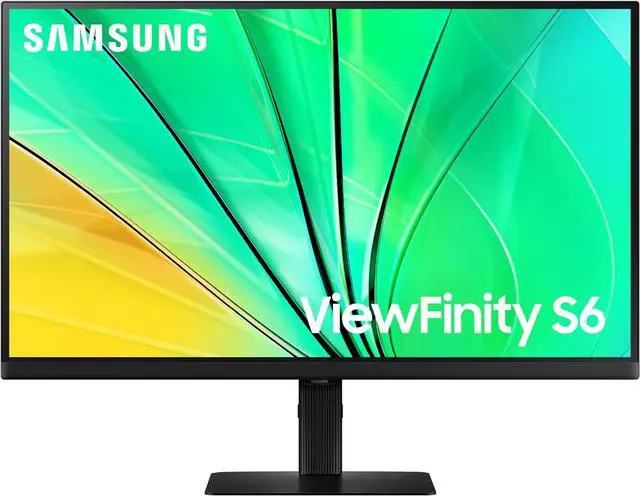
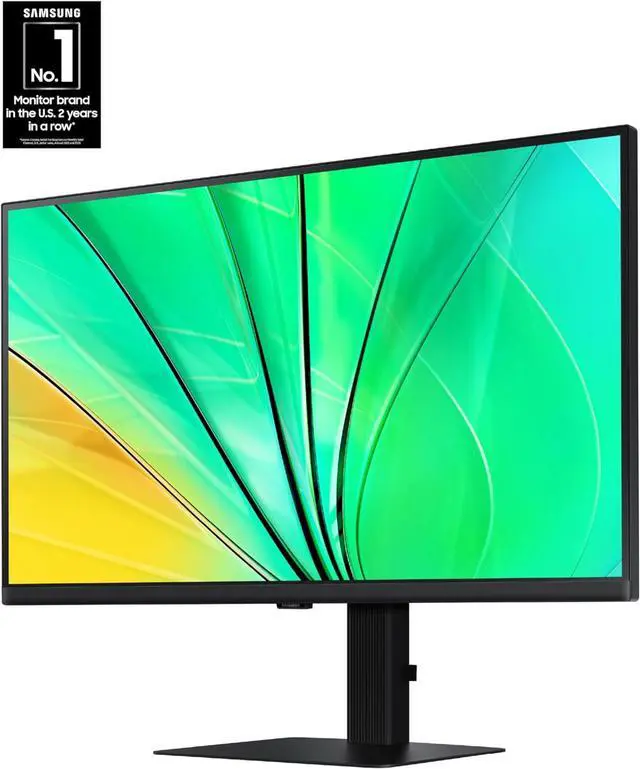


Samsung 27" ViewFinity S6 Series QHD Hi-Res Computer Monitor, 100Hz S27D606EAN
- 27"
- QHD Wide 1440p
- 100Hz
- Aspect Ratio 16:9
- Flat
+
+
Overview
Specs
Reviews (1)
LCD 27" Monitor
Warranty & Returns
Warranty, Returns, And Additional Information
Warranty
- Limited Warranty period (parts): 1 year
- Limited Warranty period (labor): 1 year
- Read full details
Return Policies
- Return for refund until: January 31, 2027
- Return for replacement until: January 31, 2027
- This item is covered by Newegg.ca's Extended Holiday Return Policy.
- Read full return policy for details.
We want to ensure your holiday shopping this year is hassle-free. That’s why we’re automatically extending our return policies on almost every product! For purchases placed between November 1st, 2026 and December 31, 2026 you will have until January 31, 2027 to return your product.
Manufacturer Contact Info
- Manufacturer Website
- Support Phone: 1-800-726-7864
- Support Website
- View other products from SAMSUNG
LOADING...
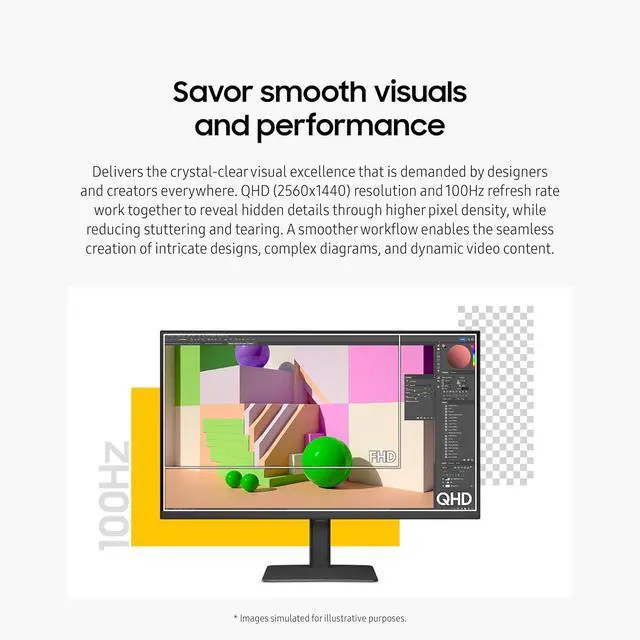
The Samsung ViewFinity S6 S27D606EAN is a 27-inch QHD (2560 × 1440) monitor with a 100Hz refresh rate, suited to office and home users who want detailed screen space for everyday productivity and smoother on-screen motion.
Recommended For
- Office workers who keep documents, spreadsheets, or browser windows open side by side: the 27-inch QHD screen provides more workspace than Full HD, and Samsung positions this model for productivity.
- People who spend long sessions reading, writing, or working with diagrams and want a sharper desktop image and smoother scrolling than a standard 60Hz display.
- Design and content workers making or reviewing everyday graphics, diagrams, and video who want QHD resolution and an IPS display, rather than a monitor aimed specifically at reference-grade color work.
- People who split time between productivity and casual gaming: its 100Hz refresh rate supports smoother motion than a 60Hz monitor, while keeping the focus on work-oriented use.
Real-World Use Scenarios
- For work-from-home tasks such as writing, spreadsheets, and video calls, the 27-inch QHD screen gives room to keep more content visible at once, making it easier to compare documents or switch between windows.
- When reading long documents, reviewing code, or working through research, users can rotate the screen to portrait and scroll less through vertically arranged content.
- For everyday design tasks such as editing images, laying out slides, or reviewing diagrams, QHD detail and broad color support make fine on-screen elements easier to inspect; color-critical work should still use a calibrated workflow.
- For casual PC gaming alongside work, the 100Hz refresh rate can make scrolling and supported games look smoother than on a standard 60Hz screen, though this is not a high-refresh competitive gaming monitor.
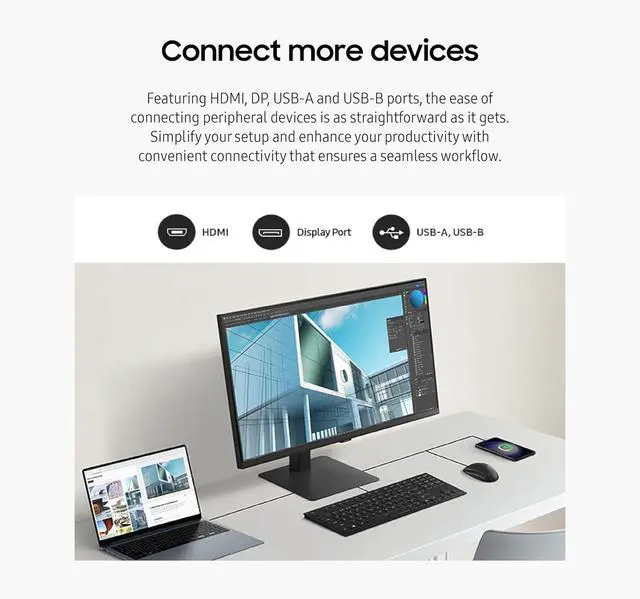
- In a desk setup with a desktop or laptop, users can connect the display over HDMI or DisplayPort and use its USB hub for nearby peripherals; the monitor’s USB ports do not make this version a USB-C laptop docking display.
Spec Summary
| Attribute | Value |
|---|---|
| Best For | QHD desktop use for business and photo/video editing, with compatibility for desktop and laptop setups |
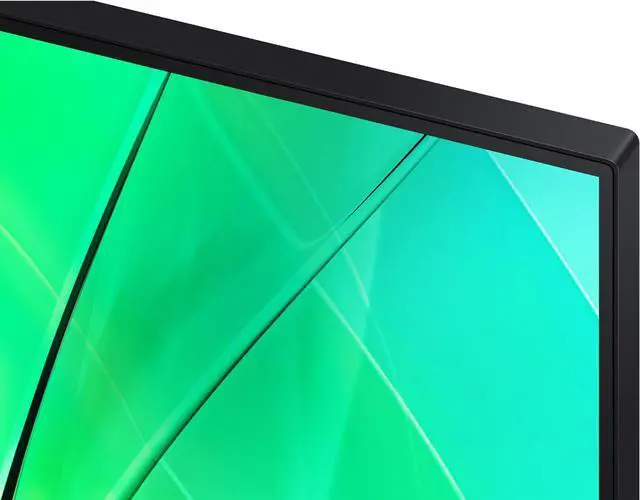
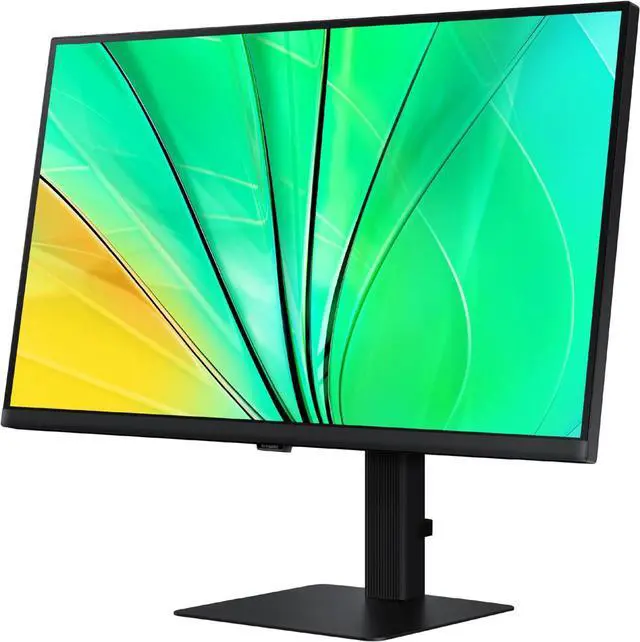
| Panel And Resolution | 27-inch flat LCD/LED display with QHD 2560 × 1440 resolution and a 16:9 aspect ratio |
| Refresh Rate And Response | 100 Hz refresh rate with a 5 ms response time |
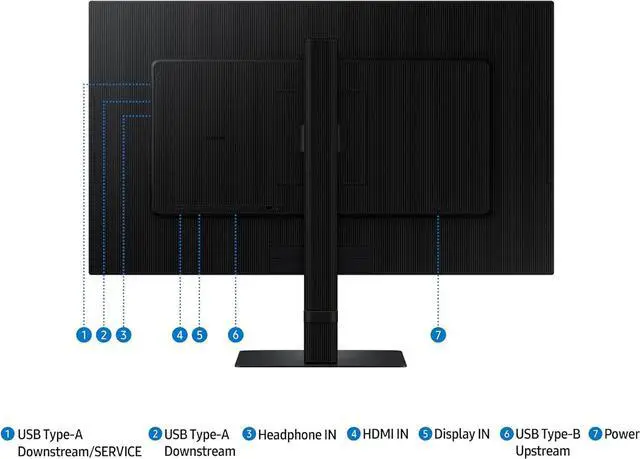
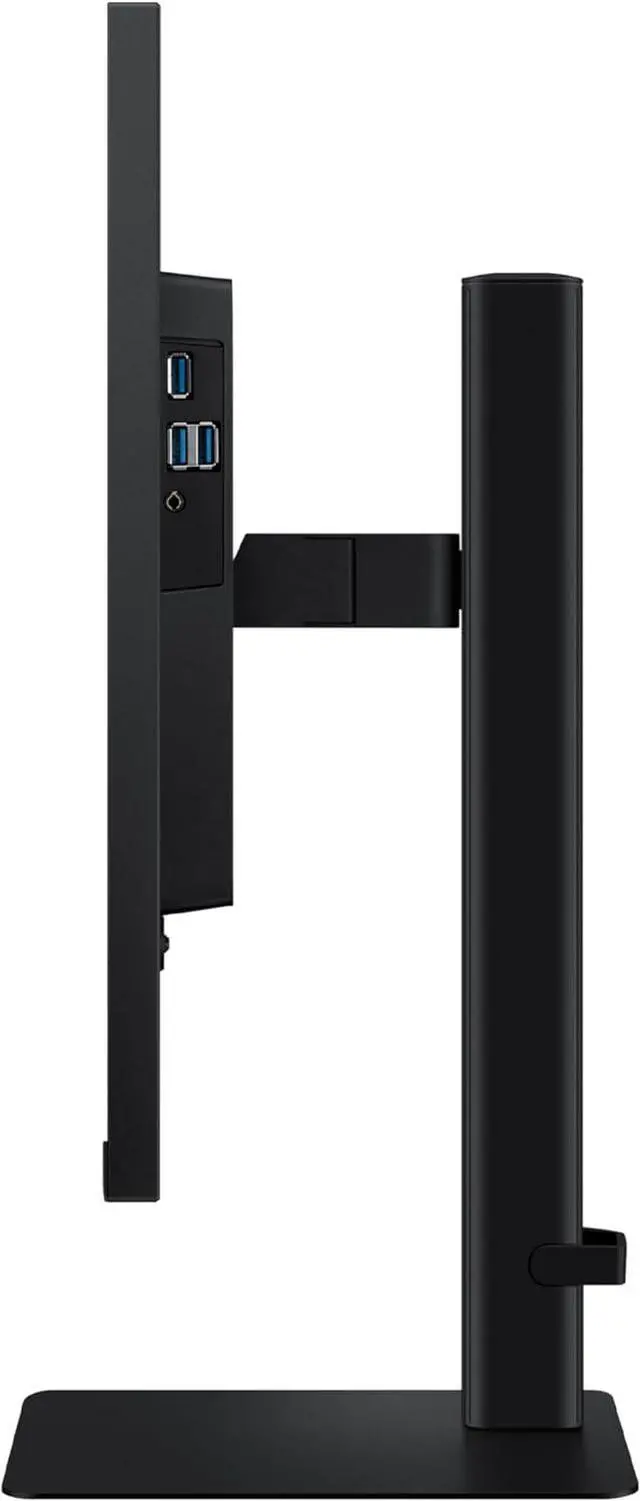
| Ports And Connectivity | HDMI, DisplayPort, and a USB hub with 3 USB 3.0 ports; includes 1 HDMI port |
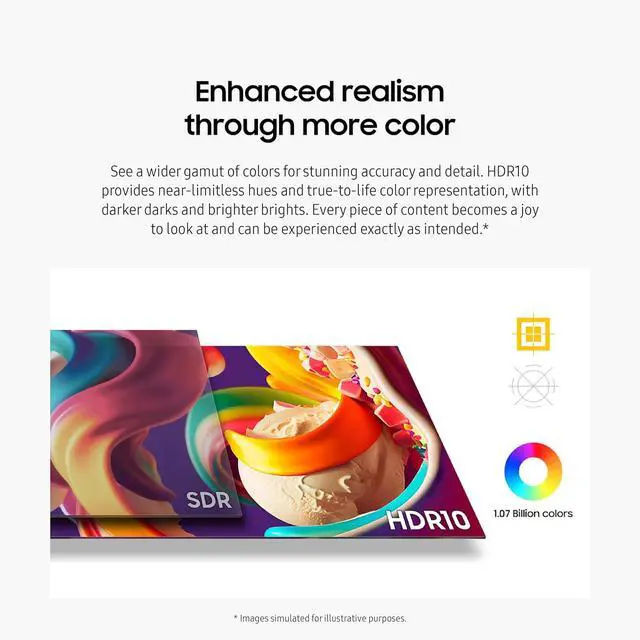
| Brightness And Contrast | 350 cd/m² brightness, 1,000:1 contrast ratio, and HDR10 support |
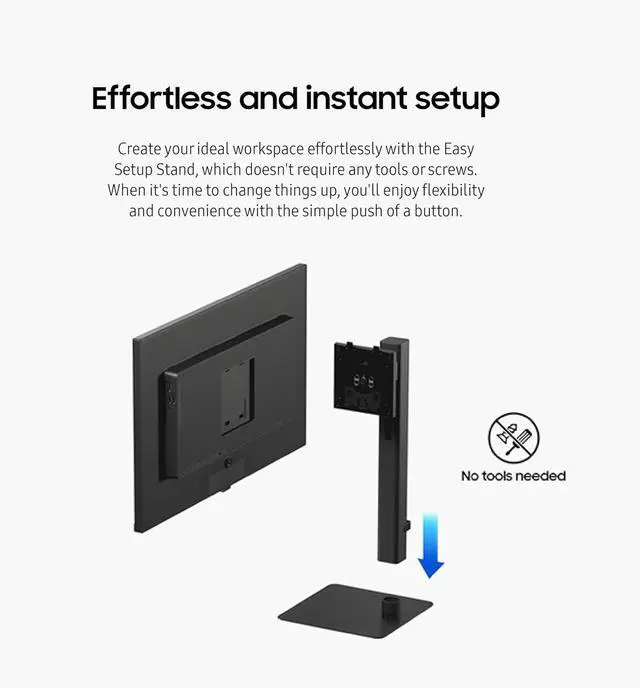
| Stand And Ergonomics | Adjustable stand with pivot adjustment and a 178° viewing angle; supports vertical orientation |
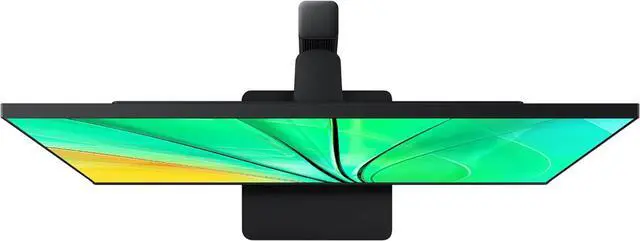
| Dimensions And Weight | 24.13 in wide × 21.91 in high × 8.66 in deep; without the stand, 24.13 in wide × 14.48 in high × 1.64 in deep; item weight 13.45 lb |
| Included Accessories | HDMI, DisplayPort, USB, and power cables |
| Model Identifiers | Samsung S60D Series, model LS27D606EANXGO |
Reference Q&A
Q: Samsung ViewFinity S6 27-inch QHD vs S7 27-inch 4K: which should I choose?
A: Choose the ViewFinity S6 S27D606EAN for QHD resolution at 100Hz, a fit for everyday work where smoother scrolling and motion are priorities. Choose the ViewFinity S7 S70D for 4K resolution and higher pixel density when fine detail is the priority. Samsung lists the S6 at QHD and 100Hz, and the S7 at 4K and 60Hz.
Q: Should I get the ViewFinity S6 S27D606EAN or the S60UD for a laptop setup?
A: Choose the S27D606EAN for a 27-inch QHD monitor with a 100Hz refresh rate. Choose the ViewFinity S6 S60UD if you want those same QHD and 100Hz display specifications plus USB-C charging up to 90W and a built-in KVM switch for a laptop-and-desktop workspace.
Q: Should I choose the 27-inch or 32-inch ViewFinity S6 for a QHD desk setup?
A: Choose the 27-inch S27D606EAN for a more compact screen with a higher pixel density at the same QHD resolution. Choose the 32-inch ViewFinity S6 if a larger physical display area is your priority. Samsung lists both sizes in the S6 lineup with QHD resolution and a 100Hz refresh rate.
Q: Is this monitor suitable for everyday office work?
A: Yes. Its 27-inch QHD (2560 × 1440) display provides a roomy, detailed workspace for tasks such as documents, spreadsheets, and web browsing. The listed 100Hz refresh rate also supports smoother everyday scrolling than a 60Hz display.
Q: Is this a good monitor for casual gaming?
A: It can suit casual gaming if your computer can output QHD resolution. Its listed 100Hz refresh rate supports smoother motion than a standard 60Hz display, but the supplied product details do not establish gaming-specific features or performance for competitive play.
Q: Can I use this monitor by itself for video meetings?
A: The supplied product details confirm the display size, resolution, and refresh rate, but do not confirm a built-in webcam, microphone, or speakers. Plan to use your computer’s meeting equipment or separate accessories unless the full listing confirms those features.