






ZEUSLAP COMPANY HISTORY
(ZEUSLAP) established in 2013, which specializes in manufacturing cost-effective consumer electronic products, such as portable monitor, gaming devices and their supporting accessories. We believe innovation leads the future, which inspire us to go straight forward in market. We are a global online fashion retail company. Here is a leading global online wholesale supplier of lcd monitors. Our commitment is to provide a wide range of high quality, trendy fashion products at stunning factory direct prices along with a class-leading customer service experience to our worldwide community of customers. Our Target is to provide our global customers with high quality products at competitively low factory direct prices.


(For a better experience, please power by the monitor via "USB to Type-C Cable with Charger".)
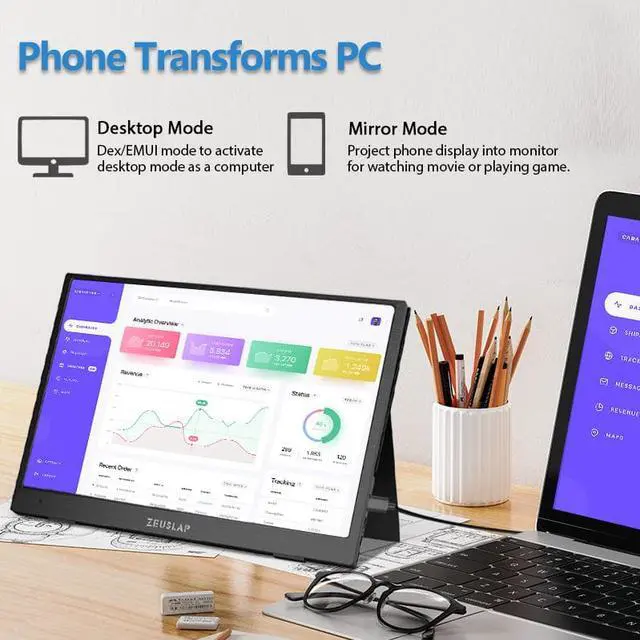
- Thunderbolts Type-C Phone Connection
- Type-C to Type-C Cable to connect the Type-C port of the Phone to the middle Type-C port (Type-C Data) of the monitor
- Please power by the monitor via USB to Type-C Cable with Charger if the monitor cannot light up for the low power by of the phone.
- Non-Thunderbolts Type-C Phone Connection (Requires power to the monitor)
- Please additionally purchase a Type-C to Mini HDMI HDTV Cable to connect your mobile phone to the portable monitor (usually a Type-C to HDMI cable + Mini HDMI adapter is required)
- iPhone Connection (Requires power to the monitor)
- Please additionally purchase a Lightning to Mini HDMI HDTV Cable to connect your mobile phone to the portable monitor (usually a Lightning to HDMI cable + Mini HDMI adapter is required)

- These are the common phones with full-featured Thunderbolts Type-C ports in the market today.
- If you have other phone models and are not sure if they are compatible, you can directly consult

(For a better experience, please power by the monitor via USB to Type-C Cable with Charger.)
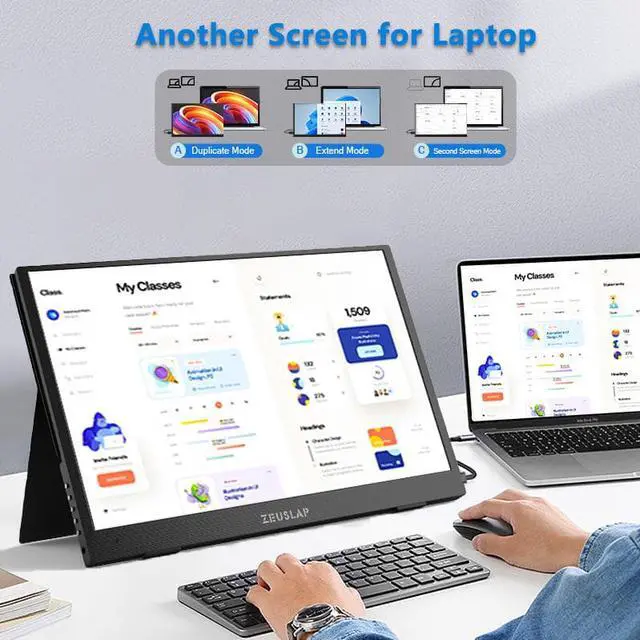
- Laptop / MacBook with Thunderbolts Type-C Port Connection
- Type-C to Type-C Cable to connect the Type-C port of the Laptop / MacBook to the middle Type-C port (Type-C Data) of the monitor
- Please power by the monitor via USB to Type-C Cable with Charger for a better experience at different OSD setting (Such as Brightness/Volume Adjustment).
- Laptop with HDMI-compatible Port Connection
- Mini HDMI to HDMI Cable to connect the monitor and the laptop for data transfer.
- Please power by the monitor via USB to Type-C Cable with Charger for a better experience at different OSD setting (Such as Brightness/Volume Adjustment).

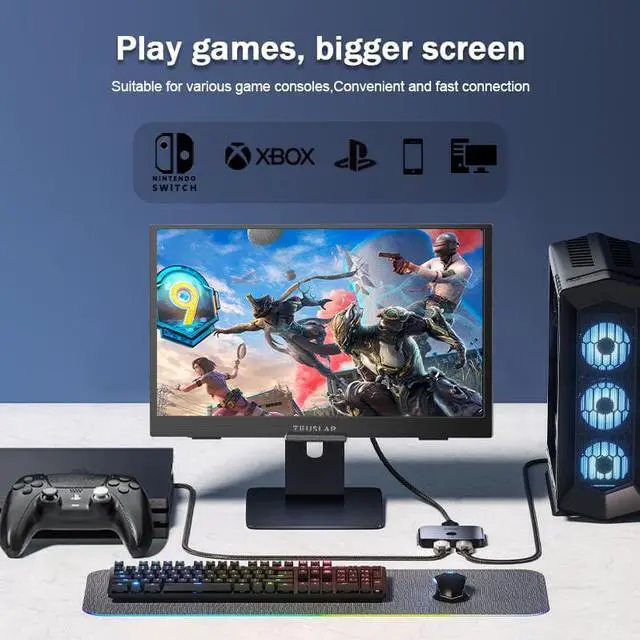
- Nintendo Switch Connection
- Please power by the monitor via the original Nintendo Switch Charger at the Type-C PD port.
- Type-C to Type-C Cable to connect the middle Type-C port(Type-C Data) of the monitor and the Nintendo Switch Type-C port.
Remark: The Nintendo Switch LITE Version does not support for the monitor.
- PS4 / PS5 / Xbox Connection
- Please power by the monitor via USB to Type-C Cable with Charger (included in the parcel.)
- Mini HDMI to HDMI Cable to connect the monitor and the PS4/PS5/Xbox.