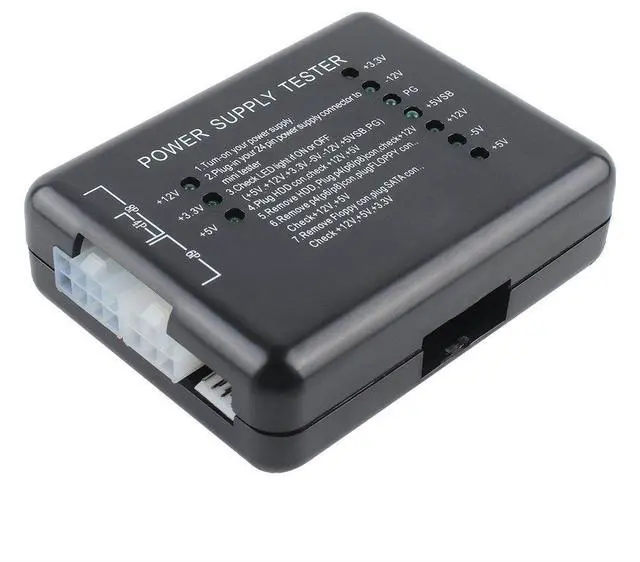
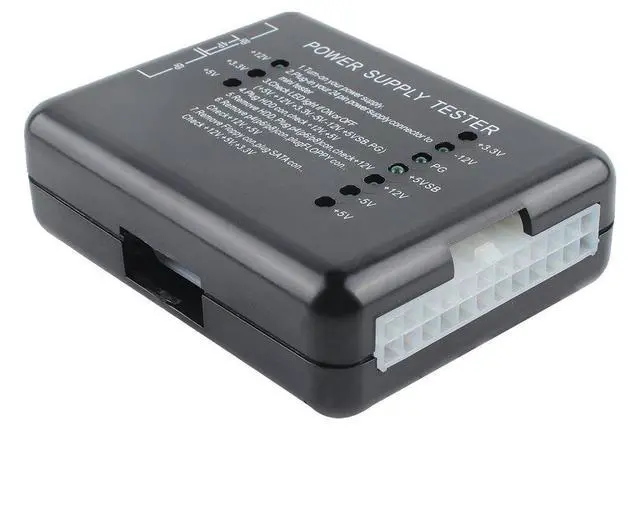
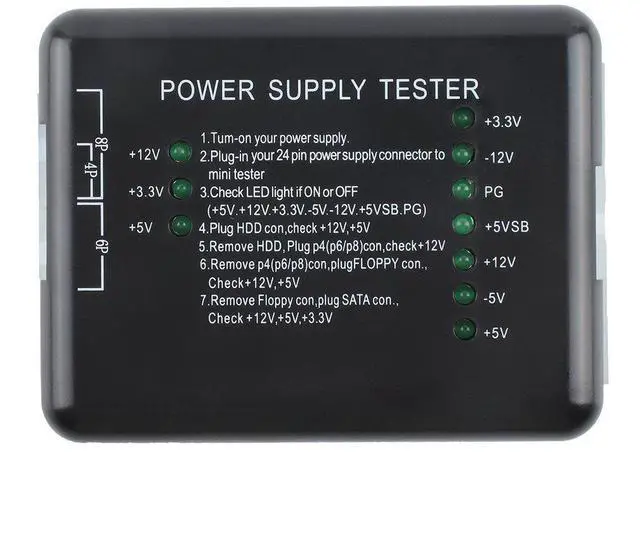
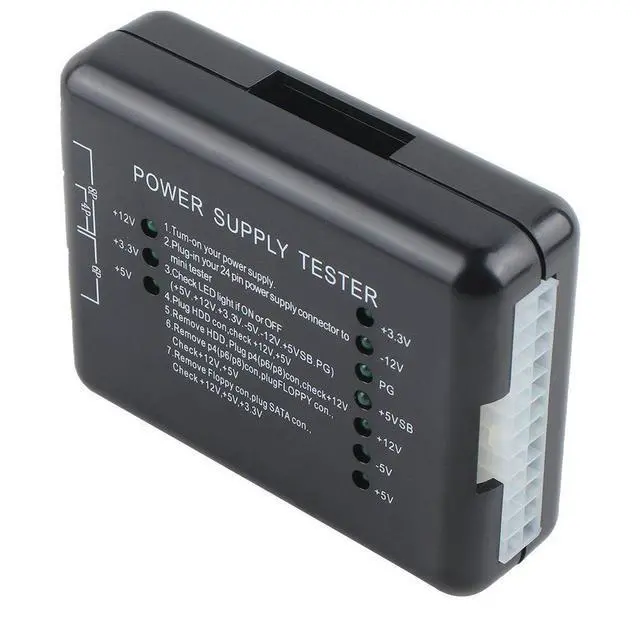
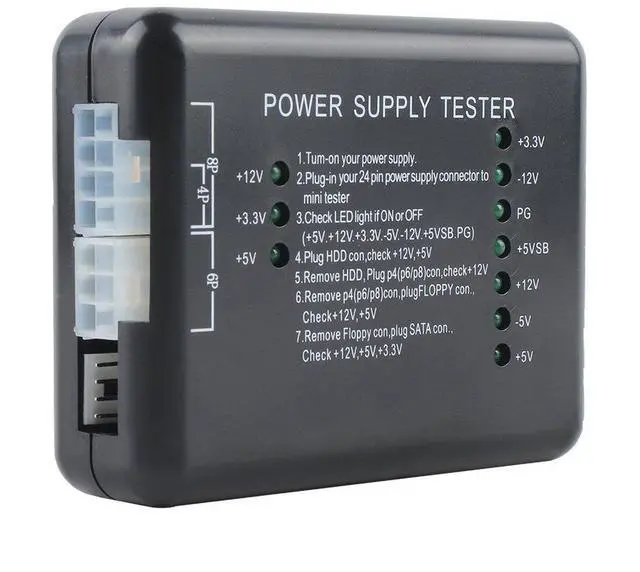
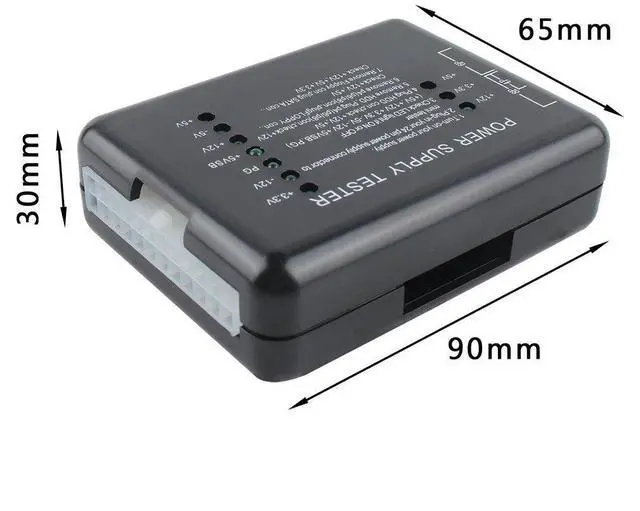
The chassis power tester is a powerful power detection device that can test ATX, BTX and ITX computer power supplies, and can display the voltages of each group as well as the PG value. It is a tool for quickly detecting computer power supplies.
Operation method
Supply power to the device under test.
2. Insert the 24P (20P) plug of the device to be tested into the corresponding 24P (20P) socket of the power tester.
3. Check if the seven lights on the right ( +3.3V, -12V, PG, +5VSB, +12V, -5V, +5V ) are all on. A full-on state is preferable.
4. Insert the HDD plug of the device to be tested into the HDD socket of the power tester. Check if the two lights on the left (+12V and +5V) are on. They should all be on for a successful test.
5. Remove the HDD plug from the power tester, then insert the P4 (P6/P8) plug into the corresponding P4 (P6/P8) socket. Check if the light on the left (+12V) is on. If it is on, it indicates a successful connection.
6. Remove the P4 (P6/P8) plug from the power tester, then insert the FLOPPY plug into the corresponding FLOPPY socket. Check if the two left lights (+12V, +5V) are on. They should be fully illuminated for a successful operation.
7. Remove the FLOPPY plug from the power tester and insert the SATA plug into the corresponding SATA socket. Check if the three lights on the left (+12V, +3.3V, +5V) are on. All on is ideal.
+
+
Overview
Specs
Reviews
Input port: 20/24-pin (ATX connector)
Voltage detection: +12V, -12V, +5V, -5V, +3.3V, 5V. Standby (SB) 12V, power Good (PG)