
Your Browsing History

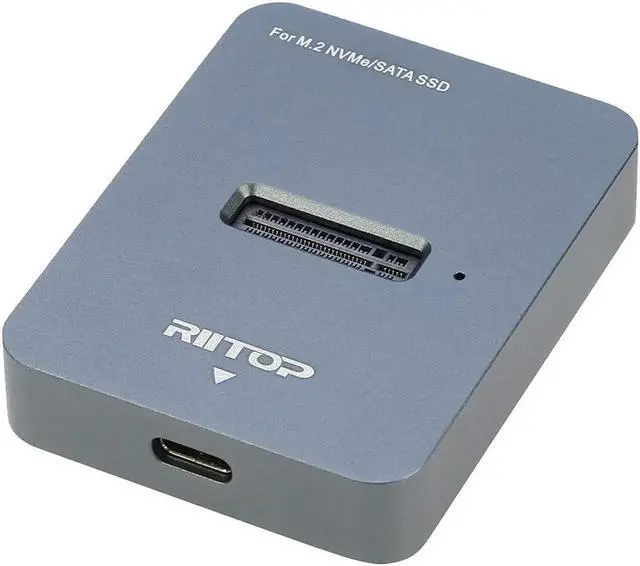
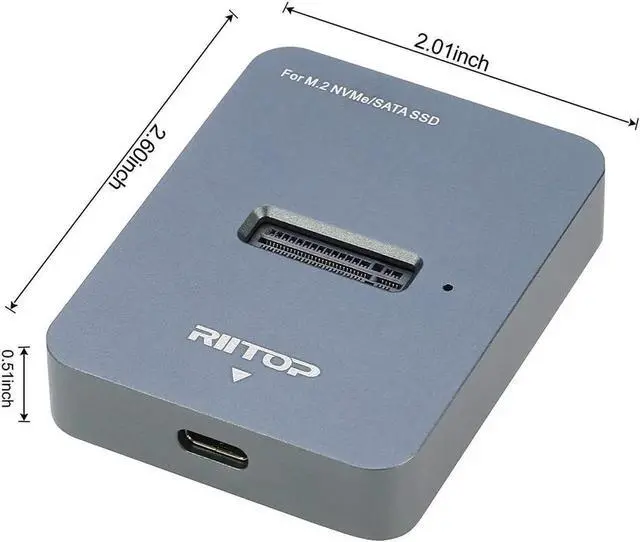



RIITOP M.2 SSD to USB C Docking Station (for Both NVMe and B+M Key SATA-Based SSD)
Convert Your M.2 SSD to USB 3.2 as an external drive
RIITOP M2 Docking is NOT Only NVMe to USB Adapter, but also working for B+M Key SATA-Based SSD, it's ideal for those who own multiple NVMe SSDs and B+M Key SATA-Based SSD that need to be frequently plug and unplug.
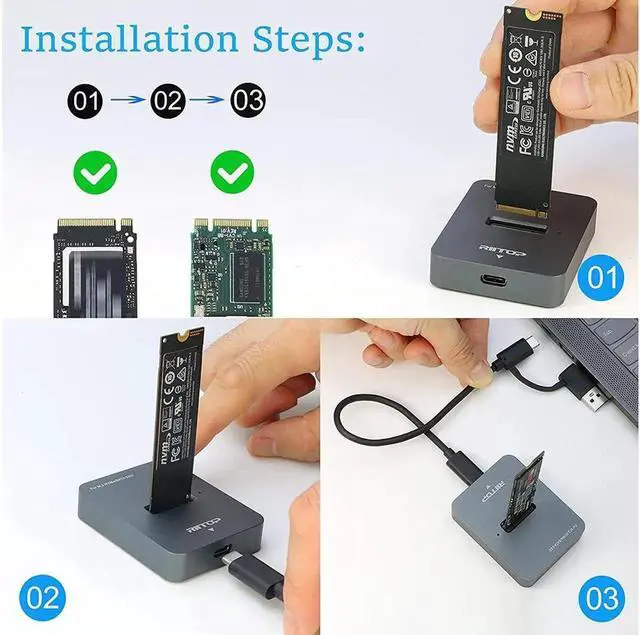
No mounting screws need, simply insert the M.2 device and connect the USB cable, and you can start using immediately.
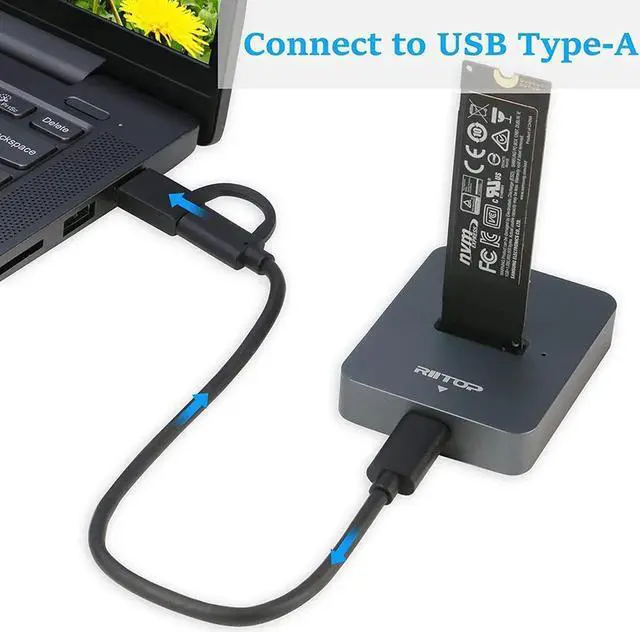
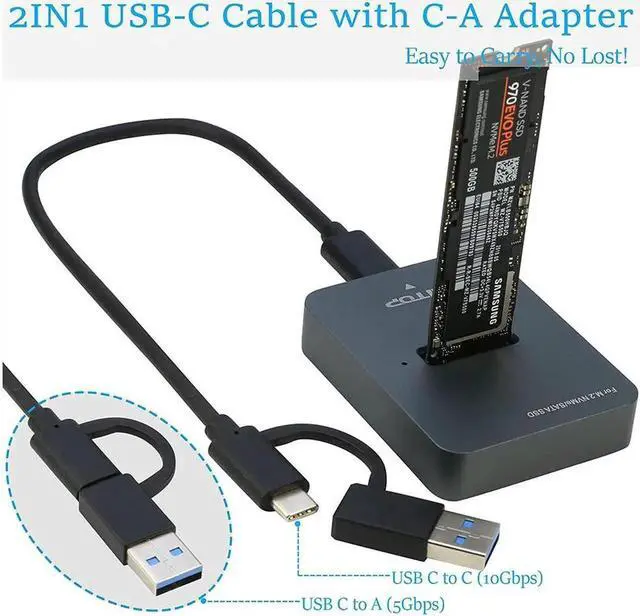
And the USB-C 2in1 Y Cable allows you connect RIITOP M.2 Dock to USB-C or USB-A Ports.
NOT support AHCI SSD, please note!

Compatibility:
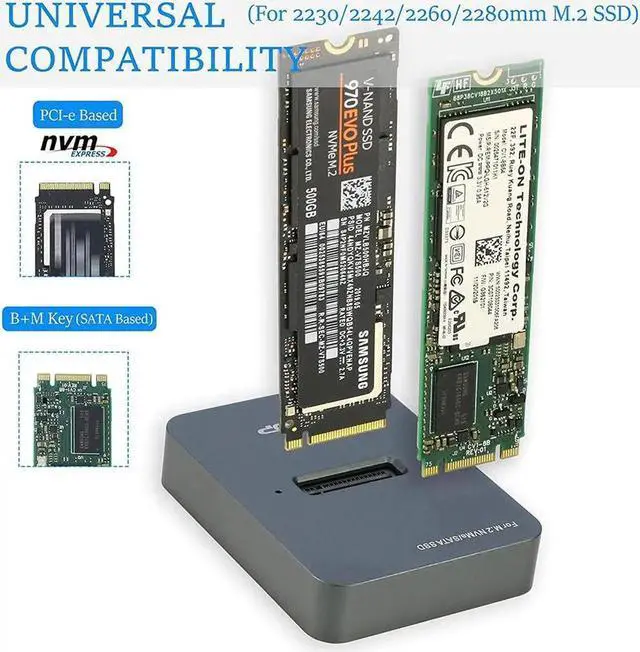
Support Both M Key NVMe and B+M Key SATA SSD:
Apply to 80x22mm, 60x22mm and 42x22mm SSD.
For Samsung:970 EVO Plus/970 EVO/970 Pro/960 EVO/950 PRO/860 EVO/850 EVO
For Crucial: P1/P2/P5.
For Western Digital: WD Blue SN550/ WD_Black SN750/ WD_Black SN850/WD Blue 3D NAND SATA SSD M.2 2280.
WD Red SA500 NAS SATA SSD M.2/480GB WD Green SATA SSD M.2 2280.
For Intel: 600P/660P/665P/760P/545S/Optane 800P/Optane H10.
For Kingston: A2000/KC2000/KC2500/SA400M8.
For ADATA: SX8200Pro/XPG SX6000 Lite/S11 Lite/S11 Pro/SP580M.
For Seagate:BarraCuda 510/FireCuda 510/FireCuda 520.
For Toshiba: RC500/RD500/RC100/RC10.
For Pioneer: APS-SE20/SE20QN/APS-SE20P/APS-SE10N.
NOT support AHCI SSD, please note!
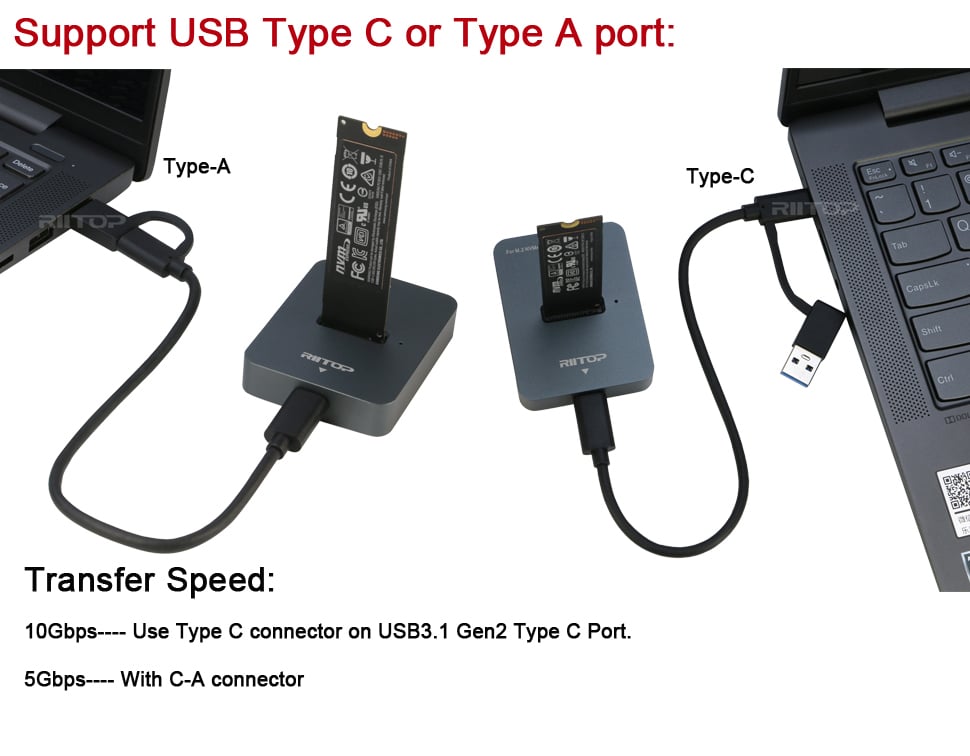
Support Both Type C and Type A Port
Support connect to both Type C and Type A interface, with 2-in-1 USB Cable.
Transfer Speed:
10Gbps--- when connect usb3.1 Gen2 port use type c connector directly.
5Gpbs--- when connect usb 3.1 gen1 port or USB 3.0 port (with c-a connector).
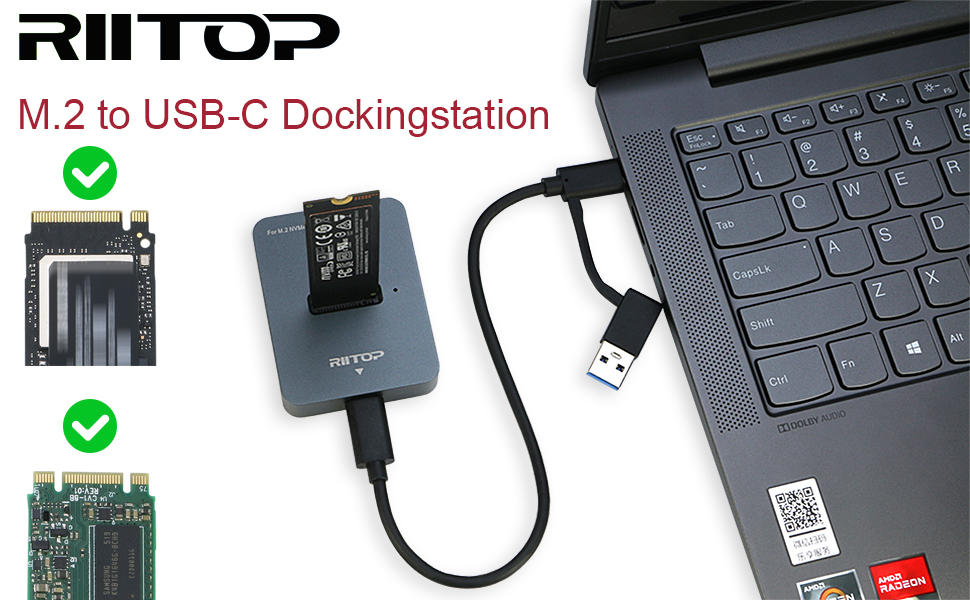
Easy to use RIITOP M.2 NVMe SSD Docking Station
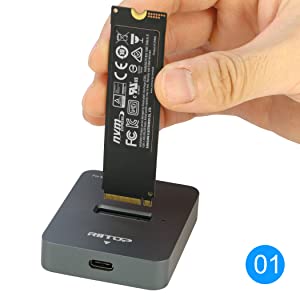
Insert your NVMe SSD or B+M Key SSD to Dock
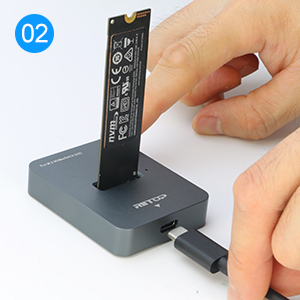
Connect USB C Cable to M2 Dock
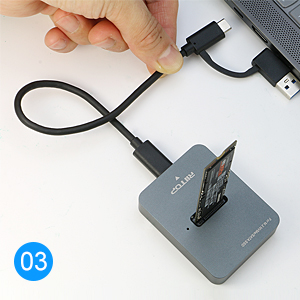
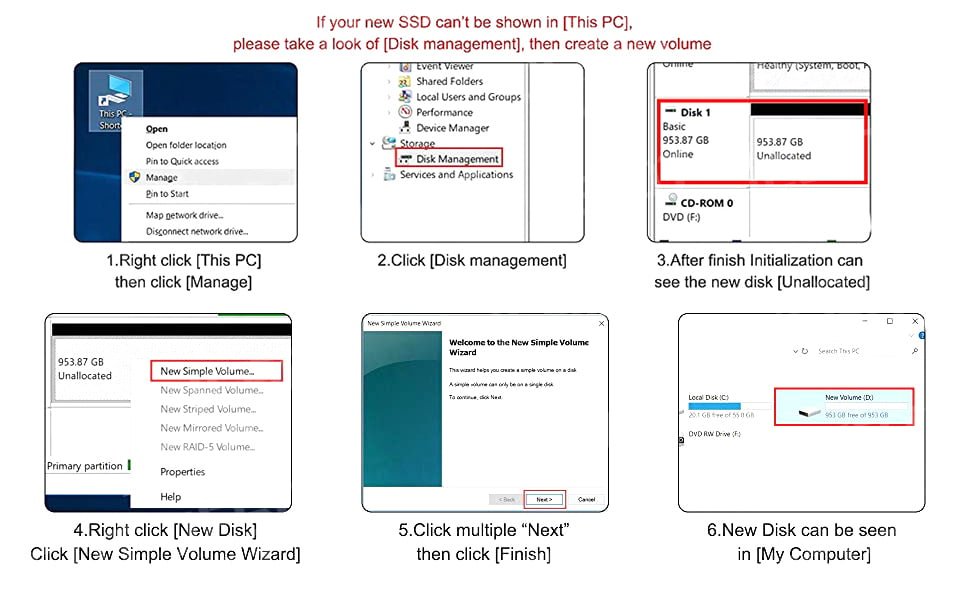
Connect USB C Cable to USB C Port or USB A Port(if your SSD is brand new without data, it need be initialized first)
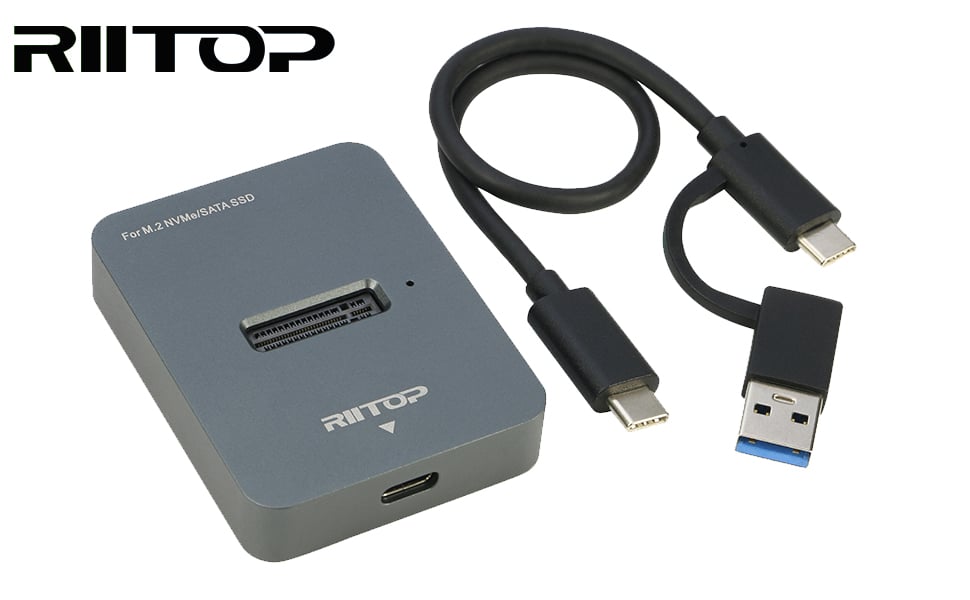
Package Content:
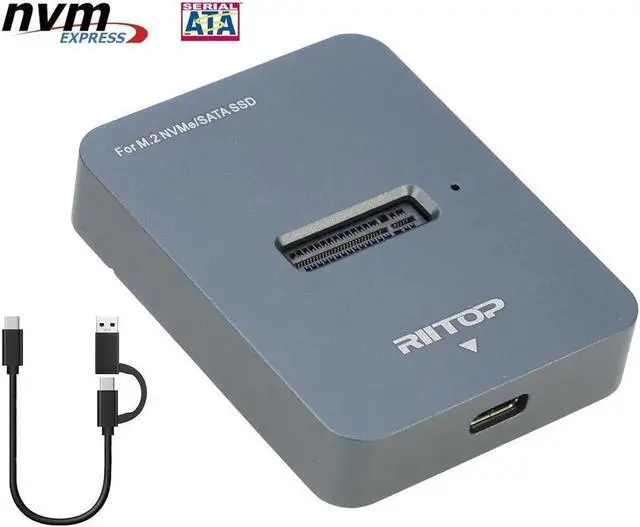
1x M.2 SSD to USB Docking.
1x 2in1 USB-C Y Cable.
This RIITOP M. 2 Dock is not only NVMe to USB Adapter, but also works with M. 2 (B+M Key) SATA-Based M. 2 SSD. It's Designed for those who own Multiple M. 2 NVMe SSDs or SATA Channel SSDs that need to be frequently pluging and unpluging. No mounting screws need, simply insert the M. 2 device and connect USB-C cable, you can start using it as external SSD immediately
Wide Compatibility of RIITOP M. 2 NVMe to
USB Docking Station: Support most of M. 2 SSDs, Compatible with NVMe SSDs, such as Samsung 970 EVO /950Pro/ 960Evo/ XP941/ PM951/ PM961/ SM951/ SM962, WD Black NVMe SSD and so on. And also compatible with M. 2 (B+M Key) SATA-Based SSD
M. 2
NVMe Dock Installation: 1. Insert NVMe SSD into Slot 2. Connect USB Cable to Computer
Please Note: 1. The Temperature of the entire Operating SSD may exceed 60 ° C. Please do not touch the SSD. 2. It can NOT support "Hot-Plugging". Please don't exchange the SSDs when connecting 3. DO NOT support PCI-e M Key AHCI SSD, Please check with the picture.
Package including: 1x M2 to USB Docking, 1x USB C to USB C Y Cable