
Your Browsing History
- Free 30-day Returns
$80.59
Ships from China.

Meet Your Seller

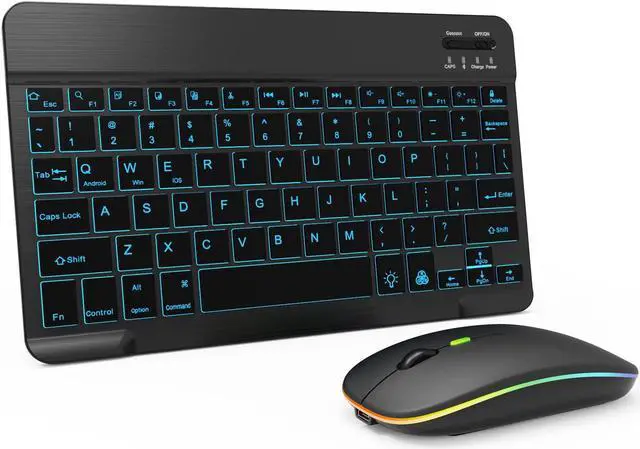
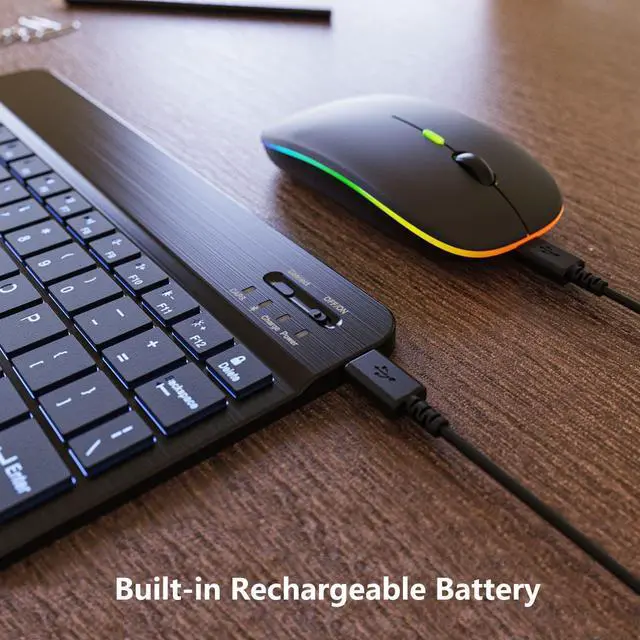


7 Color Backlit Bluetooth Keyboard and Mouse Combo for iPad A16 11th 10th Gen iPad Pro Mini Air iPhone, iPadOS 13 or Later, Slim Rechargeable Android Tablet Phone Wireless Mouse Keyboard (Black)
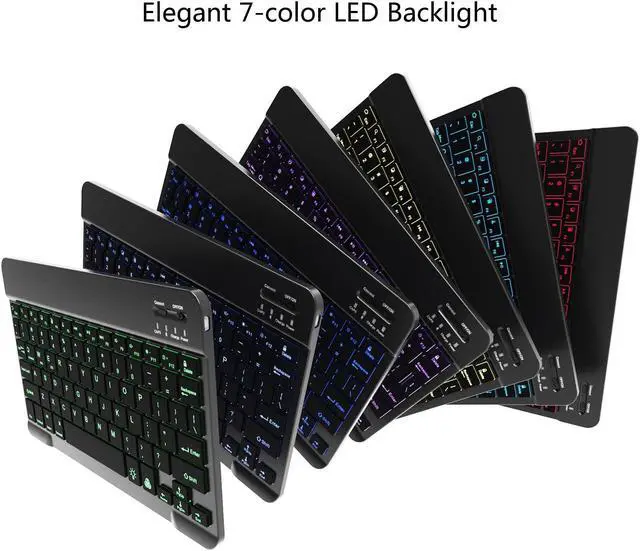
- Colorful Backlight Keyboard: The keyboard comes with 7-colors LED backlight mode, a breathing light backlight mode and 3 brightness levels, which can change a variety of different colors, and help you to type easily in the darkness, adding more fun to boring work and life. The soft and bright lighting creates a cool and exquisite atmosphere for work & play. The back of the keyboard is made of aluminum alloy and can be used with your magnetic iPad or tablet case
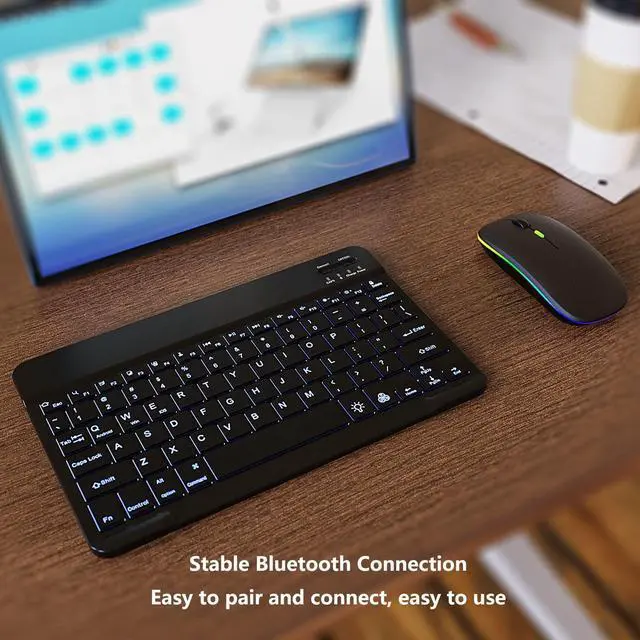
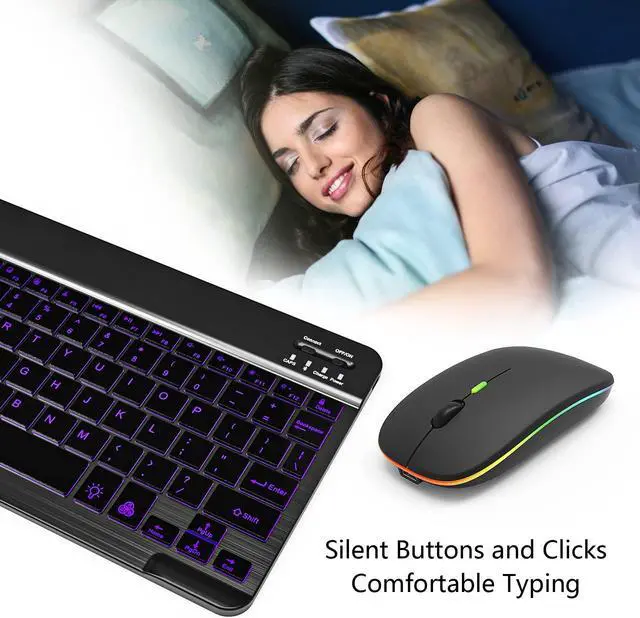
- Stable Bluetooth Connection: The Bluetooth keyboard and mouse set are easy to pair and connect, easy to use. Advanced Bluetooth technology provides a powerful and reliable connection with virtually no delays or dropouts. The keyboard with scissor switch structure makes your typing comfortable and quiet. It features multimedia hotkeys like play/ pause, volume, backward & forward, helping you to increase your workflow and productivity. Ultra thin and portable design, easy to carry
- LED Silent Optical Mouse: Good sur
+
+
Overview
Specs
Reviews
Please charge the keyboard for about 5-6 hours before using for the first time.
This Bluetooth keyboard comes with 7-color LED backlight mode, 1 breathing light backlight mode and 3 brightness levels.
You can turn on the 7-color backlight mode in turn, switch to breathing light mode and turn off the backlight by the "light bulb" button.
In the 7-color backlight mode, you can switch the backlight colors by "RGB" key, including purple, green, yellow, red, white, blue and cyan.
At the same time press the "light bulb key+ up key" to increase the backlight brightness.
At the same time, press the "light bulb key+ down key" to decrease the backlight brightness.
The backlight mode consumes power quickly, and you can decrease the backlight brightness or turn off the backlight mode to extend the battery life.
How to use the Bluetooth Keyboard:
1. Turn on the power switch on the keyboard, press the CONNECT pairing button
2. Turn on the Bluetooth of your device and search for the Bluetooth Keyboard.
3. Click Bluetooth Keyboard, the connection is successful and you can start using it.
How to use the Bluetooth mouse:
Turn on the mouse switch to Bluetooth mode, then turn on the Bluetooth of the iPad/ tablet, search for the Bluetooth mouse, then click BT 5.2 Mouse, the connection is successful and you can start using it.
Note: Before connecting the iPad or iPhone to the Bluetooth mouse, please update your system to iPad OS 13 / iOS 13 or above, and enable the
Assistive Touch: Setting - Accessibility - Assistive Touch.
Product
Keyboard Size: 24.7 * 15 * 0.65 cm
Keyboard Weight: 185g
Mouse Size: 11 * 5.9 * 2.8 cm
Mouse Weight: 60g
Package:
1 * Bluetooth Keyboard
1 * Bluetooth Mouse
1 * Charging Cable
1 * USB Receiver
1 * User Manual
Service Support: We provide you with 12 months warranty and 24-hour email contact service. If you have any questions or needs, please feel free to contact us. We aim to provide you with the most satisfactory customer service.
This Bluetooth keyboard comes with 7-color LED backlight mode, 1 breathing light backlight mode and 3 brightness levels.
You can turn on the 7-color backlight mode in turn, switch to breathing light mode and turn off the backlight by the "light bulb" button.
In the 7-color backlight mode, you can switch the backlight colors by "RGB" key, including purple, green, yellow, red, white, blue and cyan.
At the same time press the "light bulb key+ up key" to increase the backlight brightness.
At the same time, press the "light bulb key+ down key" to decrease the backlight brightness.
The backlight mode consumes power quickly, and you can decrease the backlight brightness or turn off the backlight mode to extend the battery life.
How to use the Bluetooth Keyboard:
1. Turn on the power switch on the keyboard, press the CONNECT pairing button
2. Turn on the Bluetooth of your device and search for the Bluetooth Keyboard.
3. Click Bluetooth Keyboard, the connection is successful and you can start using it.
How to use the Bluetooth mouse:
Turn on the mouse switch to Bluetooth mode, then turn on the Bluetooth of the iPad/ tablet, search for the Bluetooth mouse, then click BT 5.2 Mouse, the connection is successful and you can start using it.
Note: Before connecting the iPad or iPhone to the Bluetooth mouse, please update your system to iPad OS 13 / iOS 13 or above, and enable the
Assistive Touch: Setting - Accessibility - Assistive Touch.
Product
Specifications
:Keyboard Size: 24.7 * 15 * 0.65 cm
Keyboard Weight: 185g
Mouse Size: 11 * 5.9 * 2.8 cm
Mouse Weight: 60g
Package:
1 * Bluetooth Keyboard
1 * Bluetooth Mouse
1 * Charging Cable
1 * USB Receiver
1 * User Manual
Service Support: We provide you with 12 months warranty and 24-hour email contact service. If you have any questions or needs, please feel free to contact us. We aim to provide you with the most satisfactory customer service.
Warranty & Returns
Warranty, Returns, And Additional Information
Warranty
- Please contact the Seller directly for warranty information. Warranty information may also be found on the Manufacturer's website.
- CONTACT
Return Policies
- Return for refund within: 30 days
- Return for replacement within: 30 days
- This item is covered by LMSshop Return Policy
Manufacturer Contact Info
- For a directory of all our manufacturers, please click below.
- Manufacturers Directory
LOADING...