
Your Browsing History
- Free 30-day Returns
$94.59
Ships from China.

Meet Your Seller

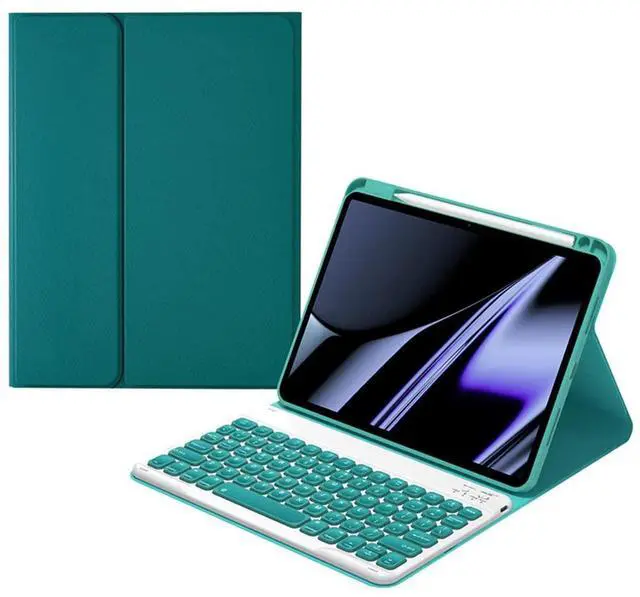

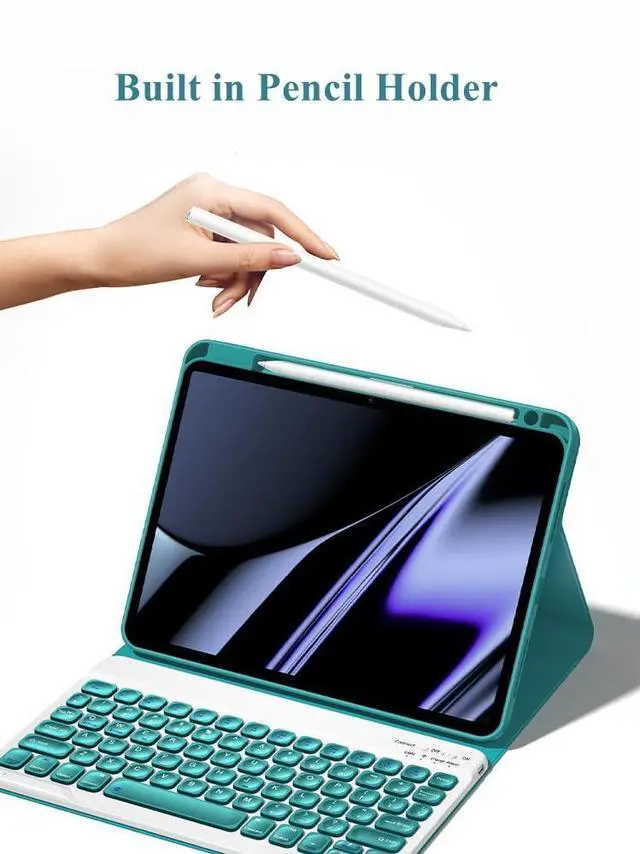
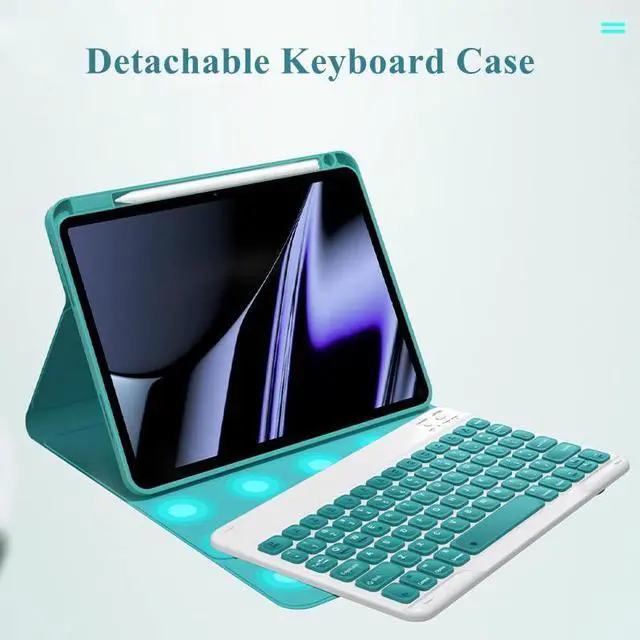



AnMengXinLing Keyboard Case for iPad 9.7 inch iPad 5th/iPad 6th Generation/Air2, Smart Folio Cover with Pencil Holder Magnetically Detachable Wireless Keyboard, Teal
- keyboard case for iPad 9.7 inchkeyboard case is for iPad 6th Generation 9.7inch 2018 released(A1893-A1954), for iPad 5th Generation 9.7inch 2017 released(A1822-A1823) and for iPad Air 2th 9.7inch 2019 released(A1566-A1567). It is not compatible with any other devices size. Please check the iPad model number of the back bottom before purchasing.
- Magnetic Removable wireless bluetoothFlip Folio Case with detachable bluetooth keyboard design would transform your tablet into your favorite computer in less than a second. The keys are are quiet and comfortable to type on.
- Multi viewing anglesDifferent viewing angle adjusts to whatever comfortable angle suits you best. Perfect for working, writing, or watching videos at work, school, travel, and home.
- Full ProtectionPremium composition leather exterior protects your tablet from accidental dropping and bumps; Soft anti-slip interior protects your tablet from being scratched
- Auto Sleep/Wake FunctionSupport auto Sl
+
+
Overview
Specs
Reviews
Keyboard Case for iPad 9.7 inch, Case Compatible with iPad 6th Generation/iPad 5th Generation/iPad Air 2, Protective Folio Cover with Wireless Bluetooth Keyboard and Pencil Holder
How to connect the backlit keyboard with iPad:
1. Please fully charge the keyboard and turn it on.
2. Press 'Connect' button to open the keyboard's bluetooth.
3. Go to the iPad settings, click on bluetooth and look for the keyboard.
4. Select the Bluetooth Keyboard and it will connect.
How to connect the backlit keyboard with iPad:
1. Please fully charge the keyboard and turn it on.
2. Press 'Connect' button to open the keyboard's bluetooth.
3. Go to the iPad settings, click on bluetooth and look for the keyboard.
4. Select the Bluetooth Keyboard and it will connect.
Warranty & Returns
Warranty, Returns, And Additional Information
Warranty
- Please contact the Seller directly for warranty information. Warranty information may also be found on the Manufacturer's website.
- CONTACT
Return Policies
- Return for refund within: 30 days
- Return for replacement within: 30 days
- This item is covered by LMSshop Return Policy
Manufacturer Contact Info
- For a directory of all our manufacturers, please click below.
- Manufacturers Directory
LOADING...