shippingWe‘re shipping as usual! The Canada Post strike only affects certain remote deliveries and PO Boxes. Details
shipping Holiday Shipping Details & Extended Holiday Returns
  • $94.49
  • Free 30-day Returns
Ships from China.
Price alert
Shop it at NeweggBusiness.

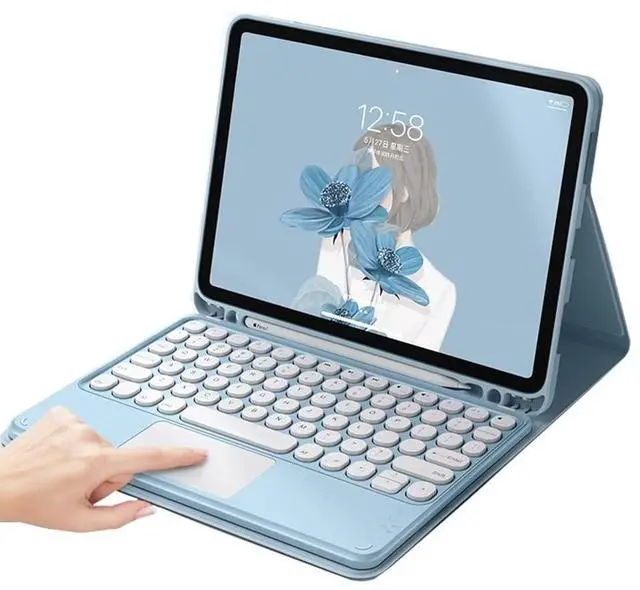
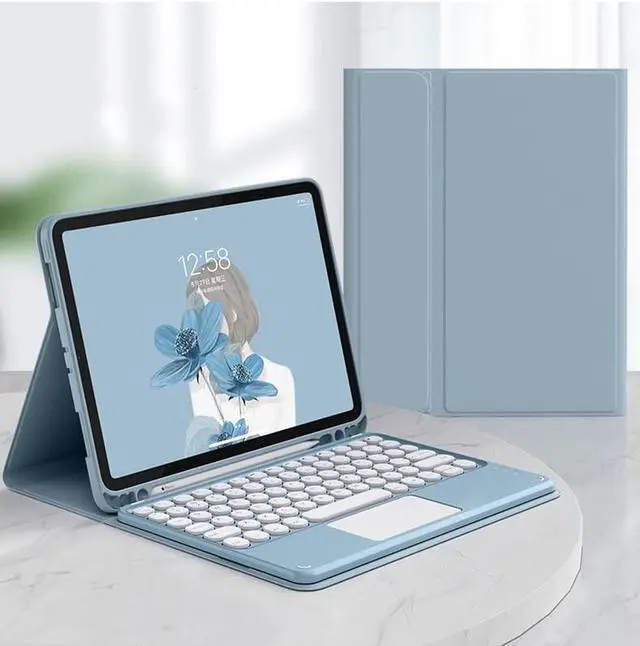
Keyboard Case for Samsung Galaxy Tab A8 10.5 inch 2022 Touchpad Keyboard Cover with S Pen Holder Cute Round Key Detachable Color Keyboard (MistyBlue)

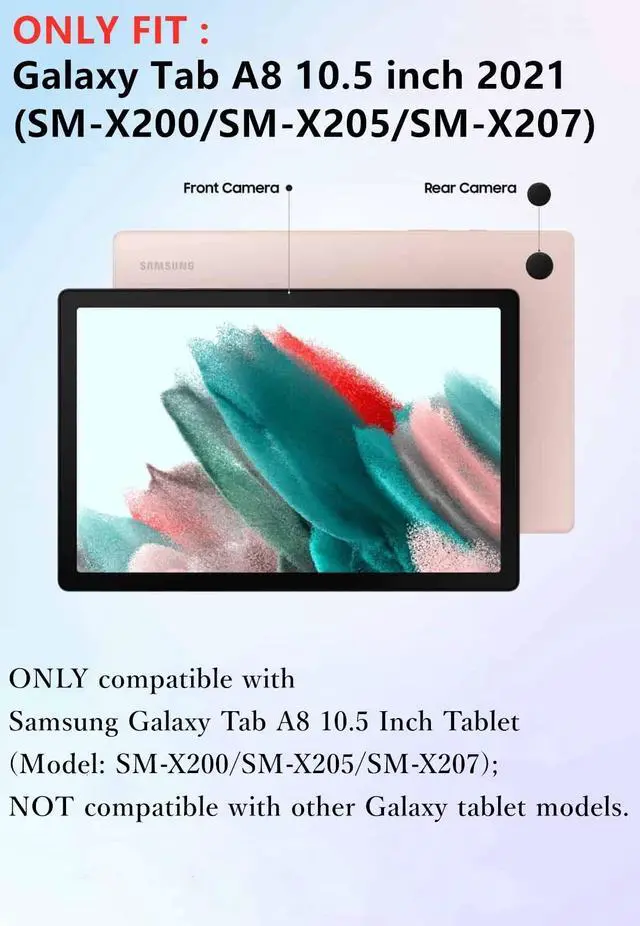
  • Compatibility :This touchpad keyboard case is compatible with Galaxy Tab A8 10.5 inch 2022 (Model: SM-X200/SM-X205/SM-X207); Note: NOT compatible with other Galaxy tablet models.
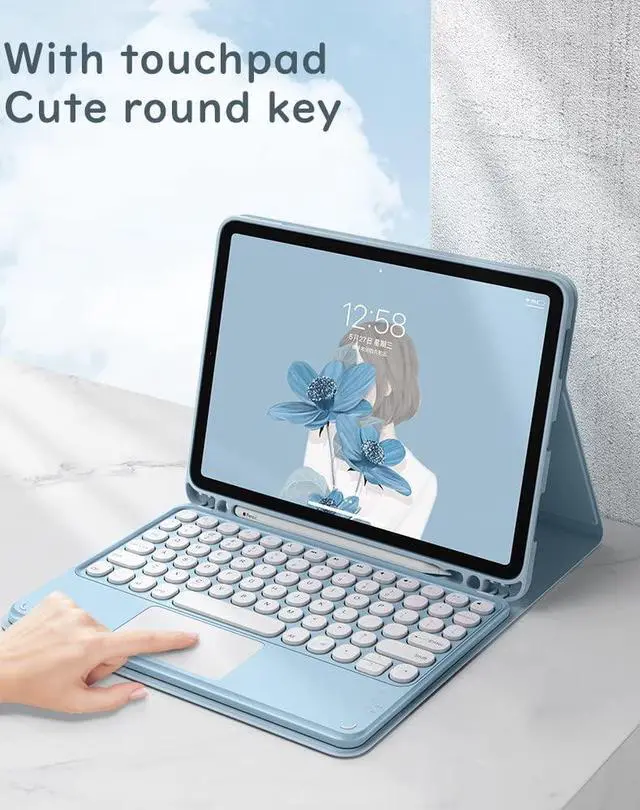
  • Bulit-in Trackboard & Multi-Touch Design :The keyboard with built-in touch pad function, allows you to use it like a laptop ,it will offer a great aid when you do not have a mouse in hand.
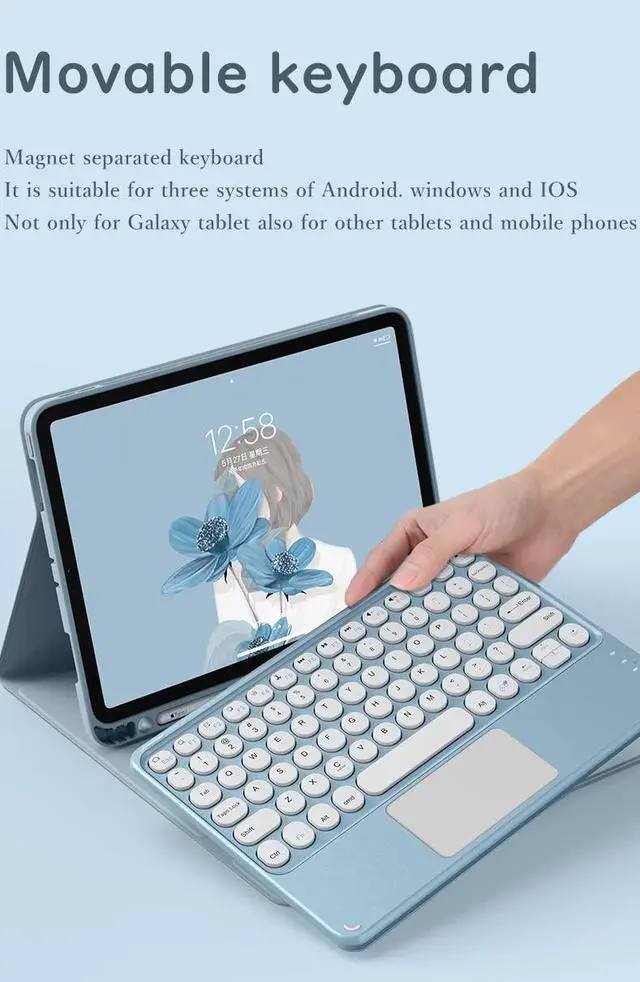
  • Round key cap + Magnetically detachable color keyboard :The latest design in 2021, Stylish and cute color keyboard with round keys, The magnetic separate keyboard is suitable for 3 systems of WindowsAndroidiOS, Not only can be used with Galaxy Tab A8 10.5'' 2022 (Model: SM-X200/SM-X205/SM-X207) Tablet, It can also be used with other tablet computers and mobile phones.
  • Convenient Shortcut Keys : The keyboard is equipped with multi-function shortcut keys,You can take a screenshot, lock your screen, or adjust volume in one click. By combining FN with other keys, your Galaxy Tab A8 10.5 inch 2022 wil
+
+
Overview
Specs
Reviews
How to connect this keyboard to
Galaxy tablet:
1: turn on the power button on the right side of the keyboard.
(The power indicator will go out after flashing. This is to save power, not fault)
2: Press the "FN" key in the lower left corner of the keyboard, do not release it, and then press the "C" key.
(Note: You need to press FN+C at the same time)
At this time, you can see the Bluetooth indicator flashing,
This turns on the Bluetooth of the keyboard.
3: From the tablet's home screen, tap Settings. Tap on Bluetooth.
Make sure Bluetooth is set to On, then let it search for devices.
Tap on a Bluetooth keyboard, when it appears, to pair.
4: if an authentication (PIN) code appears on the iPad screen,
Enter the number with the keyboard and press"Enter" key.
5: When the connection is complete, the Bluetooth indicator will go out,
6: This is a 3-system keyboard,
If you are using this keyboard on your Galaxy tablet,
Please press "FN" key first, don't release it, then press "Q" key,
This is a system for the Galaxy tablet

Warranty & Returns

Warranty, Returns, And Additional Information

Warranty

  • Please contact the Seller directly for warranty information. Warranty information may also be found on the Manufacturer's website.
  • CONTACT

Return Policies

Manufacturer Contact Info

LOADING...