




Rongta Label Printer
Thermal shipping label maker printer.
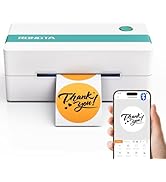
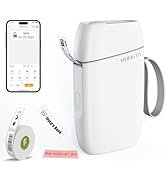
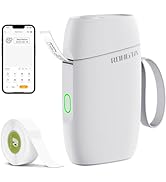
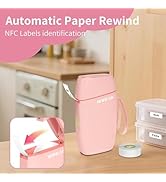
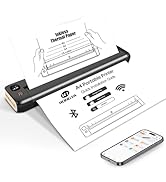
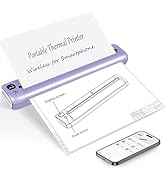
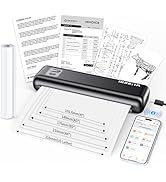
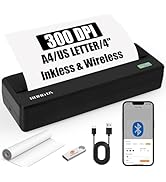

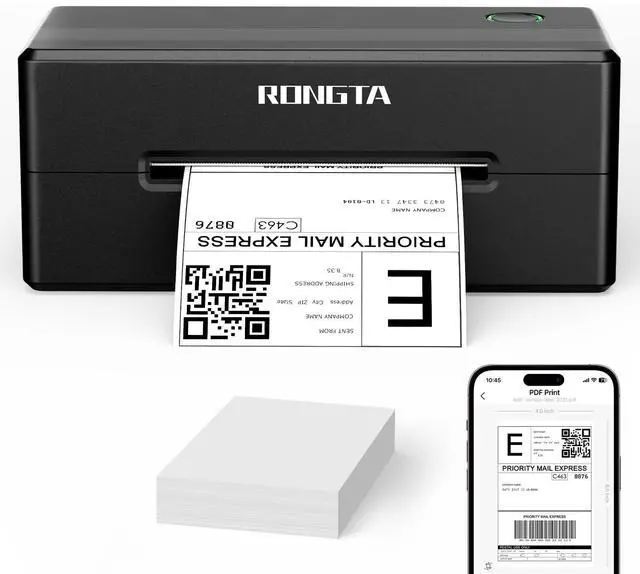
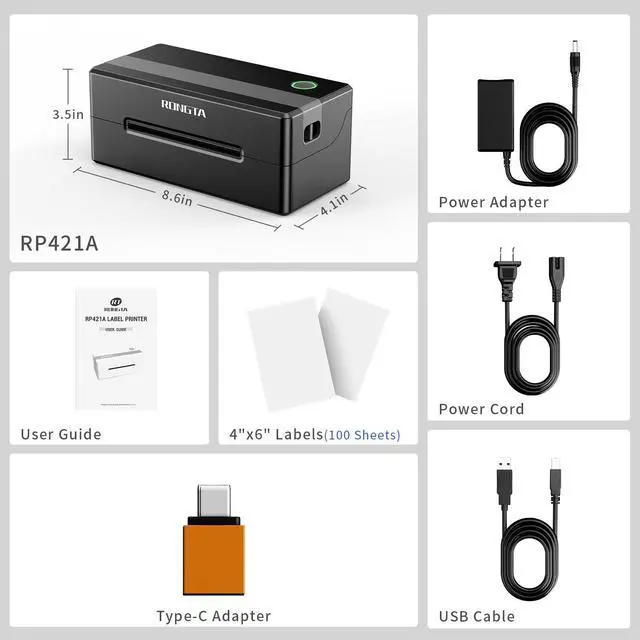
Rongta Bluetooth Label Maker Printer RP421A

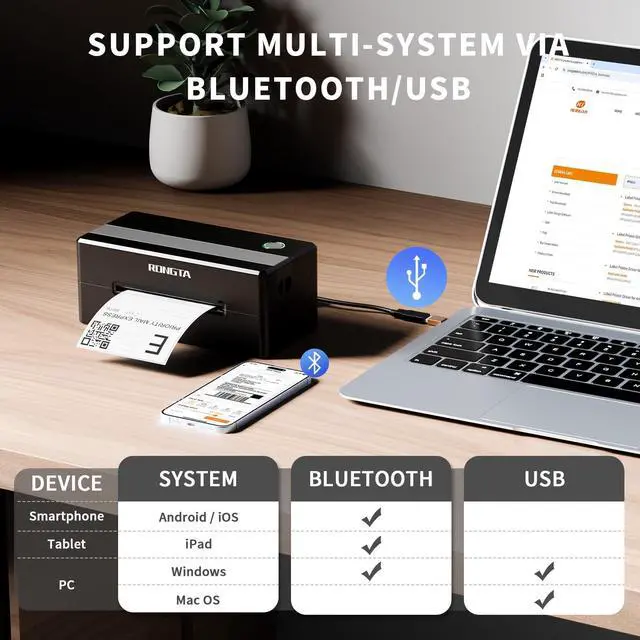
Print Via Bluetooth / USB

How to connect my laptop/PC to RP421A printer?--use USB cable


How do I connect my mobile phone to the printer?
Mobile/Ipad Printing:
Step1:Download the dedicated mobile application (RT Elabel);
Step1:Connect to printer via Bluetooth within the app for immediste use
How do I connect my PC to the printer?
Laptop Printing: Only Connect via USB and install the driver.
PC Printing:Method1: Connect via USB and install the driver.
Method2: Connect via Bluetooth--must Install Bluetooth driver (not USB driver)
Why printing too small/too big/side-ways?
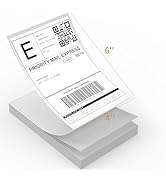
Check if you select the right format (4"x6") from the shipping platform.
-For a full-size 8.5"x11" page, please “crop” it to a 4"x6" label on the APP.
-Please calibrate and check the "paper size" setting or the "margin" setting.
Why is the label print faint/unscannable?
For light barcodes: Print as PDF (avoid PNG/JPG).
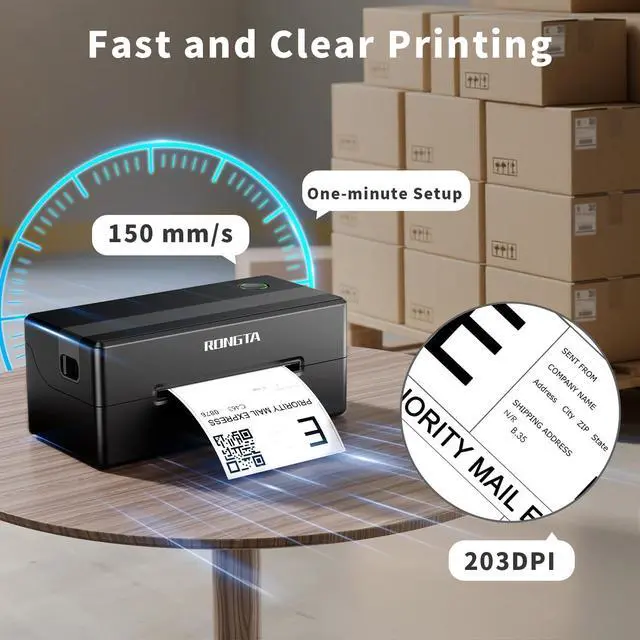
If text is unclear: Increase density and reduce speed.
If issues persist: Clean the printhead with alcohol wipes.
Why can't I connect via Bluetooth?
For phones: Download dedicated mobile application(RT Elabel)
For Windows PCs: Please connect via USB and install USB driver. (Windows allow it with compatible drivers).
Rongta Printer, Print for Business
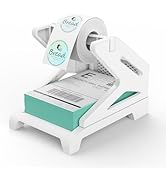
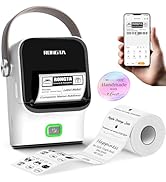
 Label Printer Black |  Label Printer Grey&White |  Label Printer Green&White |  Label Printer Pink |  4x6 Direct Thermal Labels |  Label Holder |  Bluetooth Label Maker | |
|---|---|---|---|---|---|---|---|
Customer Reviews | — | — | — | — | — | — | — |
Price | — | — | — | — | — | — | — |
Style | Thermal Printer | Thermal Printer | Thermal Printer | Thermal Printer | Thermal Paper | Labels Holder | Thermal Paper |
Sticker Available | ? | ? | ? | ? | ? | ? | ? |
Color Print | ? | ? | ? | ? | ? | ? | ? |
Connection | Bluetooth/USB | Bluetooth/USB | Bluetooth/USB | Bluetooth/USB | Labels | Label Holder | Bluetooth |
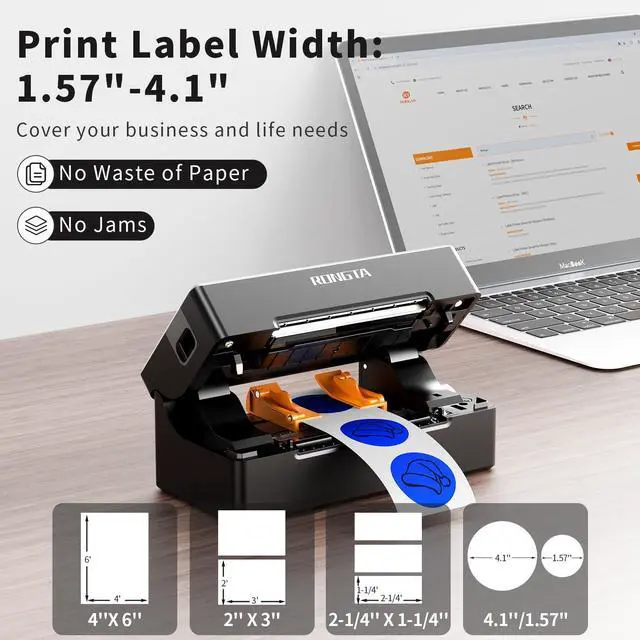
Wide Print Size | 1.57-4'' | 1.57-4'' | 1.57-4'' | 1.57-4'' | 4*6 Inch | 4 Inch Wide Max | 2 Inch Wide Max |
Compatible System | Win/Mac OS/IOS/Android/Chrome | Win/Mac OS/IOS/Android/Chrome | Win/Mac OS/IOS/Android/Chrome | Win/Mac OS/IOS/Android/Chrome | Label Printer | Label Holder | IOS/Android |
Rongta Bluetooth Label Maker Printer RP421A

Print Via Bluetooth / USB

How to connect my laptop/PC to RP421A printer?--use USB cable
Printer Driver Download & Installation--macOS
From Website(rongtaglobal.com/rp421a)
60-Second macOS Driver Setup Guide
• Set up your Mac drivers in just 60 seconds
• Quickly resolve issues with step-by-step visual guides
Bluetooth pairing code(if need): 0000 or 000000 (activation code)
Printer Driver Download & Installation--Windows
Method 1: from Website(rongtaglobal.com/rp421a)
60-Second macOS Driver Setup Guide
• Set up your Windows drivers in just 60 seconds
• Quickly resolve issues with step-by-step visual guides
Bluetooth pairing code(if need): 0000 or 000000 (activation code)
Printer Driver Download & Installation--Windows
Method 2: From Bluetooth Connect
60-Second macOS Driver Setup Guide
----must Install Bluetooth driver(not USB driver)
• Set up your Windows drivers in just 60 seconds
Bluetooth pairing code(if need): 0000 or 000000 (activation code)


2 in/ 4x6 Bluetooth Thermal Printer
Bluetooth pairing code(if need): 0000 or 000000 (activation code)


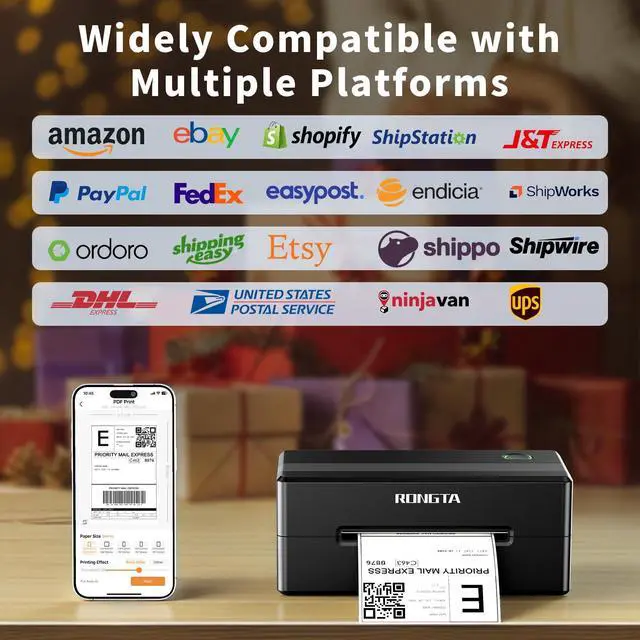
Wireless Shipping Label Maker for , Ebay, Shopify, FedEx...
How do I connect my mobile phone to the printer?
Mobile/Ipad Printing:
Step1:Download the dedicated mobile application (RT Elabel);
Step1:Connect to printer via Bluetooth within the app for immediste use
How do I connect my PC to the printer?
Laptop Printing: Only Connect via USB and install the driver.
PC Printing:Method1: Connect via USB and install the driver.
Method2: Connect via Bluetooth--must Install Bluetooth driver (not USB driver)
Why printing too small/too big/side-ways?
Check if you select the right format (4"x6") from the shipping platform.
-For a full-size 8.5"x11" page, please “crop” it to a 4"x6" label on the APP.
-Please calibrate and check the "paper size" setting or the "margin" setting.
Why is the label print faint/unscannable?
For light barcodes: Print as PDF (avoid PNG/JPG).
If text is unclear: Increase density and reduce speed.
If issues persist: Clean the printhead with alcohol wipes.
Why can't I connect via Bluetooth?
For phones: Download dedicated mobile application(RT Elabel)
For Windows PCs: Please connect via USB and install USB driver. (Windows allow it with compatible drivers).
Rongta Printer, Print for Business
Label Printer Black | Label Printer Grey&White | Label Printer Green&White | Label Printer Pink | 4x6 Direct Thermal Labels | Label Holder | Bluetooth Label Maker |
|---|---|---|---|---|---|---|
| Customer Reviews | ||||||
| — | — | — | — | — | — | — |
| Price | ||||||
| — | — | — | — | — | — | — |
| Style | ||||||
| Thermal Printer | Thermal Printer | Thermal Printer | Thermal Printer | Thermal Paper | Labels Holder | Thermal Paper |
| Sticker Available | ||||||
| ? | ? | ? | ? | ? | ? | ? |
| Color Print | ||||||
| ? | ? | ? | ? | ? | ? | ? |
| Connection | ||||||
| Bluetooth/USB | Bluetooth/USB | Bluetooth/USB | Bluetooth/USB | Labels | Label Holder | Bluetooth |
| Wide Print Size | ||||||
| 1.57-4'' | 1.57-4'' | 1.57-4'' | 1.57-4'' | 4*6 Inch | 4 Inch Wide Max | 2 Inch Wide Max |
| Compatible System | ||||||
| Win/Mac OS/IOS/Android/Chrome | Win/Mac OS/IOS/Android/Chrome | Win/Mac OS/IOS/Android/Chrome | Win/Mac OS/IOS/Android/Chrome | Label Printer | Label Holder | IOS/Android |
Rongta Label Printer
Thermal shipping label maker printer.
Labels Printer & Accessories
Small Label printer
Portable Proter-for travel

RP421A Shipping Label Printer
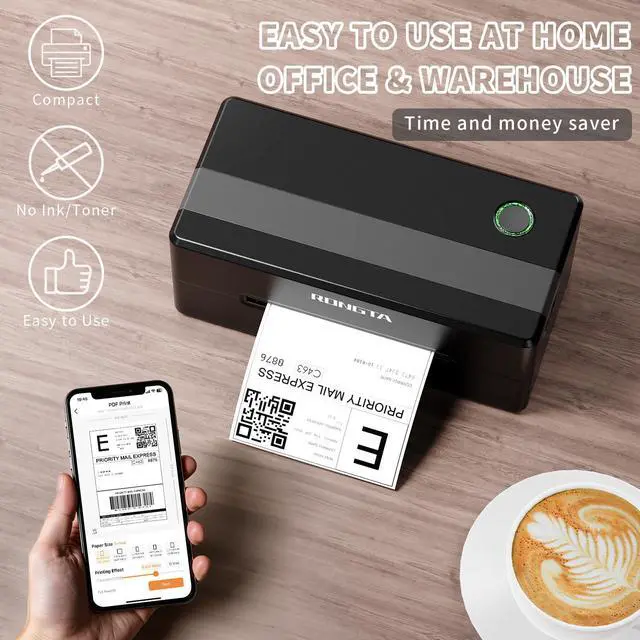
The label printer is your best small business assistant, which is Wireless, Inkless, Affortable. Compatible for Mac OS, Windows, Android, IOS.