


- Free 15-day Returns
$37.78
Ships from China.


Meet Your Seller

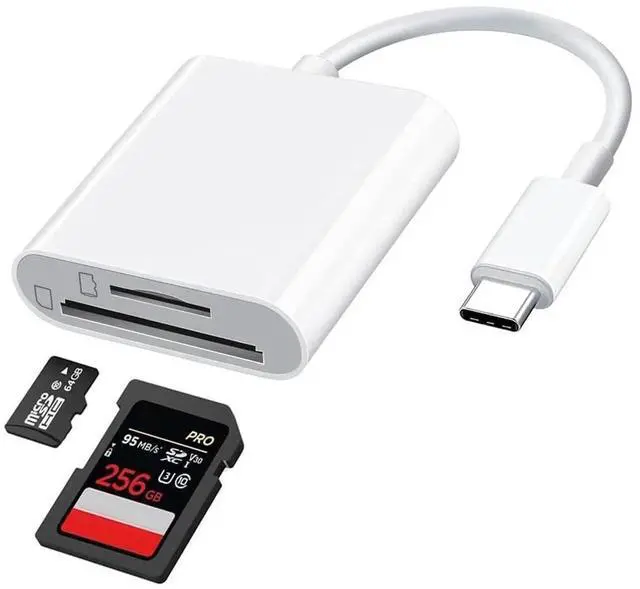


USB C SD Card Reader Dongle(2in1)Type-C Multiport Micro SD TF Camera Memory Adapter C Flash Drive 3.0 Macbook Pro Compatible for Galaxy S22 S23 Ultra Google Apple IPhone15 Pro Max Plus IPad Pro Air
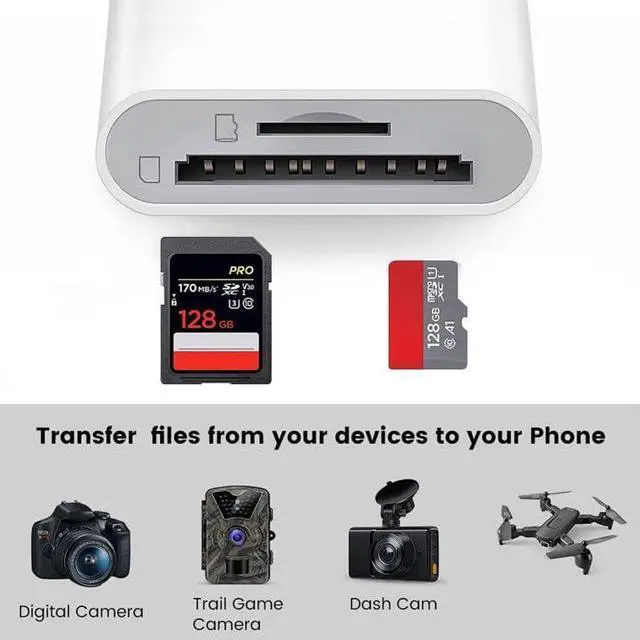
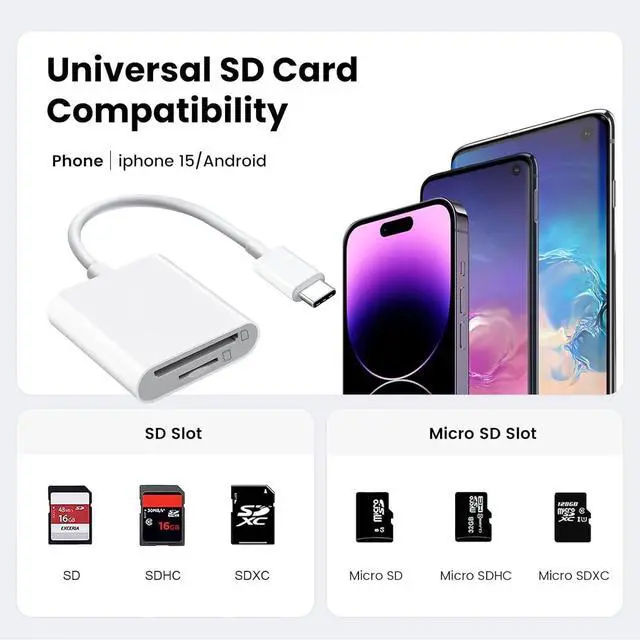
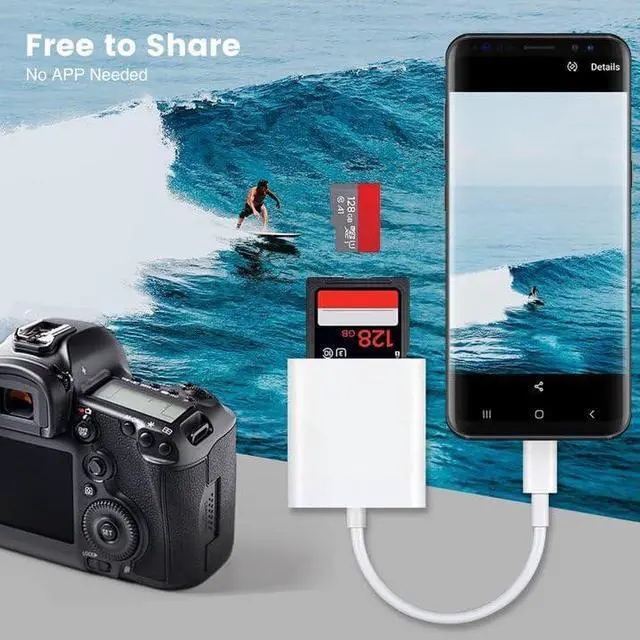
- [Dual Slots Card Reader] This USB Type C SD Card Reader Simultaneously reading and writing on two cards to save the constant plugging and pulling of plugs. Compatible with SD, SDHC, SDXC, MicroSD, Micro SDHC, Micro SDXC, UHS-I, UHS-II,Olympus camera card, GoPro hero SD card, SanDisk Lexar cards etc.
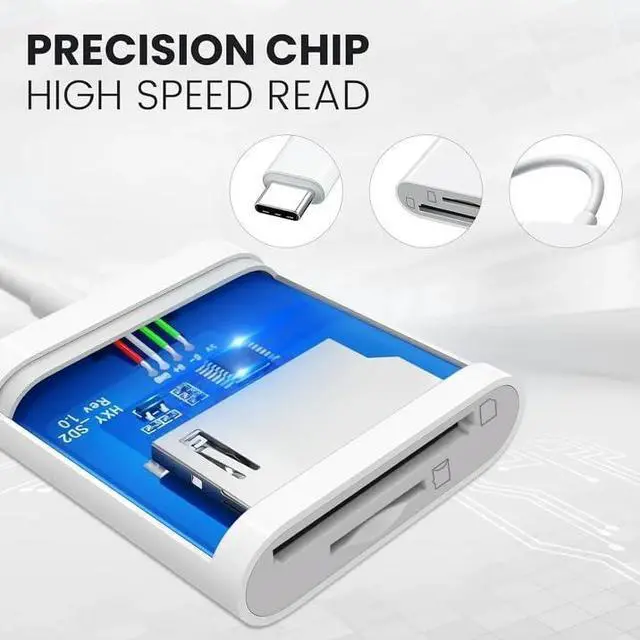
- [Super speed Data Transmission] Experience blazingly fast data transfer speeds with the new USB C Interface, use the 2-in-1 Type C USB 3.0 Card Reader, you can fully enjoy the transfer rates. For quick photo downloads, smooth video editing, and fast file transfers. Data transmission speeds up to USB 3.0up to 90M/S Super High Speed.
- [[Plug and play] OTG USB C SD Card Reader. No additional driver/software needed. No App required, plug and playPortable and easily transfer photos,videos and files from your SD/TF card to a USB C device.With the card reader, share videos or pictures or others at any time. No need to use PC anymore, Fast and easy.
+
+
Overview
Specs
Reviews
USB C SD Card Reader for iPhone 15/Mac/iPad, USB 3.0 Type C to SD/Micro SD Card Adapter Dual Slots read and write Simultaneously Memory Card Reader Compatible with MacBook Pro/Air Android
Additional Features
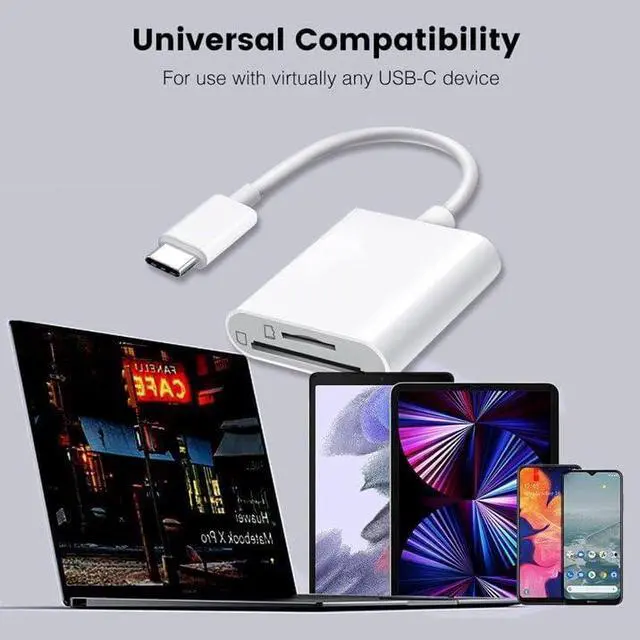
- [Universal compatibility] SD Card Reader for iPhone 15/15 Plus/15 Pro/15 Pro Max, MacBook Pro 2023/2022/2021, iPad Pro 2022/2019/2018, Surface Book 2, Compatible with Samsung Galaxy S10/S9/S8/Note 8/Note 9, HTC U11/U12, Pixelbook, Dell XPS 15 / XPS 13, Galaxy Book, and many other USB-C Devices.
- [Warm Tips]:1.This USB C SD Card Adapter has a USB-C connector, not compatible with iPhone(Lightning Port) and Micro usb devices. 2.If you use the Android phone, please make sure your USB C smartphone supports OTG function. 3.The SD card must be FAT32 or exfat, not NTFS format. If your SD card is NTFS format, please backup your SD Card and format the SD card to FAT32 or Exfat format, then copy the original data back to your SD card.
Warranty & Returns
Warranty, Returns, And Additional Information
Warranty
- Please contact the Seller directly for warranty information. Warranty information may also be found on the Manufacturer's website.
- CONTACT
Return Policies
- Return for refund within: 15 days
- Return for replacement within: 30 days
- This item is covered by Electronics store Return Policy
Manufacturer Contact Info
- For a directory of all our manufacturers, please click below.
- Manufacturers Directory
LOADING...